
T Trimpe 2012 http sciencespot net ve you

- Slides: 14
T. Trimpe 2012 http: //sciencespot. net/
ve you ever heard yourself say. . . ? was abse did nt l I m ast iss any week, thi ng? Source: Gretchen Vikingson at http: //vikingson. edublogs. org/files/2011/07/2011 -2012 -INB-student-version-2 afd 6 sb. ppt
No worries … urn those frowns upside down … Interactive Science Notebooks are here to save the day!
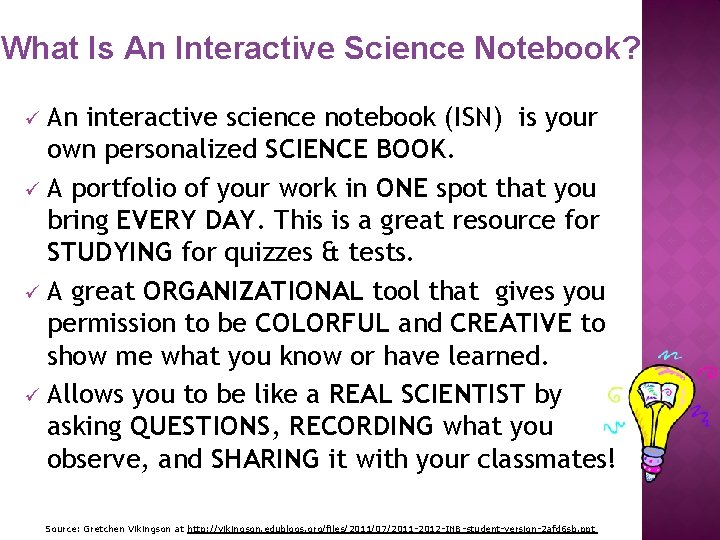
What Is An Interactive Science Notebook? ü An interactive science notebook (ISN) is your own personalized SCIENCE BOOK. ü A portfolio of your work in ONE spot that you bring EVERY DAY. This is a great resource for STUDYING for quizzes & tests. ü A great ORGANIZATIONAL tool that gives you permission to be COLORFUL and CREATIVE to show me what you know or have learned. ü Allows you to be like a REAL SCIENTIST by asking QUESTIONS, RECORDING what you observe, and SHARING it with your classmates! Source: Gretchen Vikingson at http: //vikingson. edublogs. org/files/2011/07/2011 -2012 -INB-student-version-2 afd 6 sb. ppt
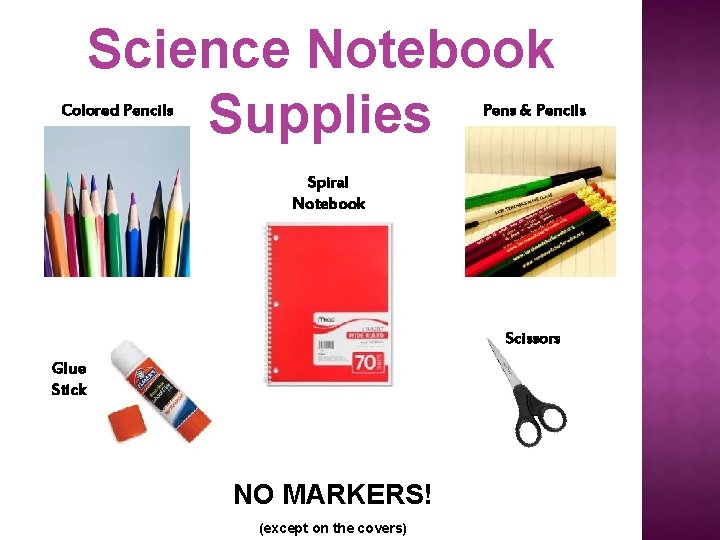
Science Notebook Supplies Colored Pencils Pens & Pencils Spiral Notebook Scissors Glue Stick NO MARKERS! (except on the covers)
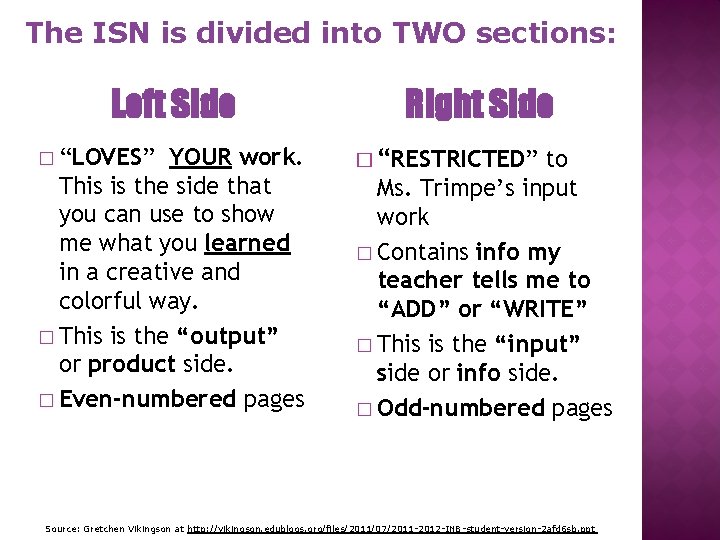
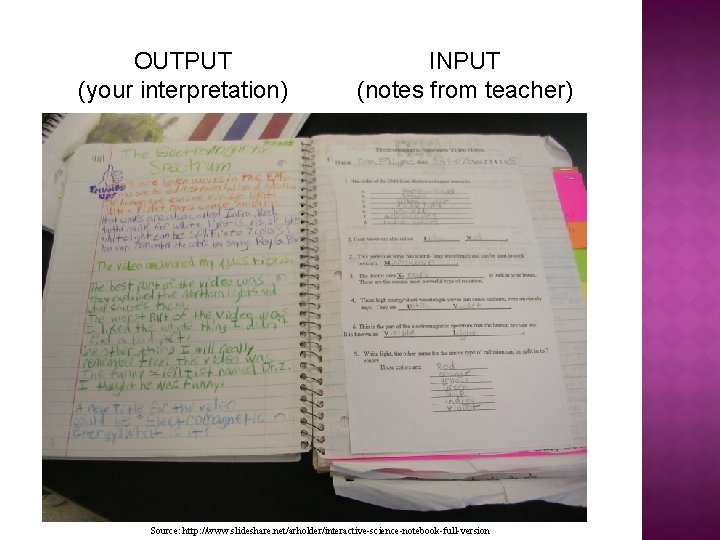
The ISN is divided into TWO sections: Left Side � “LOVES” YOUR work. This is the side that you can use to show me what you learned in a creative and colorful way. � This is the “output” or product side. � Even-numbered pages Right Side � “RESTRICTED” to Ms. Trimpe’s input work � Contains info my teacher tells me to “ADD” or “WRITE” � This is the “input” side or info side. � Odd-numbered pages Source: Gretchen Vikingson at http: //vikingson. edublogs. org/files/2011/07/2011 -2012 -INB-student-version-2 afd 6 sb. ppt
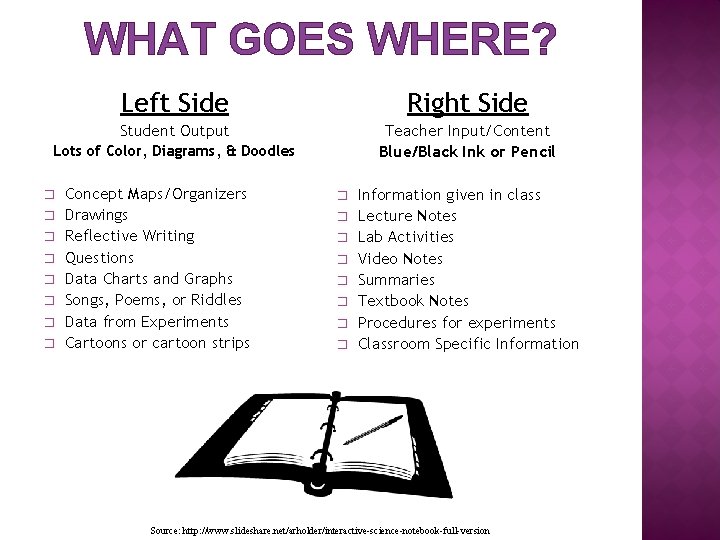
WHAT GOES WHERE? Left Side Right Side Student Output Teacher Input/Content Blue/Black Ink or Pencil Lots of Color, Diagrams, & Doodles � � � � Concept Maps/Organizers Drawings Reflective Writing Questions Data Charts and Graphs Songs, Poems, or Riddles Data from Experiments Cartoons or cartoon strips � � � � Information given in class Lecture Notes Lab Activities Video Notes Summaries Textbook Notes Procedures for experiments Classroom Specific Information Source: http: //www. slideshare. net/arholder/interactive-science-notebook-full-version
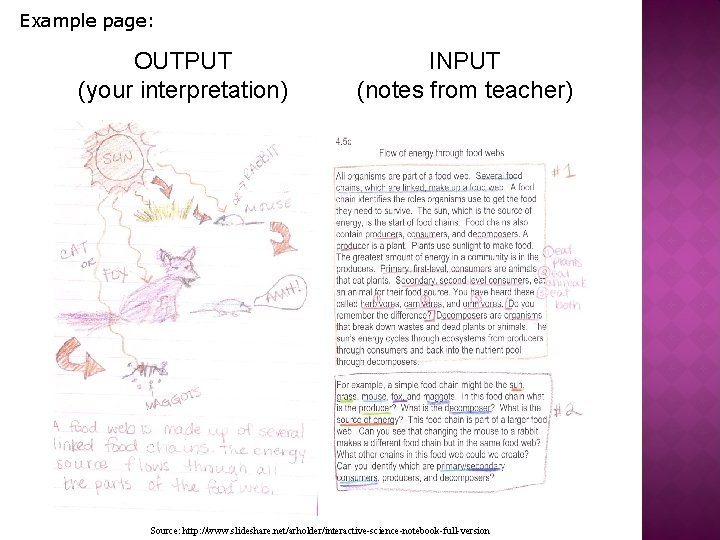
Example page: OUTPUT (your interpretation) INPUT (notes from teacher) Source: http: //www. slideshare. net/arholder/interactive-science-notebook-full-version
OUTPUT (your interpretation) INPUT (notes from teacher) Source: http: //www. slideshare. net/arholder/interactive-science-notebook-full-version
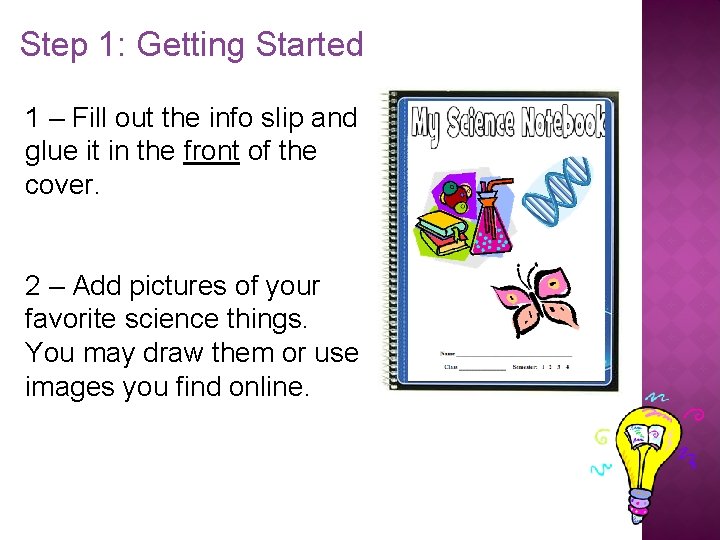
Step 1: Getting Started 1 – Fill out the info slip and glue it in the front of the cover. 2 – Add pictures of your favorite science things. You may draw them or use images you find online.
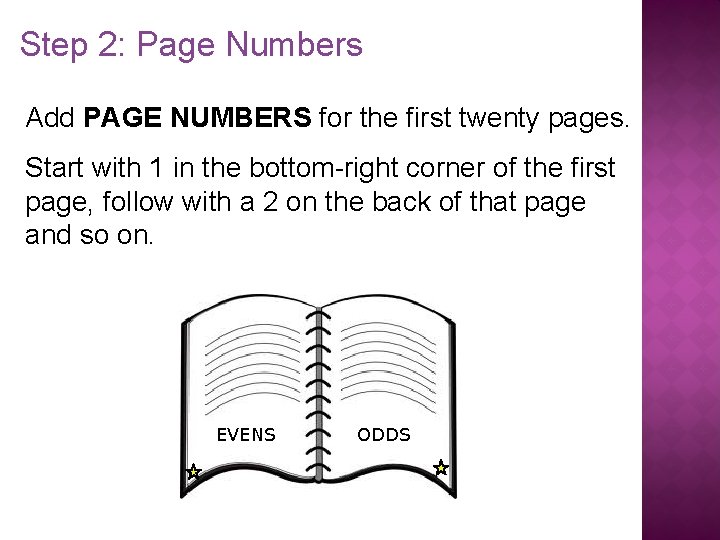
Step 2: Page Numbers Add PAGE NUMBERS for the first twenty pages. Start with 1 in the bottom-right corner of the first page, follow with a 2 on the back of that page and so on. EVENS ODDS
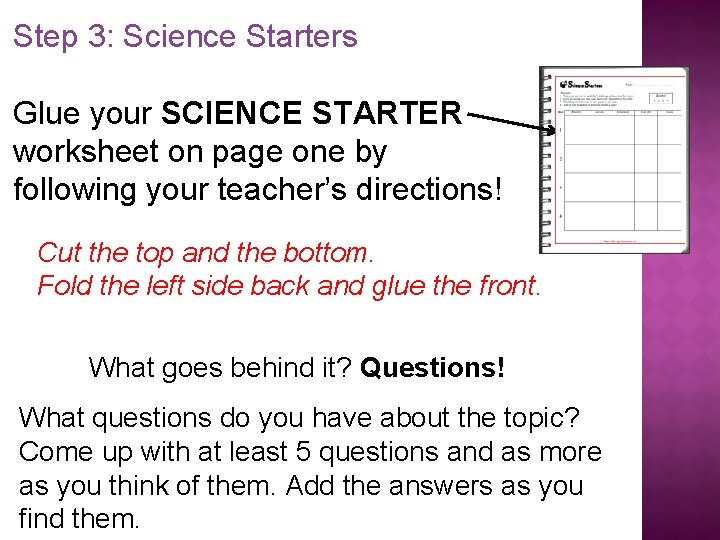
Step 3: Science Starters Glue your SCIENCE STARTER worksheet on page one by following your teacher’s directions! Cut the top and the bottom. Fold the left side back and glue the front. What goes behind it? Questions! What questions do you have about the topic? Come up with at least 5 questions and as more as you think of them. Add the answers as you find them.
Notebook Rules �Do not RIP OUT pages or tear corners. �All handouts MUST BE GLUED IN! �Please don’t DOODLE unless it relates to science. �Your ISN should only be used for SCIENCE CLASS and COMES TO CLASS EVERYDAY! �Each page should have the DATE and PAGE#. �BE COLORFUL, CREATIVE, & LOVE YOUR NOTEBOOK! Source: Gretchen Vikingson at http: //vikingson. edublogs. org/files/2011/07/2011 -2012 -INB-student-version-2 afd 6 sb. ppt
QUESTIONS?