Software testing Neil Ghani ngcis strath ac uk
- Slides: 27
Software testing Neil Ghani ng@cis. strath. ac. uk
Introduction • In a perfect world • all programs fully verified • testing thus redundant • Back in the real world • We are human so • Make mistakes • Can’t be bothered doing it properly • Code for speed not accuracy • So in this lecture we look at testing • But not evaluation 2
Testing and evaluation • Evaluation • Qualitative decisions • Is it a good system? • HCI, purpose of system, use of resources, design • You will be asked to (briefly) evaluate your system • Testing • Correctness decisions • Does the system correctly perform its function • Sins of omission – doesn’t do something it should • Sins of commission – does do something it shouldn’t 3
Limits of software testing “ Testing is the process of executing a program with the intent of finding errors. ” Glenn Myers • “Good” testing will find bugs • i. e. the program not doing what it should • testing can prove the presence of bugs • never their absence • worst person to test code is the developer • gives easy tests to avoid breaking it • best person to test your code is someone else • they will break it 4
Testing • Is never complete (1) • Module A takes integer input • 4 294 967 294 possible inputs • If we test each possible input at one input millisecond, it would take 49 days to test this module • So we need to choose good tests! • Is never complete (2) • We cannot replicate all situations in which software will be used • We cannot predict everything a user will do with it • Is never given enough time • Testing is not proving code correct • It is finding faults and fixing them (and then retesting) • This takes time 5
Dynamic testing • Static Analysis • • Hand execution: Reading the source code Walk-Through (informal presentation to others) Code Inspection (formal presentation to others) Automated Tools checking for • Syntactic and semantic errors, e. g. compilers • Dynamic Analysis • Black-box testing (Test the specification) • White-box testing (Test the code) 6
Black-box Testing • Focus: I/O behavior. • If for any given input, we can predict the output, then the module passes the test. • Almost always impossible to generate all possible inputs ("test cases") • Reduce number of test cases by equivalence partitioning • Think about what input each module takes • Divide input into equivalence classes • i. e partition possible input data into sets of data • Usually valid and invalid • Choose one test cases for each equivalence class • If module works for this input, works for all inputs of this class 7
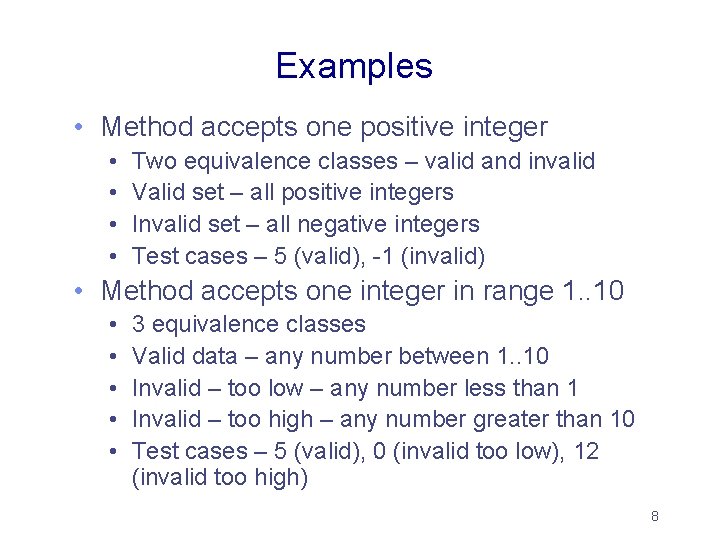
Examples • Method accepts one positive integer • • Two equivalence classes – valid and invalid Valid set – all positive integers Invalid set – all negative integers Test cases – 5 (valid), -1 (invalid) • Method accepts one integer in range 1. . 10 • • • 3 equivalence classes Valid data – any number between 1. . 10 Invalid – too low – any number less than 1 Invalid – too high – any number greater than 10 Test cases – 5 (valid), 0 (invalid too low), 12 (invalid too high) 8
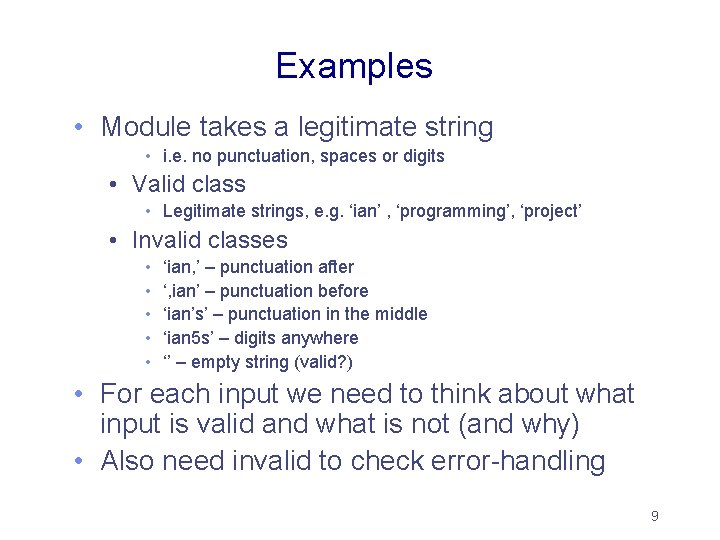
Examples • Module takes a legitimate string • i. e. no punctuation, spaces or digits • Valid class • Legitimate strings, e. g. ‘ian’ , ‘programming’, ‘project’ • Invalid classes • • • ‘ian, ’ – punctuation after ‘, ian’ – punctuation before ‘ian’s’ – punctuation in the middle ‘ian 5 s’ – digits anywhere ‘’ – empty string (valid? ) • For each input we need to think about what input is valid and what is not (and why) • Also need invalid to check error-handling 9
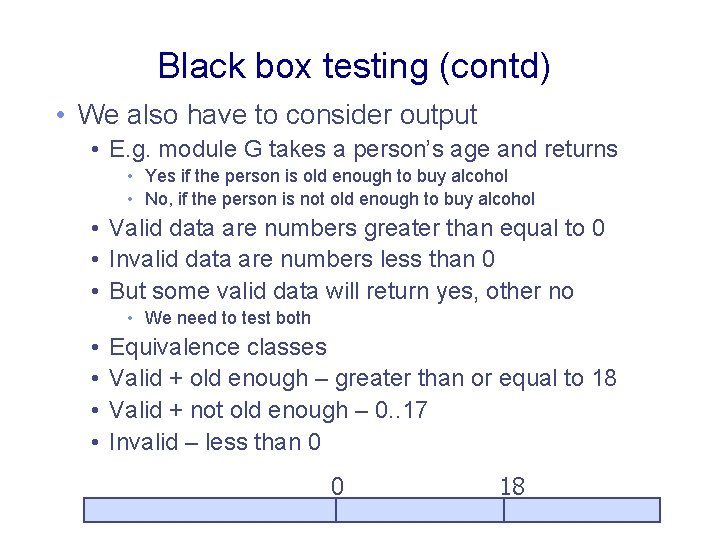
Black box testing (contd) • We also have to consider output • E. g. module G takes a person’s age and returns • Yes if the person is old enough to buy alcohol • No, if the person is not old enough to buy alcohol • Valid data are numbers greater than equal to 0 • Invalid data are numbers less than 0 • But some valid data will return yes, other no • We need to test both • • Equivalence classes Valid + old enough – greater than or equal to 18 Valid + not old enough – 0. . 17 Invalid – less than 0 0 18 10
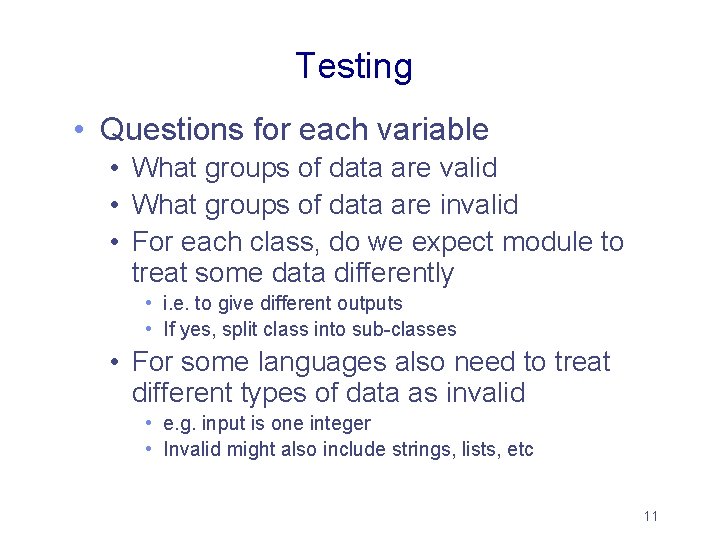
Testing • Questions for each variable • What groups of data are valid • What groups of data are invalid • For each class, do we expect module to treat some data differently • i. e. to give different outputs • If yes, split class into sub-classes • For some languages also need to treat different types of data as invalid • e. g. input is one integer • Invalid might also include strings, lists, etc 11
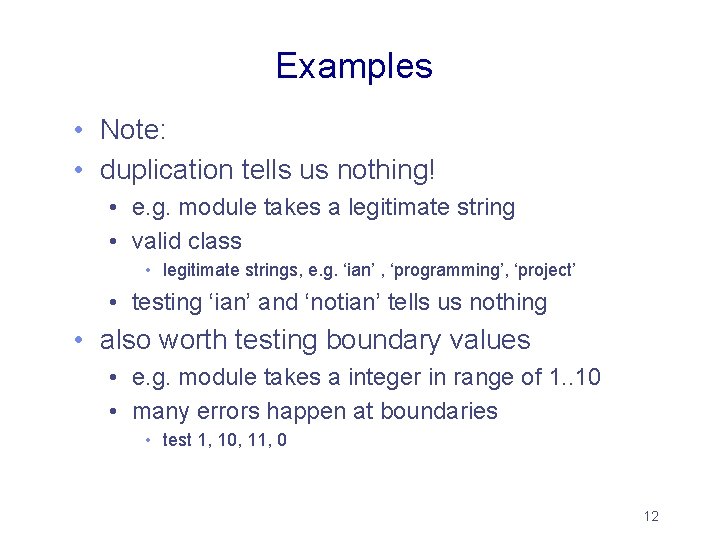
Examples • Note: • duplication tells us nothing! • e. g. module takes a legitimate string • valid class • legitimate strings, e. g. ‘ian’ , ‘programming’, ‘project’ • testing ‘ian’ and ‘notian’ tells us nothing • also worth testing boundary values • e. g. module takes a integer in range of 1. . 10 • many errors happen at boundaries • test 1, 10, 11, 0 12
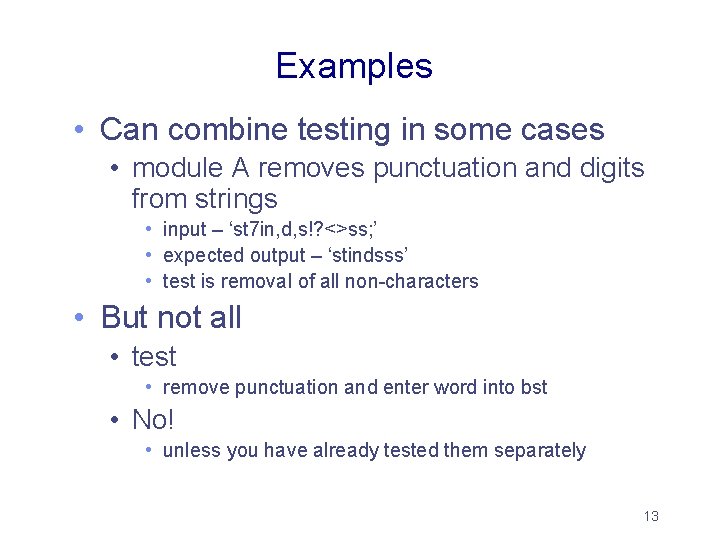
Examples • Can combine testing in some cases • module A removes punctuation and digits from strings • input – ‘st 7 in, d, s!? <>ss; ’ • expected output – ‘stindsss’ • test is removal of all non-characters • But not all • test • remove punctuation and enter word into bst • No! • unless you have already tested them separately 13
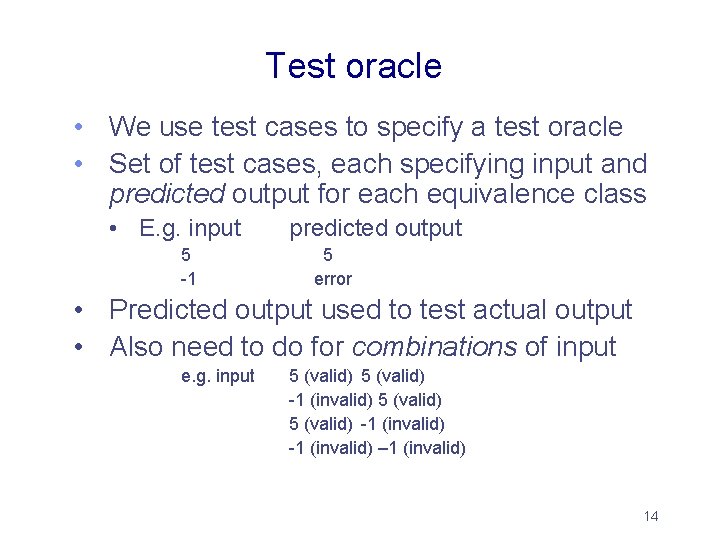
Test oracle • We use test cases to specify a test oracle • Set of test cases, each specifying input and predicted output for each equivalence class • E. g. input 5 -1 predicted output 5 error • Predicted output used to test actual output • Also need to do for combinations of input e. g. input 5 (valid) -1 (invalid) – 1 (invalid) 14
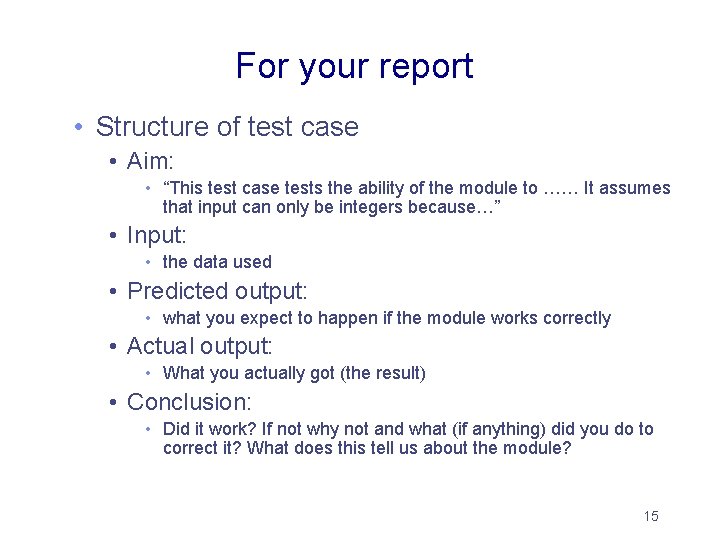
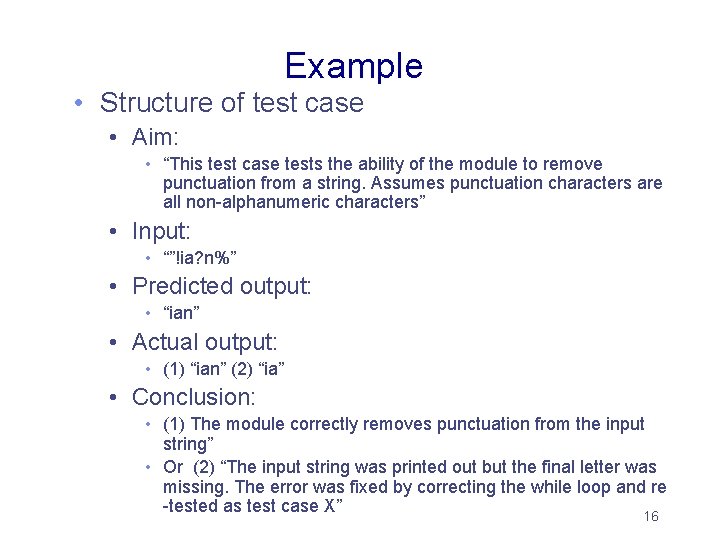
For your report • Structure of test case • Aim: • “This test case tests the ability of the module to …… It assumes that input can only be integers because…” • Input: • the data used • Predicted output: • what you expect to happen if the module works correctly • Actual output: • What you actually got (the result) • Conclusion: • Did it work? If not why not and what (if anything) did you do to correct it? What does this tell us about the module? 15
Example • Structure of test case • Aim: • “This test case tests the ability of the module to remove punctuation from a string. Assumes punctuation characters are all non-alphanumeric characters” • Input: • “”!ia? n%” • Predicted output: • “ian” • Actual output: • (1) “ian” (2) “ia” • Conclusion: • (1) The module correctly removes punctuation from the input string” • Or (2) “The input string was printed out but the final letter was missing. The error was fixed by correcting the while loop and re -tested as test case X” 16
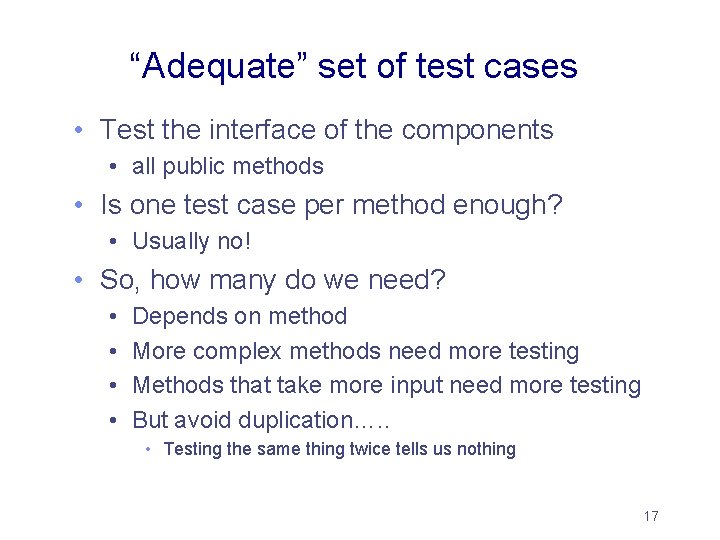
“Adequate” set of test cases • Test the interface of the components • all public methods • Is one test case per method enough? • Usually no! • So, how many do we need? • • Depends on method More complex methods need more testing Methods that take more input need more testing But avoid duplication…. . • Testing the same thing twice tells us nothing 17
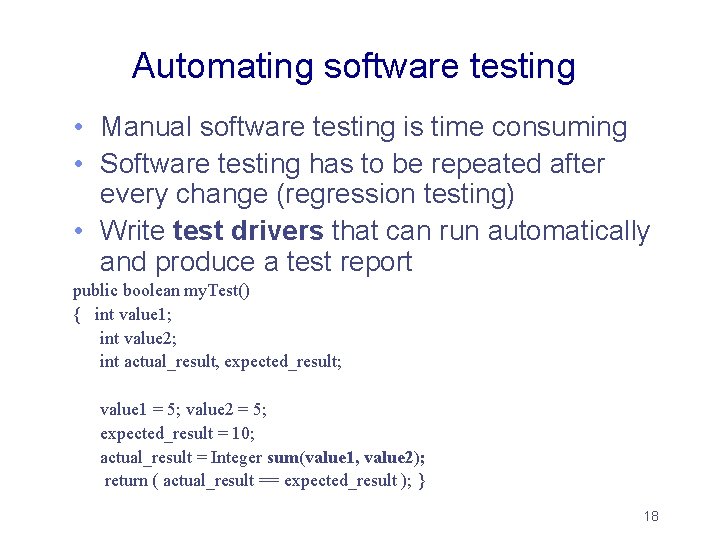
Automating software testing • Manual software testing is time consuming • Software testing has to be repeated after every change (regression testing) • Write test drivers that can run automatically and produce a test report public boolean my. Test() { int value 1; int value 2; int actual_result, expected_result; value 1 = 5; value 2 = 5; expected_result = 10; actual_result = Integer sum(value 1, value 2); return ( actual_result == expected_result ); } 18
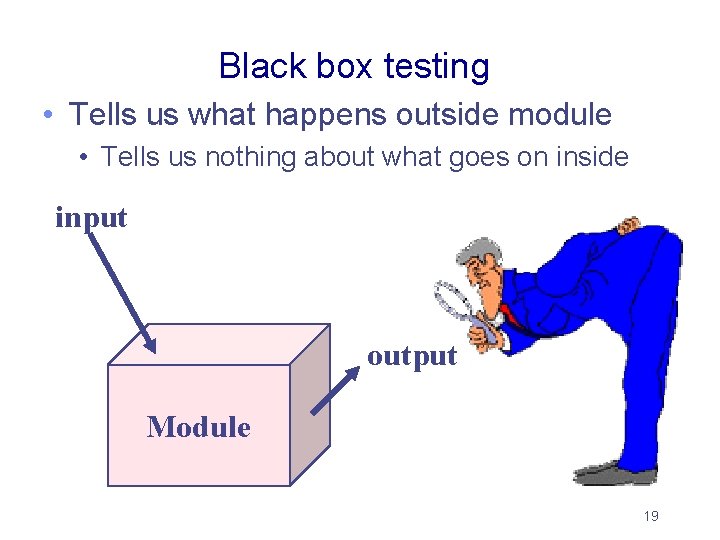
Black box testing • Tells us what happens outside module • Tells us nothing about what goes on inside input output Module 19
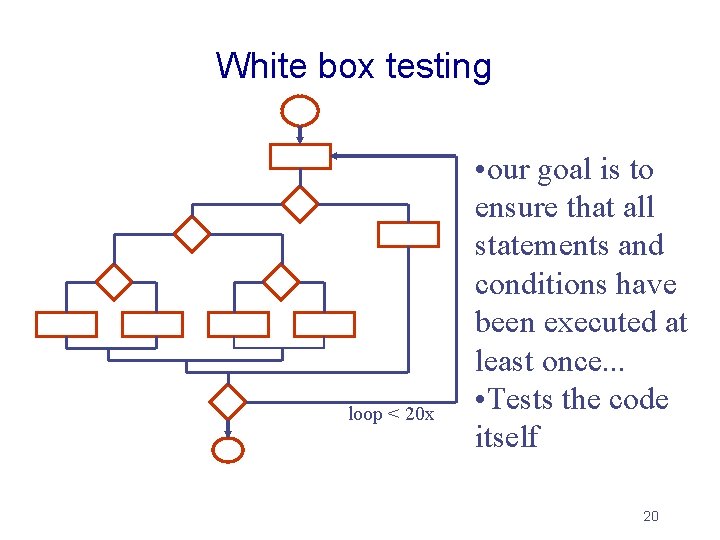
White box testing loop < 20 x • our goal is to ensure that all statements and conditions have been executed at least once. . . • Tests the code itself 20
White-box Testing • Four types of white-box testing • (1) Statement Testing • Test single statements (assignments, etc) Sum. Of. Scores = 0. 0; System. out. println(Sum. Of. Scores); 21
White-box Testing (Continued) • Loop Testing while (x > 0){ out. write(x); read(x); } • Cause execution of the loop to be skipped completely. • Set x to minus 1 • Exception: For loops • Loop to be executed exactly once • Enter – 1 as x • Loop to be executed more than once • Try different positive values of x • Loop to be executed n times • (n-1), n, and (n+1) passes through the loop 22
White box testing • Branch Testing (Conditional Testing) • Make sure that each possible outcome from a condition is tested at least once • Here, two test cases i=true, i=false if(i == ‘true’) System. out. println(‘True’); else if (i == ‘false’) System. out. println(‘False); • And every condition is covered if(i < 0) System. out. println(‘True’); else if (i >0) System. out. println(‘False); What about i == 0? ? ? 23
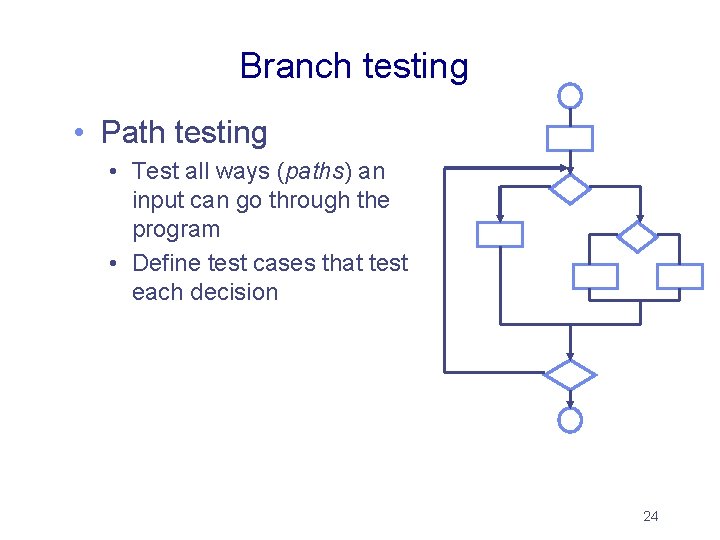
Branch testing • Path testing • Test all ways (paths) an input can go through the program • Define test cases that test each decision 24
Good design makes it easier Features that help/influence testing: • observability • the results are easy to see, simple data returned best • distinct output is generated for each input • incorrect output is easily identified • decomposability • software modules can be tested independently • good cohesion! • simplicity - no complex architecture and logic • stability • Fixing the design before you start coding! • understandability • program is easy to understand • no kludges! 25
Testing vs. fault tolerance design and implementation • Testing happens before software is released • Finding errors and fixing them • What about after release? • Hardware faults, data transmission faults, poor user input, …. • Fault tolerant design • Assume that errors occur during execution and try to recover from them (also during execution) • For complex and important systems we need both! 26
For this course • Black-box testing is necessary • White-box testing • Similar documentation to before • Is not necessary • But will gain extra marks • Also interface testing • Need test cases • Usually based on use cases • Can people use it? 27