Site Trunking WHAT IS YOUR PLAN Affiliation Each
- Slides: 14
Site Trunking WHAT IS YOUR PLAN?
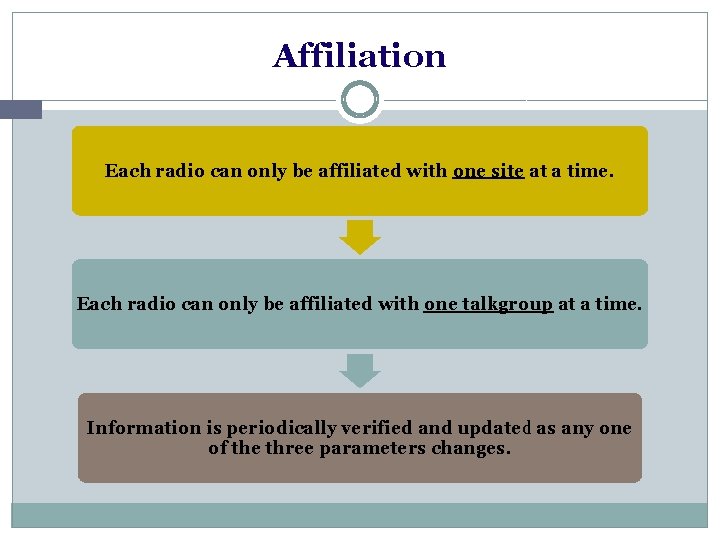
Affiliation Each radio can only be affiliated with one site at a time. Each radio can only be affiliated with one talkgroup at a time. Information is periodically verified and updated as any one of the three parameters changes.
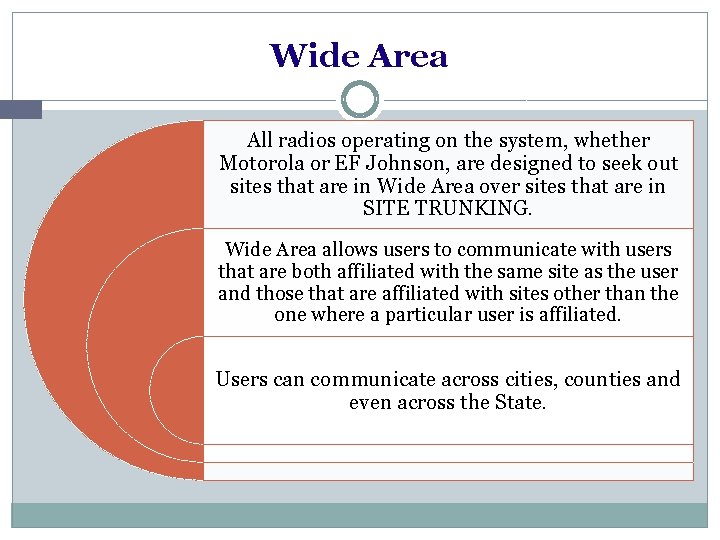
Wide Area All radios operating on the system, whether Motorola or EF Johnson, are designed to seek out sites that are in Wide Area over sites that are in SITE TRUNKING. Wide Area allows users to communicate with users that are both affiliated with the same site as the user and those that are affiliated with sites other than the one where a particular user is affiliated. Users can communicate across cities, counties and even across the State.
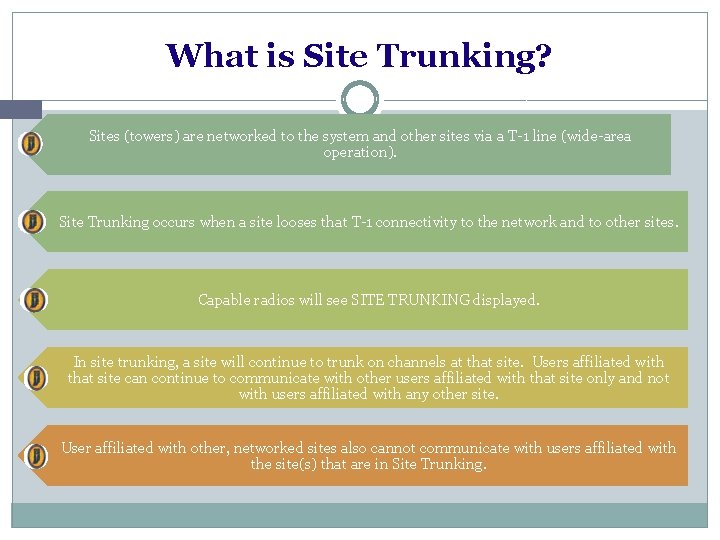
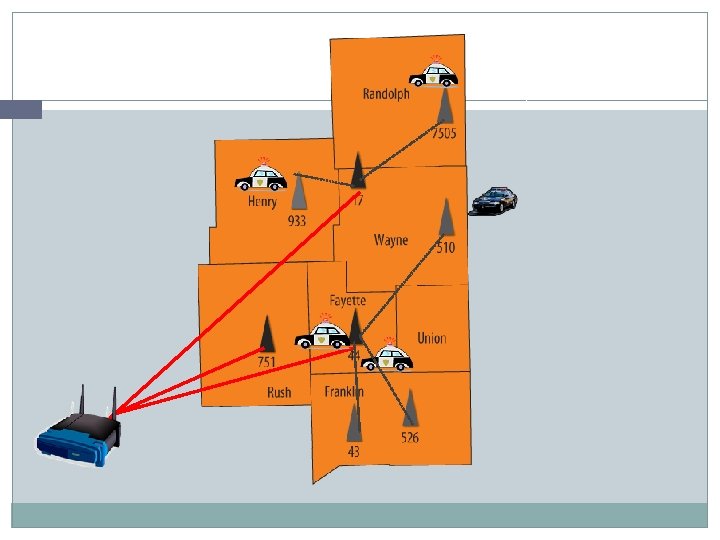
What is Site Trunking? Sites (towers) are networked to the system and other sites via a T-1 line (wide-area operation). Site Trunking occurs when a site looses that T-1 connectivity to the network and to other sites. Capable radios will see SITE TRUNKING displayed. In site trunking, a site will continue to trunk on channels at that site. Users affiliated with that site can continue to communicate with other users affiliated with that site only and not with users affiliated with any other site. User affiliated with other, networked sites also cannot communicate with users affiliated with the site(s) that are in Site Trunking.
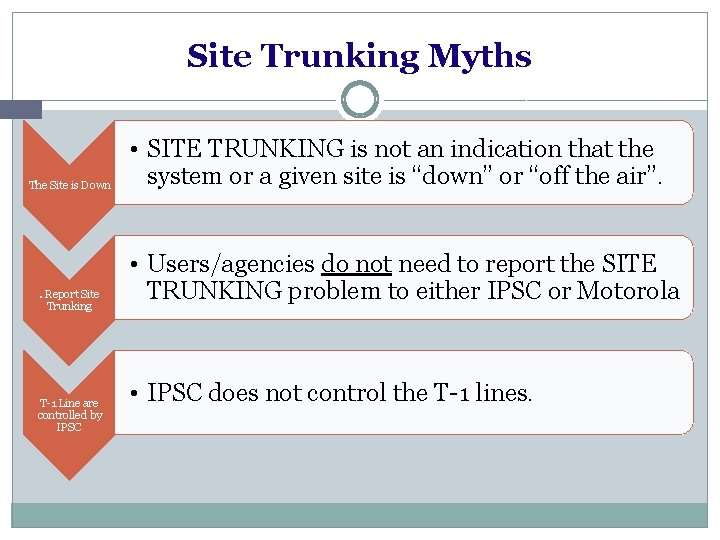
Site Trunking Myths The Site is Down . Report Site Trunking T-1 Line are controlled by IPSC • SITE TRUNKING is not an indication that the system or a given site is “down” or “off the air”. • Users/agencies do not need to report the SITE TRUNKING problem to either IPSC or Motorola • IPSC does not control the T-1 lines.
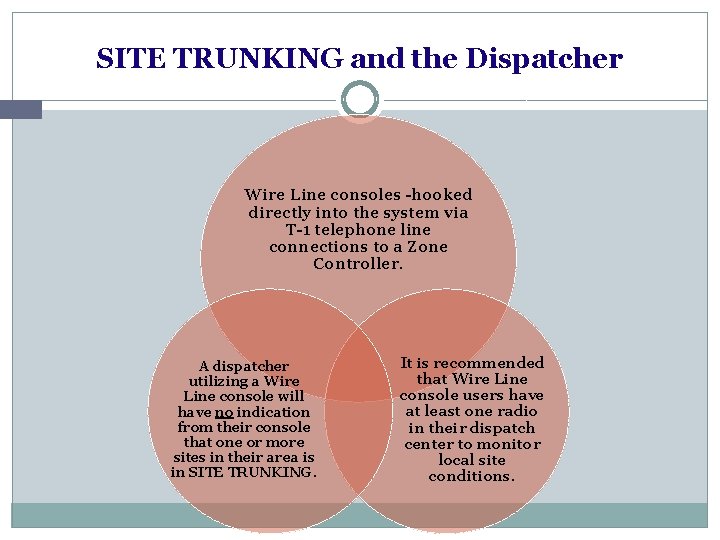
SITE TRUNKING and the Dispatcher Wire Line consoles -hooked directly into the system via T-1 telephone line connections to a Zone Controller. A dispatcher utilizing a Wire Line console will have no indication from their console that one or more sites in their area is in SITE TRUNKING. It is recommended that Wire Line console users have at least one radio in their dispatch center to monitor local site conditions.
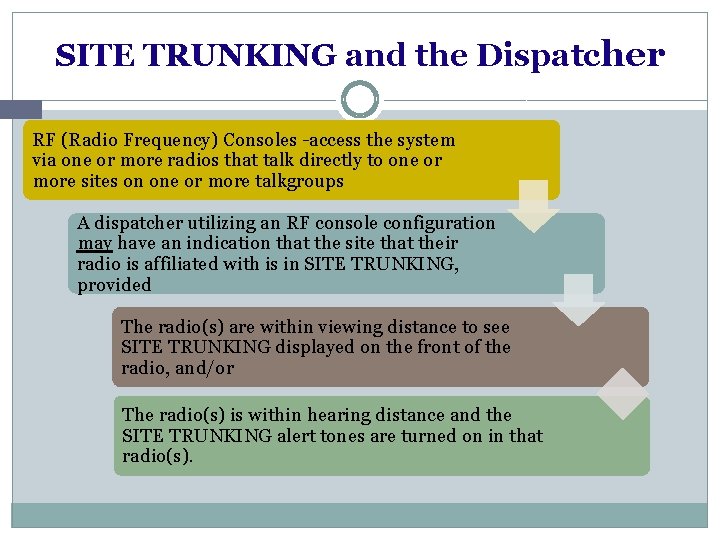
SITE TRUNKING and the Dispatcher RF (Radio Frequency) Consoles -access the system via one or more radios that talk directly to one or more sites on one or more talkgroups A dispatcher utilizing an RF console configuration may have an indication that the site that their radio is affiliated with is in SITE TRUNKING, provided The radio(s) are within viewing distance to see SITE TRUNKING displayed on the front of the radio, and/or The radio(s) is within hearing distance and the SITE TRUNKING alert tones are turned on in that radio(s).
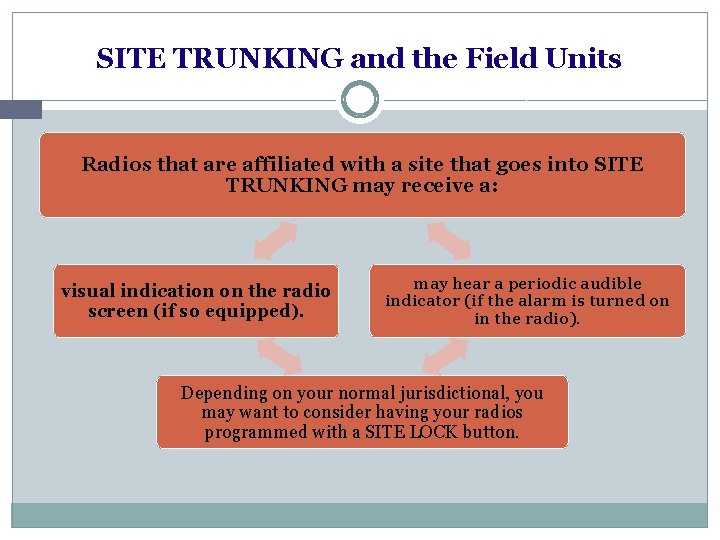
SITE TRUNKING and the Field Units Radios that are affiliated with a site that goes into SITE TRUNKING may receive a: visual indication on the radio screen (if so equipped). may hear a periodic audible indicator (if the alarm is turned on in the radio). Depending on your normal jurisdictional, you may want to consider having your radios programmed with a SITE LOCK button.
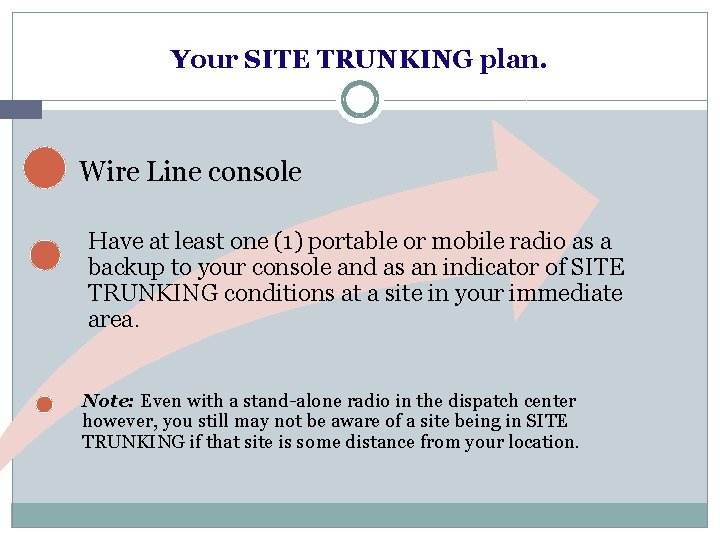
Your SITE TRUNKING plan. Wire Line console Have at least one (1) portable or mobile radio as a backup to your console and as an indicator of SITE TRUNKING conditions at a site in your immediate area. Note: Even with a stand-alone radio in the dispatch center however, you still may not be aware of a site being in SITE TRUNKING if that site is some distance from your location.
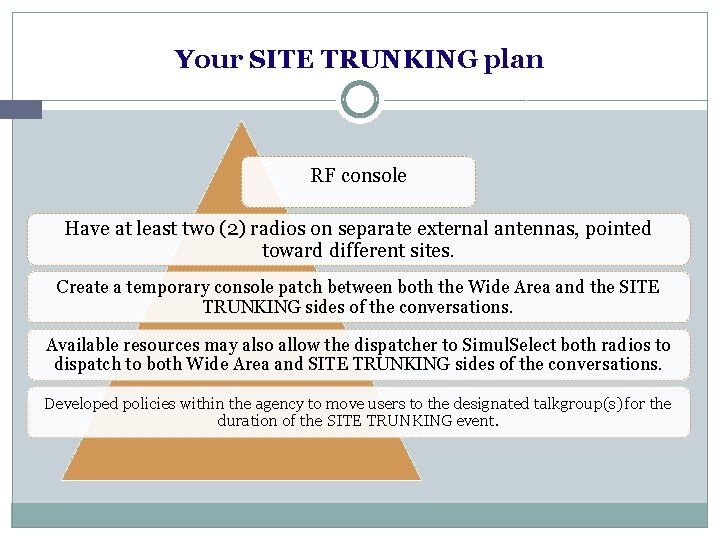
Your SITE TRUNKING plan RF console Have at least two (2) radios on separate external antennas, pointed toward different sites. Create a temporary console patch between both the Wide Area and the SITE TRUNKING sides of the conversations. Available resources may also allow the dispatcher to Simul. Select both radios to dispatch to both Wide Area and SITE TRUNKING sides of the conversations. Developed policies within the agency to move users to the designated talkgroup(s) for the duration of the SITE TRUNKING event.
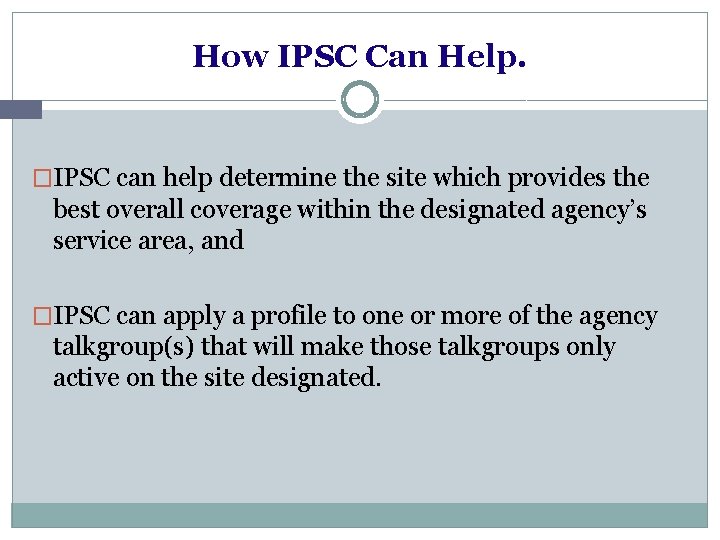
How IPSC Can Help. �IPSC can help determine the site which provides the best overall coverage within the designated agency’s service area, and �IPSC can apply a profile to one or more of the agency talkgroup(s) that will make those talkgroups only active on the site designated.
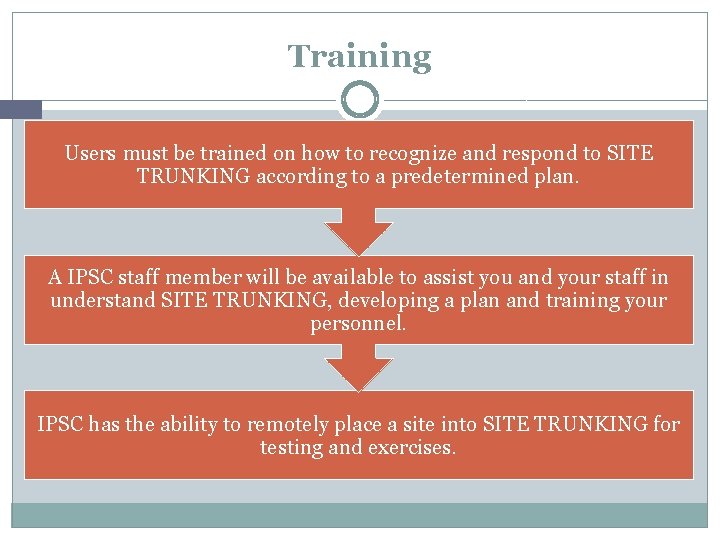
Training Users must be trained on how to recognize and respond to SITE TRUNKING according to a predetermined plan. A IPSC staff member will be available to assist you and your staff in understand SITE TRUNKING, developing a plan and training your personnel. IPSC has the ability to remotely place a site into SITE TRUNKING for testing and exercises.
For Assistance Vivian Nowaczewski- Training Director vnowaczewski@ipsc. in. gov (317)899 -8534 IPSC Network Operations Center (NOC) nocipsc@ipsc. in. gov 317 -234 -1540