Outline RealTime Protocols RTP RTCP RTSP ITU H
- Slides: 19
Outline • • • Real-Time Protocols (RTP, RTCP, RTSP) ITU – H. 323 Session Initiation Protocol (SIP) Synchronized Multimedia Integration Language (SMIL) A Rough History of Web Standards – HTML 5 – Popcorn. JS - HTML 5 Media Framework – Timesheets. js
Real-Time Protocol (RTP) Real-Time Control Protocol (RTCP) http: //en. wikipedia. org/wiki/Real-time_Transport_Protocol http: //tools. ietf. org/html/rfc 1889 https: //tools. ietf. org/html/rfc 3611 http: //en. wikipedia. org/wiki/RTP_Control_Protocol • RTP: first published in 1996 by IETF • RTP: Defines a standardized packet format for delivering audio and video over IP Networks • Real-Time Protocol (RTP) – a framing protocol for real-time applications – there is no Qo. S in real time based on UDP protocol • RTCP: RTCP protocol monitors transmission statistics and Quality of Service (Qo. S) and aids synchronization of multiple streams
Real Time Streaming Protocol (RTSP) http: //en. wikipedia. org/wiki/Real_Time_Streaming_Protocol http: //www. ietf. org/rfc 2326. txt • RTSP was developed by Real. Networks, Netscape and Columbia University, with the first draft submitted to IETF in 1996 • RTSP: – an application-level protocol for control over the delivery of data with realtime properties – controls streaming media servers – is used for establishing and controlling media sessions between end points – RTSP servers use the Real-time Transport Protocol (RTP) in conjunction with Real-time Control Protocol (RTCP) for media stream delivery
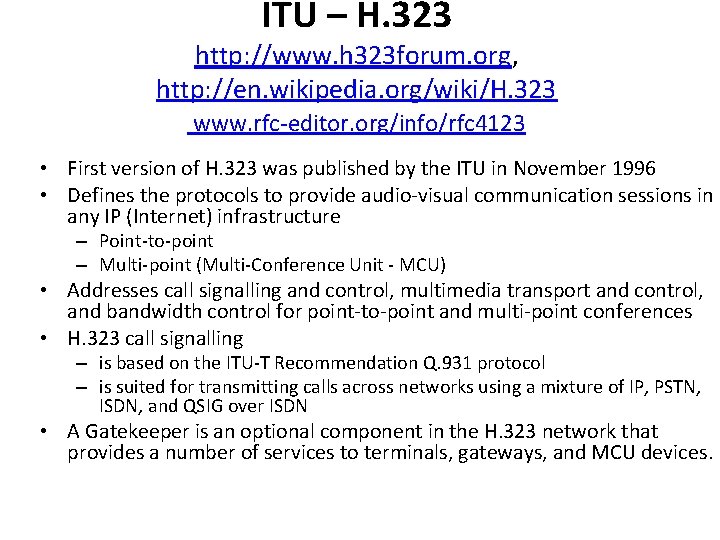
ITU – H. 323 http: //www. h 323 forum. org, http: //en. wikipedia. org/wiki/H. 323 www. rfc-editor. org/info/rfc 4123 • First version of H. 323 was published by the ITU in November 1996 • Defines the protocols to provide audio-visual communication sessions in any IP (Internet) infrastructure – Point-to-point – Multi-point (Multi-Conference Unit - MCU) • Addresses call signalling and control, multimedia transport and control, and bandwidth control for point-to-point and multi-point conferences • H. 323 call signalling – is based on the ITU-T Recommendation Q. 931 protocol – is suited for transmitting calls across networks using a mixture of IP, PSTN, ISDN, and QSIG over ISDN • A Gatekeeper is an optional component in the H. 323 network that provides a number of services to terminals, gateways, and MCU devices.
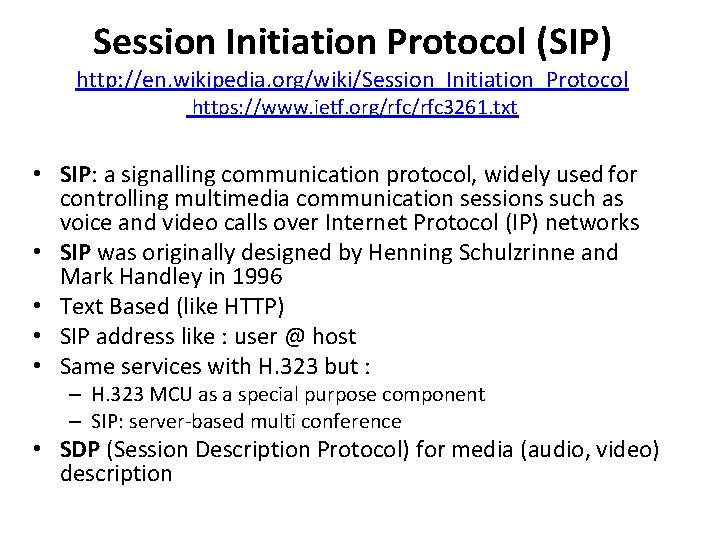
Session Initiation Protocol (SIP) http: //en. wikipedia. org/wiki/Session_Initiation_Protocol https: //www. ietf. org/rfc 3261. txt • SIP: a signalling communication protocol, widely used for controlling multimedia communication sessions such as voice and video calls over Internet Protocol (IP) networks • SIP was originally designed by Henning Schulzrinne and Mark Handley in 1996 • Text Based (like HTTP) • SIP address like : user @ host • Same services with Η. 323 but : – H. 323 MCU as a special purpose component – SIP: server-based multi conference • SDP (Session Description Protocol) for media (audio, video) description
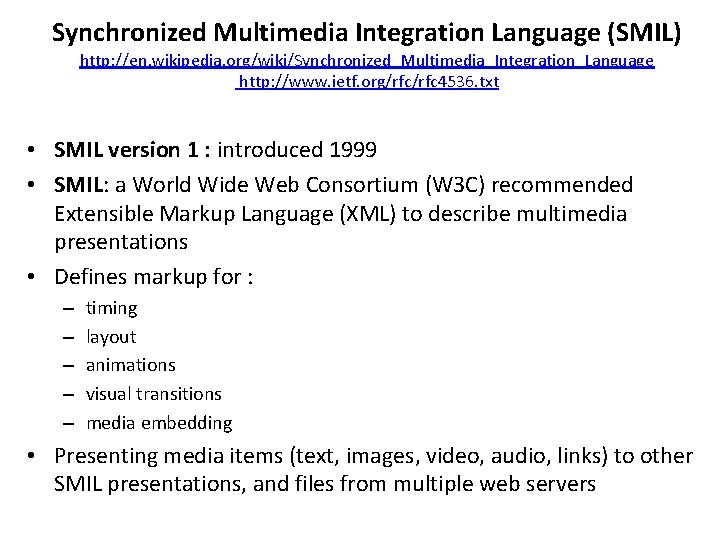
Synchronized Multimedia Integration Language (SMIL) http: //en. wikipedia. org/wiki/Synchronized_Multimedia_Integration_Language http: //www. ietf. org/rfc 4536. txt • SMIL version 1 : introduced 1999 • SMIL: a World Wide Web Consortium (W 3 C) recommended Extensible Markup Language (XML) to describe multimedia presentations • Defines markup for : – – – timing layout animations visual transitions media embedding • Presenting media items (text, images, video, audio, links) to other SMIL presentations, and files from multiple web servers
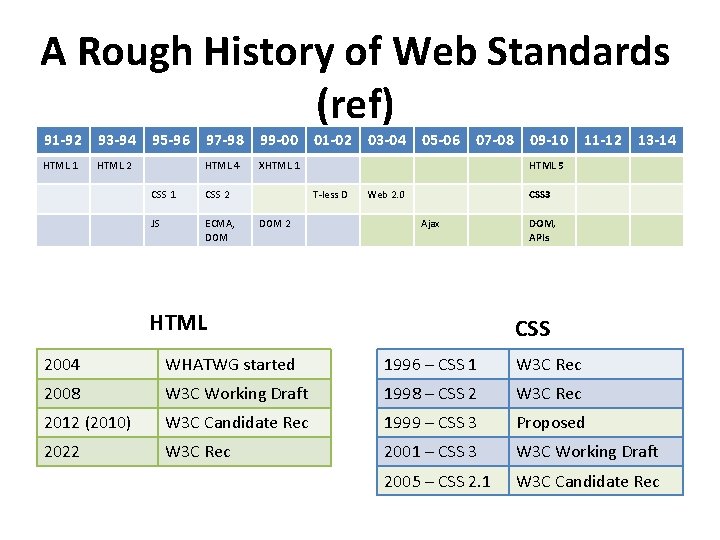
A Rough History of Web Standards (ref) 91 -92 93 -94 HTML 1 HTML 2 95 -96 97 -98 99 -00 HTML 4 XHTML 1 CSS 2 JS ECMA, DOM 01 -02 05 -06 07 -08 09 -10 11 -12 13 -14 HTML 5 T-less D DOM 2 03 -04 Web 2. 0 CSS 3 Ajax HTML DOM, APIs CSS 2004 WHATWG started 1996 – CSS 1 W 3 C Rec 2008 W 3 C Working Draft 1998 – CSS 2 W 3 C Rec 2012 (2010) W 3 C Candidate Rec 1999 – CSS 3 Proposed 2022 W 3 C Rec 2001 – CSS 3 W 3 C Working Draft 2005 – CSS 2. 1 W 3 C Candidate Rec
HTML 5: more than HTML • HTML 5 Spec • CSS 3 (Cascading Style Sheet) Spec • Java. Script to tie it all together
What’s new to HTML 5 • • Simplified and Loose Syntax New Elements and Attributes Embedded Media (audio, video) Canvas Offline Storage Drag and Drop Geo-Location
Browser Support http: //www. w 3. org/TR/html 5/ • HTML 5 is not yet an official standard - browsers have not full HTML 5 support • But all major browsers (Safari, Chrome, Firefox, Opera, Internet Explorer) continue to add new HTML 5 features to their latest versions
HTML 5 Video http: //en. wikipedia. org/wiki/HTML 5_video http: //www. w 3. org/TR/html 5/embedded-content-0. html#the-video-element • HTML 5 specification introduced the <video> element, partially replacing the <object> element. • HTML 5 video is intended to become the new standard way to show video on the web without plug-ins • The <video> element was proposed by Opera Software in February 2007
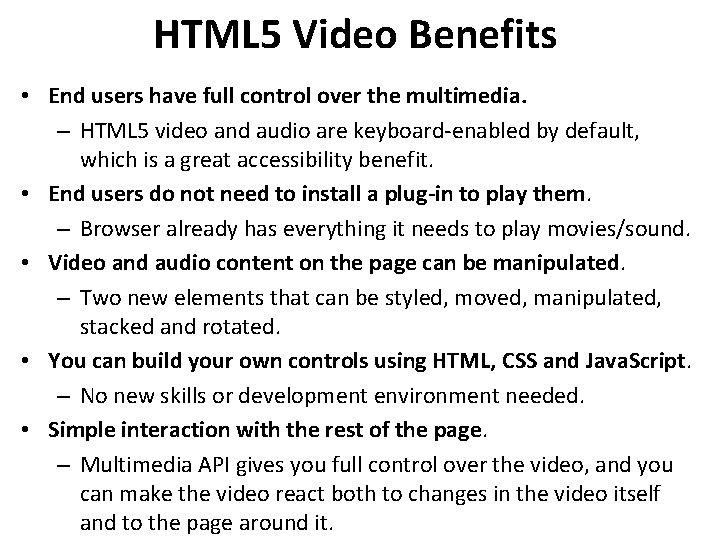
HTML 5 Video Benefits • End users have full control over the multimedia. – HTML 5 video and audio are keyboard-enabled by default, which is a great accessibility benefit. • End users do not need to install a plug-in to play them. – Browser already has everything it needs to play movies/sound. • Video and audio content on the page can be manipulated. – Two new elements that can be styled, moved, manipulated, stacked and rotated. • You can build your own controls using HTML, CSS and Java. Script. – No new skills or development environment needed. • Simple interaction with the rest of the page. – Multimedia API gives you full control over the video, and you can make the video react both to changes in the video itself and to the page around it.
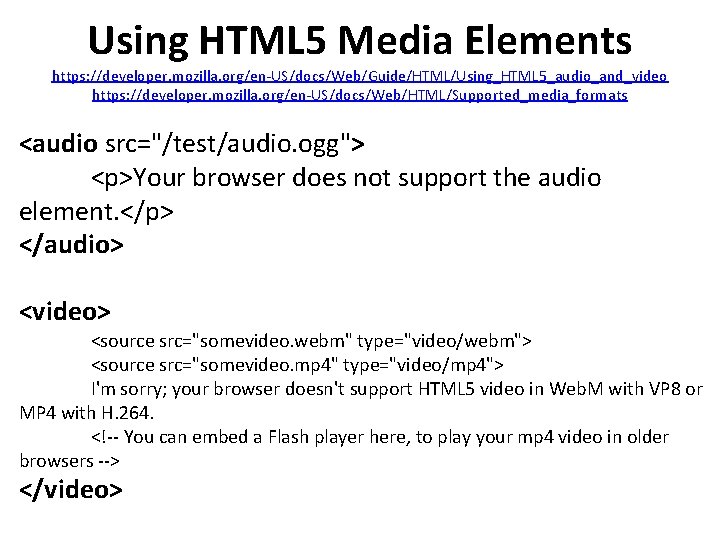
Using HTML 5 Media Elements https: //developer. mozilla. org/en-US/docs/Web/Guide/HTML/Using_HTML 5_audio_and_video https: //developer. mozilla. org/en-US/docs/Web/HTML/Supported_media_formats <audio src="/test/audio. ogg"> <p>Your browser does not support the audio element. </p> </audio> <video> <source src="somevideo. webm" type="video/webm"> <source src="somevideo. mp 4" type="video/mp 4"> I'm sorry; your browser doesn't support HTML 5 video in Web. M with VP 8 or MP 4 with H. 264. <!-- You can embed a Flash player here, to play your mp 4 video in older browsers --> </video>
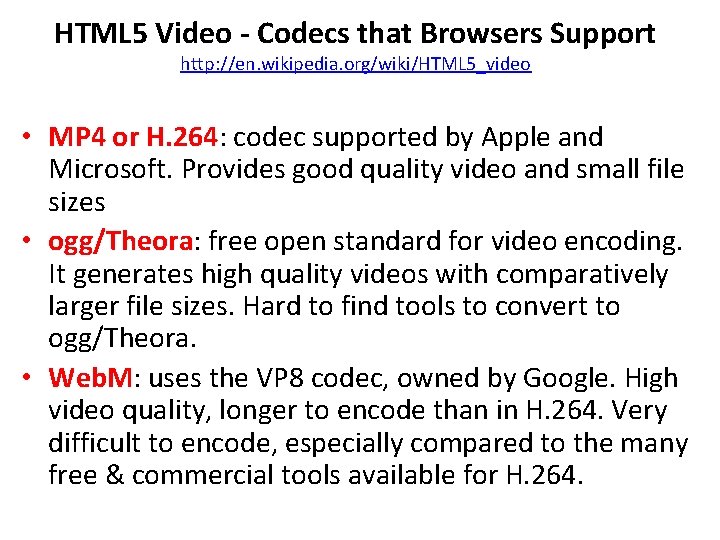
HTML 5 Video - Codecs that Browsers Support http: //en. wikipedia. org/wiki/HTML 5_video • MP 4 or H. 264: codec supported by Apple and Microsoft. Provides good quality video and small file sizes • ogg/Theora: free open standard for video encoding. It generates high quality videos with comparatively larger file sizes. Hard to find tools to convert to ogg/Theora. • Web. M: uses the VP 8 codec, owned by Google. High video quality, longer to encode than in H. 264. Very difficult to encode, especially compared to the many free & commercial tools available for H. 264.
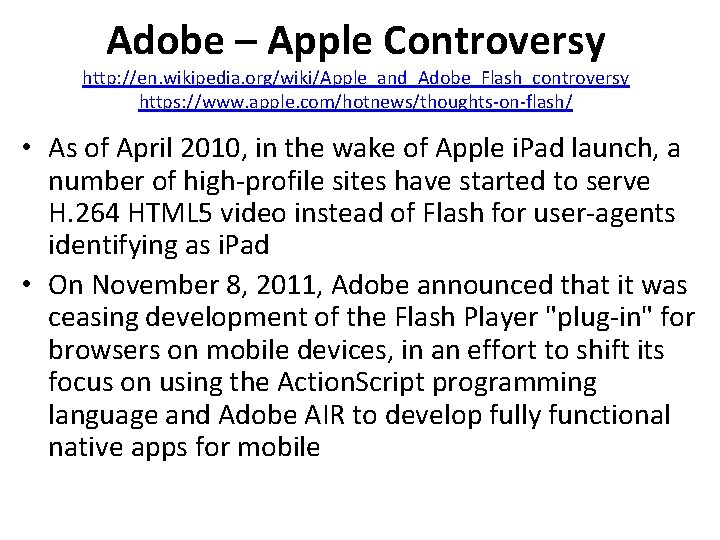
Adobe – Apple Controversy http: //en. wikipedia. org/wiki/Apple_and_Adobe_Flash_controversy https: //www. apple. com/hotnews/thoughts-on-flash/ • As of April 2010, in the wake of Apple i. Pad launch, a number of high-profile sites have started to serve H. 264 HTML 5 video instead of Flash for user-agents identifying as i. Pad • On November 8, 2011, Adobe announced that it was ceasing development of the Flash Player "plug-in" for browsers on mobile devices, in an effort to shift its focus on using the Action. Script programming language and Adobe AIR to develop fully functional native apps for mobile
Popcorn. JS - HTML 5 Media Framework http: //popcornjs. org/ https: //popcorn. webmaker. org/ • Popcorn. js is an HTML 5 media framework written in Java. Script for filmmakers, web developers, and anyone who wants to create time-based interactive media on the web: – For media makers: Popcorn. js allows video, audio and other media to control elements of a webpage. Combining our library with a mixture of standard HTML + Java. Script, authors can let their media be the “conductor” of interactive and immersive experiences. – For developers: Popcorn. js is an event framework for HTML 5 media. Popcorn. js utilizes the native HTMLMedia. Element properties, methods and events, normalizes them into an easy to learn API, and provides a plug-in system for community contributed interactions.
Timesheets. js http: //wam. inrialpes. fr/timesheets/ • A Javascript library to rely on declarative W 3 C standards (namely, SMIL Timing and SMIL Timesheets) to synchronize HTML content • Focusing on two developments: – a Timesheet Scheduler, i. e. a Java. Script implementation of SMIL Timing and SMIL Timesheets – a Timesheet Editor, i. e. a wysiwyg, Mozilla-based, multimedia page authoring tool
References • https: //dev. opera. com/articles/introduction-html 5 -video/ • https: //dev. opera. com/blog/everything-you-need-to-know-abouthtml 5 -video-and-audio-2/ • https: //developer. mozilla. org/en. US/docs/Web/Guide/HTML/Using_HTML 5_audio_and_video • http: //html 5 video. org/wiki/HTML 5_Player_Comparison • http: //www. w 3. org/2010/05/video/mediaevents. html • http: //www. html 5 rocks. com/en/tutorials/video/basics/ • https: //popcorn. webmaker. org/ • http: //blog. teamtreehouse. com/building-custom-controls-forhtml 5 -videos