Introduction The Windows RTP Quality Monitor Speaker JuiPang

- Slides: 13
Introduction: The Windows RTP Quality Monitor Speaker︰ Jui-Pang Chen Date︰ 2006/11/06 1
Instruction of RTP Monitor • Using 『Windows RTP Quality Monitor』 • 1. Windows XP Driver – Driver. zip • 2. Windows monitor application – guimonitor. zip – commandline. zip • Download webpage – http: //sourceforge. net/projects/rtpmonitor 2
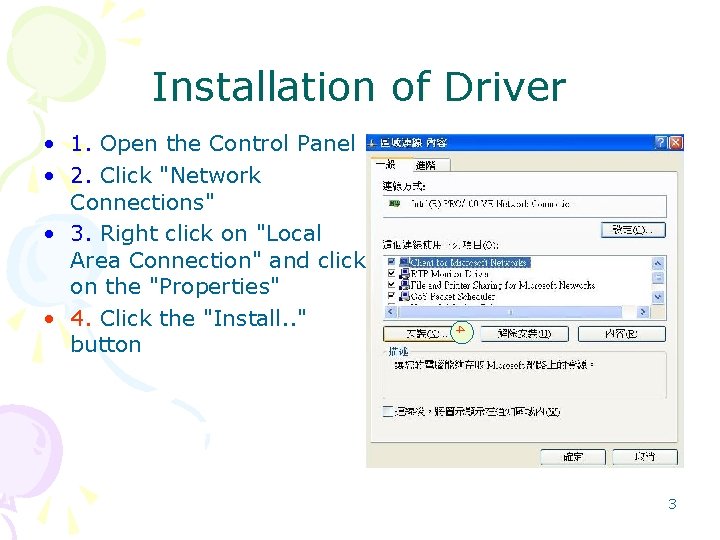
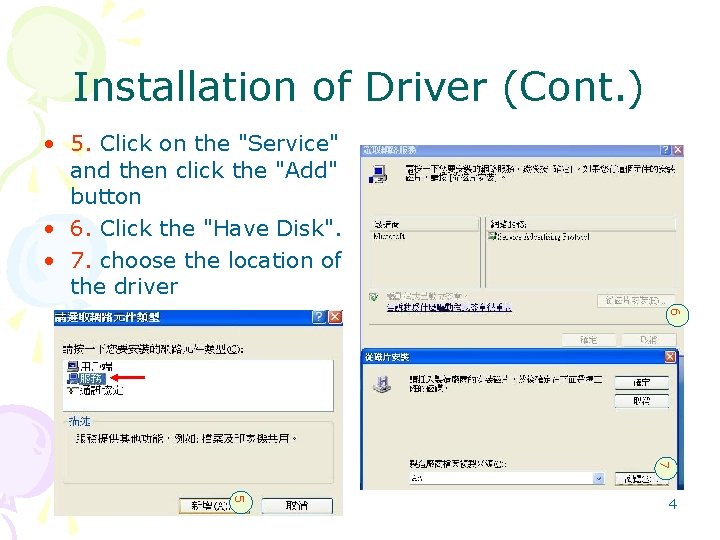
Installation of Driver 4 • 1. Open the Control Panel • 2. Click "Network Connections" • 3. Right click on "Local Area Connection" and click on the "Properties" • 4. Click the "Install. . " button 3
Installation of Driver (Cont. ) • 5. Click on the "Service" and then click the "Add" button • 6. Click the "Have Disk". • 7. choose the location of the driver 6 7 5 4
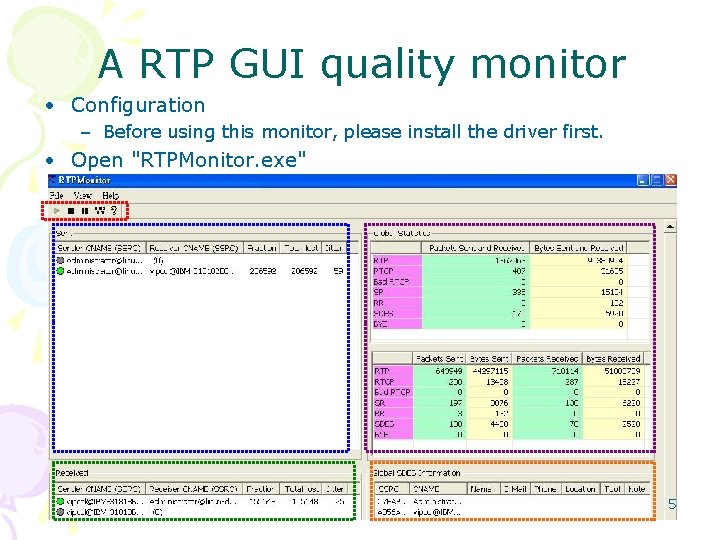
A RTP GUI quality monitor • Configuration – Before using this monitor, please install the driver first. • Open "RTPMonitor. exe" 5
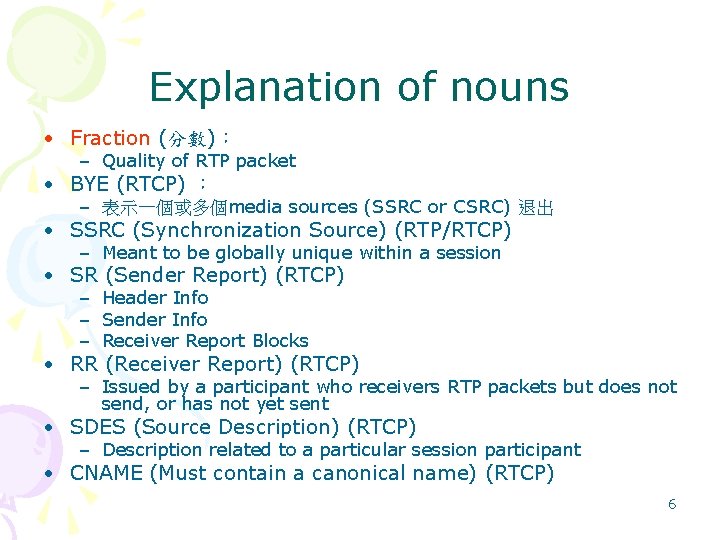
Explanation of nouns • Fraction (分數)︰ – Quality of RTP packet • BYE (RTCP) ︰ – 表示一個或多個media sources (SSRC or CSRC) 退出 • SSRC (Synchronization Source) (RTP/RTCP) – Meant to be globally unique within a session • SR (Sender Report) (RTCP) – Header Info – Sender Info – Receiver Report Blocks • RR (Receiver Report) (RTCP) – Issued by a participant who receivers RTP packets but does not send, or has not yet sent • SDES (Source Description) (RTCP) – Description related to a particular session participant • CNAME (Must contain a canonical name) (RTCP) 6
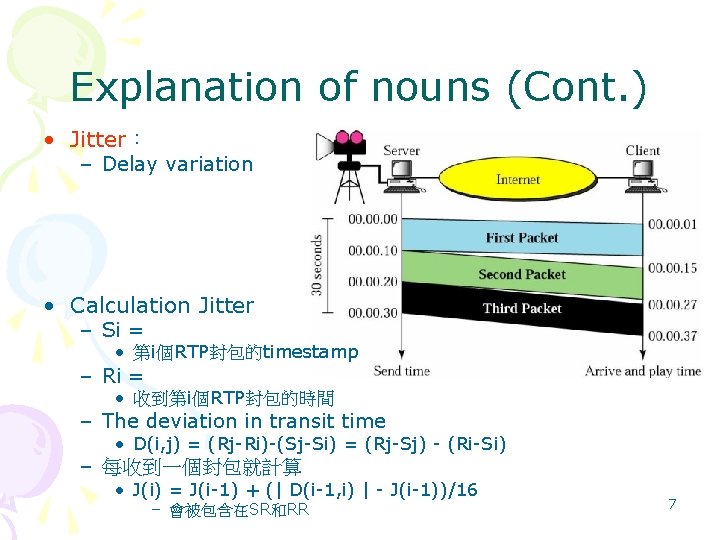
Explanation of nouns (Cont. ) • Jitter︰ – Delay variation • Calculation Jitter – Si = • 第i個RTP封包的timestamp – Ri = • 收到第i個RTP封包的時間 – The deviation in transit time • D(i, j) = (Rj-Ri)-(Sj-Si) = (Rj-Sj) - (Ri-Si) – 每收到一個封包就計算 • J(i) = J(i-1) + (| D(i-1, i) | - J(i-1))/16 – 會被包含在SR和RR 7
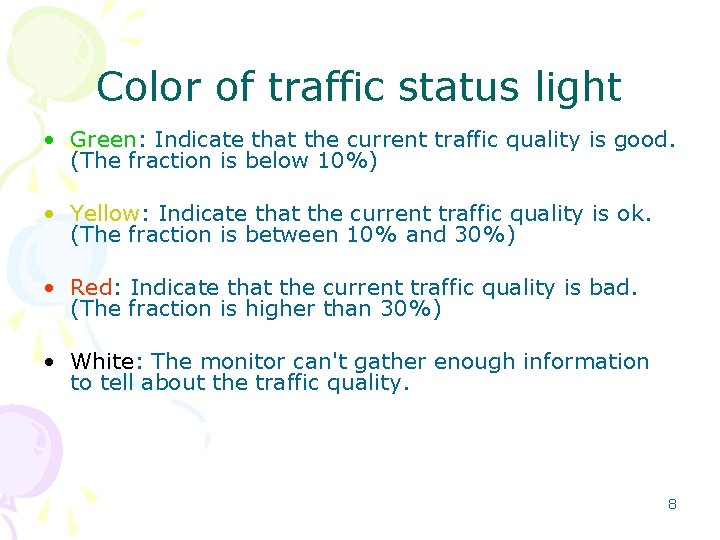
Color of traffic status light • Green: Indicate that the current traffic quality is good. (The fraction is below 10%) • Yellow: Indicate that the current traffic quality is ok. (The fraction is between 10% and 30%) • Red: Indicate that the current traffic quality is bad. (The fraction is higher than 30%) • White: The monitor can't gather enough information to tell about the traffic quality. 8
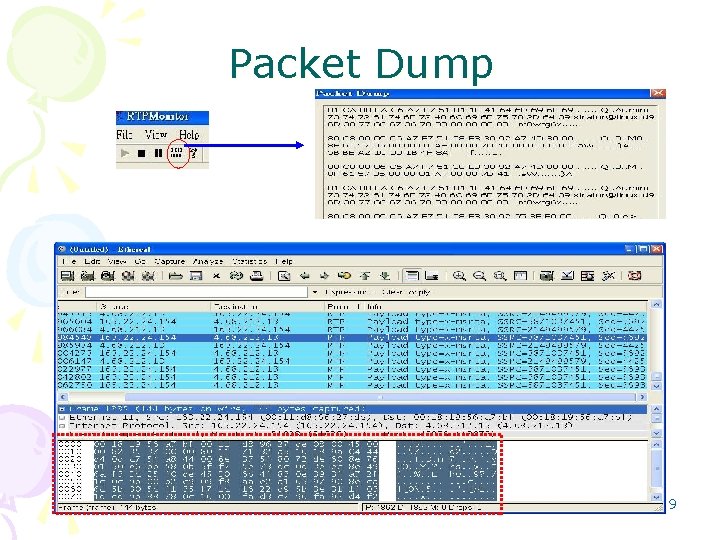
Packet Dump 9
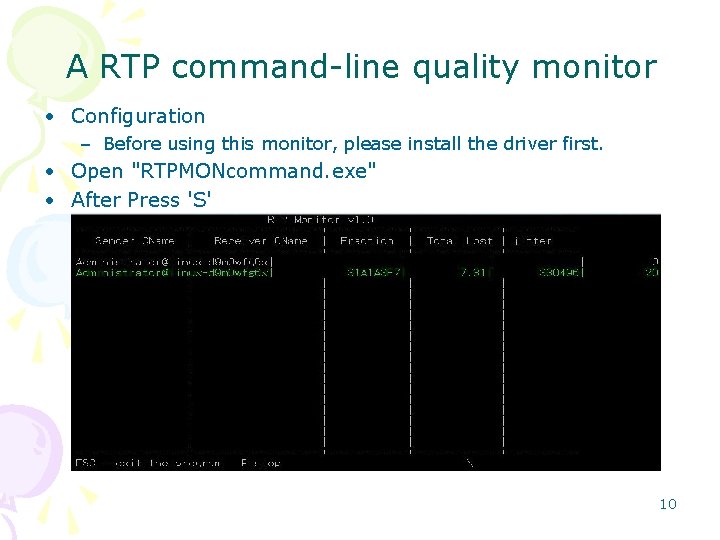
A RTP command-line quality monitor • Configuration – Before using this monitor, please install the driver first. • Open "RTPMONcommand. exe" • After Press 'S' 10
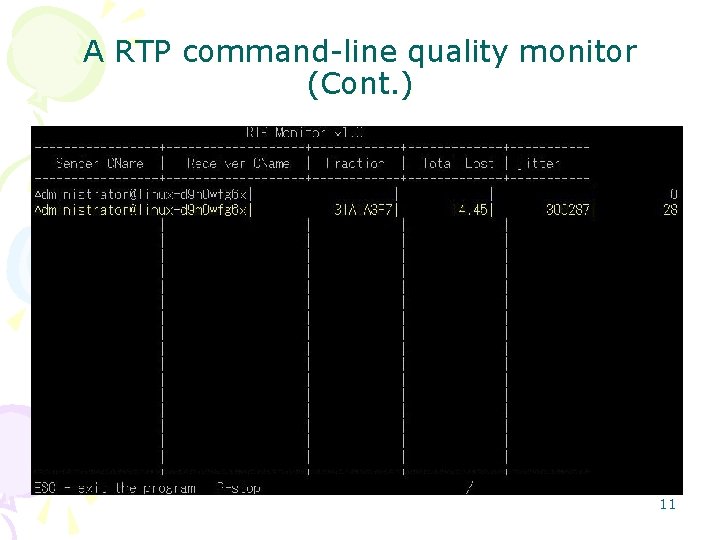
A RTP command-line quality monitor (Cont. ) 11
Conclusion • What is the difference between GUI and command-line of Fraction? – You can refer to source code. • 什麼是這個軟體最能給與使用者有感覺的功能? – 從管理者角度來看傳輸的品質,一眼就能夠從顏色判斷品質好壞, 就是蠻好的功能 • 他所呈現的資訊是否是你想要的? – Fraction, Jitter, Total Loss, number of packets • . 12
Reference • Windows RTP Quality Monitor – http: //sourceforge. net/projects/rtpmoni tor/ • rtpdump – http: //wiki. ethereal. com/rtpdump 13