Networking and Sockets IST 411 Lecture 2 Spring



- Slides: 32
Networking and Sockets IST 411 Lecture 2 Spring 2004
Protocols § A protocol are the rules that govern information communication § HTTP (Hyper. Text Markup Language) – protocol to interpret HTML pages § SMTP (Simple Mail Transfer Protocol) – rules that govern transfer of e-mail § FTP (File Transfer Protocol) – rules for the transfer of files across the Internet § Each is an example of an application protocol
Protocols § URL (Uniform Resource Locator) – web address that specifies 3 bits of information: § Method used to transfer information, i. e. , HTTP or FTP § Address of the host computer, i. e. , www. hbg. psu. edu § Path describing where the file is located on the host, i. e. , /hbg/course 00. html
Protocols § E-mail address is specified by the SMTP protocol which includes: § A local mailbox address, i. e. , jxs 121 § Followed by the address of the computer, i. e. , psu. edu
Protocols § DNS (Domain Name System) – governs how names can be translated into numeric addresses, i. e. , psu. edu § DNS divides the Internet into a hierarchy of domains and subdomains § Domains are names like com, edu, mil § DNS servers – job to translate names to numeric addresses whenever they are requested to do so by clients such as the SMTP or HTTP server
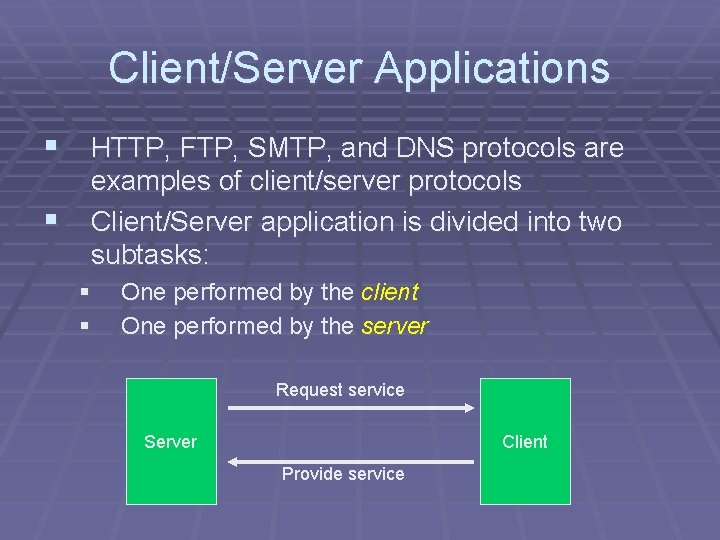
Client/Server Applications § HTTP, FTP, SMTP, and DNS protocols are § examples of client/server protocols Client/Server application is divided into two subtasks: § § One performed by the client One performed by the server Request service Server Client Provide service
Protocols § Internet has several levels of software and hardware, each with collection of protocols § Application level is the highest level § Transmission Protocols represent the next level § TCP (Transfer Control Protocol) § UDP (User Datagram Protocol) § Govern the transfer of large blocks of information called packets between networked computers
Protocols § Lowest end of the hierarchy of protocols are those governing transmission of bits or electronic pulses over wires § Most of these protocols are built into the hardware § On top of these are protocols such as ethernet protocol and token ring protocol § These lower level protocols are vastly different from each other
Protocols § To connect disparate networks, use IP (Internetworking Protocol) to translate one network protocol to a common format
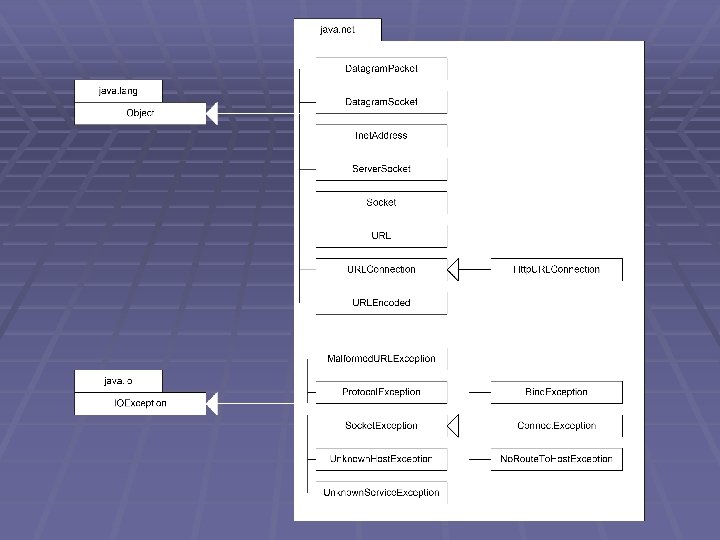
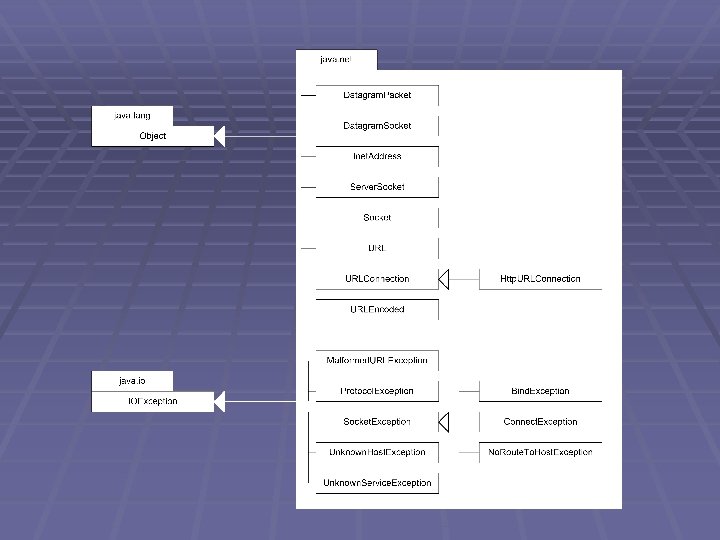
Client/Server Applications § Java includes a powerful set of classes the supports network programming and handles even the highest level of protocols needed to write client/server applications § java. net package
Client/Server Applications § java. net. URL class § Used to download WWW pages § Used to access files stored on the Web as input files to an applet or application program § Socket and Server. Socket classes § Methods that let us develop our own networking applications § Enable read and write data through Input. Streams and Output. Streams
Client/Server Applications § Datagram. Packet and Datagram. Socket classes § Provide support for lower level networking applications based on Internet packets
Client/Server Applications § Lab 1 – Look up local host
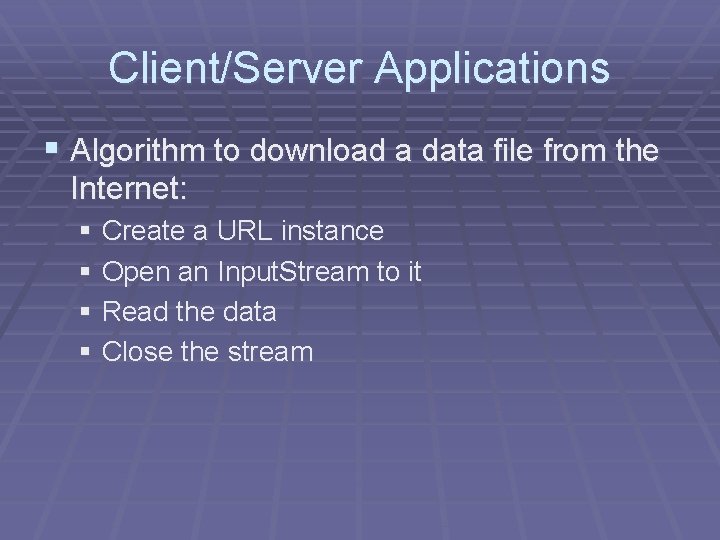
Client/Server Applications § Algorithm to download a data file from the Internet: § Create a URL instance § Open an Input. Stream to it § Read the data § Close the stream
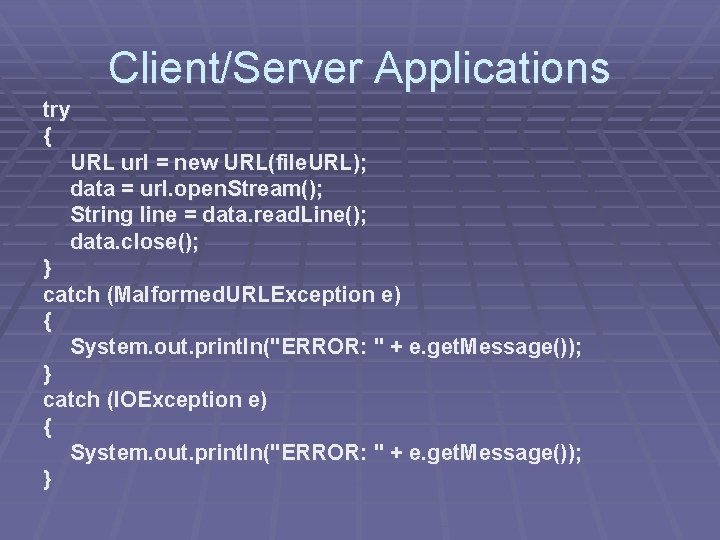
Client/Server Applications try { URL url = new URL(file. URL); data = url. open. Stream(); String line = data. read. Line(); data. close(); } catch (Malformed. URLException e) { System. out. println("ERROR: " + e. get. Message()); } catch (IOException e) { System. out. println("ERROR: " + e. get. Message()); }
Client/Server Applications § Lab 2 – Real estate lookup
Sockets
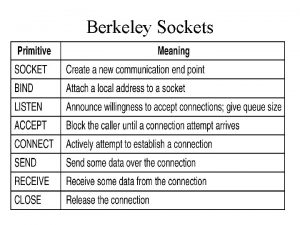
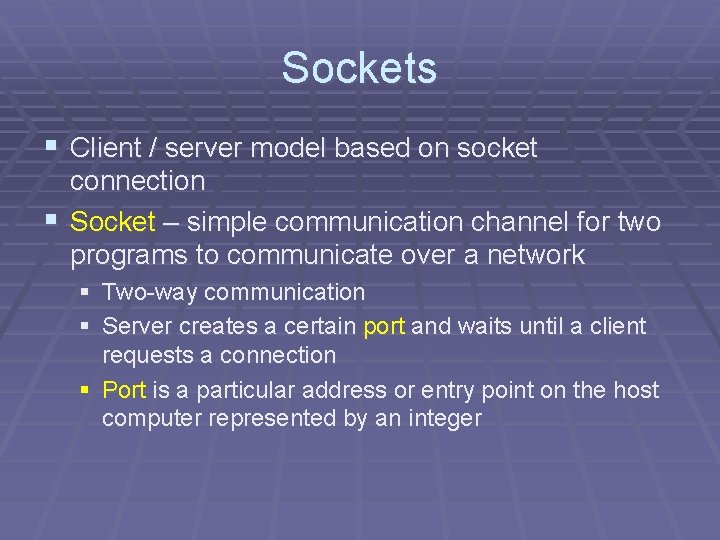
Sockets § Client / server model based on socket connection § Socket – simple communication channel for two programs to communicate over a network § Two-way communication § Server creates a certain port and waits until a client requests a connection § Port is a particular address or entry point on the host computer represented by an integer
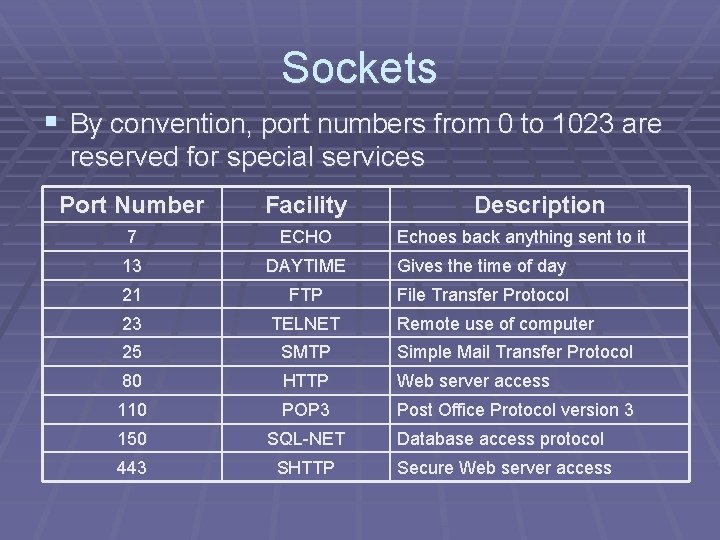
Sockets § By convention, port numbers from 0 to 1023 are reserved for special services Port Number Facility Description 7 ECHO 13 DAYTIME Gives the time of day 21 FTP File Transfer Protocol 23 TELNET 25 SMTP Simple Mail Transfer Protocol 80 HTTP Web server access 110 POP 3 Post Office Protocol version 3 150 SQL-NET Database access protocol 443 SHTTP Secure Web server access Echoes back anything sent to it Remote use of computer
Sockets § Ports above 1023 may be used for any user application § The port is not a hardware concept § It is a network abstraction to allow easy development programs reading and writing data to a network § Each communication channel into and out of a TCP/IP computer is identified by: § IP address § Port number § Combination creates the abstraction called a socket
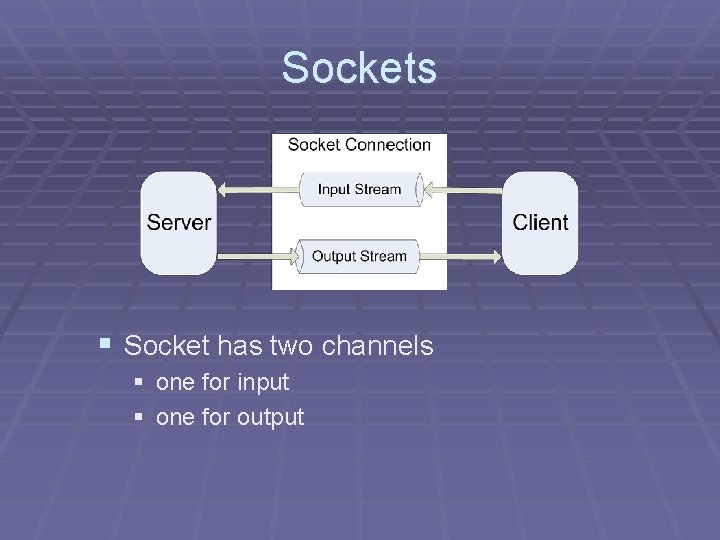
Sockets § Socket has two channels § one for input § one for output
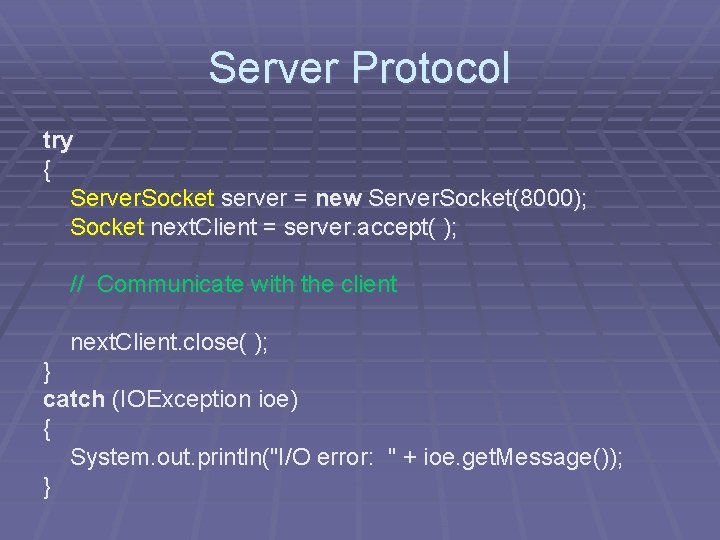
Server Protocol § Four steps to create the server: § Create a Server. Socket and establish a port number (Server. Socket constructor throws an IOException and a Bind. Exception) § Listen for and accept a connection from a client § Converse with the client § Close the socket
Server Protocol try { Server. Socket server = new Server. Socket(8000); Socket next. Client = server. accept( ); // Communicate with the client next. Client. close( ); } catch (IOException ioe) { System. out. println("I/O error: " + ioe. get. Message()); }
Let’s Practice § The Server.
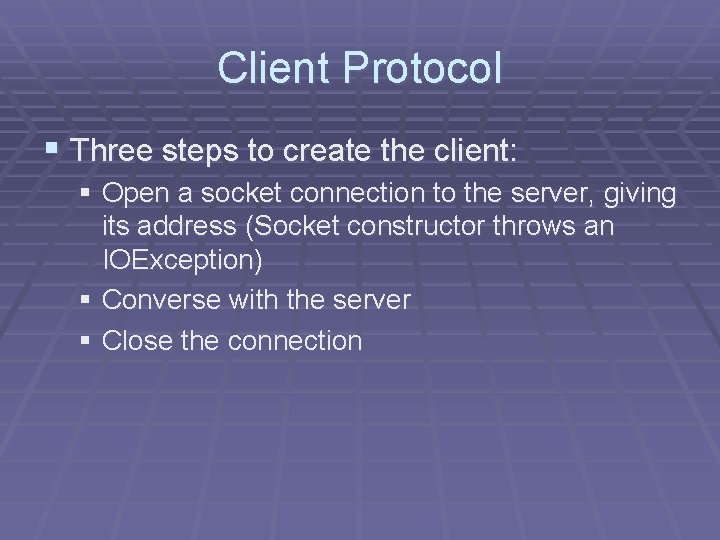
Client Protocol § Three steps to create the client: § Open a socket connection to the server, giving its address (Socket constructor throws an IOException) § Converse with the server § Close the connection
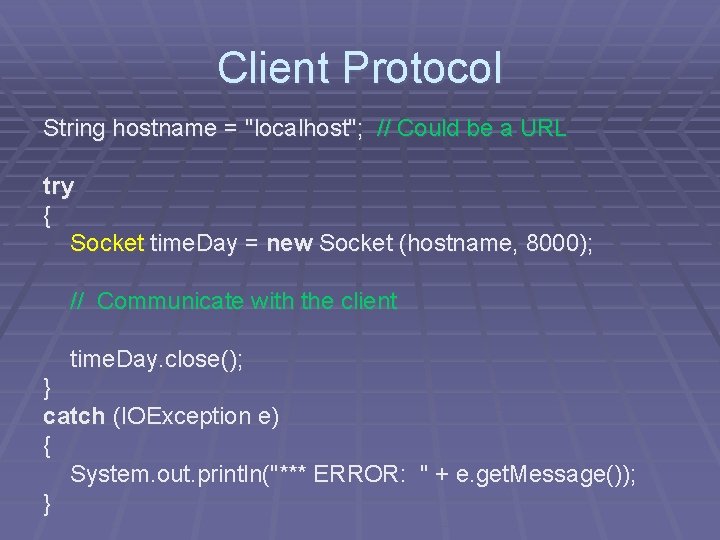
Client Protocol String hostname = "localhost"; // Could be a URL try { Socket time. Day = new Socket (hostname, 8000); // Communicate with the client time. Day. close(); } catch (IOException e) { System. out. println("*** ERROR: " + e. get. Message()); }
Let’s Practice § The Client.