Network Decoys Perhaps if we confuse them enough
- Slides: 35
Network Decoys Perhaps if we confuse them enough, they’ll just go away… ; -) Network Decoys - ISTS 1
Goals • Hide and lie about the structure and composition of our networks in order to confuse and delay attackers • Do so in a way that legitimate users of our systems and servers are not hindered. Network Decoys - ISTS 2
Types of Decoys • Tarpits • Router-responders • Kernel modifications and settings • Fake services • Full honeypots Network Decoys - ISTS 3
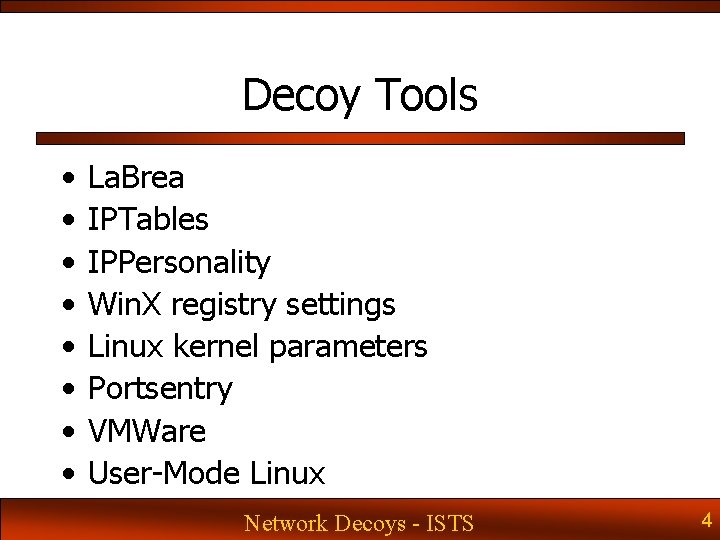
Decoy Tools • • La. Brea IPTables IPPersonality Win. X registry settings Linux kernel parameters Portsentry VMWare User-Mode Linux Network Decoys - ISTS 4
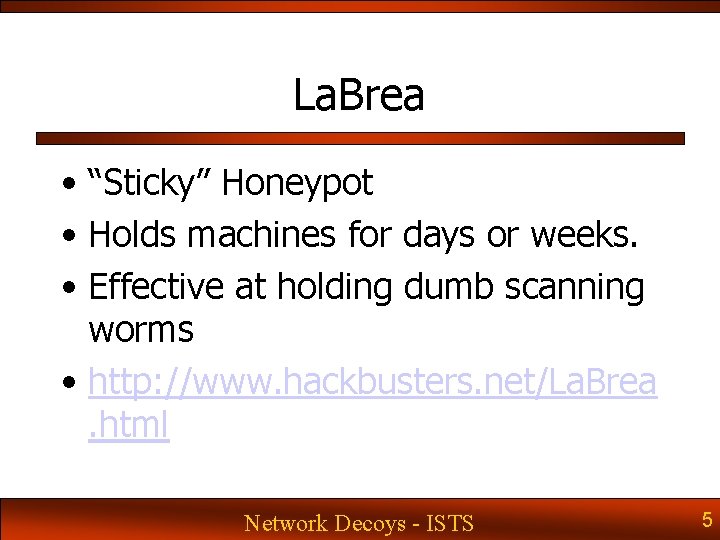
La. Brea • “Sticky” Honeypot • Holds machines for days or weeks. • Effective at holding dumb scanning worms • http: //www. hackbusters. net/La. Brea. html Network Decoys - ISTS 5
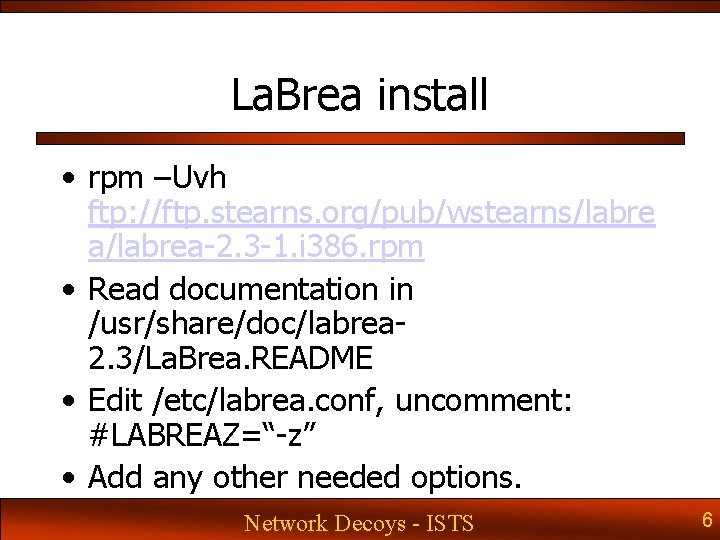
La. Brea install • rpm –Uvh ftp: //ftp. stearns. org/pub/wstearns/labre a/labrea-2. 3 -1. i 386. rpm • Read documentation in /usr/share/doc/labrea 2. 3/La. Brea. README • Edit /etc/labrea. conf, uncomment: #LABREAZ=“-z” • Add any other needed options. Network Decoys - ISTS 6
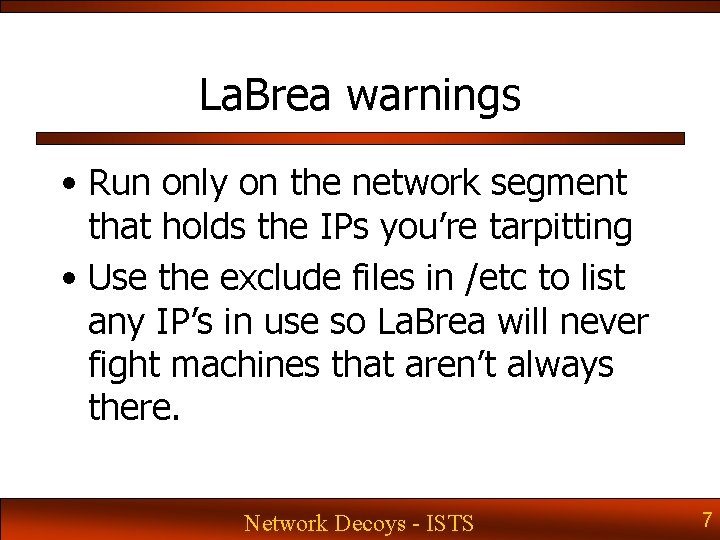
La. Brea warnings • Run only on the network segment that holds the IPs you’re tarpitting • Use the exclude files in /etc to list any IP’s in use so La. Brea will never fight machines that aren’t always there. Network Decoys - ISTS 7
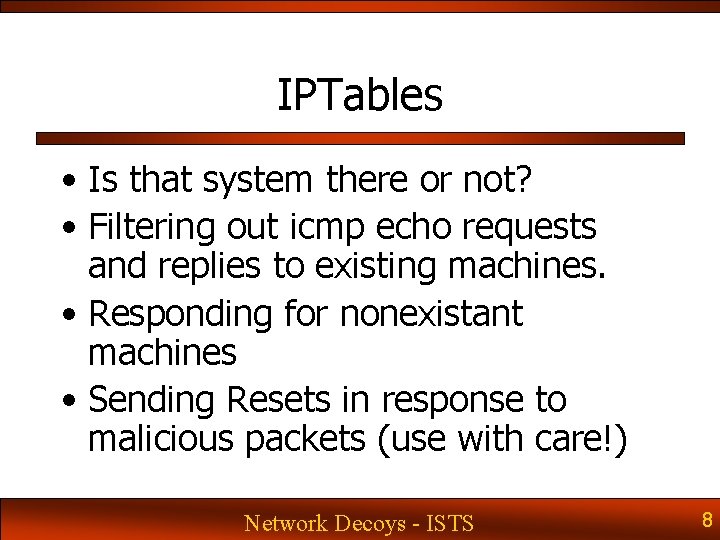
IPTables • Is that system there or not? • Filtering out icmp echo requests and replies to existing machines. • Responding for nonexistant machines • Sending Resets in response to malicious packets (use with care!) Network Decoys - ISTS 8
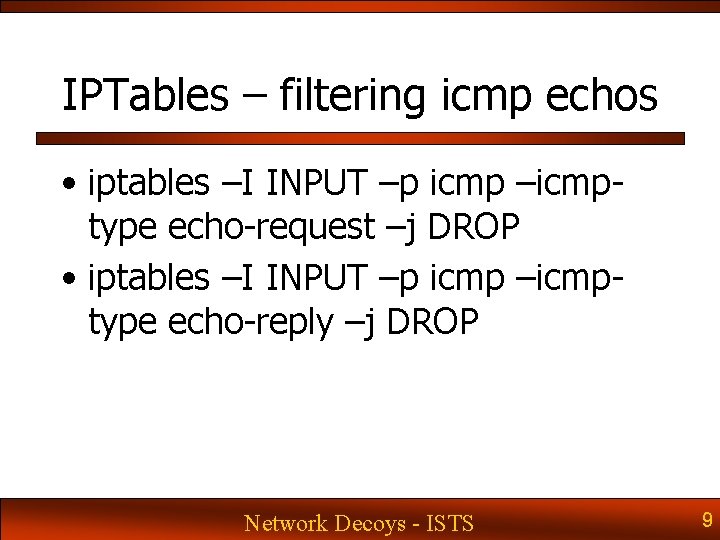
IPTables – filtering icmp echos • iptables –I INPUT –p icmp –icmptype echo-request –j DROP • iptables –I INPUT –p icmp –icmptype echo-reply –j DROP Network Decoys - ISTS 9
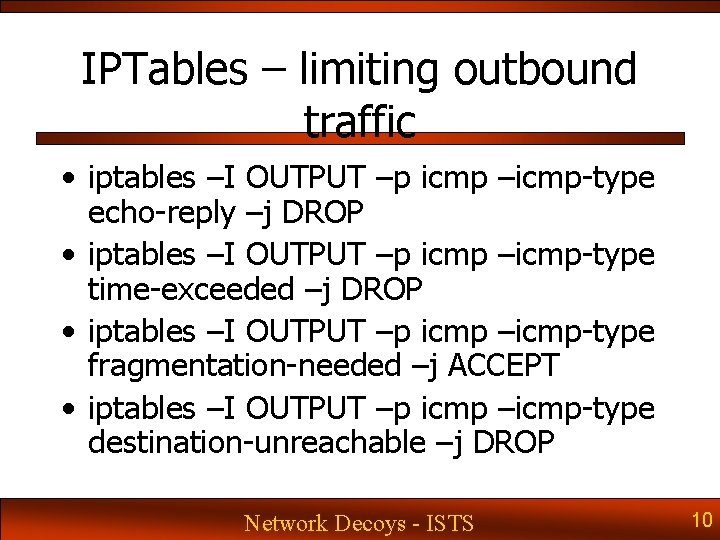
IPTables – limiting outbound traffic • iptables –I OUTPUT –p icmp –icmp-type echo-reply –j DROP • iptables –I OUTPUT –p icmp –icmp-type time-exceeded –j DROP • iptables –I OUTPUT –p icmp –icmp-type fragmentation-needed –j ACCEPT • iptables –I OUTPUT –p icmp –icmp-type destination-unreachable –j DROP Network Decoys - ISTS 10
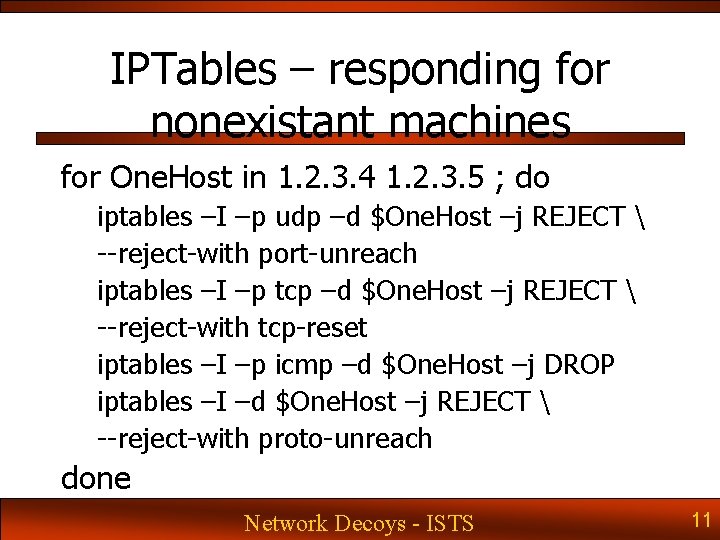
IPTables – responding for nonexistant machines for One. Host in 1. 2. 3. 4 1. 2. 3. 5 ; do iptables –I –p udp –d $One. Host –j REJECT --reject-with port-unreach iptables –I –p tcp –d $One. Host –j REJECT --reject-with tcp-reset iptables –I –p icmp –d $One. Host –j DROP iptables –I –d $One. Host –j REJECT --reject-with proto-unreach done Network Decoys - ISTS 11
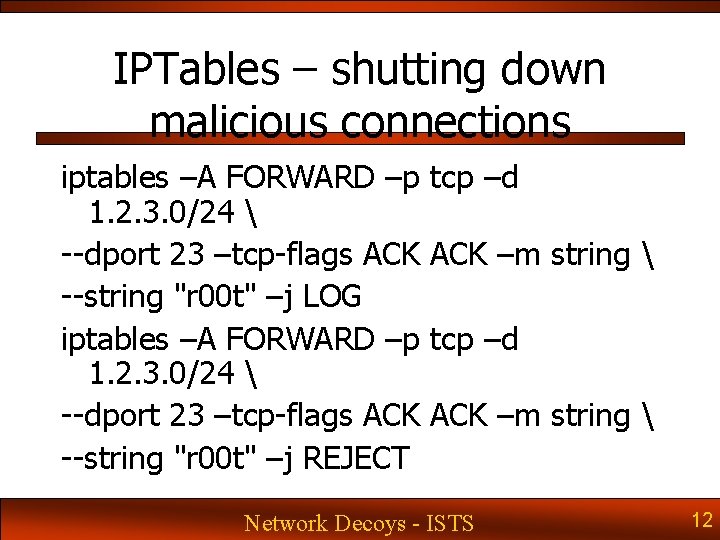
IPTables – shutting down malicious connections iptables –A FORWARD –p 1. 2. 3. 0/24 --dport 23 –tcp-flags ACK --string "r 00 t" –j LOG iptables –A FORWARD –p 1. 2. 3. 0/24 --dport 23 –tcp-flags ACK --string "r 00 t" –j REJECT tcp –d ACK –m string Network Decoys - ISTS 12
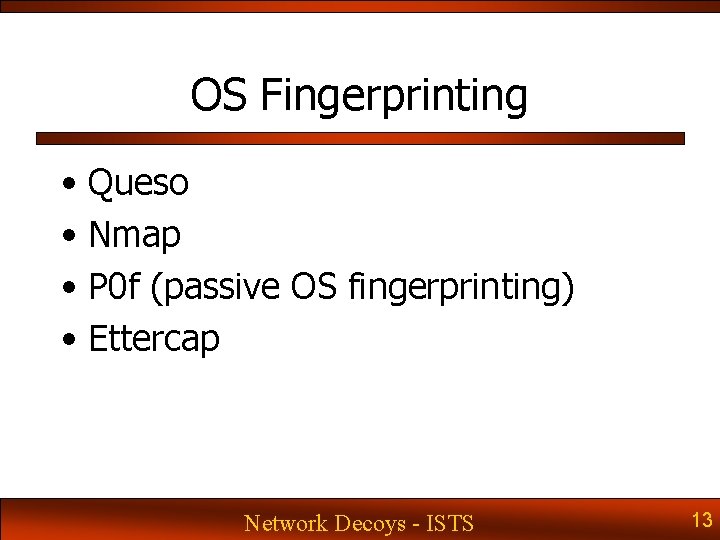
OS Fingerprinting • Queso • Nmap • P 0 f (passive OS fingerprinting) • Ettercap Network Decoys - ISTS 13
OS Fingerprinting - One side effect • If you change these fields to ones not used by an existing OS, you’ve uniquely fingerprinted your own box. Network Decoys - ISTS 14
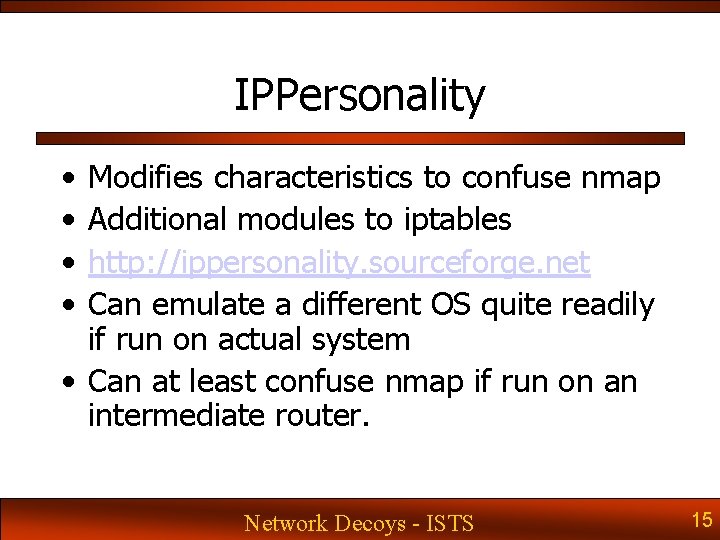
IPPersonality • • Modifies characteristics to confuse nmap Additional modules to iptables http: //ippersonality. sourceforge. net Can emulate a different OS quite readily if run on actual system • Can at least confuse nmap if run on an intermediate router. Network Decoys - ISTS 15
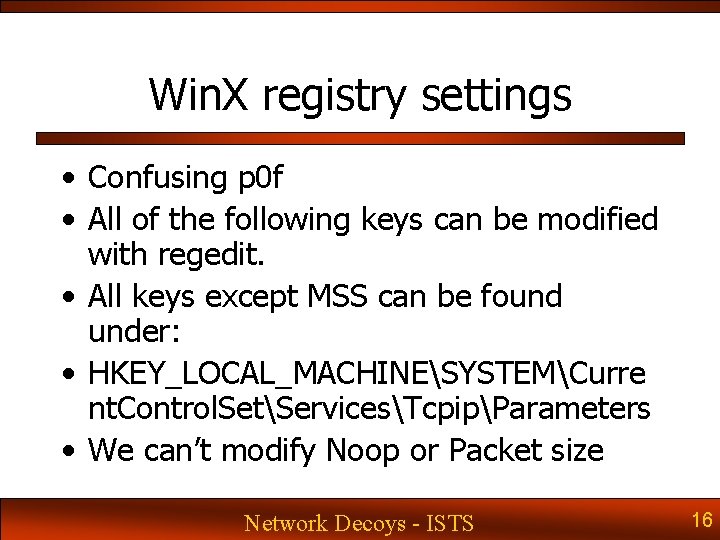
Win. X registry settings • Confusing p 0 f • All of the following keys can be modified with regedit. • All keys except MSS can be found under: • HKEY_LOCAL_MACHINESYSTEMCurre nt. Control. SetServicesTcpipParameters • We can’t modify Noop or Packet size Network Decoys - ISTS 16
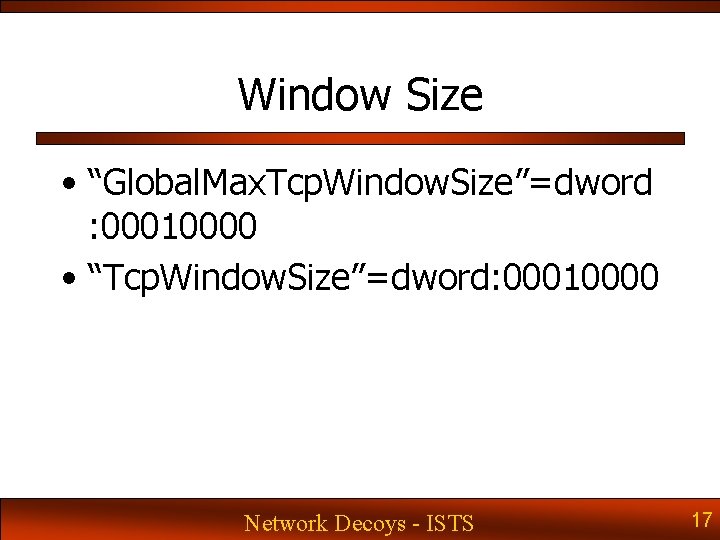
Window Size • “Global. Max. Tcp. Window. Size”=dword : 00010000 • “Tcp. Window. Size”=dword: 00010000 Network Decoys - ISTS 17
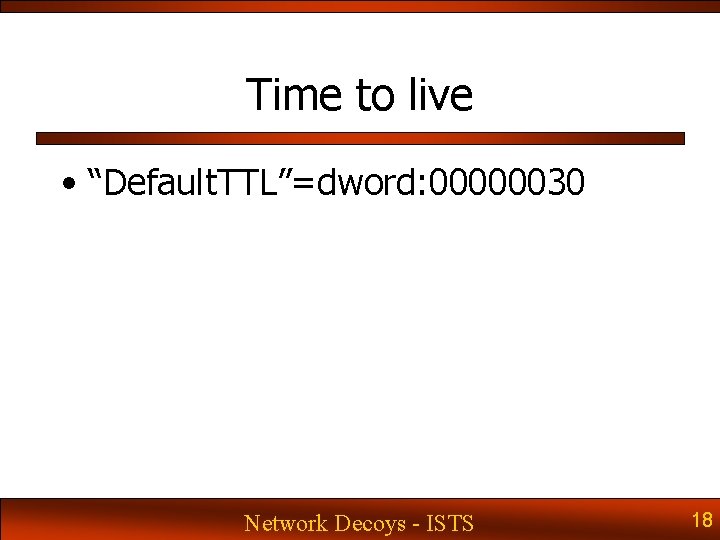
Time to live • “Default. TTL”=dword: 00000030 Network Decoys - ISTS 18
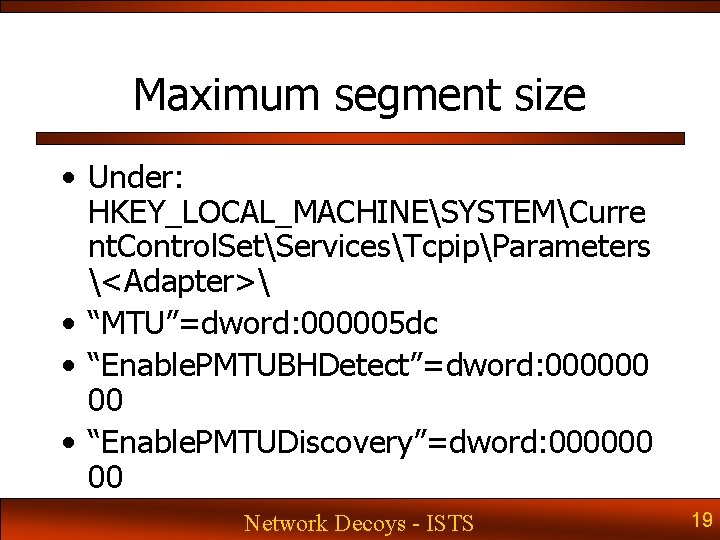
Maximum segment size • Under: HKEY_LOCAL_MACHINESYSTEMCurre nt. Control. SetServicesTcpipParameters <Adapter> • “MTU”=dword: 000005 dc • “Enable. PMTUBHDetect”=dword: 000000 00 • “Enable. PMTUDiscovery”=dword: 000000 00 Network Decoys - ISTS 19
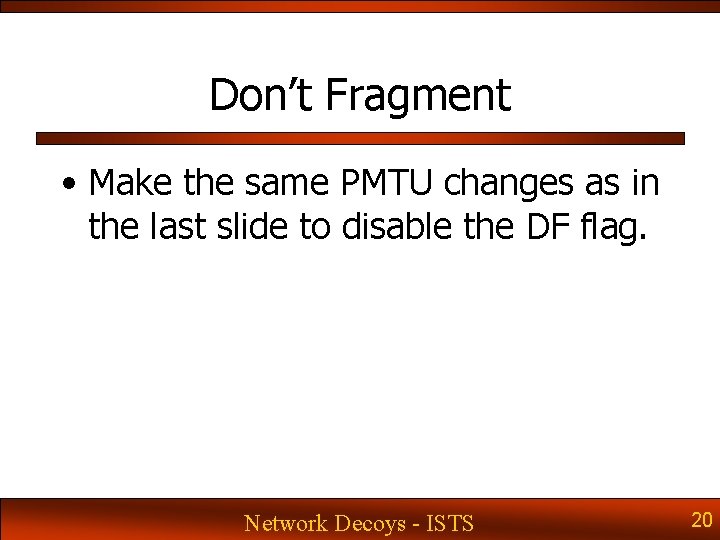
Don’t Fragment • Make the same PMTU changes as in the last slide to disable the DF flag. Network Decoys - ISTS 20
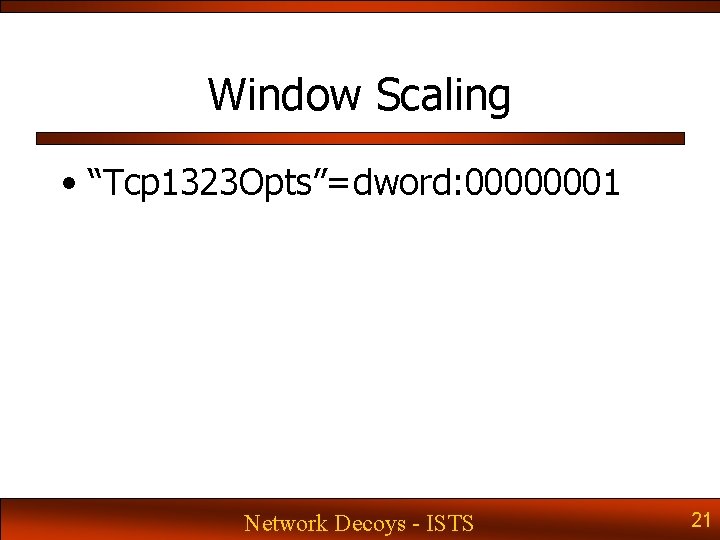
Window Scaling • “Tcp 1323 Opts”=dword: 00000001 Network Decoys - ISTS 21
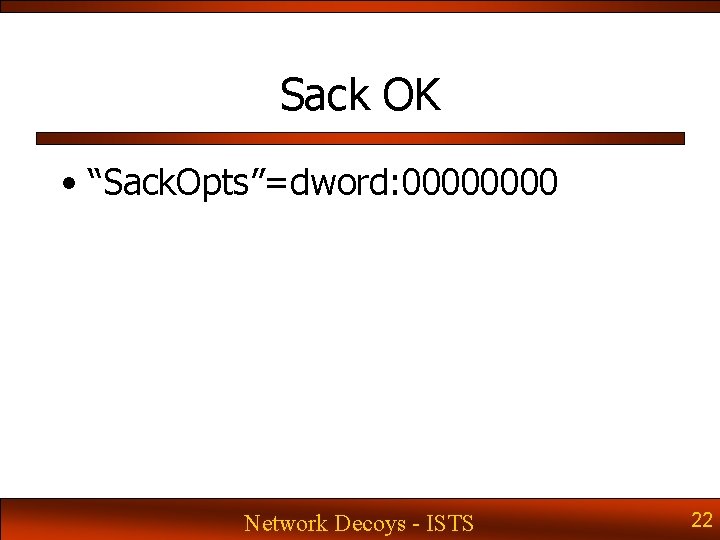
Sack OK • “Sack. Opts”=dword: 0000 Network Decoys - ISTS 22
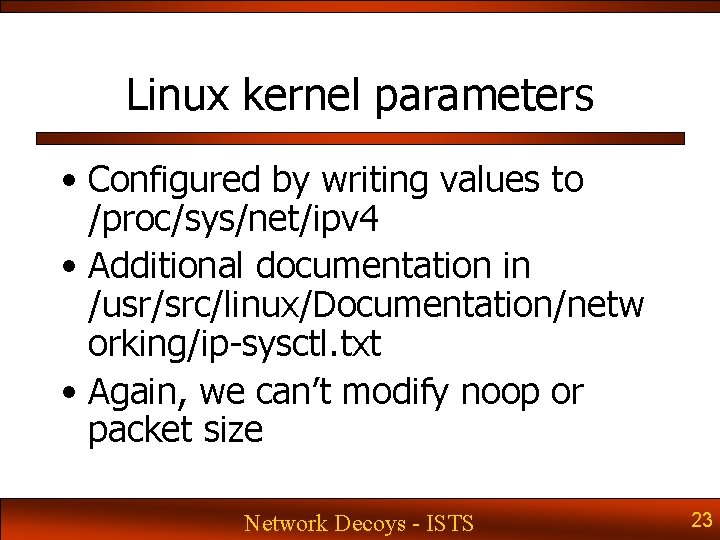
Linux kernel parameters • Configured by writing values to /proc/sys/net/ipv 4 • Additional documentation in /usr/src/linux/Documentation/netw orking/ip-sysctl. txt • Again, we can’t modify noop or packet size Network Decoys - ISTS 23
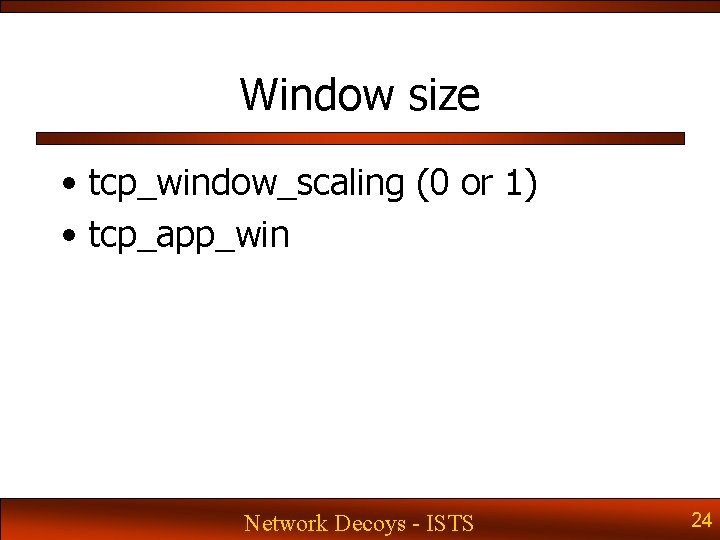
Window size • tcp_window_scaling (0 or 1) • tcp_app_win Network Decoys - ISTS 24
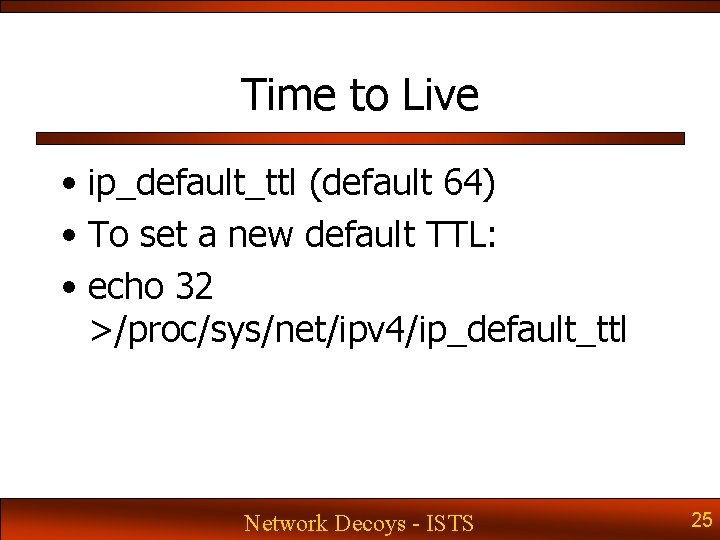
Time to Live • ip_default_ttl (default 64) • To set a new default TTL: • echo 32 >/proc/sys/net/ipv 4/ip_default_ttl Network Decoys - ISTS 25
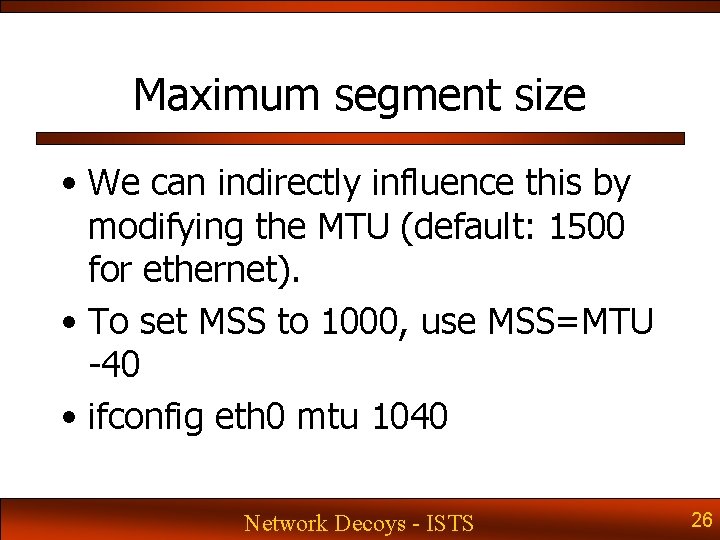
Maximum segment size • We can indirectly influence this by modifying the MTU (default: 1500 for ethernet). • To set MSS to 1000, use MSS=MTU -40 • ifconfig eth 0 mtu 1040 Network Decoys - ISTS 26
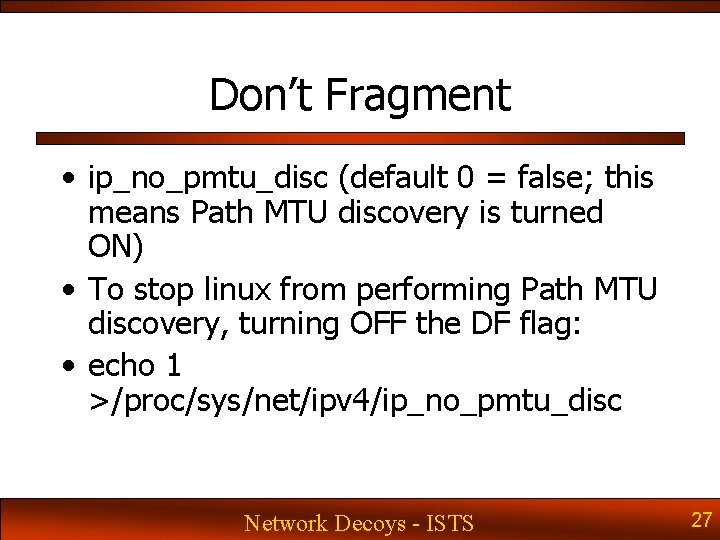
Don’t Fragment • ip_no_pmtu_disc (default 0 = false; this means Path MTU discovery is turned ON) • To stop linux from performing Path MTU discovery, turning OFF the DF flag: • echo 1 >/proc/sys/net/ipv 4/ip_no_pmtu_disc Network Decoys - ISTS 27
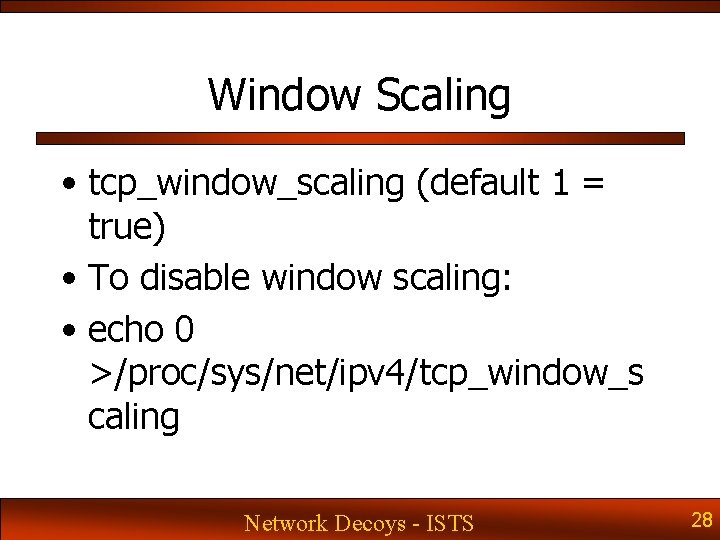
Window Scaling • tcp_window_scaling (default 1 = true) • To disable window scaling: • echo 0 >/proc/sys/net/ipv 4/tcp_window_s caling Network Decoys - ISTS 28
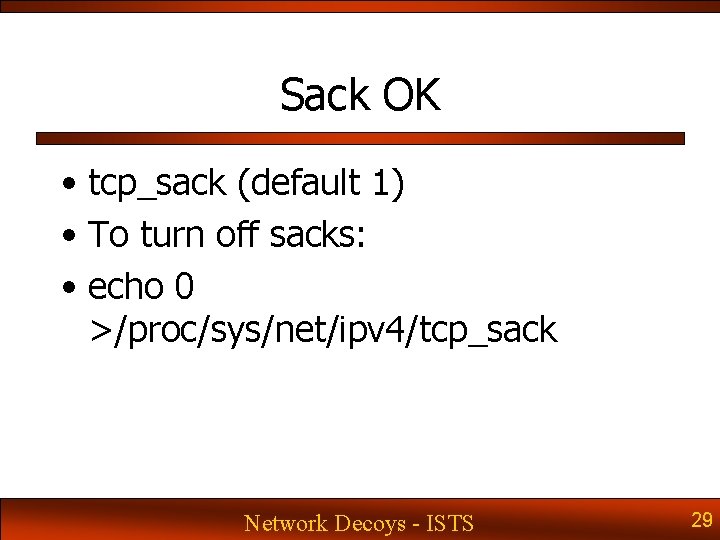
Sack OK • tcp_sack (default 1) • To turn off sacks: • echo 0 >/proc/sys/net/ipv 4/tcp_sack Network Decoys - ISTS 29
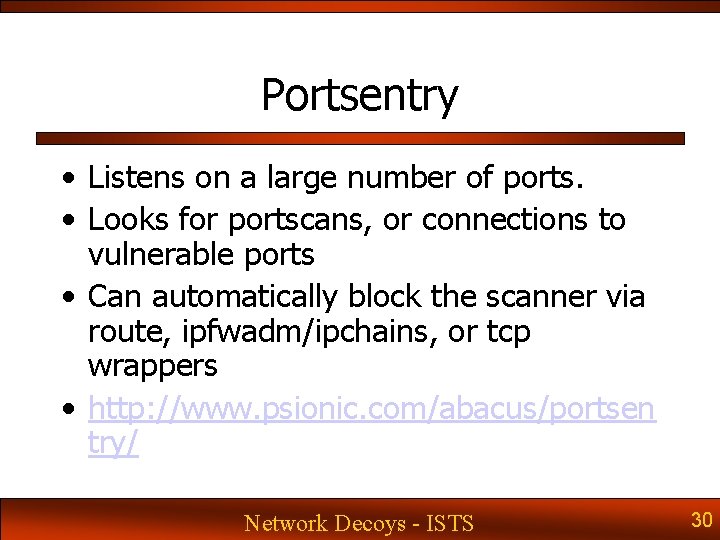
Portsentry • Listens on a large number of ports. • Looks for portscans, or connections to vulnerable ports • Can automatically block the scanner via route, ipfwadm/ipchains, or tcp wrappers • http: //www. psionic. com/abacus/portsen try/ Network Decoys - ISTS 30
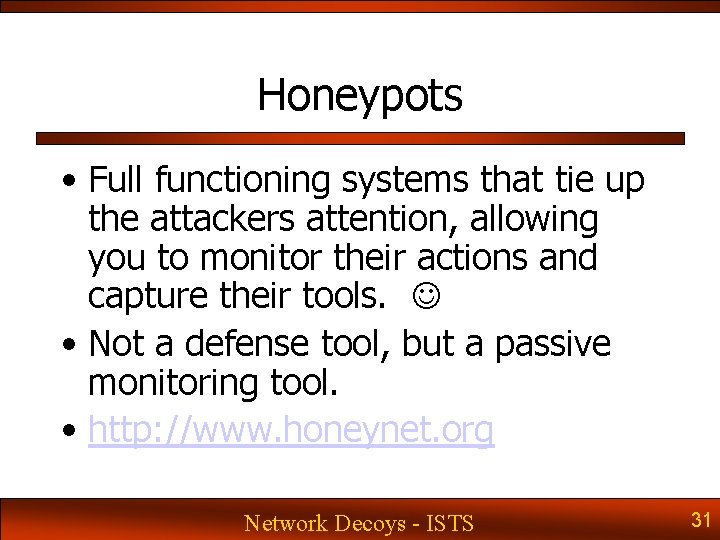
Honeypots • Full functioning systems that tie up the attackers attention, allowing you to monitor their actions and capture their tools. • Not a defense tool, but a passive monitoring tool. • http: //www. honeynet. org Network Decoys - ISTS 31
Honyepots – Physical systems • Physical box with full OS • Advantages: exactly identical to an operational system • Disadvantage: expensive, time consuming to set up and perform analysis Network Decoys - ISTS 32
Honeypots – VMWare • VMWare simulates an X 86 physical box in software, allowing you to run a virtual machine and X 86 OS underneath Windows or Linux • Advantage: reduced hardware cost • Disadvantages: inability to make custom changes to the environment, cost of Vmware, cpu overhead, X 86 only. • http: //www. vmware. com Network Decoys - ISTS 33
Honeypots – User-Mode Linux • Version of the linux kernel that runs inside an existing linux installation • Advantages: low cpu and memory overhead, easy to set up and analyze, reduced hardware cost • Disadvantages: Linux only on host and client • http: //user-mode-linux. sourceforge. net Network Decoys - ISTS 34
Credits and Thanks • Chris Brenton • Matt Scarborough • Authors of the respective packages Network Decoys - ISTS 35