Multimedia Discrete Media Text Still Images T SharonA
- Slides: 35
Multimedia Discrete Media: Text, Still Images T. Sharon-A. Frank
Contents • Discrete media types: – Text – Still images: • Vector Graphics • Bitmapped Images • Continuous media types: – Audio – Moving images: • Animations • Video • Media/Tools Comparisons 2 T. Sharon-A. Frank
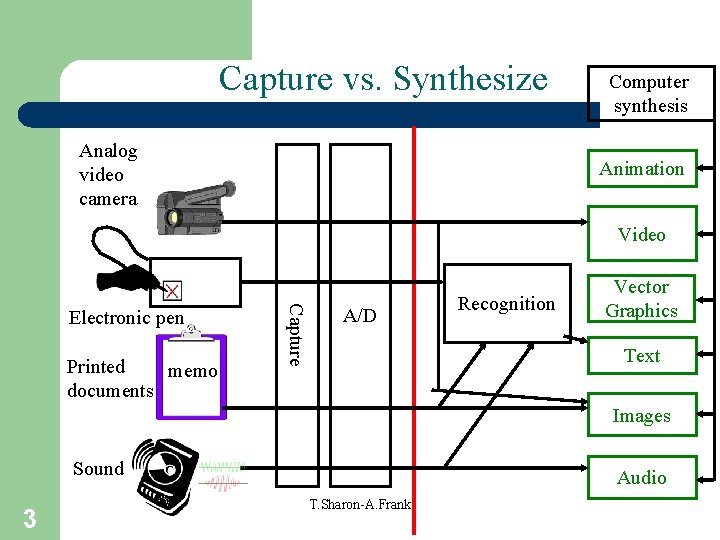
Capture vs. Synthesize Analog video camera Computer synthesis Animation Video Printed memo documents Capture Electronic pen A/D Recognition Vector Graphics Text Images Sound 3 Audio T. Sharon-A. Frank
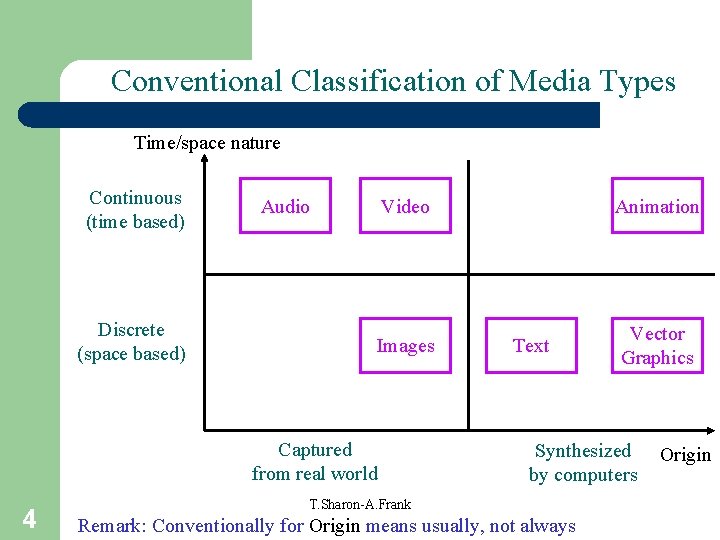
Conventional Classification of Media Types Time/space nature Continuous (time based) Discrete (space based) Audio Video Images Captured from real world 4 Animation Text Vector Graphics Synthesized by computers T. Sharon-A. Frank Remark: Conventionally for Origin means usually, not always Origin
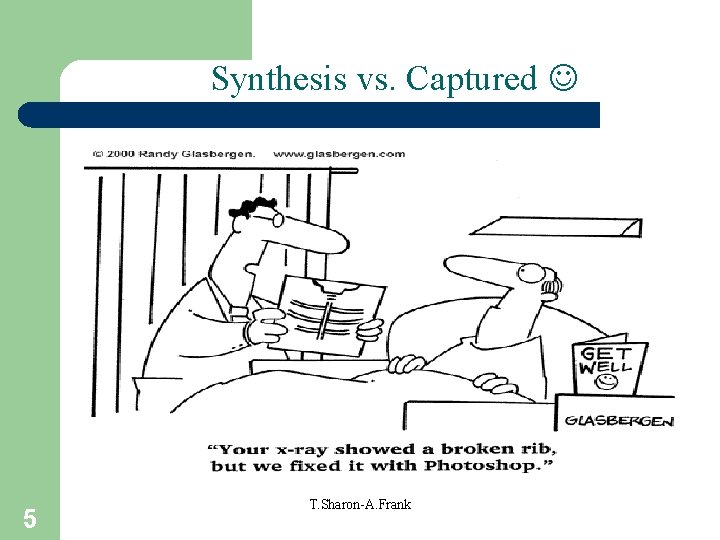
Synthesis vs. Captured 5 T. Sharon-A. Frank
Text • Formats – Plain (ASCII) – Rich text (Word, Latex, HTML) • Issues – Tags – Special characters – Bilingual • Creation – Mostly synthesized (keyboard, OCR) • Presentation 6 T. Sharon-A. Frank
Text in Multimedia • Text is critical to communication even in multimedia. • Hypertext uses text but is fundamentally different than traditional text. • Choice of words is very important and should be done carefully. 7 T. Sharon-A. Frank
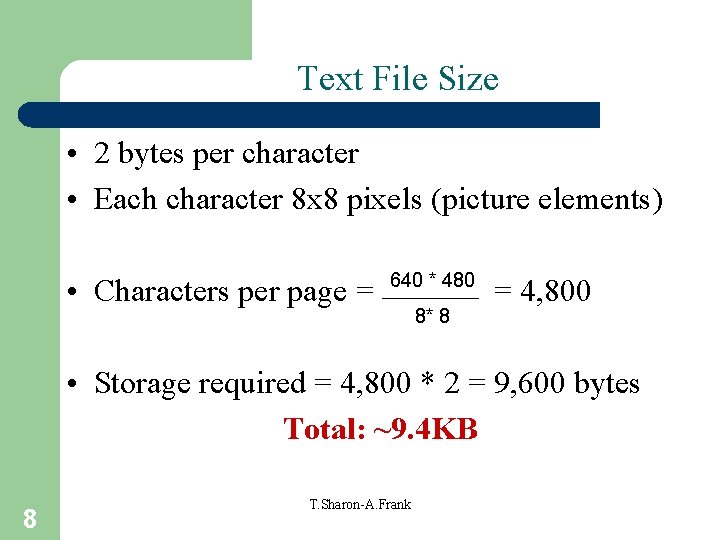
Text File Size • 2 bytes per character • Each character 8 x 8 pixels (picture elements) • Characters per page = 640 * 480 8* 8 = 4, 800 • Storage required = 4, 800 * 2 = 9, 600 bytes Total: ~9. 4 KB 8 T. Sharon-A. Frank
Computer Graphics • Production and display of still images stored in digital form: – Digitize printed image with a scanner – Capture image from digital camera – Grab frame from video camera – Create in digital form using graphics package – Generate visual representation of data. 9 T. Sharon-A. Frank
Use of Image/Picture 1. 2. 3. 4. 5. 6. 7. 8. 10 Provide facts Explain a process Set a mood Evoke an idea Pinpoint location Illustrate relationships Tell stories Identify/Compare entities T. Sharon-A. Frank
Graphics File Formats • • Many graphics file formats in existence. Different ways of encoding image data. Different amounts/form of supplementary data. Different compression methods for images: – Lossless: image can be reconstructed exactly from compressed version. – Lossy: some information discarded; image can only be reconstructed approximately. 11 T. Sharon-A. Frank
Rendering • Image is displayed on monitor as array of pixels (picture elements) – Rectangular (usually square) dots of color. • Program (e. g. , Web browser) sets pixels to an appropriate color to produce desired image – Pixels merge optically to produce effect of continuous tone. • Program must maintain a model of the image – May be stored in a file and read by program. 12 T. Sharon-A. Frank
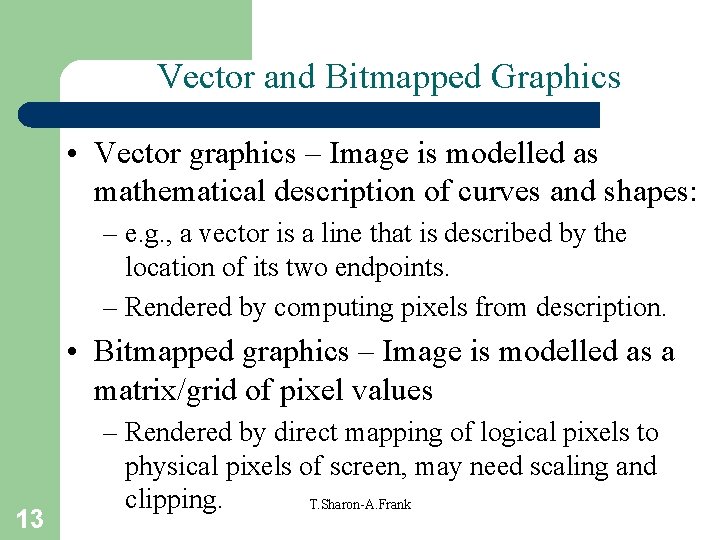
Vector and Bitmapped Graphics • Vector graphics – Image is modelled as mathematical description of curves and shapes: – e. g. , a vector is a line that is described by the location of its two endpoints. – Rendered by computing pixels from description. • Bitmapped graphics – Image is modelled as a matrix/grid of pixel values 13 – Rendered by direct mapping of logical pixels to physical pixels of screen, may need scaling and clipping. T. Sharon-A. Frank
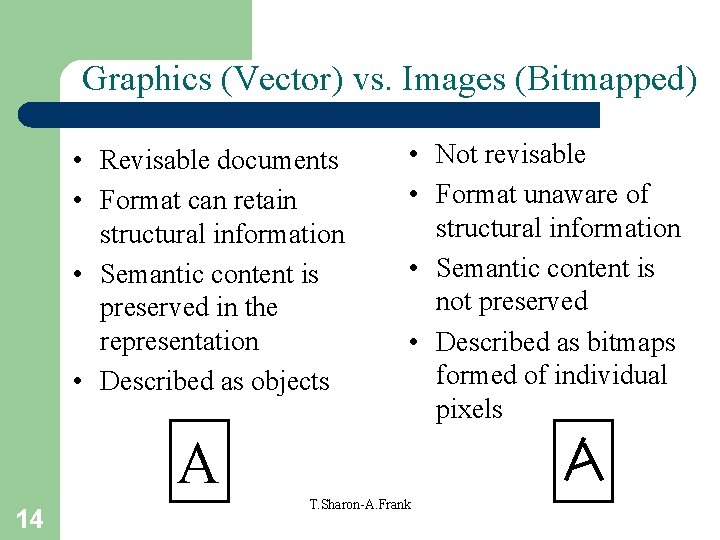
Graphics (Vector) vs. Images (Bitmapped) • Revisable documents • Format can retain structural information • Semantic content is preserved in the representation • Described as objects • Not revisable • Format unaware of structural information • Semantic content is not preserved • Described as bitmaps formed of individual pixels A 14 T. Sharon-A. Frank
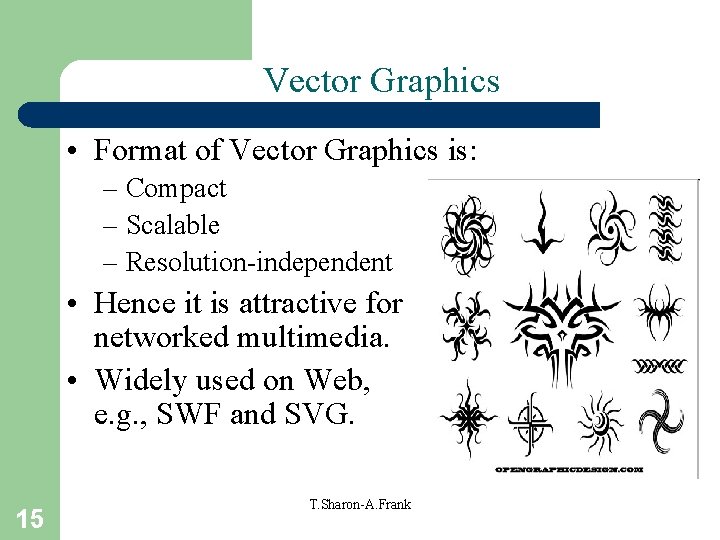
Vector Graphics • Format of Vector Graphics is: – Compact – Scalable – Resolution-independent • Hence it is attractive for networked multimedia. • Widely used on Web, e. g. , SWF and SVG. 15 T. Sharon-A. Frank
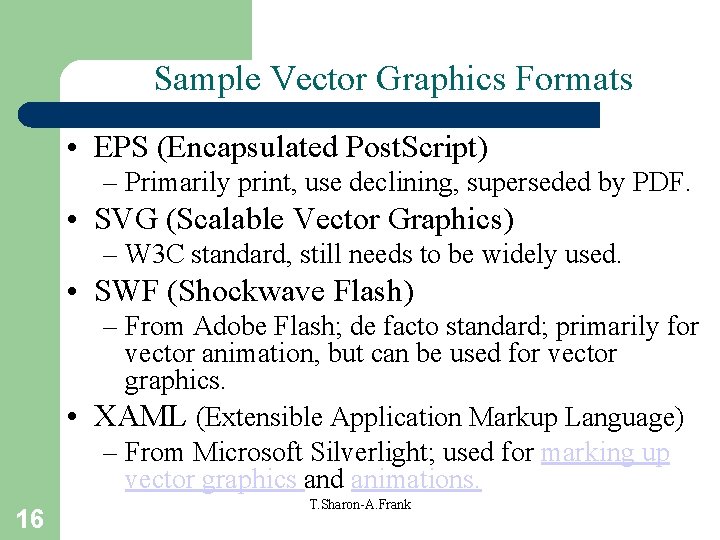
Sample Vector Graphics Formats • EPS (Encapsulated Post. Script) – Primarily print, use declining, superseded by PDF. • SVG (Scalable Vector Graphics) – W 3 C standard, still needs to be widely used. • SWF (Shockwave Flash) – From Adobe Flash; de facto standard; primarily for vector animation, but can be used for vector graphics. • XAML (Extensible Application Markup Language) – From Microsoft Silverlight; used for marking up vector graphics and animations. 16 T. Sharon-A. Frank
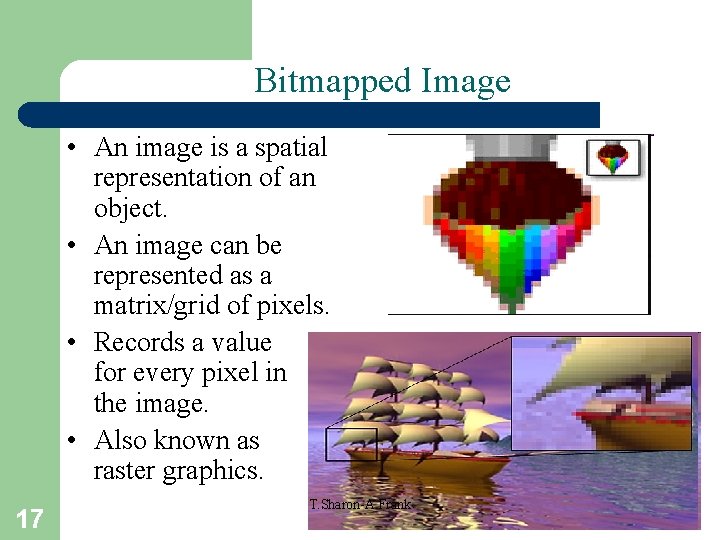
Bitmapped Image • An image is a spatial representation of an object. • An image can be represented as a matrix/grid of pixels. • Records a value for every pixel in the image. • Also known as raster graphics. 17 T. Sharon-A. Frank
Bitmapped Image Representation • An image can be thought of as a function with resulting values of the light intensity at each point over a planar region. • In computers, this function must be sampled at discrete intervals. • Intensity at each pixel is represented by an integer into which the color of the image is encoded. • If there are just 2 intensity values, 0 and 1 represent black and white (1 bit). • If 8 -bit integers, color levels range from 0 (black) to T. Sharon-A. Frank 255 (white). 18
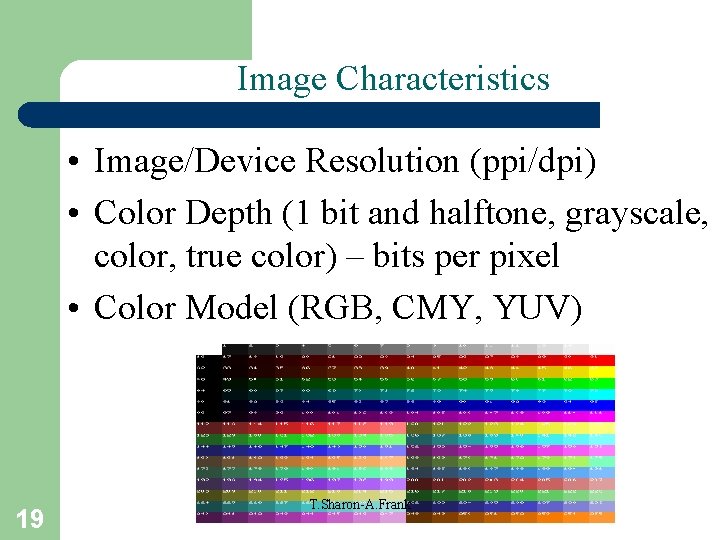
Image Characteristics • Image/Device Resolution (ppi/dpi) • Color Depth (1 bit and halftone, grayscale, color, true color) – bits per pixel • Color Model (RGB, CMY, YUV) 19 T. Sharon-A. Frank
Device Resolution • Printers, scanners: specified as dots per unit length, often dots per inch (dpi): – Desktop printer 600 dpi, typesetter 1270 dpi, scanner 300– 3600 dpi, … • Video, monitors: specified as pixel dimensions: – PAL TV 768 x 576 px, 17" CRT monitor 1024 x 768 px, … – dpi depends on physical size of screen. 20 T. Sharon-A. Frank
Image Resolution • Bitmaps are resolution dependent. • Array of pixels has pixel dimensions, but no physical dimensions. • By default, displayed size depends on resolution (dpi) of output device – physical dimension = pixel dimension/resolution. • Can store image resolution (ppi) in image file to maintain image's original size – Scale by device resolution/image resolution. 21 T. Sharon-A. Frank
Commonly used Color Models • RGB: Red, Green, Blue – additive primary colors (color monitors). • CMY: Cyan, Magenta, Yellow – subtractive primary colors plus black (color printers). • YIQ (YUV): luminance, chrominance are decoupled (TV). • HSV: Hue, Saturation and Value (color image manipulation). 22 T. Sharon-A. Frank
Image Format • A stored image is an array of values: – Each value represents data associated with a pixel in the image. – For color, this value may be: • 3 numbers – intensities of red, green and blue components of color at that pixel • 3 numbers – indices to tables of RGB intensities • 1 number – index to table of color triples • 1 number – index to other color models, such as CMY, YIQ, HSV, etc. 23 T. Sharon-A. Frank
Sample Image File Formats • BMP (Bit Map Picture) • TIFF (Tagged Image File Format) • GIF (Graphics Interchange Format) – Lossless, 256 colors (indexed), transparency • PNG (Portable Network Graphics) – Lossless, variable number of colors, W 3 C standard • JPEG (Joint Photographic Experts Group) – Lossy (variable quality), millions of colors 24 T. Sharon-A. Frank
GIF (Graphic Interchange Format) • Most popular image format on Web. • Good for condensing rows of pixels of identical color: logos, icons, line art, cartoons, etc. • Compression is lossless since uses LZW algorithm which takes advantage of repetition in data streams. • 8 -bit indexed color – indexed means each pixel contains index to cell in color table. 25 T. Sharon-A. Frank
More about GIF • Interlacing: – normal GIFs are displayed either 1 row of pixels at a time or all at once when entire image is downloaded. – Interlaced GIFs displayed in 4 passes – every 4 th line in each pass. • GIF 87 a vs. GIF 89 a – GIF 89 a allows animation and transparency. 26 T. Sharon-A. Frank
JPEG (Joint Photographic Experts Group) • Compression is lossy: – based on spatial frequency. – low frequency areas compressed more efficiently than high frequency areas. • Good for photographic images (better than GIF compression anyway): – how much compression depends on photo. – e. g. , detail-rich photo takes 85 K as GIF but requires only 35 K as JPEG. 27 T. Sharon-A. Frank
More about JPEG 28 • Allows variable compression: – Q setting between 1 and 100 (usually) Ø varies among tools that create JPEGs – lower number = lower image quality but better compression rates (smaller files) – Q setting has no mathematical significance – actual compression ratio depends on individual image. • Lossy compression makes flat colors blotchy and pixilated. T. Sharon-A. Frank
PNG (Portable Network Format) • Developed in early 1995 as non-proprietary alternative to GIF. • Taking a while to catch on. • Uses lossless compression: – horizontal compression similar to GIF – vertical compression using series of filters – typically compresses 5 -25% better than GIF. 29 T. Sharon-A. Frank
More about PNG • A good GIF substitute. • Not a good JPEG substitute (lossless compression results in bigger files than JPEGs lossy compression). • Supports 24 bit indexed color (and higher so could be a good TIFF substitute for detailed photos). • Supports interlacing, transparency, and lots of other unique features. 30 T. Sharon-A. Frank
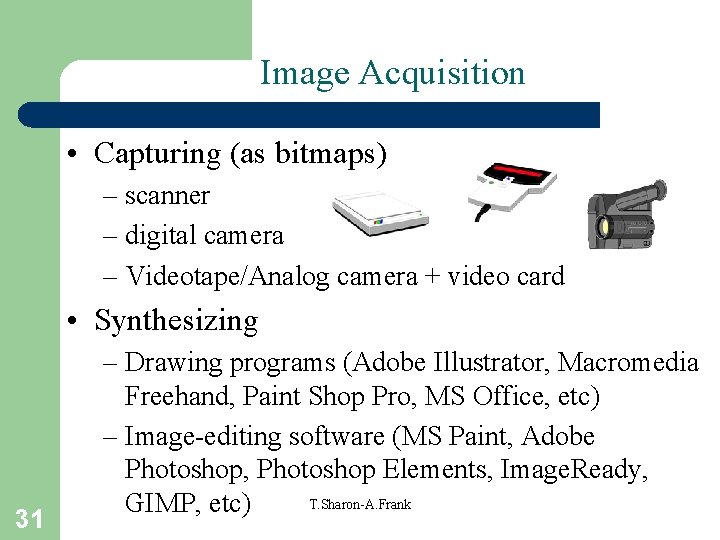
Image Acquisition • Capturing (as bitmaps) – scanner – digital camera – Videotape/Analog camera + video card • Synthesizing 31 – Drawing programs (Adobe Illustrator, Macromedia Freehand, Paint Shop Pro, MS Office, etc) – Image-editing software (MS Paint, Adobe Photoshop, Photoshop Elements, Image. Ready, T. Sharon-A. Frank GIMP, etc)
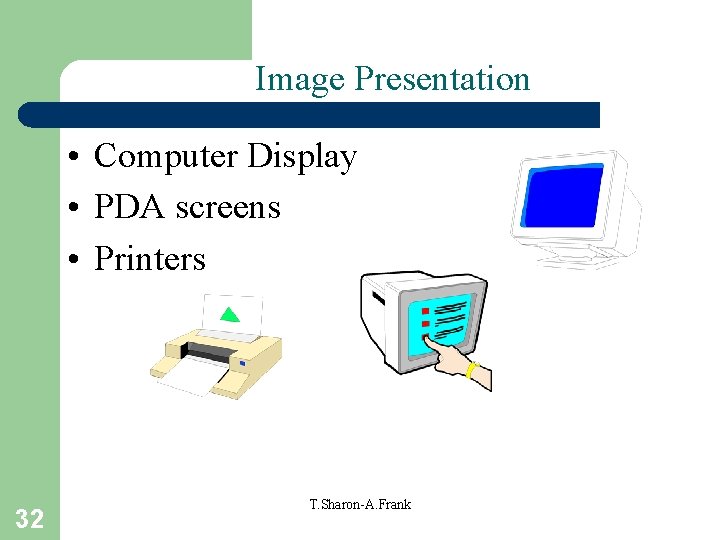
Image Presentation • Computer Display • PDA screens • Printers 32 T. Sharon-A. Frank
Memory Requirements • Bitmapped – any picture of w x h pixels, using c bytes per pixel, occupies w x h x c bytes. • Vector – space required depends on complexity of picture (how many shapes, segments of path, etc). • Usually vector graphics memory requirements are smaller than those of bitmapped – when few vectors, more efficient than bitmaps. 33 T. Sharon-A. Frank
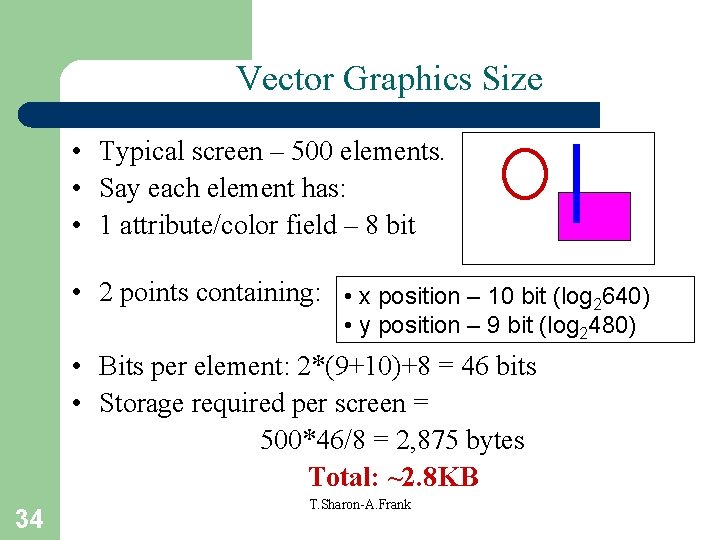
Vector Graphics Size • Typical screen – 500 elements. • Say each element has: • 1 attribute/color field – 8 bit • 2 points containing: • x position – 10 bit (log 2640) • y position – 9 bit (log 2480) • Bits per element: 2*(9+10)+8 = 46 bits • Storage required per screen = 500*46/8 = 2, 875 bytes Total: ~2. 8 KB 34 T. Sharon-A. Frank
Color Raster Picture Size • One screen: 640 * 480 = 307, 200 pixels • 256 colors – 1 byte per pixel = 307, 200 bytes Total: ~300 KB • True color (16 M colors) – 3 bytes per pixel = 307, 200*3 = 921, 600 bytes Total: ~900 KB 35 T. Sharon-A. Frank