Multilingual Service Desk Jon Shirley Agenda 2 Introduction




- Slides: 18
Multilingual Service Desk Jon Shirley
Agenda • • 2 Introduction What is a Multilingual Service Desk? Demonstration. How to set it up. Exercise. Troubleshooting. Questions. LANDesk Software Confidential
DEMONSTRATION
HOW TO SET IT UP
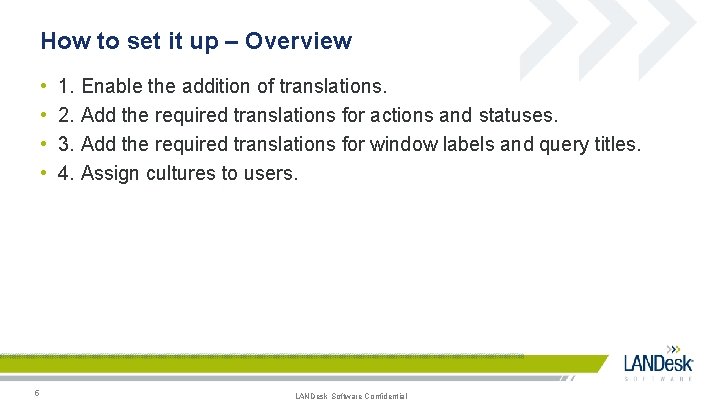
How to set it up – Overview • • 5 1. Enable the addition of translations. 2. Add the required translations for actions and statuses. 3. Add the required translations for window labels and query titles. 4. Assign cultures to users. LANDesk Software Confidential
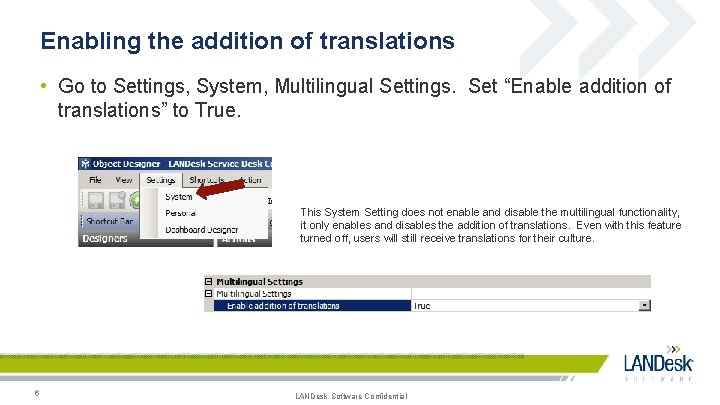
Enabling the addition of translations • Go to Settings, System, Multilingual Settings. Set “Enable addition of translations” to True. This System Setting does not enable and disable the multilingual functionality, it only enables and disables the addition of translations. Even with this feature turned off, users will still receive translations for their culture. 6 LANDesk Software Confidential
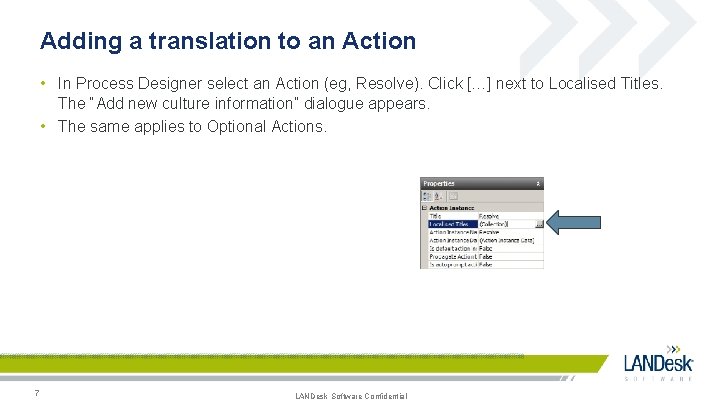
Adding a translation to an Action • In Process Designer select an Action (eg, Resolve). Click […] next to Localised Titles. The “Add new culture information” dialogue appears. • The same applies to Optional Actions. 7 LANDesk Software Confidential
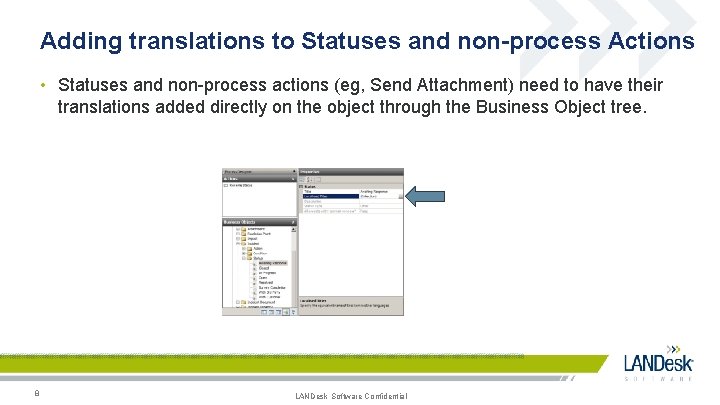
Adding translations to Statuses and non-process Actions • Statuses and non-process actions (eg, Send Attachment) need to have their translations added directly on the object through the Business Object tree. 8 LANDesk Software Confidential
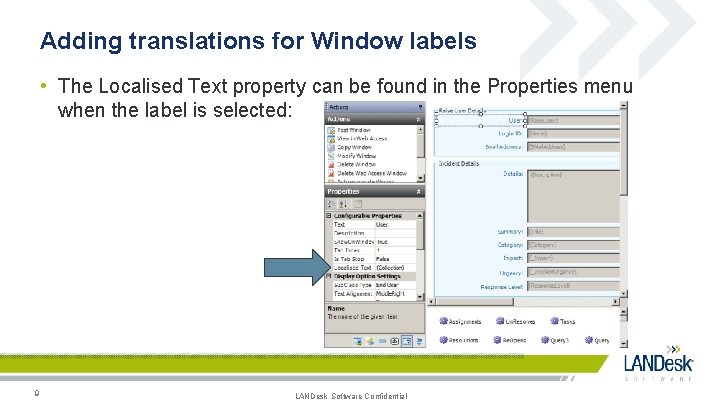
Adding translations for Window labels • The Localised Text property can be found in the Properties menu when the label is selected: 9 LANDesk Software Confidential
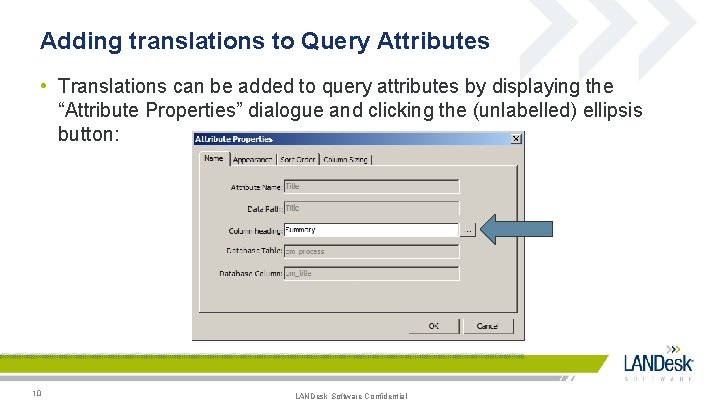
Adding translations to Query Attributes • Translations can be added to query attributes by displaying the “Attribute Properties” dialogue and clicking the (unlabelled) ellipsis button: 10 LANDesk Software Confidential
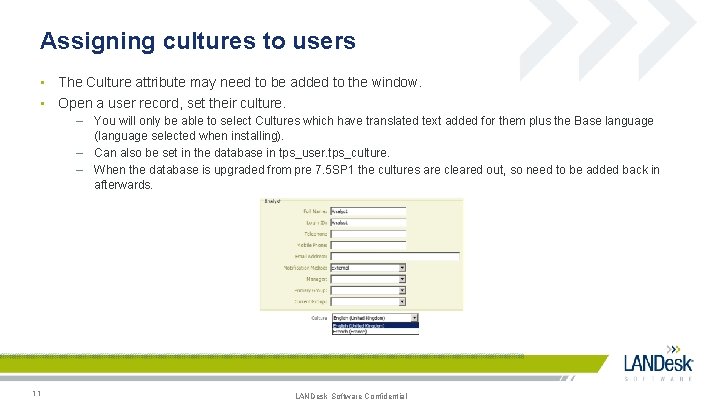
Assigning cultures to users • The Culture attribute may need to be added to the window. • Open a user record, set their culture. – You will only be able to select Cultures which have translated text added for them plus the Base language (language selected when installing). – Can also be set in the database in tps_user. tps_culture. – When the database is upgraded from pre 7. 5 SP 1 the cultures are cleared out, so need to be added back in afterwards. 11 LANDesk Software Confidential
EXERCISE
Exercise • Create an Analyst with a non-English culture. • Add translations for their culture to the attributes in the All Incidents query. • Add translations for their culture to the X Actions in the X Process. • Publish shortcuts as necessary. • Log in as them and run the All Incidents query – the column headings should be translated for their culture. • Launch the X process – the actions should be translated. LANDesk Software Confidential
TROUBLESHOOTING
Troubleshooting - Things to be aware of • • Query preview attributes cannot currently be translated. When database access logging is enabled, you can see SQL queries including md_localised_resource. md_culture when translated attributes are being loaded. • Translating text on the Object within Process Designer will not pull through to each Process instance. – Time consuming to manually populate translations for all process actions. Design transfer will not transfer translated text. When a user with a localised culture logs in and first accesses a localised string this is then cached. – The localised cache is separate to the "regular" console cache. It is populated as and when translated strings are requested for the first time and persists for the entirety of the console session. If a translation doesn’t exist for an item it will be displayed in the base language. • • • 15 LANDesk Software Confidential
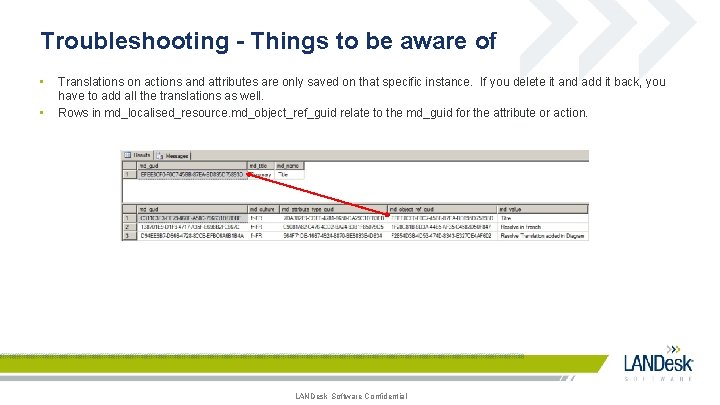
Troubleshooting - Things to be aware of • • Translations on actions and attributes are only saved on that specific instance. If you delete it and add it back, you have to add all the translations as well. Rows in md_localised_resource. md_object_ref_guid relate to the md_guid for the attribute or action. LANDesk Software Confidential
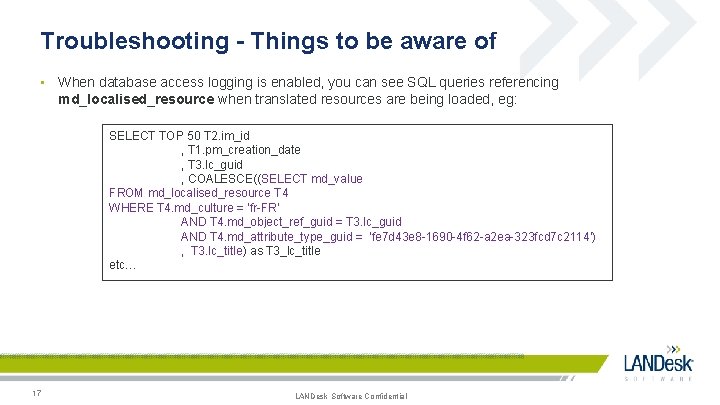
Troubleshooting - Things to be aware of • When database access logging is enabled, you can see SQL queries referencing md_localised_resource when translated resources are being loaded, eg: SELECT TOP 50 T 2. im_id , T 1. pm_creation_date , T 3. lc_guid , COALESCE((SELECT md_value FROM md_localised_resource T 4 WHERE T 4. md_culture = 'fr-FR' AND T 4. md_object_ref_guid = T 3. lc_guid AND T 4. md_attribute_type_guid = 'fe 7 d 43 e 8 -1690 -4 f 62 -a 2 ea-323 fcd 7 c 2114') , T 3. lc_title) as T 3_lc_title etc… 17 LANDesk Software Confidential