
MAT 1234 Calculus I Introduction to Maple http
- Slides: 26
MAT 1234 Calculus I Introduction to Maple http: //myhome. spu. edu/lauw
Course Web Page http: //myhome. spu. edu/lauw Link to this document and other course information
MAPLE l Software that performs computations and plots graphs
MAPLE l Maple will be used in other classes in your major
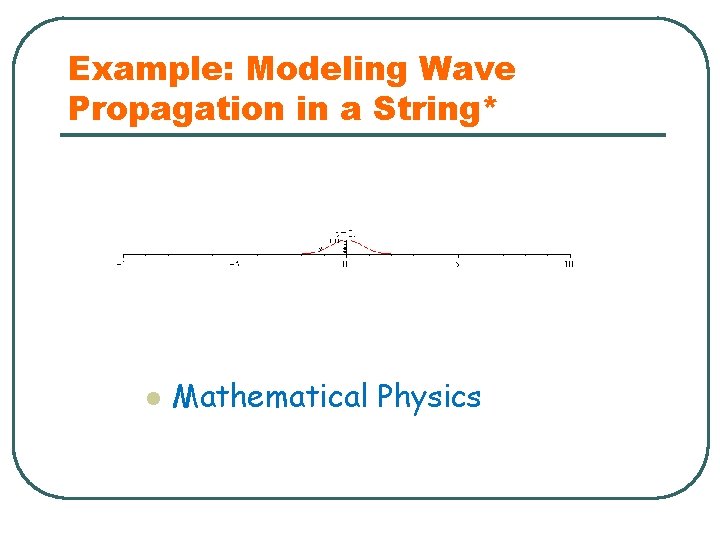
Example: Modeling Wave Propagation in a String* l Mathematical Physics
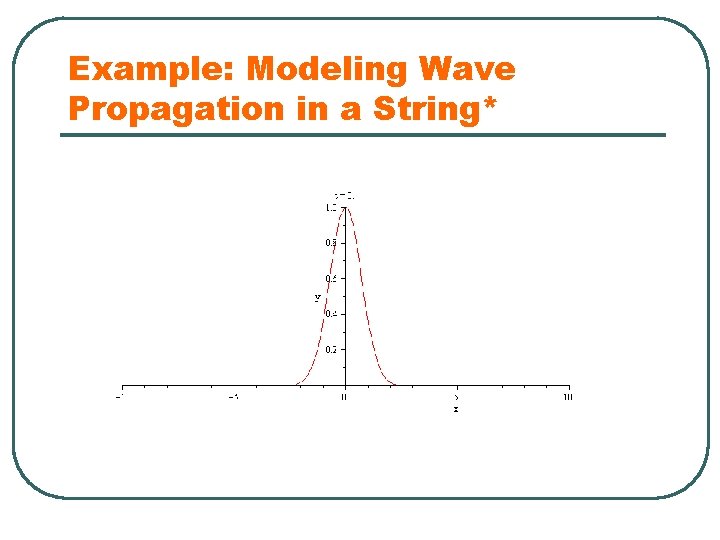
Example: Modeling Wave Propagation in a String*
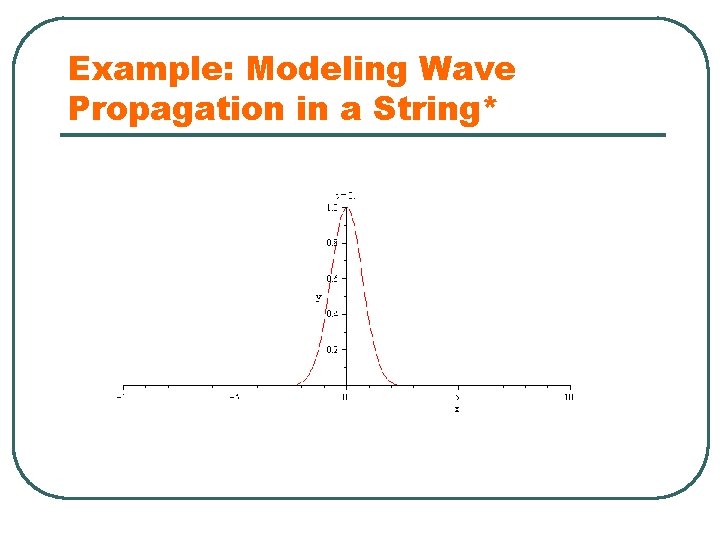
Example: Modeling Wave Propagation in a String*
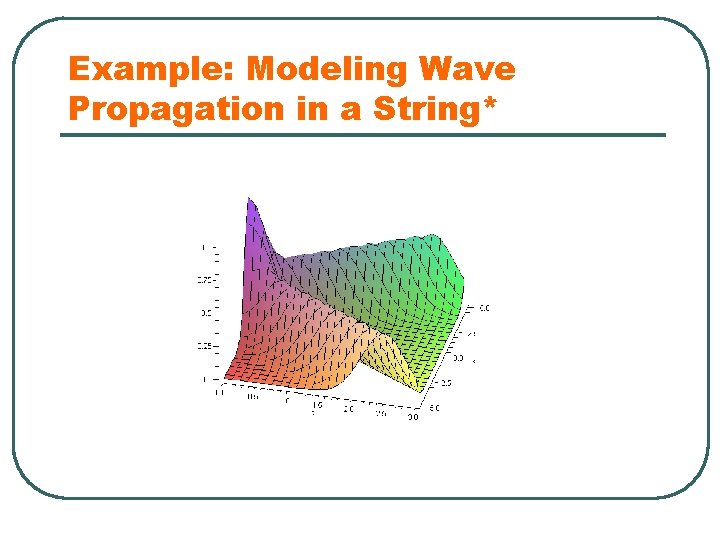
Example: Modeling Wave Propagation in a String*
MAPLE l l Software that performs computations and plots graphs focus on Discovery-Based Learning
MAPLE l l Software that performs computations and plots graphs focus on Discovery-Based Learning • Labs are designed for you to discover the principles and formulas through computations
MAPLE l l Software that performs computations and plots graphs focus on Discovery-Based Learning • Labs are designed for you to discover the principles and formulas through computations l Maple is available on most computer labs.
MAPLE l l Software that performs computations and plots graphs focus on Discovery-Based Learning • Labs are designed for you to discover the principles and formulas through computations l l Maple is available on most computer labs. A copy can be purchased at discounted price
MAPLE LABS l l 5 Maple labs One lab report per group (2 persons)
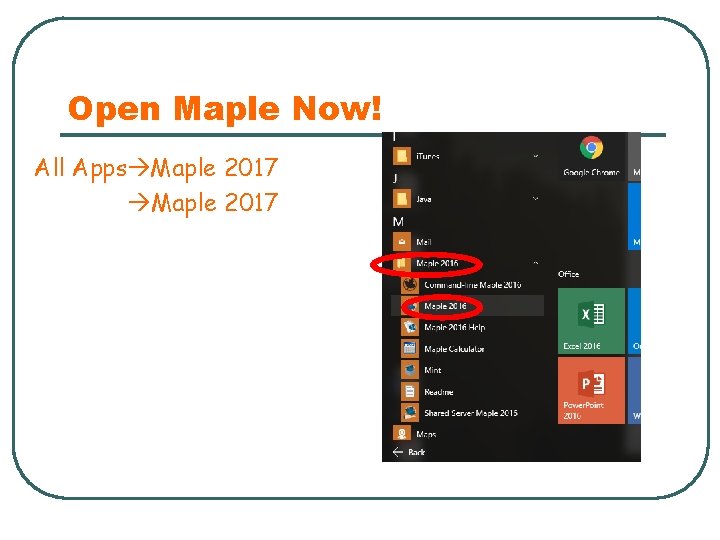
Open Maple Now! All Apps Maple 2017
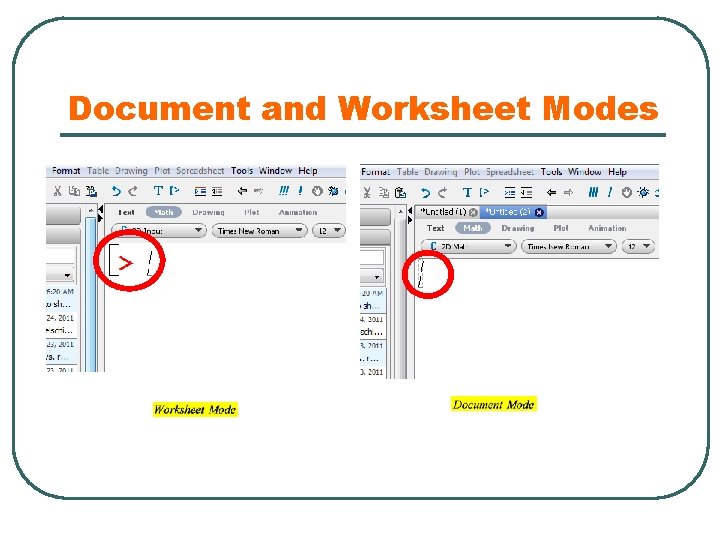
Worksheet Mode l l 2 modes: Document and Worksheet. All Maple in this class must be done on “Worksheet Mode”.
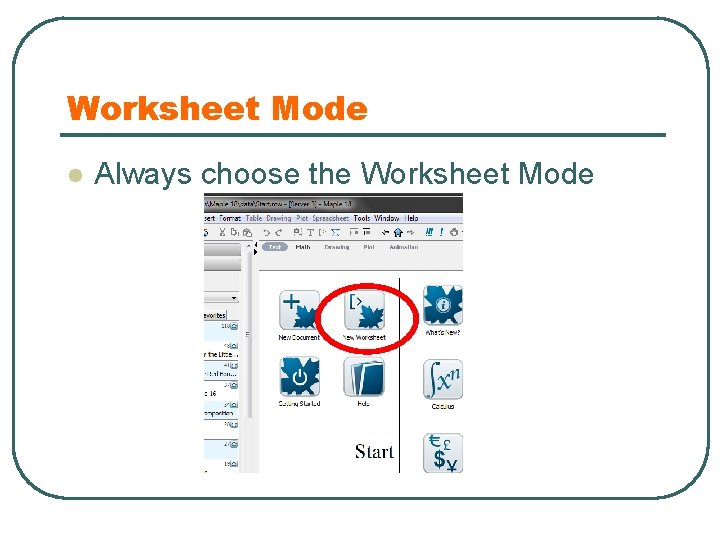
Worksheet Mode l Always choose the Worksheet Mode
Document and Worksheet Modes
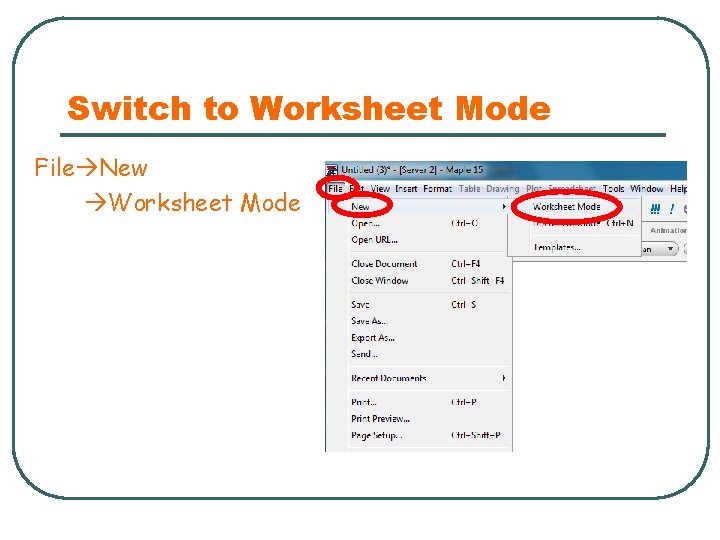
Switch to Worksheet Mode File New Worksheet Mode
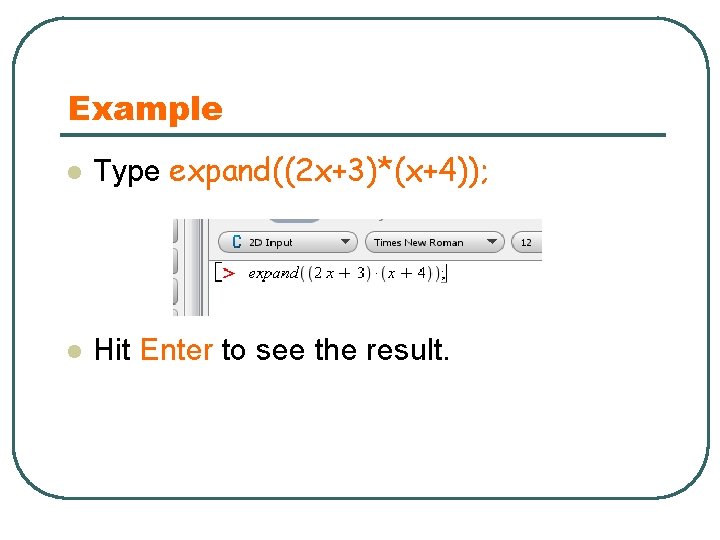
Example l Type expand((2 x+3)*(x+4)); l Hit Enter to see the result.
Maple Essential Tutorials l We are going to learn the basic Maple commands today
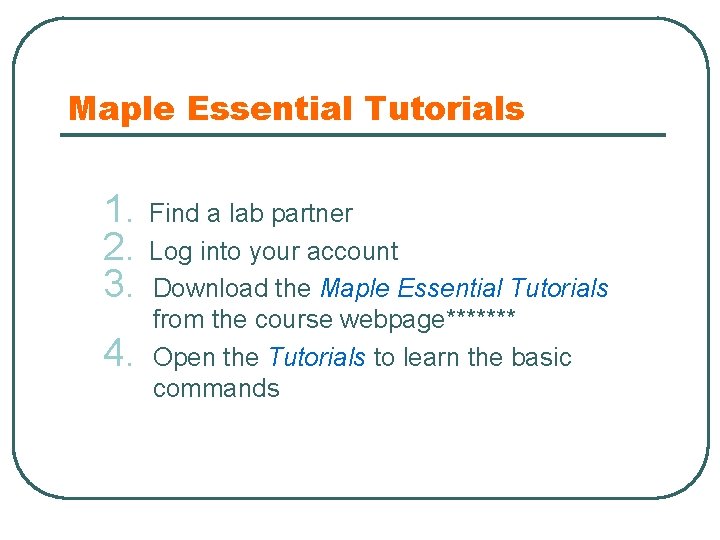
Maple Essential Tutorials 1. 2. 3. 4. Find a lab partner Log into your account Download the Maple Essential Tutorials from the course webpage******* Open the Tutorials to learn the basic commands
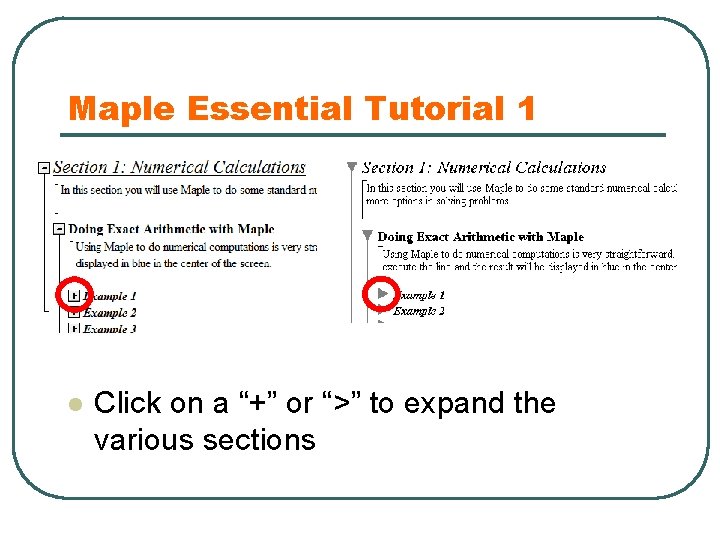
Maple Essential Tutorial 1 l Click on a “+” or “>” to expand the various sections
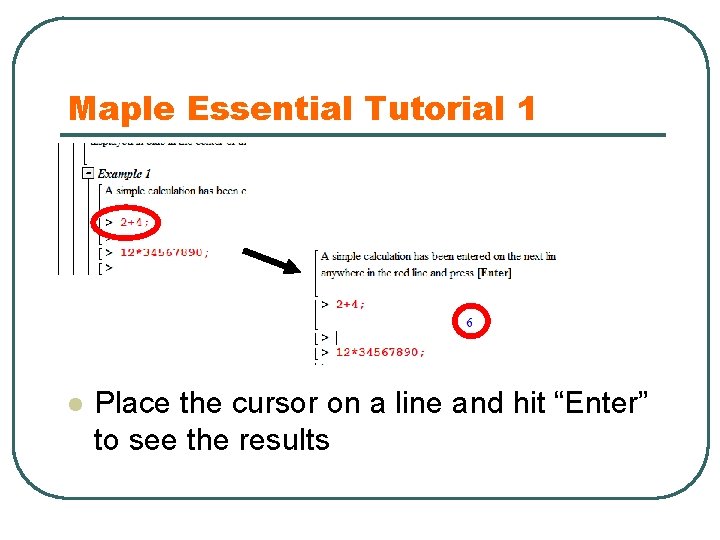
Maple Essential Tutorial 1 l Place the cursor on a line and hit “Enter” to see the results
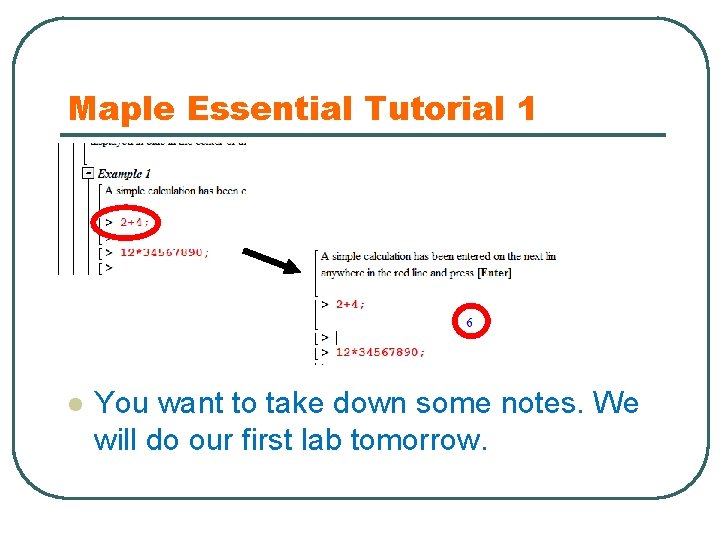
Maple Essential Tutorial 1 l You want to take down some notes. We will do our first lab tomorrow.
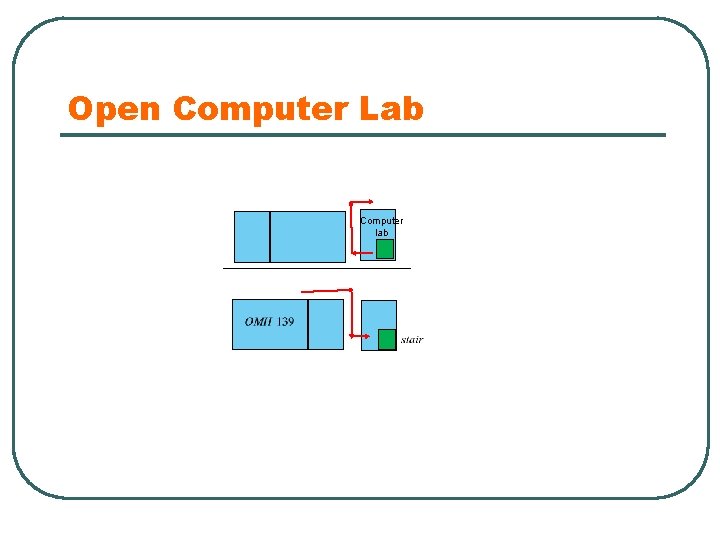
Maple Essential Tutorials Finish Maple Essential Tutorials 1 and 5 (up to exercise 5. 5) l After class, finish Maple Essential Tutorial 3 (Check out the computer lab upstairs- map on the next slide. ) l
Open Computer Lab Computer lab