Malware Dynamic Analysis Part 6 Veronica Kovah vkovah

- Slides: 25
Malware Dynamic Analysis Part 6 Veronica Kovah vkovah. ost at gmail http: //opensecuritytraining. info/Malware. Dynamic. Analysis. html See notes for citation 1
All materials is licensed under a Creative Commons “Share Alike” license http: //creativecommons. org/licenses/by-sa/3. 0/ See notes for citation 2
Where are we at? • Part 5: Using an all-in-one sandbox – Cuckoo Sandbox – Malware Attribute Enumeration and Characterization (MAEC) – Different sandbox results comparison • Part 6: Actionable output – Yara – Snort See notes for citation 3
Yara • Open source tool to identify and classify malicious files based on textual or binary patterns • Light-weight way of performing signature checks • Can be used for any binary data (exe, pdf, pcaps, etc) • Useful in an email server for tip-offs, and filtering See notes for citation 4
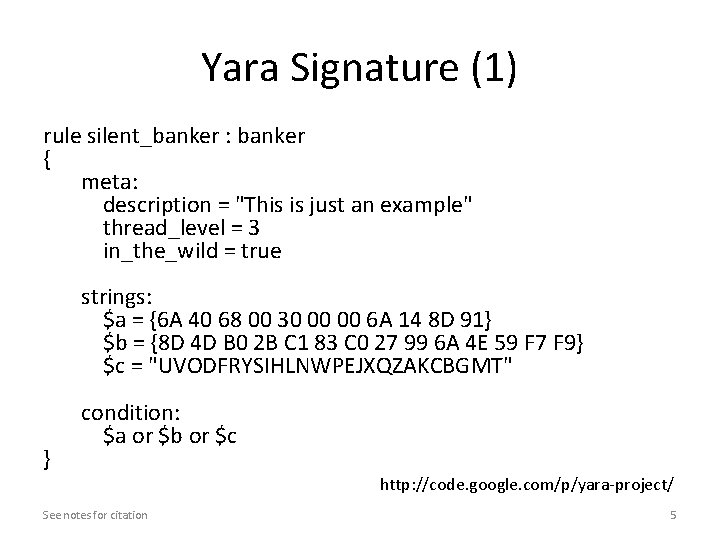
Yara Signature (1) rule silent_banker : banker { meta: description = "This is just an example" thread_level = 3 in_the_wild = true strings: $a = {6 A 40 68 00 30 00 00 6 A 14 8 D 91} $b = {8 D 4 D B 0 2 B C 1 83 C 0 27 99 6 A 4 E 59 F 7 F 9} $c = "UVODFRYSIHLNWPEJXQZAKCBGMT" condition: $a or $b or $c } http: //code. google. com/p/yara-project/ See notes for citation 5
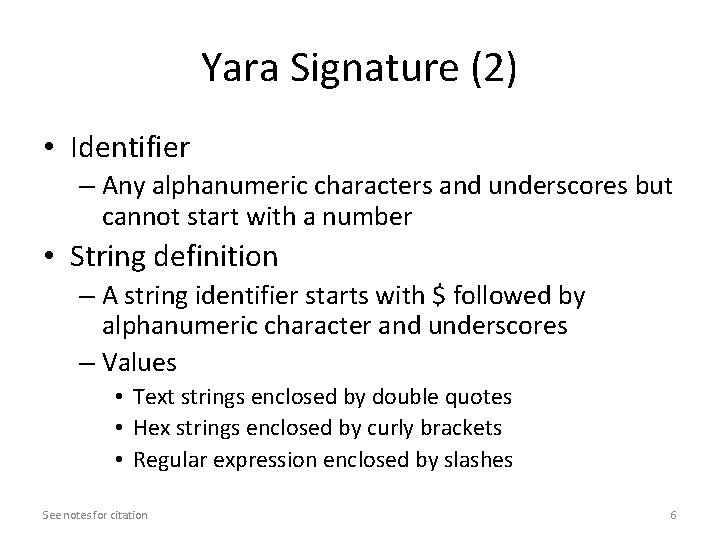
Yara Signature (2) • Identifier – Any alphanumeric characters and underscores but cannot start with a number • String definition – A string identifier starts with $ followed by alphanumeric character and underscores – Values • Text strings enclosed by double quotes • Hex strings enclosed by curly brackets • Regular expression enclosed by slashes See notes for citation 6
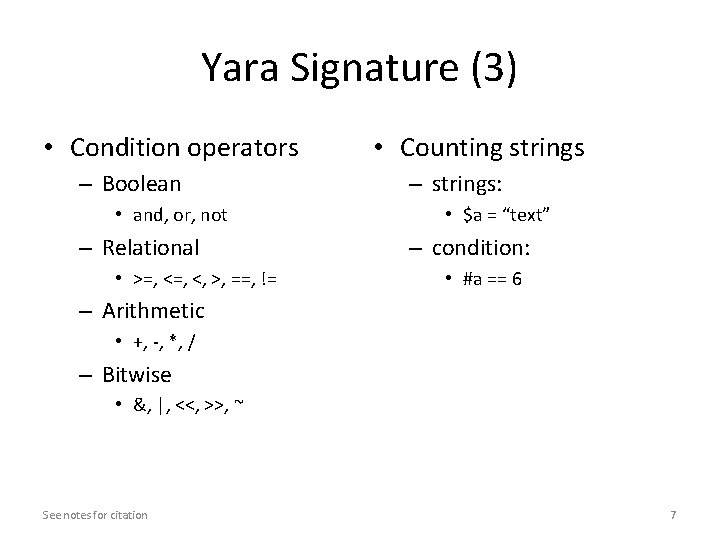
Yara Signature (3) • Condition operators – Boolean • and, or, not – Relational • >=, <, >, ==, != • Counting strings – strings: • $a = “text” – condition: • #a == 6 – Arithmetic • +, -, *, / – Bitwise • &, |, <<, >>, ~ See notes for citation 7
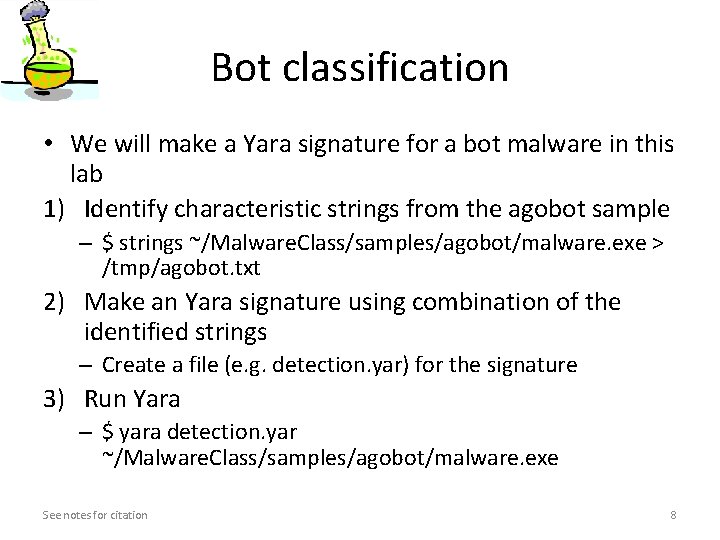
Bot classification • We will make a Yara signature for a bot malware in this lab 1) Identify characteristic strings from the agobot sample – $ strings ~/Malware. Class/samples/agobot/malware. exe > /tmp/agobot. txt 2) Make an Yara signature using combination of the identified strings – Create a file (e. g. detection. yar) for the signature 3) Run Yara – $ yara detection. yar ~/Malware. Class/samples/agobot/malware. exe See notes for citation 8
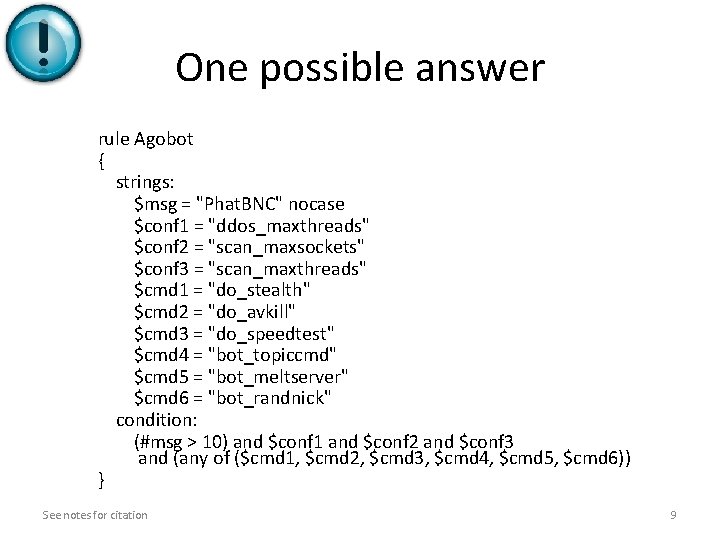
One possible answer rule Agobot { strings: $msg = "Phat. BNC" nocase $conf 1 = "ddos_maxthreads" $conf 2 = "scan_maxsockets" $conf 3 = "scan_maxthreads" $cmd 1 = "do_stealth" $cmd 2 = "do_avkill" $cmd 3 = "do_speedtest" $cmd 4 = "bot_topiccmd" $cmd 5 = "bot_meltserver" $cmd 6 = "bot_randnick" condition: (#msg > 10) and $conf 1 and $conf 2 and $conf 3 and (any of ($cmd 1, $cmd 2, $cmd 3, $cmd 4, $cmd 5, $cmd 6)) } See notes for citation 9
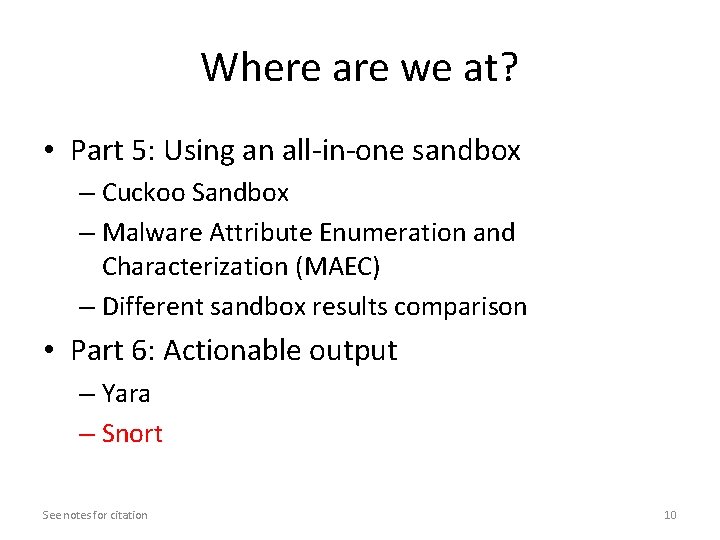
Where are we at? • Part 5: Using an all-in-one sandbox – Cuckoo Sandbox – Malware Attribute Enumeration and Characterization (MAEC) – Different sandbox results comparison • Part 6: Actionable output – Yara – Snort See notes for citation 10
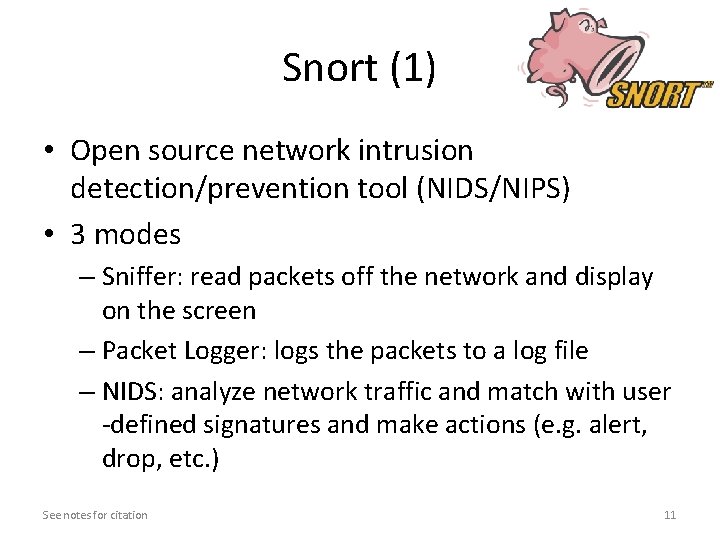
Snort (1) • Open source network intrusion detection/prevention tool (NIDS/NIPS) • 3 modes – Sniffer: read packets off the network and display on the screen – Packet Logger: logs the packets to a log file – NIDS: analyze network traffic and match with user -defined signatures and make actions (e. g. alert, drop, etc. ) See notes for citation 11
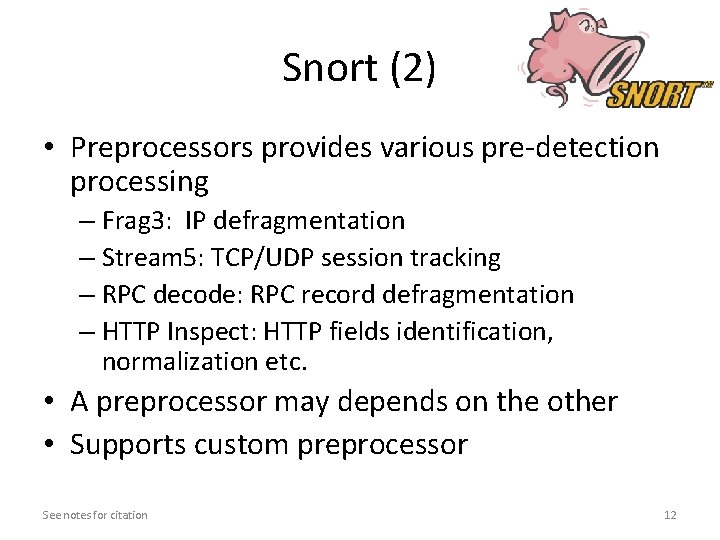
Snort (2) • Preprocessors provides various pre-detection processing – Frag 3: IP defragmentation – Stream 5: TCP/UDP session tracking – RPC decode: RPC record defragmentation – HTTP Inspect: HTTP fields identification, normalization etc. • A preprocessor may depends on the other • Supports custom preprocessor See notes for citation 12
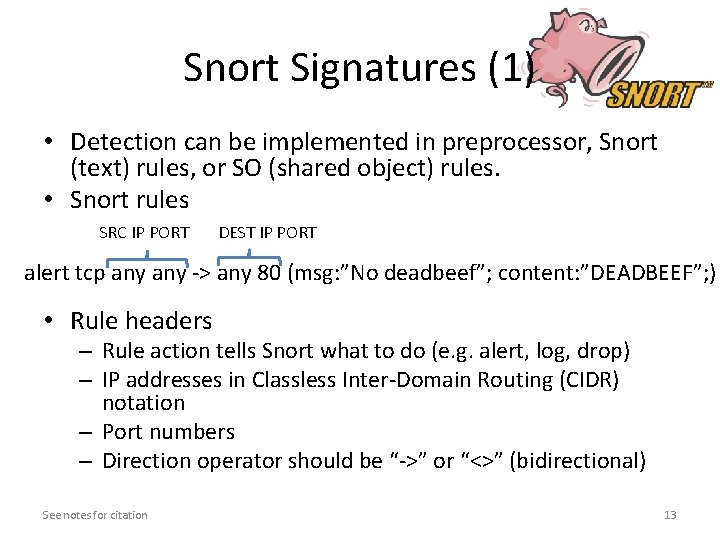
Snort Signatures (1) • Detection can be implemented in preprocessor, Snort (text) rules, or SO (shared object) rules. • Snort rules SRC IP PORT DEST IP PORT alert tcp any -> any 80 (msg: ”No deadbeef”; content: ”DEADBEEF”; ) • Rule headers – Rule action tells Snort what to do (e. g. alert, log, drop) – IP addresses in Classless Inter-Domain Routing (CIDR) notation – Port numbers – Direction operator should be “->” or “<>” (bidirectional) See notes for citation 13
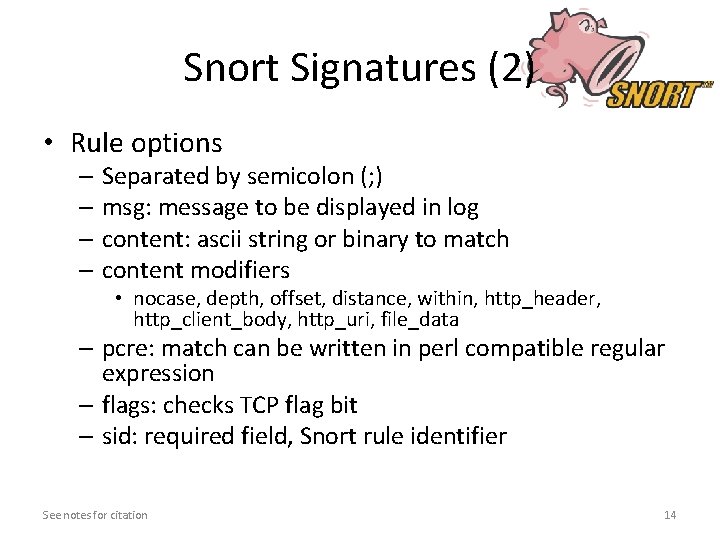
Snort Signatures (2) • Rule options – Separated by semicolon (; ) – msg: message to be displayed in log – content: ascii string or binary to match – content modifiers • nocase, depth, offset, distance, within, http_header, http_client_body, http_uri, file_data – pcre: match can be written in perl compatible regular expression – flags: checks TCP flag bit – sid: required field, Snort rule identifier See notes for citation 14
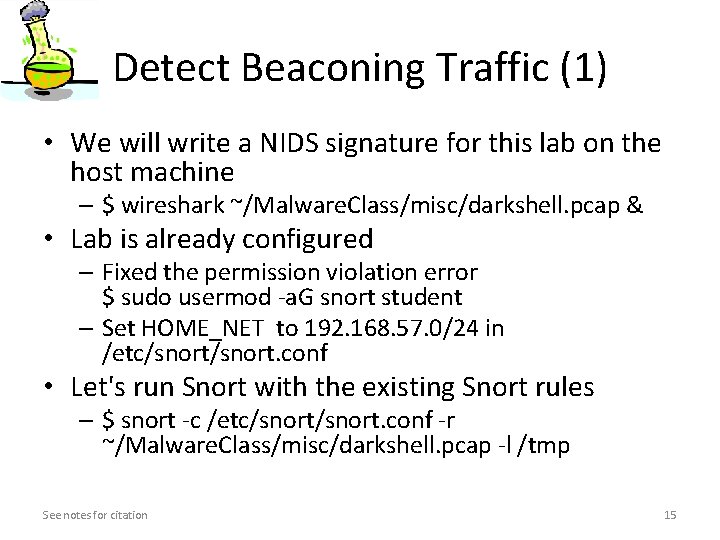
Detect Beaconing Traffic (1) • We will write a NIDS signature for this lab on the host machine – $ wireshark ~/Malware. Class/misc/darkshell. pcap & • Lab is already configured – Fixed the permission violation error $ sudo usermod -a. G snort student – Set HOME_NET to 192. 168. 57. 0/24 in /etc/snort. conf • Let's run Snort with the existing Snort rules – $ snort -c /etc/snort. conf -r ~/Malware. Class/misc/darkshell. pcap -l /tmp See notes for citation 15
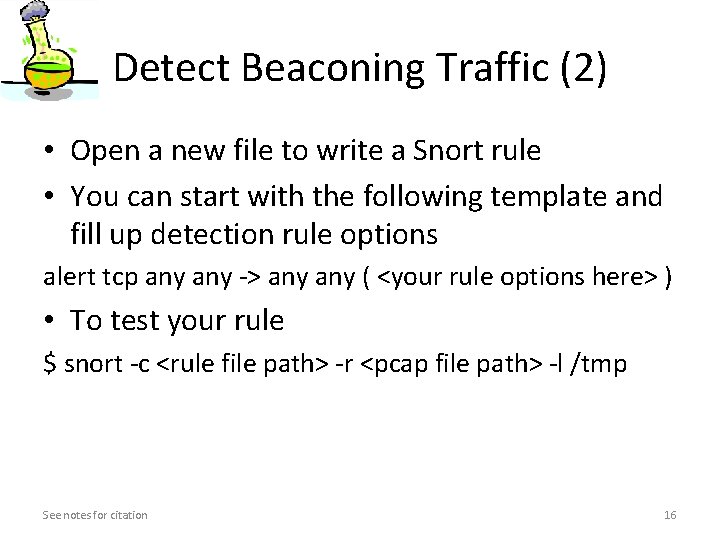
Detect Beaconing Traffic (2) • Open a new file to write a Snort rule • You can start with the following template and fill up detection rule options alert tcp any -> any ( <your rule options here> ) • To test your rule $ snort -c <rule file path> -r <pcap file path> -l /tmp See notes for citation 16
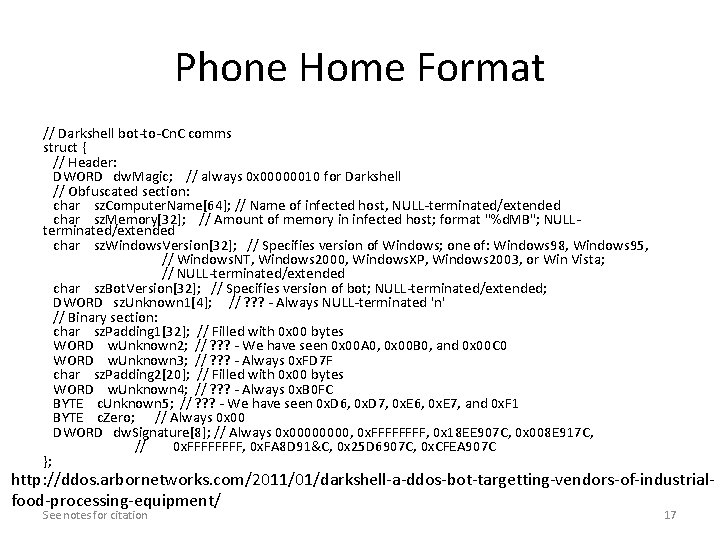
Phone Home Format // Darkshell bot-to-Cn. C comms struct { // Header: DWORD dw. Magic; // always 0 x 00000010 for Darkshell // Obfuscated section: char sz. Computer. Name[64]; // Name of infected host, NULL-terminated/extended char sz. Memory[32]; // Amount of memory in infected host; format "%d. MB"; NULLterminated/extended char sz. Windows. Version[32]; // Specifies version of Windows; one of: Windows 98, Windows 95, // Windows. NT, Windows 2000, Windows. XP, Windows 2003, or Win Vista; // NULL-terminated/extended char sz. Bot. Version[32]; // Specifies version of bot; NULL-terminated/extended; DWORD sz. Unknown 1[4]; // ? ? ? - Always NULL-terminated 'n' // Binary section: char sz. Padding 1[32]; // Filled with 0 x 00 bytes WORD w. Unknown 2; // ? ? ? - We have seen 0 x 00 A 0, 0 x 00 B 0, and 0 x 00 C 0 WORD w. Unknown 3; // ? ? ? - Always 0 x. FD 7 F char sz. Padding 2[20]; // Filled with 0 x 00 bytes WORD w. Unknown 4; // ? ? ? - Always 0 x. B 0 FC BYTE c. Unknown 5; // ? ? ? - We have seen 0 x. D 6, 0 x. D 7, 0 x. E 6, 0 x. E 7, and 0 x. F 1 BYTE c. Zero; // Always 0 x 00 DWORD dw. Signature[8]; // Always 0 x 0000, 0 x. FFFF, 0 x 18 EE 907 C, 0 x 008 E 917 C, // 0 x. FFFF, 0 x. FA 8 D 91&C, 0 x 25 D 6907 C, 0 x. CFEA 907 C }; http: //ddos. arbornetworks. com/2011/01/darkshell-a-ddos-bot-targetting-vendors-of-industrialfood-processing-equipment/ See notes for citation 17
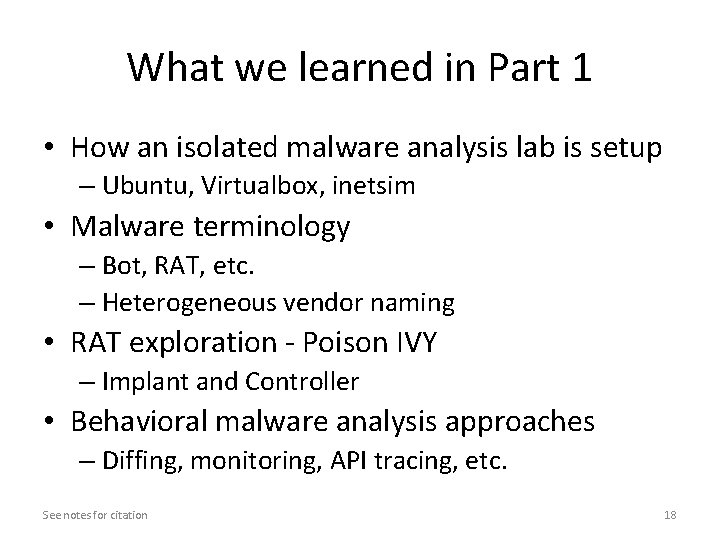
What we learned in Part 1 • How an isolated malware analysis lab is setup – Ubuntu, Virtualbox, inetsim • Malware terminology – Bot, RAT, etc. – Heterogeneous vendor naming • RAT exploration - Poison IVY – Implant and Controller • Behavioral malware analysis approaches – Diffing, monitoring, API tracing, etc. See notes for citation 18
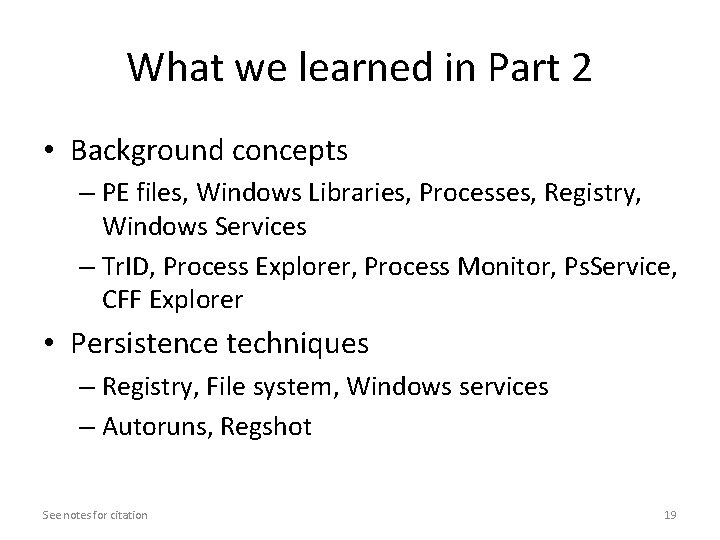
What we learned in Part 2 • Background concepts – PE files, Windows Libraries, Processes, Registry, Windows Services – Tr. ID, Process Explorer, Process Monitor, Ps. Service, CFF Explorer • Persistence techniques – Registry, File system, Windows services – Autoruns, Regshot See notes for citation 19
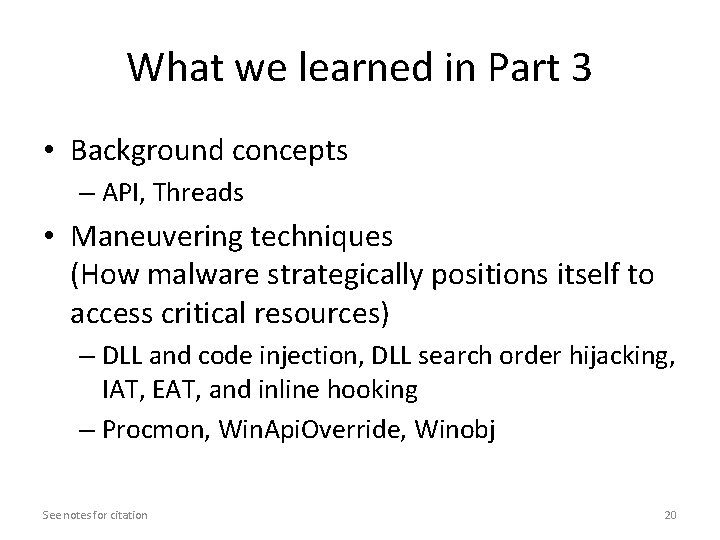
What we learned in Part 3 • Background concepts – API, Threads • Maneuvering techniques (How malware strategically positions itself to access critical resources) – DLL and code injection, DLL search order hijacking, IAT, EAT, and inline hooking – Procmon, Win. Api. Override, Winobj See notes for citation 20
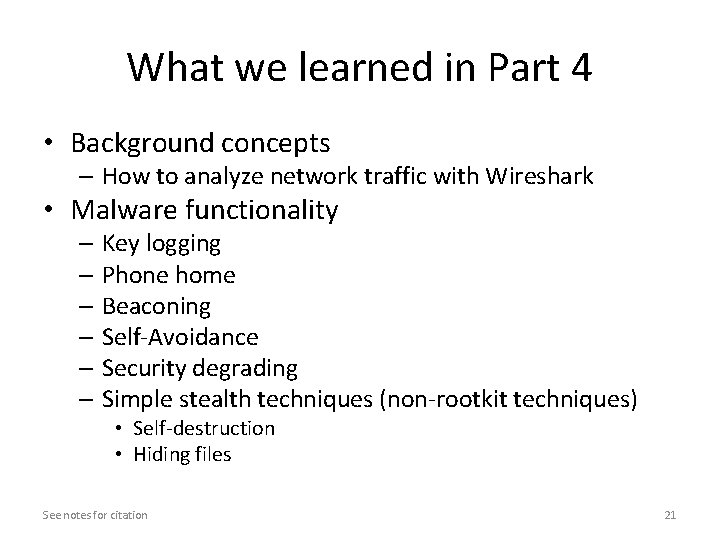
What we learned in Part 4 • Background concepts – How to analyze network traffic with Wireshark • Malware functionality – Key logging – Phone home – Beaconing – Self-Avoidance – Security degrading – Simple stealth techniques (non-rootkit techniques) • Self-destruction • Hiding files See notes for citation 21
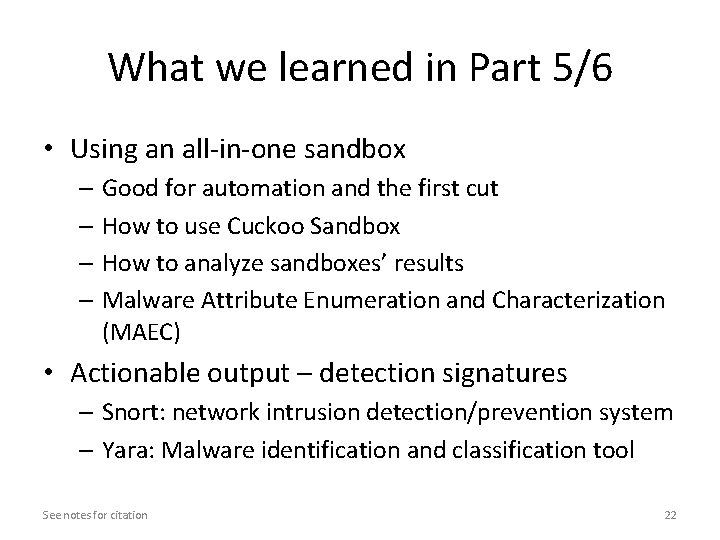
What we learned in Part 5/6 • Using an all-in-one sandbox – Good for automation and the first cut – How to use Cuckoo Sandbox – How to analyze sandboxes’ results – Malware Attribute Enumeration and Characterization (MAEC) • Actionable output – detection signatures – Snort: network intrusion detection/prevention system – Yara: Malware identification and classification tool See notes for citation 22
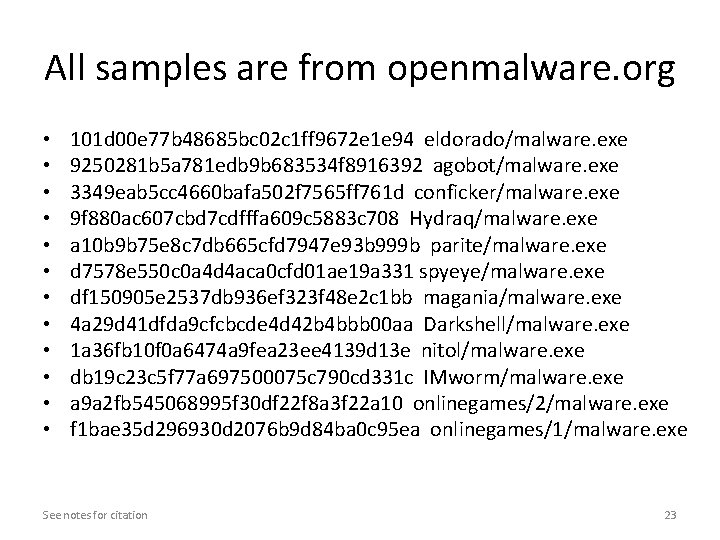
All samples are from openmalware. org • • • 101 d 00 e 77 b 48685 bc 02 c 1 ff 9672 e 1 e 94 eldorado/malware. exe 9250281 b 5 a 781 edb 9 b 683534 f 8916392 agobot/malware. exe 3349 eab 5 cc 4660 bafa 502 f 7565 ff 761 d conficker/malware. exe 9 f 880 ac 607 cbd 7 cdfffa 609 c 5883 c 708 Hydraq/malware. exe a 10 b 9 b 75 e 8 c 7 db 665 cfd 7947 e 93 b 999 b parite/malware. exe d 7578 e 550 c 0 a 4 d 4 aca 0 cfd 01 ae 19 a 331 spyeye/malware. exe df 150905 e 2537 db 936 ef 323 f 48 e 2 c 1 bb magania/malware. exe 4 a 29 d 41 dfda 9 cfcbcde 4 d 42 b 4 bbb 00 aa Darkshell/malware. exe 1 a 36 fb 10 f 0 a 6474 a 9 fea 23 ee 4139 d 13 e nitol/malware. exe db 19 c 23 c 5 f 77 a 697500075 c 790 cd 331 c IMworm/malware. exe a 9 a 2 fb 545068995 f 30 df 22 f 8 a 3 f 22 a 10 onlinegames/2/malware. exe f 1 bae 35 d 296930 d 2076 b 9 d 84 ba 0 c 95 ea onlinegames/1/malware. exe See notes for citation 23
See notes for citation 24
The End See notes for citation 25