
Malware Dynamic Analysis Veronica Kovah vkovah ost at
- Slides: 12
Malware Dynamic Analysis Veronica Kovah vkovah. ost at gmail http: //opensecuritytraining. info/Malware. Dynamic. Analysis. html See notes for citation 1
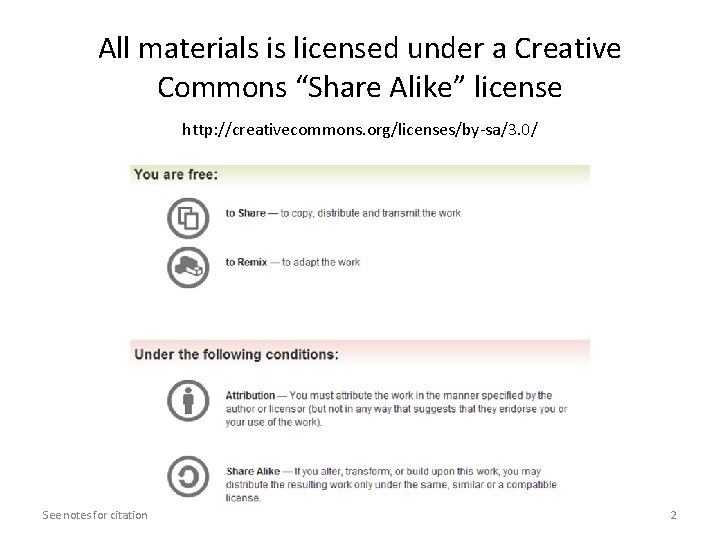
All materials is licensed under a Creative Commons “Share Alike” license http: //creativecommons. org/licenses/by-sa/3. 0/ See notes for citation 2
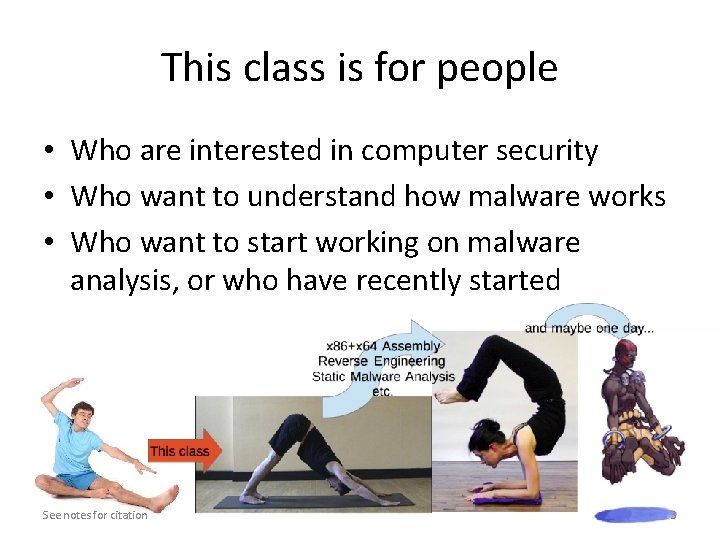
This class is for people • Who are interested in computer security • Who want to understand how malware works • Who want to start working on malware analysis, or who have recently started See notes for citation 3
Thanks to • Xeno Kovah, Ben Schmoker and Frank Poz for reviewing class materials • Ezra Moses, MITRE Institute tech support for setting up Ubuntu on the lab machines • Openmalware. org (offensivecomputing. net) for sharing samples, very good resource See notes for citation 4
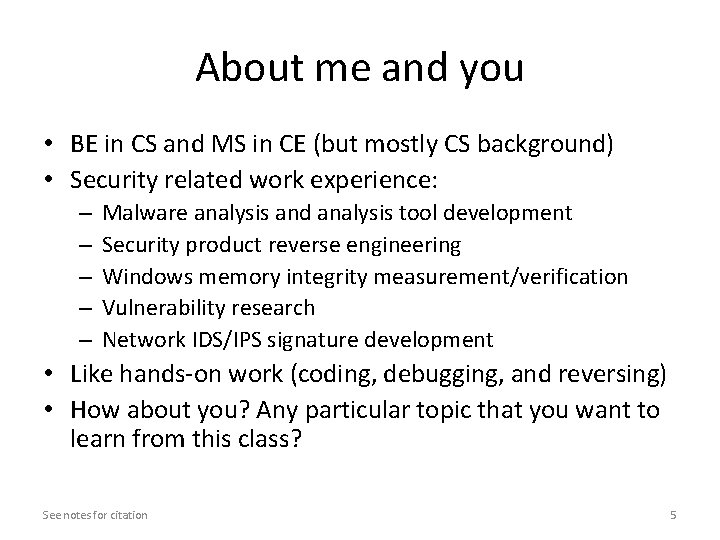
About me and you • BE in CS and MS in CE (but mostly CS background) • Security related work experience: – – – Malware analysis and analysis tool development Security product reverse engineering Windows memory integrity measurement/verification Vulnerability research Network IDS/IPS signature development • Like hands-on work (coding, debugging, and reversing) • How about you? Any particular topic that you want to learn from this class? See notes for citation 5
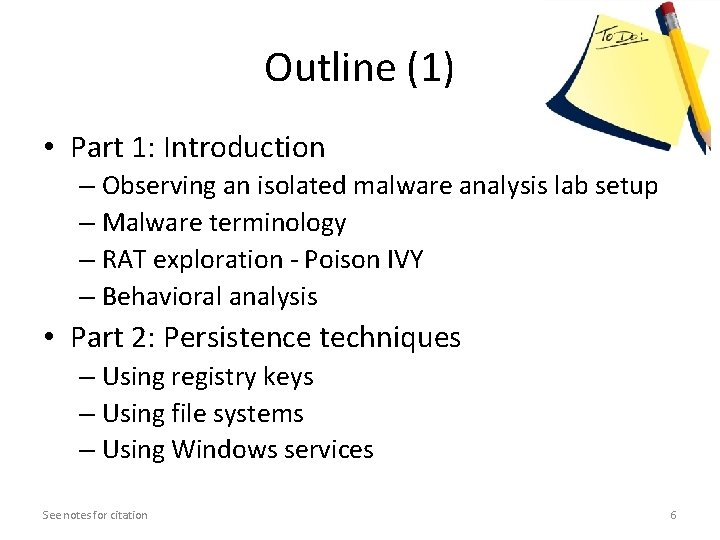
Outline (1) • Part 1: Introduction – Observing an isolated malware analysis lab setup – Malware terminology – RAT exploration - Poison IVY – Behavioral analysis • Part 2: Persistence techniques – Using registry keys – Using file systems – Using Windows services See notes for citation 6
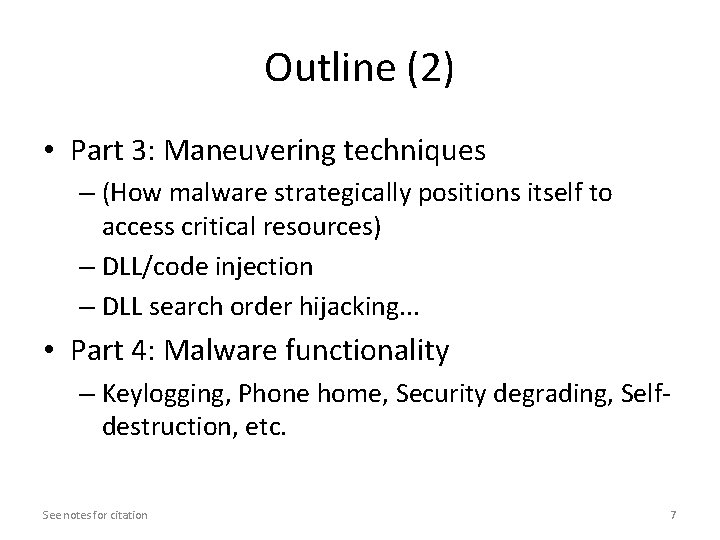
Outline (2) • Part 3: Maneuvering techniques – (How malware strategically positions itself to access critical resources) – DLL/code injection – DLL search order hijacking. . . • Part 4: Malware functionality – Keylogging, Phone home, Security degrading, Selfdestruction, etc. See notes for citation 7
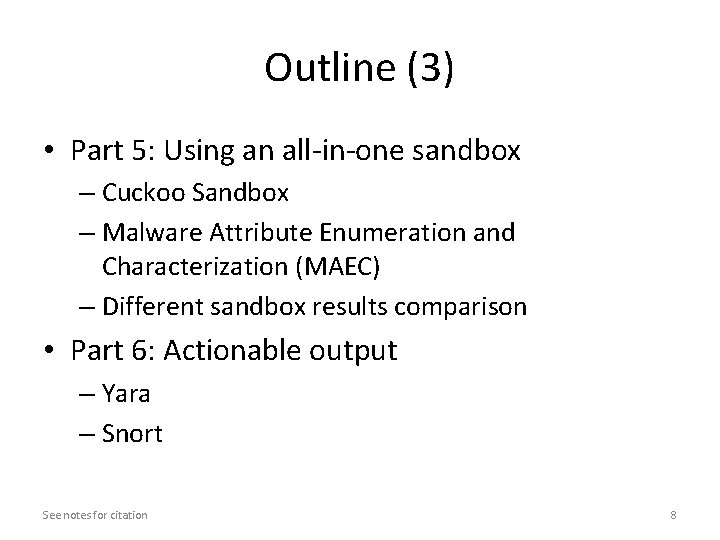
Outline (3) • Part 5: Using an all-in-one sandbox – Cuckoo Sandbox – Malware Attribute Enumeration and Characterization (MAEC) – Different sandbox results comparison • Part 6: Actionable output – Yara – Snort See notes for citation 8
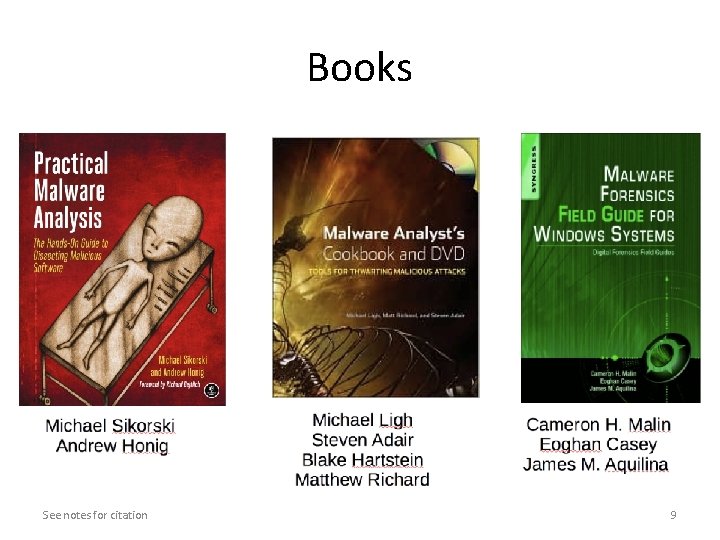
Books See notes for citation 9
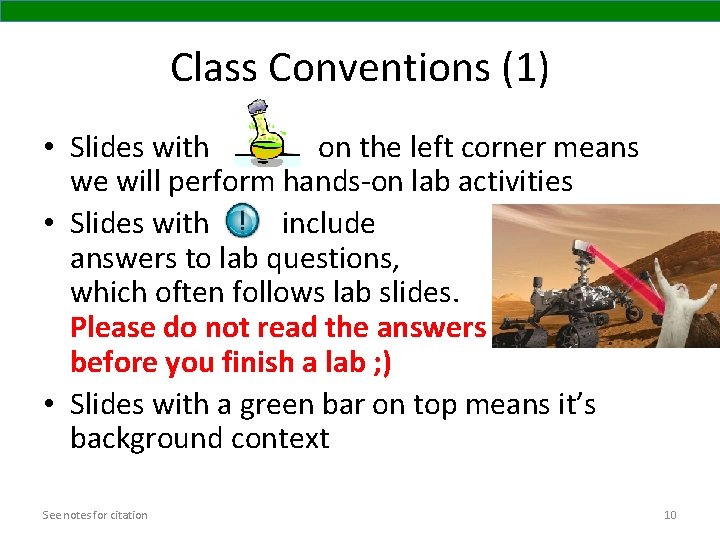
Class Conventions (1) • Slides with on the left corner means we will perform hands-on lab activities • Slides with include answers to lab questions, which often follows lab slides. Please do not read the answers before you finish a lab ; ) • Slides with a green bar on top means it’s background context See notes for citation 10
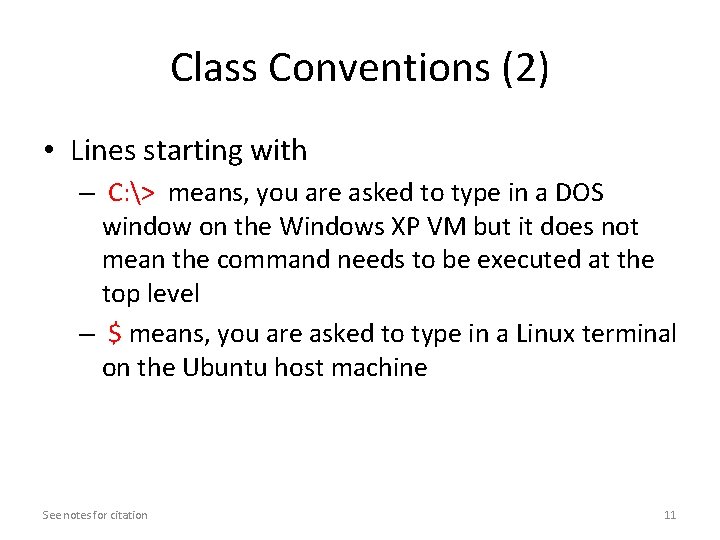
Class Conventions (2) • Lines starting with – C: > means, you are asked to type in a DOS window on the Windows XP VM but it does not mean the command needs to be executed at the top level – $ means, you are asked to type in a Linux terminal on the Ubuntu host machine See notes for citation 11
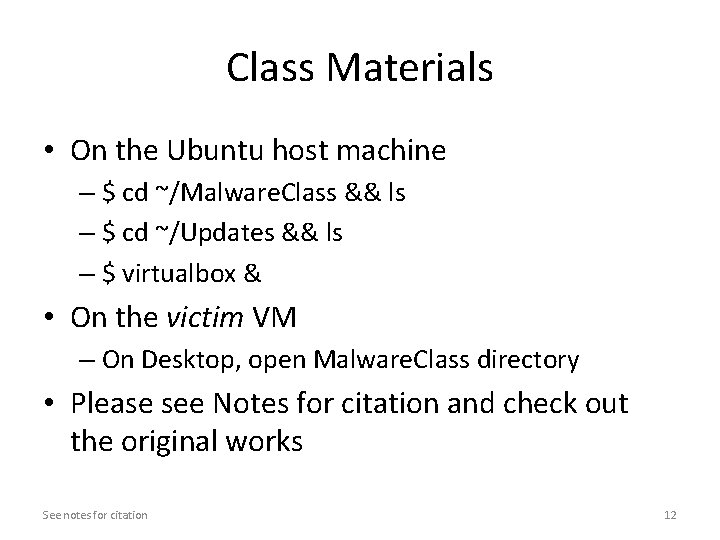
Class Materials • On the Ubuntu host machine – $ cd ~/Malware. Class && ls – $ cd ~/Updates && ls – $ virtualbox & • On the victim VM – On Desktop, open Malware. Class directory • Please see Notes for citation and check out the original works See notes for citation 12