Lit Hold and Code 42 Karen Warren Deputy
- Slides: 13
Lit Hold and Code 42 Karen Warren, Deputy CIO John Neyssen, Unix Administrator NERCOMP Code 42 User Group September 28, 2018
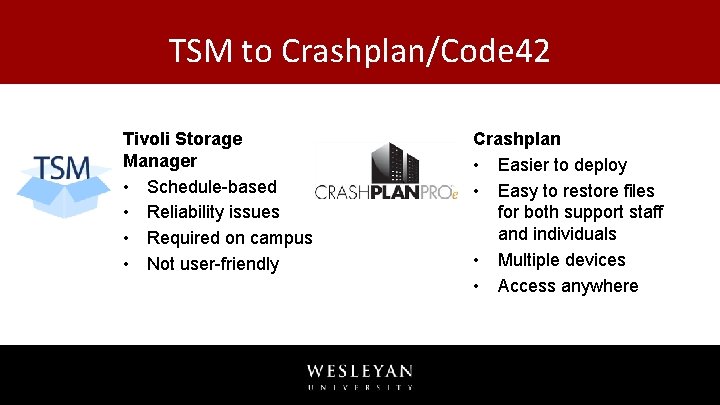
TSM to Crashplan/Code 42 Tivoli Storage Manager • Schedule-based • Reliability issues • Required on campus • Not user-friendly Crashplan • Easier to deploy • Easy to restore files for both support staff and individuals • Multiple devices • Access anywhere
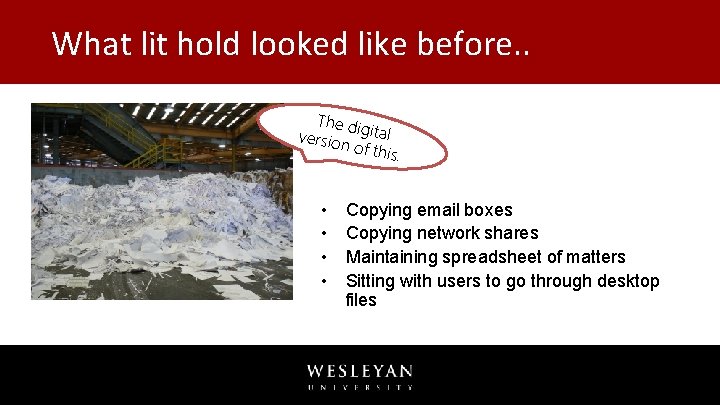
What lit hold looked like before. . The d versio igital n of th is. • • Copying email boxes Copying network shares Maintaining spreadsheet of matters Sitting with users to go through desktop files
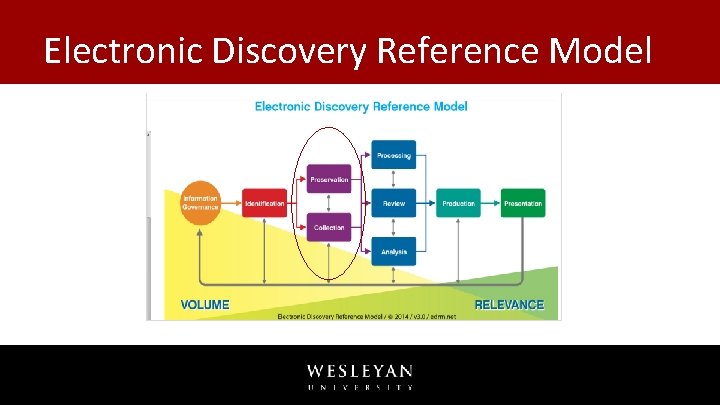
Electronic Discovery Reference Model
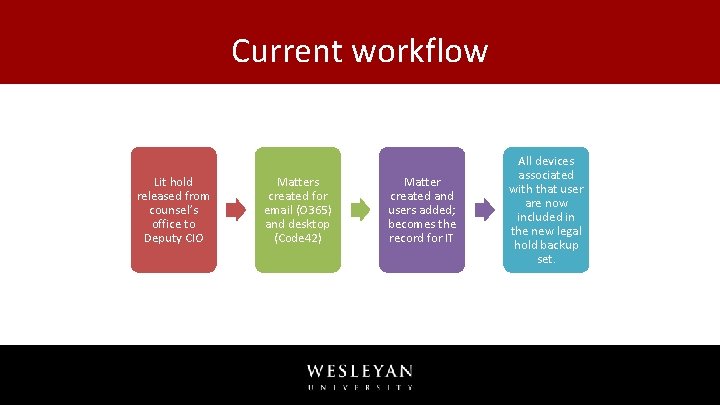
Current workflow Lit hold released from counsel’s office to Deputy CIO Matters created for email (O 365) and desktop (Code 42) Matter created and users added; becomes the record for IT All devices associated with that user are now included in the new legal hold backup set.
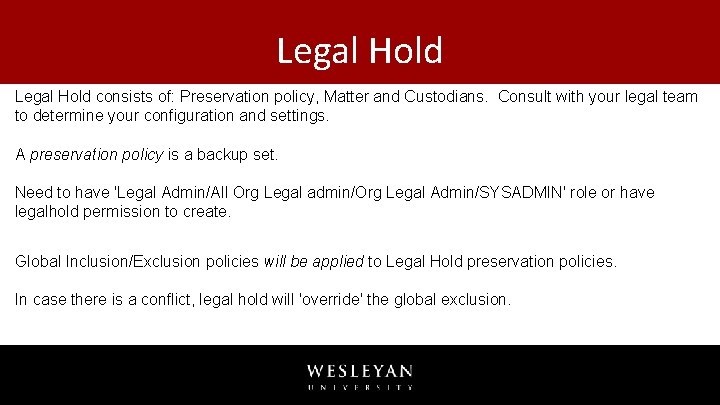
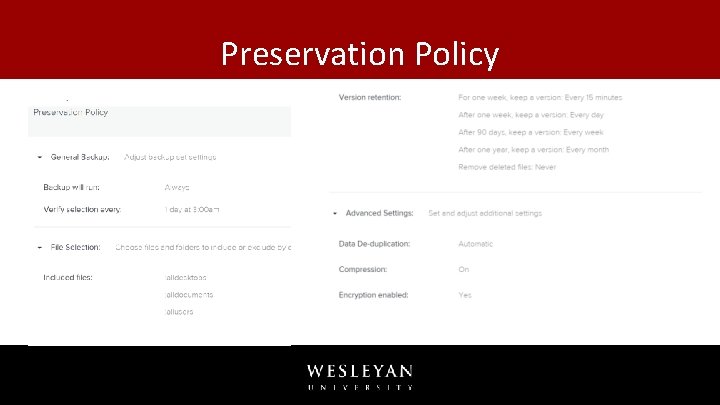
Legal Hold consists of: Preservation policy, Matter and Custodians. Consult with your legal team to determine your configuration and settings. A preservation policy is a backup set. Need to have 'Legal Admin/All Org Legal admin/Org Legal Admin/SYSADMIN' role or have legalhold permission to create. Global Inclusion/Exclusion policies will be applied to Legal Hold preservation policies. In case there is a conflict, legal hold will 'override' the global exclusion.
Preservation Policy
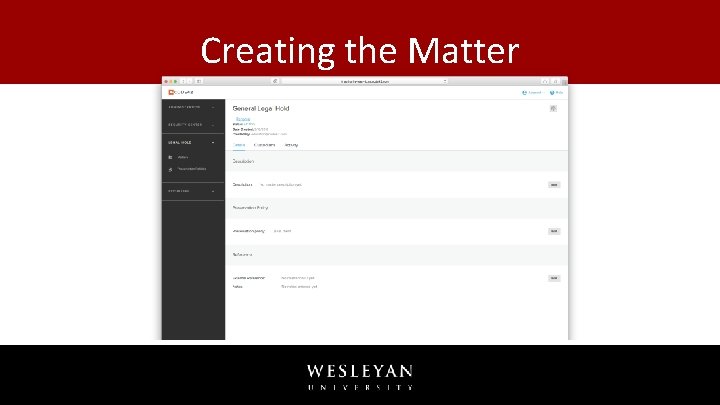
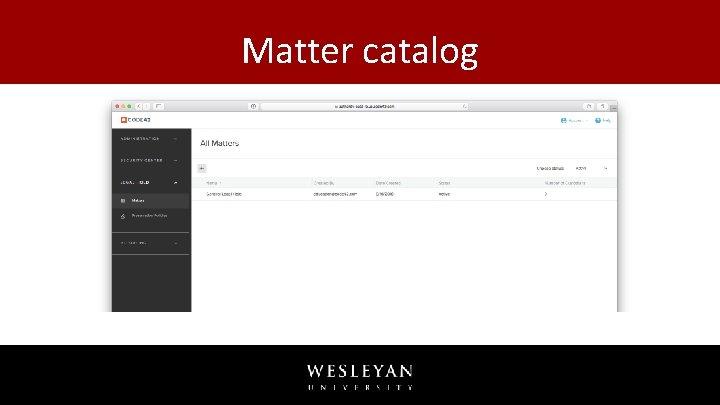
Creating the Matter
Matter catalog
Legal hold fyi's • You cannot deactivate devices in a legal hold. • You can block users and devices in legal hold. • The backup set associated with a legal hold is not visible to the end user (silent legal hold), but the files backed up by the legal hold are available for user restores. • A custodian's files cannot be collected if the user is in an org with Compliance Settings or has upgraded encryption.
Custodians in Multiple Matters What happens when a custodian is included in multiple matters with different preservation policies? • It will create an 'inclusive' backup set. . ie. It will run each preservation policy concurrently creating an 'all inclusive conglomeration' of the preservation policies.
Questions and looking ahead What happens when you release a custodian from a matter? Releasing a legal hold custodian removes the legal hold backup set for the user. *** What happens when a matter is closed? Does a legal hold backup set affect backup performance? What happens if you adopt a device in legal hold? Will there be dashboards? Ability to search for custodians, files across legal holds?
Reference links https: //support. code 42. com/Administrator/6/Configuring/Configure_a_legal_hold https: //support. code 42. com/Administrator/Cloud/Monitoring_and_managing/Collect_files _from_a_legal_hold https: //support. code 42. com/Administrator/6/Configuring/Backup_sets