Jane Austens Lady Susan Visualizing Data as Network
- Slides: 18
Jane Austen’s Lady Susan: Visualizing Data as Network Graphs Alexandra Bolintineanu
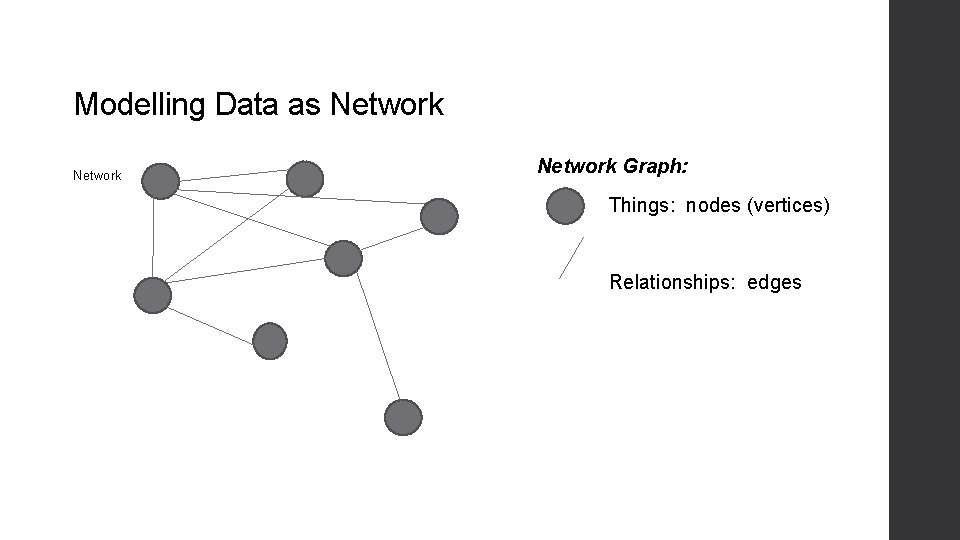
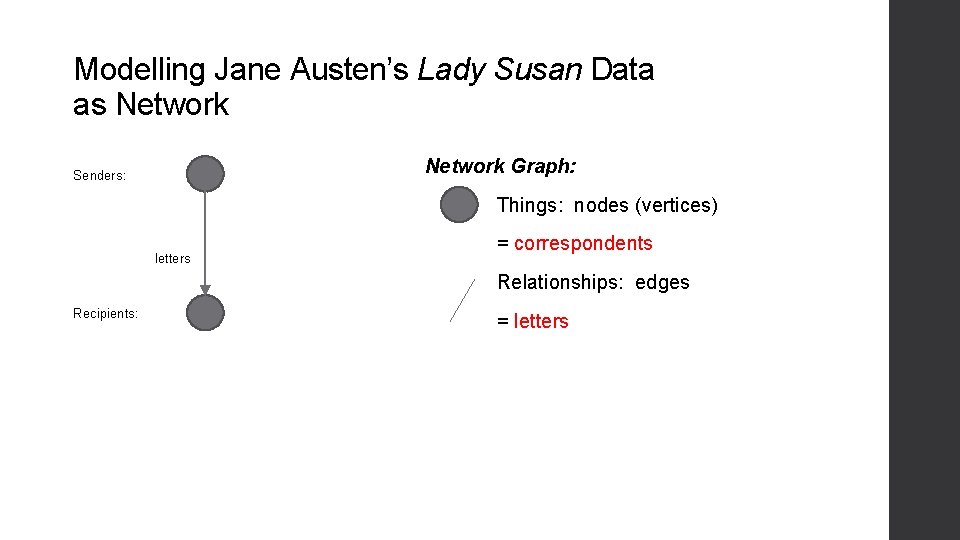
Modelling Data as Network Graph: Things: nodes (vertices) Relationships: edges
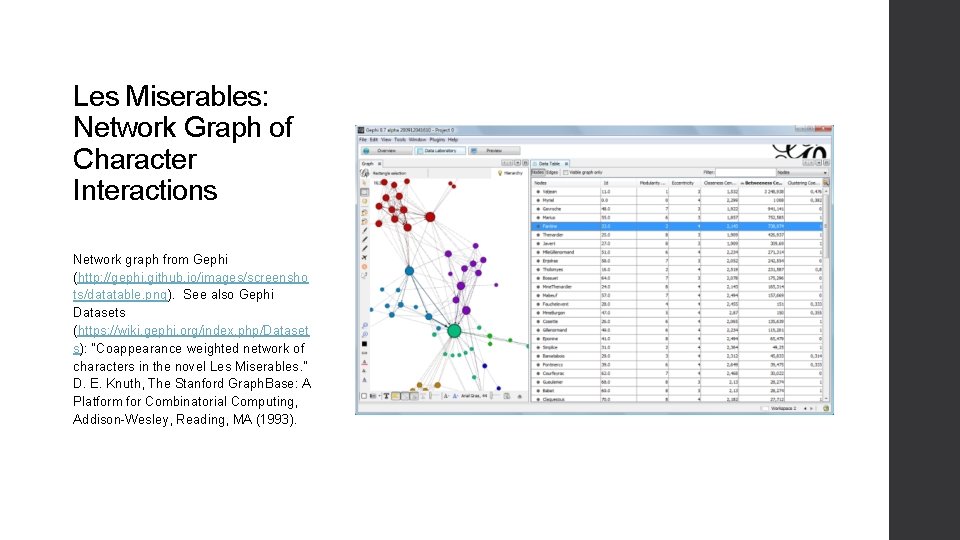
Les Miserables: Network Graph of Character Interactions Network graph from Gephi (http: //gephi. github. io/images/screensho ts/datatable. png). See also Gephi Datasets (https: //wiki. gephi. org/index. php/Dataset s): “Coappearance weighted network of characters in the novel Les Miserables. ” D. E. Knuth, The Stanford Graph. Base: A Platform for Combinatorial Computing, Addison-Wesley, Reading, MA (1993).
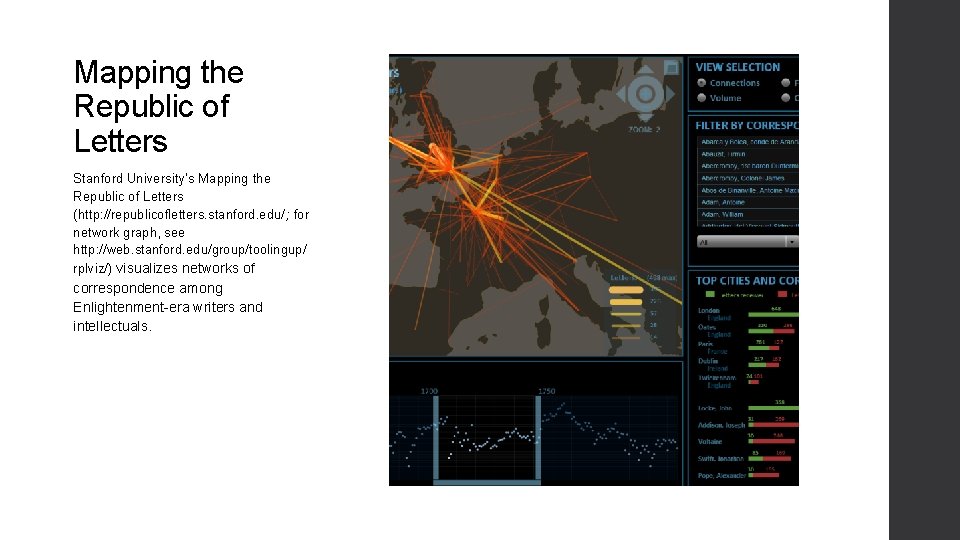
Mapping the Republic of Letters Stanford University’s Mapping the Republic of Letters (http: //republicofletters. stanford. edu/; for network graph, see http: //web. stanford. edu/group/toolingup/ rplviz/) visualizes networks of correspondence among Enlightenment-era writers and intellectuals.
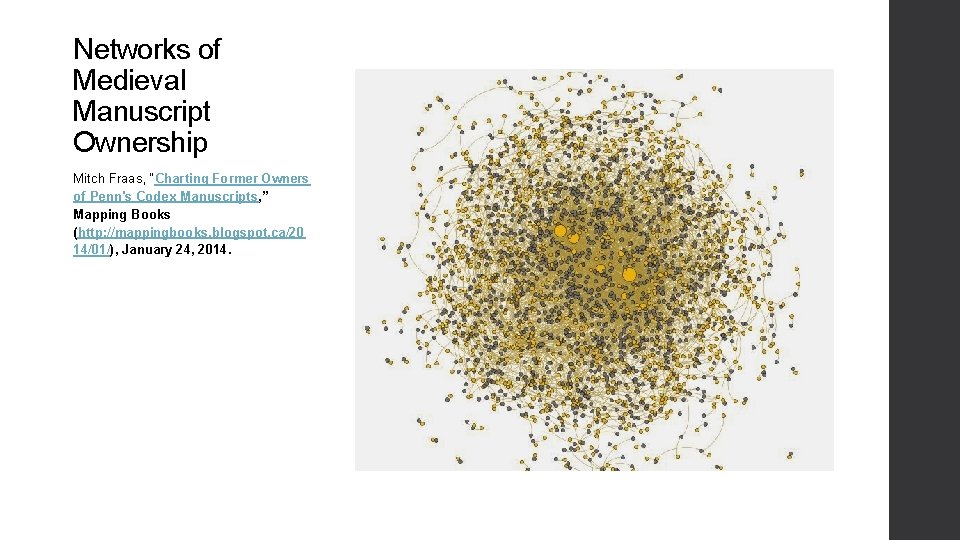
Networks of Medieval Manuscript Ownership Mitch Fraas, “Charting Former Owners of Penn's Codex Manuscripts, ” Mapping Books (http: //mappingbooks. blogspot. ca/20 14/01/), January 24, 2014.
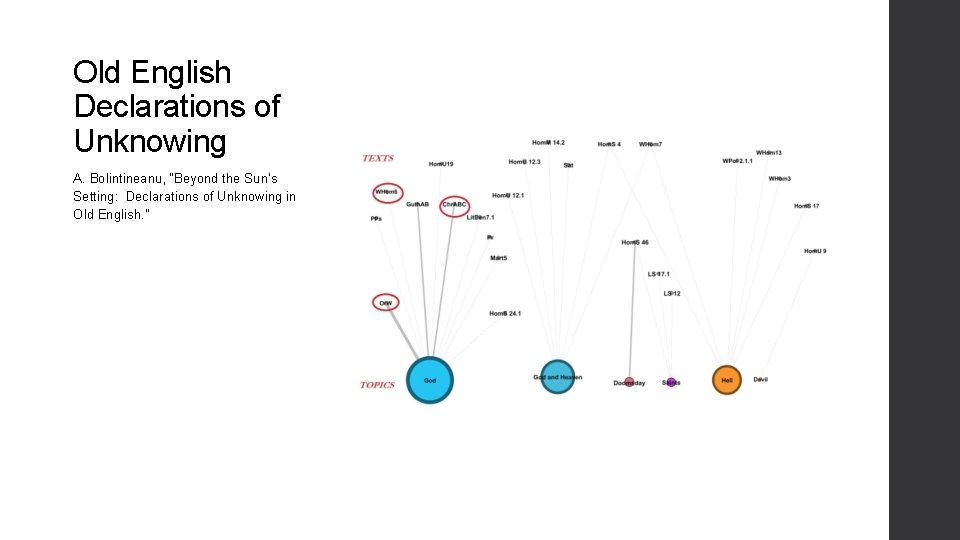
Old English Declarations of Unknowing A. Bolintineanu, “Beyond the Sun’s Setting: Declarations of Unknowing in Old English. ”
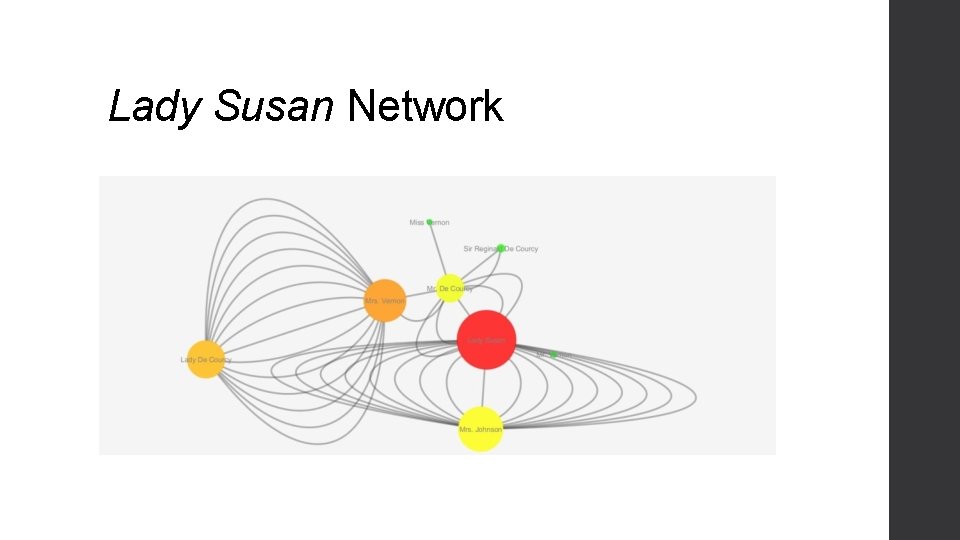
Modelling Jane Austen’s Lady Susan Data as Network Graph: Senders: Things: nodes (vertices) letters = correspondents Relationships: edges Recipients: = letters
Cytoscape • Free, open-source visualization software platform • Complex networks across disciplines • Originated in bioinformatics
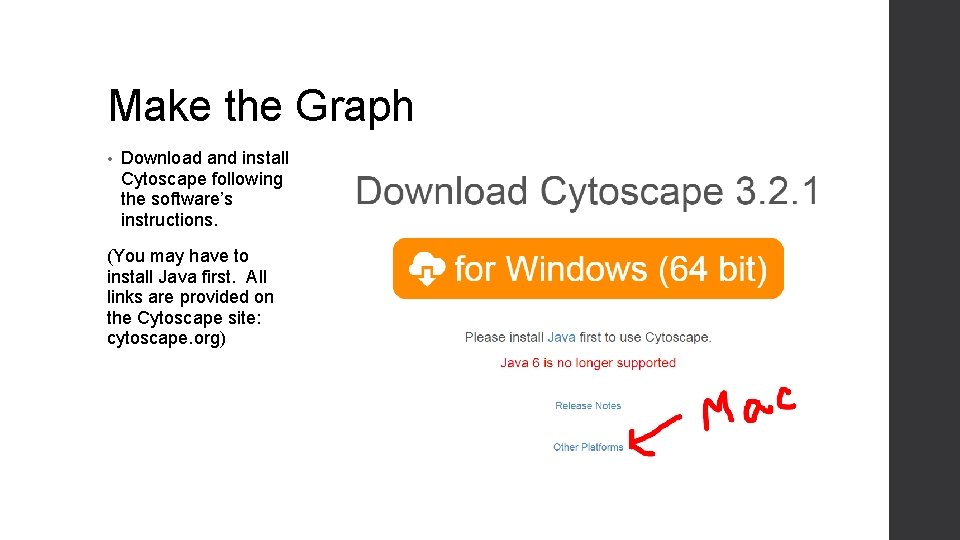
Make the Graph • Download and install Cytoscape following the software’s instructions. (You may have to install Java first. All links are provided on the Cytoscape site: cytoscape. org)
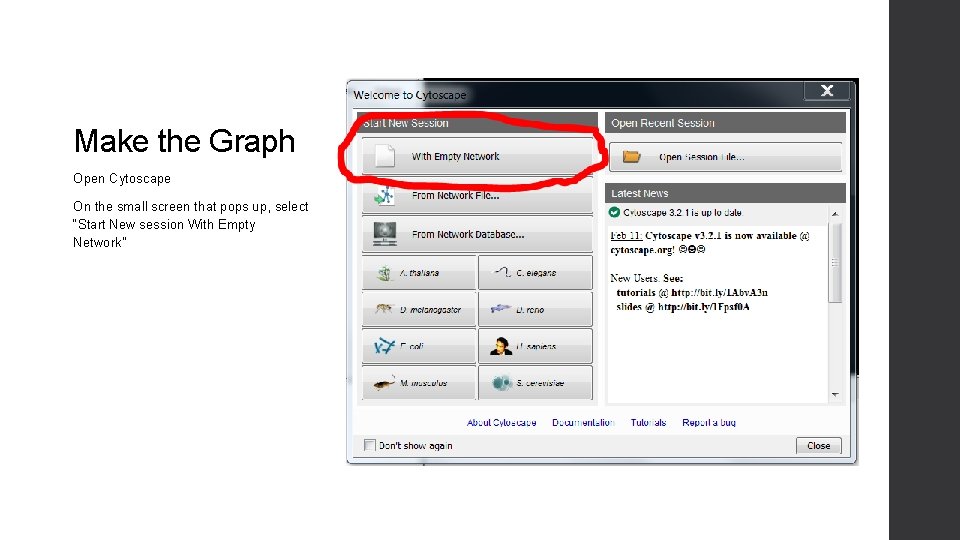
Make the Graph Open Cytoscape On the small screen that pops up, select “Start New session With Empty Network”
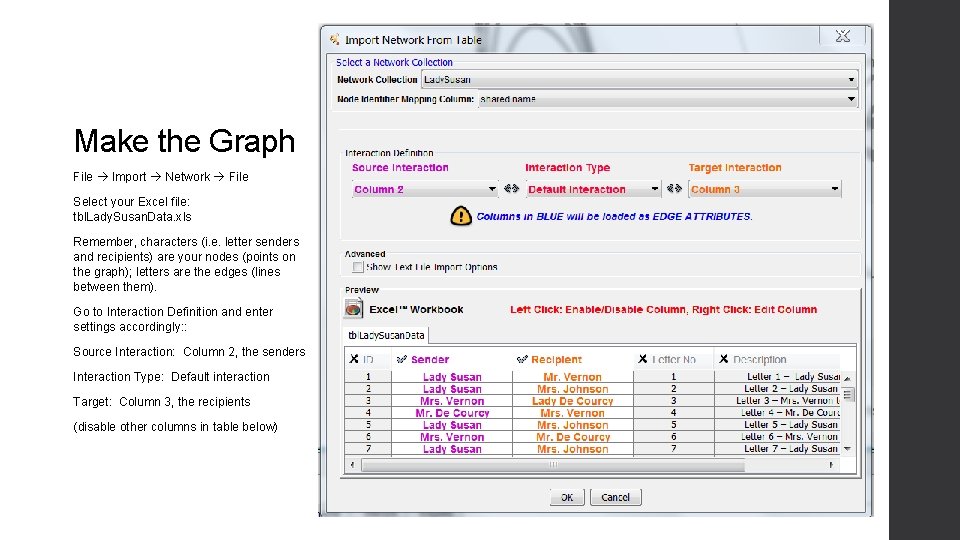
Make the Graph File Import Network File Select your Excel file: tbl. Lady. Susan. Data. xls Remember, characters (i. e. letter senders and recipients) are your nodes (points on the graph); letters are the edges (lines between them). Go to Interaction Definition and enter settings accordingly: : Source Interaction: Column 2, the senders Interaction Type: Default interaction Target: Column 3, the recipients (disable other columns in table below)
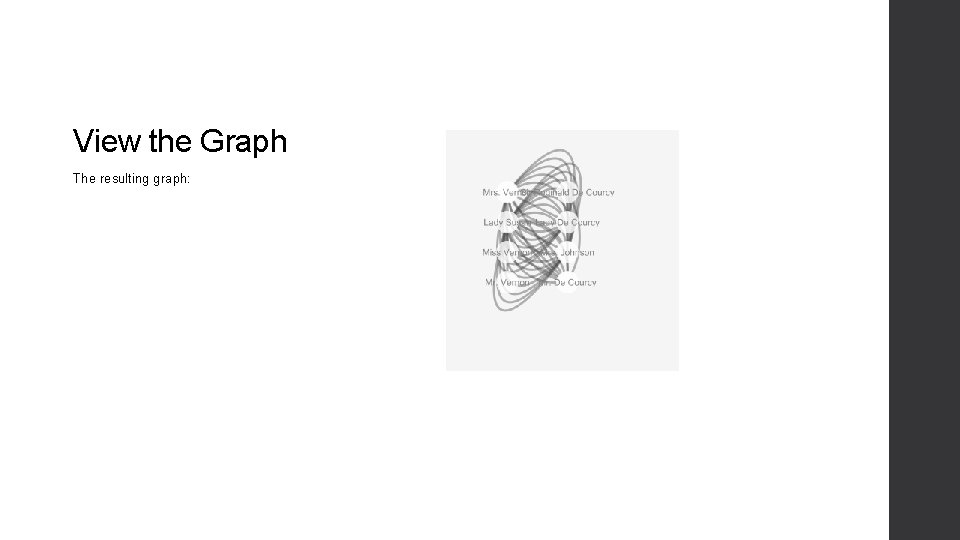
View the Graph The resulting graph:
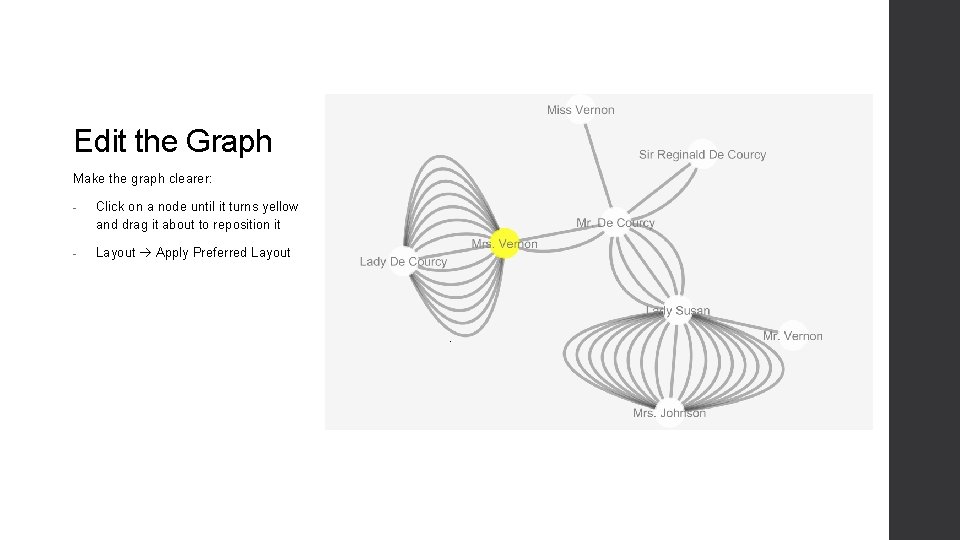
Edit the Graph Make the graph clearer: - Click on a node until it turns yellow and drag it about to reposition it - Layout Apply Preferred Layout
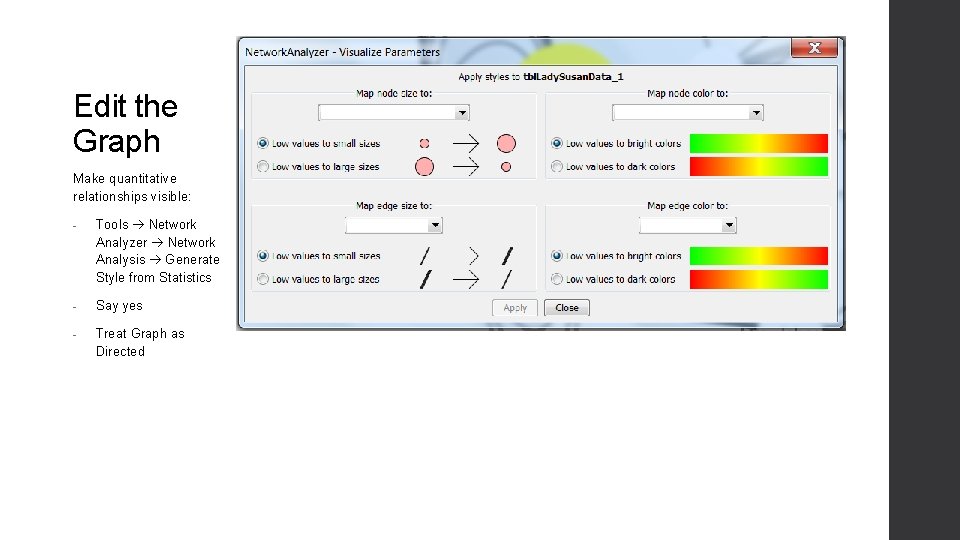
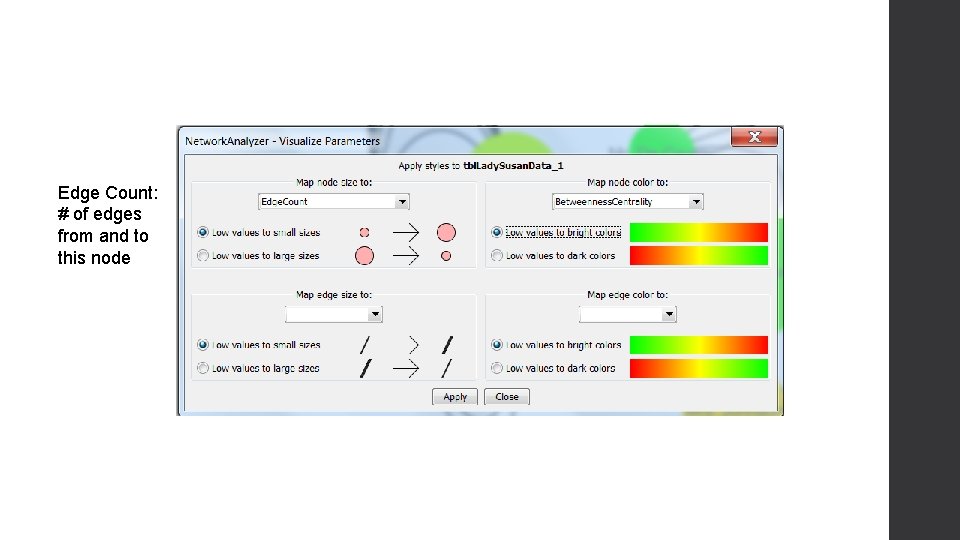
Edit the Graph Make quantitative relationships visible: - Tools Network Analyzer Network Analysis Generate Style from Statistics - Say yes - Treat Graph as Directed
Edge Count: # of edges from and to this node
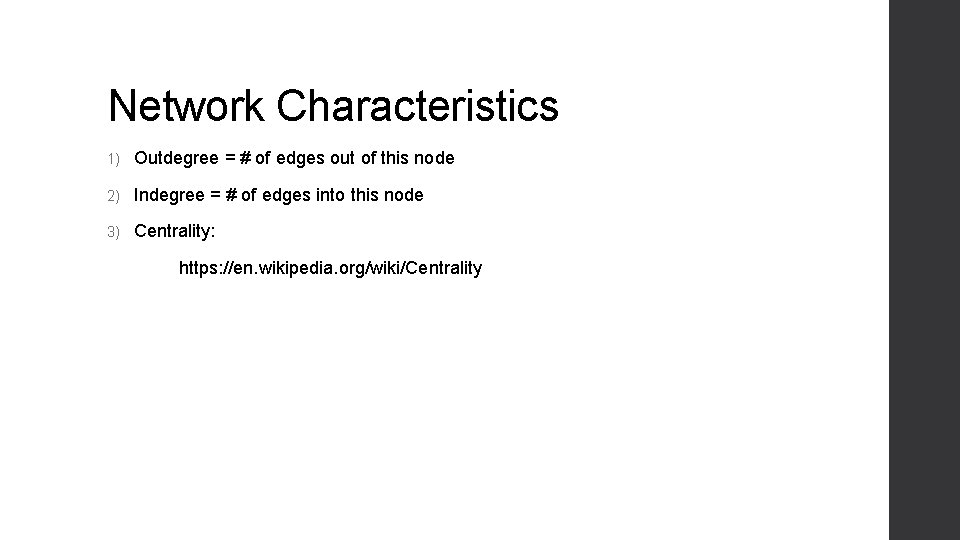
Network Characteristics 1) Outdegree = # of edges out of this node 2) Indegree = # of edges into this node 3) Centrality: https: //en. wikipedia. org/wiki/Centrality
Lady Susan Network
Conclusions? • When you view literary data as network graph, what observations and insights do you obtain that a table would not help you make, or not as quickly?