GIS Institute Center for Geographic Analysis Transformation of
- Slides: 16
GIS Institute Center for Geographic Analysis Transformation of Vectors/ Feature data
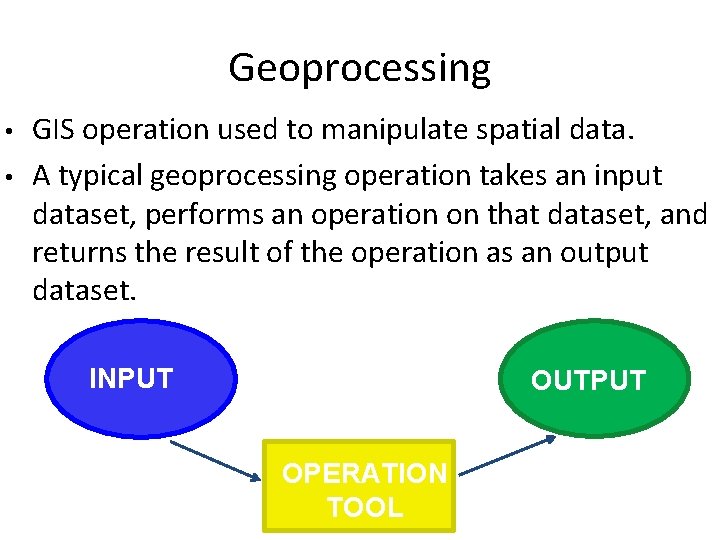
Geoprocessing • • GIS operation used to manipulate spatial data. A typical geoprocessing operation takes an input dataset, performs an operation on that dataset, and returns the result of the operation as an output dataset. INPUT OUTPUT OPERATION TOOL
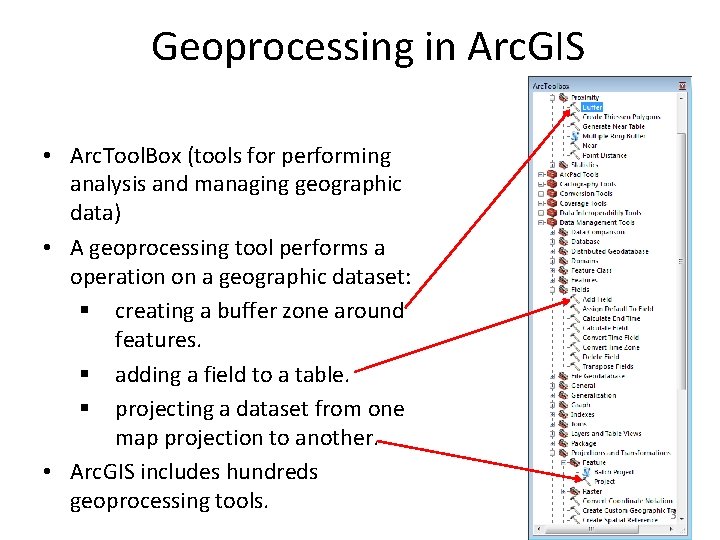
Geoprocessing in Arc. GIS • Arc. Tool. Box (tools for performing analysis and managing geographic data) • A geoprocessing tool performs a operation on a geographic dataset: § creating a buffer zone around features. § adding a field to a table. § projecting a dataset from one map projection to another. • Arc. GIS includes hundreds geoprocessing tools. 3
Geoprocessing Tools • Extract: – Select – Clip • Proximity: – Buffer • Overlay: – Union – Intersect
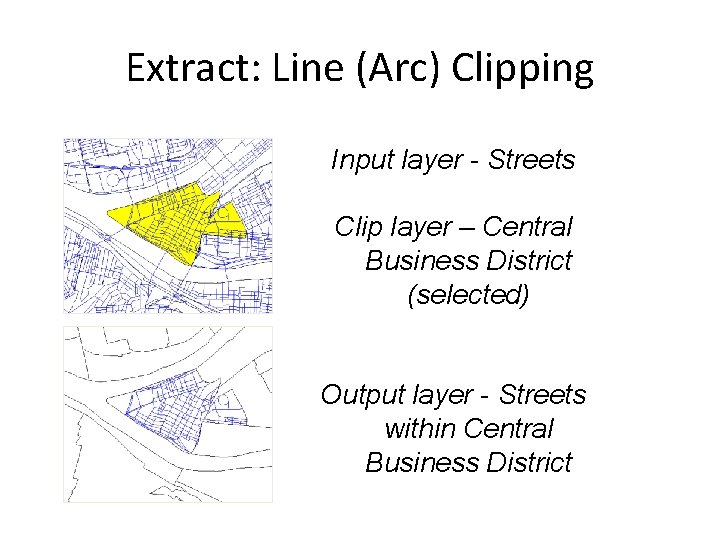
Extract: Line (Arc) Clipping Input layer - Streets Clip layer – Central Business District (selected) Output layer - Streets within Central Business District
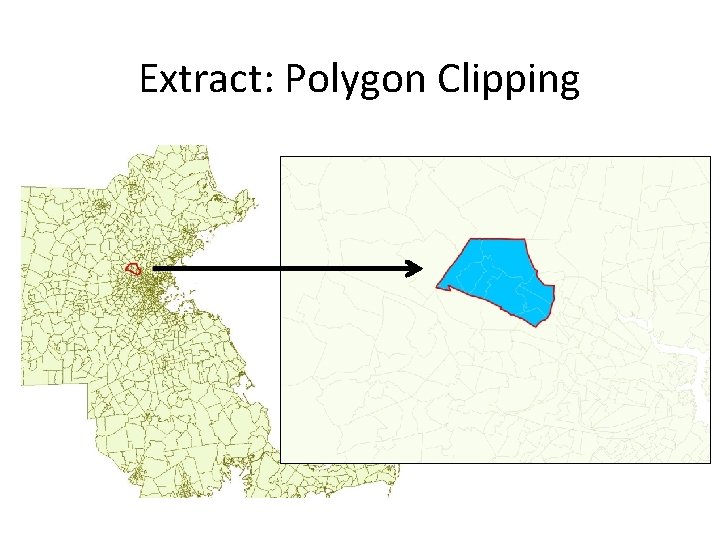
Extract: Polygon Clipping
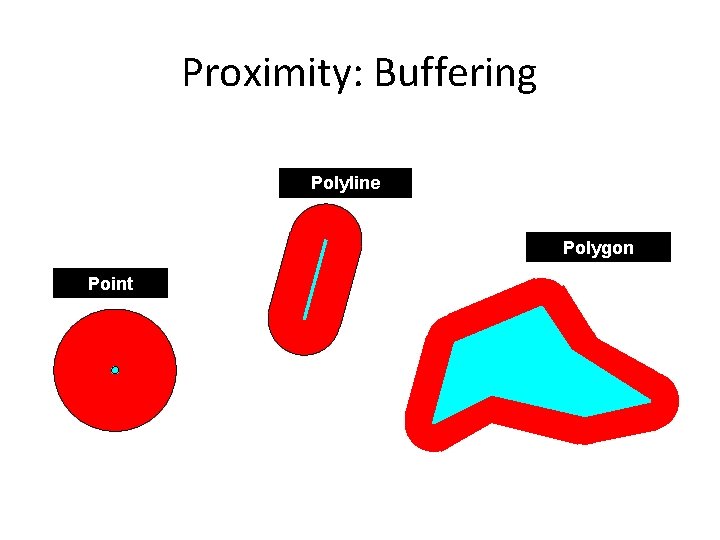
Proximity: Buffering Polyline Polygon Point
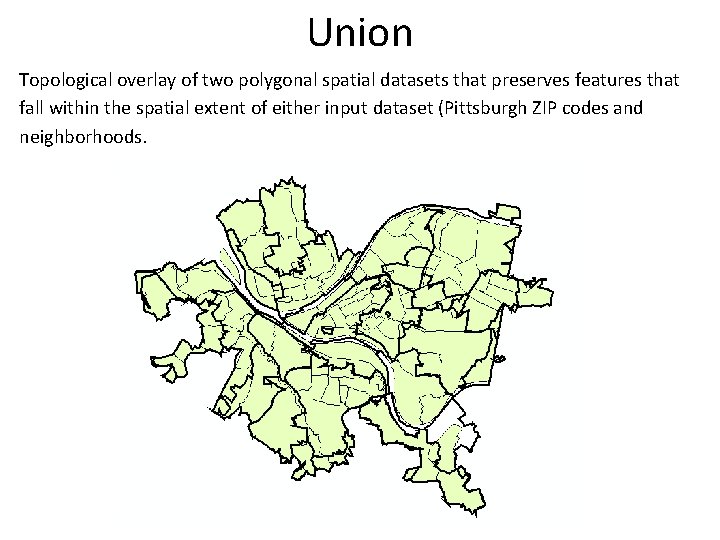
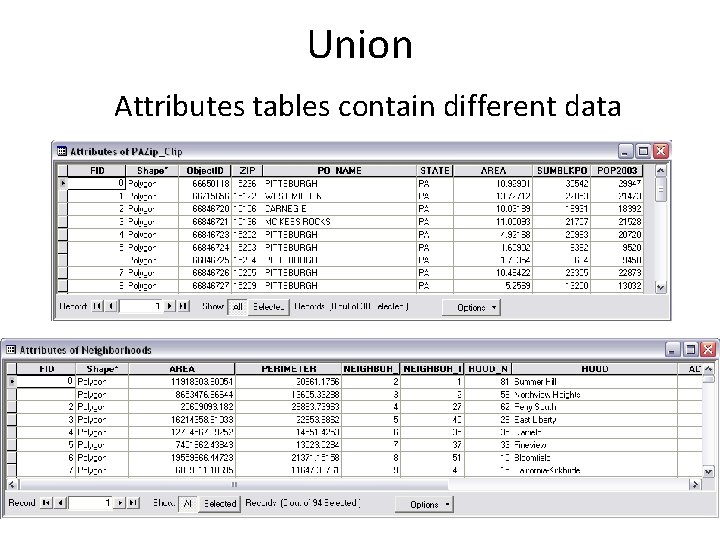
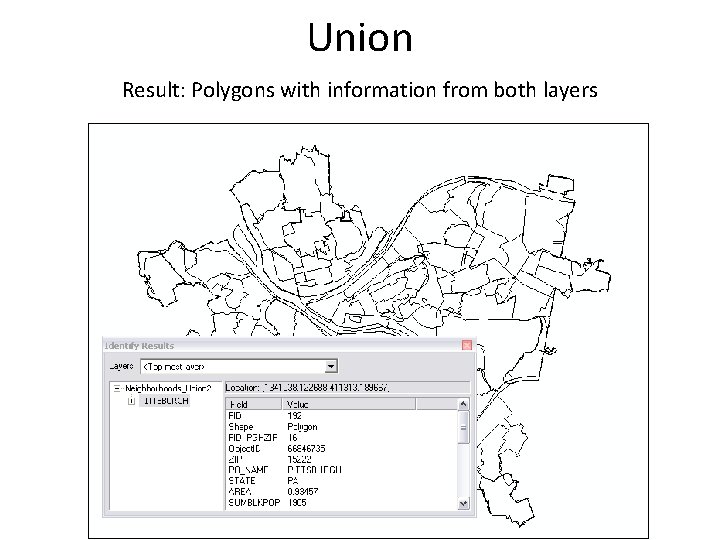
Union Topological overlay of two polygonal spatial datasets that preserves features that fall within the spatial extent of either input dataset (Pittsburgh ZIP codes and neighborhoods.
Union Attributes tables contain different data
Union Result: Polygons with information from both layers
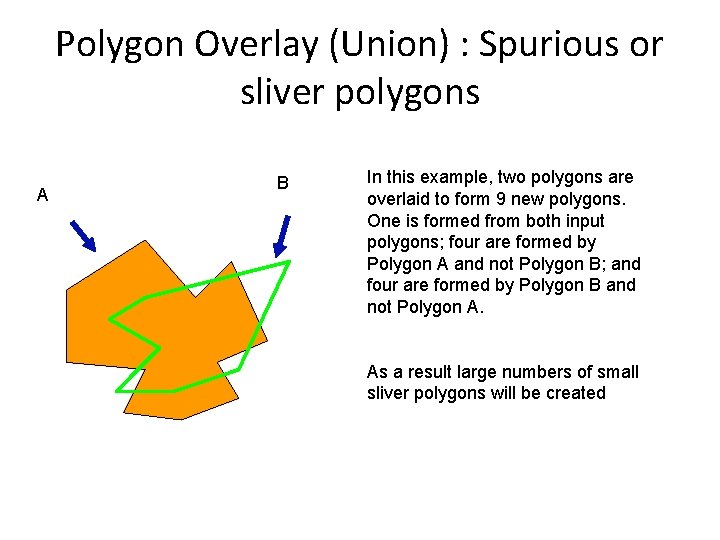
Polygon Overlay (Union) : Spurious or sliver polygons A B In this example, two polygons are overlaid to form 9 new polygons. One is formed from both input polygons; four are formed by Polygon A and not Polygon B; and four are formed by Polygon B and not Polygon A. As a result large numbers of small sliver polygons will be created
Intersect Use Intersect when you want to overlay a layer (point/line/poly) with the polygons in another layer so that the resulting output layer: § It has the combined attribute data of the features in the two inputs § It only contains features that fall within the spatial extent of the overlay polygons.
At the end of the Vector lab you should be able to • Work with one spatial layer to – Clip and Select from a spatial dataset – Create a Buffer • Work with multiple polygon layers to overlay – Intersect – Union • Use location or attribute queries from the previous lab
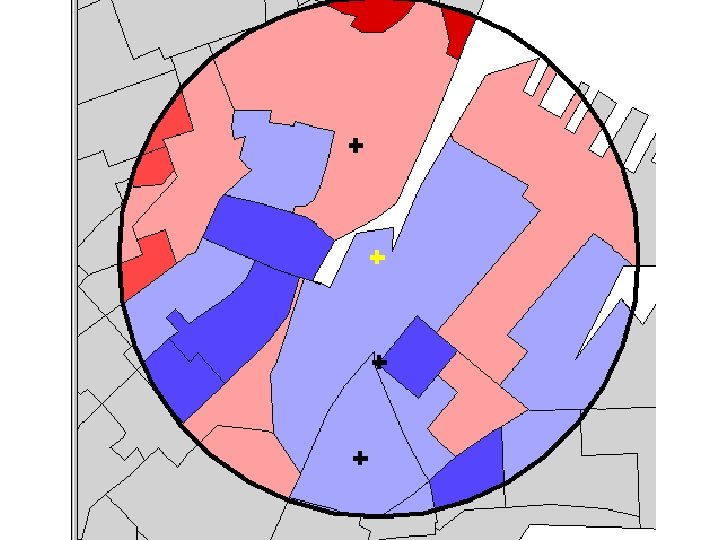
1. Selecting and Clipping: Extract Massachusetts tracts. 2. Buffering: Create 1 miles buffer zone from Massachusetts Hospitals and estimate the population living in these buffers around Hospitals (assuming the population is uniformly distributed) 3. Intersecting: Tracts and buffer zone and calculate a new area to estimate the population with this area. 4. Union: Tracts and buffer zone.