Finding root cause for unexplained AG failover Trayce
- Slides: 19
Finding root cause for unexplained AG failover Trayce Jordan MCM, MCA, MCITP, MCTS, MCDBA, MCSD, CISSP Senior Premier Field Engineer - SQL Microsoft Corporation Trayce. Jordan@Microsoft. com Trayce@Seek. Well. And. Prosper. com @Seek. Well. DBA http: //seekwellandprosper. com
SQL Saturday 651 Houston Sponsors
Do these quotes sound familiar? “My AG just failed over – why? ” “My AG didn’t failover – why not? ” “I don’t know how to figure it out!” “I know where to look, but it doesn’t make any sense!”
Our Agenda Discuss most common issues for failover. Review the SQL/Cluster components. Share my root cause analysis (RCA) approach. Look at logs!
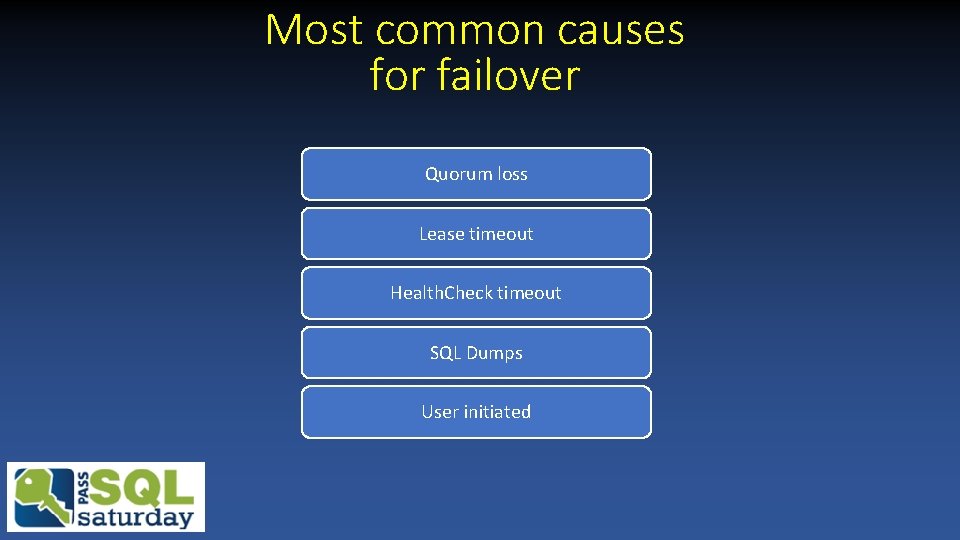
Most common causes for failover Quorum loss Lease timeout Health. Check timeout SQL Dumps User initiated
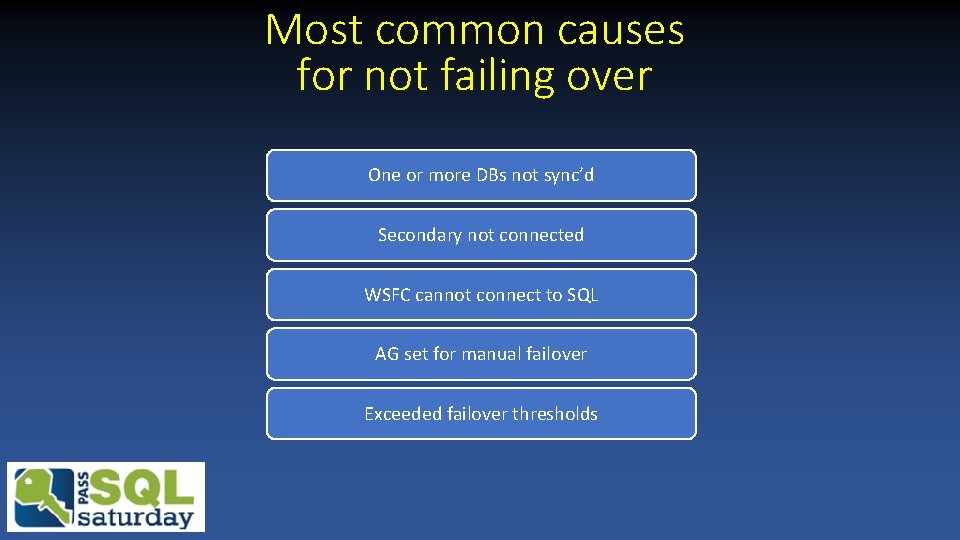
Most common causes for not failing over One or more DBs not sync’d Secondary not connected WSFC cannot connect to SQL AG set for manual failover Exceeded failover thresholds
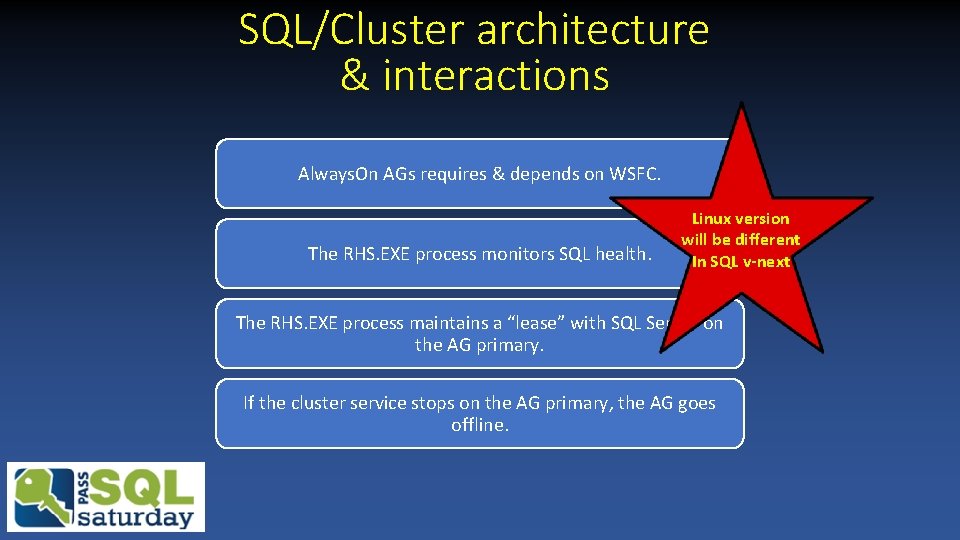
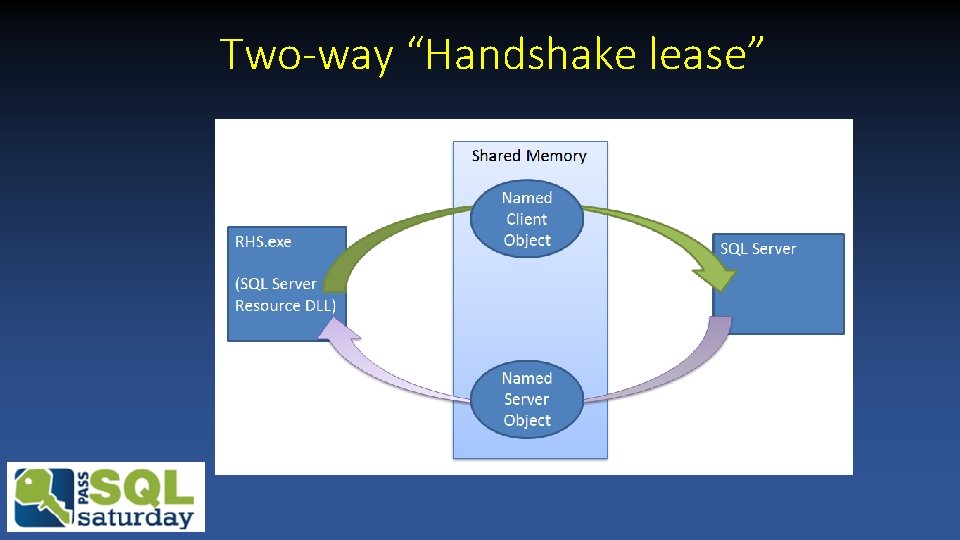
SQL/Cluster architecture & interactions Always. On AGs requires & depends on WSFC. The RHS. EXE process monitors SQL health. Linux version will be different In SQL v-next The RHS. EXE process maintains a “lease” with SQL Server on the AG primary. If the cluster service stops on the AG primary, the AG goes offline.
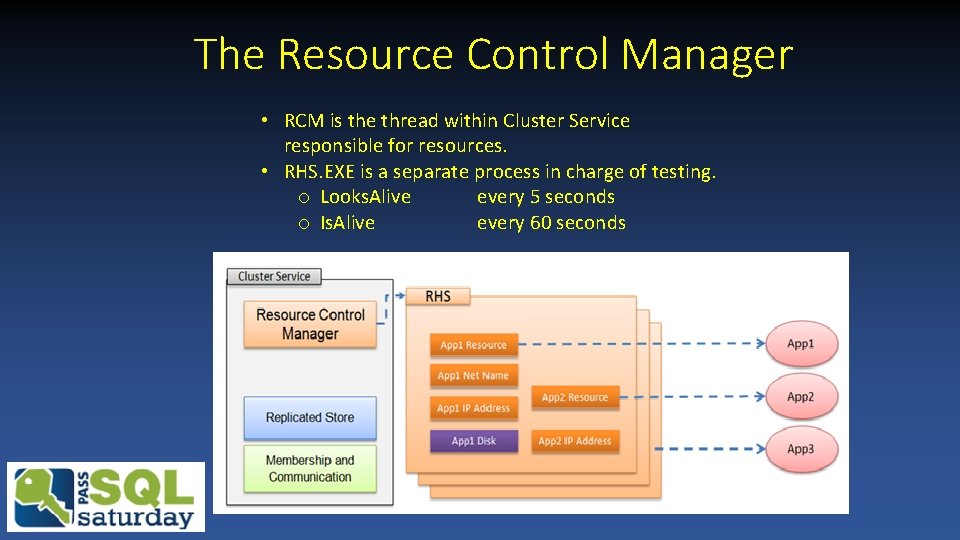
The Resource Control Manager • RCM is the thread within Cluster Service responsible for resources. • RHS. EXE is a separate process in charge of testing. o Looks. Alive every 5 seconds o Is. Alive every 60 seconds
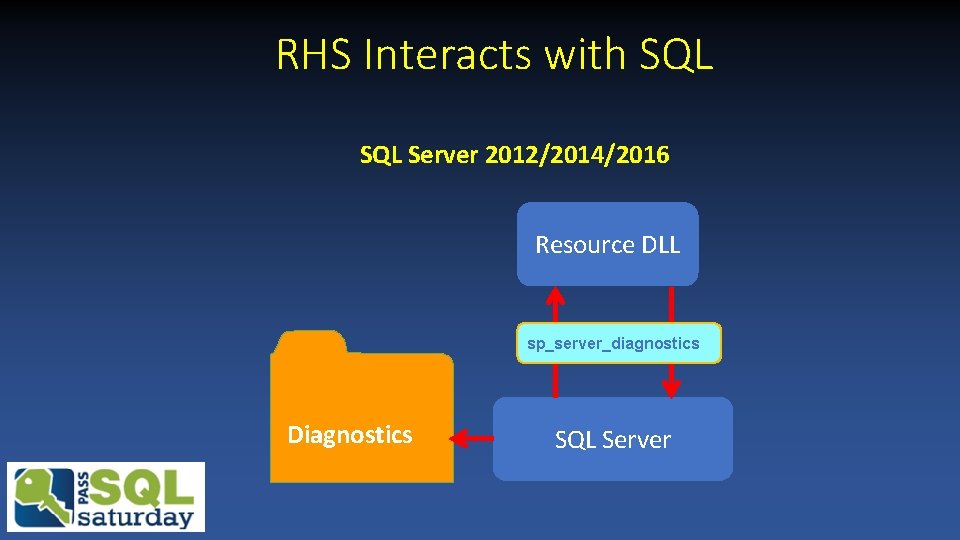
RHS Interacts with SQL Server 2012/2014/2016 Resource DLL sp_server_diagnostics Diagnostics SQL Server
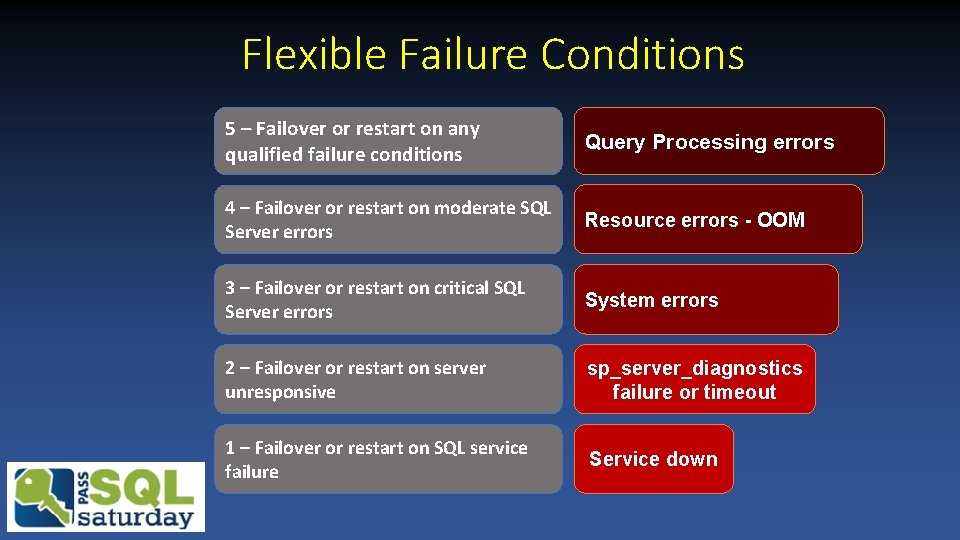
Flexible Failure Conditions 5 – Failover or restart on any qualified failure conditions Query Processing errors 4 – Failover or restart on moderate SQL Server errors Resource errors - OOM 3 – Failover or restart on critical SQL Server errors System errors 2 – Failover or restart on server unresponsive sp_server_diagnostics failure or timeout 1 – Failover or restart on SQL service failure Service down
Two-way “Handshake lease”
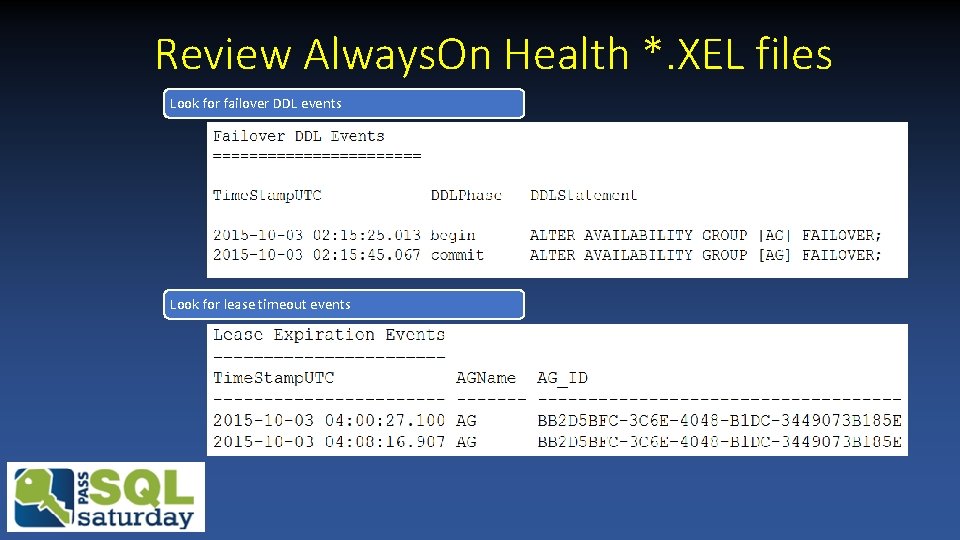
Review Always. On Health *. XEL files Look for failover DDL events Look for lease timeout events
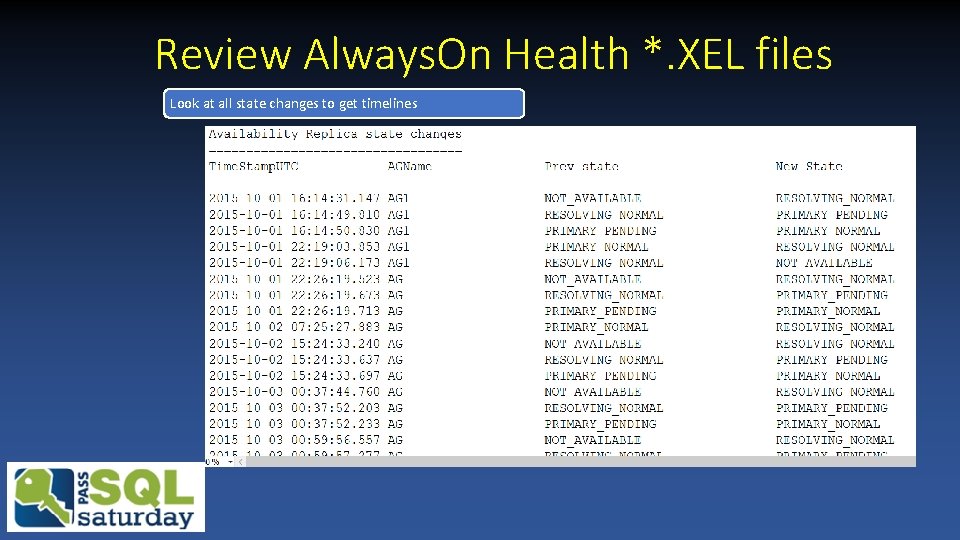
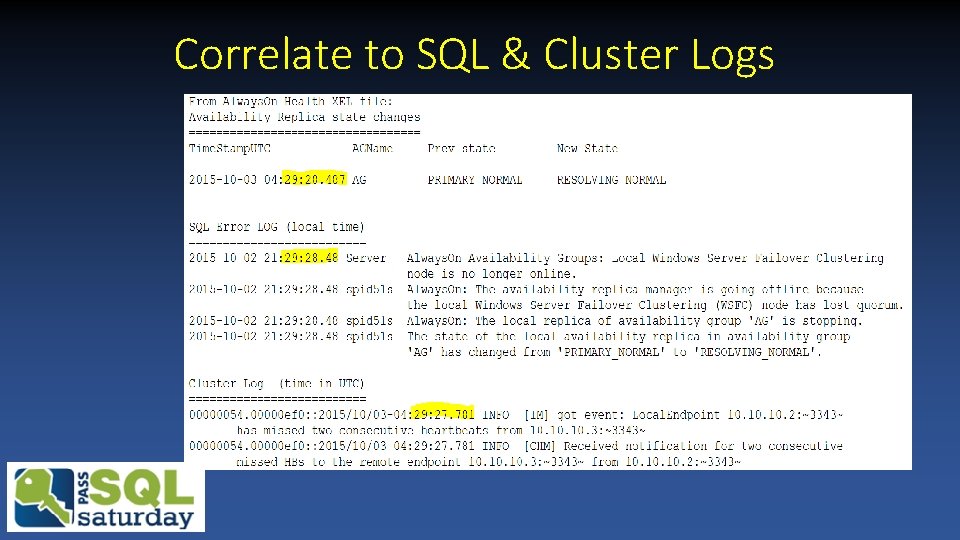
Review Always. On Health *. XEL files Look at all state changes to get timelines
Correlate to SQL & Cluster Logs
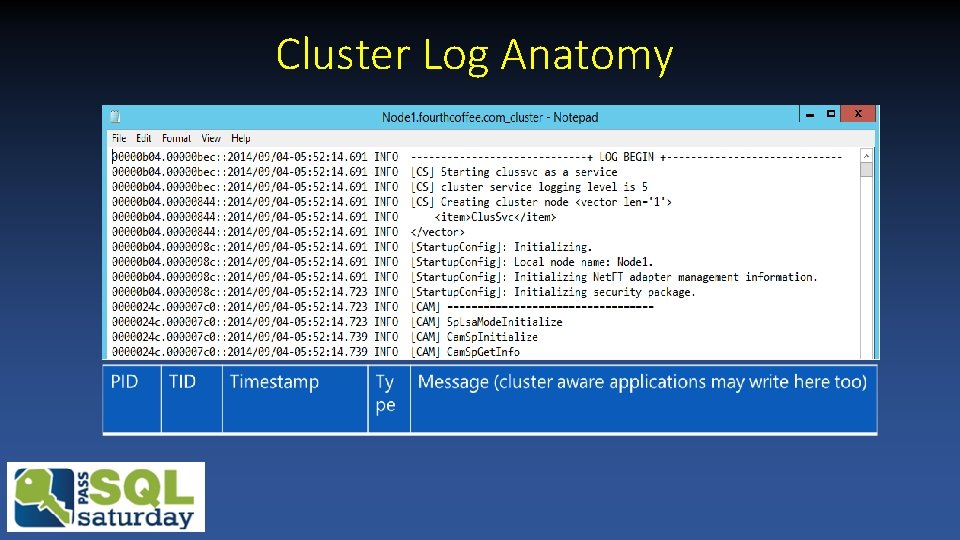
Cluster Log Anatomy
Demos
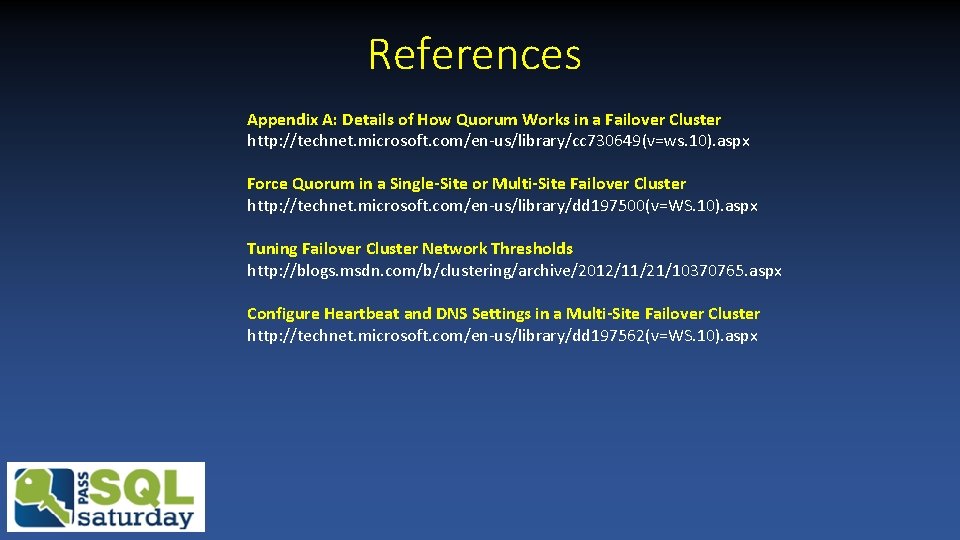
References Appendix A: Details of How Quorum Works in a Failover Cluster http: //technet. microsoft. com/en-us/library/cc 730649(v=ws. 10). aspx Force Quorum in a Single-Site or Multi-Site Failover Cluster http: //technet. microsoft. com/en-us/library/dd 197500(v=WS. 10). aspx Tuning Failover Cluster Network Thresholds http: //blogs. msdn. com/b/clustering/archive/2012/11/21/10370765. aspx Configure Heartbeat and DNS Settings in a Multi-Site Failover Cluster http: //technet. microsoft. com/en-us/library/dd 197562(v=WS. 10). aspx
References Looks. Alive and Is. Alive Implementation of Availability Groups failure_condition_level http: //blogs. msdn. com/b/alwaysonpro/archive/2013/09/12/looksalive-and-isalive-implementation-ofavailability-groups. aspx Configure the Flexible Failover Policy to Control Conditions for Automatic Failover (Always. On Availability Groups) http: //msdn. microsoft. com/en-us/library/hh 710040(v=sql. 120). aspx How It Works: SQL Server Always. On Lease Timeout http: //blogs. msdn. com/b/psssql/archive/2012/09/07/how-it-works-sql-server-alwayson-leasetimeout. aspx Enhance Always. On Failover Policy to Test SQL Server Responsiveness http: //blogs. msdn. com/b/alwaysonpro/archive/2014/10/13/enhance-alwayson-failover-policy-to-check-for -connection-and-availability-database-health. aspx
Thank you! Questions? Trayce. Jordan@microsoft. com trayce@seekwellandprosper. com