Evaluation Methods 1 Analytical Evaluations without users 2
- Slides: 26
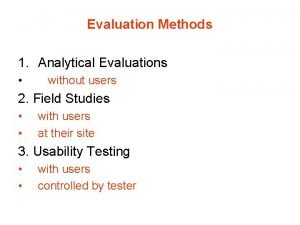
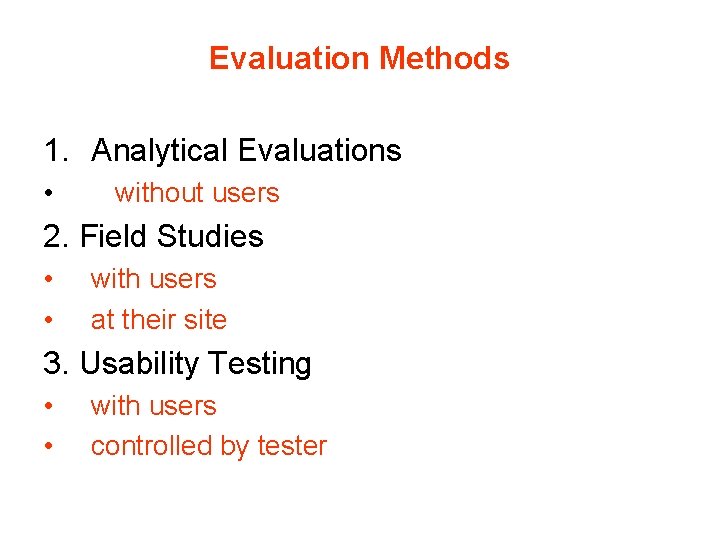
Evaluation Methods 1. Analytical Evaluations • without users 2. Field Studies • • with users at their site 3. Usability Testing • • with users controlled by tester
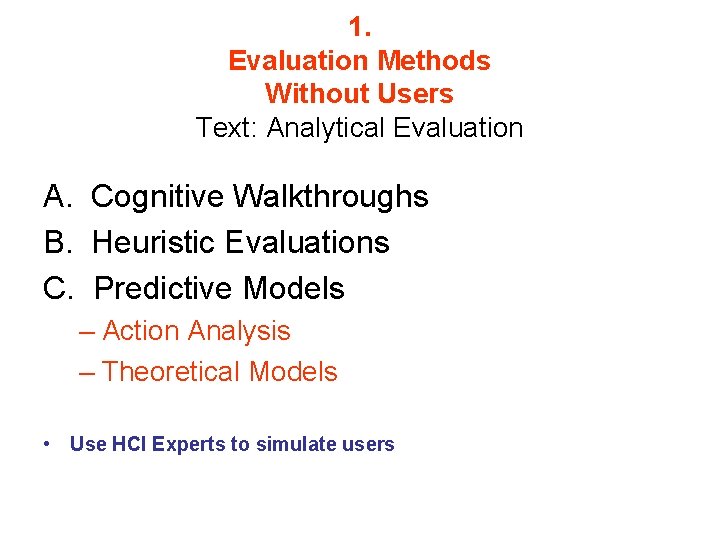
1. Evaluation Methods Without Users Text: Analytical Evaluation A. Cognitive Walkthroughs B. Heuristic Evaluations C. Predictive Models – Action Analysis – Theoretical Models • Use HCI Experts to simulate users
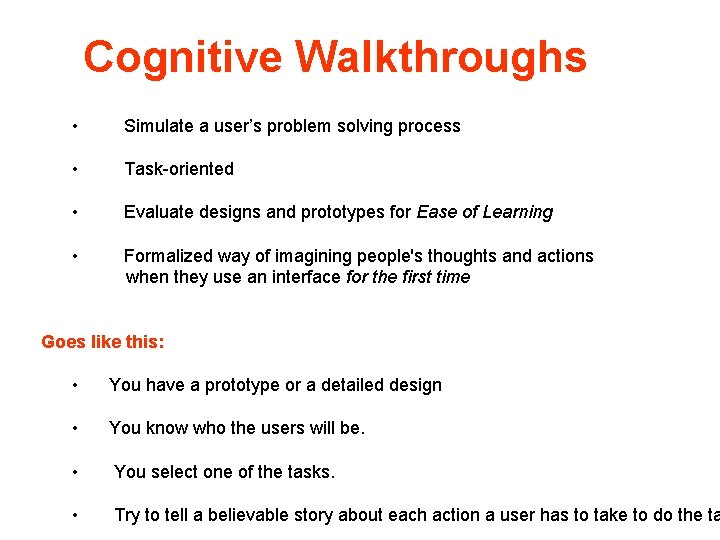
Cognitive Walkthroughs • Simulate a user’s problem solving process • Task-oriented • Evaluate designs and prototypes for Ease of Learning • Formalized way of imagining people's thoughts and actions when they use an interface for the first time Goes like this: • You have a prototype or a detailed design • You know who the users will be. • You select one of the tasks. • Try to tell a believable story about each action a user has to take to do the ta
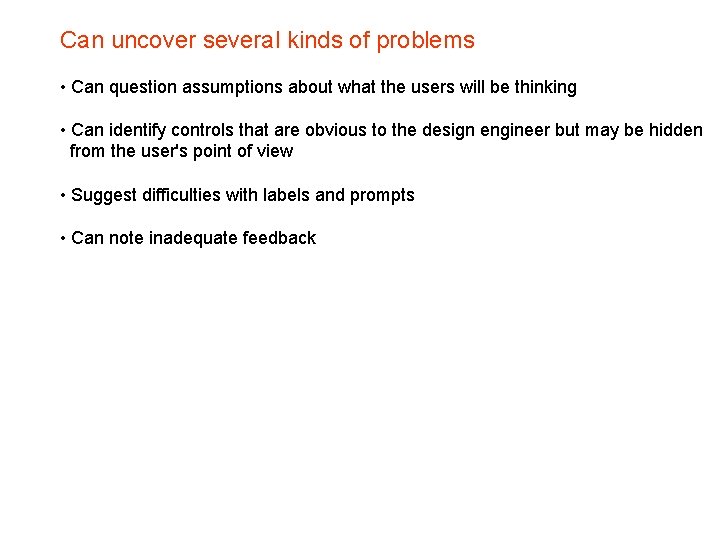
Can uncover several kinds of problems • Can question assumptions about what the users will be thinking • Can identify controls that are obvious to the design engineer but may be hidden from the user's point of view • Suggest difficulties with labels and prompts • Can note inadequate feedback
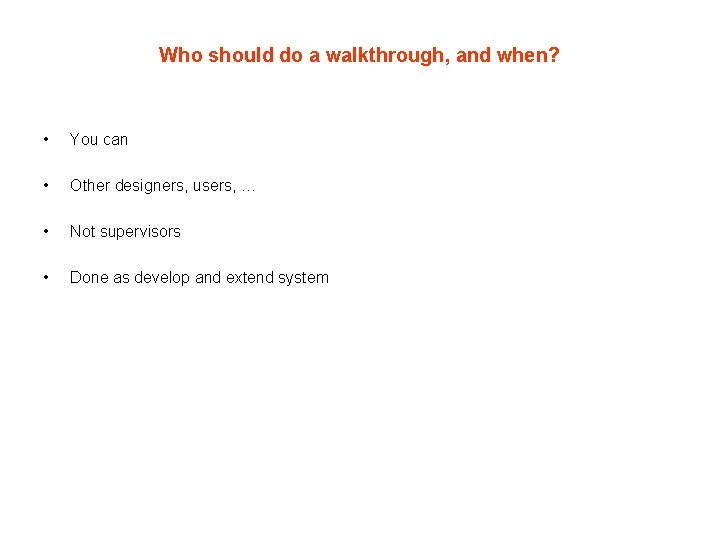
Who should do a walkthrough, and when? • You can • Other designers, users, … • Not supervisors • Done as develop and extend system
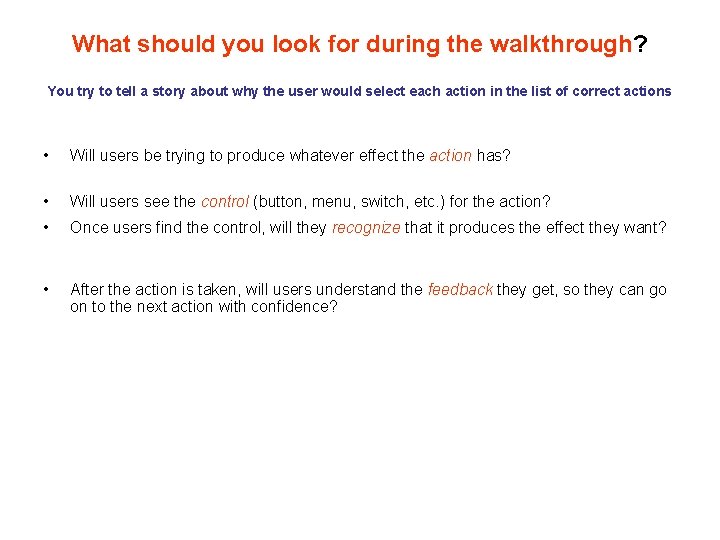
What should you look for during the walkthrough? You try to tell a story about why the user would select each action in the list of correct actions • Will users be trying to produce whatever effect the action has? • Will users see the control (button, menu, switch, etc. ) for the action? • Once users find the control, will they recognize that it produces the effect they want? • After the action is taken, will users understand the feedback they get, so they can go on to the next action with confidence?
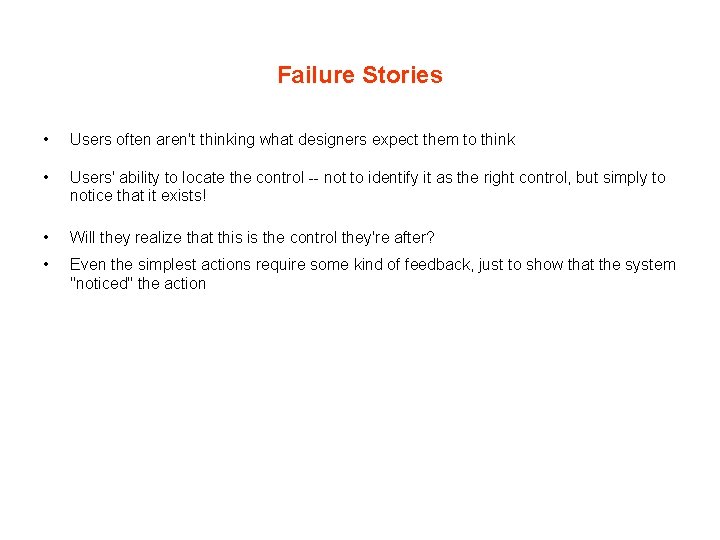
Failure Stories • Users often aren't thinking what designers expect them to think • Users' ability to locate the control -- not to identify it as the right control, but simply to notice that it exists! • Will they realize that this is the control they're after? • Even the simplest actions require some kind of feedback, just to show that the system "noticed" the action
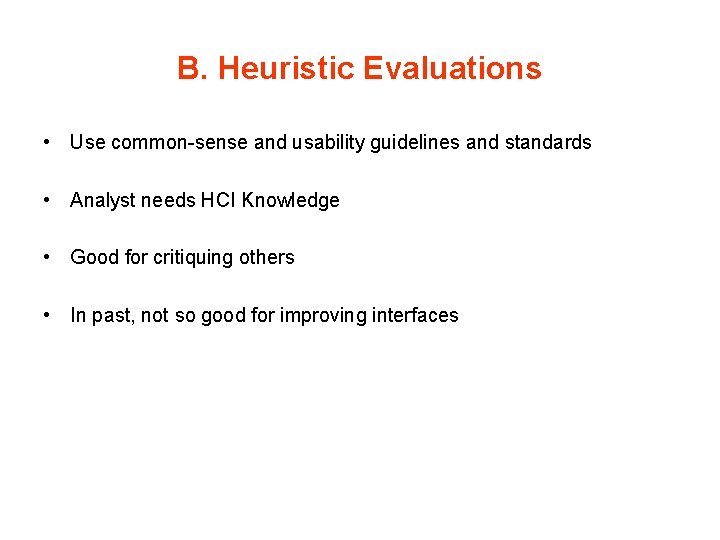
B. Heuristic Evaluations • Use common-sense and usability guidelines and standards • Analyst needs HCI Knowledge • Good for critiquing others • In past, not so good for improving interfaces
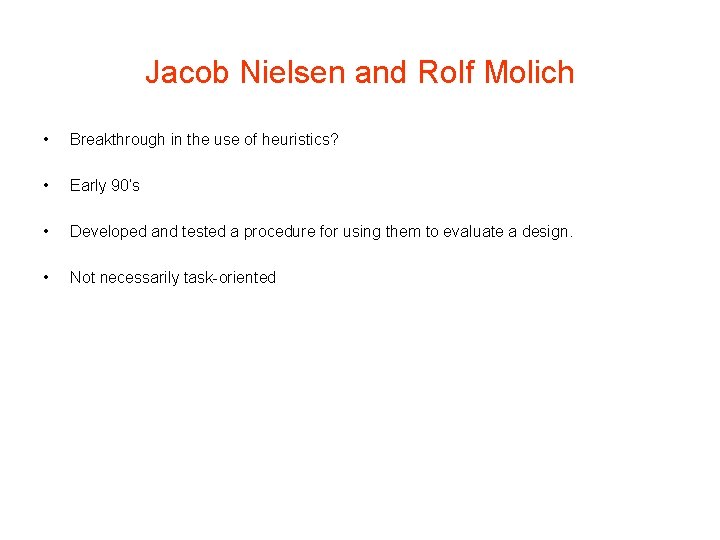
Jacob Nielsen and Rolf Molich • Breakthrough in the use of heuristics? • Early 90’s • Developed and tested a procedure for using them to evaluate a design. • Not necessarily task-oriented
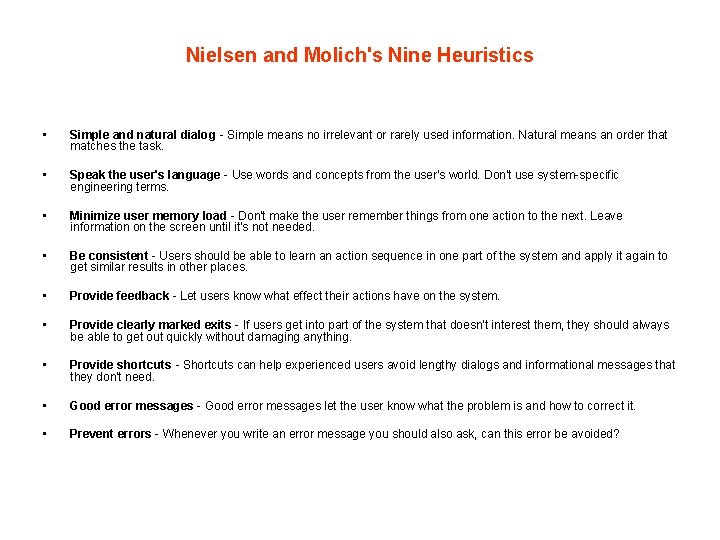
Nielsen and Molich's Nine Heuristics • Simple and natural dialog - Simple means no irrelevant or rarely used information. Natural means an order that matches the task. • Speak the user's language - Use words and concepts from the user's world. Don't use system-specific engineering terms. • Minimize user memory load - Don't make the user remember things from one action to the next. Leave information on the screen until it's not needed. • Be consistent - Users should be able to learn an action sequence in one part of the system and apply it again to get similar results in other places. • Provide feedback - Let users know what effect their actions have on the system. • Provide clearly marked exits - If users get into part of the system that doesn't interest them, they should always be able to get out quickly without damaging anything. • Provide shortcuts - Shortcuts can help experienced users avoid lengthy dialogs and informational messages that they don't need. • Good error messages - Good error messages let the user know what the problem is and how to correct it. • Prevent errors - Whenever you write an error message you should also ask, can this error be avoided?
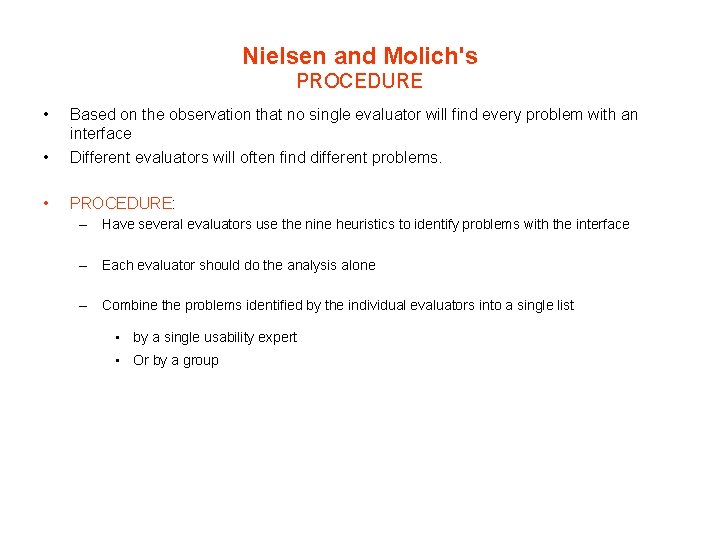
Nielsen and Molich's PROCEDURE • • Based on the observation that no single evaluator will find every problem with an interface Different evaluators will often find different problems. • PROCEDURE: – Have several evaluators use the nine heuristics to identify problems with the interface – Each evaluator should do the analysis alone – Combine the problems identified by the individual evaluators into a single list • by a single usability expert • Or by a group
3. Action Analysis Text: “Predictive Models” • GOMS • Keystroke Model • Fitts’ Law
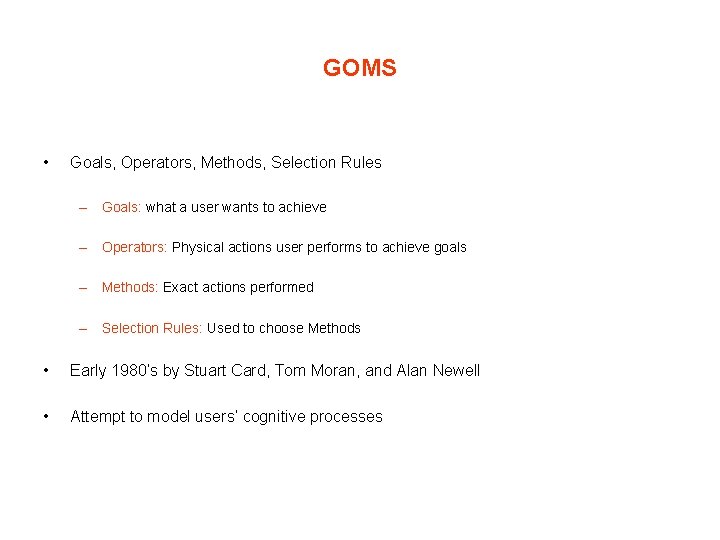
GOMS • Goals, Operators, Methods, Selection Rules – Goals: what a user wants to achieve – Operators: Physical actions user performs to achieve goals – Methods: Exact actions performed – Selection Rules: Used to choose Methods • Early 1980’s by Stuart Card, Tom Moran, and Alan Newell • Attempt to model users’ cognitive processes
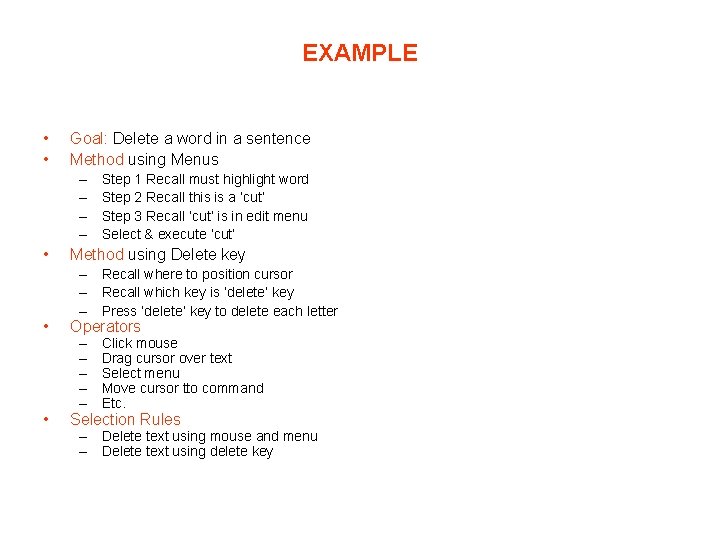
EXAMPLE • • Goal: Delete a word in a sentence Method using Menus – – • Step 1 Recall must highlight word Step 2 Recall this is a ‘cut’ Step 3 Recall ‘cut’ is in edit menu Select & execute ‘cut’ Method using Delete key – Recall where to position cursor – Recall which key is ‘delete’ key – Press ‘delete’ key to delete each letter • Operators • Selection Rules – – – Click mouse Drag cursor over text Select menu Move cursor tto command Etc. – Delete text using mouse and menu – Delete text using delete key
Keystroke- level analysis • Also developed by Card et al (1983) • Provides actual numerical prediction of user performance • (Show Slide 17, chapter 15)
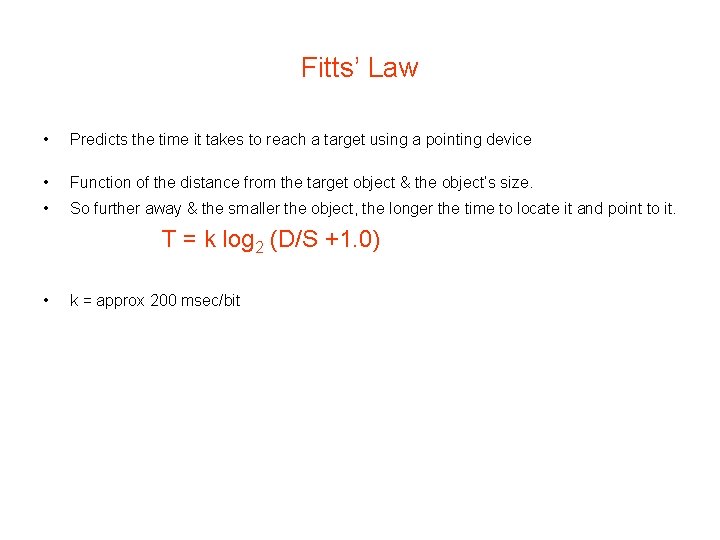
Fitts’ Law • Predicts the time it takes to reach a target using a pointing device • Function of the distance from the target object & the object’s size. • So further away & the smaller the object, the longer the time to locate it and point to it. T = k log 2 (D/S +1. 0) • k = approx 200 msec/bit
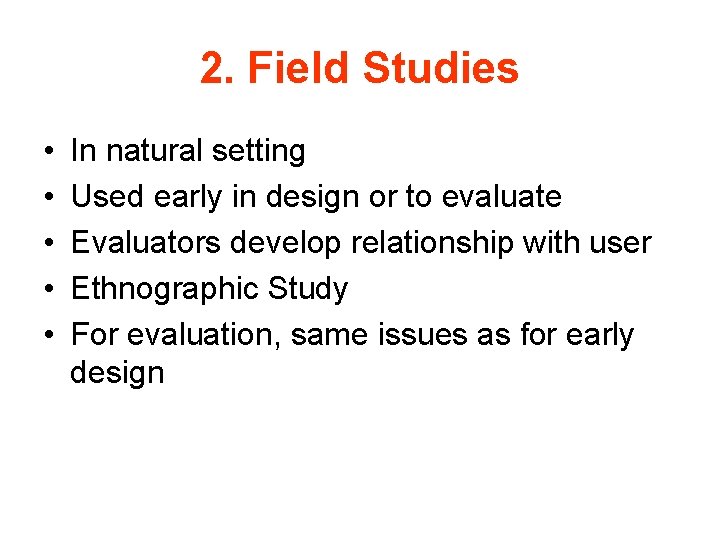
2. Field Studies • • • In natural setting Used early in design or to evaluate Evaluators develop relationship with user Ethnographic Study For evaluation, same issues as for early design
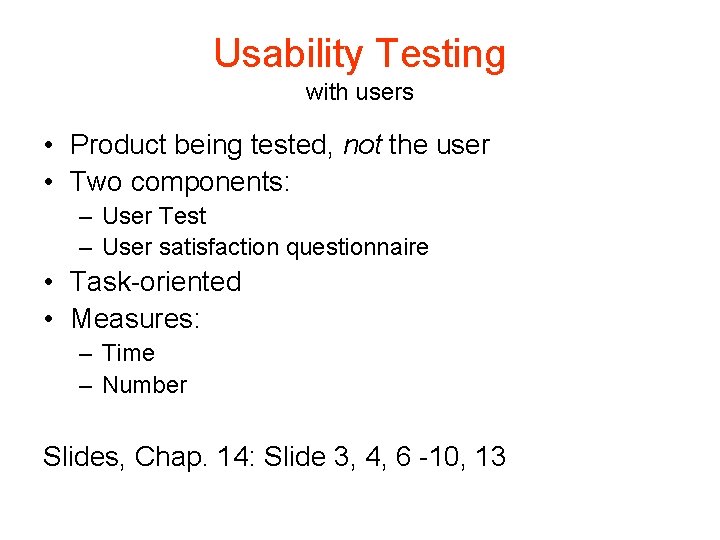
Usability Testing with users • Product being tested, not the user • Two components: – User Test – User satisfaction questionnaire • Task-oriented • Measures: – Time – Number Slides, Chap. 14: Slide 3, 4, 6 -10, 13
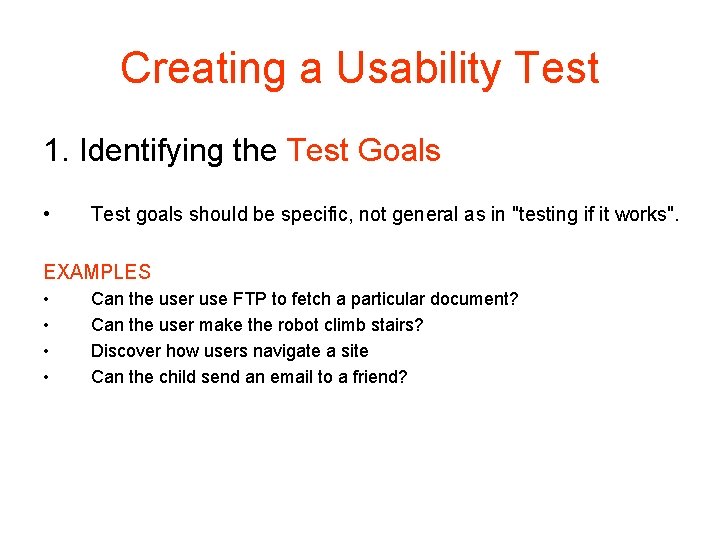
Creating a Usability Test 1. Identifying the Test Goals • Test goals should be specific, not general as in "testing if it works". EXAMPLES • • Can the user use FTP to fetch a particular document? Can the user make the robot climb stairs? Discover how users navigate a site Can the child send an email to a friend?
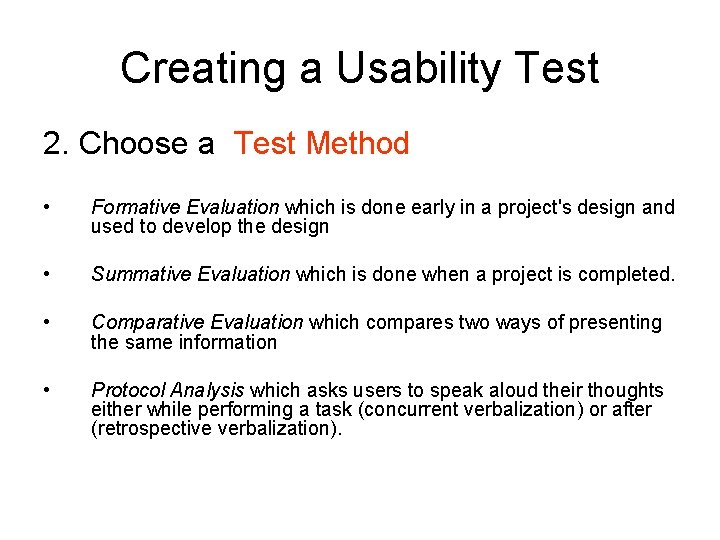
Creating a Usability Test 2. Choose a Test Method • Formative Evaluation which is done early in a project's design and used to develop the design • Summative Evaluation which is done when a project is completed. • Comparative Evaluation which compares two ways of presenting the same information • Protocol Analysis which asks users to speak aloud their thoughts either while performing a task (concurrent verbalization) or after (retrospective verbalization).
Creating a Usability Test 3. Identify the characteristics of the test subjects. • Demographics • Experience • Related to Application
Creating a Usability Test 4. Develop realistic tasks – Should relate to goals – Specific
Creating a Usability Test 5. Order the tasks – By Importance? – By other criteria?
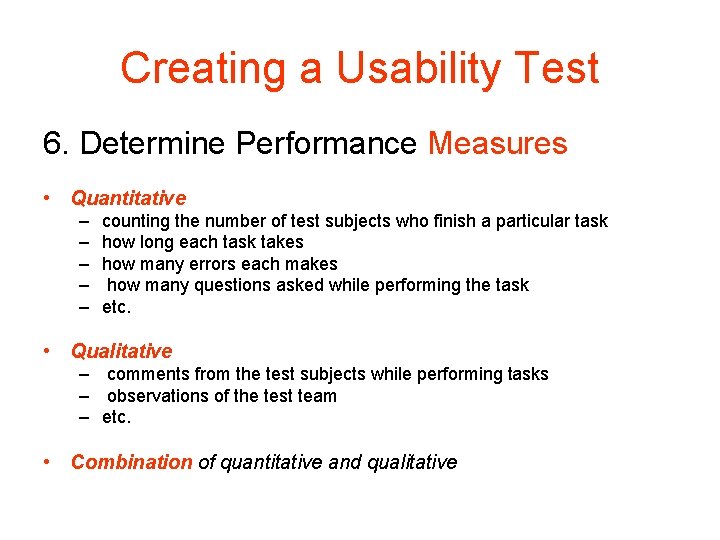
Creating a Usability Test 6. Determine Performance Measures • Quantitative – – – counting the number of test subjects who finish a particular task how long each task takes how many errors each makes how many questions asked while performing the task etc. • Qualitative – comments from the test subjects while performing tasks – observations of the test team – etc. • Combination of quantitative and qualitative
Creating a Usability Test 7. Create the test materials – Be sure to include instructions
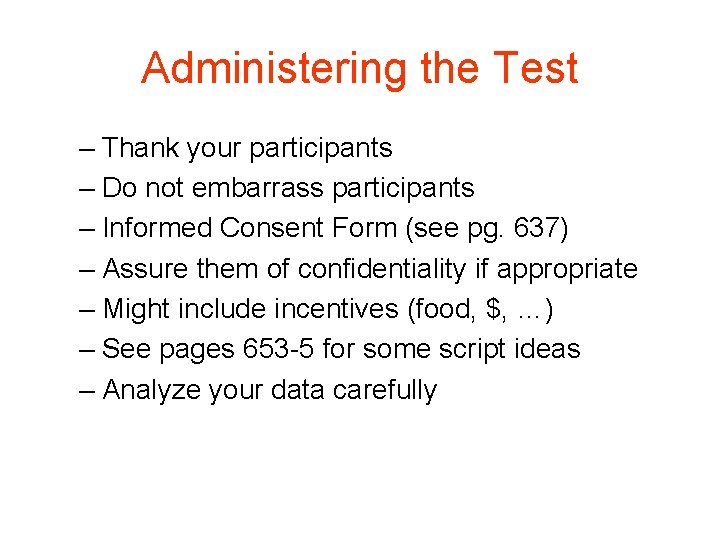
Administering the Test – Thank your participants – Do not embarrass participants – Informed Consent Form (see pg. 637) – Assure them of confidentiality if appropriate – Might include incentives (food, $, …) – See pages 653 -5 for some script ideas – Analyze your data carefully