Educational Technology This presentation Flipped classroom Extensive listening

- Slides: 16
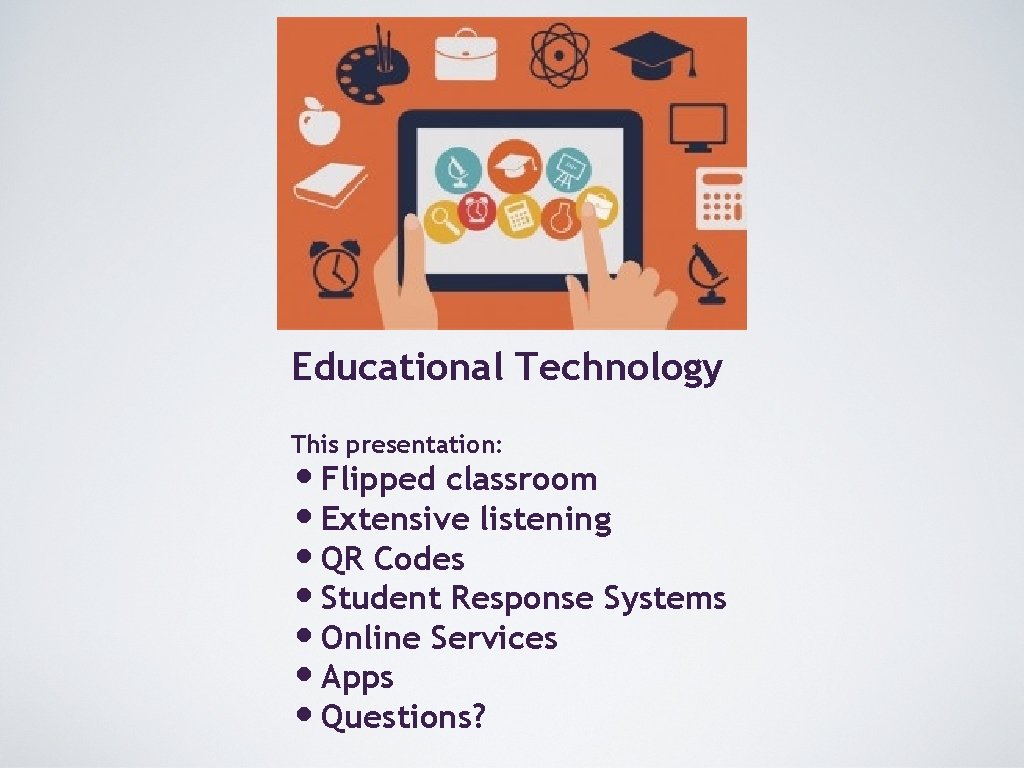
Educational Technology This presentation: • Flipped classroom • Extensive listening • QR Codes • Student Response Systems • Online Services • Apps • Questions?
Technology is changing the way we learn and changing the way we interact. Technology can expand the reach of education. Questions: How has technology (for example smartphones) changed the way you learn? How do you use technology in learning or teaching? QR code made with: qrcode. kaywa. com (select static code)
What is a ‘flipped’ classroom? https: //www. youtube. com/watch? v=i. QWvc 6 qh. Tds
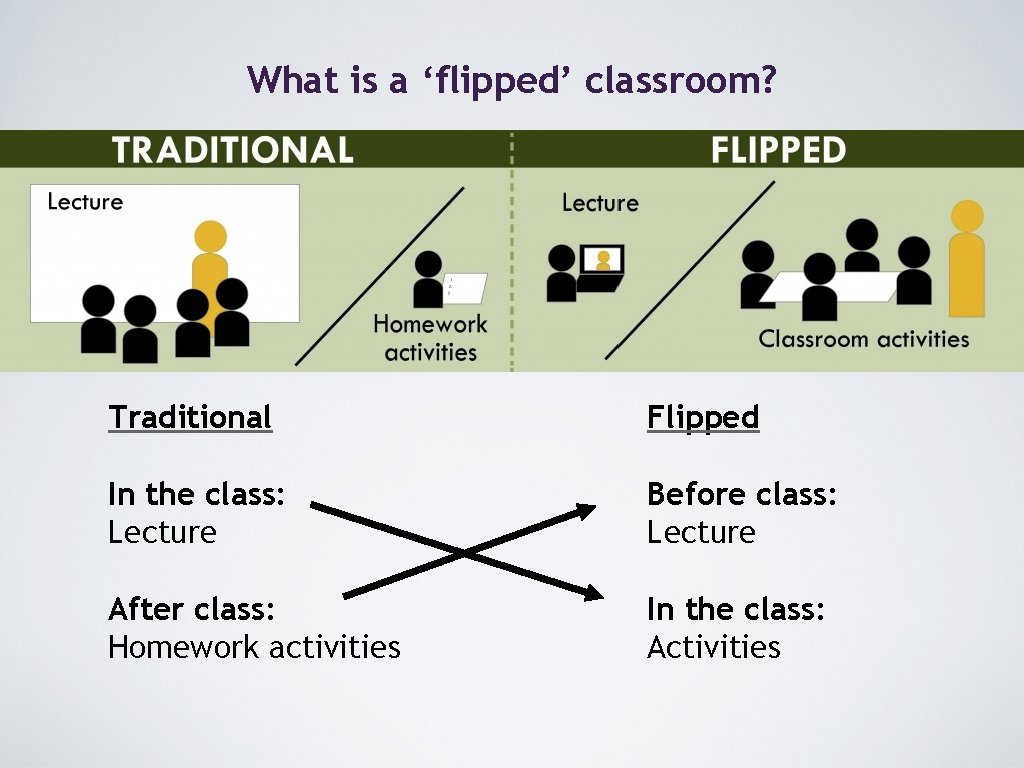
What is a ‘flipped’ classroom? Traditional Flipped In the class: Lecture Before class: Lecture After class: Homework activities In the class: Activities
How can we ‘flip’ the classroom? Use You. Tube videos For young learners: Wow English TV https: //www. youtube. com/channel/UCx 1 xhx. Qyz. R 4 TT 6 Pm. XO 0 khb. Q Week 1 - Yummy Food Story Time Week 2 - Dress up, kids … (send a schedule home to parents) For adults: Eng. Vid https: //www. engvid. com/ Give individual choice or create a schedule.
How can we ‘flip’ the classroom? Create content: • Screenflow (software) • Screencast-o-matic (software) • use your smartphone! https: //youtu. be/wf. T 4 b. FSM 0 r. U Share and track content: • Edmodo • Edpuzzle https: //www. youtube. com/watch? v=wi. KDs. E 9 Nthw
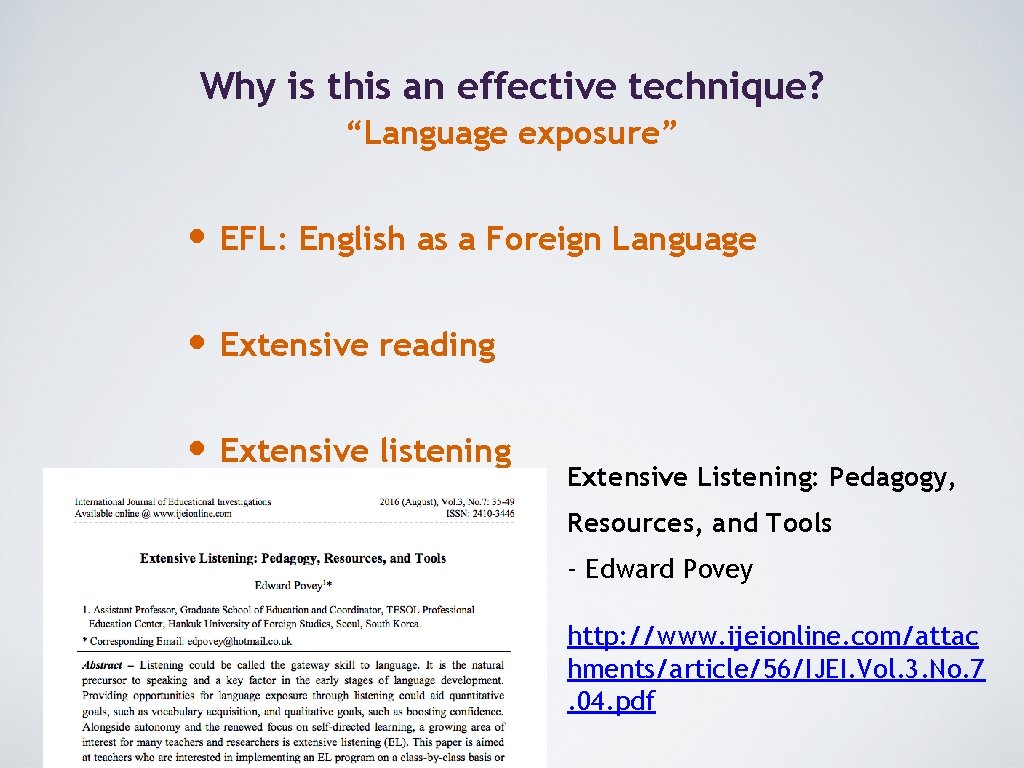
Why is this an effective technique? “Language exposure” • EFL: English as a Foreign Language • Extensive reading • Extensive listening Extensive Listening: Pedagogy, Resources, and Tools - Edward Povey http: //www. ijeionline. com/attac hments/article/56/IJEI. Vol. 3. No. 7. 04. pdf
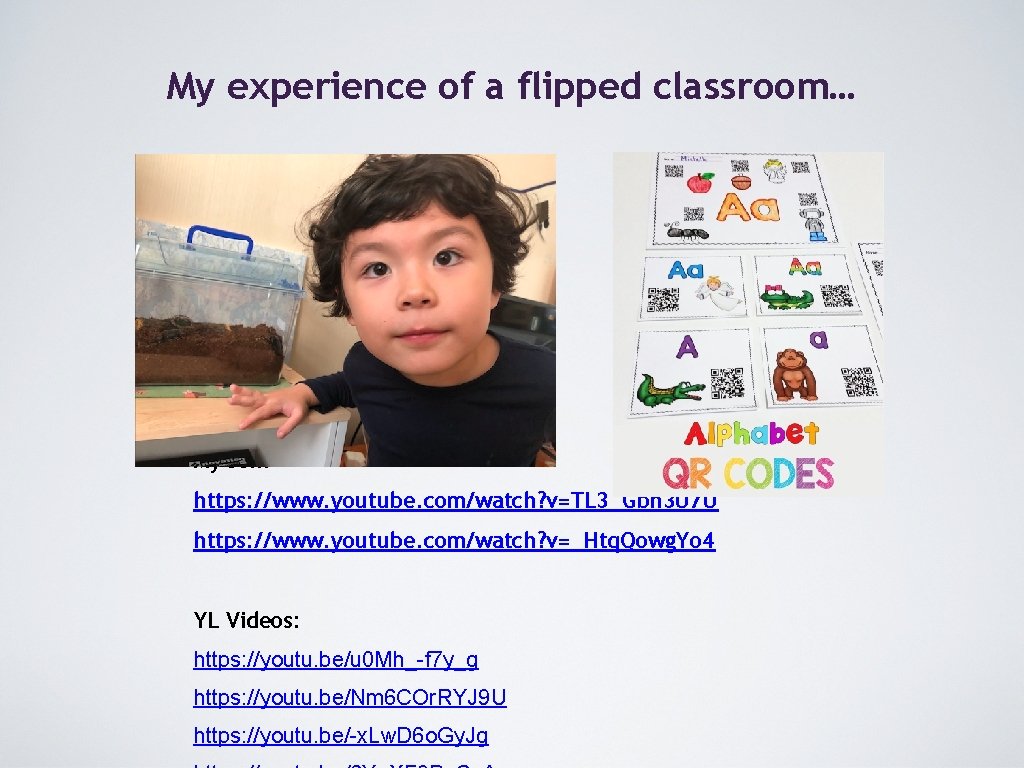
My experience of a flipped classroom… My son: https: //www. youtube. com/watch? v=TL 3_Gbh 3 U 7 U https: //www. youtube. com/watch? v=_Htq. Qowg. Yo 4 YL Videos: https: //youtu. be/u 0 Mh_-f 7 y_g https: //youtu. be/Nm 6 COr. RYJ 9 U https: //youtu. be/-x. Lw. D 6 o. Gy. Jg
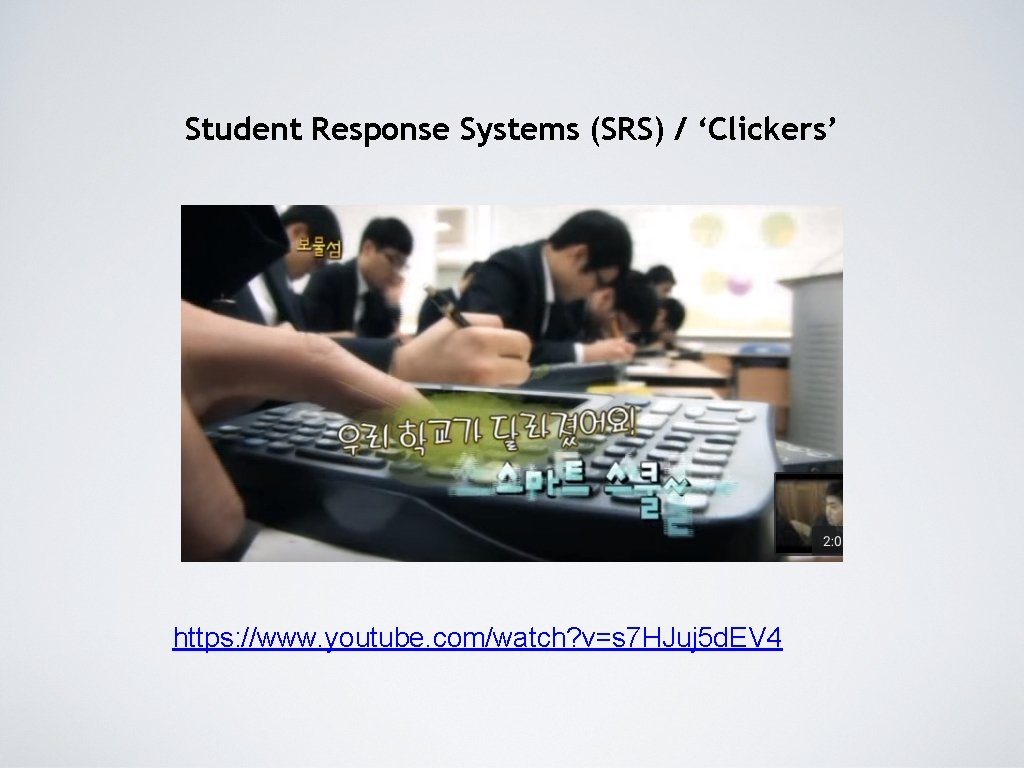
Student Response Systems (SRS) / ‘Clickers’ https: //www. youtube. com/watch? v=s 7 HJuj 5 d. EV 4
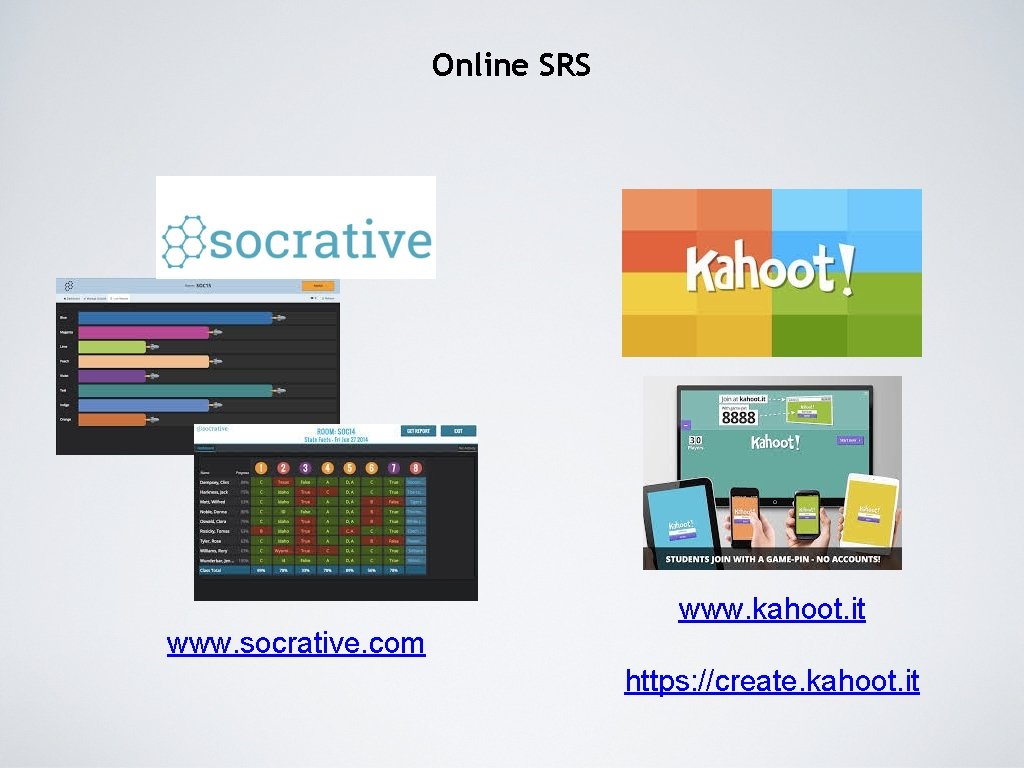
Online SRS www. kahoot. it www. socrative. com https: //create. kahoot. it
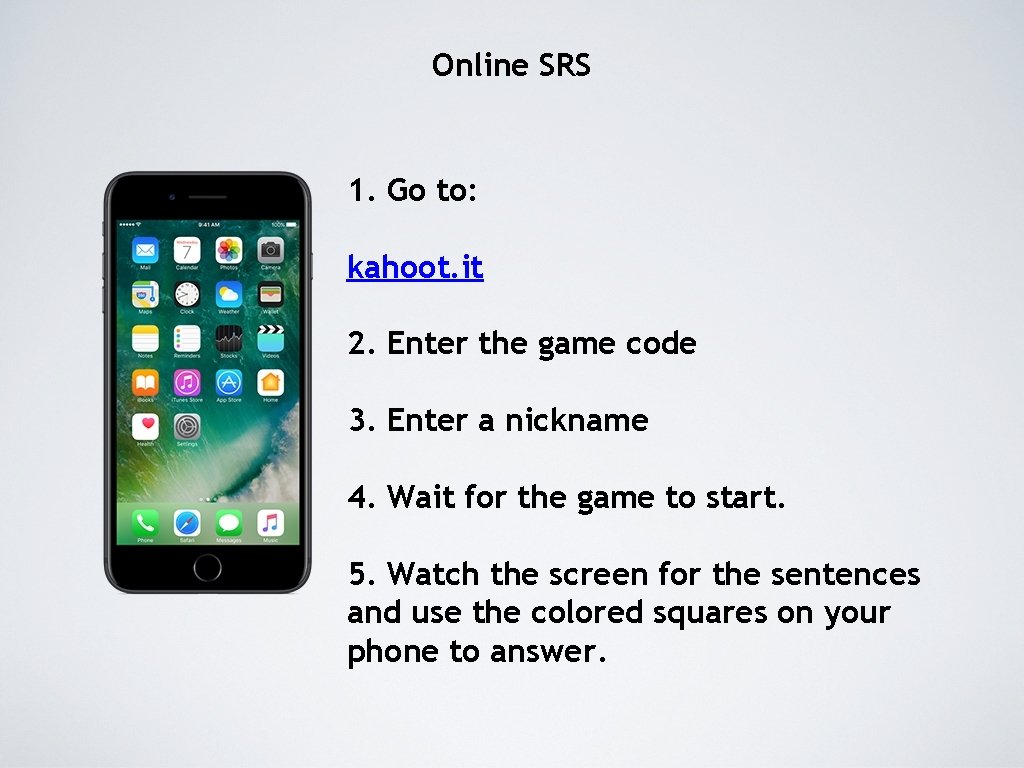
Online SRS 1. Go to: kahoot. it 2. Enter the game code 3. Enter a nickname 4. Wait for the game to start. 5. Watch the screen for the sentences and use the colored squares on your phone to answer.
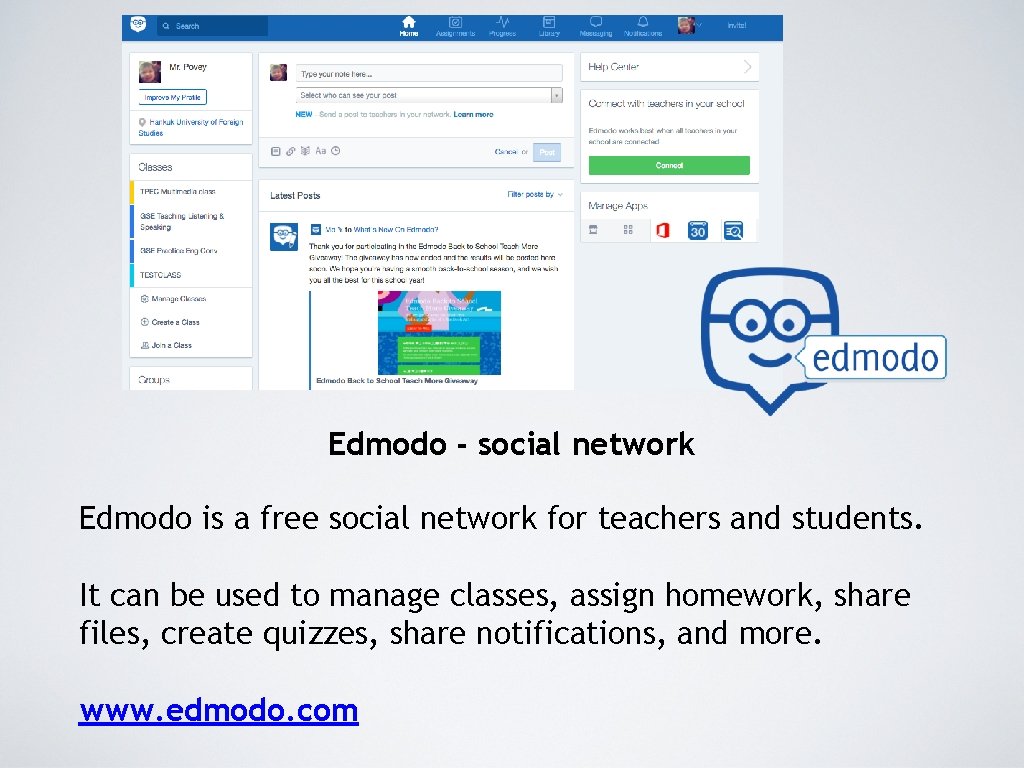
Edmodo - social network Edmodo is a free social network for teachers and students. It can be used to manage classes, assign homework, share files, create quizzes, share notifications, and more. www. edmodo. com
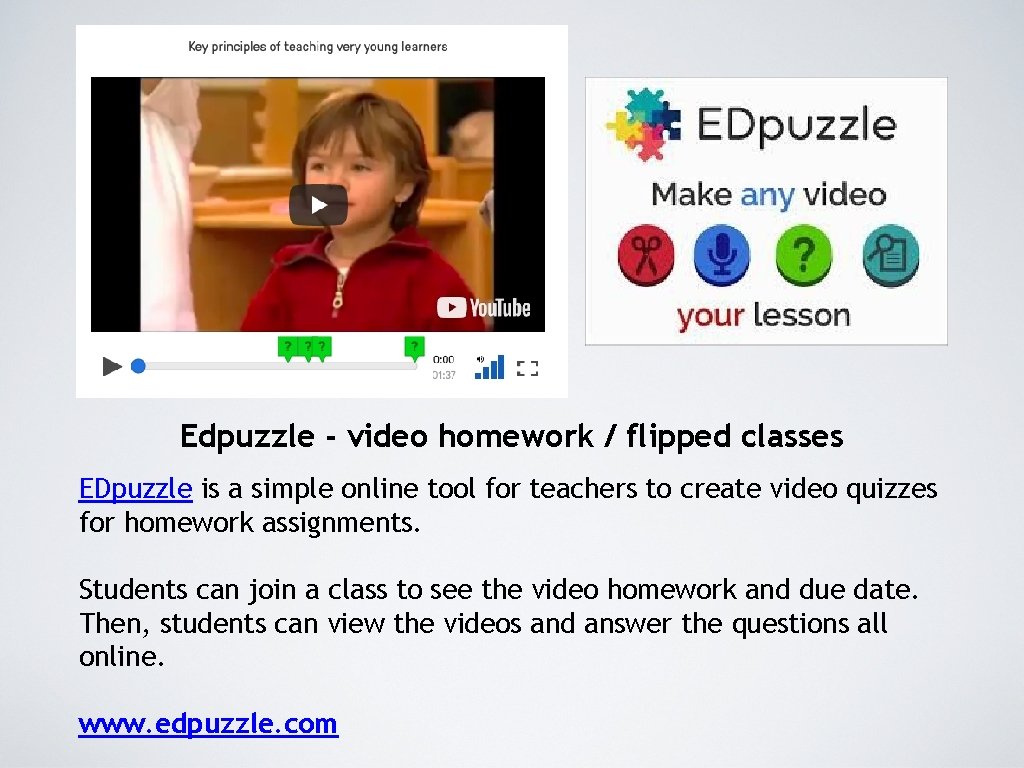
Edpuzzle - video homework / flipped classes EDpuzzle is a simple online tool for teachers to create video quizzes for homework assignments. Students can join a class to see the video homework and due date. Then, students can view the videos and answer the questions all online. www. edpuzzle. com
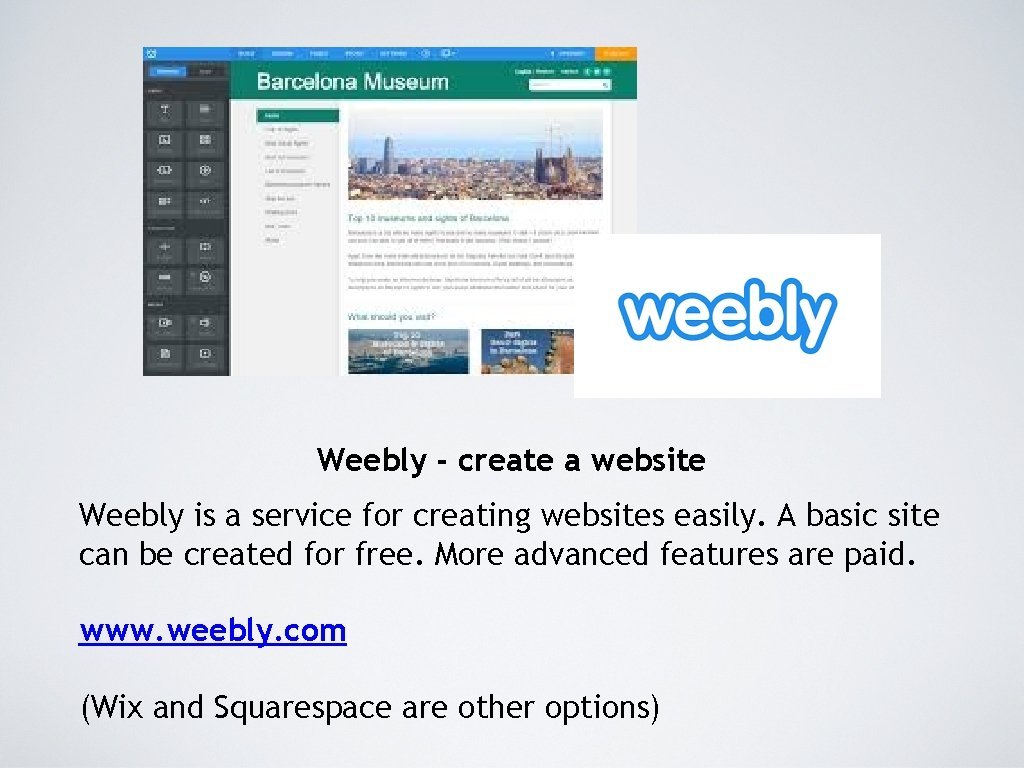
Weebly - create a website Weebly is a service for creating websites easily. A basic site can be created for free. More advanced features are paid. www. weebly. com (Wix and Squarespace are other options)
Apps for learning languages: https: //www. lingualift. com/blog/best-language-learningapps/ Apps for young learners: http: //www. edwardtesol. com/smartphone-apps-forkids. html https: //www. youtube. com/watch? v=EA 7 Z 2 YAebck