Education Planner 7 12 Implementation Ideas Ontario Edition
- Slides: 11
Education Planner (7 -12) - Implementation Ideas Ontario Edition
Top 8 Implementation Ideas in Ontario 1. IPP Activities to promote student-centered learning (i. e. , custom school prizes), fulfill Creating Pathways to Success mandate requirement, and drive a Teacher Advisory Program 2. Who Am I Survey(s) completion before guidance meetings 3. Resumes/Cover Letters to apply for a position on the school’s student council 4. E-portfolios to track student progress and experiences (e. g. , Co-op Portfolio, Career Portfolio, Scholarship Application Portfolio, Goal Setting Portfolio, etc. ) 5. my. Blueprint Course Package for Careers (GLC 2 O) 6. Statistics/Reports to guide experiential learning, post-secondary visits, career fairs, and guest speakers 7. S. M. A. R. T. Goal Setting to support students and teacher-advisors with their Annual Education Plan 8. Student Resources to share information on scholarships, co-op programs, volunteer opportunities, mental health resources, homework help, etc.
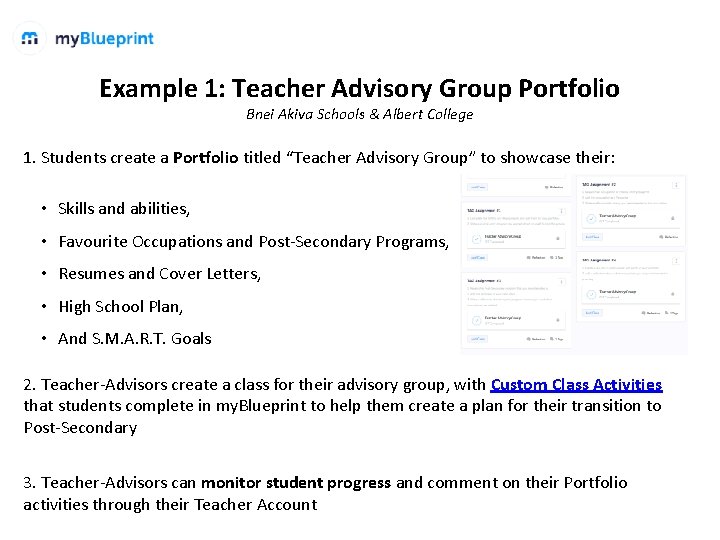
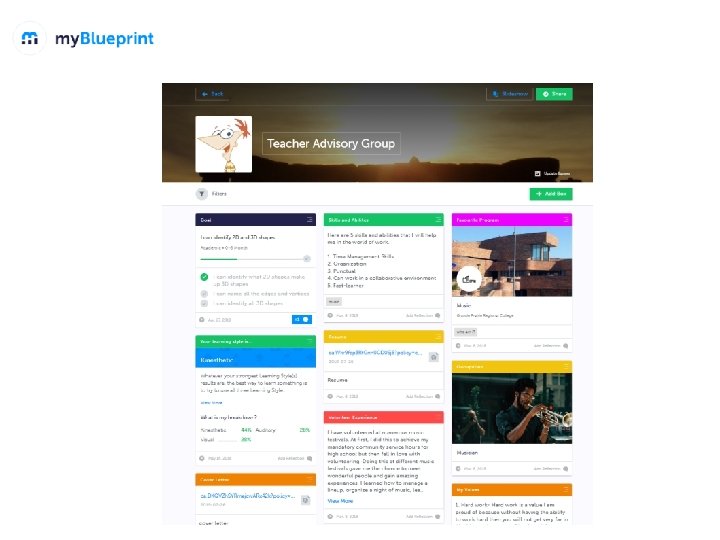
Example 1: Teacher Advisory Group Portfolio Bnei Akiva Schools & Albert College 1. Students create a Portfolio titled “Teacher Advisory Group” to showcase their: • Skills and abilities, • Favourite Occupations and Post-Secondary Programs, • Resumes and Cover Letters, • High School Plan, • And S. M. A. R. T. Goals 2. Teacher-Advisors create a class for their advisory group, with Custom Class Activities that students complete in my. Blueprint to help them create a plan for their transition to Post-Secondary 3. Teacher-Advisors can monitor student progress and comment on their Portfolio activities through their Teacher Account
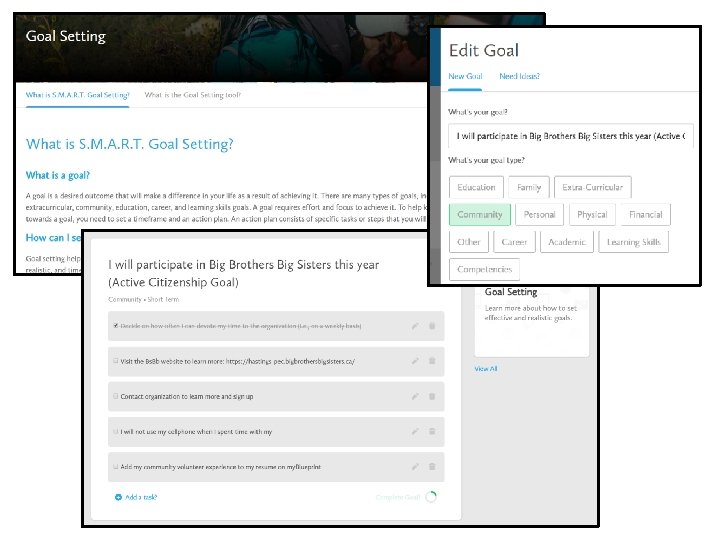
Example 2: Goal Setting for students’ Annual Education Plan Albert College 1. Students create S. M. A. R. T. goals and action plans in my. Blueprint and track their progress throughout the school year with the help of a teacher-advisor 2. Students use the Goal Setting Guide in my. Blueprint to breakdown the S. M. A. R. T. goal setting process. 3. Students add their goals to their “Annual Education Plan Portfolio” and review their plans regularly as they evaluate their progress, gain experiences, and learn more about themselves. 4. Teacher-Advisors provide feedback on student progress via the Portfolios tool 5. Parents/Guardians can review their child’s Annual Education Plan by creating a my. Blueprint Family Account
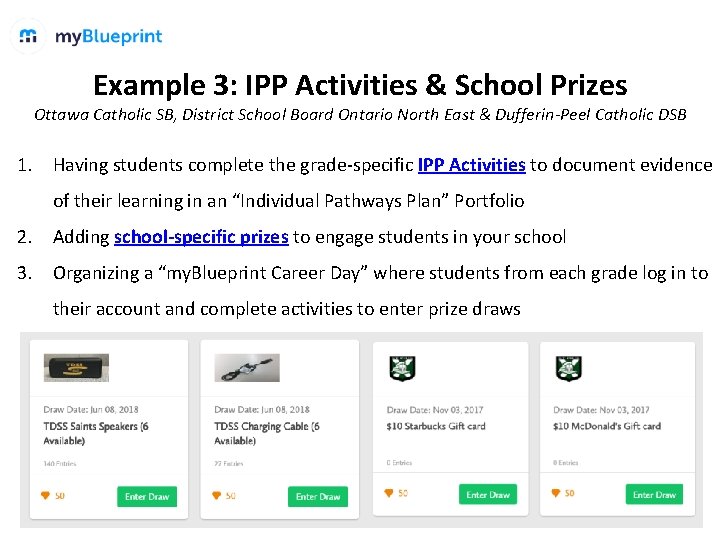
Example 3: IPP Activities & School Prizes Ottawa Catholic SB, District School Board Ontario North East & Dufferin-Peel Catholic DSB 1. Having students complete the grade-specific IPP Activities to document evidence of their learning in an “Individual Pathways Plan” Portfolio 2. Adding school-specific prizes to engage students in your school 3. Organizing a “my. Blueprint Career Day” where students from each grade log in to their account and complete activities to enter prize draws
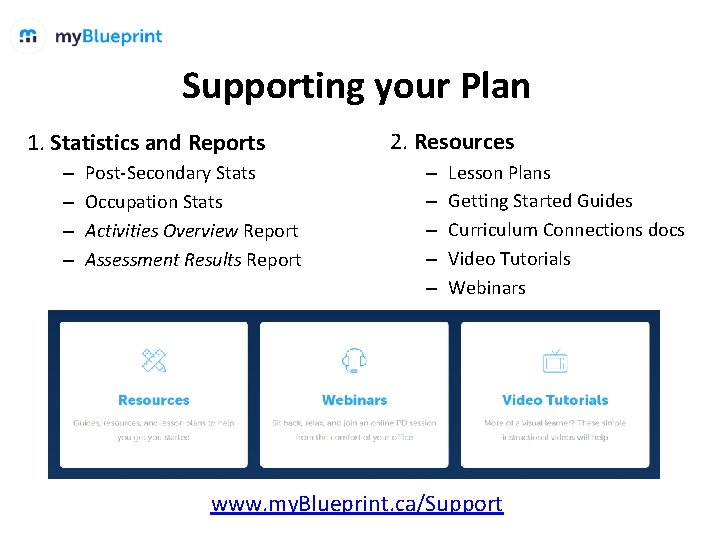
Supporting your Plan 1. Statistics and Reports – – Post-Secondary Stats Occupation Stats Activities Overview Report Assessment Results Report 2. Resources – – – Lesson Plans Getting Started Guides Curriculum Connections docs Video Tutorials Webinars www. my. Blueprint. ca/Support
Share your amazing implementation ideas with our Support Team! ! @my. Blueprint. ca community. my. Blueprint. ca
Visit our Support Centre For guides, lesson plans, video tutorials, and more. my. Blueprint. ca/Support
Thank you! support@my. Blueprint. ca 1 -888 -901 -5505