Creating Animations in Alice What will we learn
- Slides: 16
Creating Animations in Alice
What will we learn today? Remember that Alice is a programming tool Alice uses storytelling to teach programming concepts We will learn Writing an animation program Reading the scenario Designing a storyboard Visual and Textual storyboards
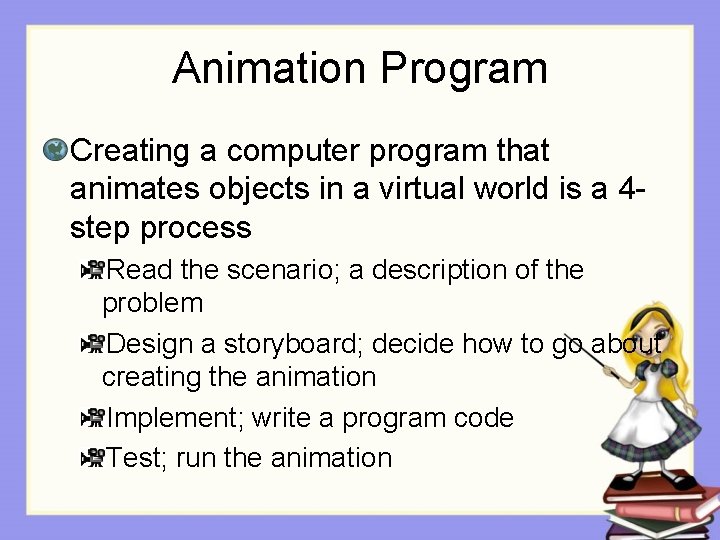
Animation Program Creating a computer program that animates objects in a virtual world is a 4 step process Read the scenario; a description of the problem Design a storyboard; decide how to go about creating the animation Implement; write a program code Test; run the animation
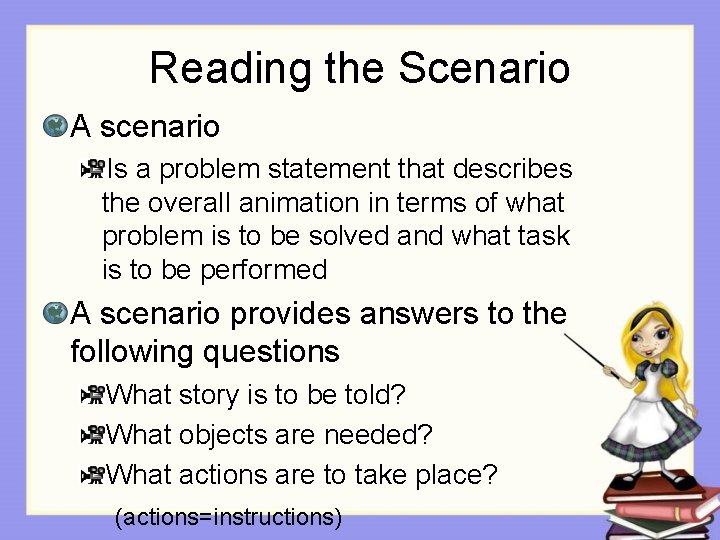
Reading the Scenario A scenario Is a problem statement that describes the overall animation in terms of what problem is to be solved and what task is to be performed A scenario provides answers to the following questions What story is to be told? What objects are needed? What actions are to take place? (actions=instructions)
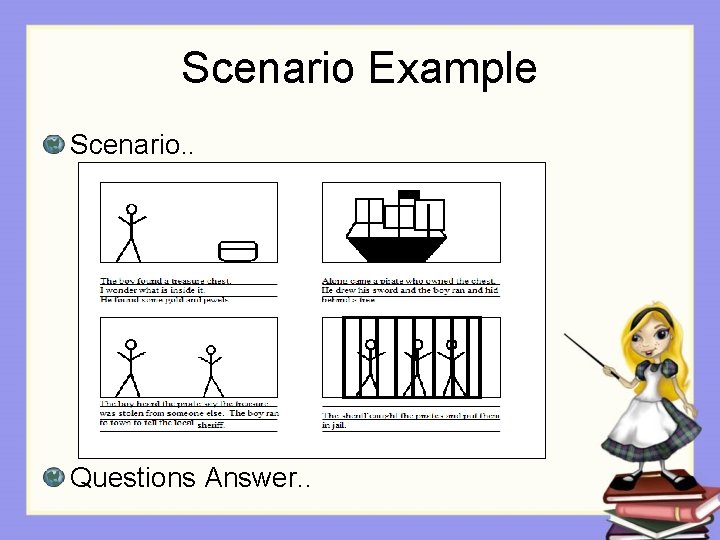
Scenario Example Scenario. . Questions Answer. .
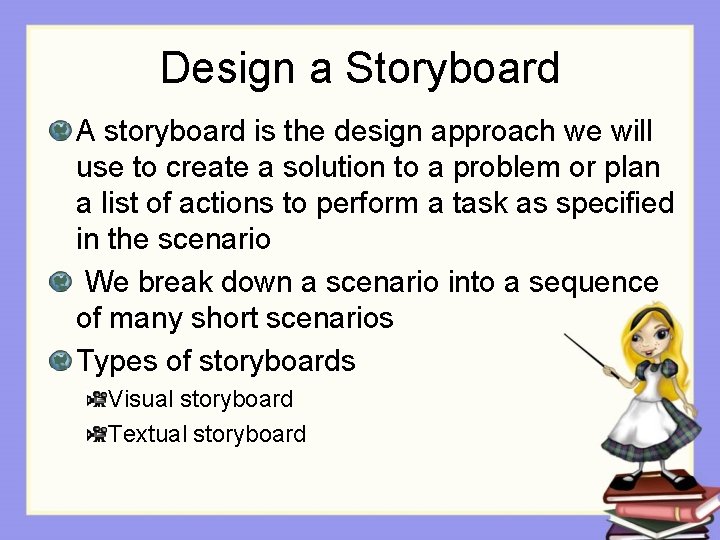
Design a Storyboard A storyboard is the design approach we will use to create a solution to a problem or plan a list of actions to perform a task as specified in the scenario We break down a scenario into a sequence of many short scenarios Types of storyboards Visual storyboard Textual storyboard
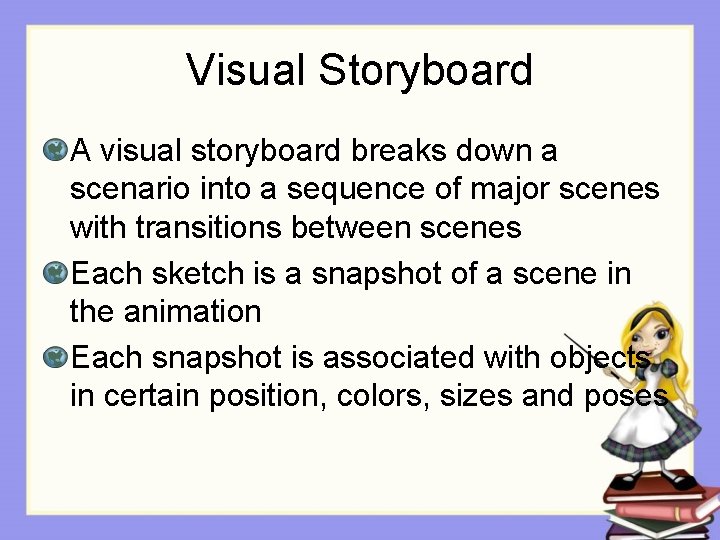
Visual Storyboard A visual storyboard breaks down a scenario into a sequence of major scenes with transitions between scenes Each sketch is a snapshot of a scene in the animation Each snapshot is associated with objects in certain position, colors, sizes and poses
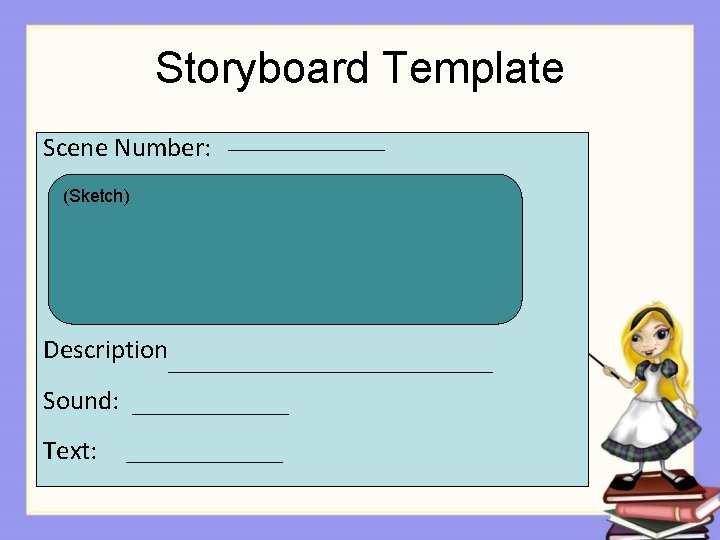
Storyboard Template Scene Number: (Sketch) Description Sound: Text:
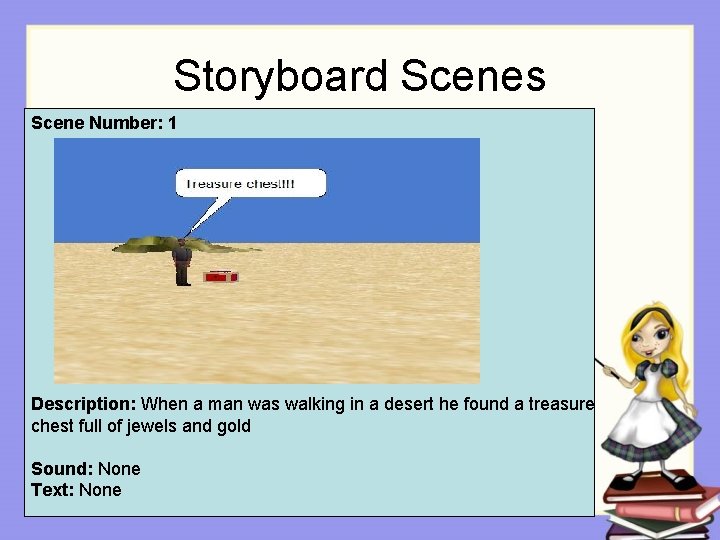
Storyboard Scenes Scene Number: 1 Description: When a man was walking in a desert he found a treasure chest full of jewels and gold Sound: None Text: None
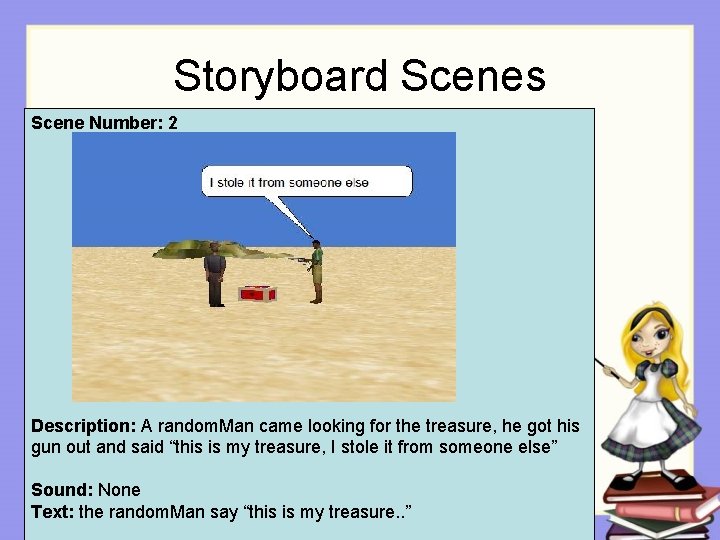
Storyboard Scenes Scene Number: 2 Description: A random. Man came looking for the treasure, he got his gun out and said “this is my treasure, I stole it from someone else” Sound: None Text: the random. Man say “this is my treasure. . ”
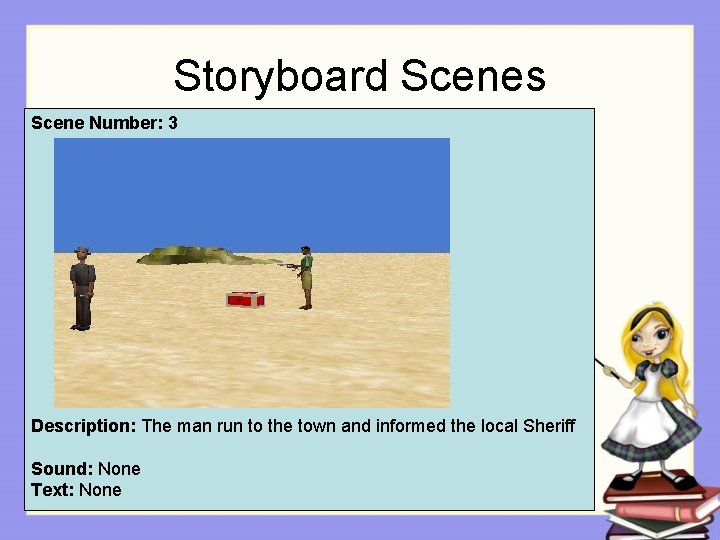
Storyboard Scenes Scene Number: 3 Description: The man run to the town and informed the local Sheriff Sound: None Text: None
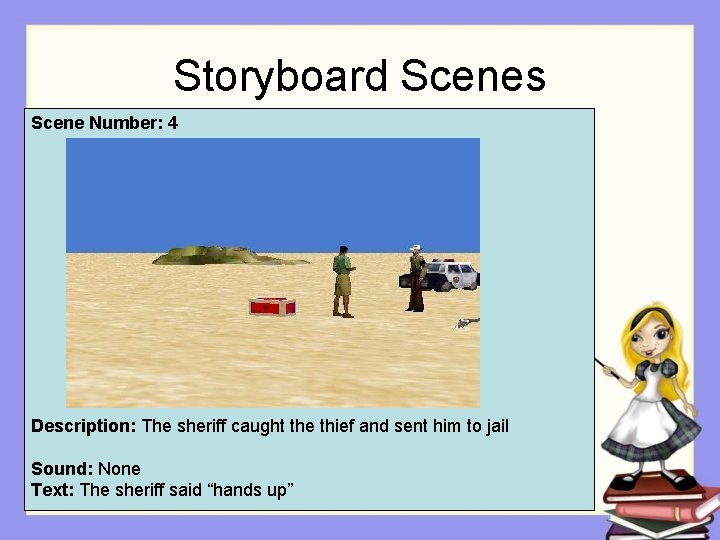
Storyboard Scenes Scene Number: 4 Description: The sheriff caught the thief and sent him to jail Sound: None Text: The sheriff said “hands up”
Textual Storyboard It looks similar to a “to-do” list and allows to prepare a planned structure for writing program code It may summarize several scenes from a visual storyboard A textual storyboard is called an algorithm The actions in a textual storyboard are often known as pseudocode
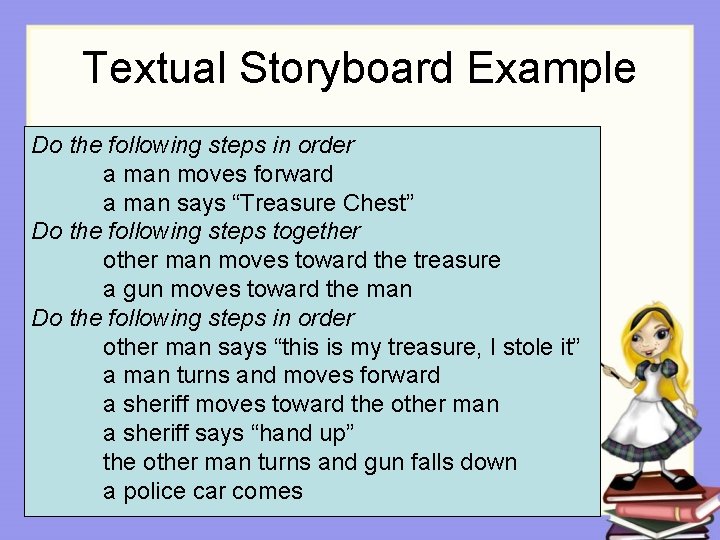
Textual Storyboard Example Do the following steps in order a man moves forward a man says “Treasure Chest” Do the following steps together other man moves toward the treasure a gun moves toward the man Do the following steps in order other man says “this is my treasure, I stole it” a man turns and moves forward a sheriff moves toward the other man a sheriff says “hand up” the other man turns and gun falls down a police car comes
Evaluate and Revise After designing the storyboard, it is good to take an objective look to decide what might be changed The storyboard is Not final Creative people go through the designmodify-create cycle
Let’s work with Alice Design and create a visual and a textual storyboard for a scenario of your imagination