Component Description Alice 3 d Graphics Software Human

- Slides: 10
Component Description Alice 3 d Graphics Software Human Computer Interaction Institute Carnegie Mellon University Prepared by: Randy Pausch, pausch@cs. cmu. edu March 26, 1999 1
1 - Overview n Alice provides an authoring and runtime environment for interactive three-D graphics. Alice can run as: l l l n Examples: l l l 2 A windows 95/98/NT Application A plug-in for WWW browsers An networked front end to a remote visualization computation Interactive 3 d graphics in a browser window Immersive virtual reality image generation Desktop delivery of interactive multi-participant visualizations.
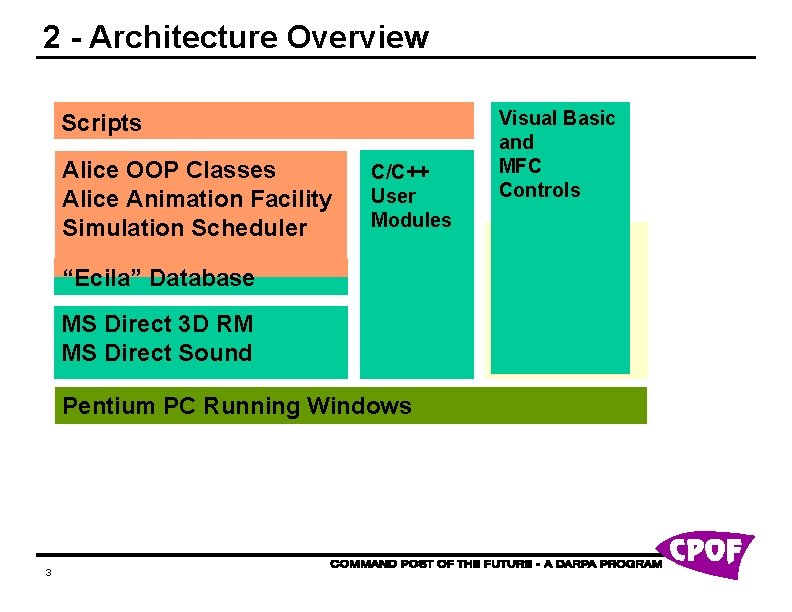
2 - Architecture Overview Scripts Alice OOP Classes Alice Animation Facility Simulation Scheduler C/C++ User Modules “Ecila” Database MS Direct 3 D RM MS Direct Sound Pentium PC Running Windows 3 Visual Basic and MFC Controls
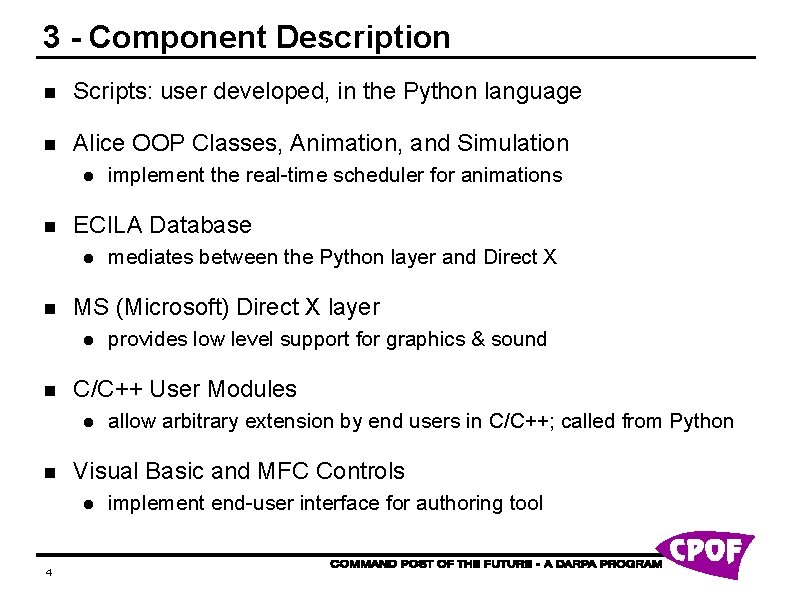
3 - Component Description n Scripts: user developed, in the Python language n Alice OOP Classes, Animation, and Simulation l n ECILA Database l n allow arbitrary extension by end users in C/C++; called from Python Visual Basic and MFC Controls l 4 provides low level support for graphics & sound C/C++ User Modules l n mediates between the Python layer and Direct X MS (Microsoft) Direct X layer l n implement the real-time scheduler for animations implement end-user interface for authoring tool
4 - External Interfaces Can communicate with arbitrary external programs via either: n Python socket library n a C/C++ extension that implements another protocol 5
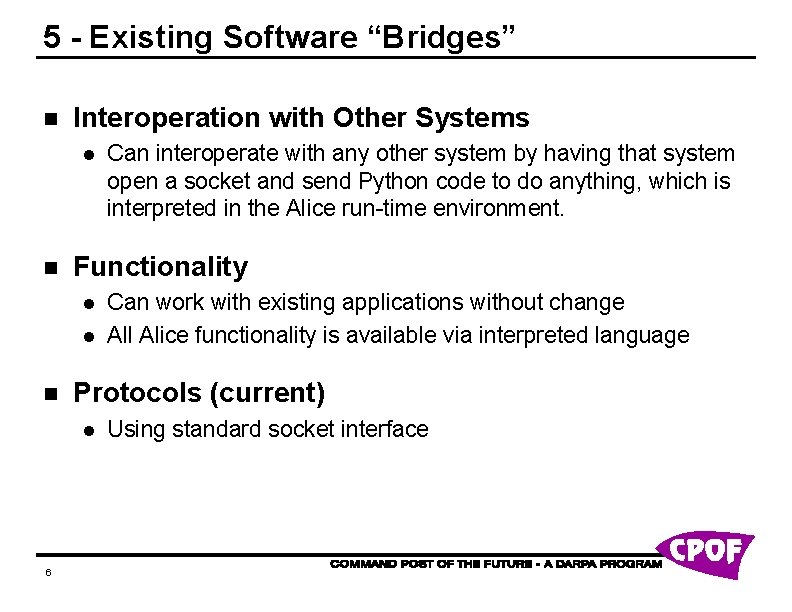
5 - Existing Software “Bridges” n Interoperation with Other Systems l n Functionality l l n Can work with existing applications without change All Alice functionality is available via interpreted language Protocols (current) l 6 Can interoperate with any other system by having that system open a socket and send Python code to do anything, which is interpreted in the Alice run-time environment. Using standard socket interface
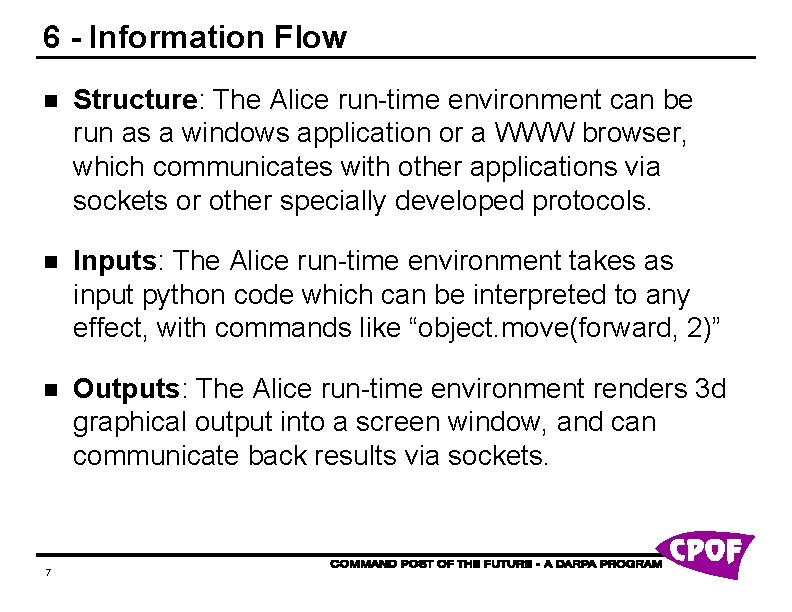
6 - Information Flow n Structure: The Alice run-time environment can be run as a windows application or a WWW browser, which communicates with other applications via sockets or other specially developed protocols. n Inputs: The Alice run-time environment takes as input python code which can be interpreted to any effect, with commands like “object. move(forward, 2)” n Outputs: The Alice run-time environment renders 3 d graphical output into a screen window, and can communicate back results via sockets. 7
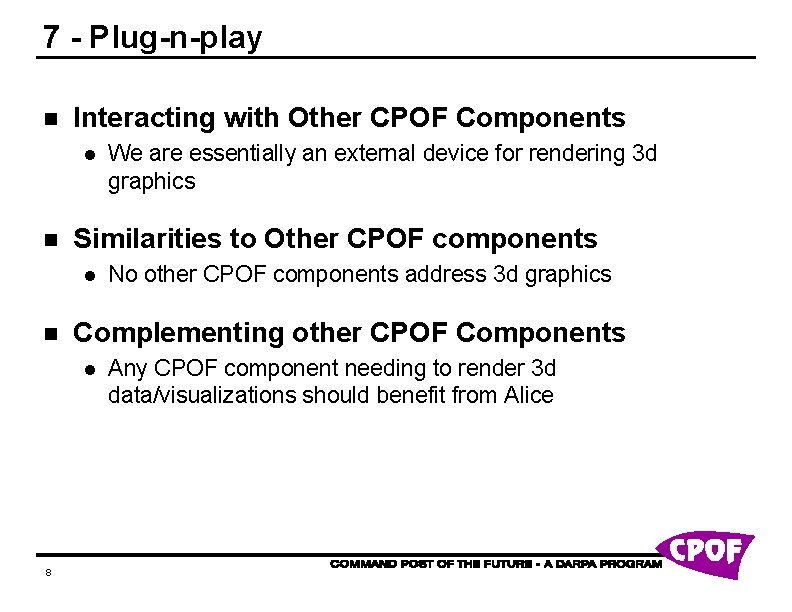
7 - Plug-n-play n Interacting with Other CPOF Components l n Similarities to Other CPOF components l n No other CPOF components address 3 d graphics Complementing other CPOF Components l 8 We are essentially an external device for rendering 3 d graphics Any CPOF component needing to render 3 d data/visualizations should benefit from Alice
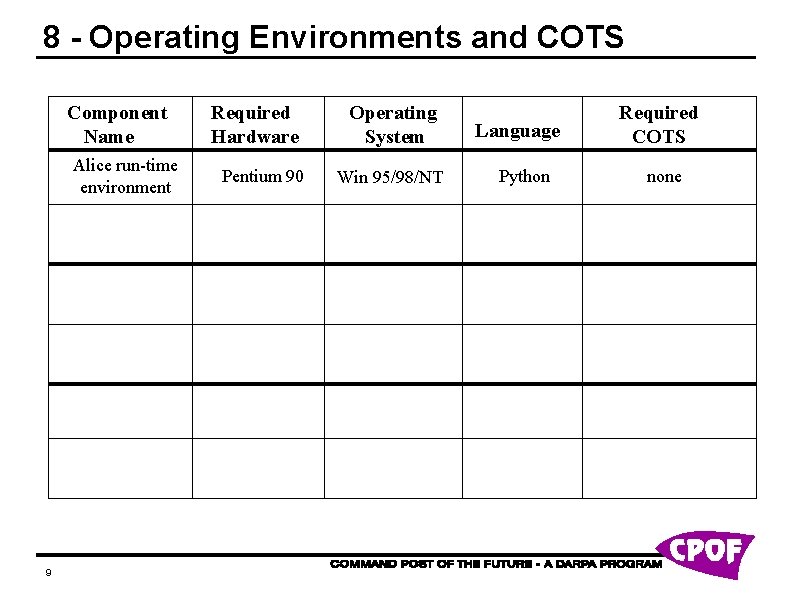
8 - Operating Environments and COTS Component Name Alice run-time environment 9 Required Hardware Pentium 90 Operating System Win 95/98/NT Language Python Required COTS none
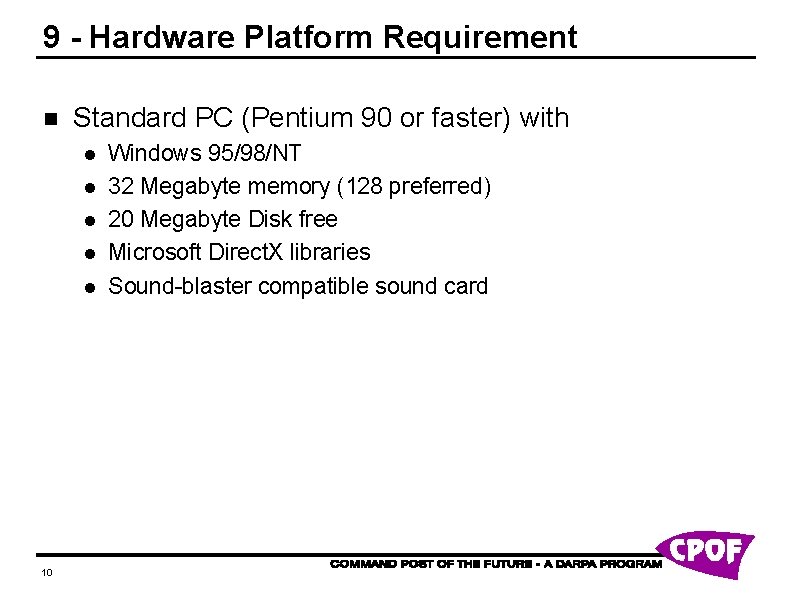
9 - Hardware Platform Requirement n Standard PC (Pentium 90 or faster) with l l l 10 Windows 95/98/NT 32 Megabyte memory (128 preferred) 20 Megabyte Disk free Microsoft Direct. X libraries Sound-blaster compatible sound card