Compaq CQ 1859 s LCD Monitor July 2009

- Slides: 7
Compaq CQ 1859 s LCD Monitor July 2009 The easy-to-use Compaq CQ 1859 s monitor has what you need to do homework, navigate online, and manage email. Built-in speakers and simple VGA connector let you plug in to your PC for impressive performance for your everyday computing tasks © 2008 Hewlett-Packard Development Company, L. P. The information contained here in is subject to change without notice
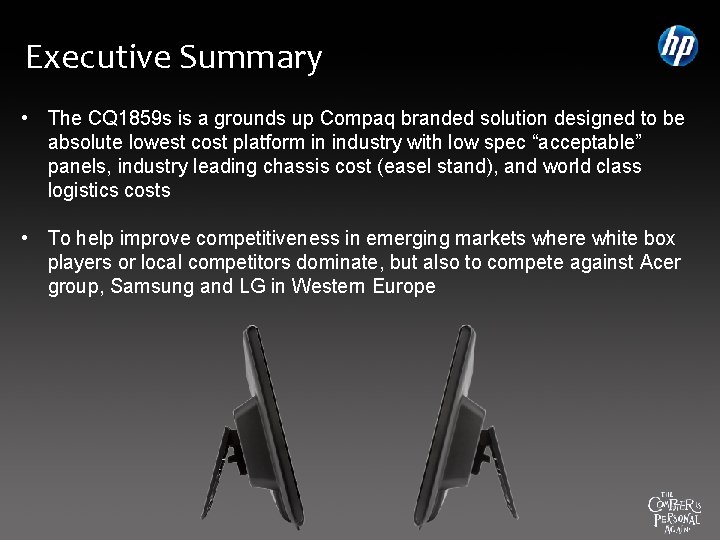
Executive Summary • The CQ 1859 s is a grounds up Compaq branded solution designed to be absolute lowest cost platform in industry with low spec “acceptable” panels, industry leading chassis cost (easel stand), and world class logistics costs • To help improve competitiveness in emerging markets where white box players or local competitors dominate, but also to compete against Acer group, Samsung and LG in Western Europe
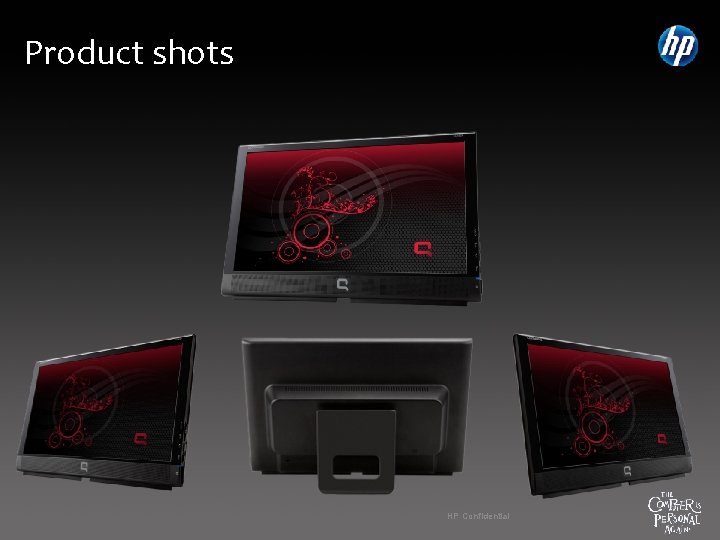
Product shots HP Confidential
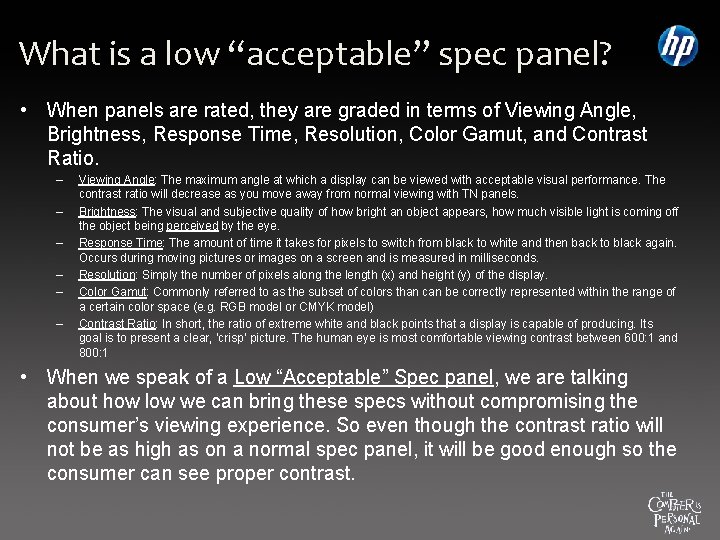
What is a low “acceptable” spec panel? • When panels are rated, they are graded in terms of Viewing Angle, Brightness, Response Time, Resolution, Color Gamut, and Contrast Ratio. – – – Viewing Angle: The maximum angle at which a display can be viewed with acceptable visual performance. The contrast ratio will decrease as you move away from normal viewing with TN panels. Brightness: The visual and subjective quality of how bright an object appears, how much visible light is coming off the object being perceived by the eye. Response Time: The amount of time it takes for pixels to switch from black to white and then back to black again. Occurs during moving pictures or images on a screen and is measured in milliseconds. Resolution: Simply the number of pixels along the length (x) and height (y) of the display. Color Gamut: Commonly referred to as the subset of colors than can be correctly represented within the range of a certain color space (e. g. RGB model or CMYK model) Contrast Ratio: In short, the ratio of extreme white and black points that a display is capable of producing. Its goal is to present a clear, ‘crisp’ picture. The human eye is most comfortable viewing contrast between 600: 1 and 800: 1 • When we speak of a Low “Acceptable” Spec panel, we are talking about how low we can bring these specs without compromising the consumer’s viewing experience. So even though the contrast ratio will not be as high as on a normal spec panel, it will be good enough so the consumer can see proper contrast.
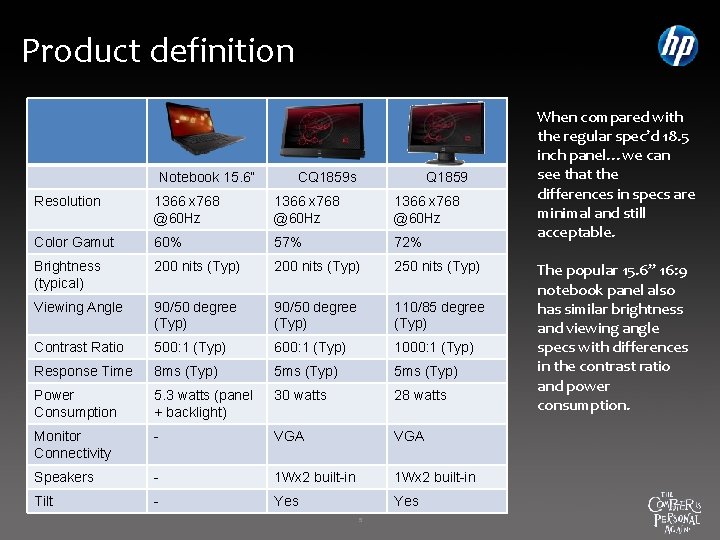
Product definition Notebook 15. 6” CQ 1859 s Q 1859 Resolution 1366 x 768 @60 Hz Color Gamut 60% 57% 72% Brightness (typical) 200 nits (Typ) 250 nits (Typ) Viewing Angle 90/50 degree (Typ) 110/85 degree (Typ) Contrast Ratio 500: 1 (Typ) 600: 1 (Typ) 1000: 1 (Typ) Response Time 8 ms (Typ) 5 ms (Typ) Power Consumption 5. 3 watts (panel + backlight) 30 watts 28 watts Monitor Connectivity - VGA Speakers - 1 Wx 2 built-in Tilt - Yes 5 When compared with the regular spec’d 18. 5 inch panel…we can see that the differences in specs are minimal and still acceptable. The popular 15. 6” 16: 9 notebook panel also has similar brightness and viewing angle specs with differences in the contrast ratio and power consumption.
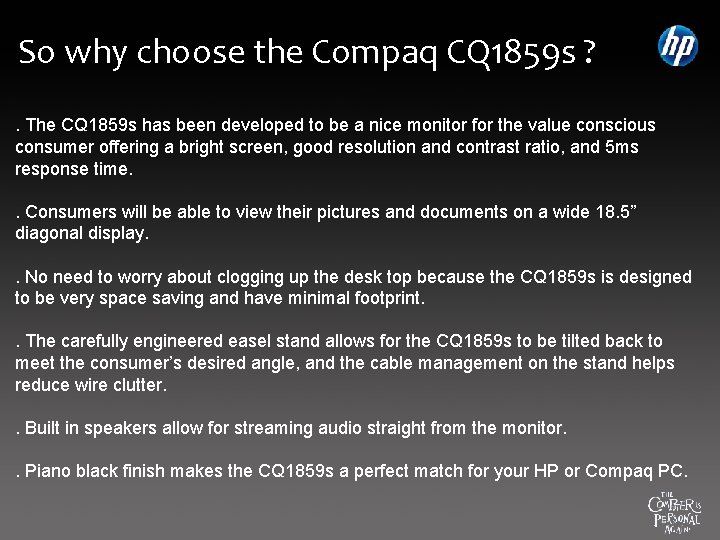
So why choose the Compaq CQ 1859 s ? . The CQ 1859 s has been developed to be a nice monitor for the value conscious consumer offering a bright screen, good resolution and contrast ratio, and 5 ms response time. . Consumers will be able to view their pictures and documents on a wide 18. 5” diagonal display. . No need to worry about clogging up the desk top because the CQ 1859 s is designed to be very space saving and have minimal footprint. . The carefully engineered easel stand allows for the CQ 1859 s to be tilted back to meet the consumer’s desired angle, and the cable management on the stand helps reduce wire clutter. . Built in speakers allow for streaming audio straight from the monitor. . Piano black finish makes the CQ 1859 s a perfect match for your HP or Compaq PC.
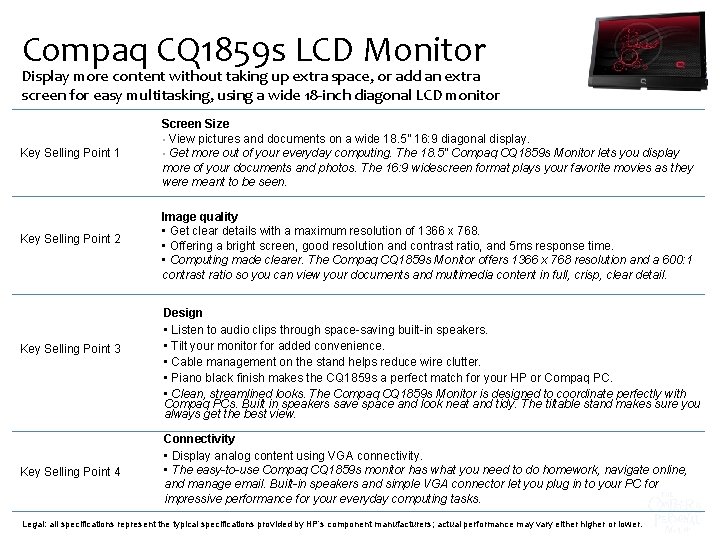
Compaq CQ 1859 s LCD Monitor Display more content without taking up extra space, or add an extra screen for easy multitasking, using a wide 18 -inch diagonal LCD monitor Key Selling Point 1 Key Selling Point 2 Key Selling Point 3 Key Selling Point 4 Screen Size • View pictures and documents on a wide 18. 5” 16: 9 diagonal display. • Get more out of your everyday computing. The 18. 5" Compaq CQ 1859 s Monitor lets you display more of your documents and photos. The 16: 9 widescreen format plays your favorite movies as they were meant to be seen. Image quality • Get clear details with a maximum resolution of 1366 x 768. • Offering a bright screen, good resolution and contrast ratio, and 5 ms response time. • Computing made clearer. The Compaq CQ 1859 s Monitor offers 1366 x 768 resolution and a 600: 1 contrast ratio so you can view your documents and multimedia content in full, crisp, clear detail. Design • Listen to audio clips through space-saving built-in speakers. • Tilt your monitor for added convenience. • Cable management on the stand helps reduce wire clutter. • Piano black finish makes the CQ 1859 s a perfect match for your HP or Compaq PC. • Clean, streamlined looks. The Compaq CQ 1859 s Monitor is designed to coordinate perfectly with Compaq PCs. Built in speakers save space and look neat and tidy. The tiltable stand makes sure you always get the best view. Connectivity • Display analog content using VGA connectivity. • The easy-to-use Compaq CQ 1859 s monitor has what you need to do homework, navigate online, and manage email. Built-in speakers and simple VGA connector let you plug in to your PC for impressive performance for your everyday computing tasks. Legal: all specifications represent the typical specifications provided by HP’s component manufacturers; actual performance may vary either higher or lower.