Cisco Net Flow Accounting with Flow Scan in

- Slides: 23
Cisco Net. Flow Accounting with Flow. Scan in Solaris
Topics Presentation Description Net. Flow & Flow. Scan l Role of report module in Flow. Scan l JKFlow module Design -Why a new module? -Principe of JKFlow -What can this module more? -Principe of JKFlow l Demo! l
The Book Contains: l 1: Technical explanation: Technology of Net. Flow & Flow. Scan l 2: In detail: JKFlow report module -configuration -working (for Perl-fanatics)
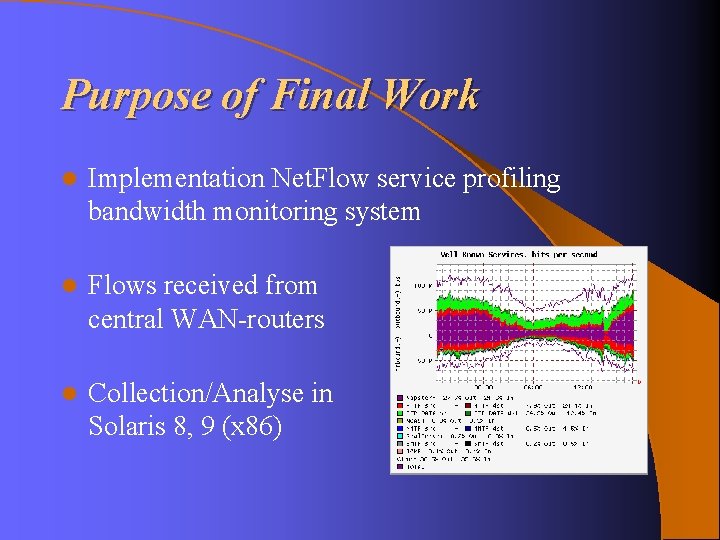
Purpose of Final Work l Implementation Net. Flow service profiling bandwidth monitoring system l Flows received from central WAN-routers l Collection/Analyse in Solaris 8, 9 (x 86)
Net. Flow protocol Flow accounting protocol Cisco routers l Flow Records: src/dst IP, port, tos, bytes, . . . l PDU via UDP poort 2055 (default) l
Flow. Scan = Framework Net. Flow system -Net. Flow collector -Analyse/Reporting of flows -Presentation of the reports l Perl-scripts combines these tools to a complete system l
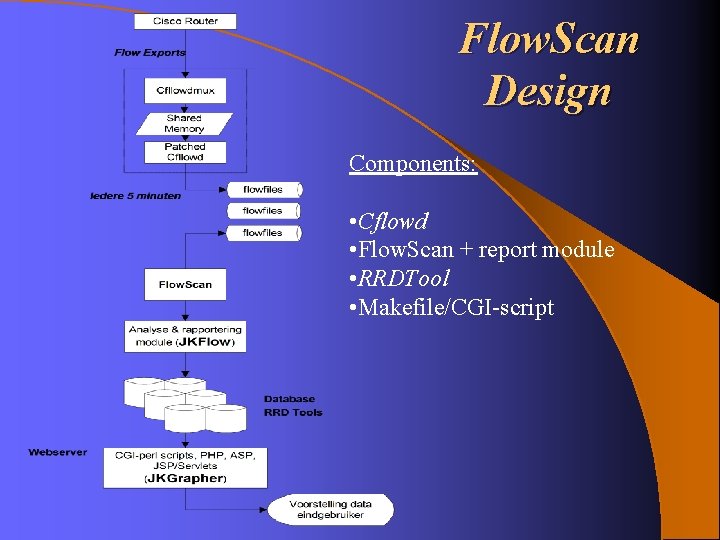
Flow. Scan Design Components: • Cflowd • Flow. Scan + report module • RRDTool • Makefile/CGI-script
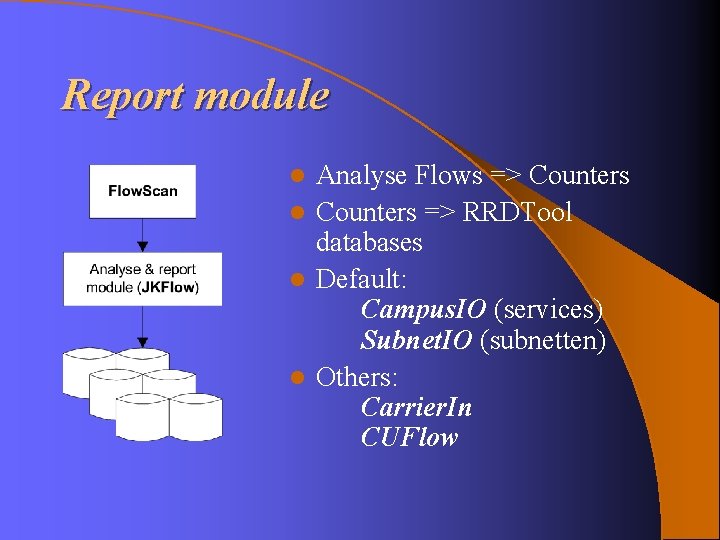
Report module Analyse Flows => Counters l Counters => RRDTool databases l Default: Campus. IO (services) Subnet. IO (subnetten) l Others: Carrier. In CUFlow l
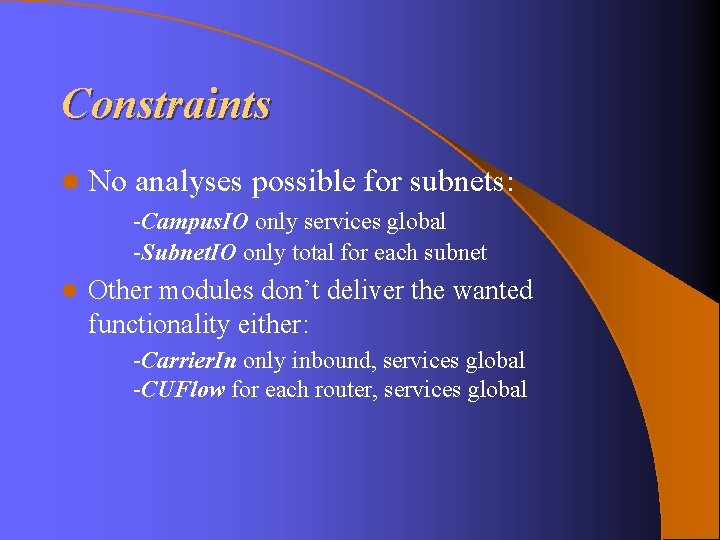
Constraints l No analyses possible for subnets: -Campus. IO only services global -Subnet. IO only total for each subnet l Other modules don’t deliver the wanted functionality either: -Carrier. In only inbound, services global -CUFlow for each router, services global
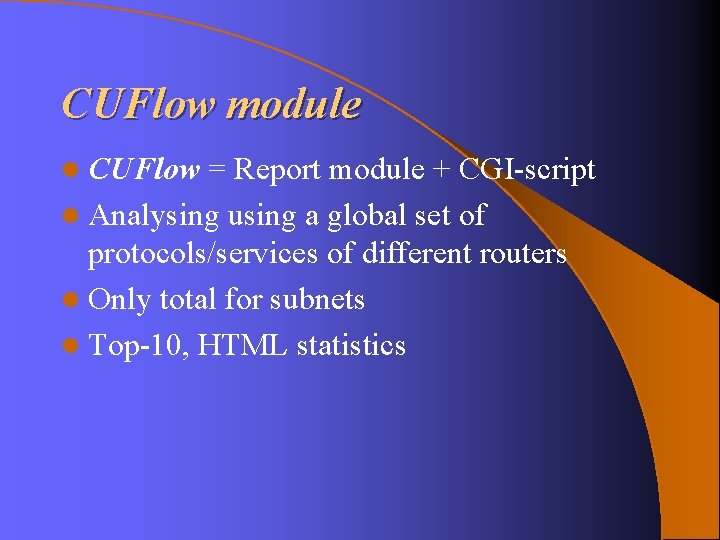
CUFlow module l CUFlow = Report module + CGI-script l Analysing using a global set of protocols/services of different routers l Only total for subnets l Top-10, HTML statistics
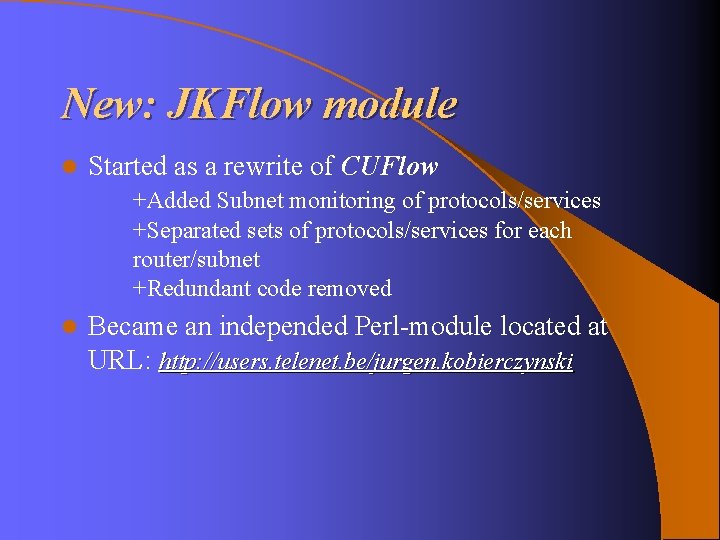
New: JKFlow module l Started as a rewrite of CUFlow +Added Subnet monitoring of protocols/services +Separated sets of protocols/services for each router/subnet +Redundant code removed l Became an independed Perl-module located at URL: http: //users. telenet. be/jurgen. kobierczynski
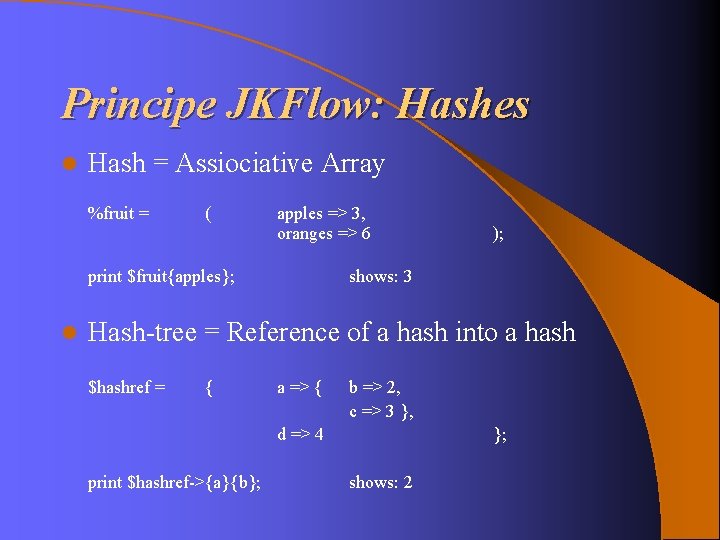
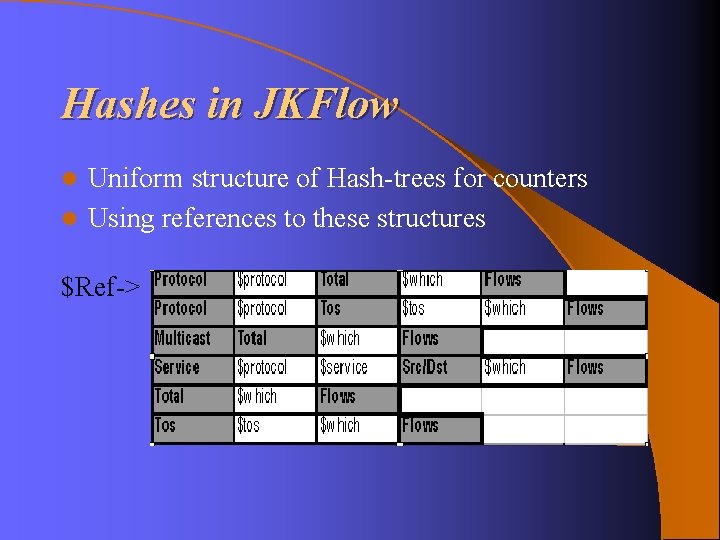
Principe JKFlow: Hashes l Hash = Assiociative Array %fruit = ( apples => 3, oranges => 6 print $fruit{apples}; l ); shows: 3 Hash-tree = Reference of a hash into a hash $hashref = { a => { b => 2, c => 3 }, d => 4 print $hashref->{a}{b}; }; shows: 2
Hashes in JKFlow Uniform structure of Hash-trees for counters l Using references to these structures l $Ref->
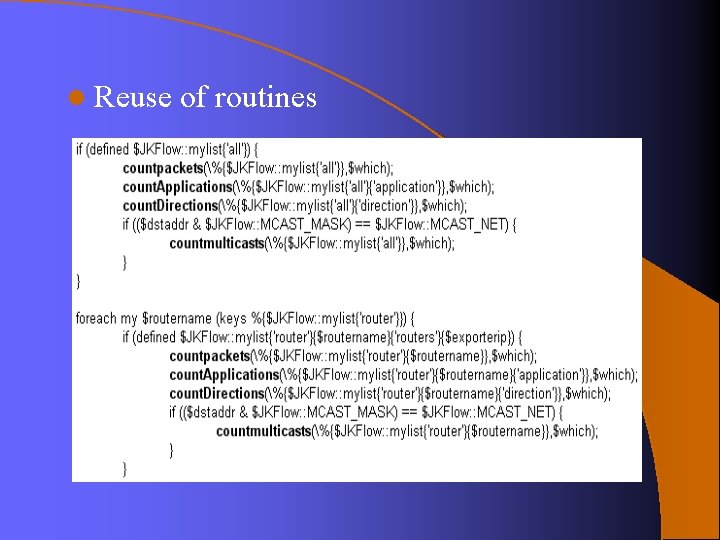
l Reuse of routines
JKFlow Framework l. I needed a framework to get the desired flexibility to integrate all desired features l I’ve found this in XML Perl + XML = l XML: : Simple module XML => Hash
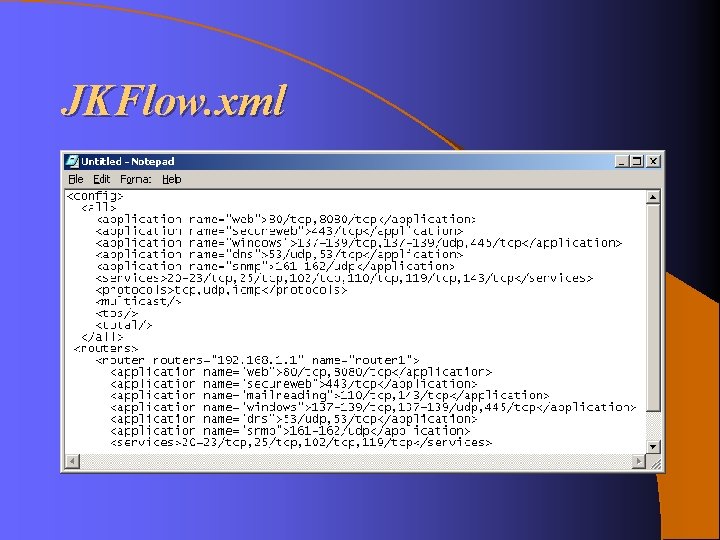
JKFlow. xml
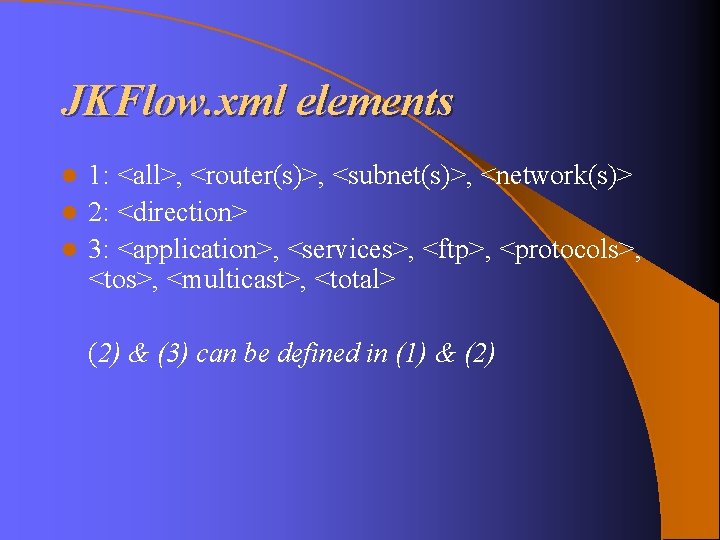
JKFlow. xml elements 1: <all>, <router(s)>, <subnet(s)>, <network(s)> l 2: <direction> l 3: <application>, <services>, <ftp>, <protocols>, <tos>, <multicast>, <total> l (2) & (3) can be defined in (1) & (2)
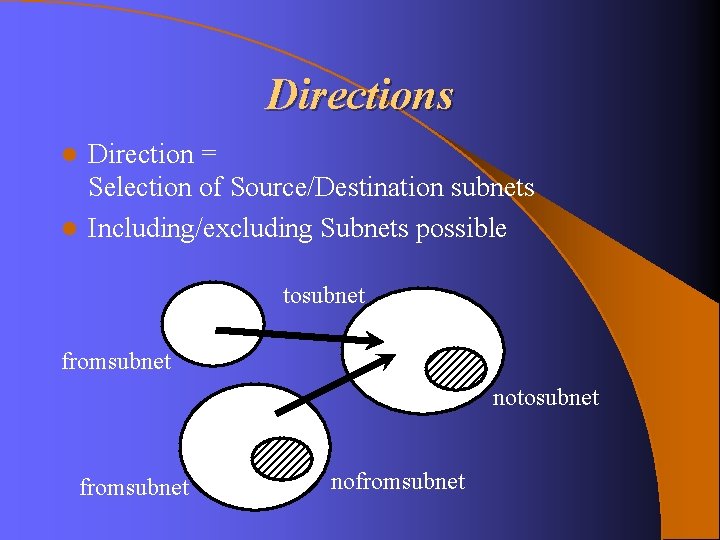
Directions Direction = Selection of Source/Destination subnets l Including/excluding Subnets possible l tosubnet fromsubnet nofromsubnet
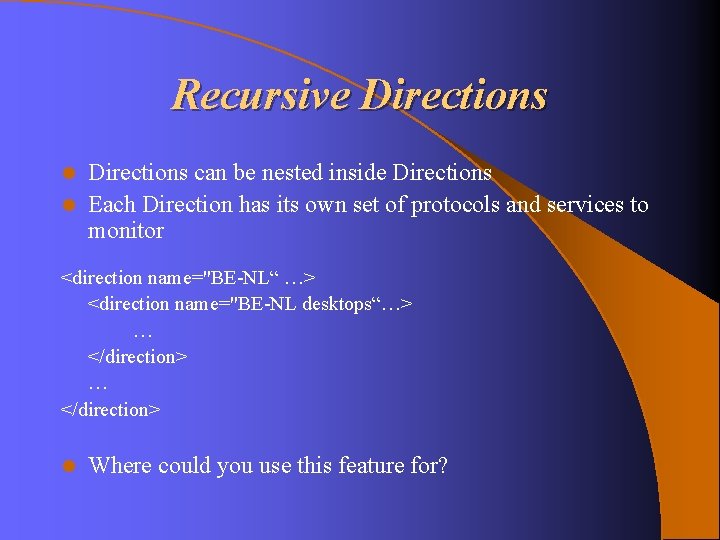
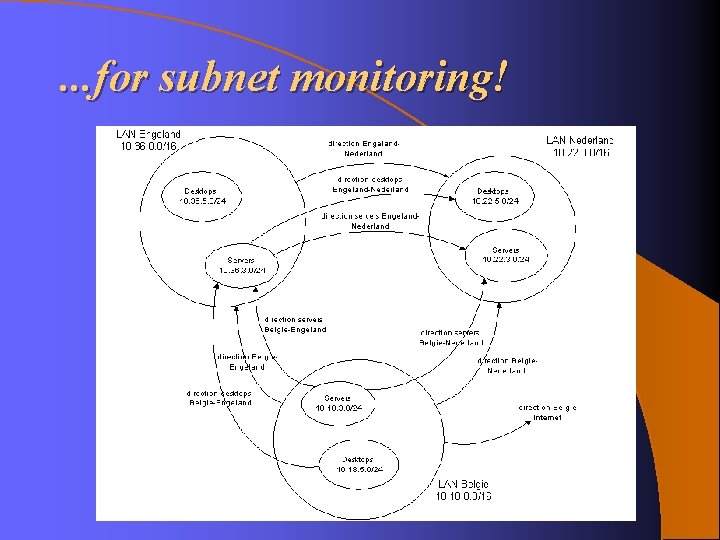
Recursive Directions can be nested inside Directions l Each Direction has its own set of protocols and services to monitor l <direction name="BE-NL“ …> <direction name="BE-NL desktops“…> … </direction> l Where could you use this feature for?
. . . for subnet monitoring!
Applications l Merge several services together as ‘one’ service example: <application name=“web”>80/tcp, 443/tcp</application> FTP l State monitoring of FTP control sessions for detection of Active/Passive FTP-sessions example: <ftp/>
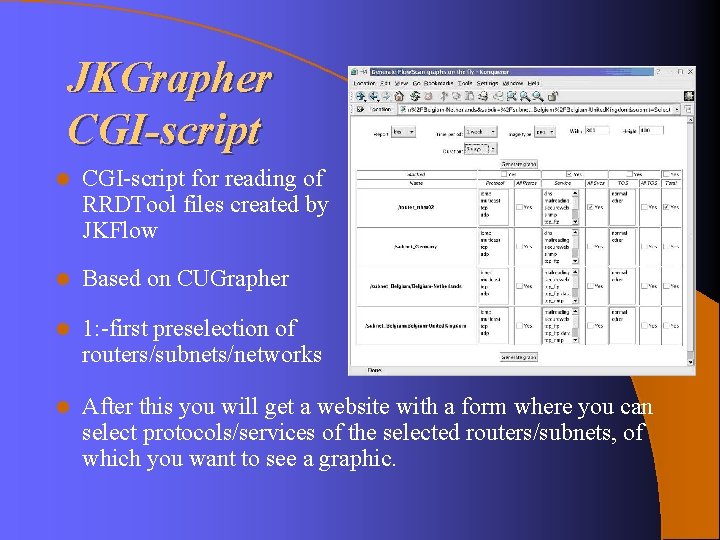
JKGrapher CGI-script l CGI-script for reading of RRDTool files created by JKFlow l Based on CUGrapher l 1: -first preselection of routers/subnets/networks l After this you will get a website with a form where you can select protocols/services of the selected routers/subnets, of which you want to see a graphic.
Demo l Parsing of flowfiles by JKFlow, generation of RRDTool files l JKGrapher interface