Agenda Safe disposal practices for computers and information
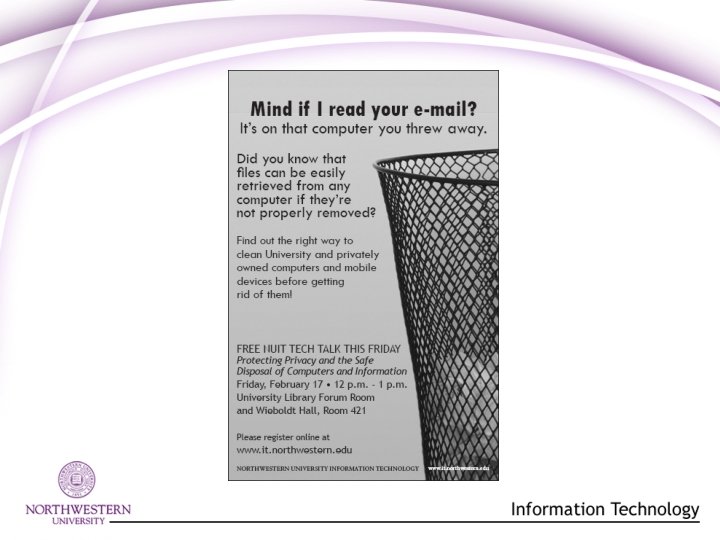
- Slides: 23
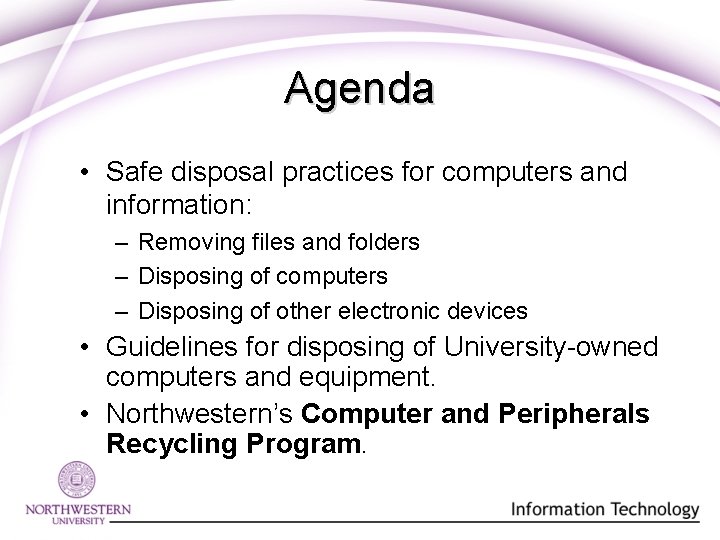
Agenda • Safe disposal practices for computers and information: – Removing files and folders – Disposing of computers – Disposing of other electronic devices • Guidelines for disposing of University-owned computers and equipment. • Northwestern’s Computer and Peripherals Recycling Program.
Safe Disposal Techniques
Removing Files and Folders • Deleting files is not enough! • File-shredding is best way to permanently destroy unwanted information on your computer. – Shredding is file-specific. – Remember… data may continue to exist in other locations on your computer. • File-shredding products: • Secure. Clean ($) • Eraser (free)
Safely Disposing of Computers • Reformatting is not enough! • There are two ways to permanently remove information from a computer: – Clean the hard disk using software. – Physically shred hard disk. • Tedious • Time-consuming • Physical shredders are available at office stores and online.
Hard Disk Cleaning • Hard disk cleaning (“wiping”) is the best way to remove information from a computer. – Works like a file-shredder, but destroys all information on the disk. – Overwrites every block of information with data. – Use industry standard “wiping” process. • Department of Defense (Do. D) standard (5220. 22 -M) – Products: • White Canyon Wipe Drive ($) • Active Kill. Disk (free) • DBAN (open source)
Disposing of Information in Other Formats • Handheld devices – Hard resets – Special tools • i. Pods • Media
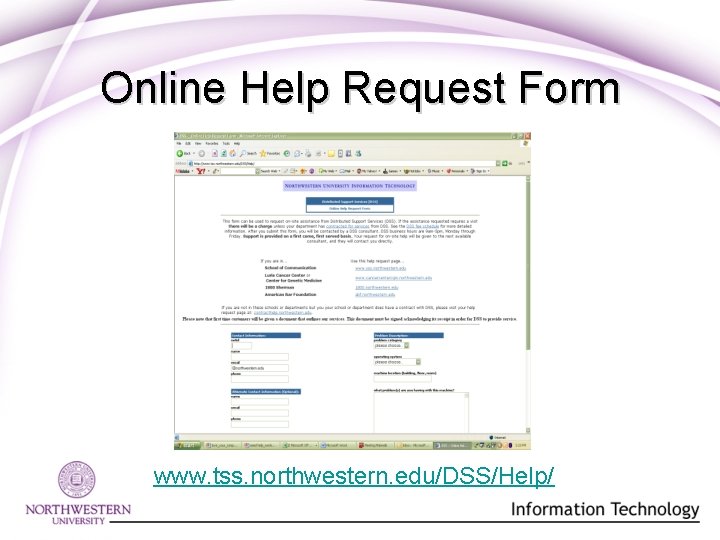
DSS Can Help! • Services: – Installation of shredder software. – Preparation of computers for disposal or redeployment. • Call 847 -491 -HELP (4357). – Hours: Monday – Friday, 8: 30 am - 5: 00 pm • Users can also request service via the DSS Online Help Request Form at any time. – Expect a response within 24 hours. – www. tss. northwestern. edu/DSS/Help
Online Help Request Form www. tss. northwestern. edu/DSS/Help/
Questions?
Guidelines for Disposing of University-owned Computers and Equipment
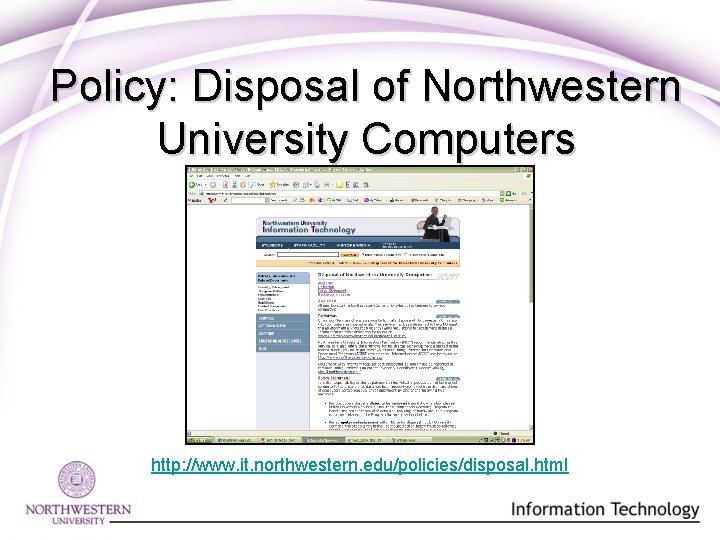
Policy: Disposal of Northwestern University Computers http: //www. it. northwestern. edu/policies/disposal. html
Removing Data • You are responsible for making certain that University computers in your possession are “wiped” before disposing of them. • If a computer is being redeployed to another employee or department, contact Distributed Support Services or your technical support person. • If a computer is being removed from University ownership, use the Computer and Peripheral Recycling Program.
Software and Licenses • If a computer will be redistributed, original operating system installation disks should be passed along with it. • In most cases, NUIT Site-Licensed Software should be retained by the original user. These licenses generally do not transfer with computers where they are installed.
Special Considerations • If equipment was purchased with federal funds, get approval from the Accounting Services for Research and Sponsored Programs (ASRSP) for disposal. – See http: //www. northwestern. edu/asrsp/ for details. • If equipment has an inventory tag, report it to the Accounting Services Equipment Inventory Coordinator. – E-mail r-glick@northwestern. edu.
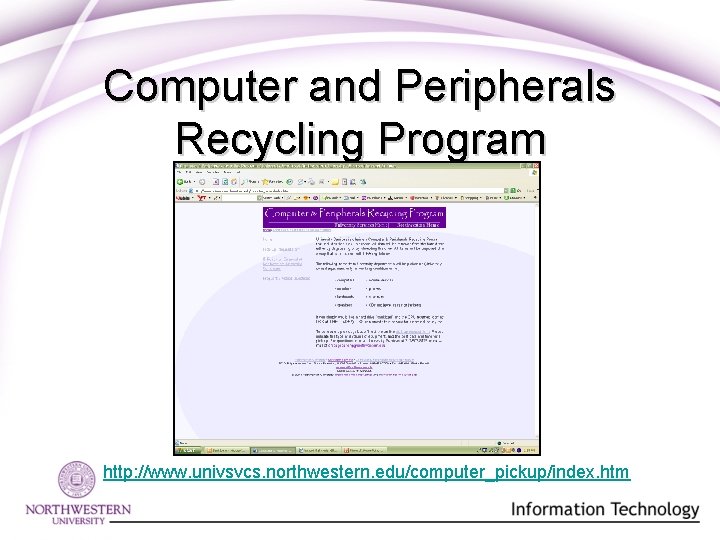
Computer and Peripherals Recycling Program http: //www. univsvcs. northwestern. edu/computer_pickup/index. htm
Recycle It! • The recycling service offers data removal at no charge. • Recycling helps Northwestern meet Environmental Protection Agency (EPA) guidelines for equipment disposal. • It’s easy! Just fill out the pick-up form.
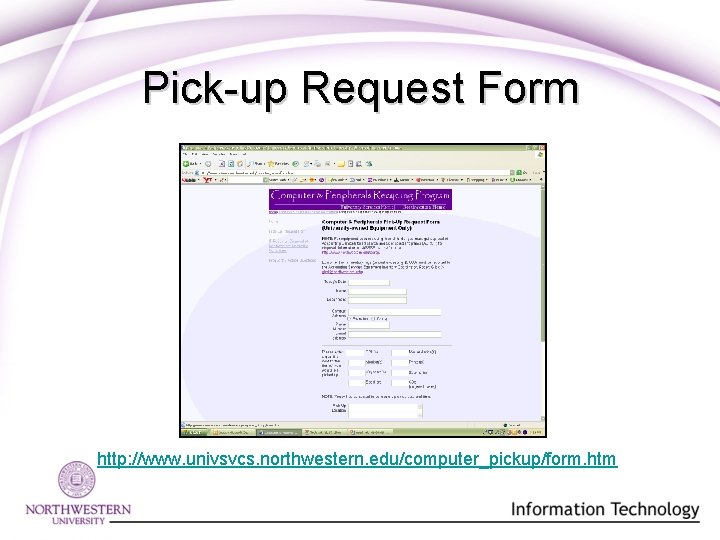
Pick-up Request Form http: //www. univsvcs. northwestern. edu/computer_pickup/form. htm
Other Recycling Resources • For non-University mobile devices: – Check with your service provider for recycling options. • For non-University computers and equipment: – Check with the computer manufacturer for recycling programs. – Check with your county of residence for recycling options that might be available.
Questions?
Visit the NUIT Web Site! www. it. northwestern. edu
Contact Us 847 -491 - HELP (4357) or consultant@northwestern. edu
Upcoming Tech Talks February 24: Evaluating and Selecting Online Survey Software or Services March 3: Evaluating and Selecting a Web Hosting Service Same locations, Noon – 1 p. m.