ADM 240 Terminal Services In Windows Server 2003

- Slides: 21
ADM 240 Terminal Services In Windows Server 2003 Technical Overview Adam Henderson Program Manager Windows Terminal Services Microsoft Corporation
Agenda l l Why use Terminal Server? Terminal Services in the Enterprise Ø Ø Ø Ø l Planning Installation Migration Licensing Provisioning Load Balancing Management Security Product Roadmap
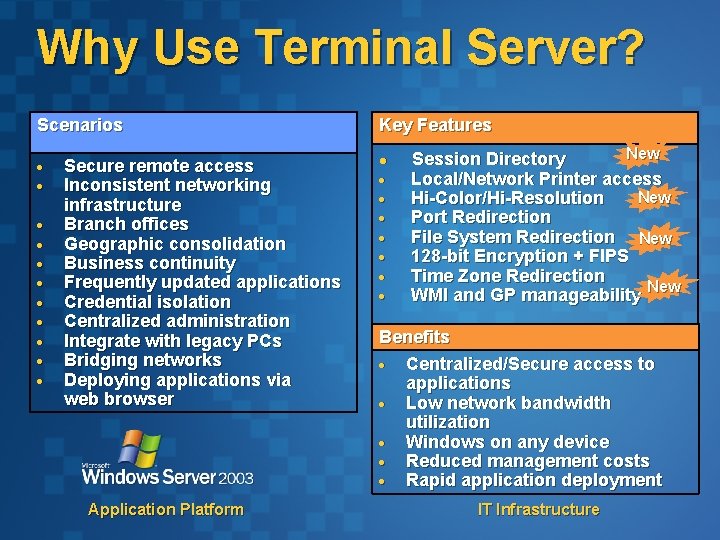
Why Use Terminal Server? Scenarios Secure remote access Inconsistent networking infrastructure Branch offices Geographic consolidation Business continuity Frequently updated applications Credential isolation Centralized administration Integrate with legacy PCs Bridging networks Deploying applications via web browser Application Platform Key Features l Session Directory New Local/Network Printer access New Hi-Color/Hi-Resolution Port Redirection File System Redirection New 128 -bit Encryption + FIPS Time Zone Redirection New WMI and GP manageability Benefits Centralized/Secure access to applications Low network bandwidth utilization Windows on any device Reduced management costs Rapid application deployment IT Infrastructure
Planning Always A Good Idea l What to plan Ø Ø Ø Licensing Server roles Application deployment Client deployment Migration or clean installation Scalability and capacity § Ø Ø White paper (Windows 2000 now, WS’ 03 coming) http: //www. microsoft. com/windows 2000/techinfo/administration/t erminal/tscaling. asp Application compatibility Networking infrastructure Scaling for the future Licensing
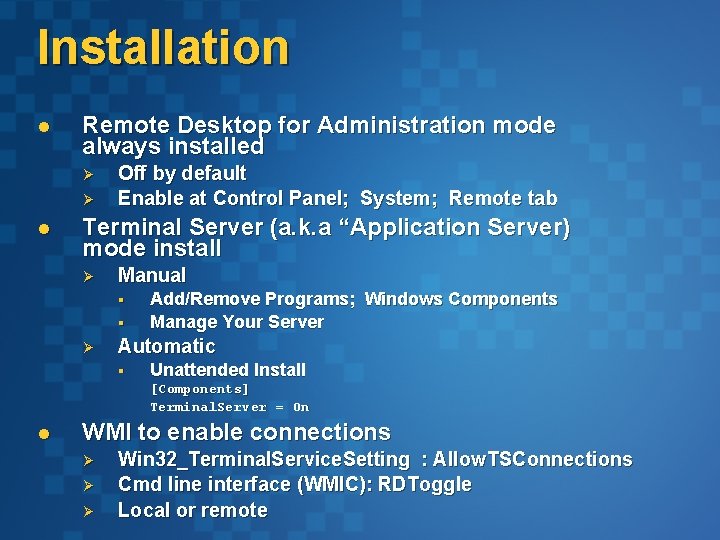
Installation l Remote Desktop for Administration mode always installed Ø Ø l Off by default Enable at Control Panel; System; Remote tab Terminal Server (a. k. a “Application Server) mode install Ø Manual § § Ø Add/Remove Programs; Windows Components Manage Your Server Automatic § Unattended Install [Components] Terminal. Server = On l WMI to enable connections Ø Ø Ø Win 32_Terminal. Service. Setting : Allow. TSConnections Cmd line interface (WMIC): RDToggle Local or remote
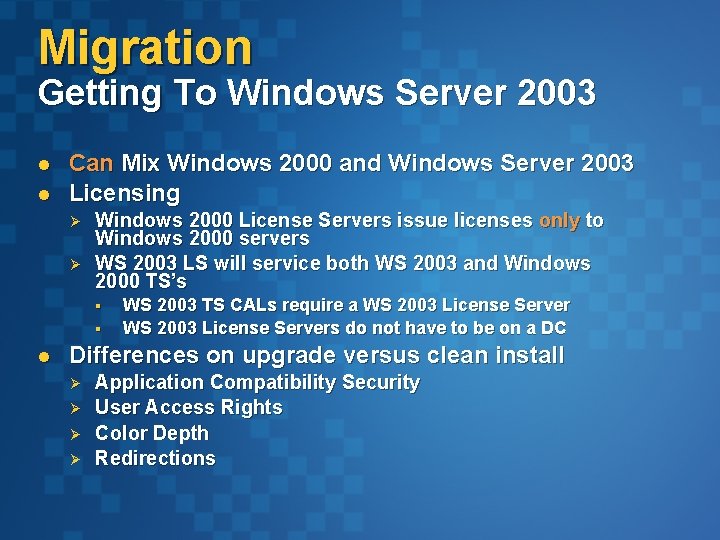
Migration Getting To Windows Server 2003 l l Can Mix Windows 2000 and Windows Server 2003 Licensing Ø Ø Windows 2000 License Servers issue licenses only to Windows 2000 servers WS 2003 LS will service both WS 2003 and Windows 2000 TS’s § § l WS 2003 TS CALs require a WS 2003 License Servers do not have to be on a DC Differences on upgrade versus clean install Ø Ø Application Compatibility Security User Access Rights Color Depth Redirections
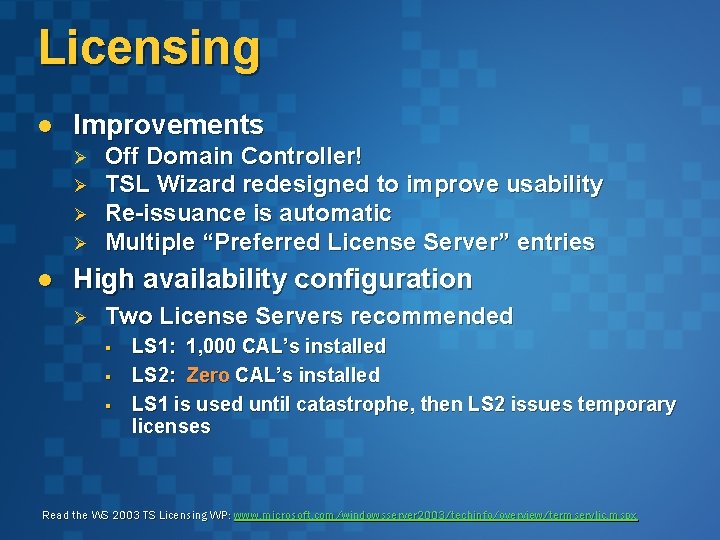
Licensing l Improvements Ø Ø l Off Domain Controller! TSL Wizard redesigned to improve usability Re-issuance is automatic Multiple “Preferred License Server” entries High availability configuration Ø Two License Servers recommended § § § LS 1: 1, 000 CAL’s installed LS 2: Zero CAL’s installed LS 1 is used until catastrophe, then LS 2 issues temporary licenses Read the WS 2003 TS Licensing WP: www. microsoft. com/windowsserver 2003/techinfo/overview/termservlic. mspx
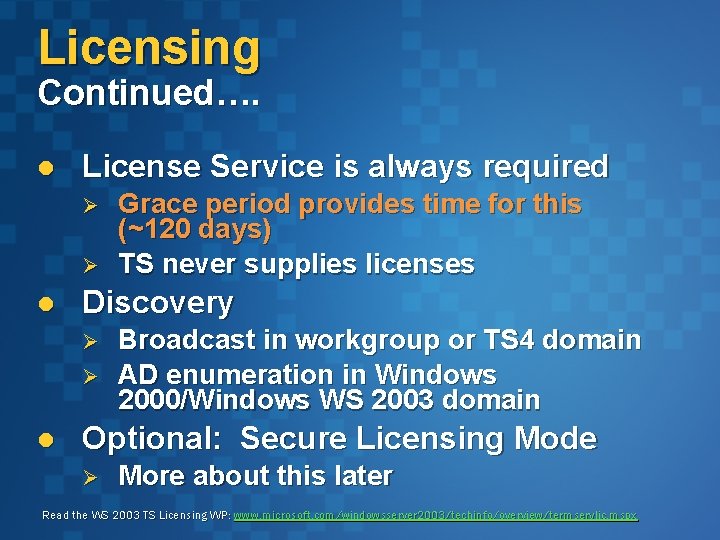
Licensing Continued…. l License Service is always required Ø Ø l Discovery Ø Ø l Grace period provides time for this (~120 days) TS never supplies licenses Broadcast in workgroup or TS 4 domain AD enumeration in Windows 2000/Windows WS 2003 domain Optional: Secure Licensing Mode Ø More about this later Read the WS 2003 TS Licensing WP: www. microsoft. com/windowsserver 2003/techinfo/overview/termservlic. mspx
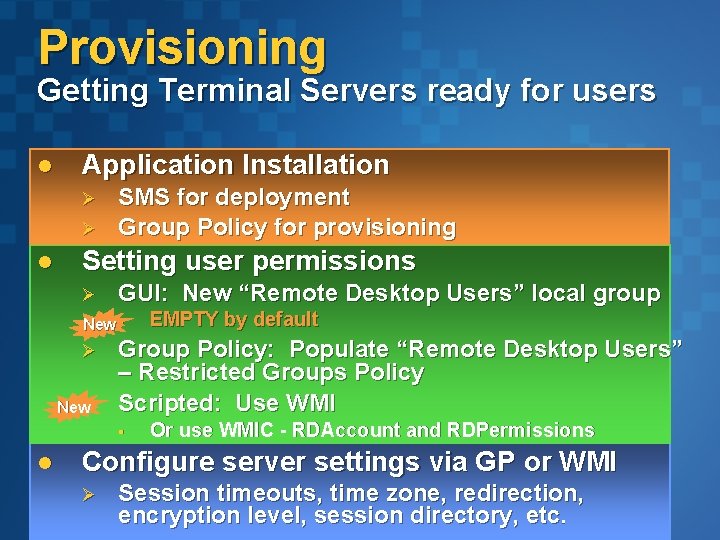
Provisioning Getting Terminal Servers ready for users l Application Installation Ø Ø l SMS for deployment Group Policy for provisioning Setting user permissions Ø GUI: New “Remote Desktop Users” local group New § Ø NewØ Group Policy: Populate “Remote Desktop Users” – Restricted Groups Policy Scripted: Use WMI § l EMPTY by default Or use WMIC - RDAccount and RDPermissions Configure server settings via GP or WMI Ø Session timeouts, time zone, redirection, encryption level, session directory, etc.
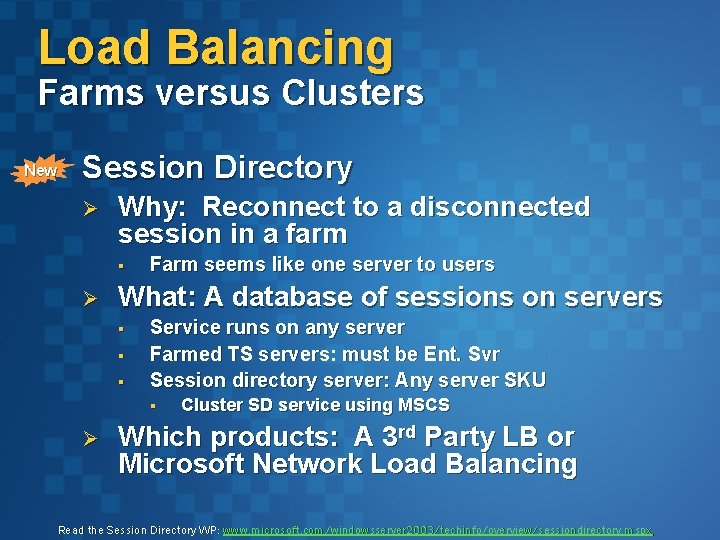
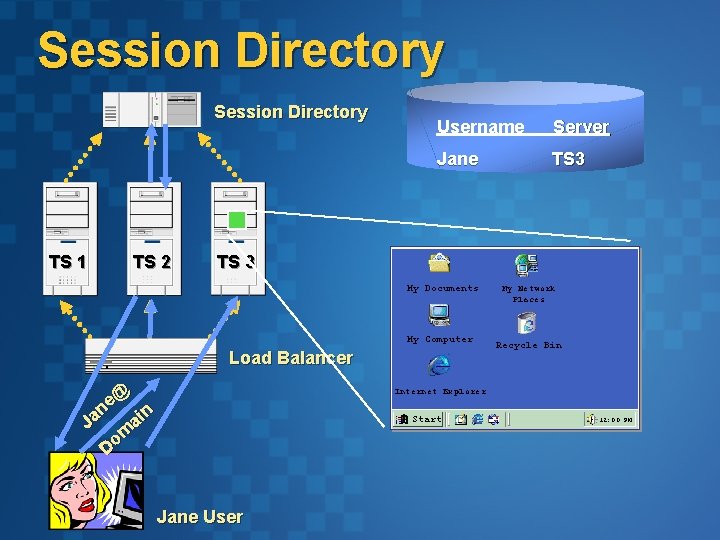
Load Balancing Farms versus Clusters New l Session Directory Ø Why: Reconnect to a disconnected session in a farm § Ø Farm seems like one server to users What: A database of sessions on servers § § § Service runs on any server Farmed TS servers: must be Ent. Svr Session directory server: Any server SKU Cluster SD service using MSCS Which products: A 3 rd Party LB or § Ø Which products: A 3 Party LB or Microsoft Network Load Balancing Read the Session Directory WP: www. microsoft. com/windowsserver 2003/techinfo/overview/sessiondirectory. mspx
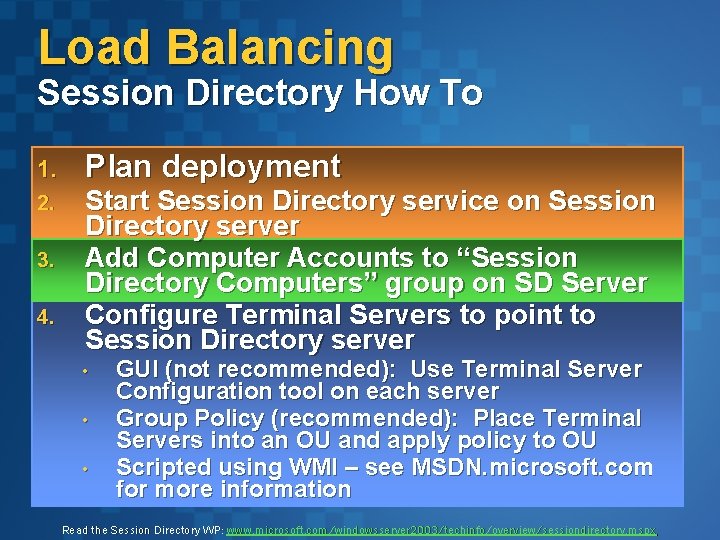
Load Balancing Session Directory How To 1. 2. 3. 4. Plan deployment Start Session Directory service on Session Directory server Add Computer Accounts to “Session Directory Computers” group on SD Server Configure Terminal Servers to point to Session Directory server • • • GUI (not recommended): Use Terminal Server Configuration tool on each server Group Policy (recommended): Place Terminal Servers into an OU and apply policy to OU Scripted using WMI – see MSDN. microsoft. com for more information Read the Session Directory WP: www. microsoft. com/windowsserver 2003/techinfo/overview/sessiondirectory. mspx
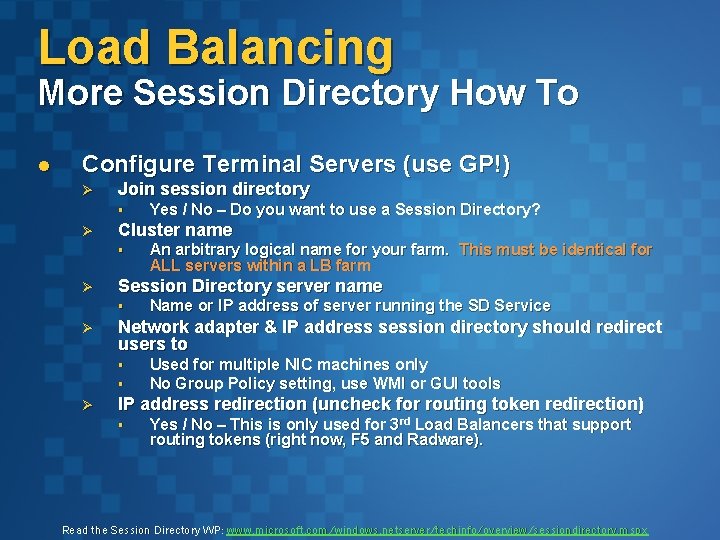
Load Balancing More Session Directory How To l Configure Terminal Servers (use GP!) Ø Join session directory § Ø Cluster name § Ø Name or IP address of server running the SD Service Network adapter & IP address session directory should redirect users to § § Ø An arbitrary logical name for your farm. This must be identical for ALL servers within a LB farm Session Directory server name § Ø Yes / No – Do you want to use a Session Directory? Used for multiple NIC machines only No Group Policy setting, use WMI or GUI tools IP address redirection (uncheck for routing token redirection) § Yes / No – This is only used for 3 rd Load Balancers that support routing tokens (right now, F 5 and Radware). Read the Session Directory WP: www. microsoft. com/windows. netserver/techinfo/overview/sessiondirectory. mspx
Session Directory Username Server Jane TS 3 TS 1 TS 2 TS 3 My Documents My Computer Load Balancer e@ n n ai Ja m o D My Network Places Recycle Bin Internet Explorer Start Jane User 12: 00 PM
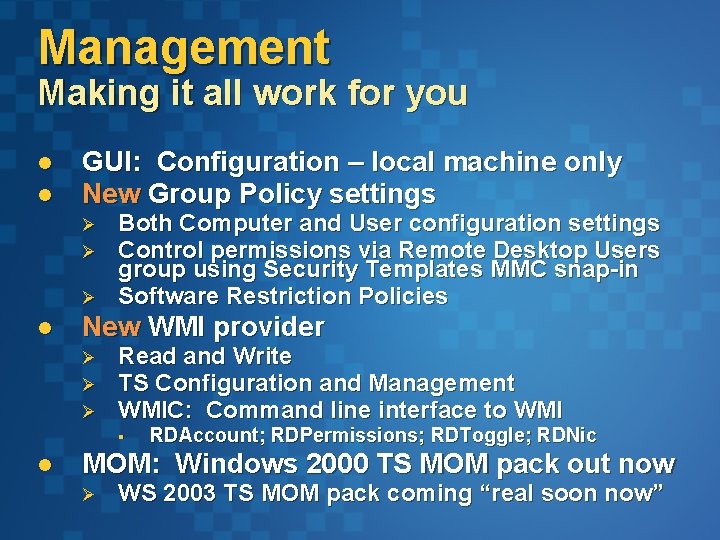
Management Making it all work for you l l GUI: Configuration – local machine only New Group Policy settings Ø Ø Ø l Both Computer and User configuration settings Control permissions via Remote Desktop Users group using Security Templates MMC snap-in Software Restriction Policies New WMI provider Ø Ø Ø Read and Write TS Configuration and Management WMIC: Command line interface to WMI § l RDAccount; RDPermissions; RDToggle; RDNic MOM: Windows 2000 TS MOM pack out now Ø WS 2003 TS MOM pack coming “real soon now”
demo Software Restriction Policies
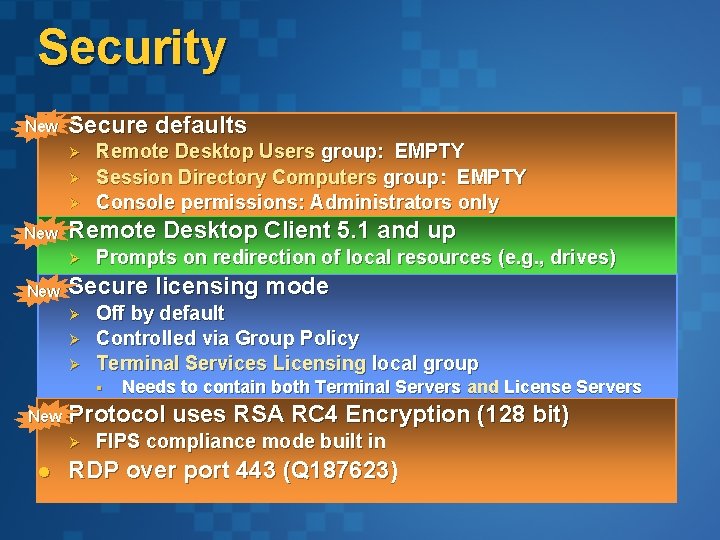
Security New l Secure defaults Ø Ø Ø l New Remote Desktop Client 5. 1 and up Ø l New Remote Desktop Users group: EMPTY Session Directory Computers group: EMPTY Console permissions: Administrators only Prompts on redirection of local resources (e. g. , drives) Secure licensing mode Ø Ø Ø Off by default Controlled via Group Policy Terminal Services Licensing local group § New l Protocol uses RSA RC 4 Encryption (128 bit) Ø l Needs to contain both Terminal Servers and License Servers FIPS compliance mode built in RDP over port 443 (Q 187623)
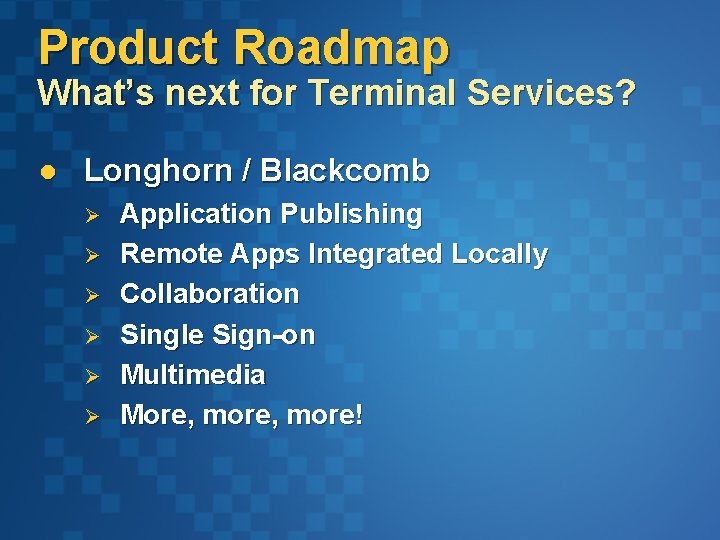
Product Roadmap What’s next for Terminal Services? l Longhorn / Blackcomb Ø Ø Ø Application Publishing Remote Apps Integrated Locally Collaboration Single Sign-on Multimedia More, more!
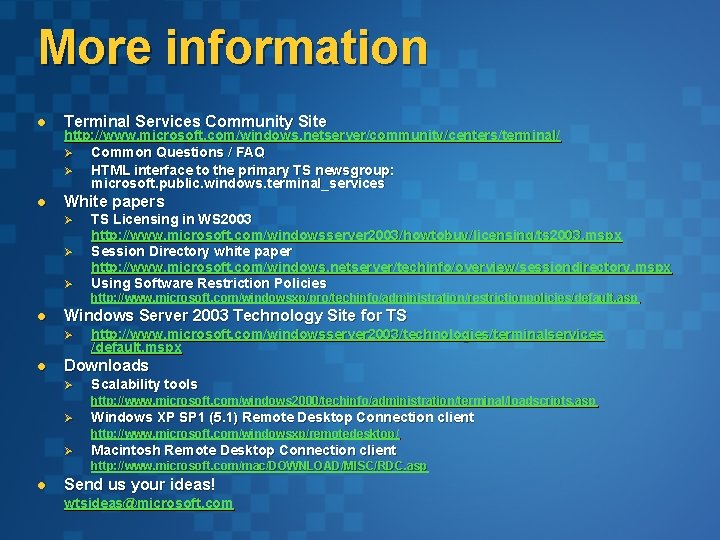
More information l Terminal Services Community Site l White papers http: //www. microsoft. com/windows. netserver/community/centers/terminal/ Ø Common Questions / FAQ Ø HTML interface to the primary TS newsgroup: microsoft. public. windows. terminal_services Ø Ø Ø TS Licensing in WS 2003 http: //www. microsoft. com/windowsserver 2003/howtobuy/licensing/ts 2003. mspx Session Directory white paper http: //www. microsoft. com/windows. netserver/techinfo/overview/sessiondirectory. mspx Using Software Restriction Policies http: //www. microsoft. com/windowsxp/pro/techinfo/administration/restrictionpolicies/default. asp l Windows Server 2003 Technology Site for TS Ø l http: //www. microsoft. com/windowsserver 2003/technologies/terminalservices /default. mspx Downloads Ø Scalability tools http: //www. microsoft. com/windows 2000/techinfo/administration/terminal/loadscripts. asp Ø Windows XP SP 1 (5. 1) Remote Desktop Connection client http: //www. microsoft. com/windowsxp/remotedesktop/ Ø Macintosh Remote Desktop Connection client http: //www. microsoft. com/mac/DOWNLOAD/MISC/RDC. asp l Send us your ideas! wtsideas@microsoft. com
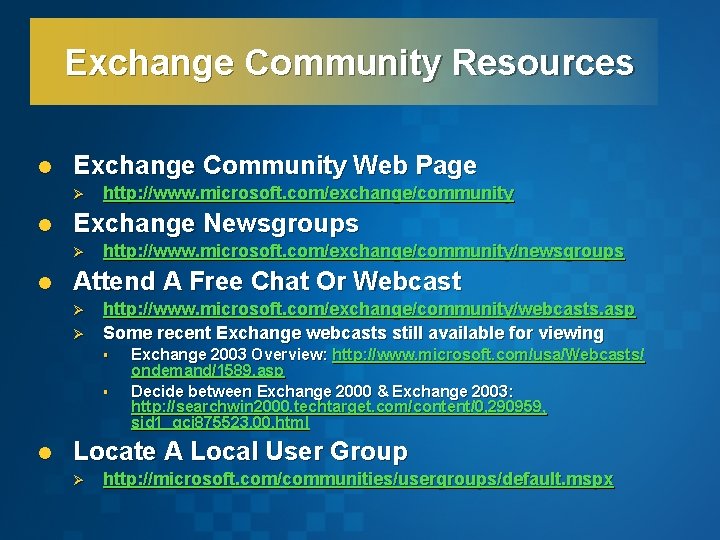
Exchange Community Resources l Exchange Community Web Page Ø l Exchange Newsgroups Ø l http: //www. microsoft. com/exchange/community/newsgroups Attend A Free Chat Or Webcast Ø Ø http: //www. microsoft. com/exchange/community/webcasts. asp Some recent Exchange webcasts still available for viewing § § l Exchange 2003 Overview: http: //www. microsoft. com/usa/Webcasts/ ondemand/1589. asp Decide between Exchange 2000 & Exchange 2003: http: //searchwin 2000. techtarget. com/content/0, 290959, sid 1_gci 875523, 00. html Locate A Local User Group Ø http: //microsoft. com/communities/usergroups/default. mspx
© 2003 Microsoft Corporation. All rights reserved. This presentation is for informational purposes only. MICROSOFT MAKES NO WARRANTIES, EXPRESS OR IMPLIED, IN THIS SUMMARY.
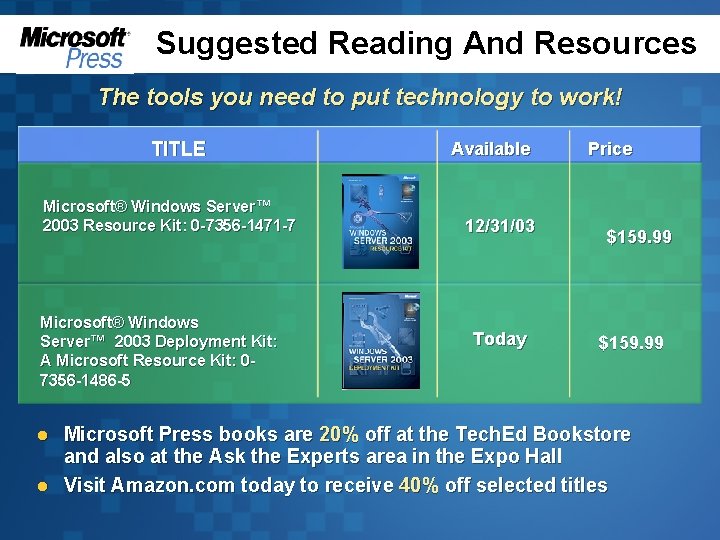
Suggested Reading And Resources The tools you need to put technology to work! TITLE Microsoft® Windows Server™ 2003 Resource Kit: 0 -7356 -1471 -7 Microsoft® Windows Server™ 2003 Deployment Kit: A Microsoft Resource Kit: 07356 -1486 -5 l l Available Price 12/31/03 Today $159. 99 Microsoft Press books are 20% off at the Tech. Ed Bookstore and also at the Ask the Experts area in the Expo Hall Visit Amazon. com today to receive 40% off selected titles