6 Kendall Kendall Systems Analysis and Design 9

- Slides: 52
6 Kendall & Kendall Systems Analysis and Design, 9 e Agile Modeling and Prototyping Kendall & Kendall Copyright © 2014 Pearson Education, Inc. Publishing as Prentice Hall
Learning Objectives • Understand the roots of agile modeling in prototyping and the four main types of prototyping. • Be able to use prototyping for human information requirements gathering. • Understand agile modeling and the core practices that differentiate it from other development methodologies. • Learn the importance of values critical to agile modeling. • Understand how to improve efficiency for users who are knowledge workers using either structured methods or agile modeling. Kendall & Kendall Copyright © 2014 Pearson Education, Inc. Publishing as Prentice Hall 6 -2
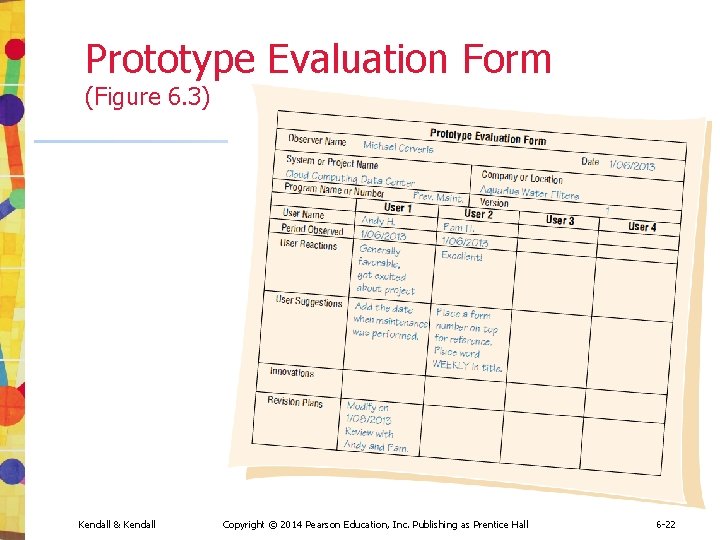
Agile Modeling, but First Prototyping • Agile modeling is a collection of innovative, user-centered approaches to system development • Prototyping is an information-gathering technique useful in seeking • • Kendall & Kendall User reactions Suggestions Innovations Revision plans Copyright © 2014 Pearson Education, Inc. Publishing as Prentice Hall 6 -3
Major Topics • Prototyping • Agile modeling Kendall & Kendall Copyright © 2014 Pearson Education, Inc. Publishing as Prentice Hall 6 -4
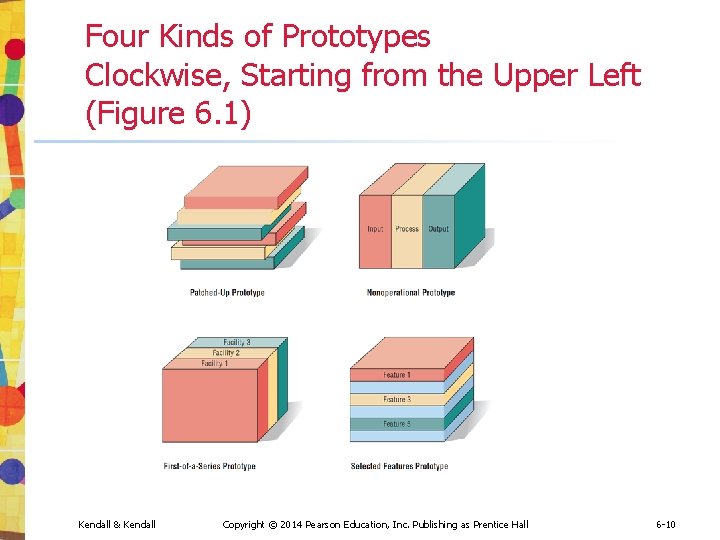
Prototyping • • Patched-up Nonoperational First-of-a-series Selected features Kendall & Kendall Copyright © 2014 Pearson Education, Inc. Publishing as Prentice Hall 6 -5
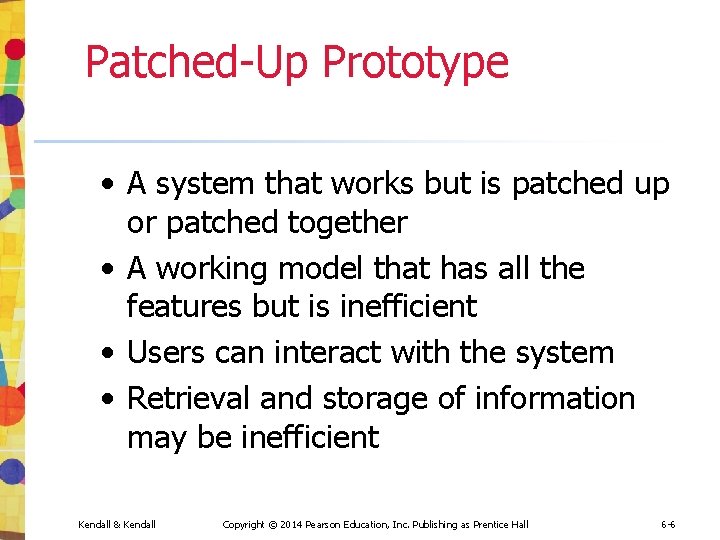
Patched-Up Prototype • A system that works but is patched up or patched together • A working model that has all the features but is inefficient • Users can interact with the system • Retrieval and storage of information may be inefficient Kendall & Kendall Copyright © 2014 Pearson Education, Inc. Publishing as Prentice Hall 6 -6
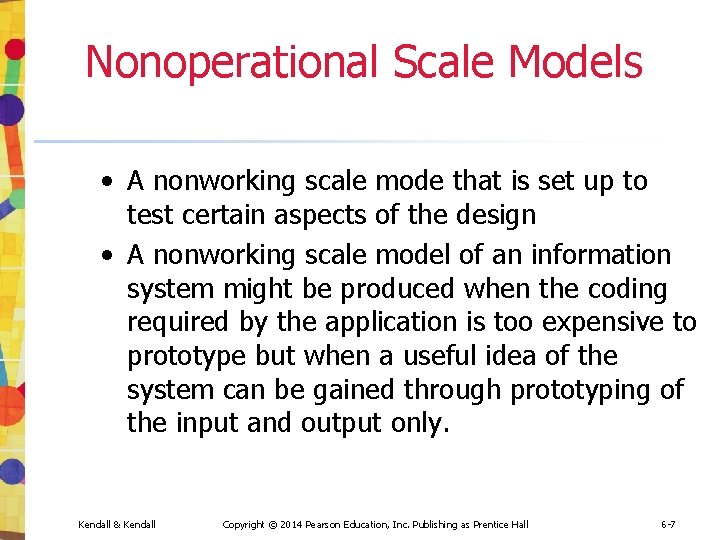
Nonoperational Scale Models • A nonworking scale mode that is set up to test certain aspects of the design • A nonworking scale model of an information system might be produced when the coding required by the application is too expensive to prototype but when a useful idea of the system can be gained through prototyping of the input and output only. Kendall & Kendall Copyright © 2014 Pearson Education, Inc. Publishing as Prentice Hall 6 -7
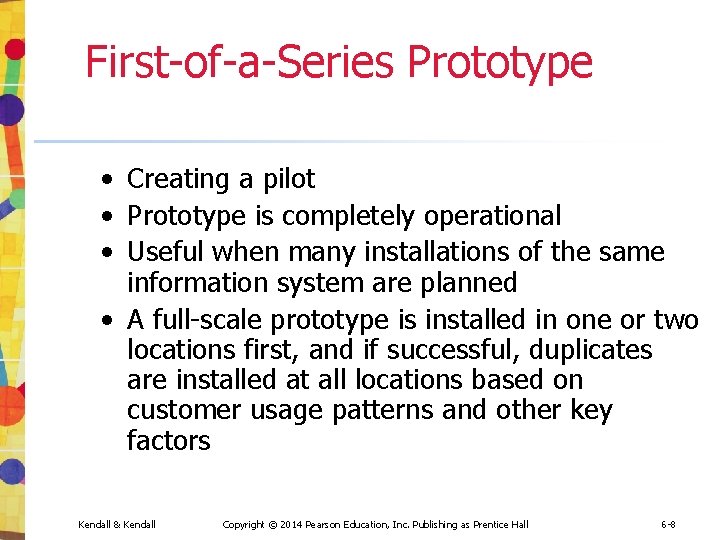
First-of-a-Series Prototype • Creating a pilot • Prototype is completely operational • Useful when many installations of the same information system are planned • A full-scale prototype is installed in one or two locations first, and if successful, duplicates are installed at all locations based on customer usage patterns and other key factors Kendall & Kendall Copyright © 2014 Pearson Education, Inc. Publishing as Prentice Hall 6 -8
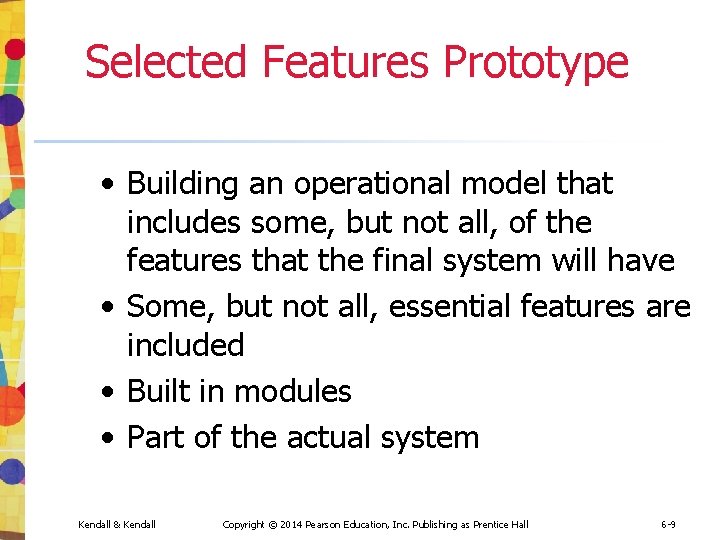
Selected Features Prototype • Building an operational model that includes some, but not all, of the features that the final system will have • Some, but not all, essential features are included • Built in modules • Part of the actual system Kendall & Kendall Copyright © 2014 Pearson Education, Inc. Publishing as Prentice Hall 6 -9
Four Kinds of Prototypes Clockwise, Starting from the Upper Left (Figure 6. 1) Kendall & Kendall Copyright © 2014 Pearson Education, Inc. Publishing as Prentice Hall 6 -10
Prototyping as an Alternative to the Systems Life Cycle • Two main problems with the SDLC • Extended time required to go through the development life cycle • User requirements change over time • Rather than using prototyping to replace the SDLC use prototyping as a part of the SDLC Kendall & Kendall Copyright © 2014 Pearson Education, Inc. Publishing as Prentice Hall 6 -11
Drawbacks to Supplanting the SDLC With Prototyping • Drawbacks include prematurely shaping a system before the problem or opportunity is thoroughly understood • Using prototyping as an alternative may result in producing a system that is accepted by specific groups of users but is inadequate for overall system needs Kendall & Kendall Copyright © 2014 Pearson Education, Inc. Publishing as Prentice Hall 6 -12
Guidelines for Developing a Prototype • Work in manageable modules • Build the prototype rapidly • Modify the prototype in successive iterations • Stress the user interface Kendall & Kendall Copyright © 2014 Pearson Education, Inc. Publishing as Prentice Hall 6 -13
Work in Manageable Modules • It is imperative that an analyst work in manageable modules • One distinct advantage of prototyping is that it is not necessary or desirable to build an entire working system for prototype purposes • A manageable module allows users to interact with its key features but can be built separately from other system modules • Module features that are deemed less important are purposely left out of the initial prototype Kendall & Kendall Copyright © 2014 Pearson Education, Inc. Publishing as Prentice Hall 6 -14
Build the Prototype Rapidly • Speed is essential for successful prototyping • Analysts can use prototyping to shorten this gap by using traditional information-gathering techniques to find information requirements • Make decisions that bring forth a working model • Putting together an operational prototype rapidly and early in the SDLC allows an analyst to gain insight about the remainder of the project • Showing users early in the process how parts of the system actually perform guards against overcommitting resources to a project that may eventually become unworkable Kendall & Kendall Copyright © 2014 Pearson Education, Inc. Publishing as Prentice Hall 6 -15
Modify the Prototype in successive iterations • Making a prototype modifiable means creating it in modules that are not highly interdependent • The prototype is usually modified several times • Changes should move the system closer to what users say is important • Each modification is followed by an evaluation by users Kendall & Kendall Copyright © 2014 Pearson Education, Inc. Publishing as Prentice Hall 6 -16
Stress the User Interface • Use the prototype is to get users to further articulate their information requirements • They should be able to see how the prototype will enable them to accomplish their tasks • The user interface must be well developed enough to enable users to pick up the system quickly • Online, interactive systems using GUI interfaces are ideally suited to prototypes Kendall & Kendall Copyright © 2014 Pearson Education, Inc. Publishing as Prentice Hall 6 -17
Disadvantages of Prototyping • It can be difficult to manage prototyping as a project in the larger systems effort • Users and analysts may adopt a prototype as a completed system Kendall & Kendall Copyright © 2014 Pearson Education, Inc. Publishing as Prentice Hall 6 -18
Advantages of Prototyping • Potential for changing the system early in its development • Opportunity to stop development on a system that is not working • Possibility of developing a system that more closely addresses users’ needs and expectations Kendall & Kendall Copyright © 2014 Pearson Education, Inc. Publishing as Prentice Hall 6 -19
Prototyping Using COTS Software • Sometimes the quickest way to prototype is through the modular installation of COTS software • Some COTS software is elaborate and expensive, but highly useful Kendall & Kendall Copyright © 2014 Pearson Education, Inc. Publishing as Prentice Hall 6 -20
Users’ Role in Prototyping • Honest involvement • Experimenting with the prototype • Giving open reactions to the prototype • Suggesting additions to or deletions from the prototype Kendall & Kendall Copyright © 2014 Pearson Education, Inc. Publishing as Prentice Hall 6 -21
Prototype Evaluation Form (Figure 6. 3) Kendall & Kendall Copyright © 2014 Pearson Education, Inc. Publishing as Prentice Hall 6 -22
Agile Modeling • Agile methods are a collection of innovative, user-centered approaches to systems development Kendall & Kendall Copyright © 2014 Pearson Education, Inc. Publishing as Prentice Hall 6 -23
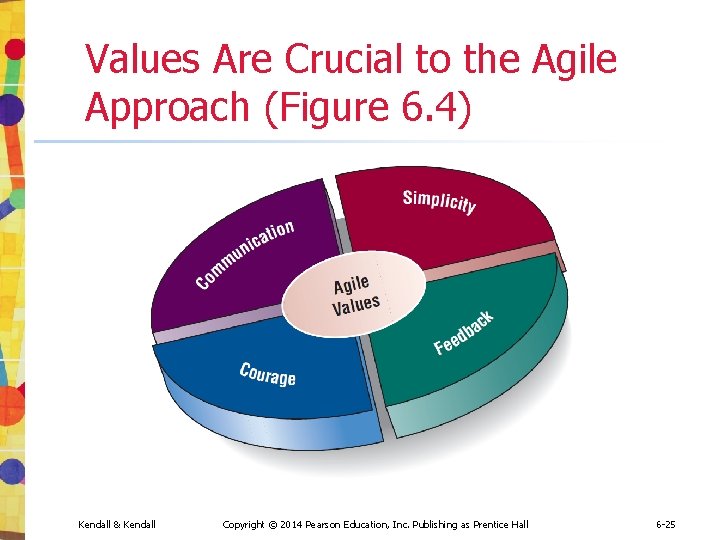
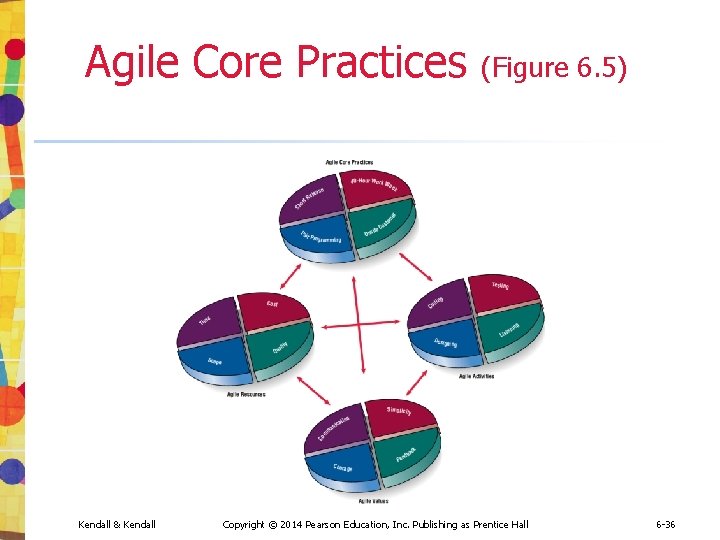
Values and Principles of Agile Modeling • • Communication Simplicity Feedback Courage Kendall & Kendall Copyright © 2014 Pearson Education, Inc. Publishing as Prentice Hall 6 -24
Values Are Crucial to the Agile Approach (Figure 6. 4) Kendall & Kendall Copyright © 2014 Pearson Education, Inc. Publishing as Prentice Hall 6 -25
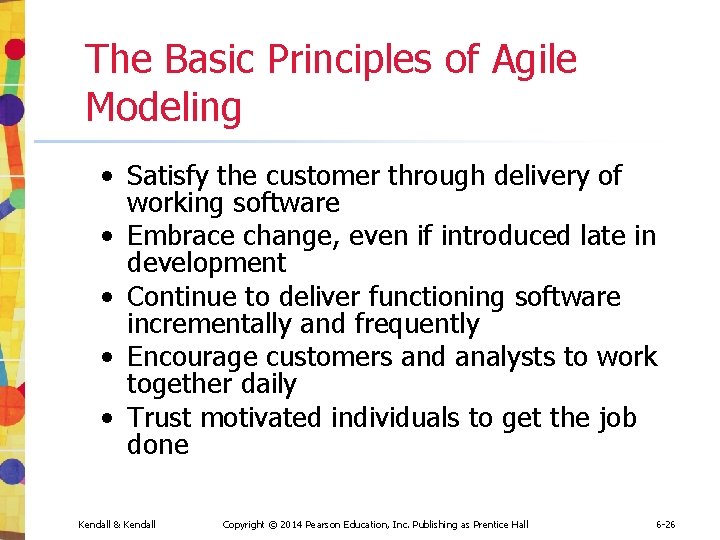
The Basic Principles of Agile Modeling • Satisfy the customer through delivery of working software • Embrace change, even if introduced late in development • Continue to deliver functioning software incrementally and frequently • Encourage customers and analysts to work together daily • Trust motivated individuals to get the job done Kendall & Kendall Copyright © 2014 Pearson Education, Inc. Publishing as Prentice Hall 6 -26
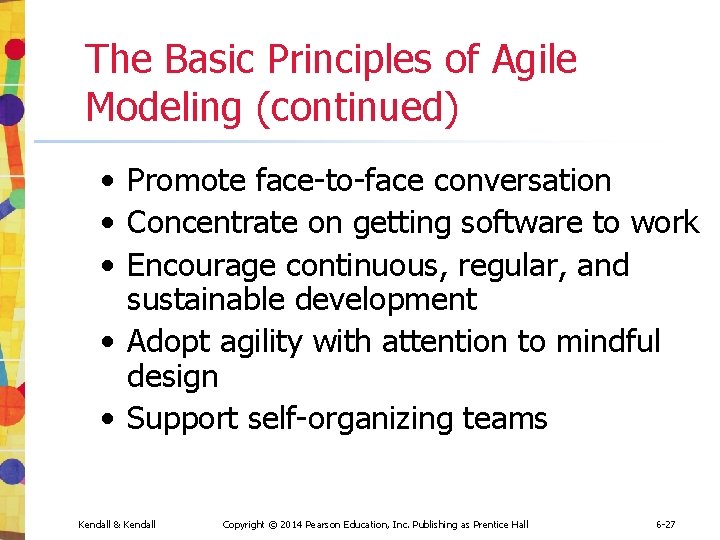
The Basic Principles of Agile Modeling (continued) • Promote face-to-face conversation • Concentrate on getting software to work • Encourage continuous, regular, and sustainable development • Adopt agility with attention to mindful design • Support self-organizing teams Kendall & Kendall Copyright © 2014 Pearson Education, Inc. Publishing as Prentice Hall 6 -27
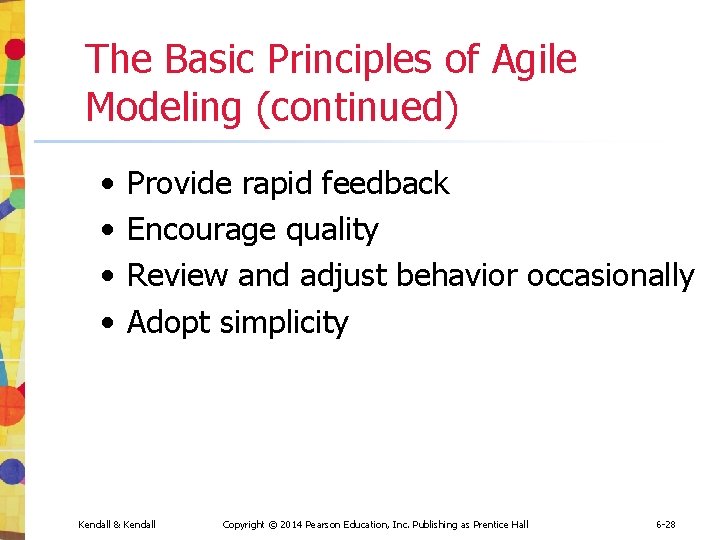
The Basic Principles of Agile Modeling (continued) • • Provide rapid feedback Encourage quality Review and adjust behavior occasionally Adopt simplicity Kendall & Kendall Copyright © 2014 Pearson Education, Inc. Publishing as Prentice Hall 6 -28
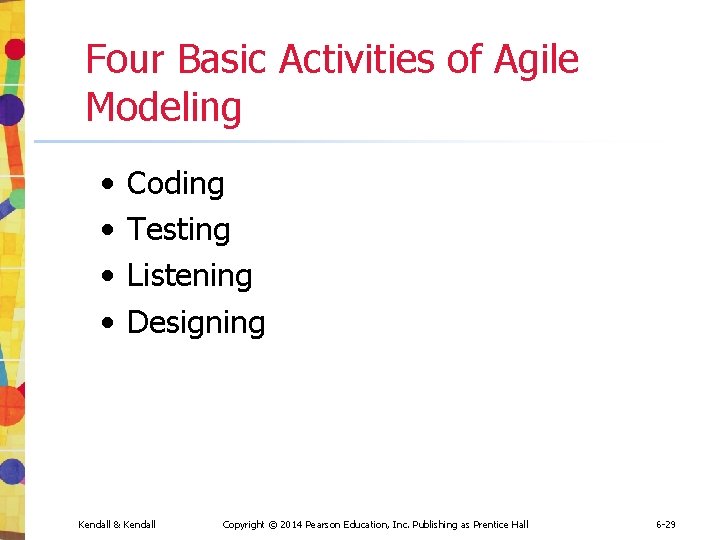
Four Basic Activities of Agile Modeling • • Coding Testing Listening Designing Kendall & Kendall Copyright © 2014 Pearson Education, Inc. Publishing as Prentice Hall 6 -29
Coding • Coding is the one activity that it is not possible to do without • The most valuable thing that we receive from code is “learning” • Code can also be used to communicate ideas that would otherwise remain fuzzy or unshaped Kendall & Kendall Copyright © 2014 Pearson Education, Inc. Publishing as Prentice Hall 6 -30
Testing • Automated testing is critical • Write tests to check coding, functionality, performance, and conformance • Use automated tests • Large libraries of tests exist for most programming languages • These are updated as necessary during the project • Testing in the short term gives extreme confidence in what you are building • Testing in the long term keeps a system alive and allows for changes longer than would be possible if no tests were written or run Kendall & Kendall Copyright © 2014 Pearson Education, Inc. Publishing as Prentice Hall 6 -31
Listening • Listening is done in the extreme • Developers use active listening to hear their programming partner • Because there is less reliance on formal, written communication, listening becomes a paramount skill • A developer also uses active listening with the customer • Developers assume that they know nothing about the business so they must listen carefully to businesspeople Kendall & Kendall Copyright © 2014 Pearson Education, Inc. Publishing as Prentice Hall 6 -32
Designing • Designing is a way of creating a structure to organize all the logic in the system • Designing is evolutionary, and so systems are conceptualized as evolving, always being designed • Good design is often simple • Design should allow flexibility • Effective design locates logic near the data on which it will be operating • Design should be useful to all those who will need it as the development effort proceeds Kendall & Kendall Copyright © 2014 Pearson Education, Inc. Publishing as Prentice Hall 6 -33
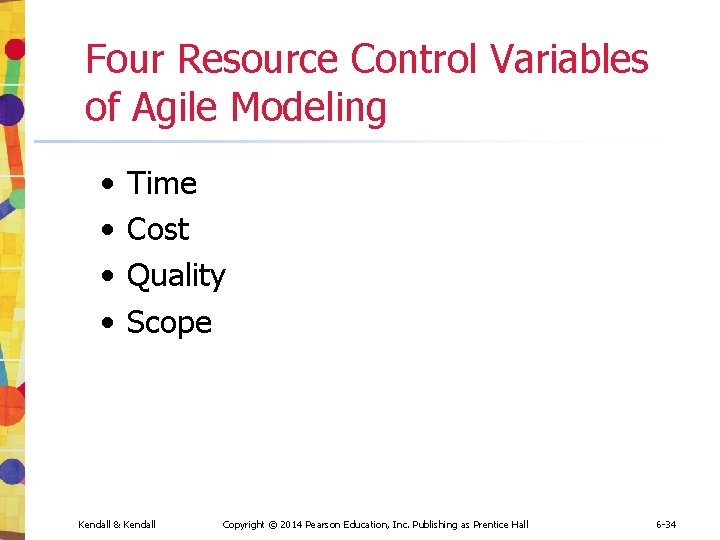
Four Resource Control Variables of Agile Modeling • • Time Cost Quality Scope Kendall & Kendall Copyright © 2014 Pearson Education, Inc. Publishing as Prentice Hall 6 -34
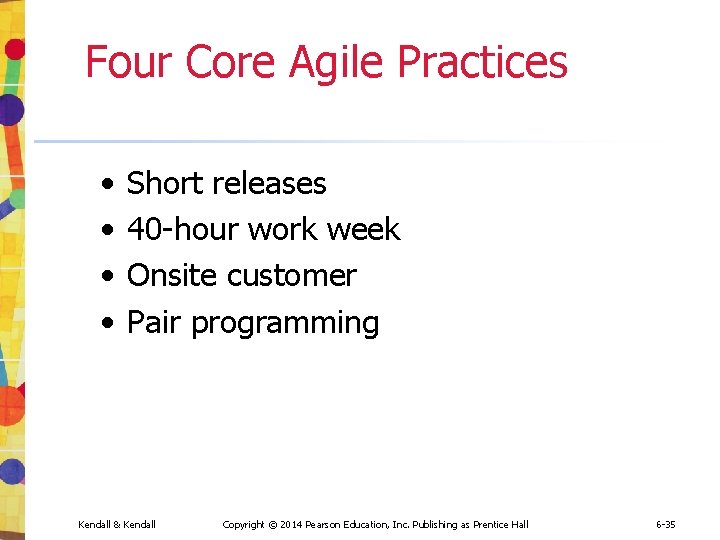
Four Core Agile Practices • • Short releases 40 -hour work week Onsite customer Pair programming Kendall & Kendall Copyright © 2014 Pearson Education, Inc. Publishing as Prentice Hall 6 -35
Agile Core Practices (Figure 6. 5) Kendall & Kendall Copyright © 2014 Pearson Education, Inc. Publishing as Prentice Hall 6 -36
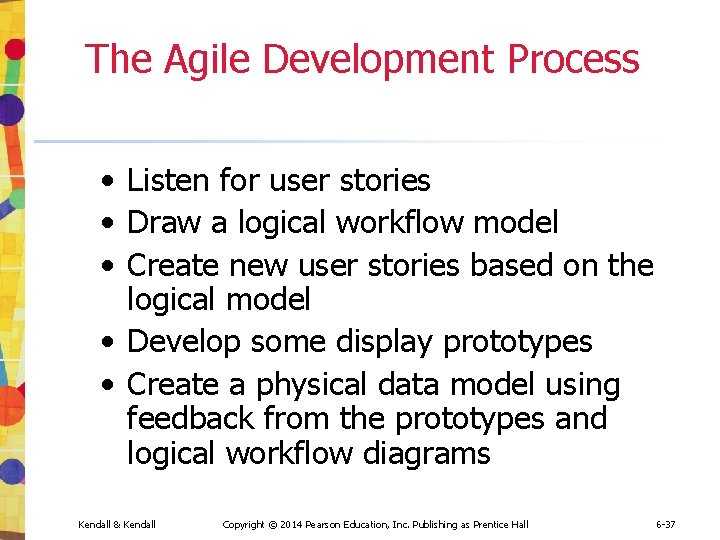
The Agile Development Process • Listen for user stories • Draw a logical workflow model • Create new user stories based on the logical model • Develop some display prototypes • Create a physical data model using feedback from the prototypes and logical workflow diagrams Kendall & Kendall Copyright © 2014 Pearson Education, Inc. Publishing as Prentice Hall 6 -37
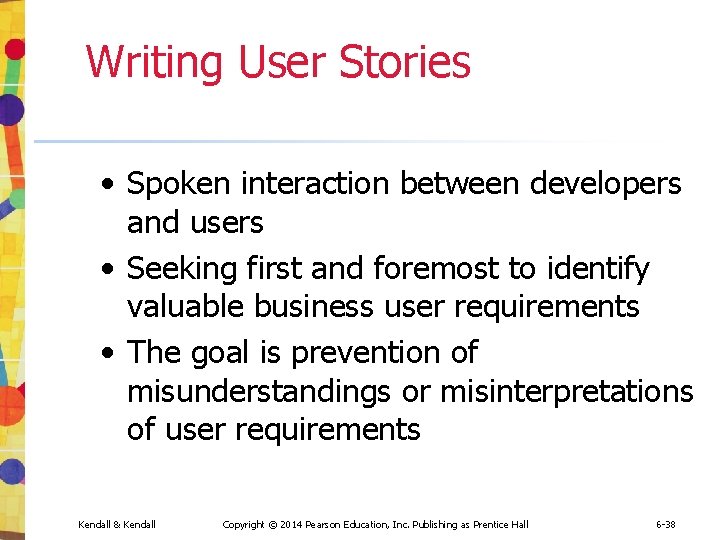
Writing User Stories • Spoken interaction between developers and users • Seeking first and foremost to identify valuable business user requirements • The goal is prevention of misunderstandings or misinterpretations of user requirements Kendall & Kendall Copyright © 2014 Pearson Education, Inc. Publishing as Prentice Hall 6 -38
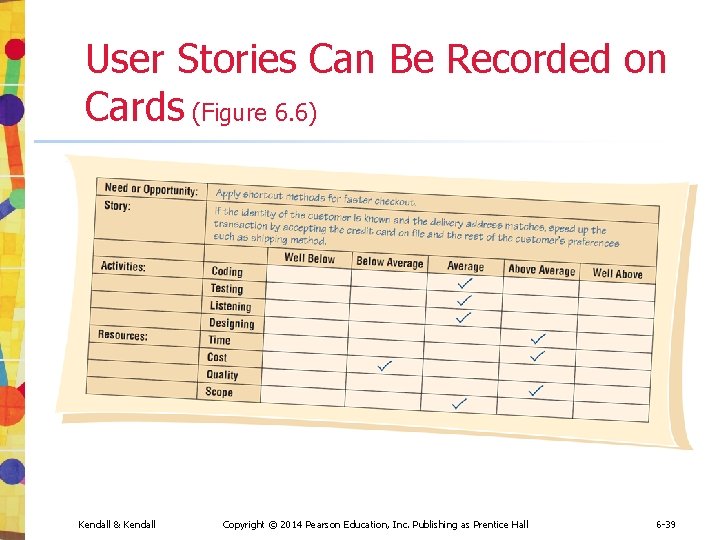
User Stories Can Be Recorded on Cards (Figure 6. 6) Kendall & Kendall Copyright © 2014 Pearson Education, Inc. Publishing as Prentice Hall 6 -39
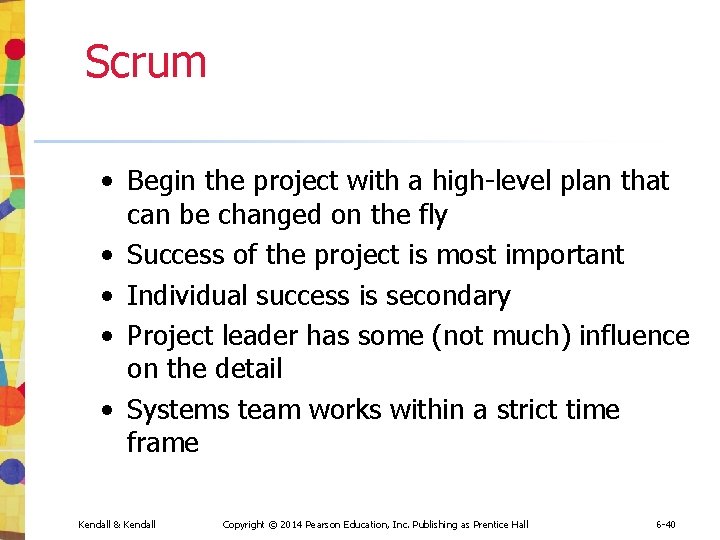
Scrum • Begin the project with a high-level plan that can be changed on the fly • Success of the project is most important • Individual success is secondary • Project leader has some (not much) influence on the detail • Systems team works within a strict time frame Kendall & Kendall Copyright © 2014 Pearson Education, Inc. Publishing as Prentice Hall 6 -40
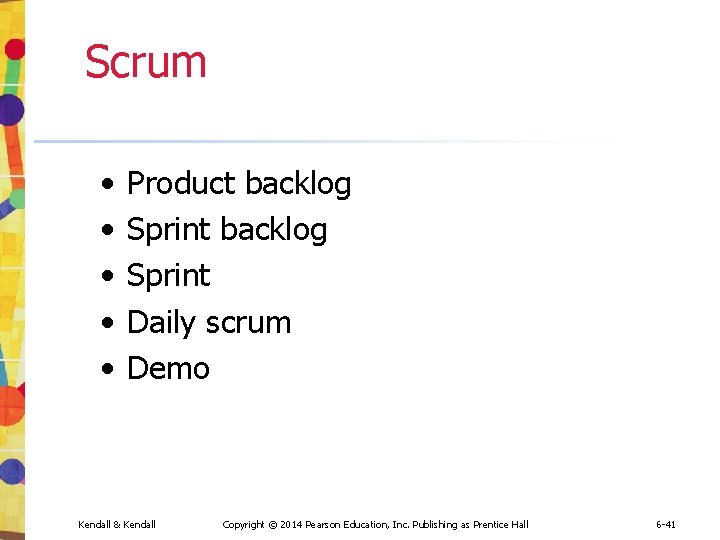
Scrum • • • Product backlog Sprint Daily scrum Demo Kendall & Kendall Copyright © 2014 Pearson Education, Inc. Publishing as Prentice Hall 6 -41
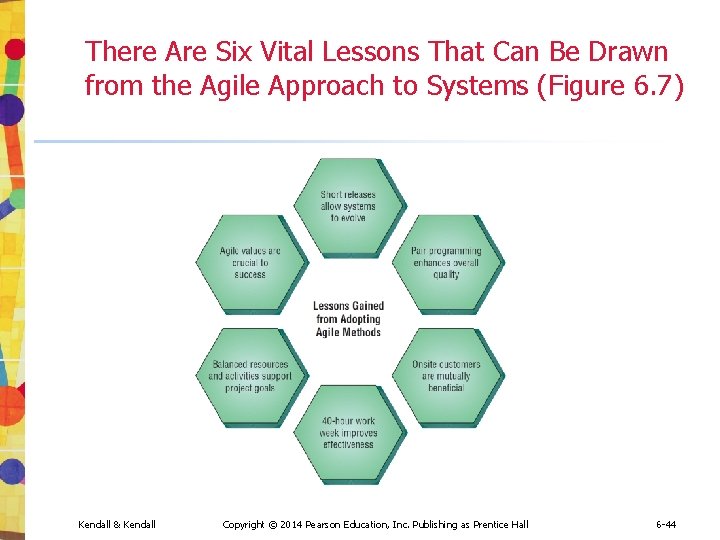
Lessons Learned from Agile Modeling • Short releases allow the system to evolve • Pair programming enhances the overall quality • Onsite customers are mutually beneficial to the business and the agile development team Kendall & Kendall Copyright © 2014 Pearson Education, Inc. Publishing as Prentice Hall 6 -42
Lessons Learned from Agile Modeling (continued) • The 40 -hour work week improves worker effectiveness • Balanced resources and activities support project goals • Agile values are crucial to success Kendall & Kendall Copyright © 2014 Pearson Education, Inc. Publishing as Prentice Hall 6 -43
There Are Six Vital Lessons That Can Be Drawn from the Agile Approach to Systems (Figure 6. 7) Kendall & Kendall Copyright © 2014 Pearson Education, Inc. Publishing as Prentice Hall 6 -44
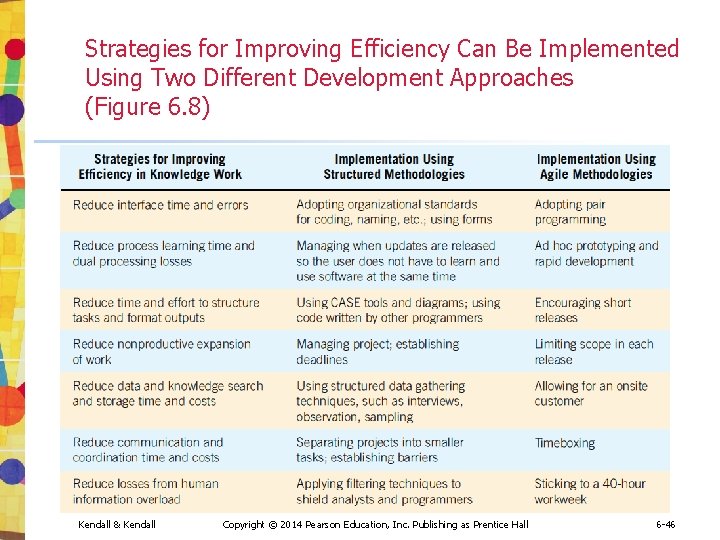
Comparing Agile Modeling and Structured Methods • Improving the efficiency of systems development • Risks inherent in organizational innovation Kendall & Kendall Copyright © 2014 Pearson Education, Inc. Publishing as Prentice Hall 6 -45
Strategies for Improving Efficiency Can Be Implemented Using Two Different Development Approaches (Figure 6. 8) Kendall & Kendall Copyright © 2014 Pearson Education, Inc. Publishing as Prentice Hall 6 -46
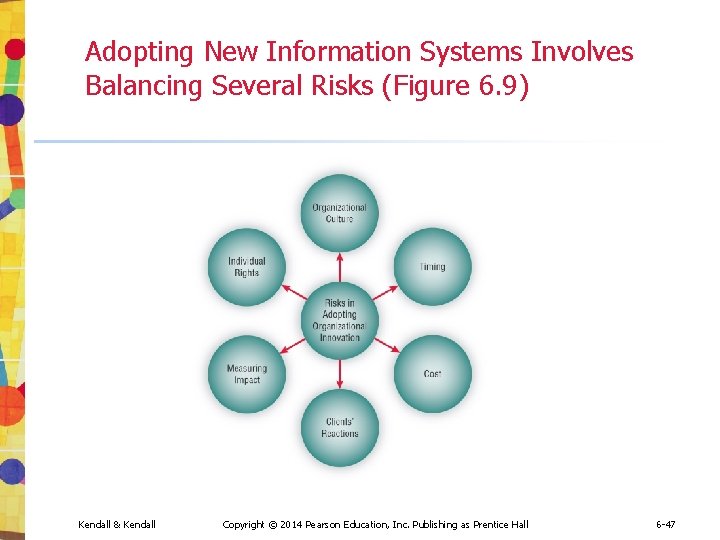
Adopting New Information Systems Involves Balancing Several Risks (Figure 6. 9) Kendall & Kendall Copyright © 2014 Pearson Education, Inc. Publishing as Prentice Hall 6 -47
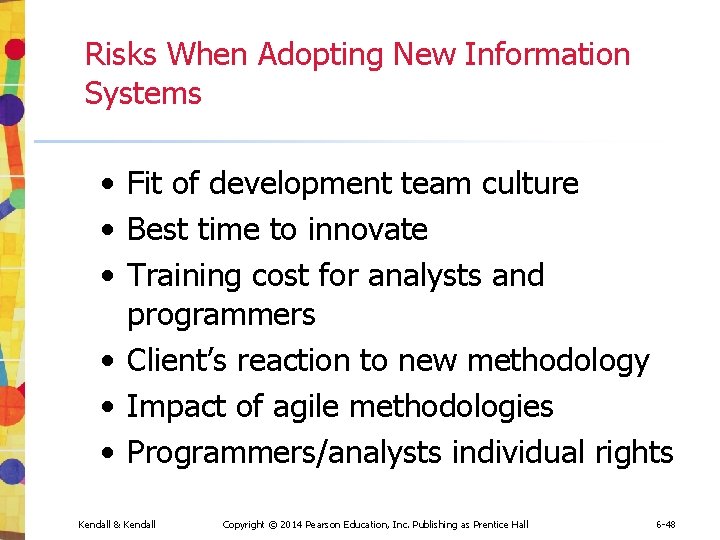
Risks When Adopting New Information Systems • Fit of development team culture • Best time to innovate • Training cost for analysts and programmers • Client’s reaction to new methodology • Impact of agile methodologies • Programmers/analysts individual rights Kendall & Kendall Copyright © 2014 Pearson Education, Inc. Publishing as Prentice Hall 6 -48
Summary • Prototyping • • Patched-up system Nonoperational First-of-a-series Selected-features • Prototype development guidelines • Prototype disadvantages Kendall & Kendall Copyright © 2014 Pearson Education, Inc. Publishing as Prentice Hall 6 -49
Summary (continued) • • Prototype advantages Users’ role in prototyping Agile modeling Five values of the agile approach Principles of agile development Agile activities Agile resources Kendall & Kendall Copyright © 2014 Pearson Education, Inc. Publishing as Prentice Hall 6 -50
Summary (continued) • • • Core practices of the agile approach Stages in the agile development process User stories Agile lessons Scrum methodology Dangers to adopting innovative approaches Kendall & Kendall Copyright © 2014 Pearson Education, Inc. Publishing as Prentice Hall 6 -51
Copyright © 2014 Pearson Education, Inc. Publishing as Prentice Hall 6 -52