3 D Paving Training V 1 10 March
- Slides: 11
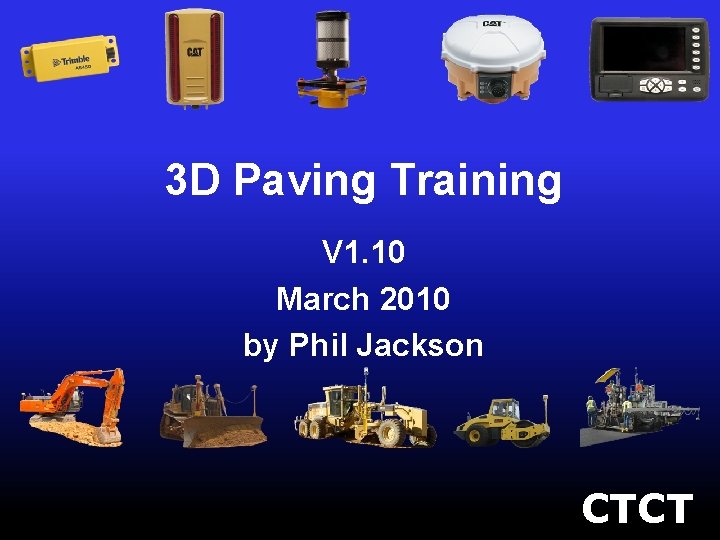
3 D Paving Training V 1. 10 March 2010 by Phil Jackson CTCT
New Features • • Auto. Adjust Distance to UTS text item UTS icon on Plan View Map (PVM) Direction Softkey Improved speed text item Faster UTS/MT 900 locking Coloured arrows for raise/lower text items Machine Radio Configuration no longer manager mode
Auto. Adjust • Feature automates the previous manual nudging of the screed • PCS 900 v 1. 10 monitors the height of the trailing edge of the screed and automatically adjusts the system to keep this point on grade • Manual nudging via the underlying 2 D control system (PCS 400, Accu. Grade, Cat Grade & Slope or MOBA) is still supported
Distance to UTS text item • New text item showing the distance between the UTS instrument and the MT 900 on the paver
UTS icon on Plan View Map (PVM) • When a connected to the UTS instrument PCS 900 v 1. 10 will show an accurately positioned icon for the UTS instrument on the PVM • For those of you who are familiar with it this feature is modelled off the laser icon in the GCS 900 PVM
Direction Softkey • PCS 900 v 1. 10 now has a softkey to set the correct paver direction when reversing • Previously PCS 900 assumed any machine motion was in the forward direction and this caused customers issues when backing the machine into position before starting a paving run
Improved speed text item • The display of the speed text item has been improved on PCS 900 v 1. 10 • The value shown by the text item is now displayed in a smoother manner
Faster UTS/MT 900 locking • The UTS search sequence has been improved in PCS 900 v 1. 10 • Now, the initial UTS Quick Search is performed around the direction the UTS instrument is facing • If the UTS instrument is has the MT 900 in its field of view (as you look through the eye piece) the UTS will very quickly lock on to the MT 900
Coloured arrows for raise/lower text items • The raise/lower text items now use coloured arrows to help operators understand the raise/lower situation at a quick glance
Machine Radio Configuration no longer manager mode • The Machine Radio Configuration is now available in the normal operator mode • Previously PCS 900 needed to be running in manager mode for this item to be available
Questions ?