ZOOM Video Conferencing Agenda Account Features Account Setup
- Slides: 12
ZOOM Video Conferencing
Agenda • Account Features • Account Setup • Additional ZOOM Applications
ZOOM Account Features • Basic (aka. Free) user accounts – 100 participants – Meeting limited to 40 minutes – Video conferencing features • HD video/voice, dual screen capable, phone/computer call-in option – Web conferencing features • Desktop/application sharing, personal room or meeting id, instant or scheduled meetings, host controls (participant audio, video, screen sharing)
ZOOM Account Features • Basic user accounts continued – Group collaboration • Group messaging/chat, co-annotation on shared screen, keyboard/mouse control, whiteboard, multishare • Dedicated (aka. Pro) user accounts – All features of Basic user accounts – No meeting duration limitation – More customization/administration options • Admin dashboards, company branding, etc.
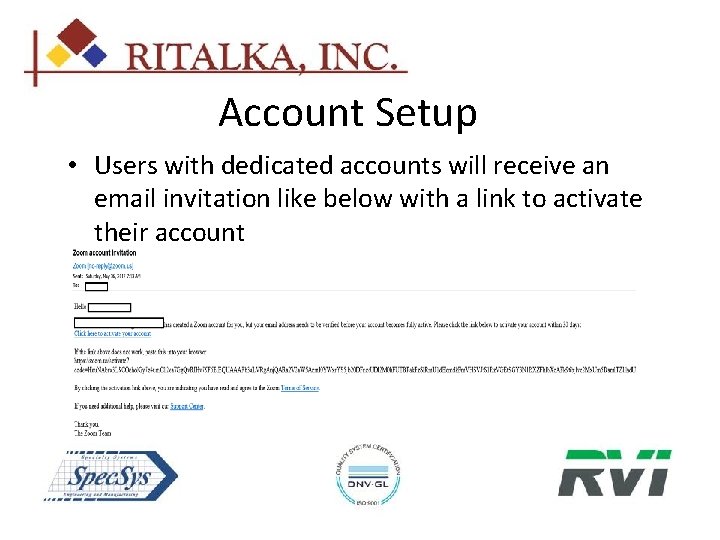
Account Setup • Users with dedicated accounts will receive an email invitation like below with a link to activate their account
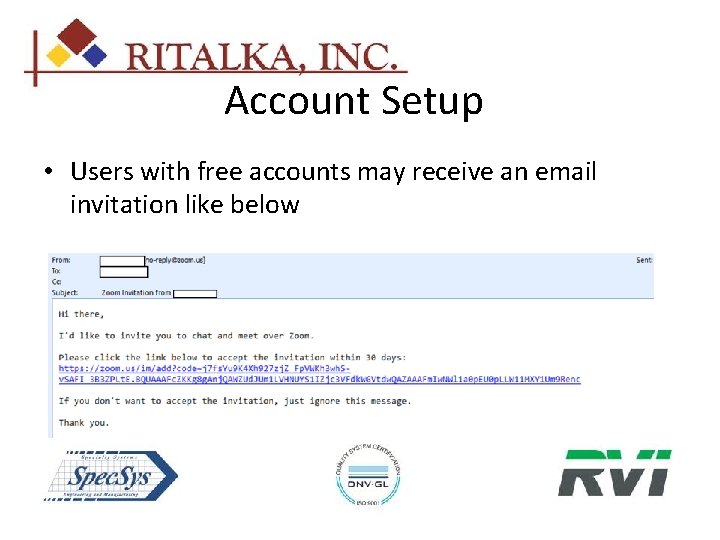
Account Setup • Users with free accounts may receive an email invitation like below
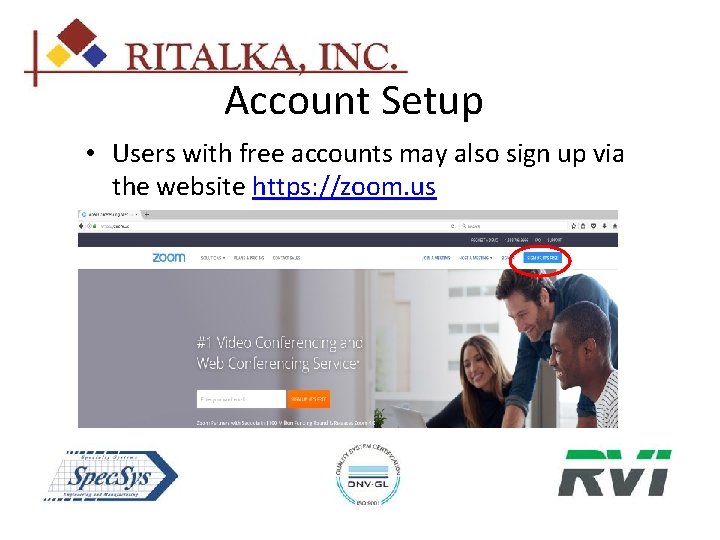
Account Setup • Users with free accounts may also sign up via the website https: //zoom. us
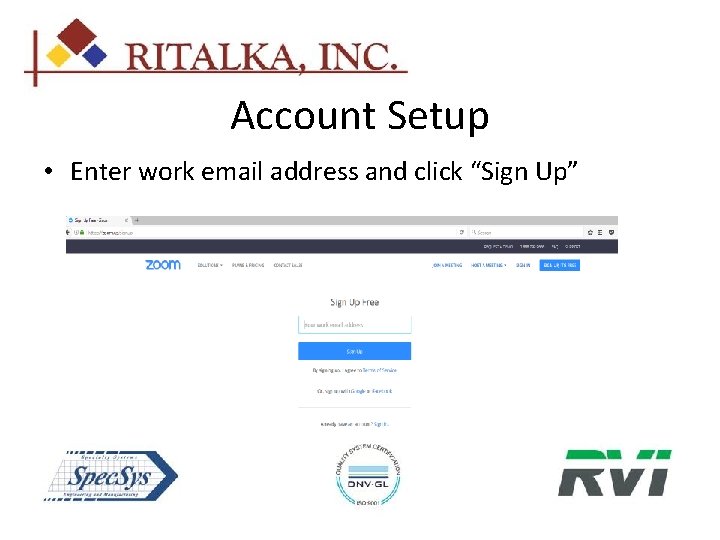
Account Setup • Enter work email address and click “Sign Up”
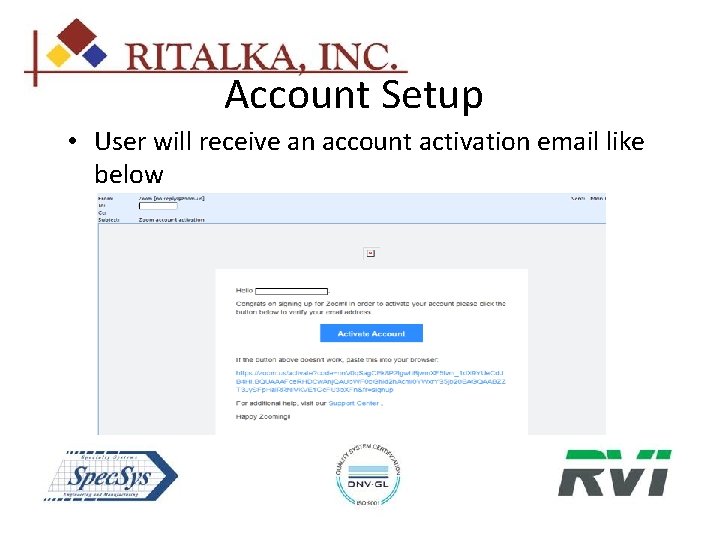
Account Setup • User will receive an account activation email like below
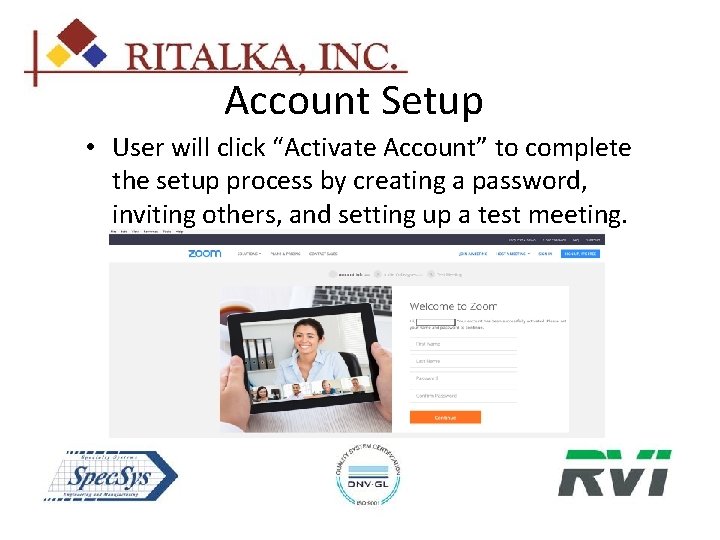
Account Setup • User will click “Activate Account” to complete the setup process by creating a password, inviting others, and setting up a test meeting.
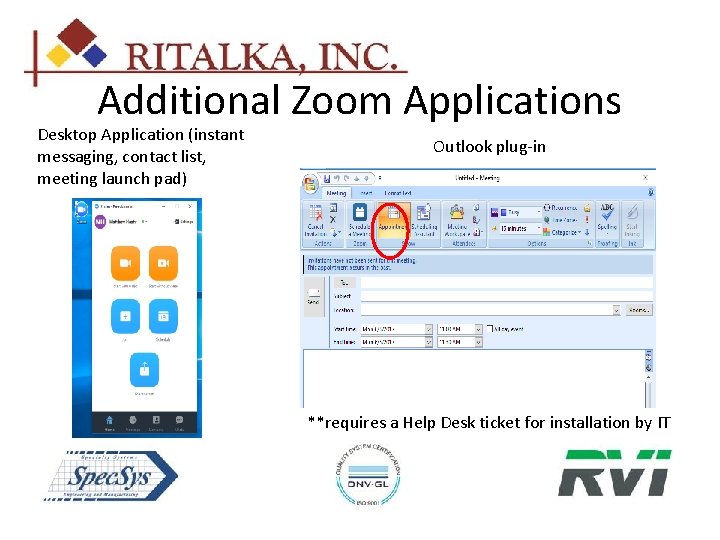
Additional Zoom Applications Desktop Application (instant messaging, contact list, meeting launch pad) Outlook plug-in **requires a Help Desk ticket for installation by IT
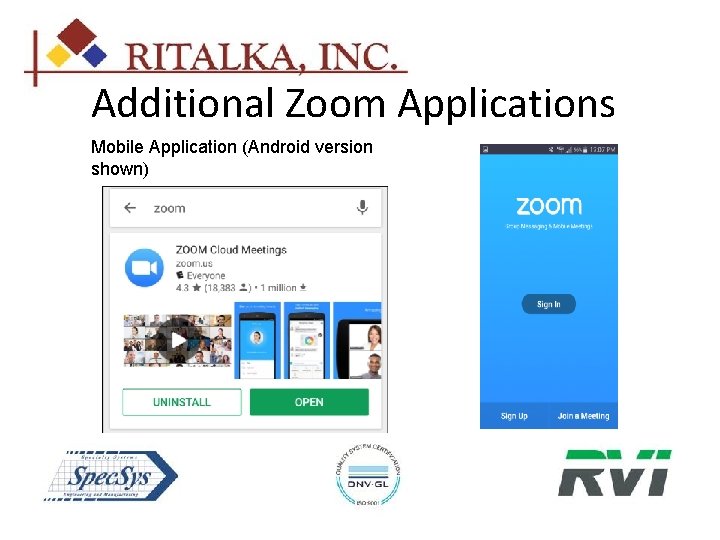
Additional Zoom Applications Mobile Application (Android version shown)