Threat modeling Tuomas Aura T110 4206 Information security
![[Internet, original source unknown] 3](https://slidetodoc.com/presentation_image_h/04079adbc7173c048194264745876da9/image-3.jpg "[Internet, original source unknown] 3")
![[Internet, original source unknown] 5](https://slidetodoc.com/presentation_image_h/04079adbc7173c048194264745876da9/image-5.jpg "[Internet, original source unknown] 5")
![Threat trees 13 [source: Microsoft]](https://slidetodoc.com/presentation_image_h/04079adbc7173c048194264745876da9/image-13.jpg "Threat trees 13 [source: Microsoft]")
- Slides: 22
Threat modeling Tuomas Aura T-110. 4206 Information security technology Aalto University, autumn 2013
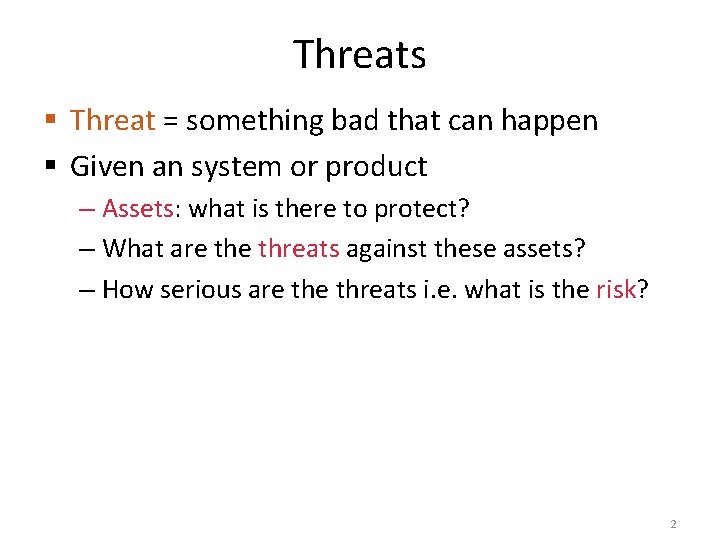
Threats § Threat = something bad that can happen § Given an system or product – Assets: what is there to protect? – What are threats against these assets? – How serious are threats i. e. what is the risk? 2
[Internet, original source unknown] 3
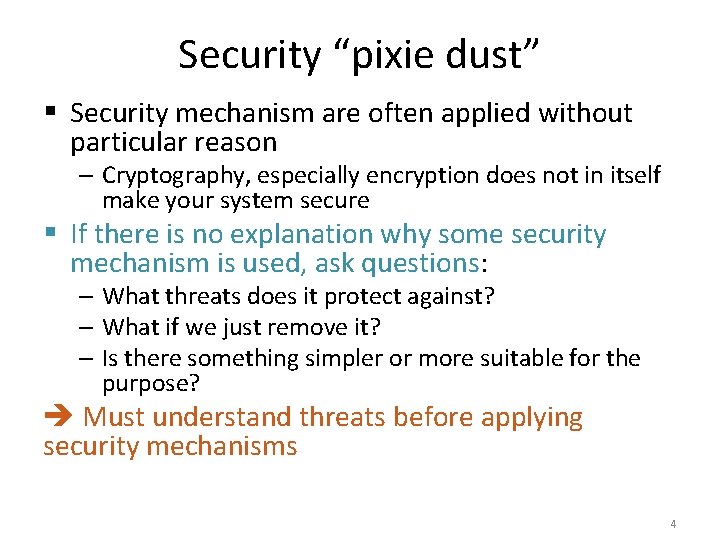
Security “pixie dust” § Security mechanism are often applied without particular reason – Cryptography, especially encryption does not in itself make your system secure § If there is no explanation why some security mechanism is used, ask questions: – What threats does it protect against? – What if we just remove it? – Is there something simpler or more suitable for the purpose? Must understand threats before applying security mechanisms 4
[Internet, original source unknown] 5
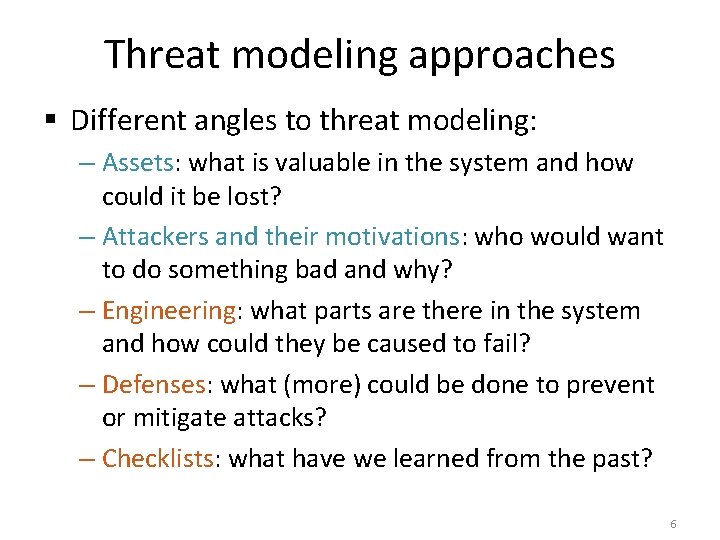
Threat modeling approaches § Different angles to threat modeling: – Assets: what is valuable in the system and how could it be lost? – Attackers and their motivations: who would want to do something bad and why? – Engineering: what parts are there in the system and how could they be caused to fail? – Defenses: what (more) could be done to prevent or mitigate attacks? – Checklists: what have we learned from the past? 6
Case study § Mobile phone app shop 7
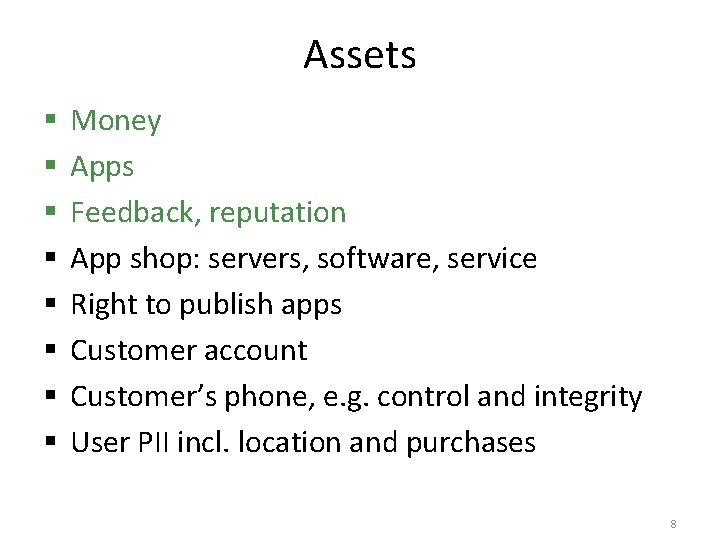
Assets § § § § Money Apps Feedback, reputation App shop: servers, software, service Right to publish apps Customer account Customer’s phone, e. g. control and integrity User PII incl. location and purchases 8
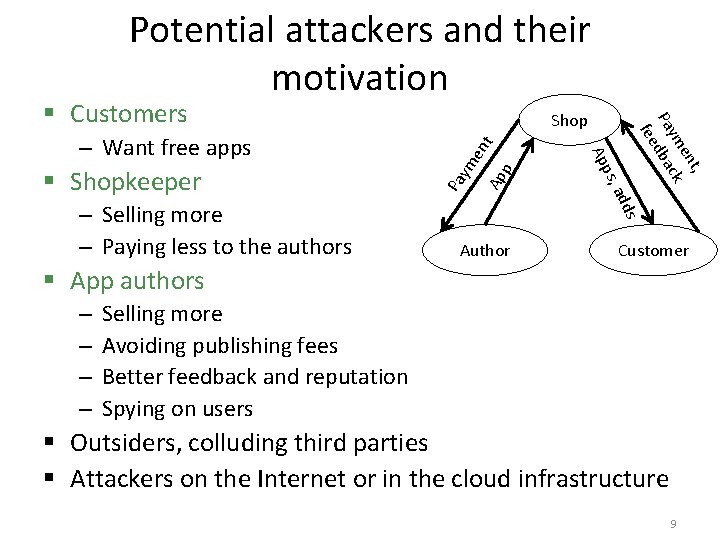
Potential attackers and their motivation t Ap p en Pa ym dds – Selling more – Paying less to the authors a ps, § Shopkeeper Ap – Want free apps Shop t, en ym ck Pa dba fee § Customers Author Customer § App authors – – Selling more Avoiding publishing fees Better feedback and reputation Spying on users § Outsiders, colluding third parties § Attackers on the Internet or in the cloud infrastructure 9
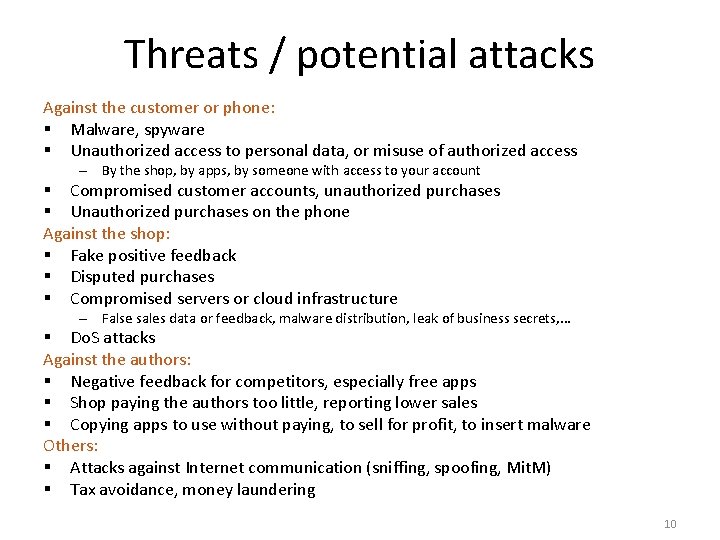
Threats / potential attacks Against the customer or phone: § Malware, spyware § Unauthorized access to personal data, or misuse of authorized access – By the shop, by apps, by someone with access to your account § Compromised customer accounts, unauthorized purchases § Unauthorized purchases on the phone Against the shop: § Fake positive feedback § Disputed purchases § Compromised servers or cloud infrastructure – False sales data or feedback, malware distribution, leak of business secrets, . . . § Do. S attacks Against the authors: § Negative feedback for competitors, especially free apps § Shop paying the authors too little, reporting lower sales § Copying apps to use without paying, to sell for profit, to insert malware Others: § Attacks against Internet communication (sniffing, spoofing, Mit. M) § Tax avoidance, money laundering 10
SYSTEMATIC THREAT ANALYSIS 11
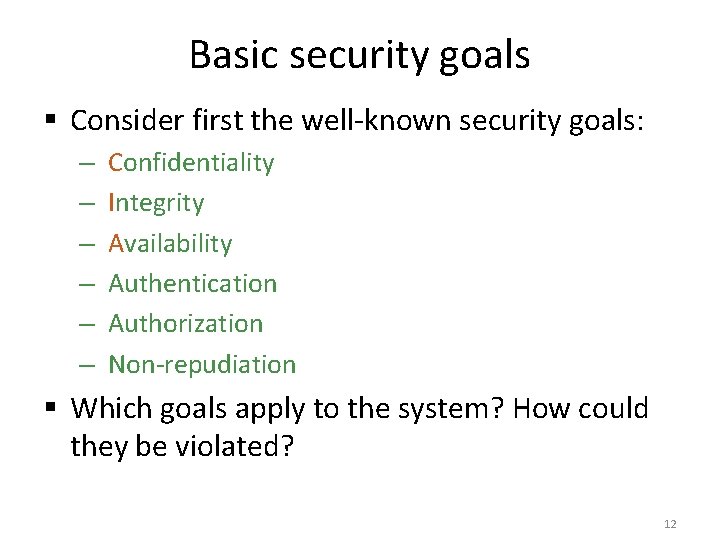
Basic security goals § Consider first the well-known security goals: – – – Confidentiality Integrity Availability Authentication Authorization Non-repudiation § Which goals apply to the system? How could they be violated? 12
Threat trees 13 [source: Microsoft]
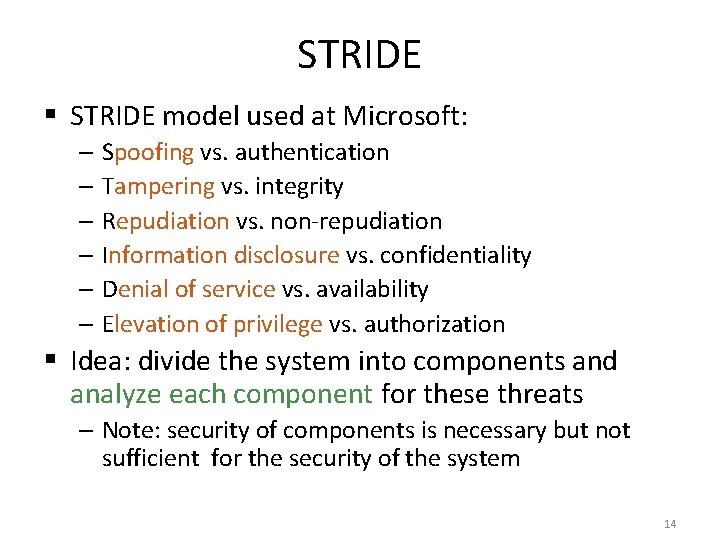
STRIDE § STRIDE model used at Microsoft: – Spoofing vs. authentication – Tampering vs. integrity – Repudiation vs. non-repudiation – Information disclosure vs. confidentiality – Denial of service vs. availability – Elevation of privilege vs. authorization § Idea: divide the system into components and analyze each component for these threats – Note: security of components is necessary but not sufficient for the security of the system 14
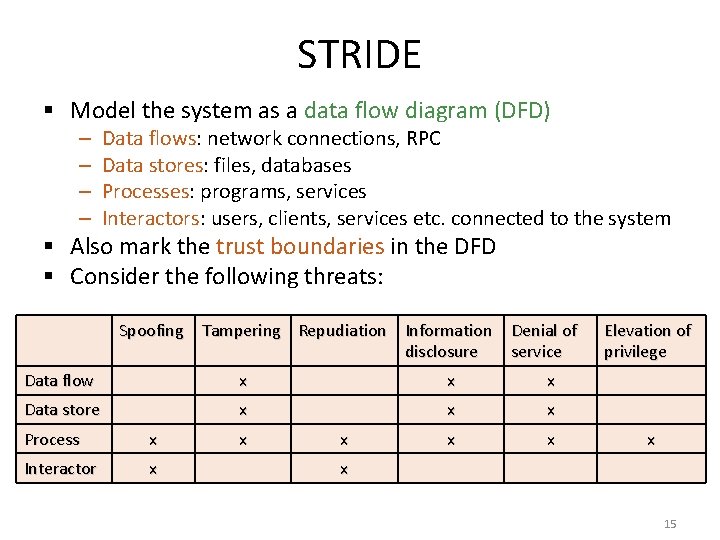
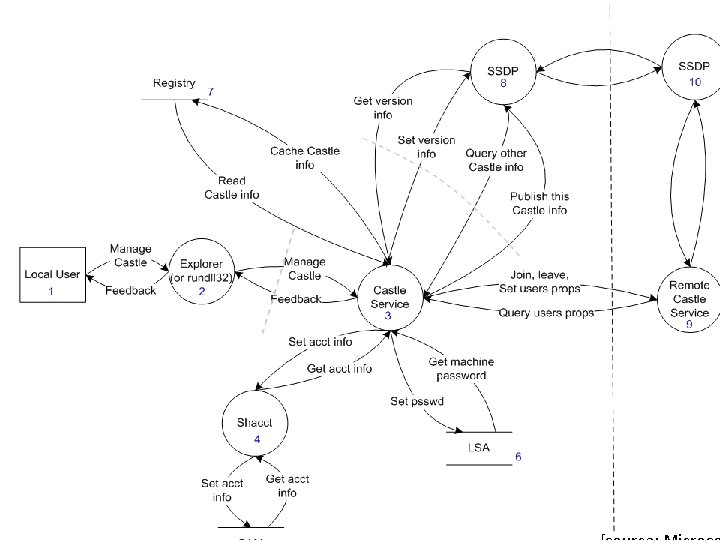
STRIDE § Model the system as a data flow diagram (DFD) – – Data flows: network connections, RPC Data stores: files, databases Processes: programs, services Interactors: users, clients, services etc. connected to the system § Also mark the trust boundaries in the DFD § Consider the following threats: Spoofing Tampering Repudiation Information disclosure Denial of service Data flow x x x Data store x x x Process x Interactor x x x Elevation of privilege x x 15
16
Risk assessment § Risk assessment is very subjective – Risk = probability of attack × damage in euros – 0 < Risk < 1 – Risk = low / medium / high § Numerical risk values tend to be meaningless: – What does risk level 0. 4 mean in practice? § Usually difficult to assess absolute risk but easier to prioritize threats § Risk assessment models, e. g. DREAD – – – Damage: how much does the attack cost to defender? Reproducibility: how reliable is the attack Exploitability: how much work to implement the attack? Affected users: how many people impacted? Discoverability: how likely are the attackers to discover the vulnerability? 17
Pitfalls in risk assessment § The systematic threat analysis methods help but there is no guarantee of find all or even the most important threats § You need to understand the system: technology, architecture, stakeholders and business model § Attackers are clever and invent new threats while threat analysis often enumerates old ones § Always start by considering assets and attackers, not technology or security mechanisms 18
Saltzer and Schroeder § Design principles that help avoid problems – Violations often indicate vulnerabilities § Saltzer and Schroeder design principles [CACM 1974]: – Economy of mechanism: keep the design simple – Fail-safe defaults: fail towards denying access – Complete mediation: check authorization of every access request – Open design: assume attacker knows the system internals – Separation of privilege: require two separate keys or other ways to check authorization whenever possible – Least privilege: give only the necessary access rights – Least common mechanisms: ensure failures stay local – Psychological acceptability: design security mechanism that are easy to use correctly 19
What next? § After identifying threats, we must assess the risk, prioritize threats and choose countermeasures § The process is iterative i. e. new analysis must be done after designing the system with countermeasures § More detailed threat models can be done for each system component § Threat analysis should be done during system design but can also be done on existing systems 20
Reading material § Dieter Gollmann: Computer Security, 2 nd ed. , chapter 1. 4. 3; 3 rd ed. , chapter 2 § Ross Anderson: Security Engineering, 2 nd ed. , chapter 25 § Swiderski and Snyder, Threat modeling, 2004 § Online resources: – OWASP, Threat Risk Modeling, https: //www. owasp. org/index. php/Threat_Risk_Modeling – MSDN, Uncover Security Design Flaws Using The STRIDE Approach, http: //msdn. microsoft. com/fi-fi/magazine/cc 163519(en-us). aspx – MSDN, Improving Web Application Security: Threats and Countermeasures, Chapter 3 http: //msdn. microsoft. com/en-us/library/ff 648644. aspx 21
Exercises § Analyze threats in the following systems: – Oodi student register, https: //oodi. aalto. fi/ – Noppa – Remote read electric meter – University card keys – Traffic light priority control for public transportation – Lyyra student card, https: //www. lyyra. fi/ (based on Sony Feli. Ca contactless ICC) § What are the assets and potential attackers? § Apply the STRIDE model or threat trees; this will require you to model the system first 22