
TEGRA PINMUX GUI TOOL Jordan Feeley Yiren Wang



- Slides: 23
TEGRA PINMUX GUI TOOL Jordan Feeley, Yiren Wang, Will Wen Christian Gonzalez Stephen Warren Winnie Hsu Thursday 3/2/2017
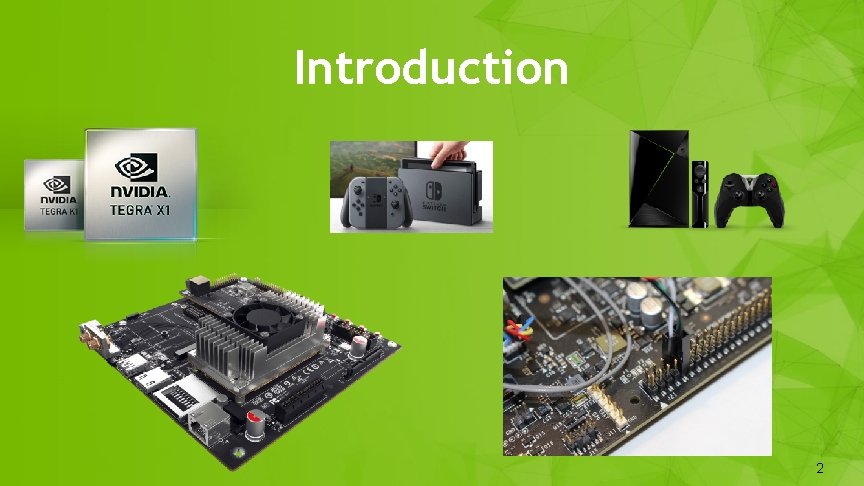
Introduction 2 2
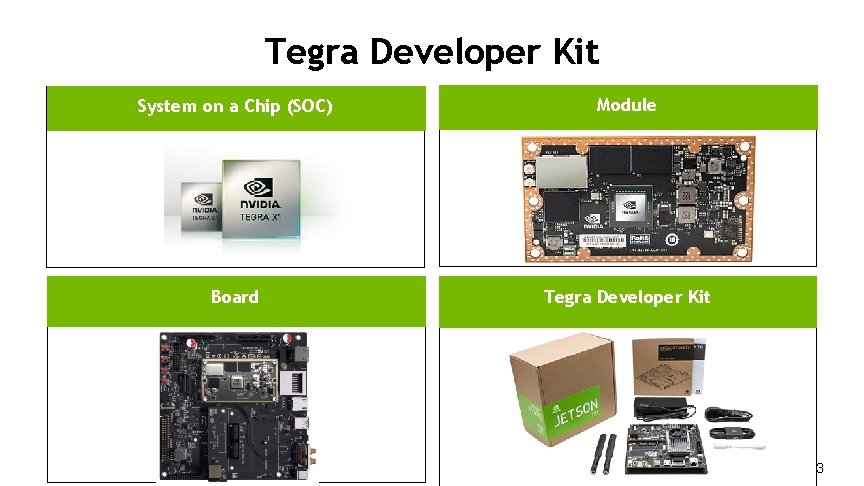
Tegra Developer Kit System on a Chip (SOC) Module Board Tegra Developer Kit 3 3
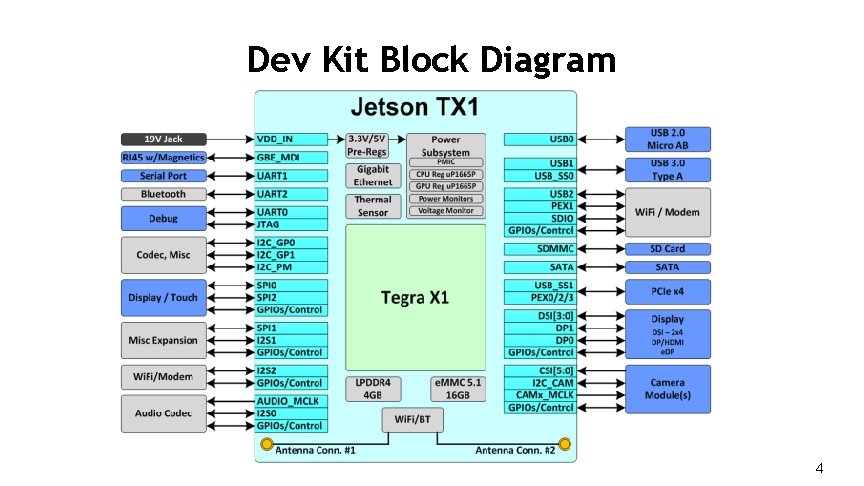
Dev Kit Block Diagram 4 4
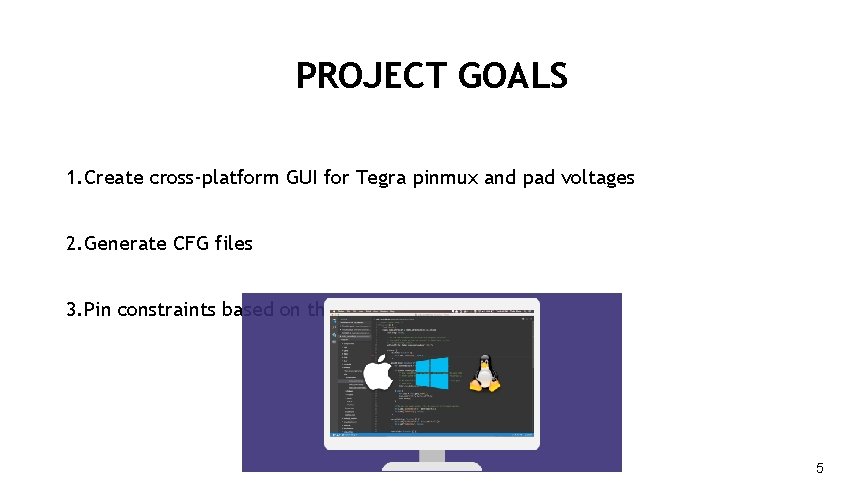
PROJECT GOALS 1. Create cross-platform GUI for Tegra pinmux and pad voltages 2. Generate CFG files 3. Pin constraints based on the board selection 5 5
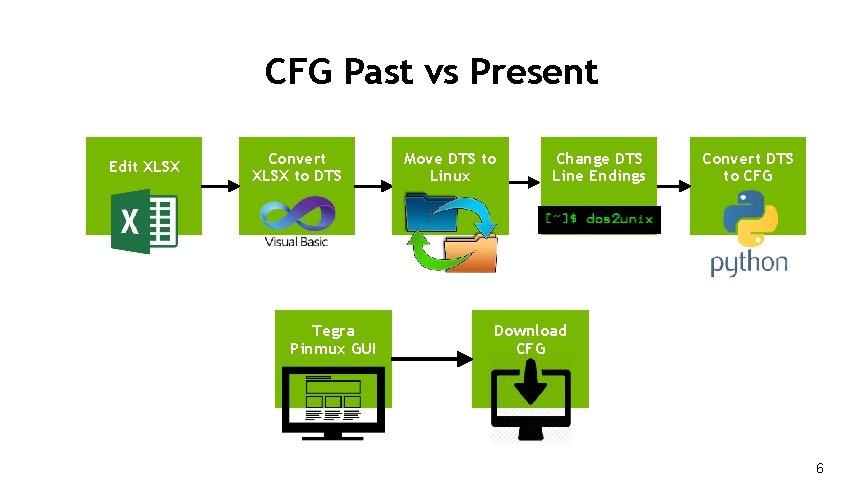
CFG Past vs Present Edit XLSX Convert XLSX to DTS Tegra Pinmux GUI Move DTS to Linux Change DTS Line Endings Convert DTS to CFG Download CFG 6 6
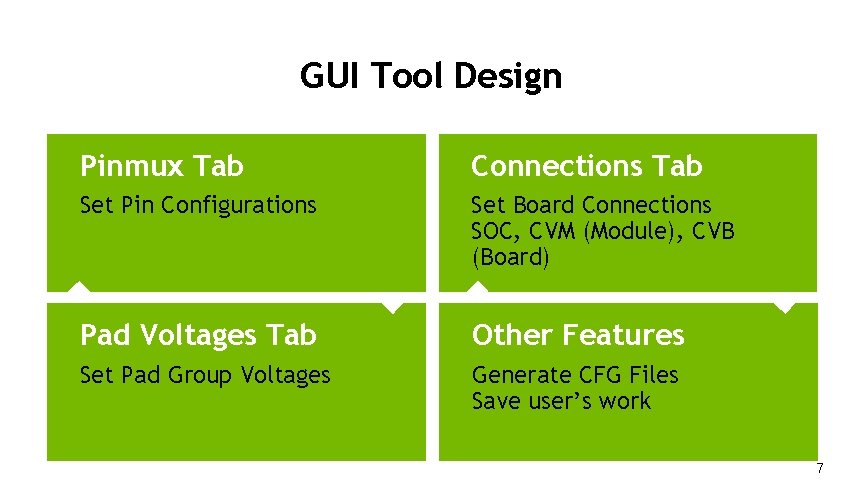
GUI Tool Design Pinmux Tab Connections Tab Set Pin Configurations Set Board Connections SOC, CVM (Module), CVB (Board) Pad Voltages Tab Other. HERE Features TITLE Set Pad Group Voltages Generate CFG Files Save user’s work 7 7
DEMO 8 8
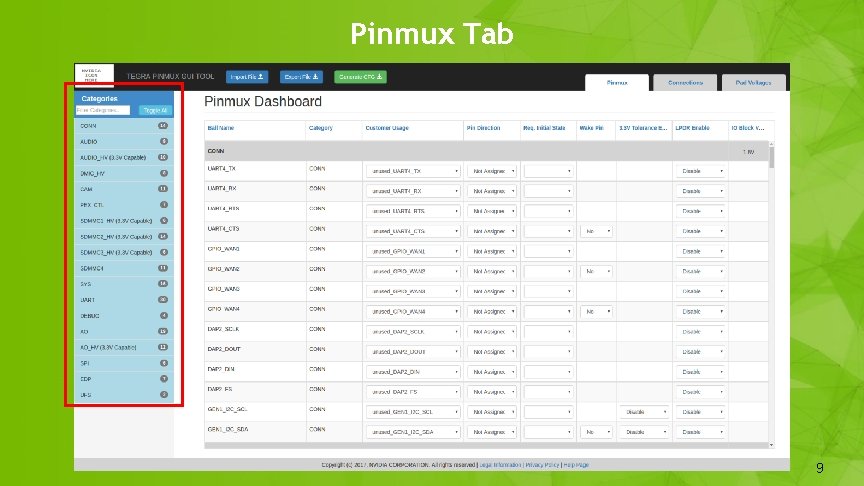
Pinmux Tab 9 9
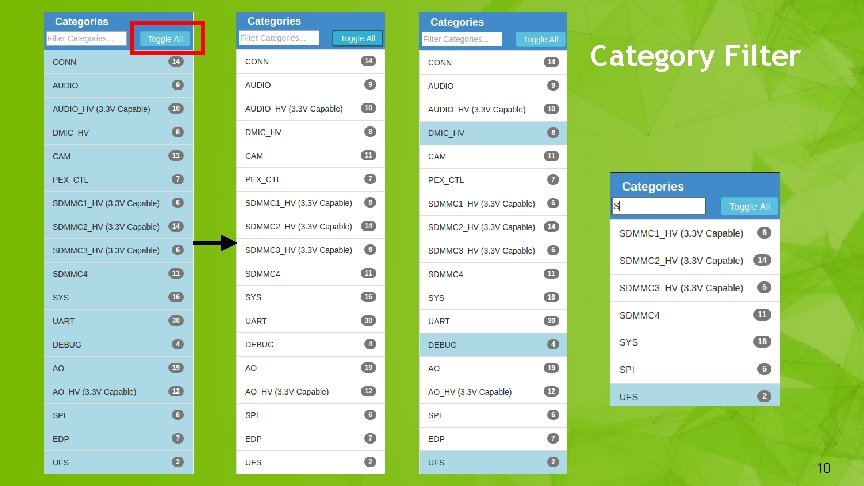
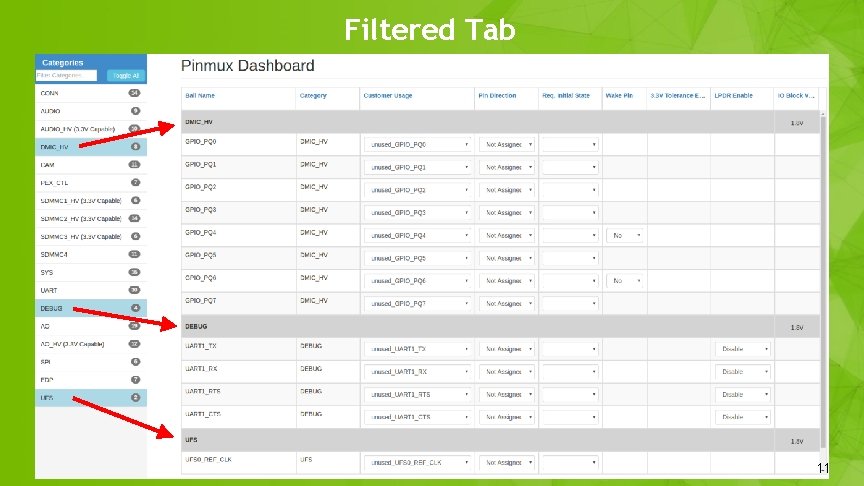
Category Filter 10 10
Filtered Tab 11 11
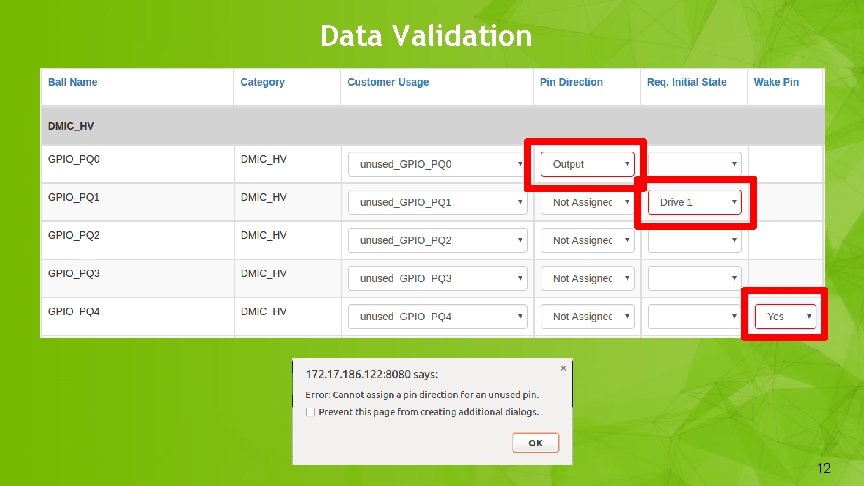
Data Validation 12 12
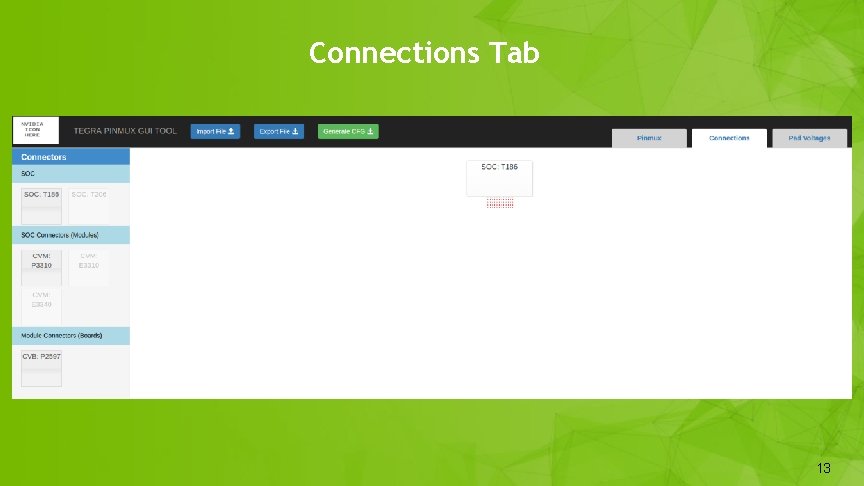
Connections Tab 13 13
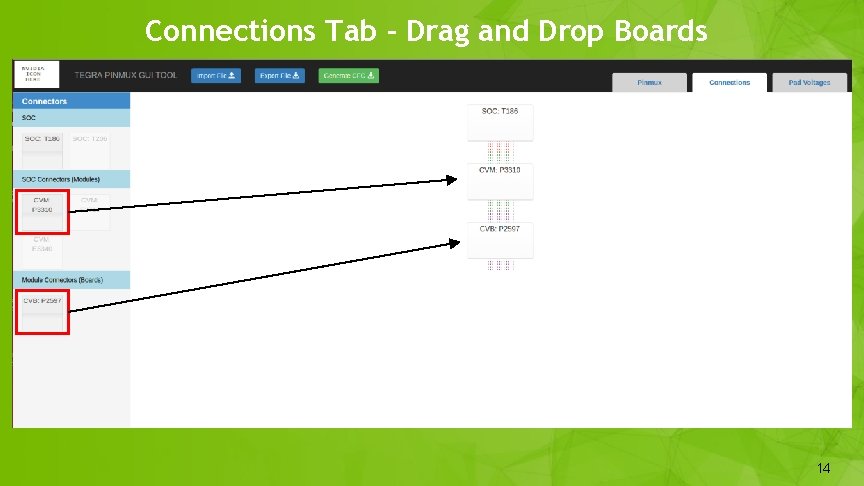
Connections Tab - Drag and Drop Boards 14 14
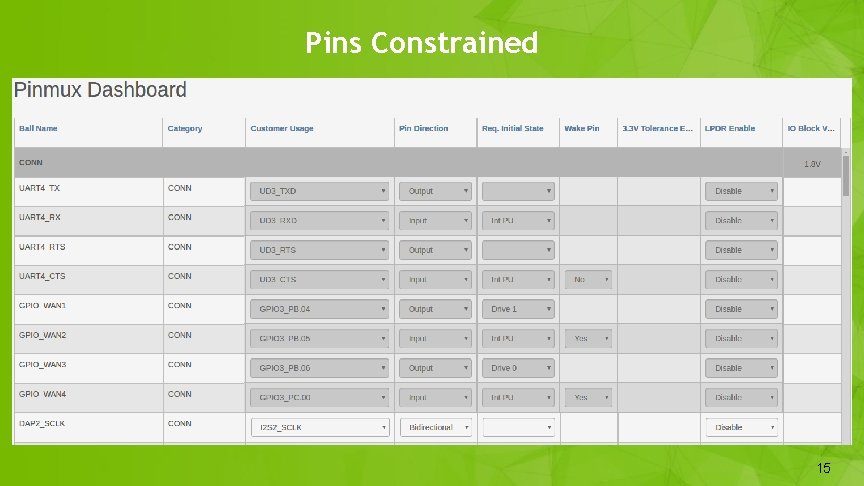
Pins Constrained 15 15
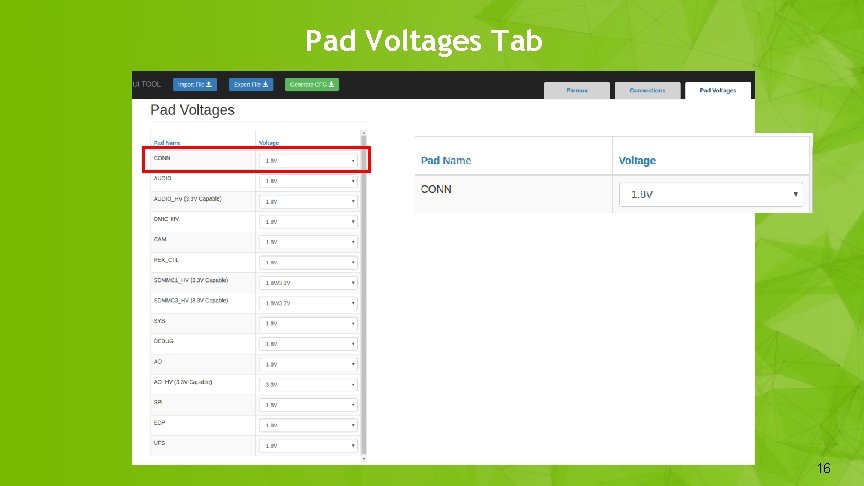
Pad Voltages Tab 16 16
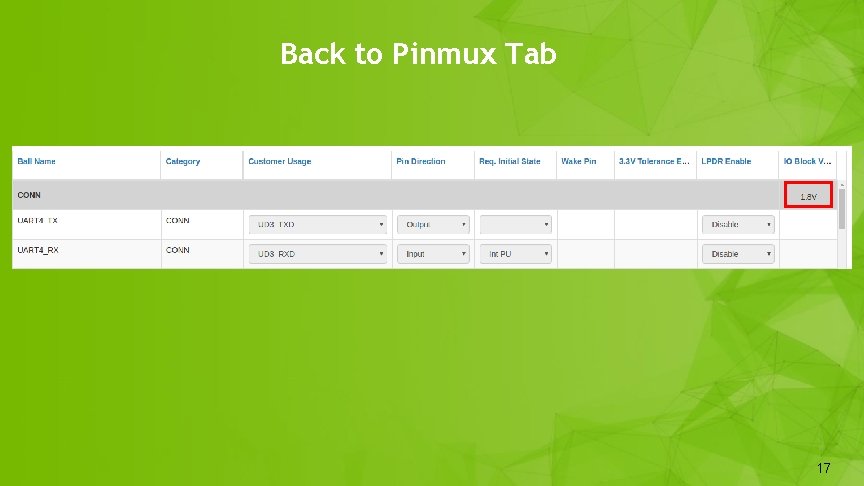
Back to Pinmux Tab 17 17
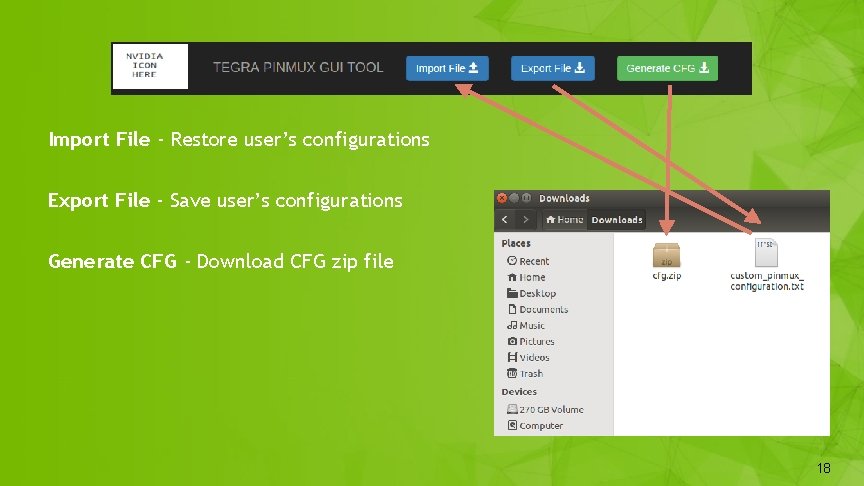
Import File - Restore user’s configurations Export File - Save user’s configurations Generate CFG - Download CFG zip file 18 18
Wrapping up: Electron Desktop App Cross-Platform Installation ex: Slack and Atom 19 19
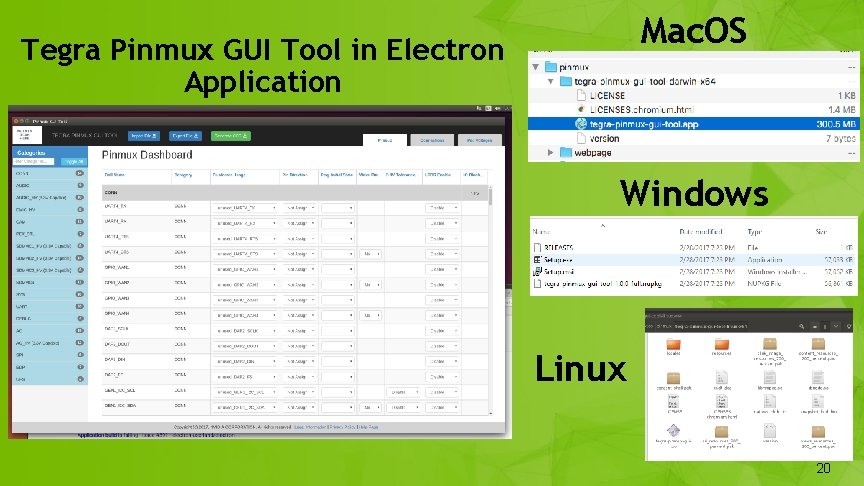
Mac. OS Tegra Pinmux GUI Tool in Electron Application Windows Linux 20 20
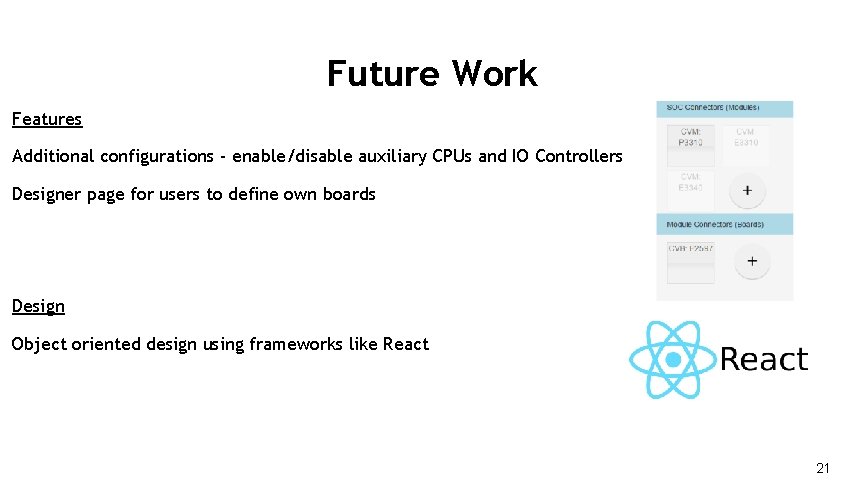
Future Work Features Additional configurations - enable/disable auxiliary CPUs and IO Controllers Designer page for users to define own boards Design Object oriented design using frameworks like React 21 21
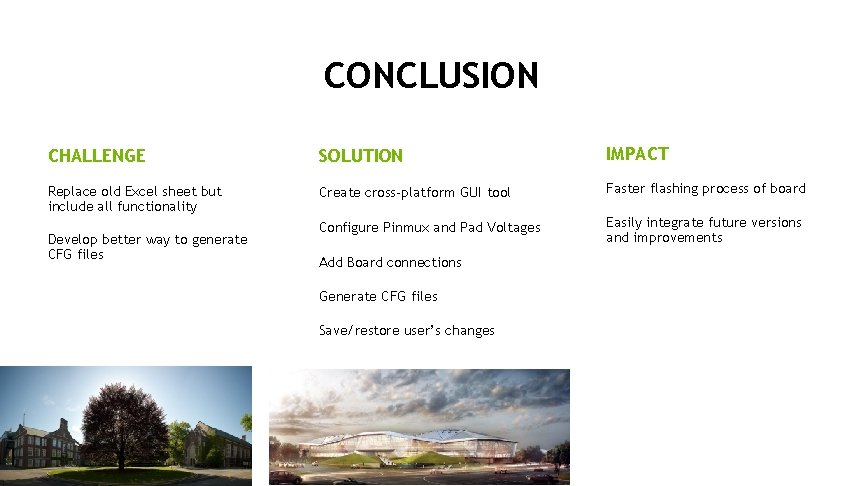
CONCLUSION CHALLENGE SOLUTION IMPACT Replace old Excel sheet but include all functionality Create cross-platform GUI tool Faster flashing process of board Configure Pinmux and Pad Voltages Easily integrate future versions and improvements Develop better way to generate CFG files Add Board connections Generate CFG files Save/restore user’s changes 22
TEGRA PINMUX GUI TOOL Jordan Feeley, Yiren Wang, Will Wen QUESTIONS?