Technology support for students with sensory impairments Caireen
- Slides: 18
Technology support for students with sensory impairments Caireen Sutherland Nat. SIP Associate caireen. sutherland@natsip. org. uk
What is Nat. SIP • National Sensory Impairment Partnership is a partnership of organisations working together to improve outcomes for children and young people with sensory impairments • Contract with Df. E 2017 -18 to produce: – 1. 6 Support for mainstream workforces – technology for sensory impairment
Content • Purpose • Hearing Impairment • Visual Impairment • Multisensory Impairment • Advice Pack – Guide – Evaluation
Why technology and why sensory impairment? • Increased number of young people with sensory impairment in mainstream • Increased need to work together with specialist teachers of deaf, visual impairment and multisensory impairment. • Increased use of technology • Support, support
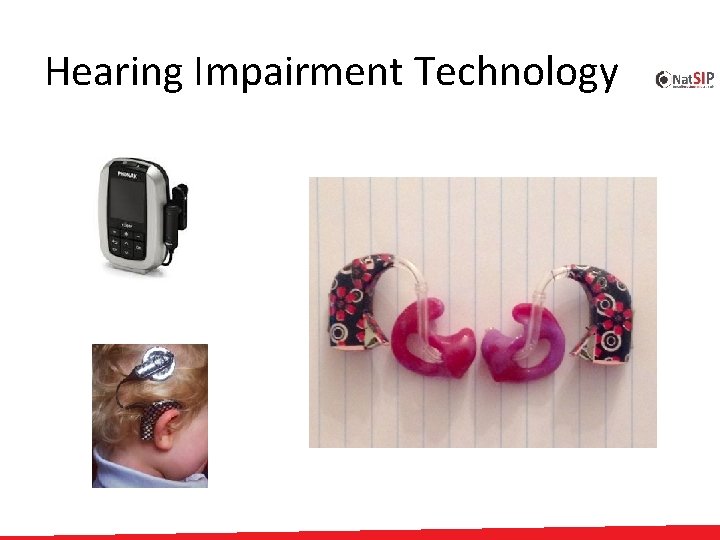
Hearing Impairment • Local Sensory Support Team – Teacher of the Deaf • Types of Hearing Loss – Sensori Neural – Conductive – Mixed – Auditory Neuropathy – Functional • Common Technology / Equipment – – Hearing Aids Radio Aid Soundfield System Cochlear implant
Hearing Impairment Technology
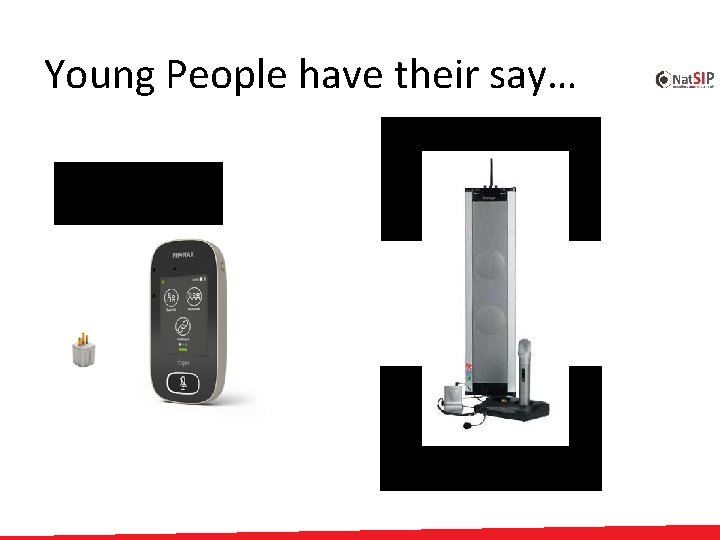
Young People have their say…
HI Technology Guide • Check the environment • Check the equipment: – Hearing aids – Radio aid – Soundfield System – Cochlear implant
Visual Impairment Local Sensory Support Team – Teacher of Visual Impairment Types of Visual Impairment – Cerebral Visual Impairment – Ocular Distance Near Acuity Fields Common Technology / Equipment – Laptop and access software – i. Pad / tablet – Electronic Braillers
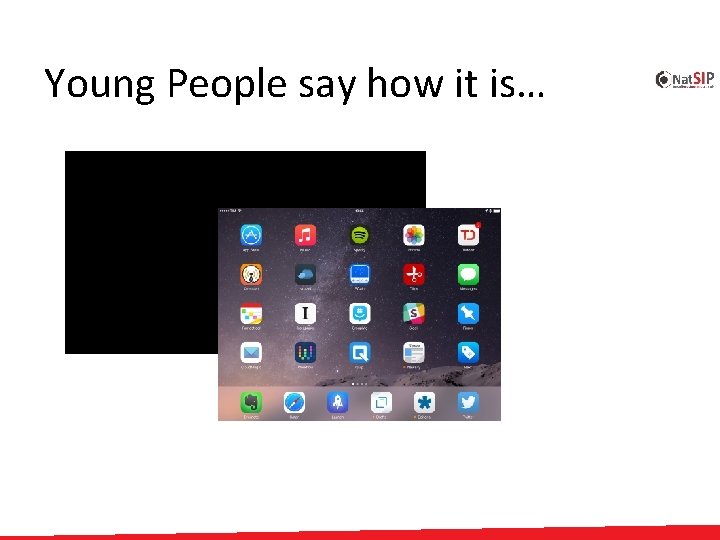
Young People say how it is…
VI Technology Guide • Check the environment • Check the equipment: – Laptop – i. Pad/tablet – Electronic Brailler
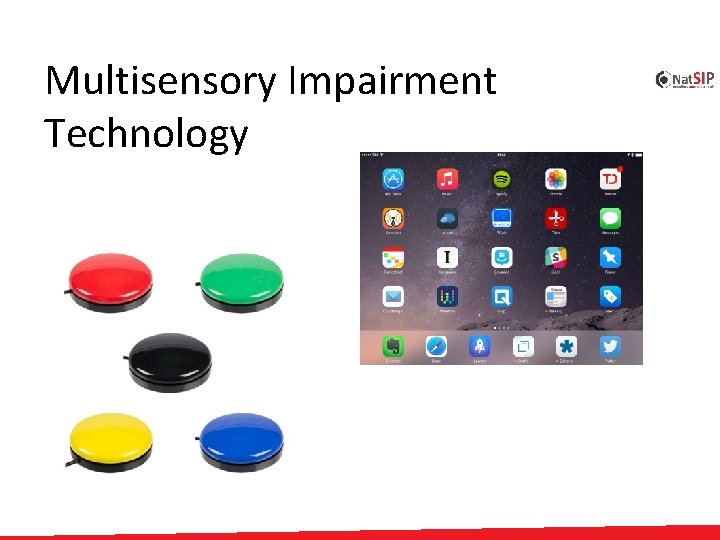
Multisensory Impairment • Local Sensory Support Team – Teacher of Multisensory Impairment • MSI Common Technology / Equipment – i. Pad / tablet – Switches
Multisensory Impairment Technology
Young People show us how it is…
MSI Technology Guide • Check the environment • Check the equipment: – i. Pad/tablet – Switches
Evaluate the technology • • • Sensory Support Team Impact of technology Ease of use Impact on outcomes Training
Thank you for listening and taking part. Please complete your feedback forms. caireen. sutherland@natsip. org. uk
Extra Video • Video showing touch typing and direct audio input lead.