Technical Sales Specialist Software OS and Applications John
- Slides: 20
Technical Sales Specialist Software - OS and Applications John R. Moegling Sr. Systems Engineer
Agenda • Operating Systems (OS) – Introduction – Types and Function • Application's (APPs) – Introduction – Types and Function
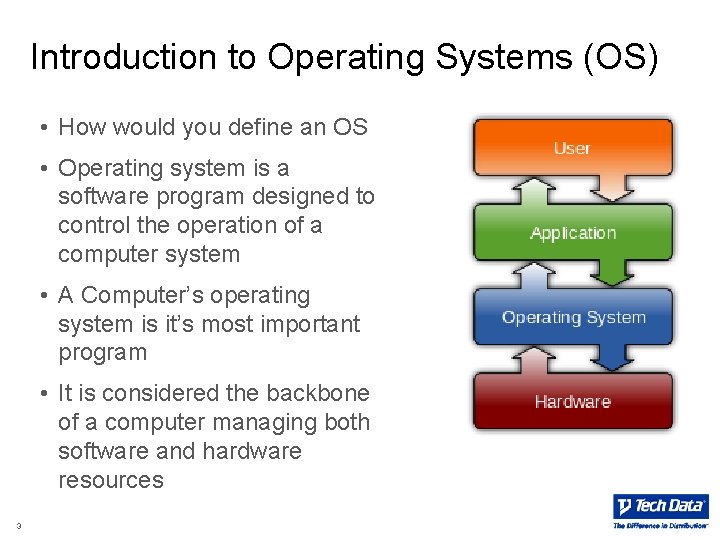
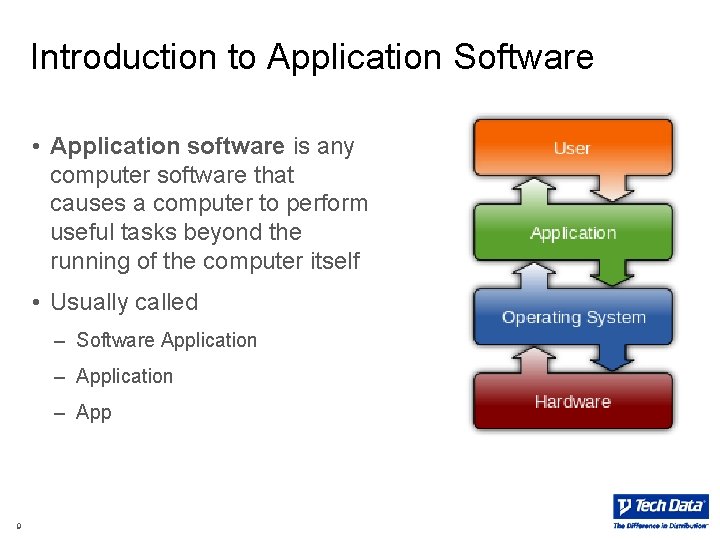
Introduction to Operating Systems (OS) • How would you define an OS • Operating system is a software program designed to control the operation of a computer system • A Computer’s operating system is it’s most important program • It is considered the backbone of a computer managing both software and hardware resources 3
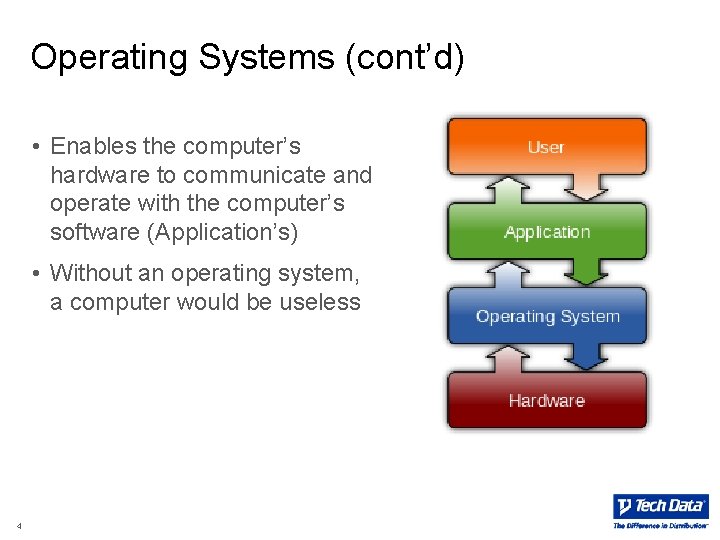
Operating Systems (cont’d) • Enables the computer’s hardware to communicate and operate with the computer’s software (Application’s) • Without an operating system, a computer would be useless 4
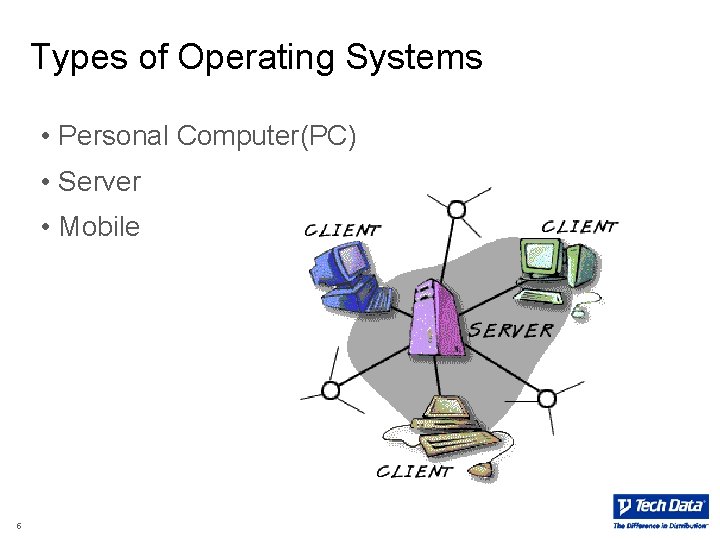
Types of Operating Systems • Personal Computer(PC) • Server • Mobile 5
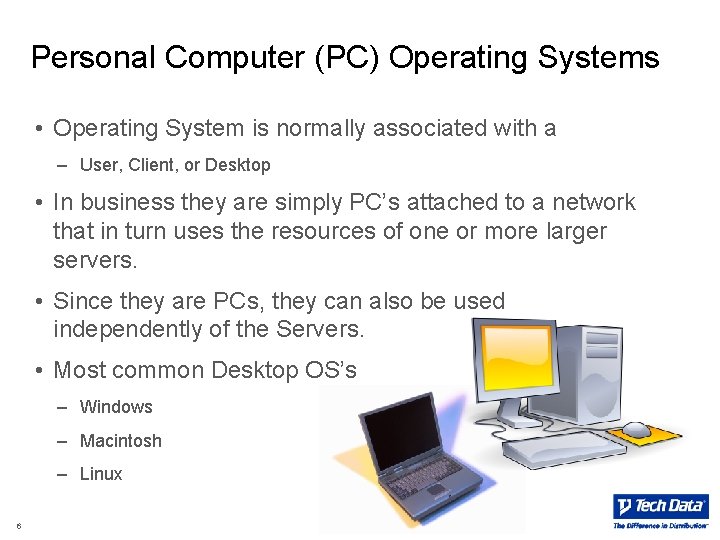
Personal Computer (PC) Operating Systems • Operating System is normally associated with a – User, Client, or Desktop • In business they are simply PC’s attached to a network that in turn uses the resources of one or more larger servers. • Since they are PCs, they can also be used independently of the Servers. • Most common Desktop OS’s – Windows – Macintosh – Linux 6
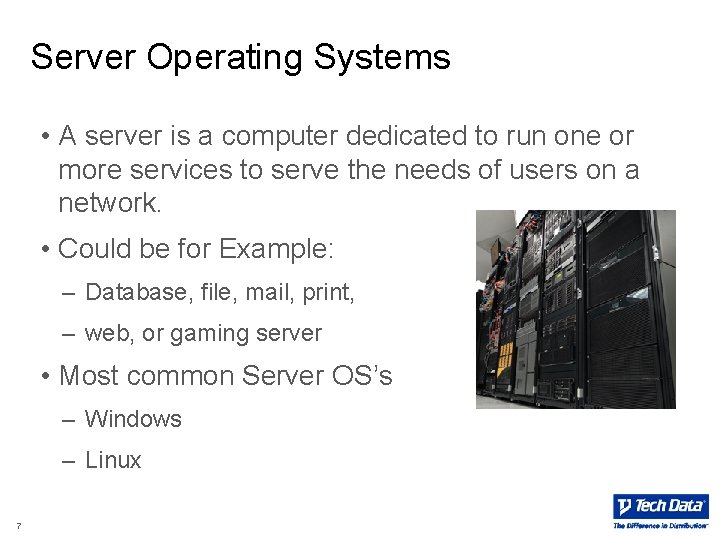
Server Operating Systems • A server is a computer dedicated to run one or more services to serve the needs of users on a network. • Could be for Example: – Database, file, mail, print, – web, or gaming server • Most common Server OS’s – Windows – Linux 7
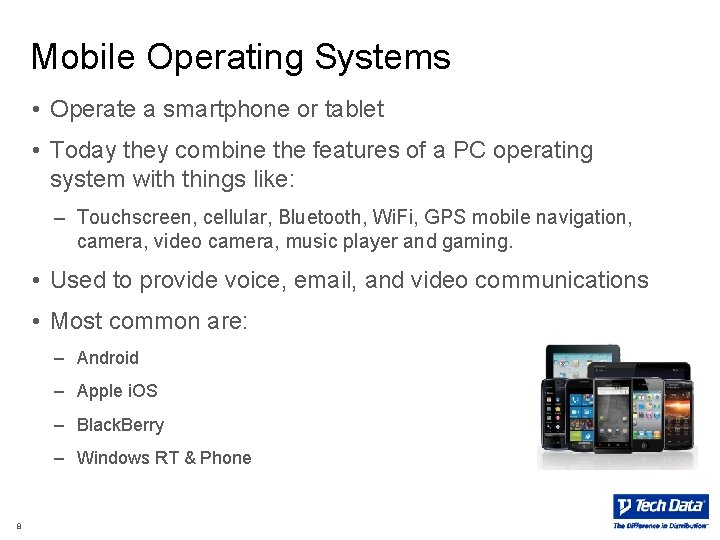
Mobile Operating Systems • Operate a smartphone or tablet • Today they combine the features of a PC operating system with things like: – Touchscreen, cellular, Bluetooth, Wi. Fi, GPS mobile navigation, camera, video camera, music player and gaming. • Used to provide voice, email, and video communications • Most common are: – Android – Apple i. OS – Black. Berry – Windows RT & Phone 8
Introduction to Application Software • Application software is any computer software that causes a computer to perform useful tasks beyond the running of the computer itself • Usually called – Software Application – App 9
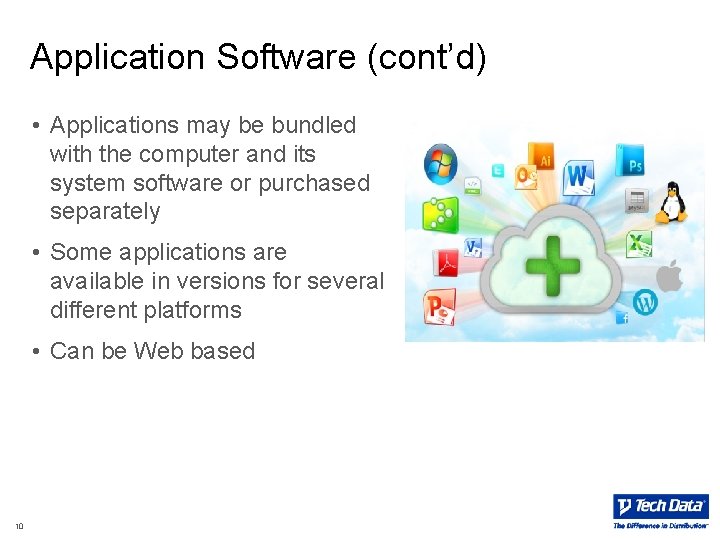
Application Software (cont’d) • Applications may be bundled with the computer and its system software or purchased separately • Some applications are available in versions for several different platforms • Can be Web based 10
Application Types and Function • Personal Computer(PC) • Server • Mobile 11
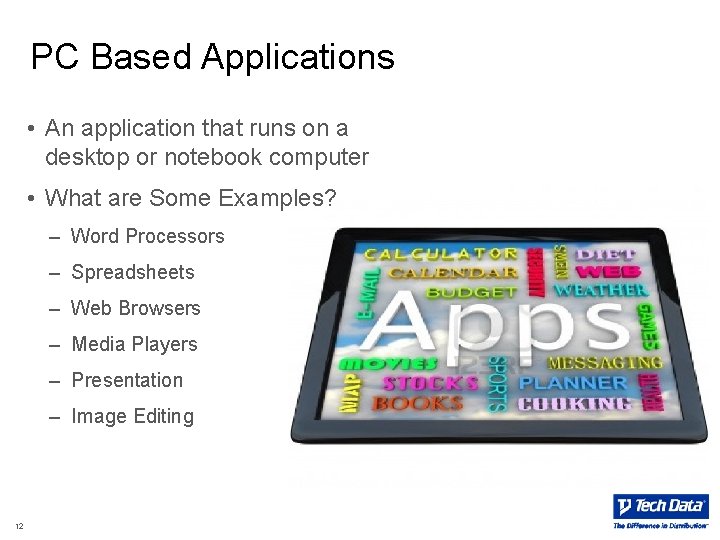
PC Based Applications • An application that runs on a desktop or notebook computer • What are Some Examples? – Word Processors – Spreadsheets – Web Browsers – Media Players – Presentation – Image Editing 12
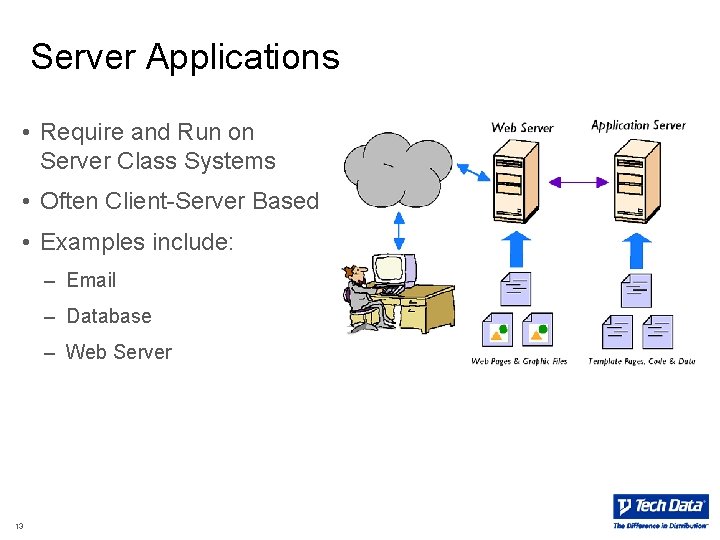
Server Applications • Require and Run on Server Class Systems • Often Client-Server Based • Examples include: – Email – Database – Web Server 13
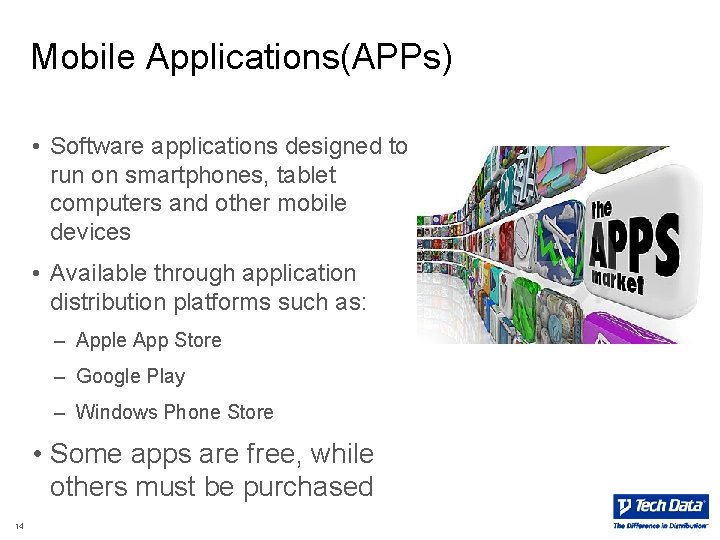
Mobile Applications(APPs) • Software applications designed to run on smartphones, tablet computers and other mobile devices • Available through application distribution platforms such as: – Apple App Store – Google Play – Windows Phone Store • Some apps are free, while others must be purchased 14
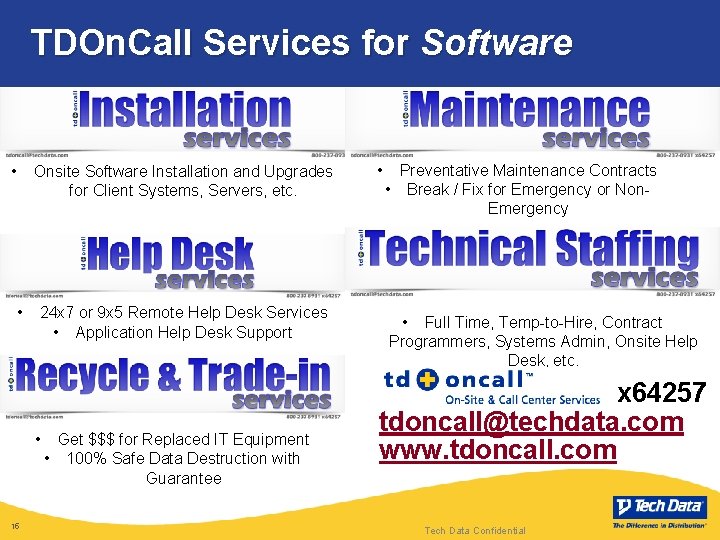
TDOn. Call Services for Software • Onsite Software Installation and Upgrades for Client Systems, Servers, etc. • 24 x 7 or 9 x 5 Remote Help Desk Services • Application Help Desk Support • 15 Get $$$ for Replaced IT Equipment • 100% Safe Data Destruction with Guarantee • Preventative Maintenance Contracts • Break / Fix for Emergency or Non. Emergency • Full Time, Temp-to-Hire, Contract Programmers, Systems Admin, Onsite Help Desk, etc. x 64257 tdoncall@techdata. com www. tdoncall. com Tech Data Confidential
Opportunity – Questions to Ask • Cross Sell – OS and App attach to Hardware – Hardware attach to OS and Apps • Things to Think About? – How many users – Do you need new PCs or Servers 16
Opportunity – Example #1 Software Attach • You receive a quote request for 5 HP Servers with storage • Things to think aboutrecommend – Servers need Operating Systems? – Virtualization Software? – Applications (Email, Database, Management, etc. . ) – How many users? – Do you need new client devices PC’s or Tablets? – Do they need help with Deployment – TD integration or installation services 17
Opportunity – Example #2 Software Attach • You receive a quote request for 50 new PC’s • Things to think aboutrecommend – Does the PC come with an Operating System (OEM) – Maybe they need additional accessories (monitors, keyboards, etc. . ) – Do they need applications (antivirus, word processing, spreadsheet, etc. . ) – Are they buying any new Servers? – Do they need help with Deployment – TD integration or installation services? 18
Opportunity – Example #3 Hardware Attach • You receive a quote request for Microsoft Exchange, SQL Server, and Office for 100 users. • Things to think aboutrecommend – Are they buying new servers? – Do they need storage? – Are they buying new Client Devices? – Do they need help with Deployment – TD integration or installation services? 19
The Difference In Distribution