Sharing Photos Online Pranil Prafulla Gilda D 17



- Slides: 10
Sharing Photos Online -Pranil Prafulla Gilda D 17 Prob. Dy. SP/ACP
● In todays era where life has become all about internet, sharing photos online has become a part of lifestyle. ● Your online status is judged by how much likes and shares you get to your shared photos. ● And this is true for people of all age groups, n every strata of society. ● This has become a new way of sharing your happines, sadness n every aspect of your life with your dear ones.
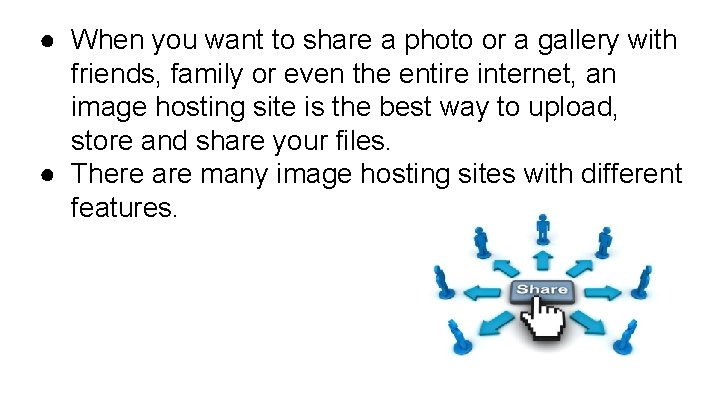
● When you want to share a photo or a gallery with friends, family or even the entire internet, an image hosting site is the best way to upload, store and share your files. ● There are many image hosting sites with different features.
● Some of best online photo sharing sites are as follows: 1) Google photos( previously Picasa Web Albums) 2) Facebook 3) Instagram 4) Flicker 5) Amazon Photos 6) Photobucket 7) Shutterfly 8) Pinterest
How to share photos online? ● Ways of sharing the photos online varies with the app or website that you choose. ● Lets see few examples of how to share photos online.
1)How to share photos on Photobucket? Steps: 1. Log into your Photobucket account. 2. Open an album where a photo or image is located. 3. Click on “ Edit setting” button and change to public. 4. Click on the photo you want share. 5. Click on the share button.
2) How to share photos on Facebook? Steps: 1. Log into your Facebook account. 2. Click share a photo/video at top of your page’s timeline. 3. Choose an option: upload photo/video : add photo /Video from your mobile/ computer. 4. Select photos/videos you want to add. 5. Write an optional update and click publish. (you are provided with flexibility of privacy. )
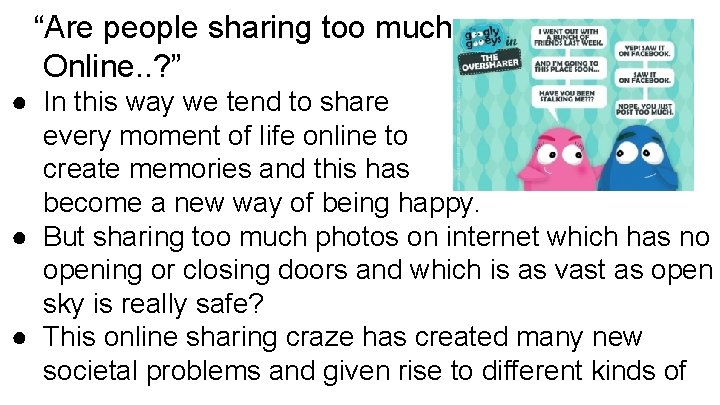
“Are people sharing too much Online. . ? ” ● In this way we tend to share every moment of life online to create memories and this has become a new way of being happy. ● But sharing too much photos on internet which has no opening or closing doors and which is as vast as open sky is really safe? ● This online sharing craze has created many new societal problems and given rise to different kinds of
cyber crimes. ● For example, Photo morphing, romance and dating scams, cyber bullying, blackmailing etc. ● So as a need of time it has become necessary that everyone should be careful and aware while sharing photos on internet because precaution is always better than cure.
Thank you ….