Session 2 Introduction to Arc View Kootenai County
- Slides: 15
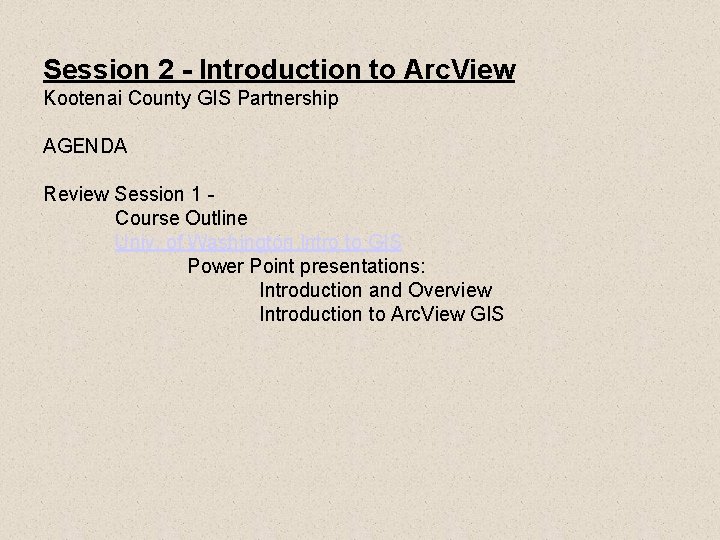
Session 2 - Introduction to Arc. View Kootenai County GIS Partnership AGENDA Review Session 1 Course Outline Univ. of Washington Intro to GIS Power Point presentations: Introduction and Overview Introduction to Arc. View GIS
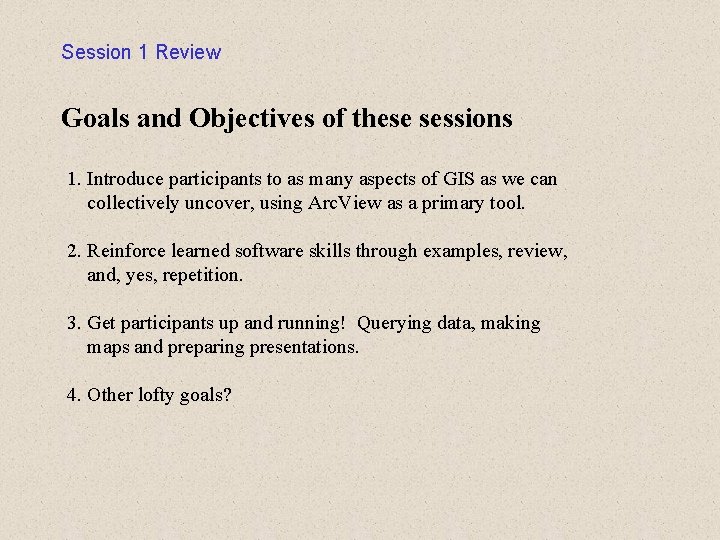
Session 1 Review Goals and Objectives of these sessions 1. Introduce participants to as many aspects of GIS as we can collectively uncover, using Arc. View as a primary tool. 2. Reinforce learned software skills through examples, review, and, yes, repetition. 3. Get participants up and running! Querying data, making maps and preparing presentations. 4. Other lofty goals?
Session 1 Review - cont. Explanation/discussion Course parameters and outline - 15 min+/- for questions/answers/extras from previous session. - 1/2 hr. instruction sessions. - 15 min+/- for questions/answers/extras on current session. - held once or twice per month depending on class participation/interest. - we WILL share class preparation and presentation (we learn alot by teaching!) - don't freak out, volunteers, buddy system, whatever works. - each session, or "chapter" will be prepared/presented in Powerpoint and will be posted on the County FTP site.
Session 1 Review - cont. Using Arc. View GIS Displaying Data - Creating Maps - Adding Tabular data about features to maps - Adding street addresses and other locations to maps - Symbolizing your data - Labeling maps with text and graphics - Charting data - Choosing Map Projections - Laying out and printing maps Querying Data - Getting the attributes of features - Finding features with particular attributes - Finding features near other features - Finding features that fall inside other features - Finding features that intersect other features - Working with the features you find - Aggregating your data Additional Info (taught by the Daves) - working with extensions Other books of interest Introduction to Arc. View GIS (resource book from 2 -day official course) - Arc. View Basics - Getting Data into Arc. View - Displaying Themes - Working with Tables - Creating and Editing Shapefiles - Querying and analyzing Themes - Geocoding Addresses - Creating Layouts Using Avenue (taught by the Daves) Creating Data - beginning - intermediate - advanced - Creating and editing spatial data - Using a digitizing tablet ESRI - Virtual Campus
Session 1 Review - cont. New source of information - pre-made Power Point Presentations!!! Univ. of Washington Intro to GIS http: //lobo. cfr. washington. edu/cfr 250/schedule. html Session 1 is (hereby) augmented with the 1 st and 3 rd UW presentations - Introduction and Overview Introduction to Arc. View GIS
Session 2 What is Spatial Data? GIS Database Concepts. pdf Framework Data Components. htm Appendix – Terminology. htm Power Point presentations: Introduction to GIS The National Spatial Data Infrastructure
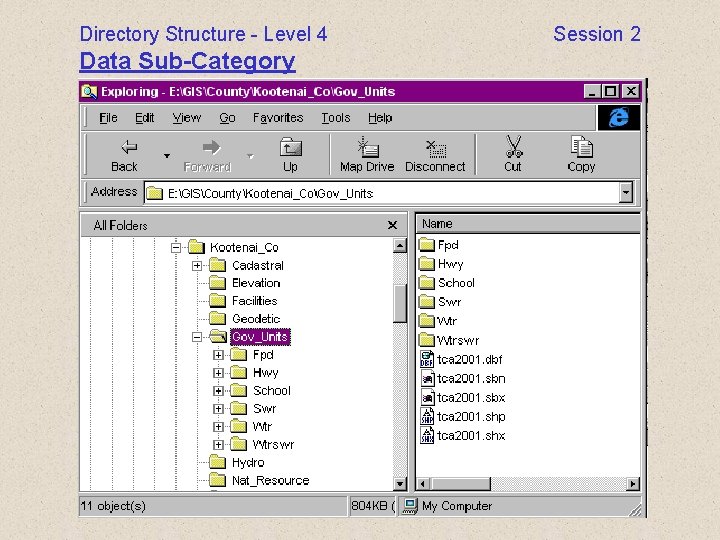
Session 2 Organization of Data Project Management Presentation KCGIS Partnership directory structure directories based on: Organizational Type Ownership Framework Data Category Data sub-category
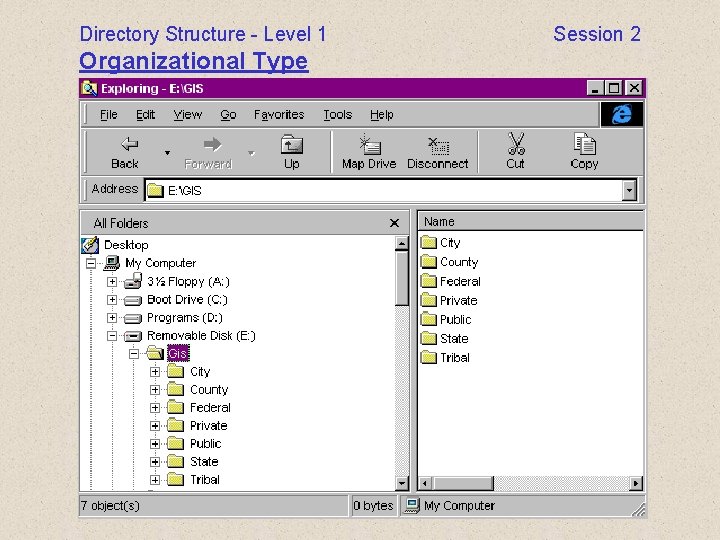
Directory Structure - Level 1 Organizational Type Session 2
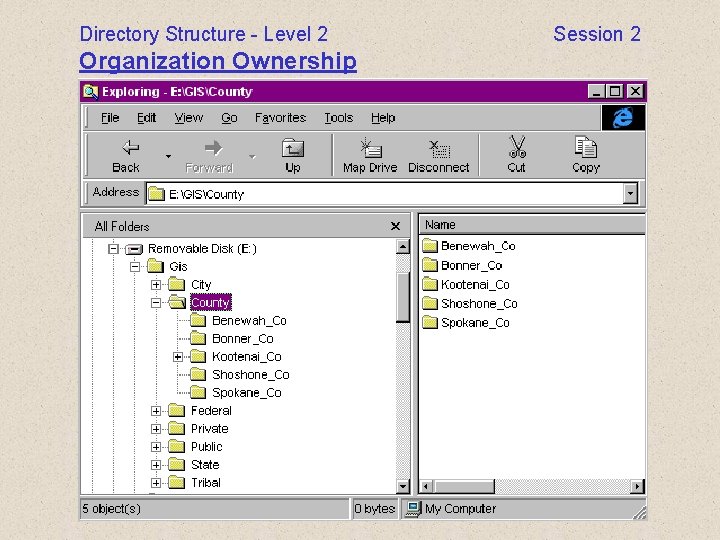
Directory Structure - Level 2 Organization Ownership Session 2
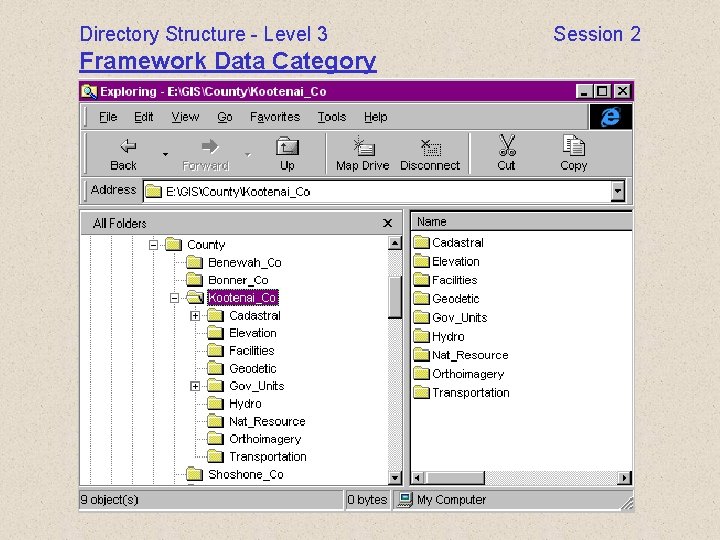
Directory Structure - Level 3 Framework Data Category Session 2
Directory Structure - Level 4 Data Sub-Category Session 2
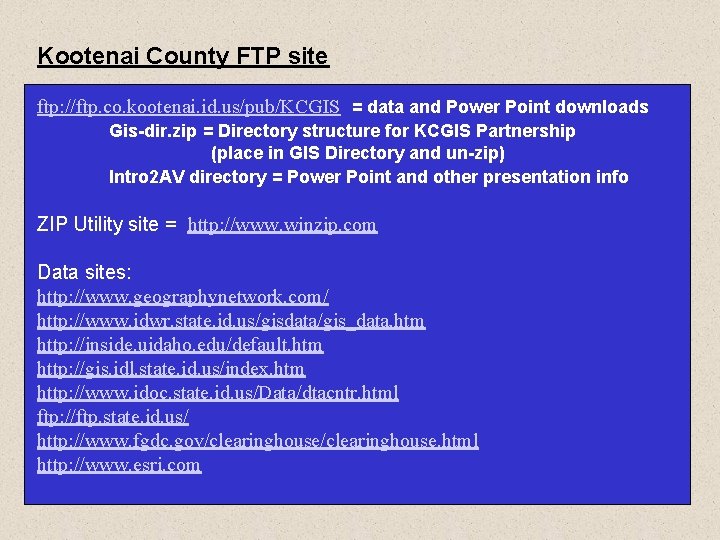
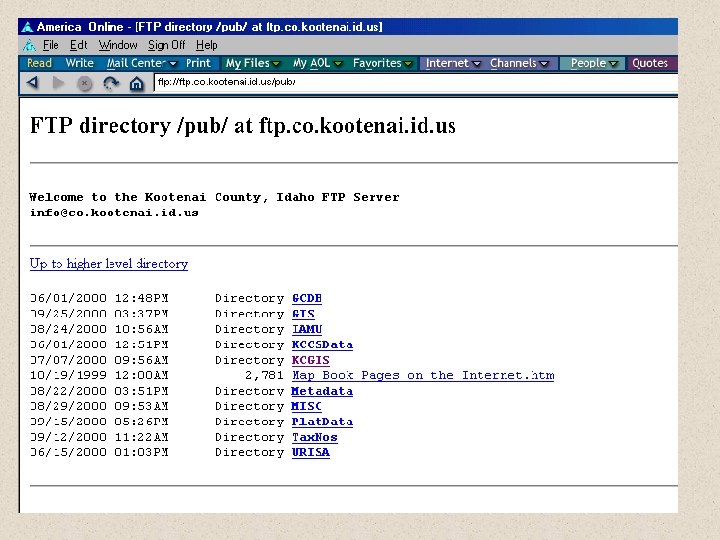
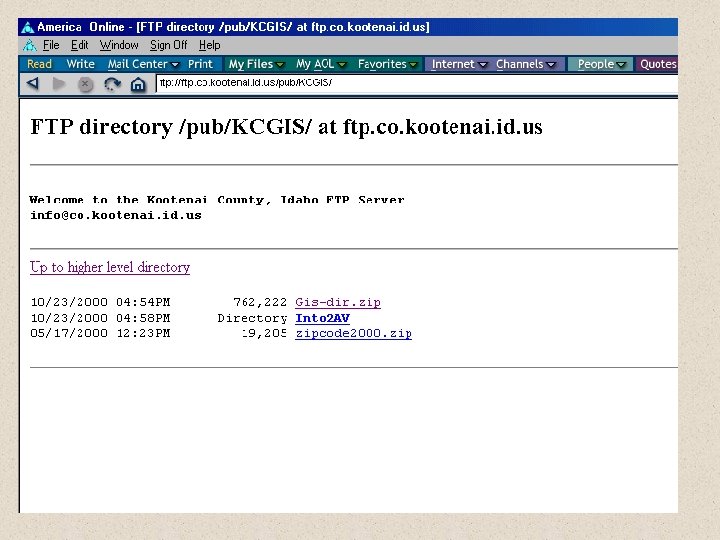
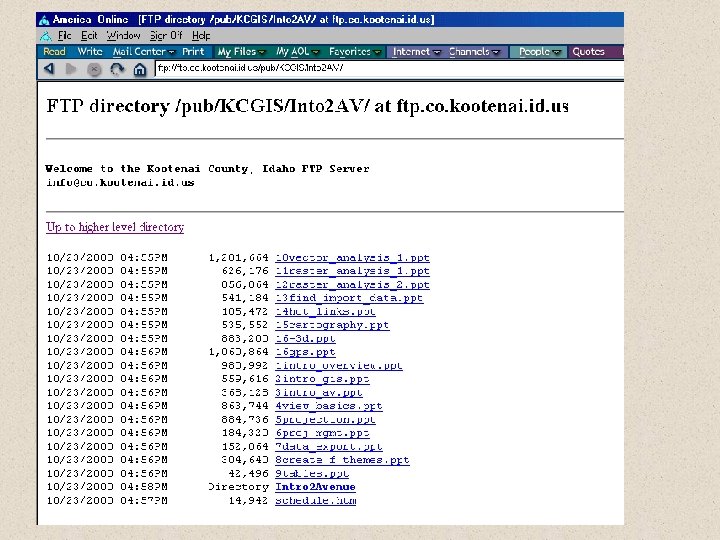
Kootenai County FTP site ftp: //ftp. co. kootenai. id. us/pub/KCGIS = data and Power Point downloads Gis-dir. zip = Directory structure for KCGIS Partnership (place in GIS Directory and un-zip) Intro 2 AV directory = Power Point and other presentation info ZIP Utility site = http: //www. winzip. com Data sites: http: //www. geographynetwork. com/ http: //www. idwr. state. id. us/gisdata/gis_data. htm http: //inside. uidaho. edu/default. htm http: //gis. idl. state. id. us/index. htm http: //www. idoc. state. id. us/Data/dtacntr. html ftp: //ftp. state. id. us/ http: //www. fgdc. gov/clearinghouse. html http: //www. esri. com