Regular Expressions CS 1111 Introduction to Programming Spring
![How to Define Regular Expressions(2) • Combine sets of characters r"[bce]at" starts with either](https://slidetodoc.com/presentation_image/d6cb5d7fce506e2cd6f699eae1c55c24/image-6.jpg "How to Define Regular Expressions(2) • Combine sets of characters r\"[bce]at\" starts with either")
![How to Define Regular Expressions(3) • Use "*" for 0 to many r"[a-z]*" matches](https://slidetodoc.com/presentation_image/d6cb5d7fce506e2cd6f699eae1c55c24/image-7.jpg "How to Define Regular Expressions(3) • Use \"*\" for 0 to many r\"[a-z]*\" matches")
![How to Define Regular Expressions(4) • Use "^" for negate r"[^a-z]" matches anything except](https://slidetodoc.com/presentation_image/d6cb5d7fce506e2cd6f699eae1c55c24/image-8.jpg "How to Define Regular Expressions(4) • Use \"^\" for negate r\"[^a-z]\" matches anything except")
![Predefined Character Classes d matches any decimal digit – [0 -9] D matches any](https://slidetodoc.com/presentation_image/d6cb5d7fce506e2cd6f699eae1c55c24/image-9.jpg "Predefined Character Classes d matches any decimal digit – [0 -9] D matches any")
![Exercise Defining regular expressions describing the following information / pattern • Names r"[A-Z][a-z]+" •](https://slidetodoc.com/presentation_image/d6cb5d7fce506e2cd6f699eae1c55c24/image-10.jpg "Exercise Defining regular expressions describing the following information / pattern • Names r\"[A-Z][a-z]+\" •")
![match. group(), match. group(n), match. groups() • regex = re. compile(r"([A-Z])([a-z]*)") results = regex.](https://slidetodoc.com/presentation_image/d6cb5d7fce506e2cd6f699eae1c55c24/image-16.jpg "match. group(), match. group(n), match. groups() • regex = re. compile(r\"([A-Z])([a-z]*)\") results = regex.")
- Slides: 17
Regular Expressions CS 1111 Introduction to Programming Spring 2019 [Ref: https: //docs. python. org/3/library/re. html] CS 1111 – University of Virginia © Praphamontripong
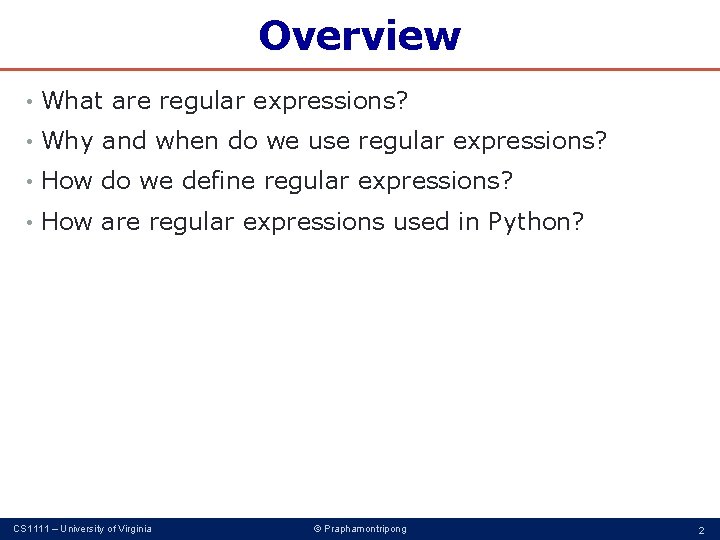
Overview • What are regular expressions? • Why and when do we use regular expressions? • How do we define regular expressions? • How are regular expressions used in Python? CS 1111 – University of Virginia © Praphamontripong 2
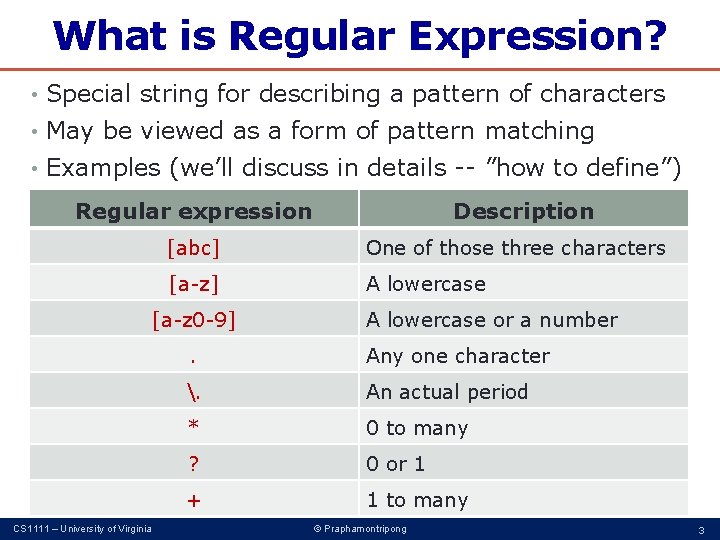
What is Regular Expression? • Special string for describing a pattern of characters • May be viewed as a form of pattern matching • Examples (we’ll discuss in details -- ”how to define”) Regular expression [abc] One of those three characters [a-z] A lowercase [a-z 0 -9] CS 1111 – University of Virginia Description A lowercase or a number . Any one character . An actual period * 0 to many ? 0 or 1 + 1 to many © Praphamontripong 3
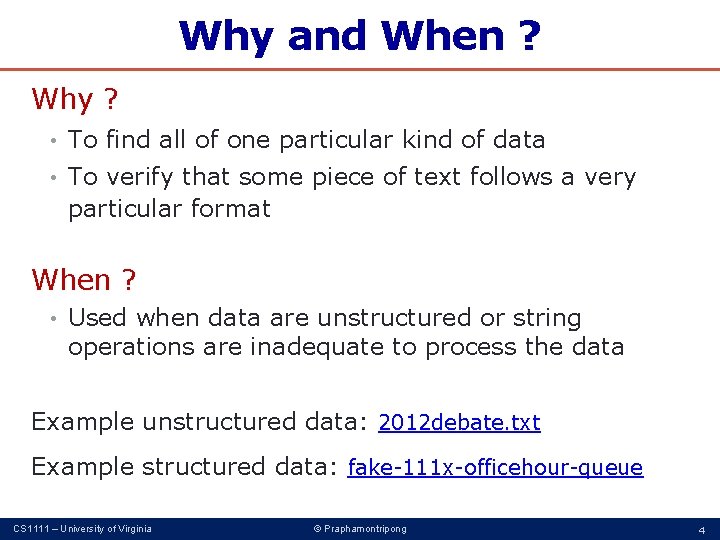
Why and When ? Why ? • To find all of one particular kind of data • To verify that some piece of text follows a very particular format When ? • Used when data are unstructured or string operations are inadequate to process the data Example unstructured data: 2012 debate. txt Example structured data: fake-111 x-officehour-queue CS 1111 – University of Virginia © Praphamontripong 4
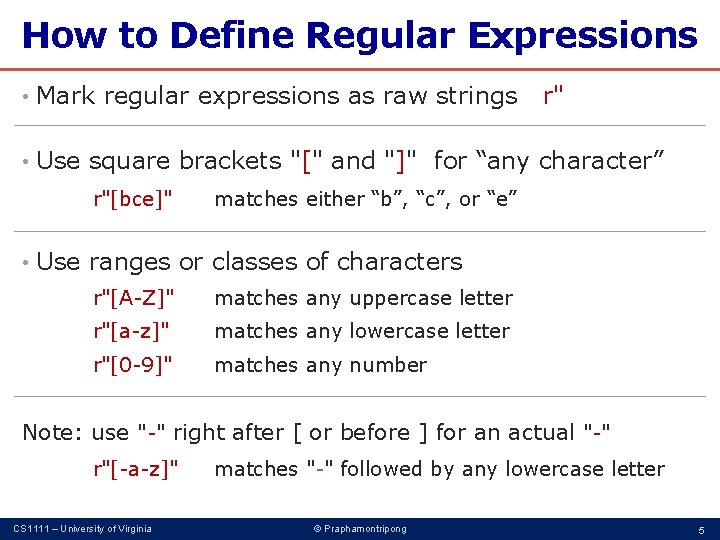
How to Define Regular Expressions • Mark regular expressions as raw strings r" • Use square brackets "[" and "]" for “any character” r"[bce]" matches either “b”, “c”, or “e” • Use ranges or classes of characters r"[A-Z]" matches any uppercase letter r"[a-z]" matches any lowercase letter r"[0 -9]" matches any number Note: use "-" right after [ or before ] for an actual "-" r"[-a-z]" matches "-" followed by any lowercase letter CS 1111 – University of Virginia © Praphamontripong 5
How to Define Regular Expressions(2) • Combine sets of characters r"[bce]at" starts with either “b”, “c”, or “e”, followed by “at” This regex matches text with “bat”, “cat”, and “eat”. How about “concatenation”? • Use ". " for “any character” r". at" matches three letter words, ending in “at” • Use ". " for an actual period r"at. " matches “at. ” CS 1111 – University of Virginia © Praphamontripong 6
How to Define Regular Expressions(3) • Use "*" for 0 to many r"[a-z]*" matches text with any number of lowercase letter • Use "? " for 0 or 1 r"[a-z]? " matches text with 0 or 1 lowercase letter • Use "+" for 1 to many r"[a-z]+" matches text with at least 1 lowercase letter • Use "|" for option r"[ab|12]" matches either ab or 12 CS 1111 – University of Virginia © Praphamontripong 7
How to Define Regular Expressions(4) • Use "^" for negate r"[^a-z]" matches anything except lowercase letters r"[^0 -9]" matches anything except decimal digits • Use "^" for “start” of string r"^[a-z. A-Z]" must start with a letter • Use "$" for “end” of string r". *[a-z. A-Z]$" must end with a letter • Use "{" and "}" to specify the number of characters r"[a-z. A-Z]{2, 3}" must contain 2 -3 letters r"[a-z. A-Z]{3}" CS 1111 – University of Virginia must contain 3 letters © Praphamontripong 8
Predefined Character Classes d matches any decimal digit – [0 -9] D matches any non-digit character – [^0 -9] s matches any whitespace character – [tn] S matches any non-whitespace – [^tn] \ matches a literal backslash w matches any alphanumeric character – [a-z. A-Z 0 -9_] W matches any non-alphanumeric character – [^a-z. A-Z 0 -9_] CS 1111 – University of Virginia © Praphamontripong 9
Exercise Defining regular expressions describing the following information / pattern • Names r"[A-Z][a-z]+" • Phone numbers r"[0 -9][0 -9][0 -9]-[0 -9][0 -9]" • UVA Computing ID r"[a-z][a-z]? [0 -9][a-z][a-z]? " • Different patterns? CS 1111 – University of Virginia © Praphamontripong 10
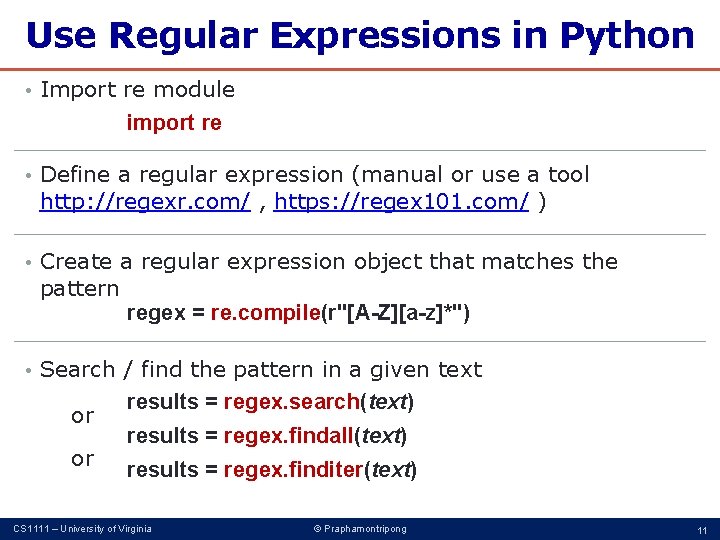
Use Regular Expressions in Python • Import re module import re • Define a regular expression (manual or use a tool http: //regexr. com/ , https: //regex 101. com/ ) • Create a regular expression object that matches the pattern regex = re. compile(r"[A-Z][a-z]*") • Search / find the pattern in a given text or or results = regex. search(text) results = regex. findall(text) results = regex. finditer(text) CS 1111 – University of Virginia © Praphamontripong 11
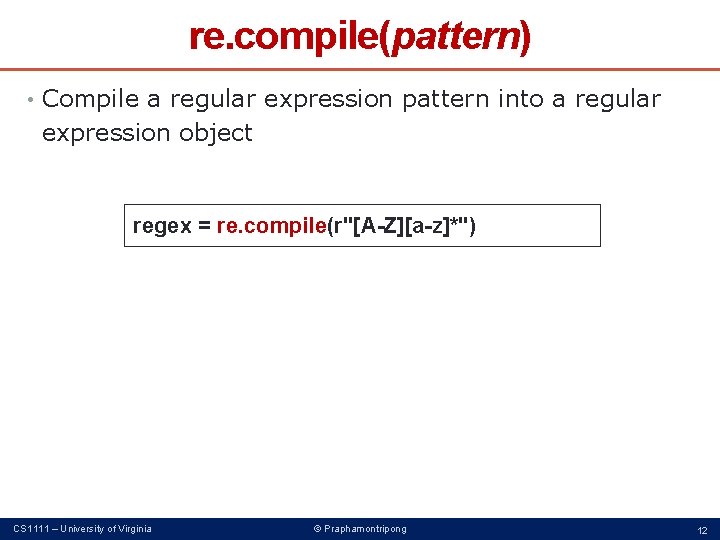
re. compile(pattern) • Compile a regular expression pattern into a regular expression object regex = re. compile(r"[A-Z][a-z]*") CS 1111 – University of Virginia © Praphamontripong 12
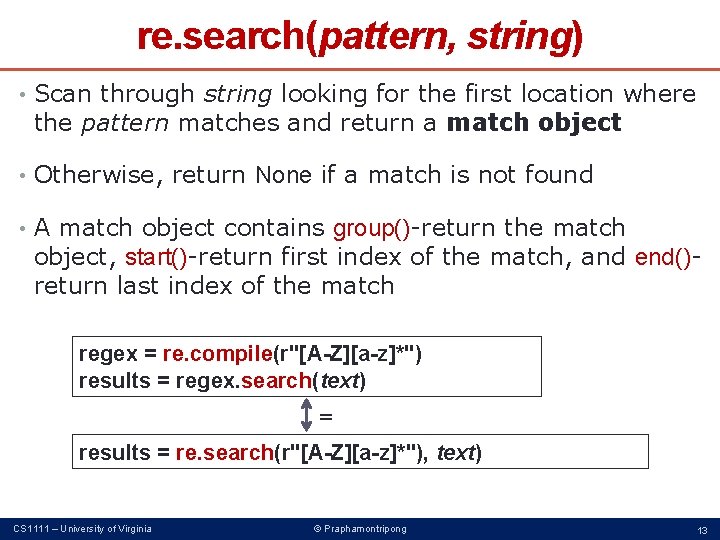
re. search(pattern, string) • Scan through string looking for the first location where the pattern matches and return a match object • Otherwise, return None if a match is not found • A match object contains group()-return the match object, start()-return first index of the match, and end()return last index of the match regex = re. compile(r"[A-Z][a-z]*") results = regex. search(text) = results = re. search(r"[A-Z][a-z]*"), text) CS 1111 – University of Virginia © Praphamontripong 13
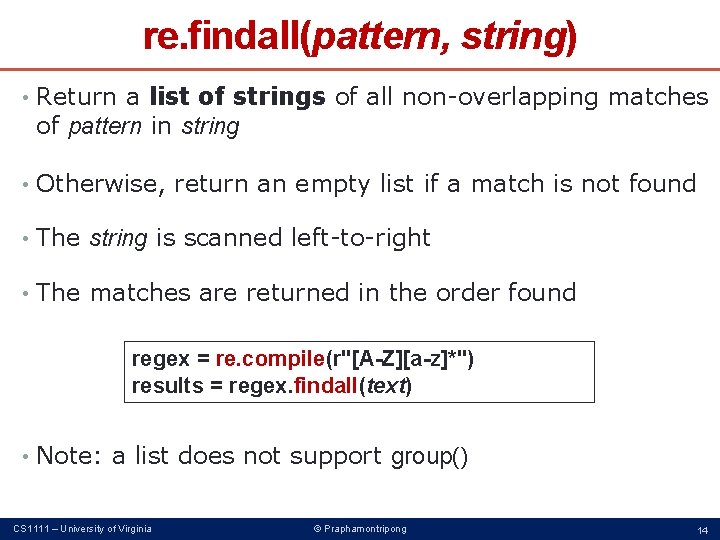
re. findall(pattern, string) • Return a list of strings of all non-overlapping matches of pattern in string • Otherwise, return an empty list if a match is not found • The string is scanned left-to-right • The matches are returned in the order found regex = re. compile(r"[A-Z][a-z]*") results = regex. findall(text) • Note: a list does not support group() CS 1111 – University of Virginia © Praphamontripong 14
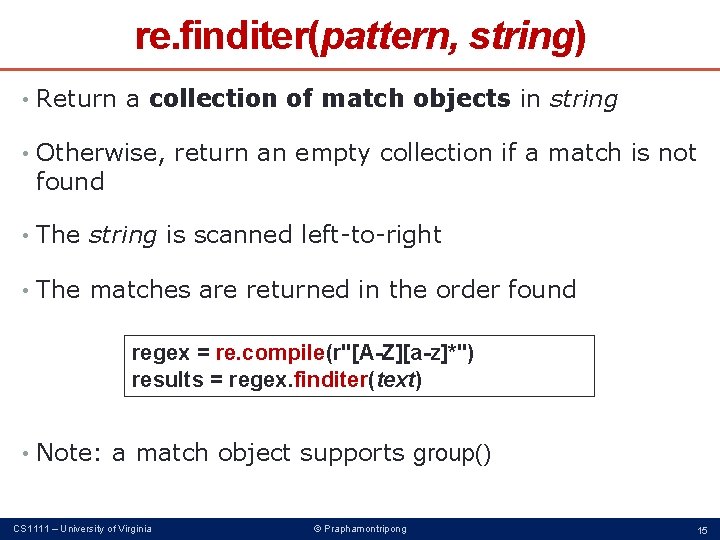
re. finditer(pattern, string) • Return a collection of match objects in string • Otherwise, return an empty collection if a match is not found • The string is scanned left-to-right • The matches are returned in the order found regex = re. compile(r"[A-Z][a-z]*") results = regex. finditer(text) • Note: a match object supports group() CS 1111 – University of Virginia © Praphamontripong 15
match. group(), match. group(n), match. groups() • regex = re. compile(r"([A-Z])([a-z]*)") results = regex. finditer(text) for m in results: print(m. group(), m. group(0), m. group(1), m. group(2)) print(m. groups()) CS 1111 – University of Virginia © Praphamontripong 16
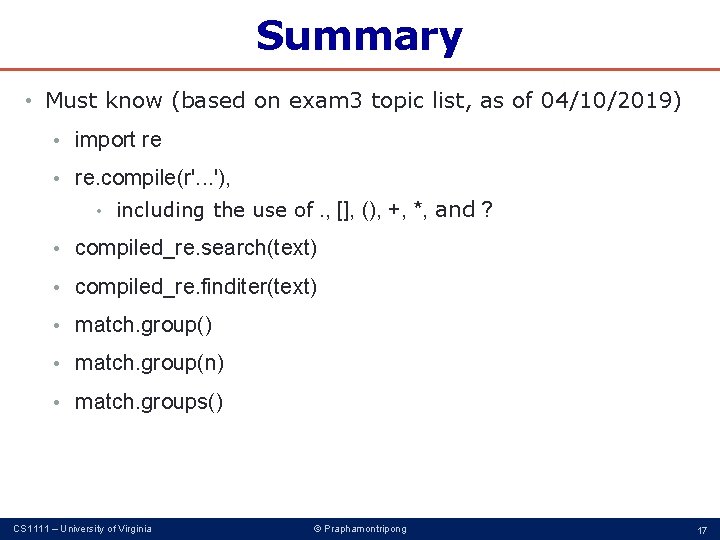
Summary • Must know (based on exam 3 topic list, as of 04/10/2019) • import re • re. compile(r'. . . '), . , [], (), +, *, and ? • including the use of • compiled_re. search(text) • compiled_re. finditer(text) • match. group(n) • match. groups() CS 1111 – University of Virginia © Praphamontripong 17