Rapid elearning Using a Power Point to Flash
- Slides: 13
Rapid e-learning… Using a Power. Point to Flash Converter to create e -learning content to support biosciences within nurse education Dr Damion Mc. Cormick
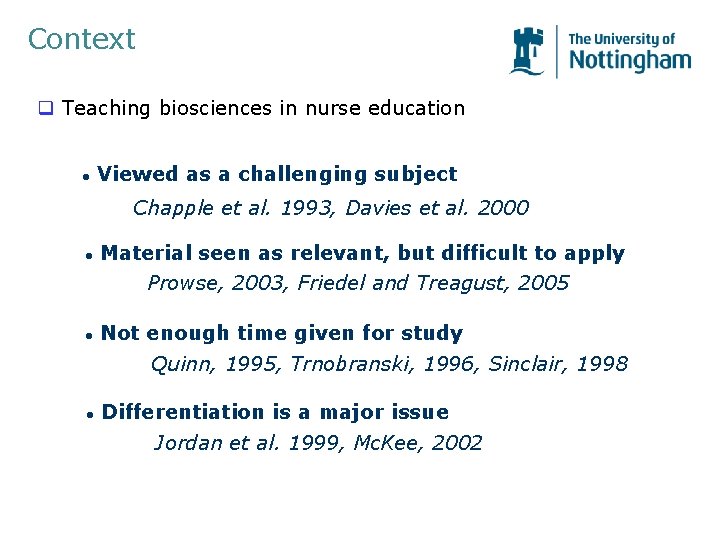
Context q Teaching biosciences in nurse education l Viewed as a challenging subject Chapple et al. 1993, Davies et al. 2000 l Material seen as relevant, but difficult to apply Prowse, 2003, Friedel and Treagust, 2005 l Not enough time given for study Quinn, 1995, Trnobranski, 1996, Sinclair, 1998 l Differentiation is a major issue Jordan et al. 1999, Mc. Kee, 2002
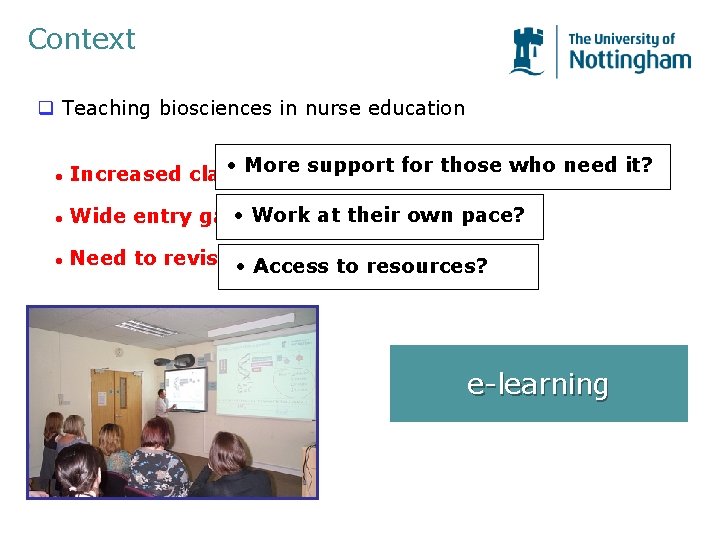
Context q Teaching biosciences in nurse education l • More Increased class sizessupport for those who need it? l • Work at their own pace? Wide entry gate l Need to revisit • the material in branch Access to resources? e-learning
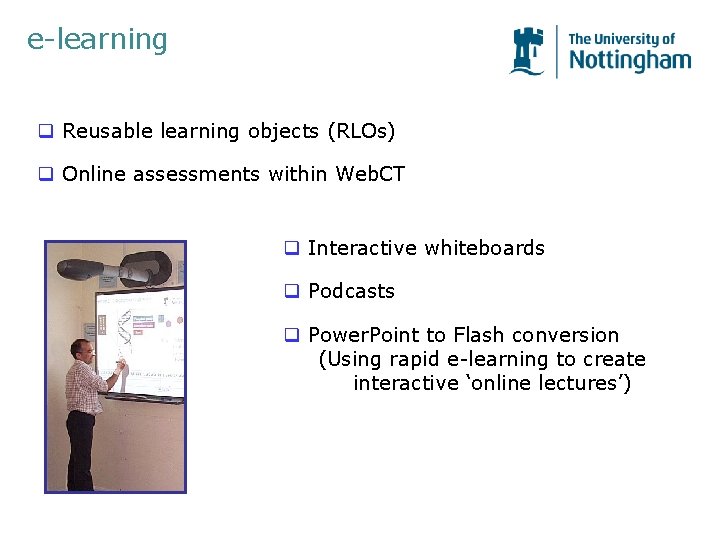
e-learning q Reusable learning objects (RLOs) q Online assessments within Web. CT q Interactive whiteboards q Podcasts q Power. Point to Flash conversion (Using rapid e-learning to create interactive ‘online lectures’)
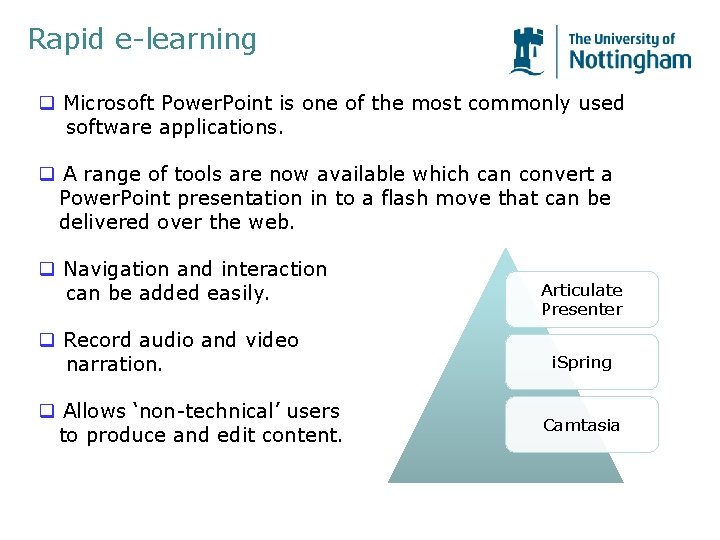
Rapid e-learning q Microsoft Power. Point is one of the most commonly used software applications. q A range of tools are now available which can convert a Power. Point presentation in to a flash move that can be delivered over the web. q Navigation and interaction can be added easily. q Record audio and video narration. q Allows ‘non-technical’ users to produce and edit content. Articulate Presenter i. Spring Camtasia
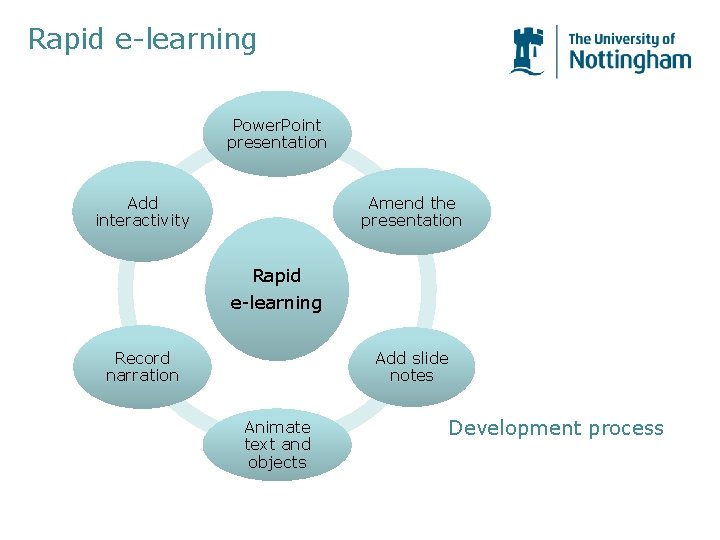
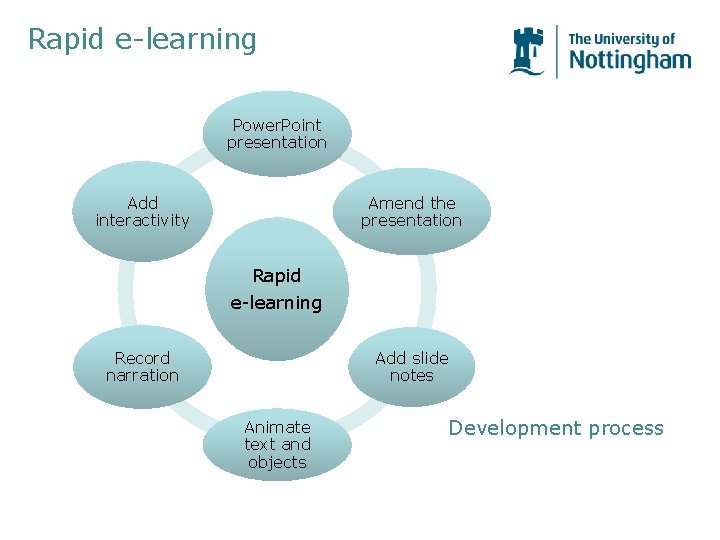
Rapid e-learning Power. Point presentation Add interactivity Amend the presentation Rapid e-learning Add slide notes Record narration Animate text and objects Development process
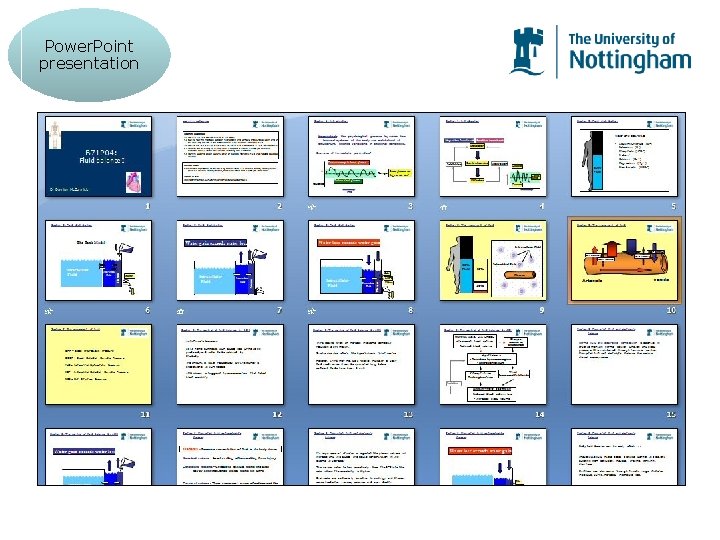
Power. Point presentation
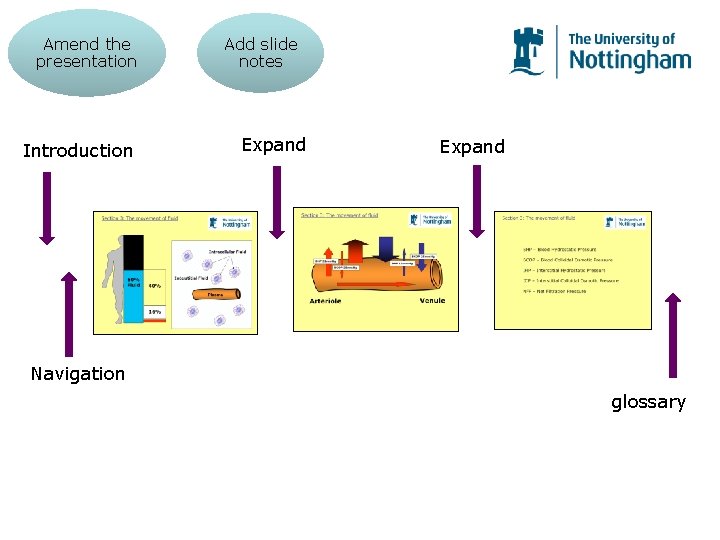
Amend the presentation Introduction Add slide notes Expand Navigation glossary
Animate text and objects
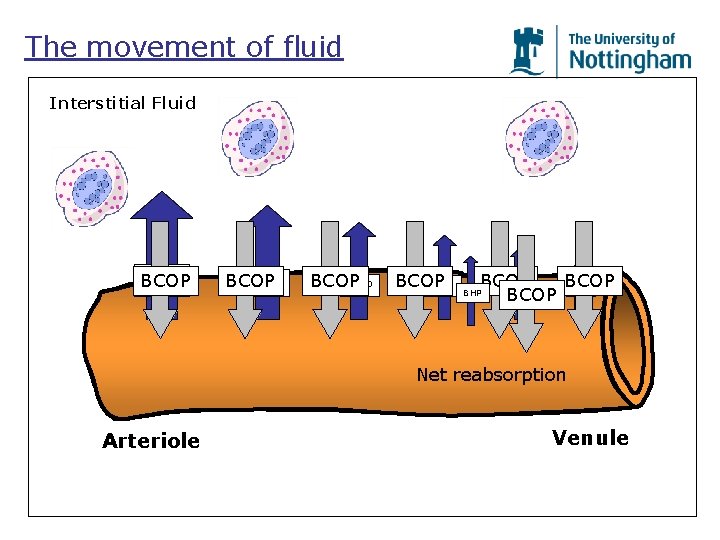
The movement of fluid Interstitial Fluid BCOP BHP BCOP BHP Net reabsorption Arteriole Venule
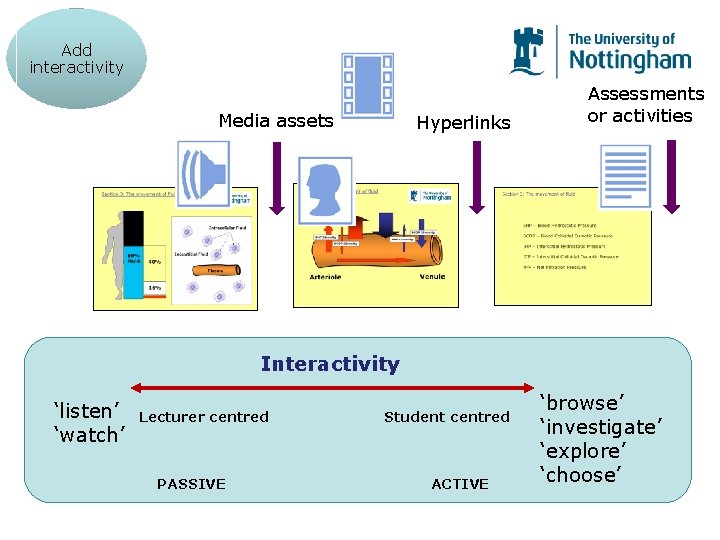
Add interactivity Media assets Hyperlinks Assessments or activities Interactivity ‘listen’ ‘watch’ Lecturer centred PASSIVE Student centred ACTIVE ‘browse’ ‘investigate’ ‘explore’ ‘choose’
Rapid e-learning Power. Point presentation Add interactivity Amend the presentation Rapid e-learning Add slide notes Record narration Animate text and objects Development process
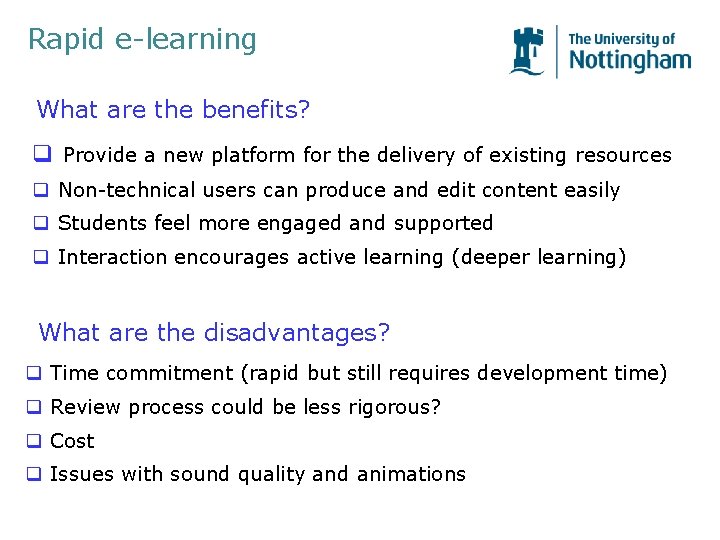
Rapid e-learning What are the benefits? q Provide a new platform for the delivery of existing resources q Non-technical users can produce and edit content easily q Students feel more engaged and supported q Interaction encourages active learning (deeper learning) What are the disadvantages? q Time commitment (rapid but still requires development time) q Review process could be less rigorous? q Cost q Issues with sound quality and animations