Python Final Project 303 d Impairments Laurel Warddrip
- Slides: 12
Python Final Project: 303 d Impairments Laurel Warddrip W 1213599 Spring 2015 Geog 375
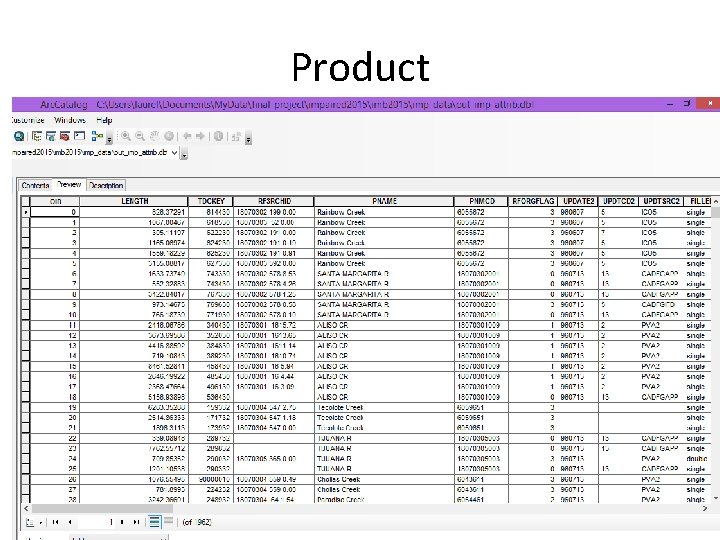
Project Statement • Goal: Use Python to pull out impaired water bodies within a selected regional water board boundary and quickly get information back in a table format that answered the question. .
Project Data Glossary • Impaired Water Bodies: A waterbody (i. e. , stream reaches, lakes, waterbody segments) with chronic or recurring monitored violations of the applicable numeric and/or narrative water quality criteria. (US EPA definition) • Regional Water Boards: The State Water Resources Control Board has jurisdiction throughout California. Created by the State Legislature in 1967, the Board protects water quality by setting statewide policy, coordinating and supporting the Regional Water Board efforts, and reviewing petitions that contest Regional Board actions. There are nine regional water quality control boards that exercise rulemaking and regulatory activities by basins. This organization is a result of the landmark Porter-Cologne Act. Source: State Water Resources Control Board Fact Sheet
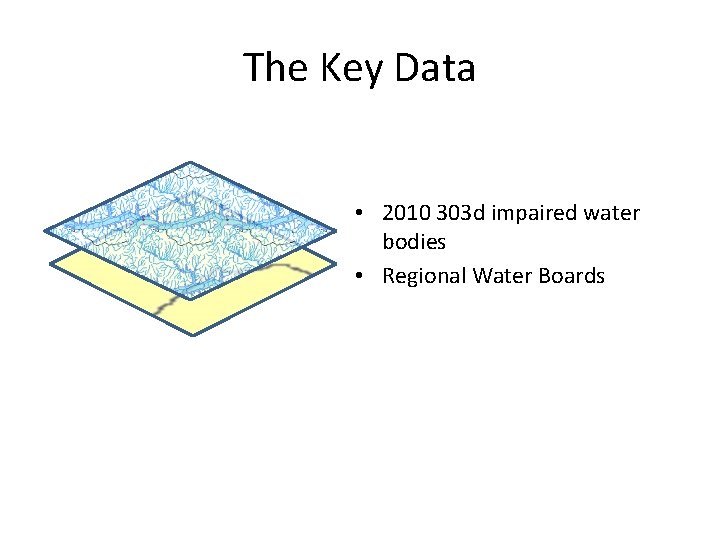
The Key Data • 2010 303 d impaired water bodies • Regional Water Boards
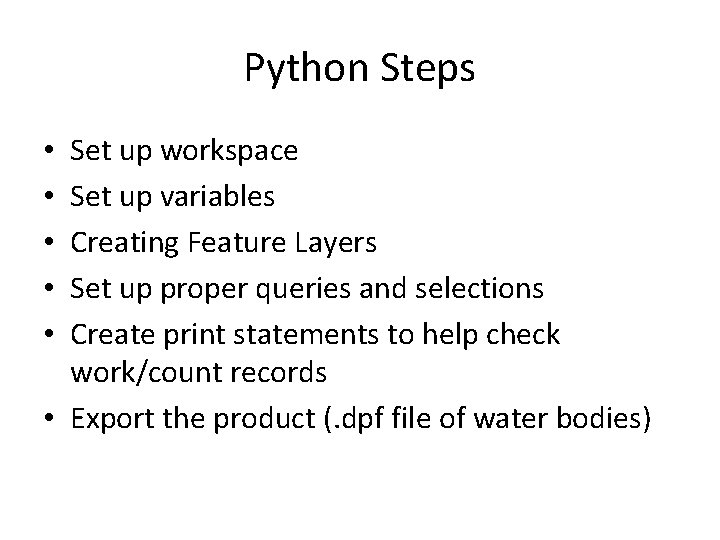
Python Steps Set up workspace Set up variables Creating Feature Layers Set up proper queries and selections Create print statements to help check work/count records • Export the product (. dpf file of water bodies) • • •
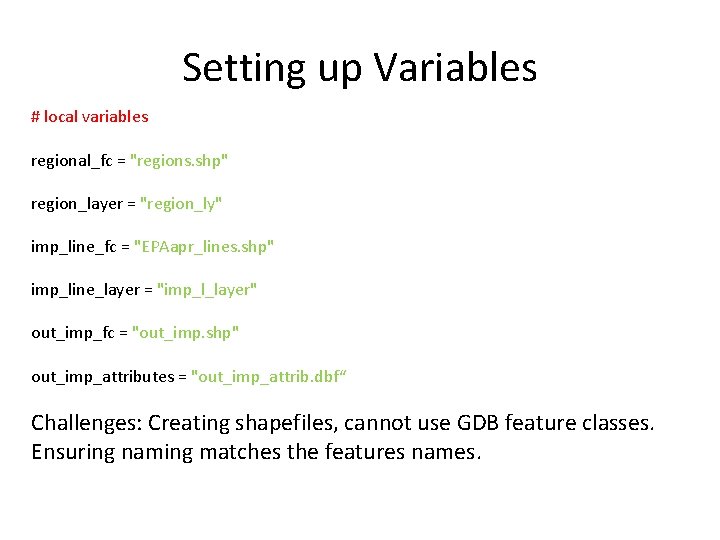
Setting up Variables # local variables regional_fc = "regions. shp" region_layer = "region_ly" imp_line_fc = "EPAapr_lines. shp" imp_line_layer = "imp_l_layer" out_imp_fc = "out_imp. shp" out_imp_attributes = "out_imp_attrib. dbf“ Challenges: Creating shapefiles, cannot use GDB feature classes. Ensuring naming matches the features names.
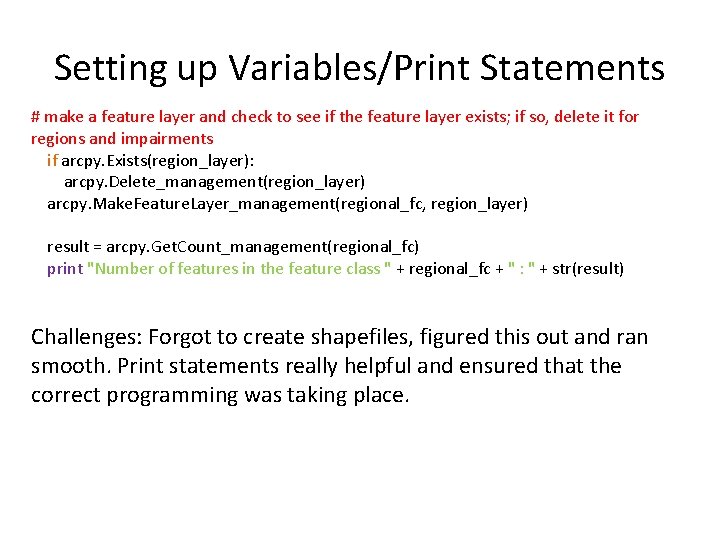
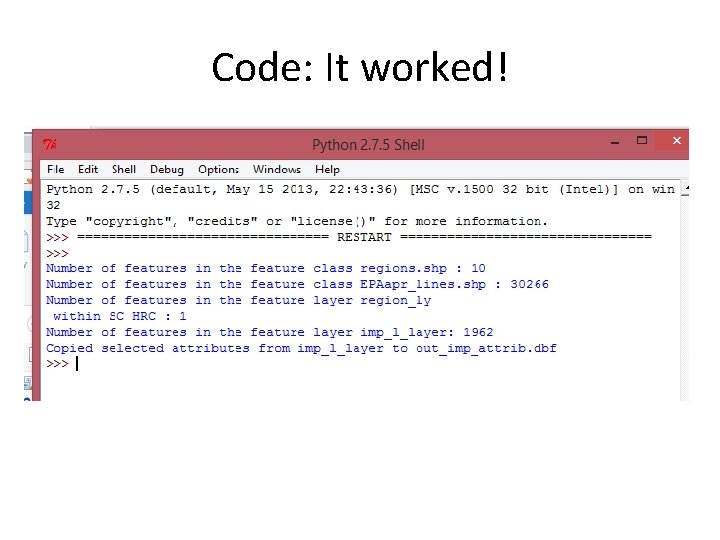
Setting up Variables/Print Statements # make a feature layer and check to see if the feature layer exists; if so, delete it for regions and impairments if arcpy. Exists(region_layer): arcpy. Delete_management(region_layer) arcpy. Make. Feature. Layer_management(regional_fc, region_layer) result = arcpy. Get. Count_management(regional_fc) print "Number of features in the feature class " + regional_fc + " : " + str(result) Challenges: Forgot to create shapefiles, figured this out and ran smooth. Print statements really helpful and ensured that the correct programming was taking place.
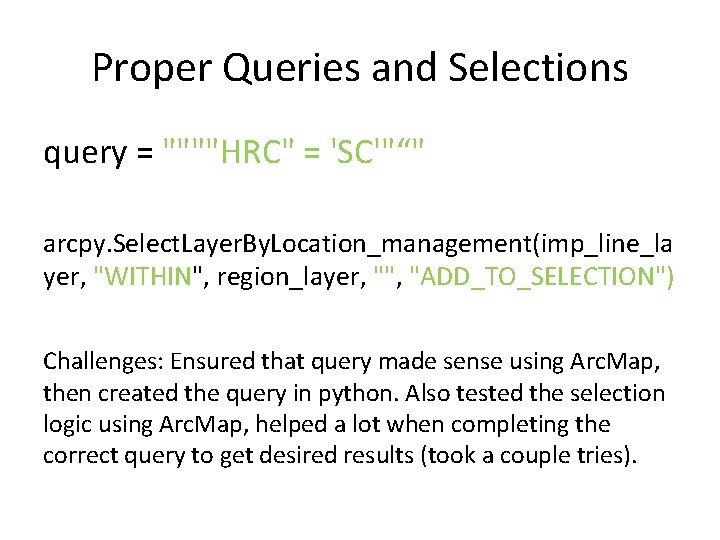
Proper Queries and Selections query = """"HRC" = 'SC'"“" arcpy. Select. Layer. By. Location_management(imp_line_la yer, "WITHIN", region_layer, "", "ADD_TO_SELECTION") Challenges: Ensured that query made sense using Arc. Map, then created the query in python. Also tested the selection logic using Arc. Map, helped a lot when completing the correct query to get desired results (took a couple tries).
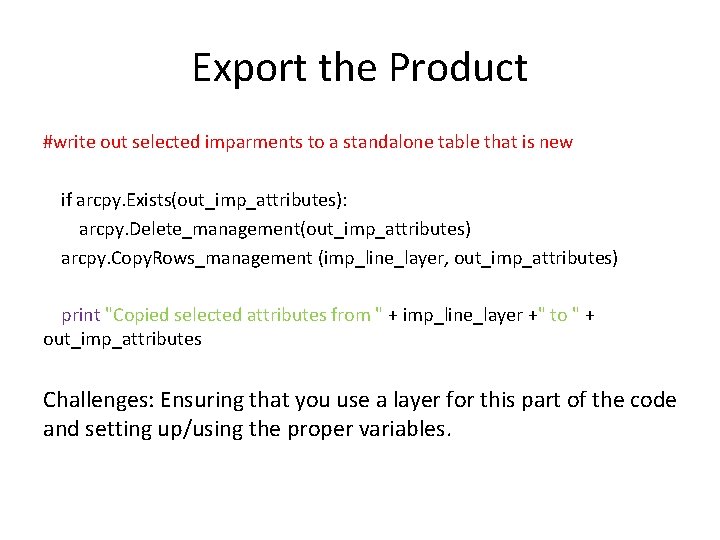
Export the Product #write out selected imparments to a standalone table that is new if arcpy. Exists(out_imp_attributes): arcpy. Delete_management(out_imp_attributes) arcpy. Copy. Rows_management (imp_line_layer, out_imp_attributes) print "Copied selected attributes from " + imp_line_layer +" to " + out_imp_attributes Challenges: Ensuring that you use a layer for this part of the code and setting up/using the proper variables.
Code: It worked!
Product
Wrap-Up • This output could be easily added to a website or as part of another analysis. • Could add extra queries and selections for specific water bodies or specific hydrologic units. • Could export to a shapefile to view in Arc. Map. • Can be easily updated when a new impaired water body list comes out.