Project CTF CSE 545 Software Security Spring 2017



- Slides: 9
Project CTF CSE 545 – Software Security Spring 2017 Yeganeh Safaei Arizona State University http: //yeganehsafaei. com
Capture The Flag • CTF is an attack-defense hacking competition. • Each team is competing against all the other teams. • All teams have the same virtual machine with a set of vulnerable services. • Each team is responsible for keeping their services running at all time. Yeganeh Safaei, Software Security 2
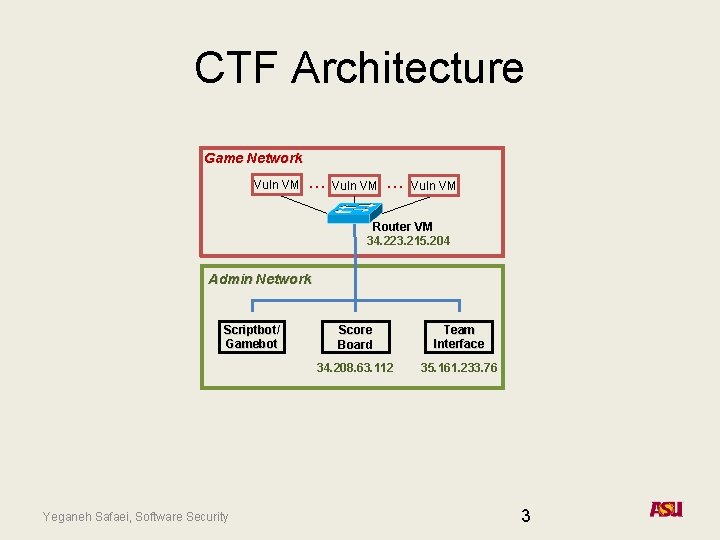
CTF Architecture Game Network Vuln VM … Vuln VM Router VM 34. 223. 215. 204 Admin Network Scriptbot/ Gamebot Yeganeh Safaei, Software Security Score Board Team Interface 34. 208. 63. 112 35. 161. 233. 76 3
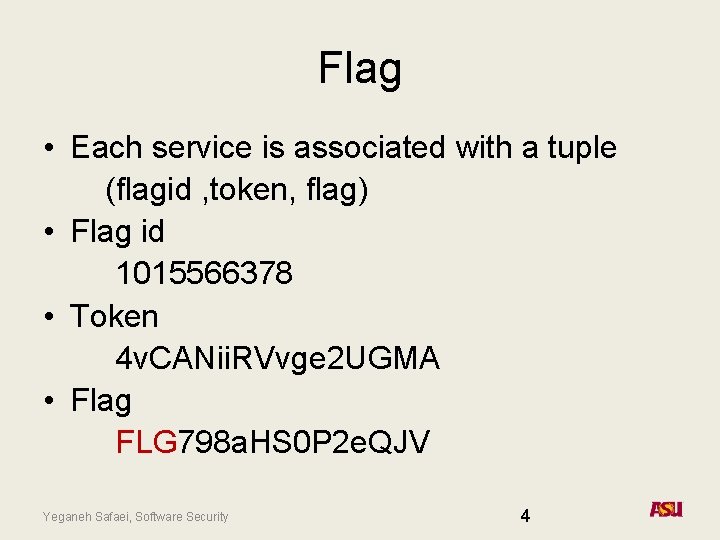
Flag • Each service is associated with a tuple (flagid , token, flag) • Flag id 1015566378 • Token 4 v. CANii. RVvge 2 UGMA • Flag FLG 798 a. HS 0 P 2 e. QJV Yeganeh Safaei, Software Security 4
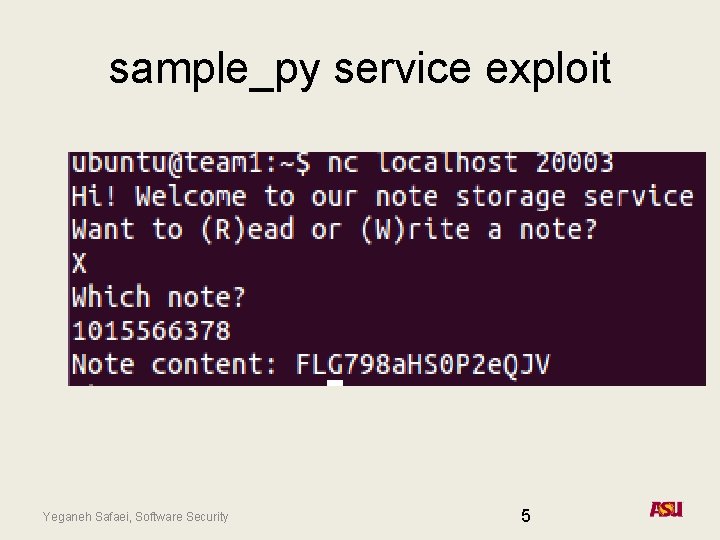
sample_py service exploit Yeganeh Safaei, Software Security 5
Goal • The goal of each team is to find the vulnerability in their local copy of the service and patch their service. • Exploiting all the other teams’ services to get flags. • Submitting the acquired flag to the team interface. • Running the exploits for every game tick. Yeganeh Safaei, Software Security 6
Where to begin • Login to ictf framework with your team information https: //shellweplayagame. org/i. CTF 2017_rules. html https: //ictf. cs. ucsb. edu/ $ pip install ictf Then, from within a python shell, such as i. Python, you can run: >>> from ictf import i. CTF >>> i = i. CTF(“http: //35. 161. 233. 76/”) >>> t = i. login(“team@example. com”, ”password”) To access your team’s VM, use the SSH keys, IP address, and port provided here: >>> key_info = t. get_ssh_keys() The ‘ctf_key’ is a key with access to the ‘ctf’ user, and the ‘root_key’ gives access to the ‘root’ user. ‘Ip’ and ‘port’ refer to the SSH server on your team VM. You’ll want to save those keys to files: >>> with open(“ctf_key”, ‘wb’) as f: … f. write(key_info[‘ctf_key’]) >>> with open(“root_key”, ‘wb’) as f: … f. write(key_info[‘root_key’]) Your hostname and port are provided as well; continuing the above example: >>> print key_info[‘ip’] >>> print key_info[‘port’] Yeganeh Safaei, Software Security 7
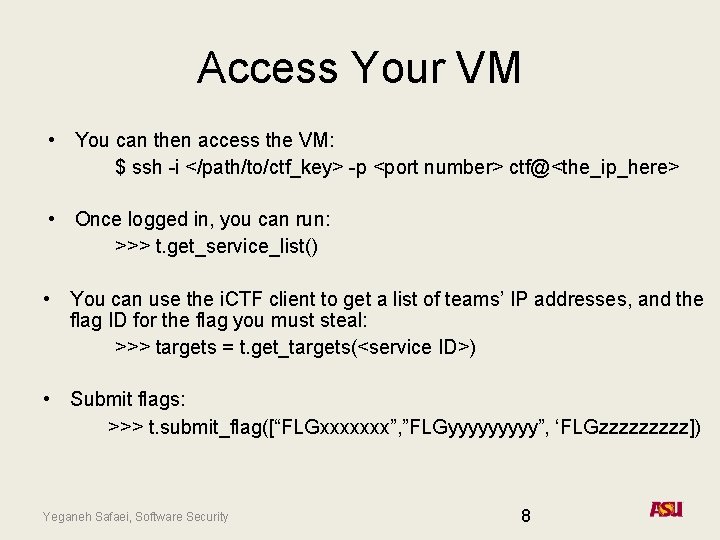
Access Your VM • You can then access the VM: $ ssh -i </path/to/ctf_key> -p <port number> ctf@<the_ip_here> • Once logged in, you can run: >>> t. get_service_list() • You can use the i. CTF client to get a list of teams’ IP addresses, and the flag ID for the flag you must steal: >>> targets = t. get_targets(<service ID>) • Submit flags: >>> t. submit_flag([“FLGxxxxxxx”, ”FLGyyyyy”, ‘FLGzzzzz]) Yeganeh Safaei, Software Security 8
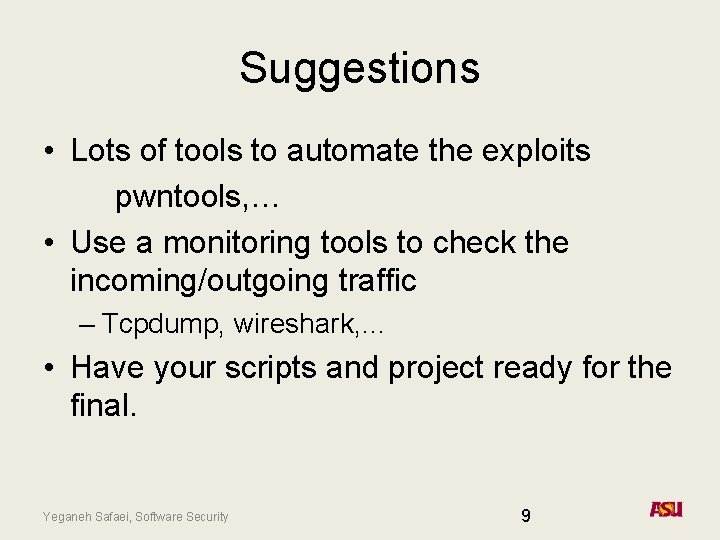
Suggestions • Lots of tools to automate the exploits pwntools, … • Use a monitoring tools to check the incoming/outgoing traffic – Tcpdump, wireshark, … • Have your scripts and project ready for the final. Yeganeh Safaei, Software Security 9