Online survey design Skills survey design planning and
- Slides: 12
Online survey design Skills: survey design -- planning and writing questions Concepts: types of survey question, user interface widget (radio button, text box and check box), Likert scale, and output options This work is licensed under a Creative Commons Attribution-Noncommercial-Share Alike 3. 0 License.
Where does this topic fit? • Internet concepts – Applications – Technology – Implications • Internet skills – Application development – Content creation – User skills
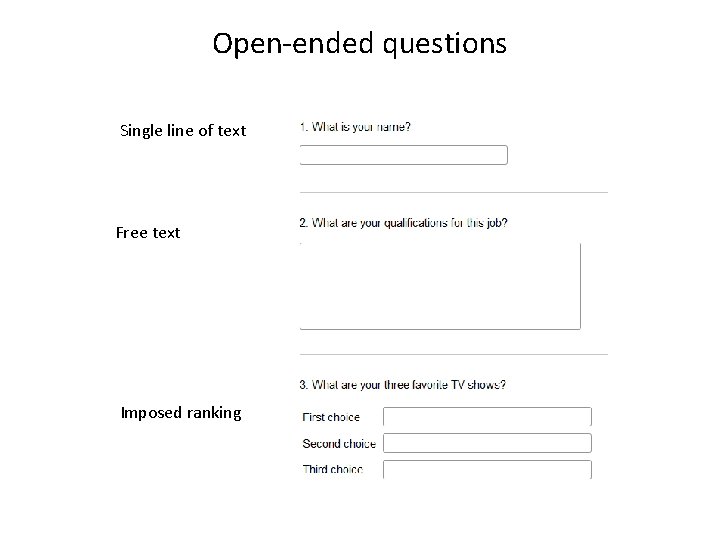
Open-ended questions Single line of text Free text Imposed ranking
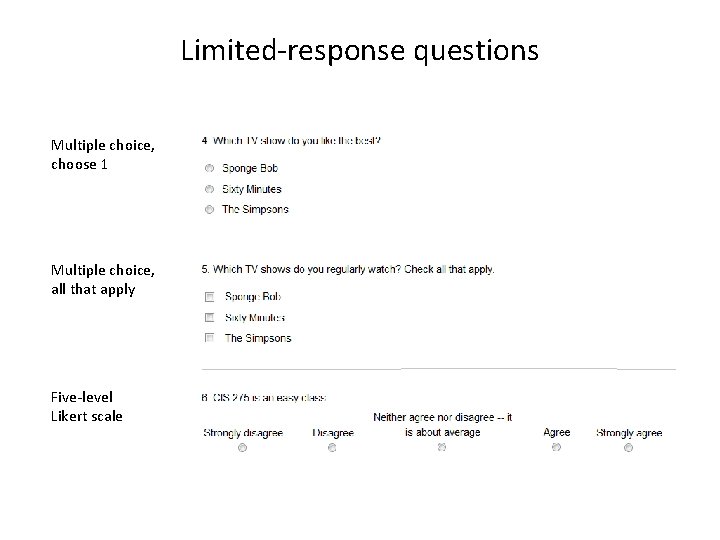
Limited-response questions Multiple choice, choose 1 Multiple choice, all that apply Five-level Likert scale
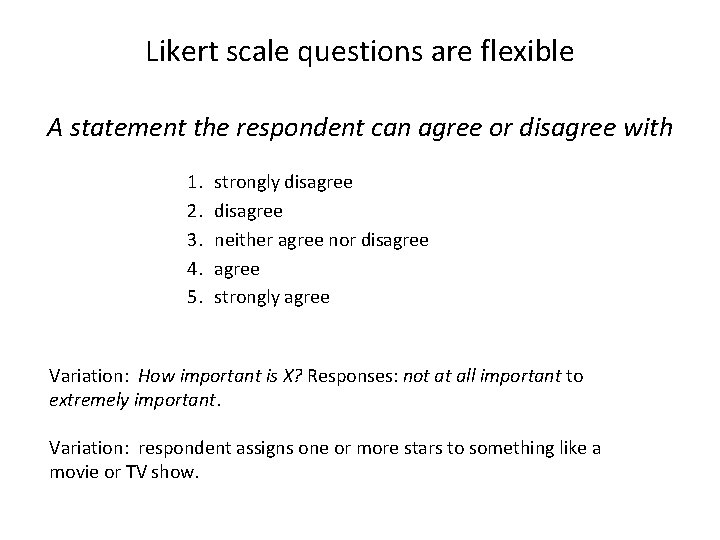
Likert scale questions are flexible A statement the respondent can agree or disagree with 1. 2. 3. 4. 5. strongly disagree neither agree nor disagree strongly agree Variation: How important is X? Responses: not at all important to extremely important. Variation: respondent assigns one or more stars to something like a movie or TV show.
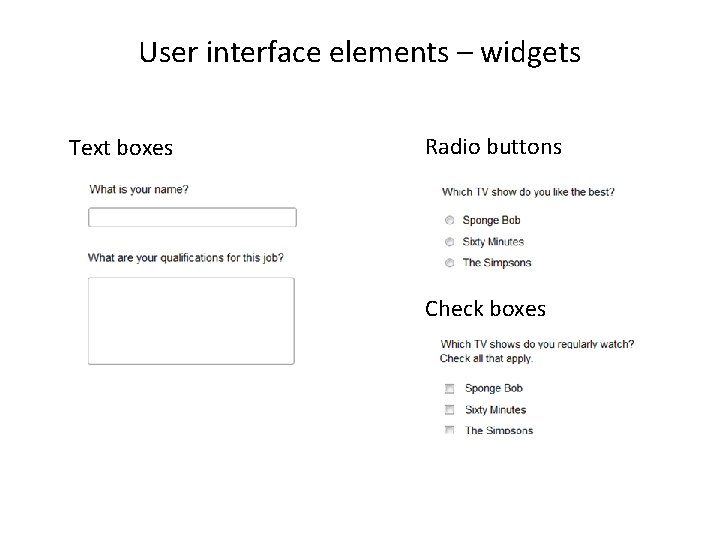
User interface elements – widgets Text boxes Radio buttons Check boxes
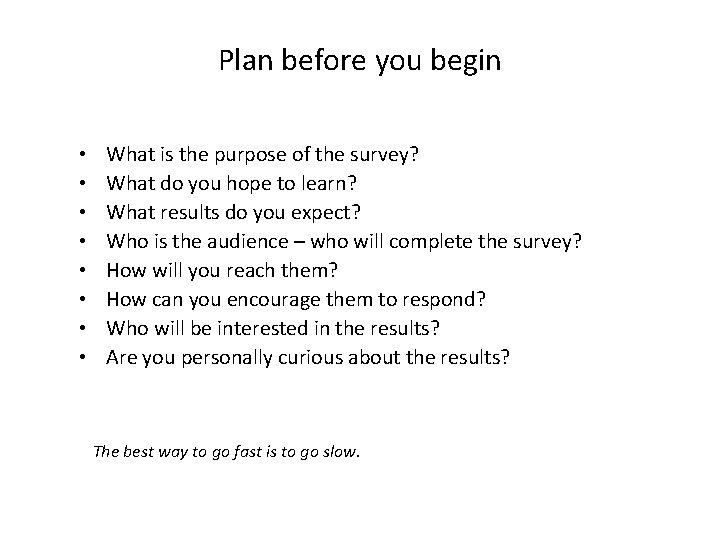
Plan before you begin • • What is the purpose of the survey? What do you hope to learn? What results do you expect? Who is the audience – who will complete the survey? How will you reach them? How can you encourage them to respond? Who will be interested in the results? Are you personally curious about the results? The best way to go fast is to go slow.
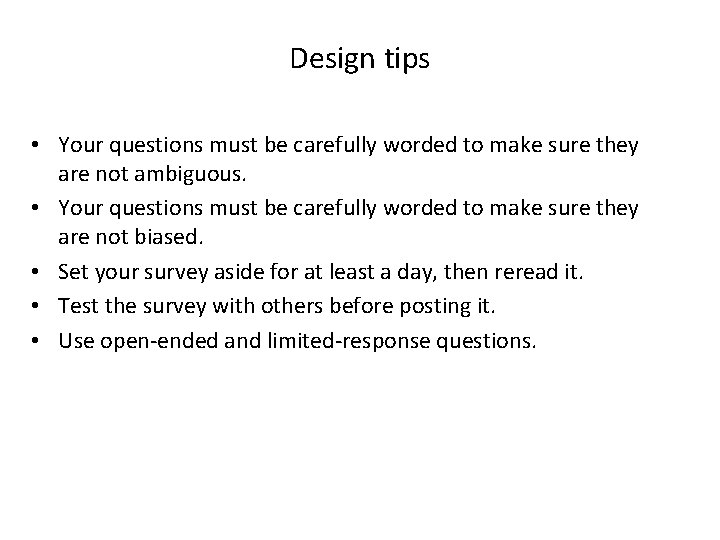
Design tips • Your questions must be carefully worded to make sure they are not ambiguous. • Your questions must be carefully worded to make sure they are not biased. • Set your survey aside for at least a day, then reread it. • Test the survey with others before posting it. • Use open-ended and limited-response questions.
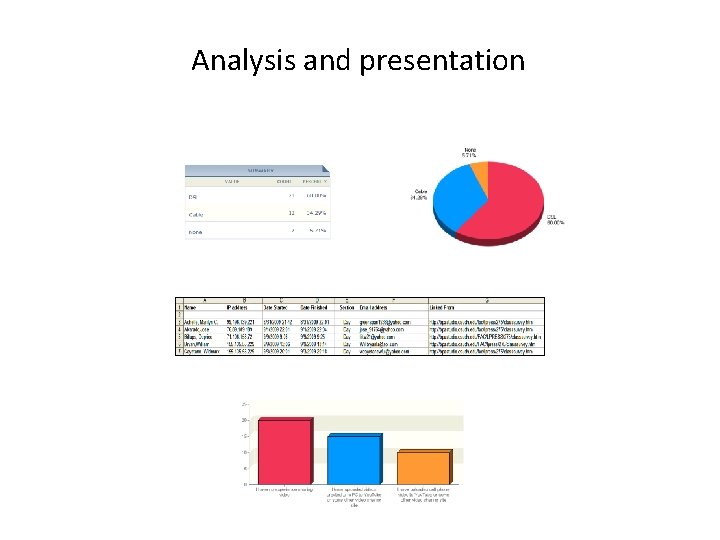
Analysis and presentation
Summary The best way to go fast is to go slow Chinese proverb Go slow now, go fast later German proverb
Self-study questions 1. We divided survey questions into two general groups, what were they? 2. We saw three types of widget – what were they? 3. Find examples of each of the three types of widget in Microsoft Word. 4. Can you identify other user interface widgets that are used in Word? 5. We discussed the importance of planning before constructing a survey, and suggested eight questions to consider – what were they? 6. We listed five design tips – what were they? 7. What point was I trying to make when I quoted the Chinese and German proverbs?
Resources A Few Good Online Survey Tools: http: //www. idealware. org/articles/fgt_online_surveys. php