Notepad Write DAX and Power Query Outside of


- Slides: 7
Notepad++ Write DAX and Power Query Outside of Power BI Schlumberger-Private
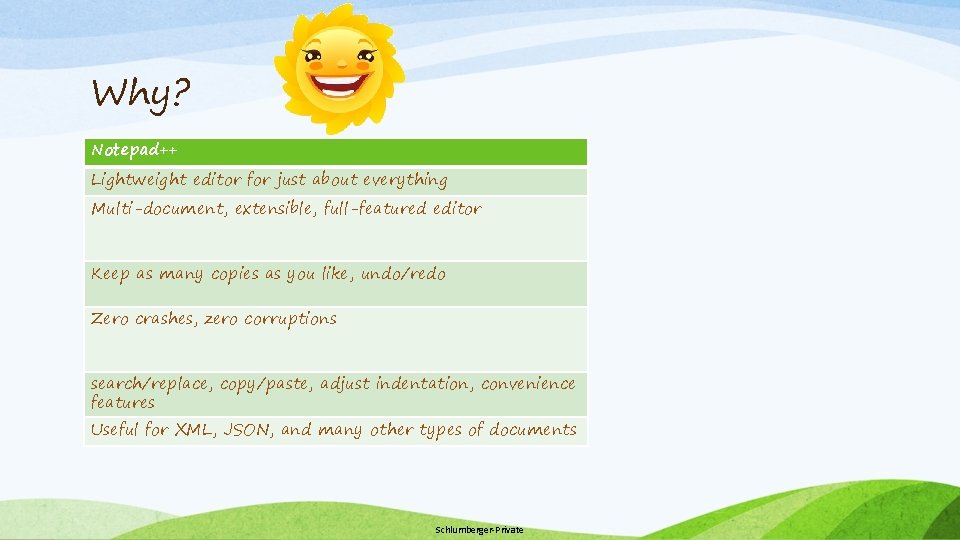
Why? Notepad++ Lightweight editor for just about everything Multi-document, extensible, full-featured editor Keep as many copies as you like, undo/redo Zero crashes, zero corruptions search/replace, copy/paste, adjust indentation, convenience features Useful for XML, JSON, and many other types of documents Schlumberger-Private
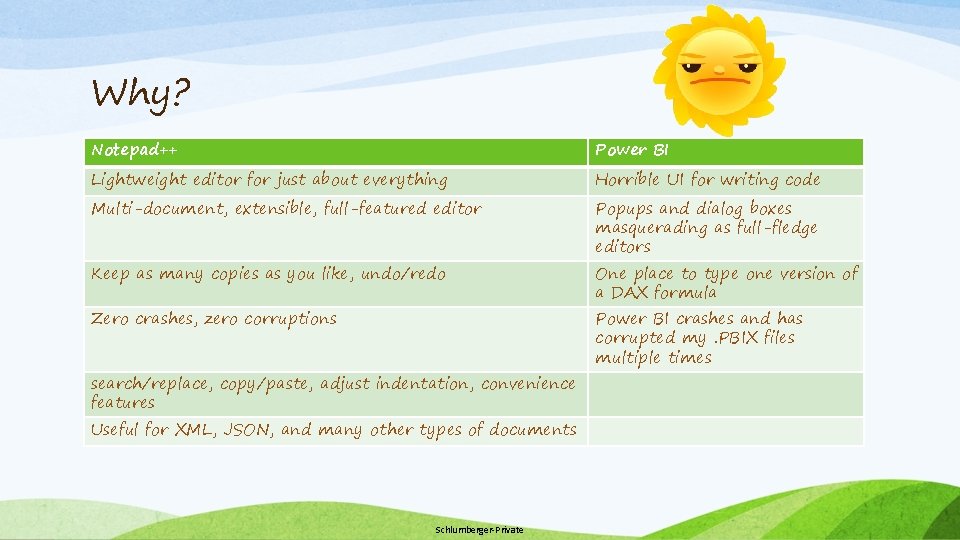
Why? Notepad++ Power BI Lightweight editor for just about everything Horrible UI for writing code Multi-document, extensible, full-featured editor Popups and dialog boxes masquerading as full-fledge editors Keep as many copies as you like, undo/redo Zero crashes, zero corruptions search/replace, copy/paste, adjust indentation, convenience features Useful for XML, JSON, and many other types of documents Schlumberger-Private One place to type one version of a DAX formula Power BI crashes and has corrupted my. PBIX files multiple times
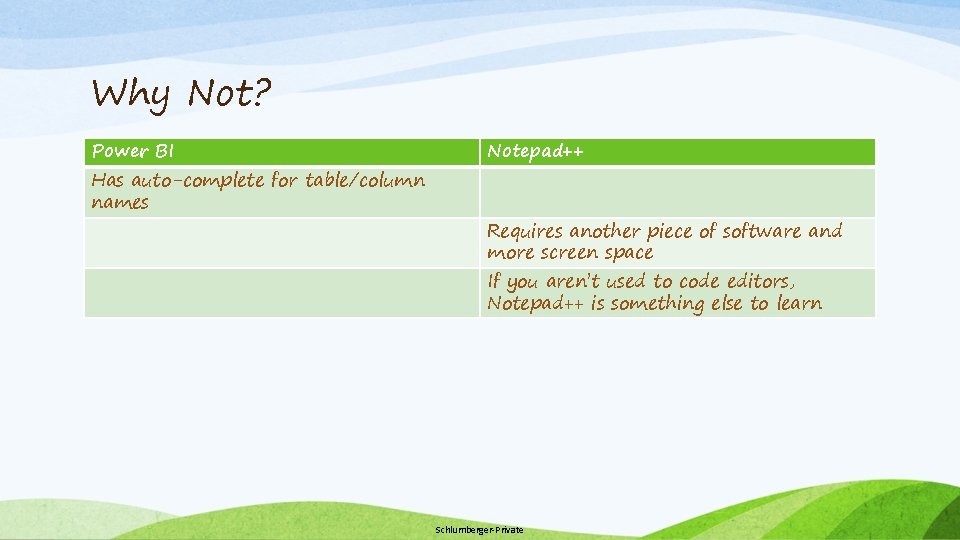
Why Not? Power BI Has auto-complete for table/column names Notepad++ Requires another piece of software and more screen space If you aren’t used to code editors, Notepad++ is something else to learn Schlumberger-Private
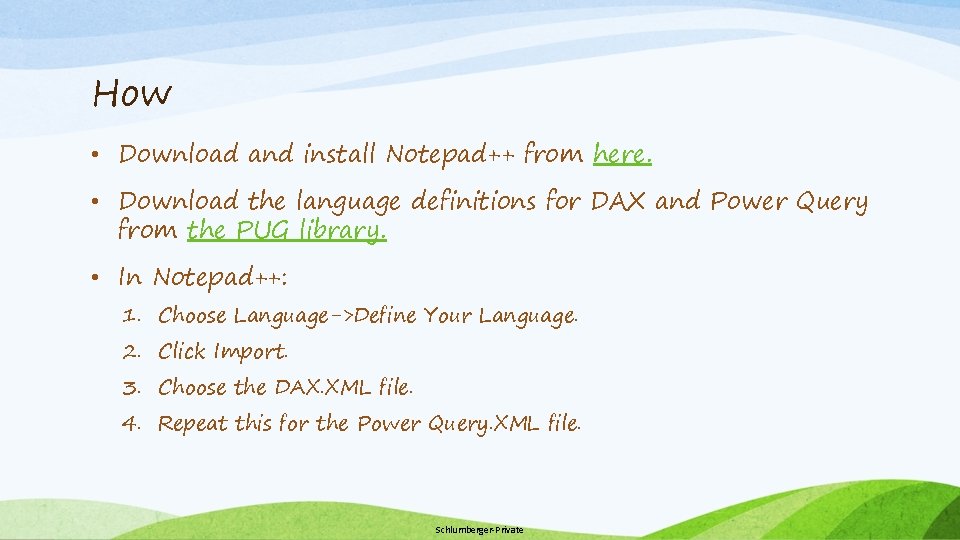
How • Download and install Notepad++ from here. • Download the language definitions for DAX and Power Query from the PUG library. • In Notepad++: 1. Choose Language->Define Your Language. 2. Click Import. 3. Choose the DAX. XML file. 4. Repeat this for the Power Query. XML file. Schlumberger-Private
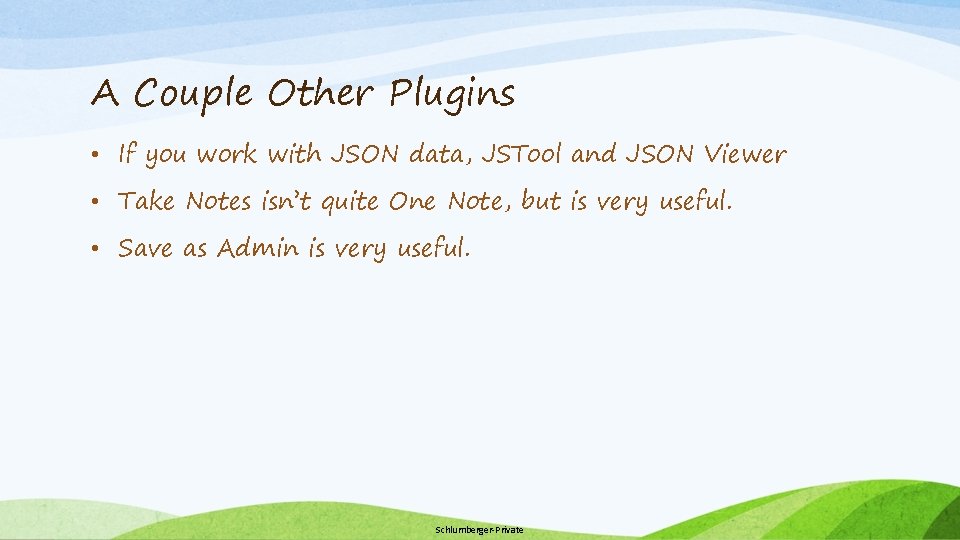
A Couple Other Plugins • If you work with JSON data, JSTool and JSON Viewer • Take Notes isn’t quite One Note, but is very useful. • Save as Admin is very useful. Schlumberger-Private
Quick Demo Schlumberger-Private