MEL Scripting Overview CIS 682 MEL commands Maya
- Slides: 10
MEL Scripting Overview CIS 682
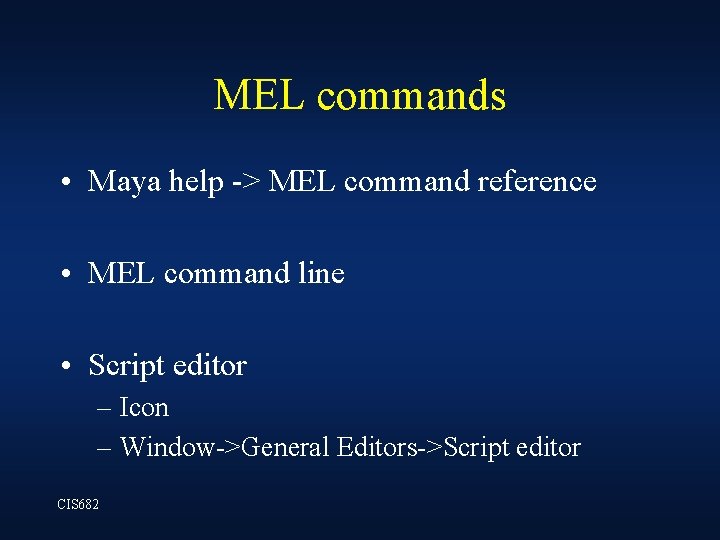
MEL commands • Maya help -> MEL command reference • MEL command line • Script editor – Icon – Window->General Editors->Script editor CIS 682
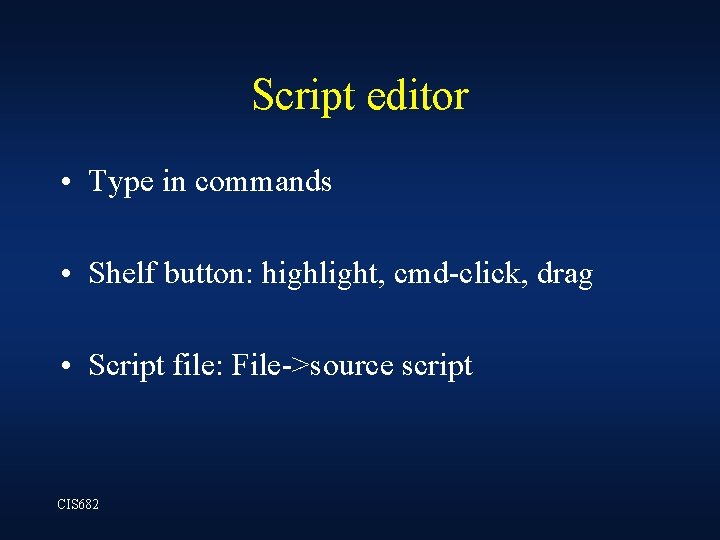
Script editor • Type in commands • Shelf button: highlight, cmd-click, drag • Script file: File->source script CIS 682
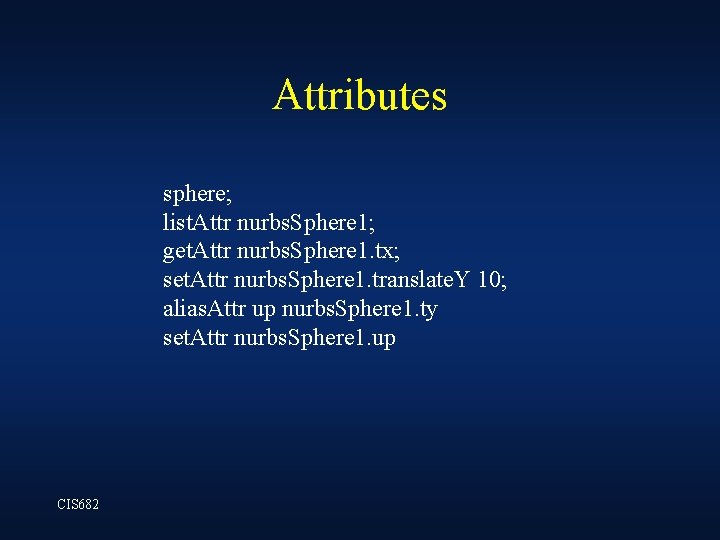
Attributes sphere; list. Attr nurbs. Sphere 1; get. Attr nurbs. Sphere 1. tx; set. Attr nurbs. Sphere 1. translate. Y 10; alias. Attr up nurbs. Sphere 1. ty set. Attr nurbs. Sphere 1. up CIS 682
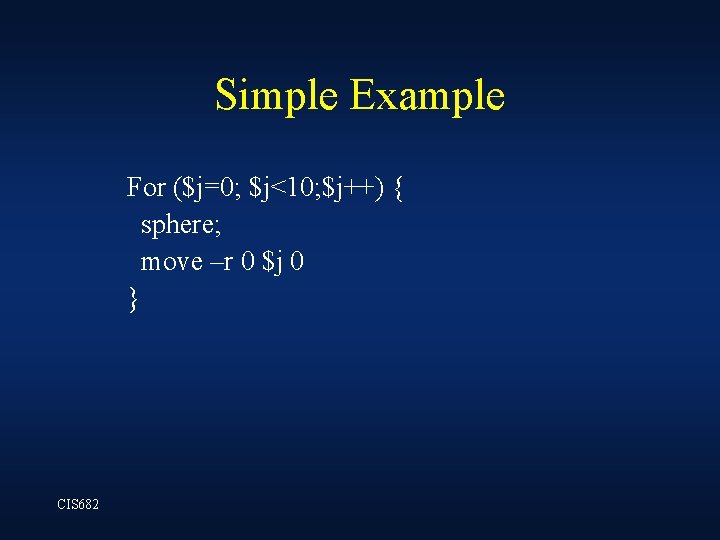
Simple Example For ($j=0; $j<10; $j++) { sphere; move –r 0 $j 0 } CIS 682
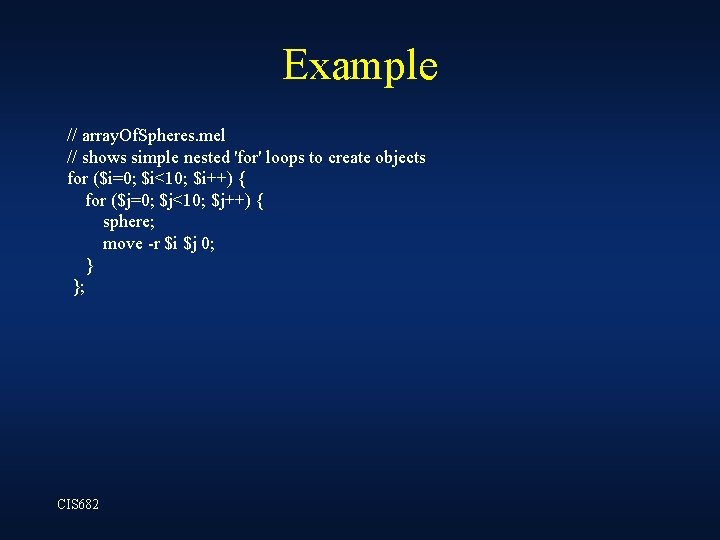
Example // array. Of. Spheres. mel // shows simple nested 'for' loops to create objects for ($i=0; $i<10; $i++) { for ($j=0; $j<10; $j++) { sphere; move -r $i $j 0; } }; CIS 682
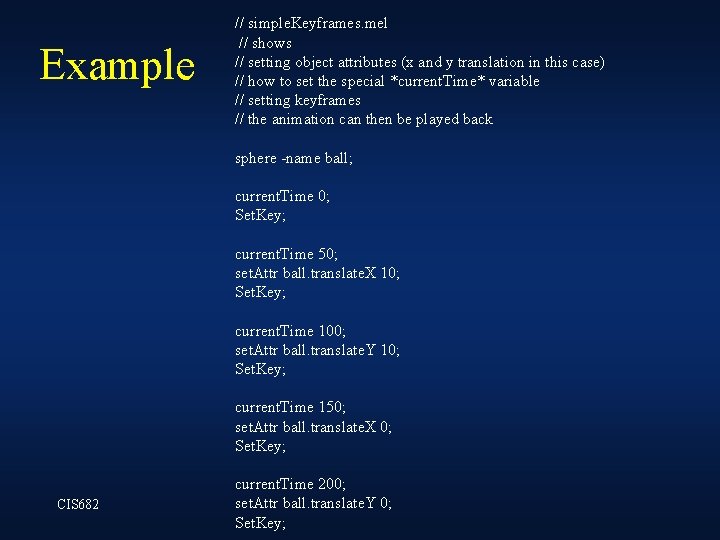
Example // simple. Keyframes. mel // shows // setting object attributes (x and y translation in this case) // how to set the special *current. Time* variable // setting keyframes // the animation can then be played back sphere -name ball; current. Time 0; Set. Key; current. Time 50; set. Attr ball. translate. X 10; Set. Key; current. Time 100; set. Attr ball. translate. Y 10; Set. Key; current. Time 150; set. Attr ball. translate. X 0; Set. Key; CIS 682 current. Time 200; set. Attr ball. translate. Y 0; Set. Key;
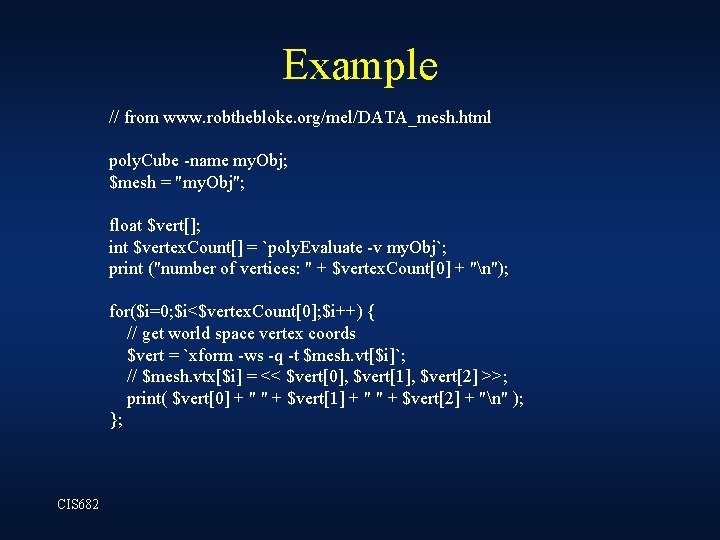
Example // from www. robthebloke. org/mel/DATA_mesh. html poly. Cube -name my. Obj; $mesh = "my. Obj"; float $vert[]; int $vertex. Count[] = `poly. Evaluate -v my. Obj`; print ("number of vertices: " + $vertex. Count[0] + "n"); for($i=0; $i<$vertex. Count[0]; $i++) { // get world space vertex coords $vert = `xform -ws -q -t $mesh. vt[$i]`; // $mesh. vtx[$i] = << $vert[0], $vert[1], $vert[2] >>; print( $vert[0] + " " + $vert[1] + " " + $vert[2] + "n" ); }; CIS 682
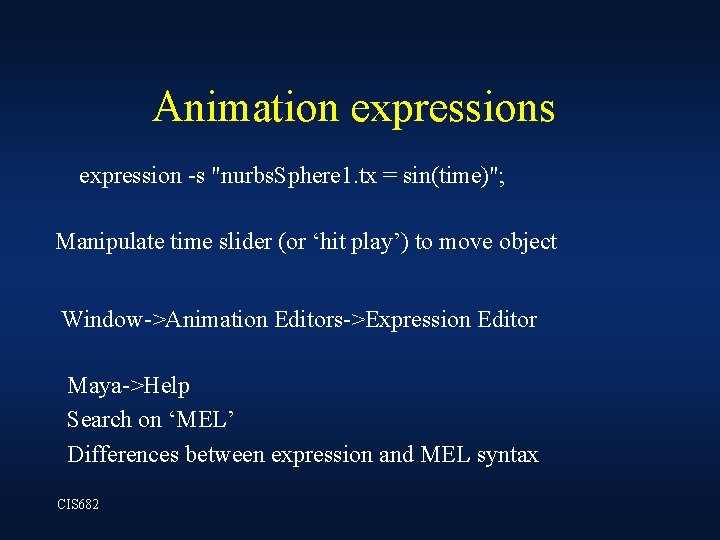
Animation expressions expression -s "nurbs. Sphere 1. tx = sin(time)"; Manipulate time slider (or ‘hit play’) to move object Window->Animation Editors->Expression Editor Maya->Help Search on ‘MEL’ Differences between expression and MEL syntax CIS 682
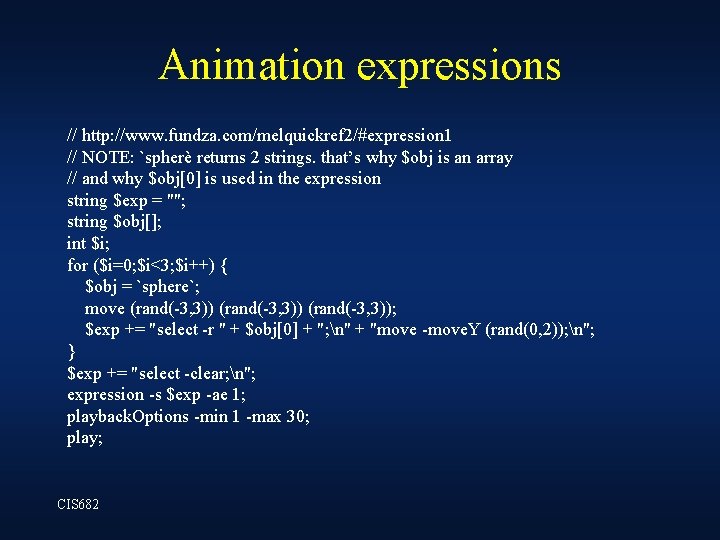
Animation expressions // http: //www. fundza. com/melquickref 2/#expression 1 // NOTE: `spherè returns 2 strings. that’s why $obj is an array // and why $obj[0] is used in the expression string $exp = ""; string $obj[]; int $i; for ($i=0; $i<3; $i++) { $obj = `sphere`; move (rand(-3, 3)); $exp += "select -r " + $obj[0] + "; n" + "move -move. Y (rand(0, 2)); n"; } $exp += "select -clear; n"; expression -s $exp -ae 1; playback. Options -min 1 -max 30; play; CIS 682