
Praat scripting basics Pauline Welby Coliste na Tronide
Praat scripting basics Pauline Welby Coláiste na Tríonóide, Baile Átha Cliath (Irlanda) welbyp@tcd. ie
Praat scripting • Praat is a phonetic analysis software program • Available for many different platforms (Windows, Macintosh, Unix, Linux) • Can be downloaded (for free) from www. praat. org. • Includes a scripting language
Praat scripts • Do anything you can do in Praat by hand – Open, save, rename files, convert formats, etc. – Measure formants, F 0, etc. – Resynthesize duration, F 0, etc. – Draw figures – Label – Present stimuli and collect responses
Why script in Praat? • • saves time prevents errors (typos, data transfer errors) makes errors easier/faster to correct allows you to play around with different parameters
Detailed Praat scripting tutorial Available on the web (Praat web page): http: //www. fon. hum. uva. nl/praat/manual/Scripting. html or From within Praat In objects window: Help | Praat intro Search: scripting
Keep in mind… • It’s easier to adapt an existing script (your own or someone else’s) than to write one from scratch. • Many scripts freely available on the Web Check sites: – http: //www. icp. inpg. fr/~welby/PAGES/praat. html (Pauline Welby, in French and English) – http: //www. cavi. univ-paris 3. fr/ilpga/ED/student/stcg/#E (Cedric Gendrot, in French) – http: //www. helsinki. fi/~lennes/praat-scripts (Mietta Lennes, in English) – http: //www. icp. inpg. fr/%7 Eloeven/Scripts. Praat. html (Hélène Loevenbruck, in French) – http: //www. cphling. dk/pers/johtnd/praat/my_praat. htm (John Tøndering, in English) – http: //www. ling. ohio-state. edu/~kyoon/scripts/praat (Kyuchul Yoon, in English) Also, try a Google search.
Opening a Praat script • To open an existing script in Praat: Praat | Open script. . . • Note: Different from opening sound files, Text. Grid files etc. (Read | Read from file…)
Let’s try it… • Open (read in) all sound files in a directory • Can do by hand (slowly and painfully) • Or use a script: readin-files-simple. praat - Praat | Open script. . . - Navigate to correct directory and find readin-files-simple. praat
Open the script: Starter 1. praat
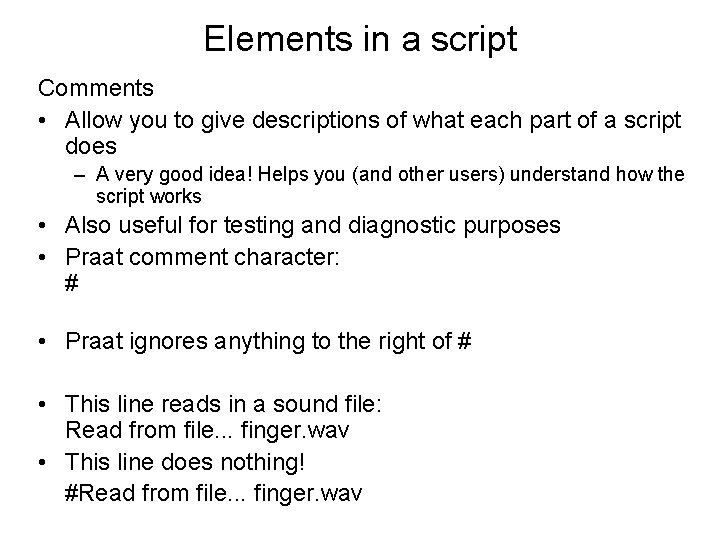
Elements in a script Comments • Allow you to give descriptions of what each part of a script does – A very good idea! Helps you (and other users) understand how the script works • Also useful for testing and diagnostic purposes • Praat comment character: # • Praat ignores anything to the right of # • This line reads in a sound file: Read from file. . . finger. wav • This line does nothing! #Read from file. . . finger. wav
Elements in a script • Objects (are manipulated) – everything in object window (at left) – files – numbers – strings (letters, etc. ) …
Open the script: Starter 2. praat
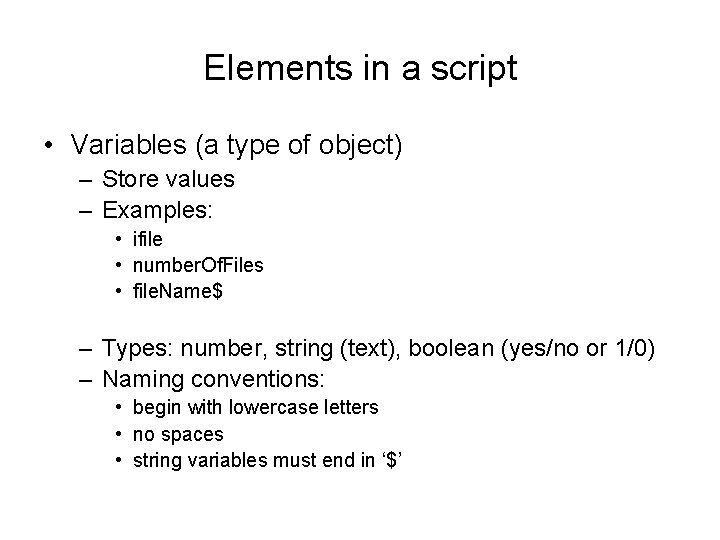
Elements in a script • Variables (a type of object) – Store values – Examples: • ifile • number. Of. Files • file. Name$ – Types: number, string (text), boolean (yes/no or 1/0) – Naming conventions: • begin with lowercase letters • no spaces • string variables must end in ‘$’
Open the script: Starter 3. praat
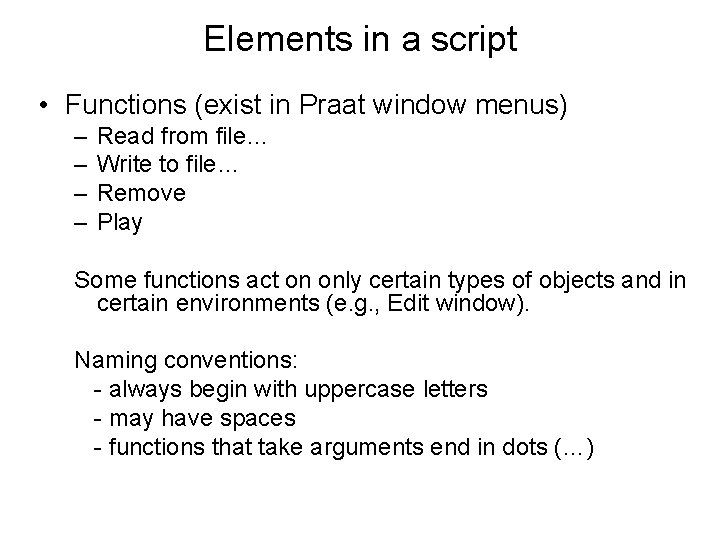
Elements in a script • Functions (exist in Praat window menus) – – Read from file… Write to file… Remove Play Some functions act on only certain types of objects and in certain environments (e. g. , Edit window). Naming conventions: - always begin with uppercase letters - may have spaces - functions that take arguments end in dots (…)
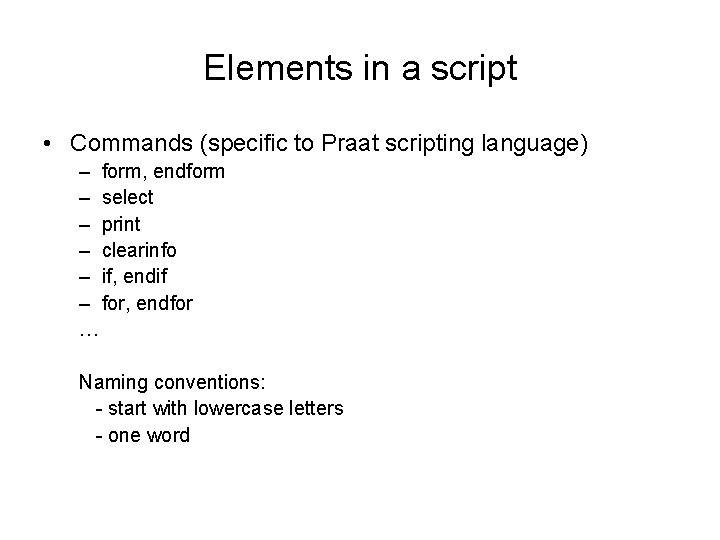
Elements in a script • Commands (specific to Praat scripting language) – form, endform – select – print – clearinfo – if, endif – for, endfor … Naming conventions: - start with lowercase letters - one word
Creating a Praat script from scratch • To create a new script: Praat | New script
History • Praat keeps track of what you do by hand • If you want to do something, but you’re not sure of the syntax, do : – in script window: Edit | Clear history – in objects window, select the object you want to work on and perform the operation. (Query | Get duration) – in script window (Edit | Paste history)
Open the script: Starter 4. praat
Loops • Allow the same commands and functions to be executed over and over again (on a list of files, for example) • Created with: for, endfor repeat, until (and other pairs of commands)
Bug tracking • Error messages can be transparent… • But often are not! • Practice fixing errors by introducing them: – missing $, misspelled/wrong case variable, hard return in form, … • Use print command to print information to info window and find bugs. E. g. : – print got here 'newline$’ – print ‘base. File’ 'newline$’ • Make changes and test incrementally • Save a backup script that works
Be (very!) careful… • … not to overwrite or delete important files! • Scripts are powerful and one mistake can wipe out days (weeks, months…) of work in seconds • Keep backups of data • When writing/adapting a new script, work in a temporary directory
Acknowledgments • Slides on element types based on Praat scripting tutorial basics, Florian Jaeger http: //www. stanford. edu/~tiflo/teaching/tutorials/T_Jaeger_ 042104 -praat%20 scripting. htm#slide 0001. htm
• My new lab (as of October 1, 2008) Laboratoire Parole et Langage Aix-en-Provence, France • My e-mail address will be: pauline. welby@lpl-aix. fr
- Slides: 24