MAY PROJECT GRAPHICS DIGITAL MEDIA MULTIMEDIA Mara Fernanda
- Slides: 9
MAY PROJECT GRAPHICS, DIGITAL MEDIA, MULTIMEDIA María Fernanda Aedo Segovia (3) Adriana Fernández López (5) Andrés Mauricio Gutiérrez Gámez (2) Ana Lucía Roffe Velasco (1 y 4) #1 #6 #13 #21 9 A
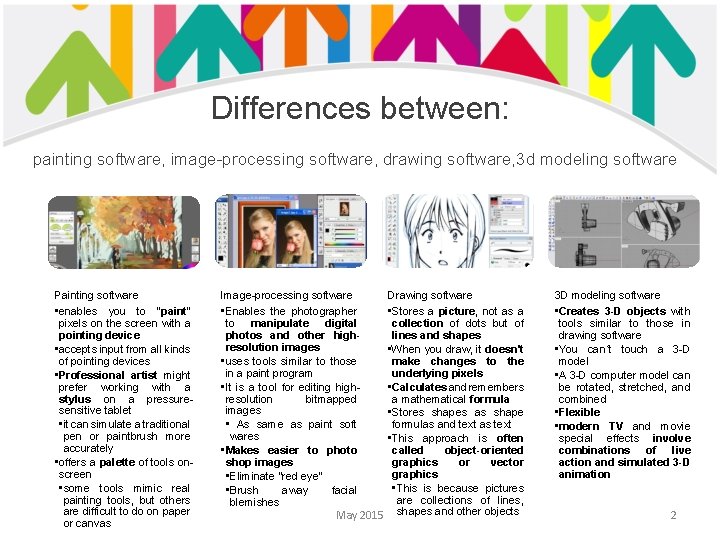
Differences between: painting software, image-processing software, drawing software, 3 d modeling software Painting software • enables you to “paint” pixels on the screen with a pointing device • accepts input from all kinds of pointing devices • Professional artist might prefer working with a stylus on a pressuresensitive tablet • it can simulate a traditional pen or paintbrush more accurately • offers a palette of tools onscreen • some tools mimic real painting tools, but others are difficult to do on paper or canvas Image-processing software • Enables the photographer to manipulate digital photos and other highresolution images • uses tools similar to those in a paint program • It is a tool for editing highresolution bitmapped images • As same as paint soft wares • Makes easier to photo shop images • Eliminate “red eye” • Brush away facial blemishes Drawing software • Stores a picture, not as a collection of dots but of lines and shapes • When you draw, it doesn't make changes to the underlying pixels • Calculates and remembers a mathematical formula • Stores shapes as shape formulas and text as text • This approach is often called object-oriented graphics or vector graphics • This is because pictures are collections of lines, May 2015 shapes and other objects 3 D modeling software • Creates 3 -D objects with tools similar to those in drawing software • You can´t touch a 3 -D model • A 3 -D computer model can be rotated, stretched, and combined • Flexible • modern TV and movie special effects involve combinations of live action and simulated 3 -D animation 2
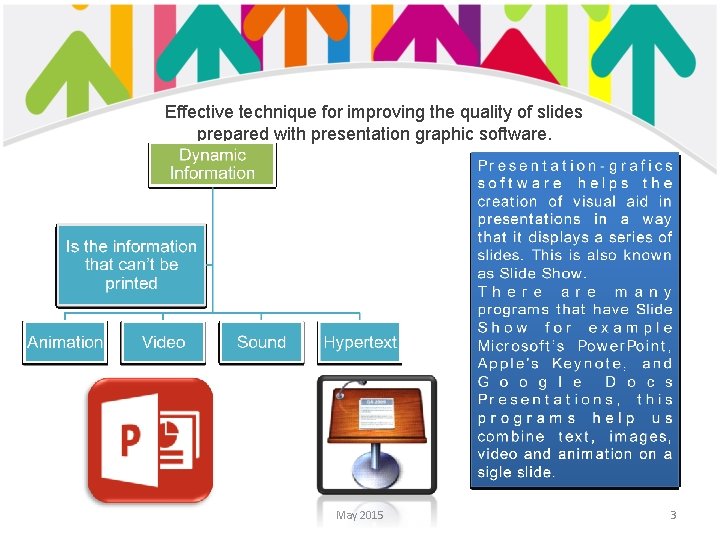
Effective technique for improving the quality of slides prepared with presentation graphic software. May 2015 3
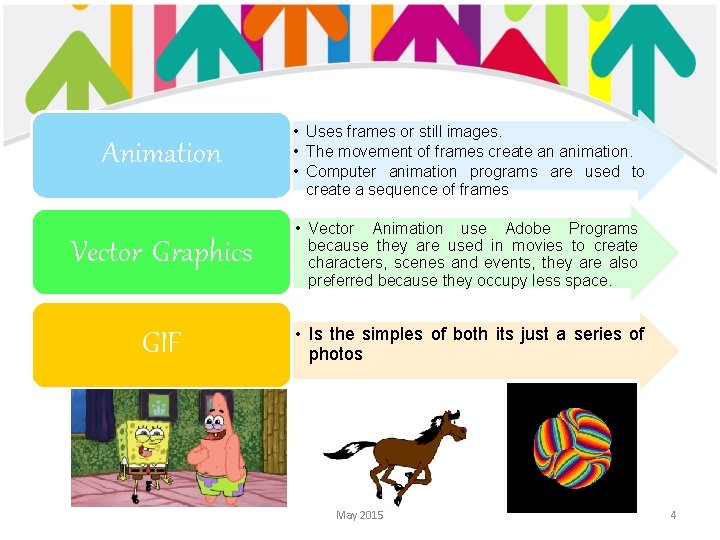
Animation • Uses frames or still images. • The movement of frames create an animation. • Computer animation programs are used to create a sequence of frames Vector Graphics • Vector Animation use Adobe Programs because they are used in movies to create characters, scenes and events, they are also preferred because they occupy less space. GIF • Is the simples of both its just a series of photos May 2015 4
How is digital technology use in video and audio production ? • Digital technology is the same revolution as adding sound to pictures and the same revolution as adding color to pictures. • Computer can be used to edit videos, splice scenes, add transitions, create titles, and do other tasks in a fraction of time. The only requirement is that the video be in a digital form so the computer can treat it as data. • Analog video technology is rapidly being replaced by digital video technology. In the US receive signals that are broadcast as digital data. New camcorders, from consumer grade to professional, are mostly all digital. Analog VHS videotapes have kittle relevance in a world of DVDs, Blu-Ray discs, and digital movie downloads. • Analog videos and broadcasts can be digitized-converted to a newer digital format-with a video digitizer. May 2015 5
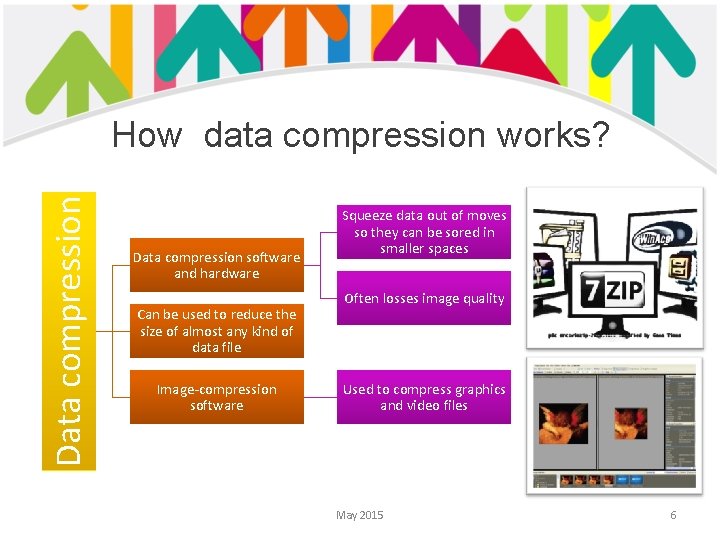
Data compression How data compression works? Data compression software and hardware Can be used to reduce the size of almost any kind of data file Image-compression software Squeeze data out of moves so they can be sored in smaller spaces Often losses image quality Used to compress graphics and video files May 2015 6
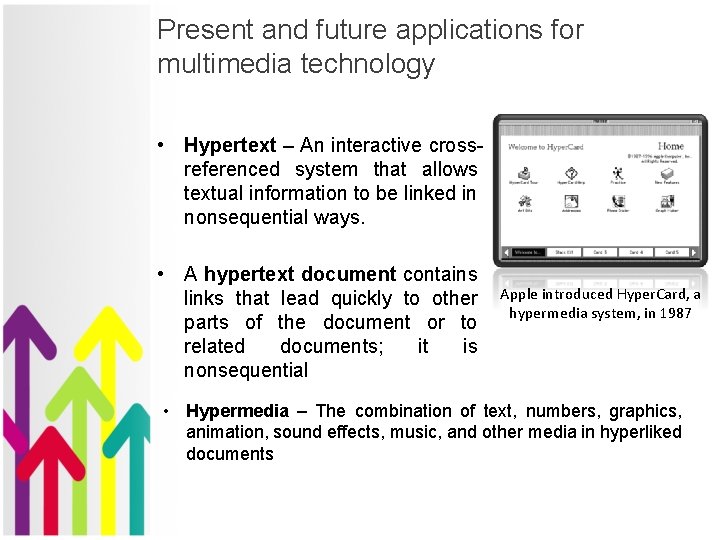
Present and future applications for multimedia technology • Hypertext – An interactive crossreferenced system that allows textual information to be linked in nonsequential ways. • A hypertext document contains links that lead quickly to other parts of the document or to related documents; it is nonsequential Apple introduced Hyper. Card, a hypermedia system, in 1987 • Hypermedia – The combination of text, numbers, graphics, animation, sound effects, music, and other media in hyperliked documents
• Complaints about hypertext – Hypermedia documents can be desiorenting. – Sometimes they don’t have the links the reader wants. – Contain «lost» links – Hardware can be hard on humans. • Multimedia – combination of text, graphics, animation, video, music, voice, and sound effects to communicate ⁻ Passive media – no control over the information flow ⁻ Interactive multimedia – allows the user to take an active part in the experience by putting him in charge
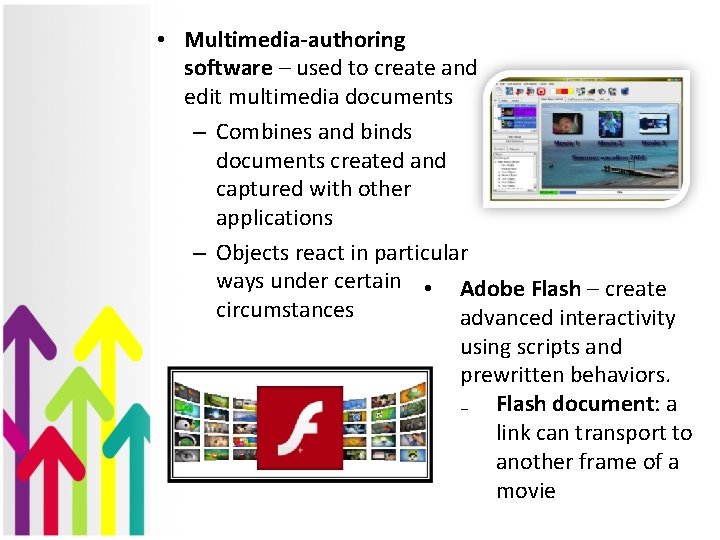
• Multimedia-authoring software – used to create and edit multimedia documents – Combines and binds documents created and captured with other applications – Objects react in particular ways under certain • Adobe Flash – create circumstances advanced interactivity using scripts and prewritten behaviors. ₋ Flash document: a link can transport to another frame of a movie