MARSIS data visualization using open source tools Anton
- Slides: 14
MARSIS data visualization using open source tools Anton B. Ivanov (anton@psi. edu) Ecole Polytechnique fédérale, Lausanne, Switzerland Planetary Science Institute, Tucson, AZ.
Overview • What you need to know • Access and plotting tools • • vanilla, GMT IDL • Goal for today • Show a simple example of MARSIS data use.
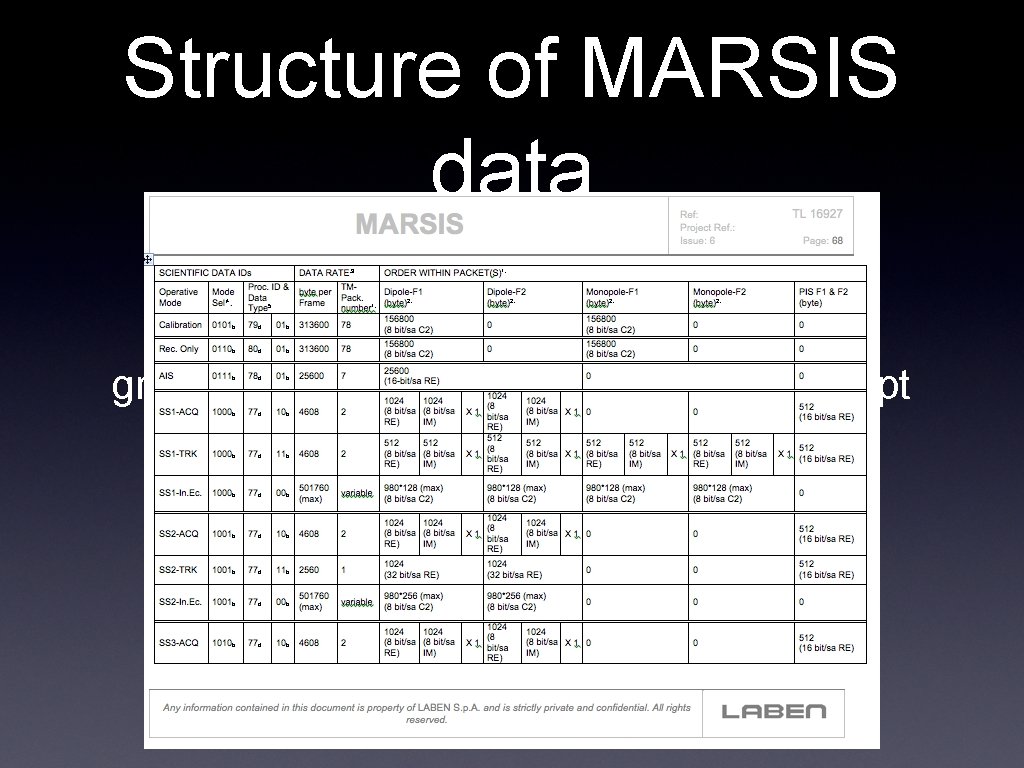
Structure of MARSIS data grd 2 cpt d 1885. grd -E 256 -Cgray > ddd. cpt
Software set • What you need to know to process MARSIS data • • Get a Mac • On Windows you can get by using Cygwin Get vanilla executables • • http: //software. mars. asu. edu/vanilla/ there might be an updated version of vanilla for more efficiency I can highly recommend GMT for plotting solution MOLA datasets come very useful for analysis
vanilla • • Originally developed at Arizona State University to access MGS TES data Provides a database like access to PDS table data. • • • has capability of joining datasets. In MARSIS case we join radar data and geometry provides facilities for easy data search use with MARSIS data require additional description files in the data directory
Use of vanilla with MARSIS • . FMT files • • have to be copied into every directory where data resides • located in LABEL directory dataset file • it is not necessary to have many separate files, it is possible to have just one • • master file in order to increase efficiency of search it makes sense to have subsets of dataset files. For example, 3 XXX or 4 XXX files. possible to select either part of an orbit, the whole orbit or set of orbits (e. g. lat /lon locations)
vanilla examples • vanilla dataset. ss 3 -fields -select • • list of fields can be found in. FMT files • grep NAME FRM_SS 3_TRK*FMT is very useful command. possible to select either part of an orbit, the whole orbit or set of orbits (e. g. lat /lon locations)
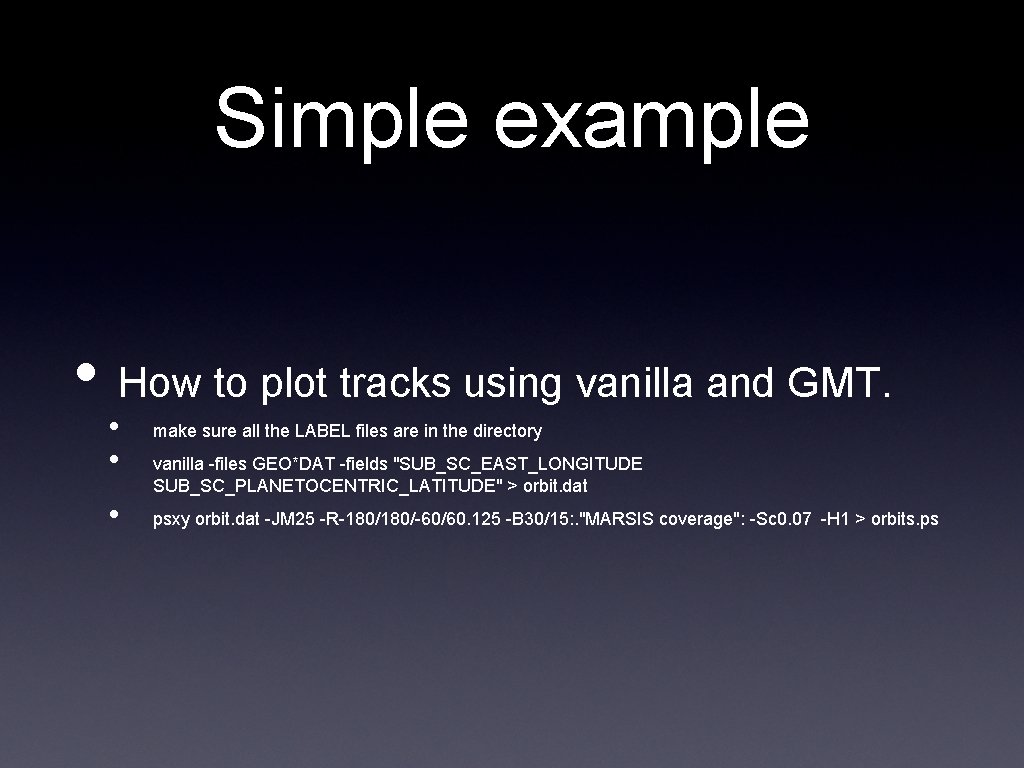
Simple example • How to plot tracks using vanilla and GMT. • • • make sure all the LABEL files are in the directory vanilla -files GEO*DAT -fields "SUB_SC_EAST_LONGITUDE SUB_SC_PLANETOCENTRIC_LATITUDE" > orbit. dat psxy orbit. dat -JM 25 -R-180/-60/60. 125 -B 30/15: . "MARSIS coverage": -Sc 0. 07 -H 1 > orbits. ps
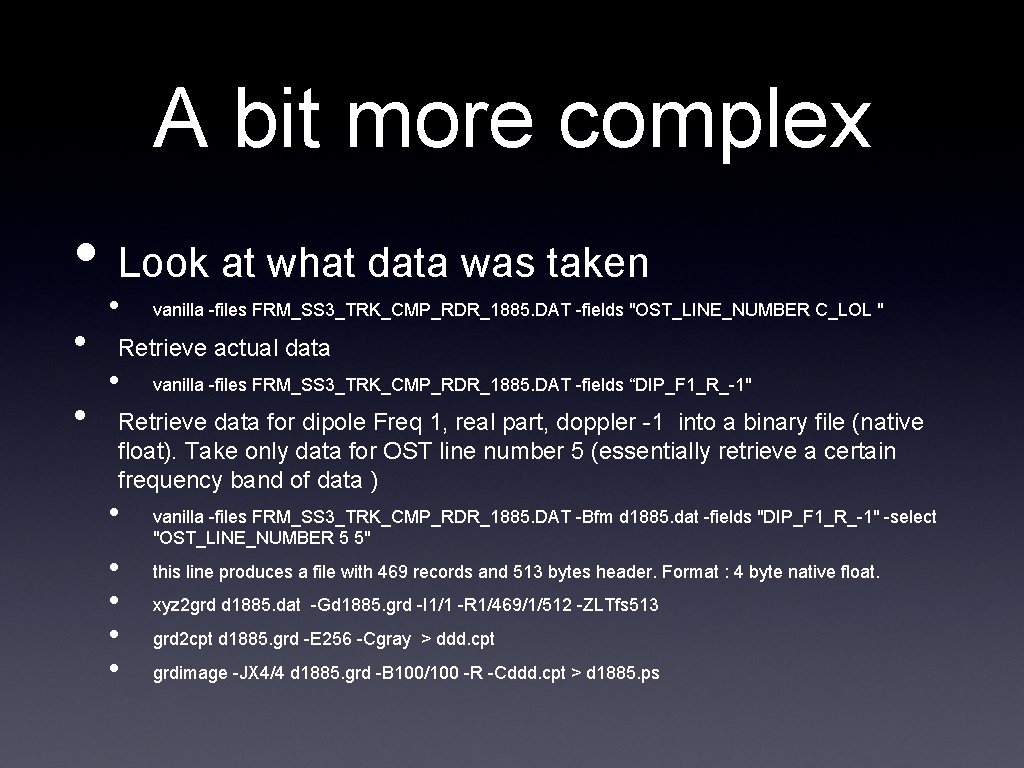
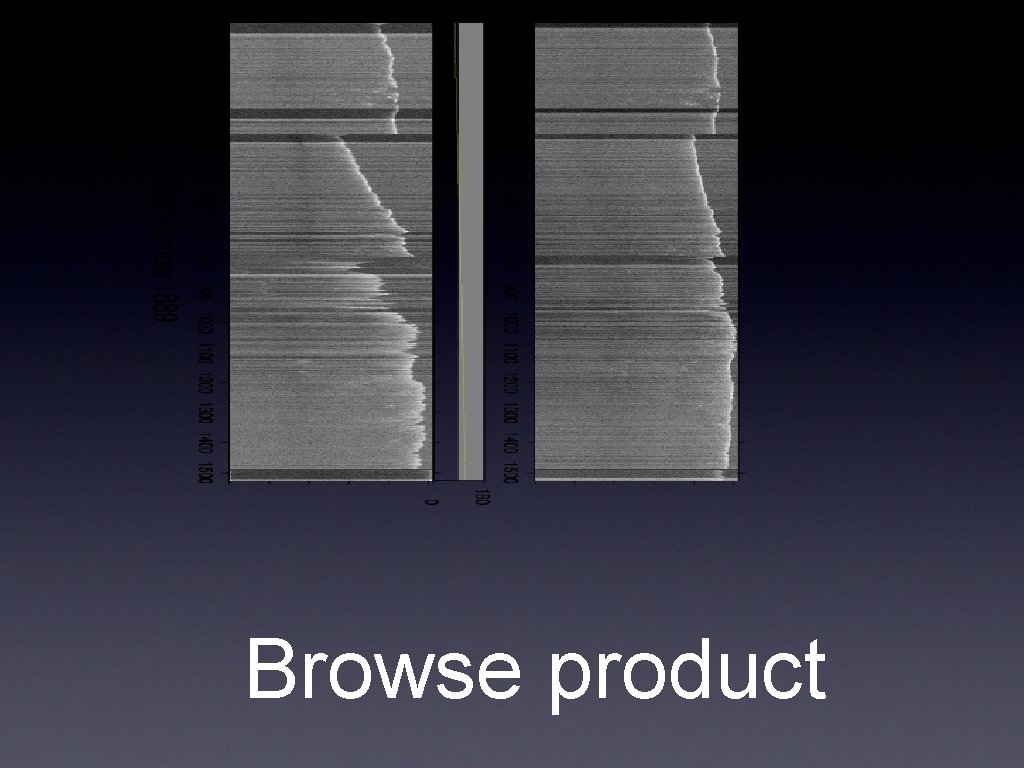
A bit more complex • Look at what data was taken • • • vanilla -files FRM_SS 3_TRK_CMP_RDR_1885. DAT -fields "OST_LINE_NUMBER C_LOL " Retrieve actual data • vanilla -files FRM_SS 3_TRK_CMP_RDR_1885. DAT -fields “DIP_F 1_R_-1" Retrieve data for dipole Freq 1, real part, doppler -1 into a binary file (native float). Take only data for OST line number 5 (essentially retrieve a certain frequency band of data ) • • • vanilla -files FRM_SS 3_TRK_CMP_RDR_1885. DAT -Bfm d 1885. dat -fields "DIP_F 1_R_-1" -select "OST_LINE_NUMBER 5 5" this line produces a file with 469 records and 513 bytes header. Format : 4 byte native float. xyz 2 grd d 1885. dat -Gd 1885. grd -I 1/1 -R 1/469/1/512 -ZLTfs 513 grd 2 cpt d 1885. grd -E 256 -Cgray > ddd. cpt grdimage -JX 4/4 d 1885. grd -B 100/100 -R -Cddd. cpt > d 1885. ps
Browse product
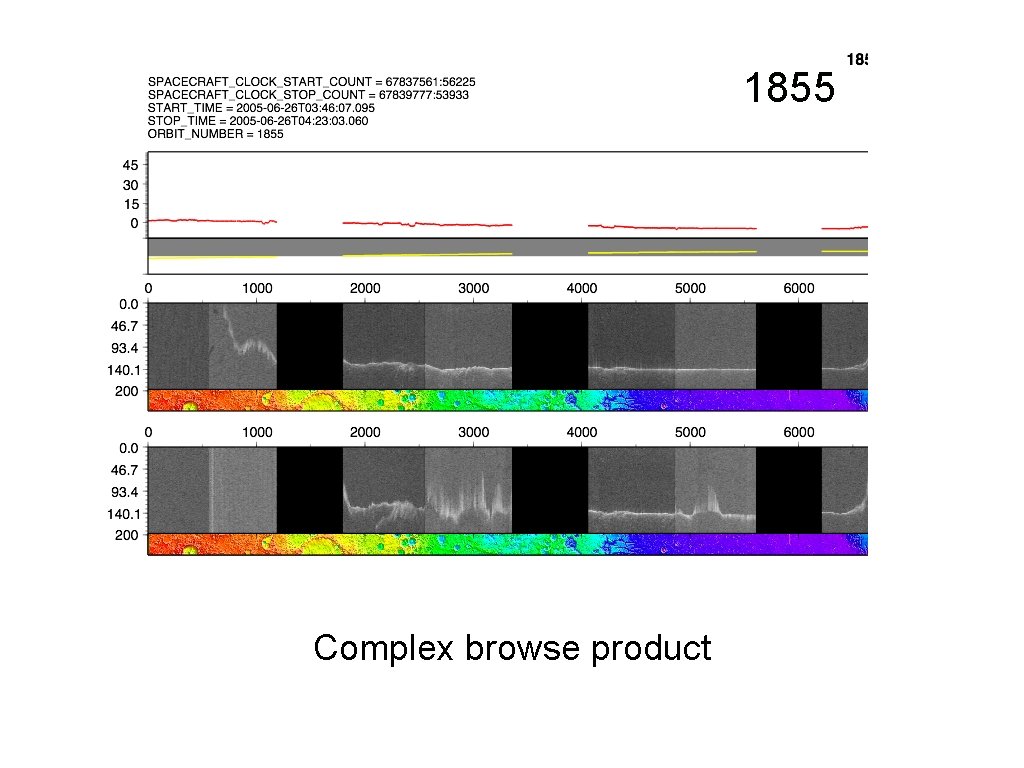
1855 Complex browse product
IDL • Use standard PDS tools to read data table by • table read_vanilla • I have put together a simple IDL script which is essentially an interface to the vanilla utility
GIS • It is quite possible and useful to integrate MARSIS tracks into a GIS (Arc. View or GRASS). • • • Makes sense for analysis of data coverage, quality Integration with other datasets (e. g. MEX HRSC data) Hard to integrate MARSIS browse products • It is quite possible to produce. shp files using vanilla interface. This is a task in progress. Let me know if you’re interested.
Caveats • With respect to vanilla tool there are still a few issues • • current datasets contain small errors standard vanilla tool does not work in database sense • however allows working with the data file by file labels have to be fixed in order to allow better handling of the data. all of these will be fixed in the next data release