La Te X Introduction Wenguang Wang Department of



- Slides: 13
La. Te. X Introduction Wenguang Wang Department of Computer Science University of Saskatchewan February 28, 2000 1
What is La. Te. X • • • How to pronounce La. Te. X? (Lah-tek, or Lay-tek) A typesetting program, not a word-processor Macros of Te. X (Donald E. Knuth) Current version La. Te. X 2 Designed for producing beautiful books, thesises, papers, articles. . . • De facto standard for writing academic papers 2
Why La. Te. X, not Word? • • • Professional result Platform, version independent (Unix, Windows…) Pre-set standard formats (for paper, thesis…) Bibliography management Fast, professional math equations typesetting Free available The commands are easy to learn Never crash, never lose your file Can compile very big books (unless your document is more than 70, 000 pages!) 3
Disadvantages • You need other software (xfig) for pictures (Word picture can be used in La. Te. X) • Spelling/grammar checking is not as convenient as those in MS Word (emacs+ispell is good) • Not WYSIWYG (try klyx and lyx on /grad/wew 036/bin) • Remember some commands • Not straightforward for creating complex tables • Not integrated with other MS Office products 4
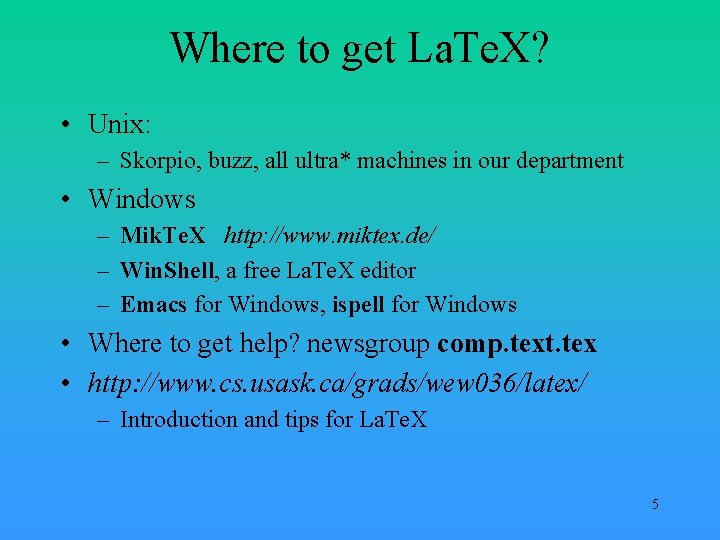
Where to get La. Te. X? • Unix: – Skorpio, buzz, all ultra* machines in our department • Windows – Mik. Te. X http: //www. miktex. de/ – Win. Shell, a free La. Te. X editor – Emacs for Windows, ispell for Windows • Where to get help? newsgroup comp. text. tex • http: //www. cs. usask. ca/grads/wew 036/latex/ – Introduction and tips for La. Te. X 5
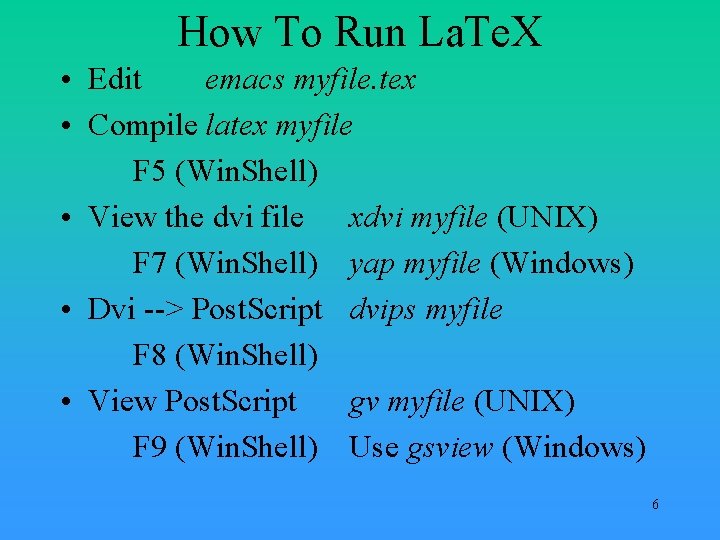
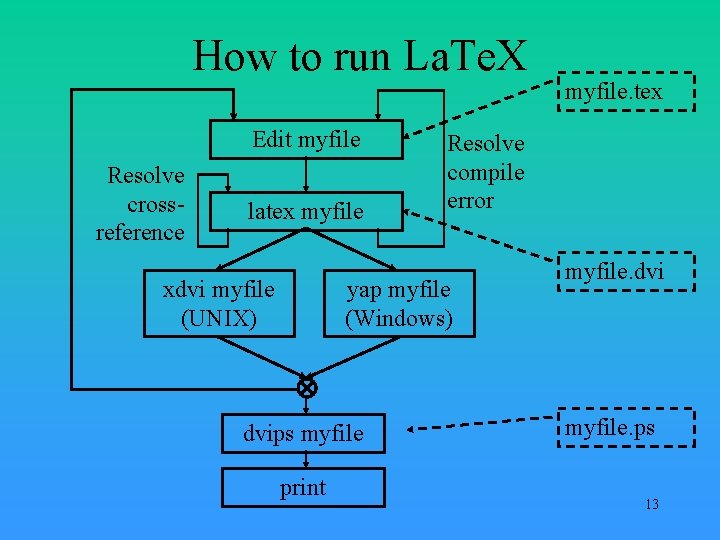
How To Run La. Te. X • Edit emacs myfile. tex • Compile latex myfile F 5 (Win. Shell) • View the dvi file xdvi myfile (UNIX) F 7 (Win. Shell) yap myfile (Windows) • Dvi --> Post. Script dvips myfile F 8 (Win. Shell) • View Post. Script gv myfile (UNIX) F 9 (Win. Shell) Use gsview (Windows) 6
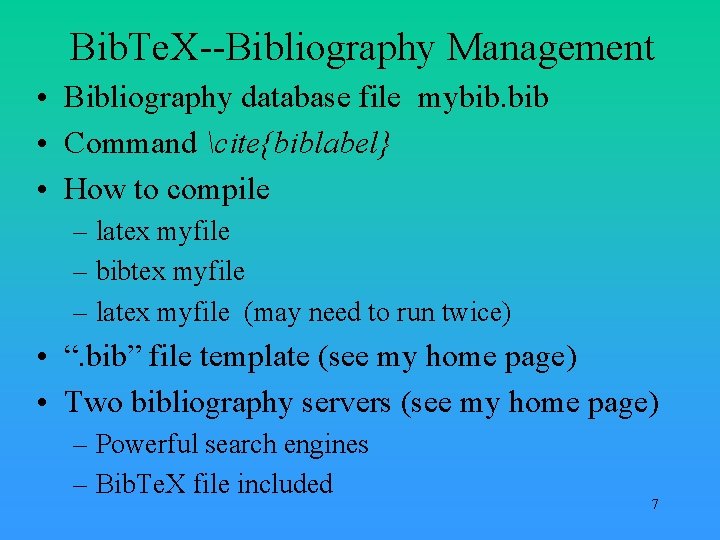
Bib. Te. X--Bibliography Management • Bibliography database file mybib. bib • Command cite{biblabel} • How to compile – latex myfile – bibtex myfile – latex myfile (may need to run twice) • “. bib” file template (see my home page) • Two bibliography servers (see my home page) – Powerful search engines – Bib. Te. X file included 7
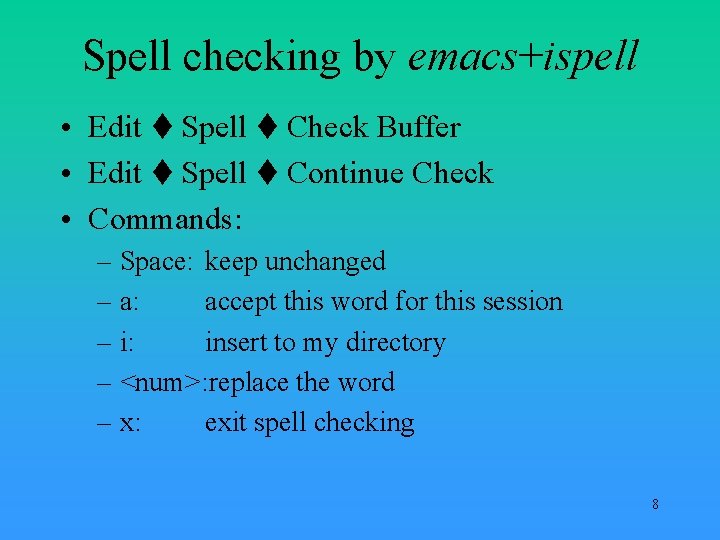
Spell checking by emacs+ispell • Edit Spell Check Buffer • Edit Spell Continue Check • Commands: – Space: keep unchanged – a: accept this word for this session – i: insert to my directory – <num>: replace the word – x: exit spell checking 8
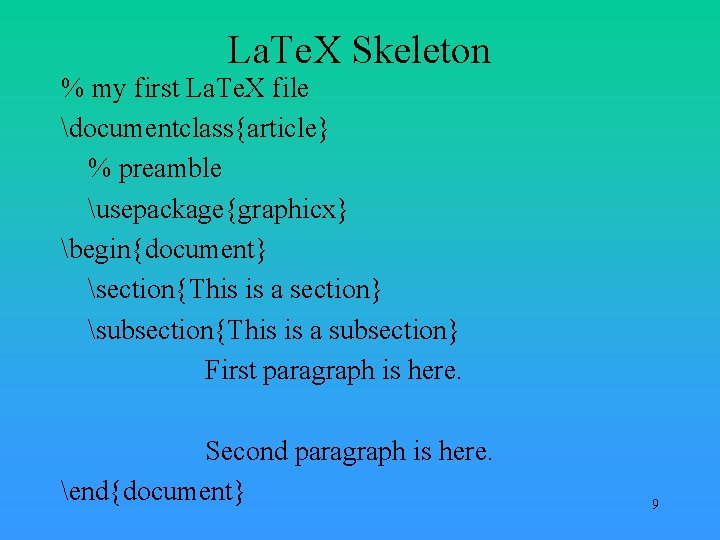
La. Te. X Skeleton % my first La. Te. X file documentclass{article} % preamble usepackage{graphicx} begin{document} section{This is a section} subsection{This is a subsection} First paragraph is here. Second paragraph is here. end{document} 9
Now let’s learn by samples We concentrate on what you can do, not how do you do. 10
11
Thank you! For more details, check my home page: http: //www. cs. usask. ca/grads/wew 036/latex 12
How to run La. Te. X Edit myfile Resolve crossreference latex myfile xdvi myfile (UNIX) Resolve compile error yap myfile (Windows) dvips myfile print myfile. tex myfile. dvi myfile. ps 13