King Saud University College of Engineering IE 462
- Slides: 20
King Saud University College of Engineering IE – 462: “Industrial Information Systems” Fall – 2018 (1 st Sem. 1439 -40 H) Chapter 2 Information System Development – p 2 Prepared by: Ahmed M. El-Sherbeeny, Ph. D 1
Lesson Overview • Source of Software • Comparing Sources of Software Components • Criteria for Selecting Software 2
Sources of Software • There are various sources of software for organizations • First administrative information system: US, General Electric’s (GE) payroll system (1954) as in-house development • There are various criteria used to evaluate software IE 462 3
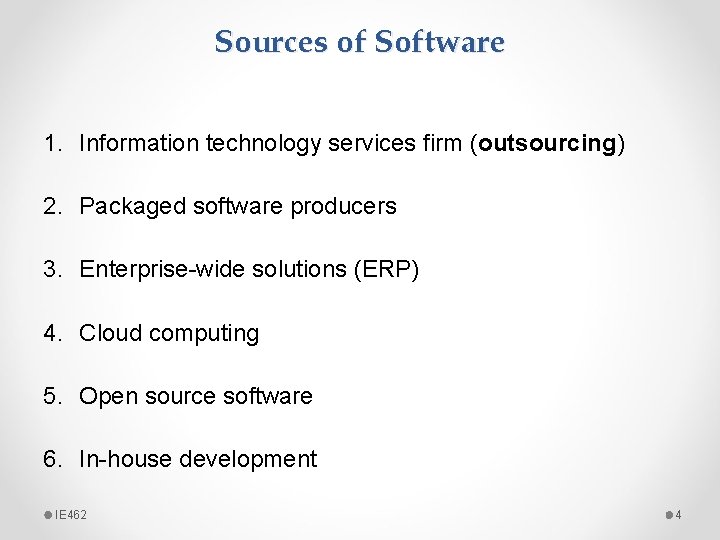
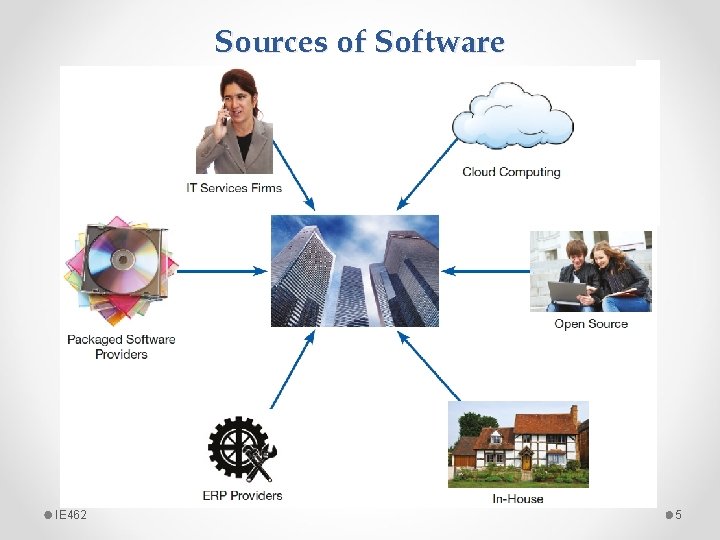
Sources of Software 1. Information technology services firm (outsourcing) 2. Packaged software producers 3. Enterprise-wide solutions (ERP) 4. Cloud computing 5. Open source software 6. In-house development IE 462 4
Sources of Software IE 462 5
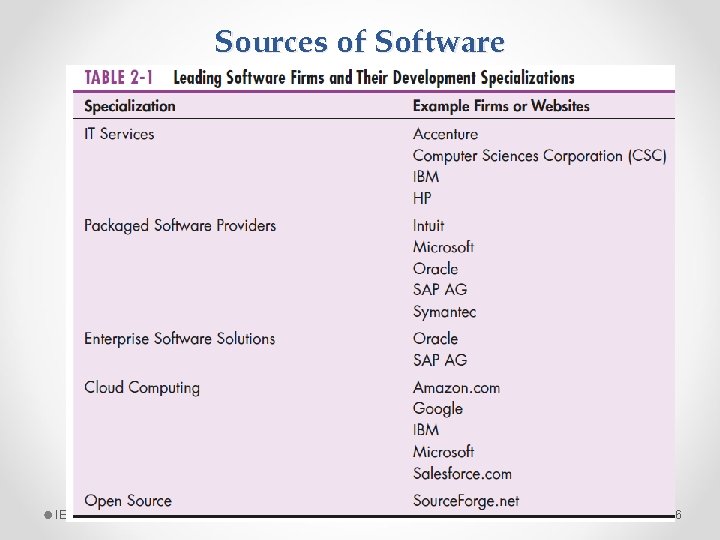
Sources of Software IE 462 6
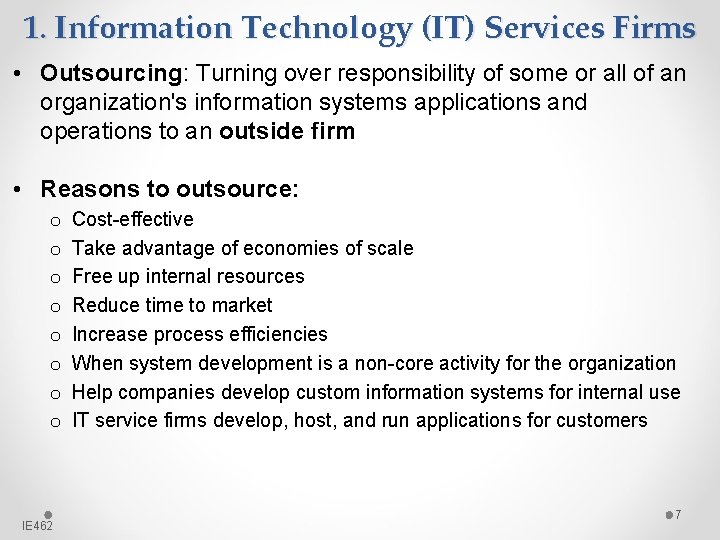
1. Information Technology (IT) Services Firms • Outsourcing: Turning over responsibility of some or all of an organization's information systems applications and operations to an outside firm • Reasons to outsource: o o o o IE 462 Cost-effective Take advantage of economies of scale Free up internal resources Reduce time to market Increase process efficiencies When system development is a non-core activity for the organization Help companies develop custom information systems for internal use IT service firms develop, host, and run applications for customers 7
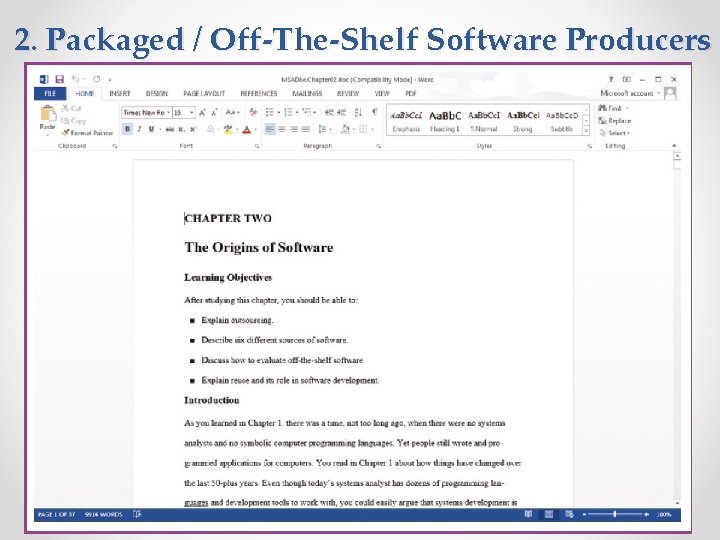
2. Packaged / Off-The-Shelf Software Producers • Serve many market segments • Provide variety of software: o broad-based packages (e. g. productivity tools) o specialized packages (e. g. software to manage small store) • Software runs on all size computers, from microcomputers to large mainframes • Prepackaged software (e. g. MS. Project) is off-the-shelf and is turnkey software* (i. e. not customizable) IE 462 8
2. Packaged / Off-The-Shelf Software Producers IE 462 9
3. Enterprise Solutions Software • Enterprise Resource Planning (ERP) systems integrate individual traditional business functions into modules enabling a single seamless transaction to cut across functional boundaries • e. g. series of modules will support entire order entry process, from receiving order, to adjusting inventory, to shipping to billing, to after-the-sale service* • SAP AG (German company; since 1972) is the leading vendor of ERP systems; also Oracle (US company; famous for database software); both control 36% of ERP market IE 462 10
3. Enterprise Solutions Software • Advantages of ERP system: o o single repository of data for all aspects of a business process flexibility of the modules (easy to integrate new modules) consistent and accurate data less maintenance • Disadvantages of ERP system: o o IE 462 systems are very complex implementation can take a long time to complete usually very expensive to hire consultants to install system “migration” to new system involves changing how organizations do business 11
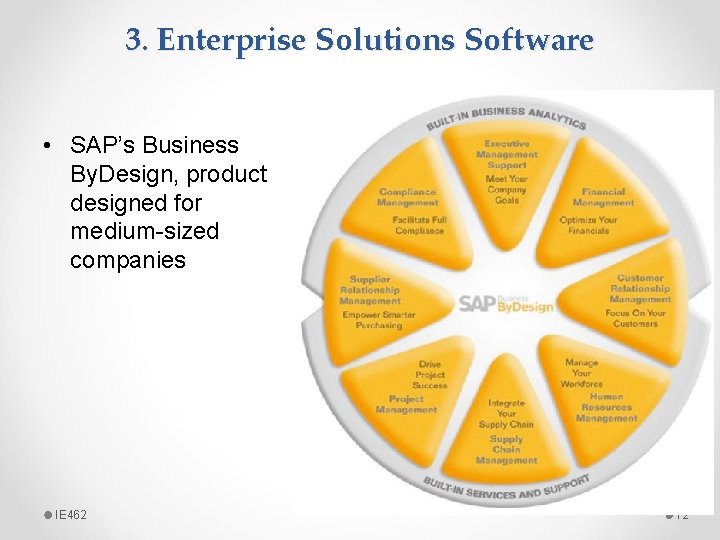
3. Enterprise Solutions Software • SAP’s Business By. Design, product designed for medium-sized companies IE 462 12
4. Cloud Computing • The provision of computing resources, including applications, over the Internet, so customers do not have to invest in the computing infrastructure needed to run and maintain the resources • Third-party providers run applications at remote sites • Users have access to applications through the Internet or through virtual private networks • The application provider buys, installs, maintains, and upgrades the applications IE 462 13
4. Cloud Computing • Advantages of cloud computing: o o o freeing internal IT staff gaining access to applications faster than via internal development achieving low-cost access to corporate-quality applications no expensive, time-consuming system implementation cost effectiveness, speed to market, and better performance • Disadvantages of cloud computing : o security concern: storing company data (e. g. customer information) on machines one does not own and that others can access o reliability: vulnerable to unexpected risks due to its complexity o compliance with government regulations IE 462 14
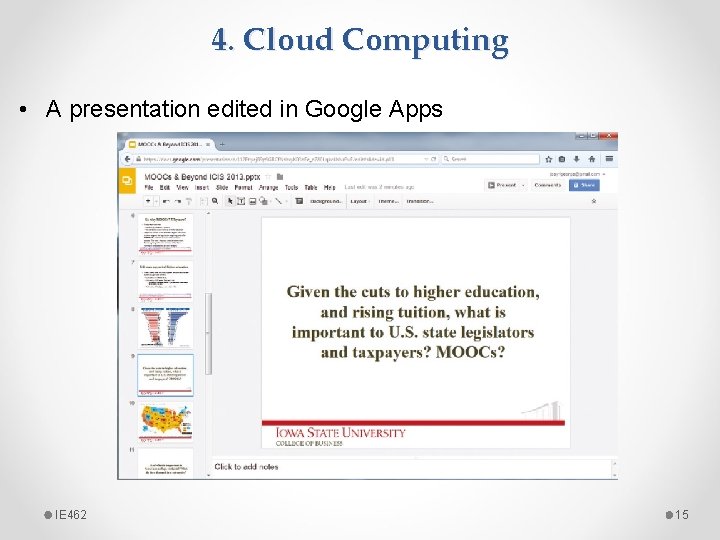
4. Cloud Computing • A presentation edited in Google Apps IE 462 15
5. Open Source Software • Freely available, including source code • Developed by a large community* of interested people (making money through maintenance, support, and selling fully-featured versions) • Performs the same functions as commercial software (e. g. operating systems, e-mail, database systems, web browsers) • e. g. Linux, my. SQL (database system), Firefox IE 462 16
6. In-House Development • If sufficient system development expertise with the chosen platform exists in-house, then some or all of the system can be developed by the organization’s own staff • Becoming a progressively smaller piece of all systems development work that takes place in and for organizations (large maintenance burden)* • Hybrid solutions involving some purchased and some inhouse components are common IE 462 17
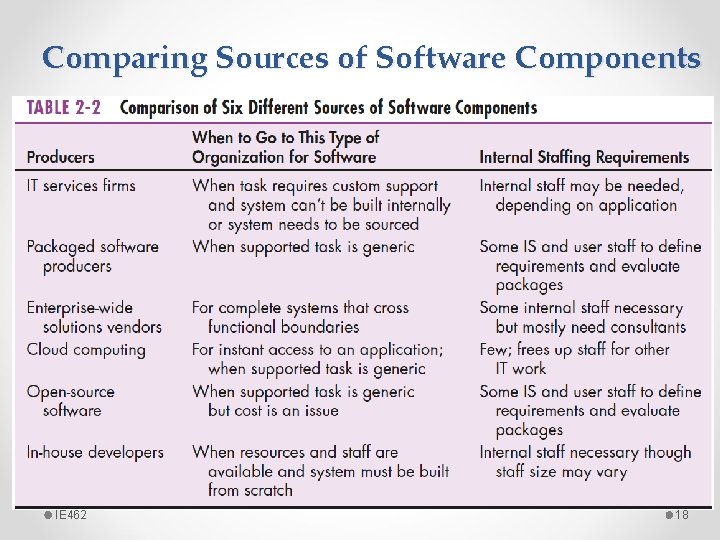
Comparing Sources of Software Components IE 462 18
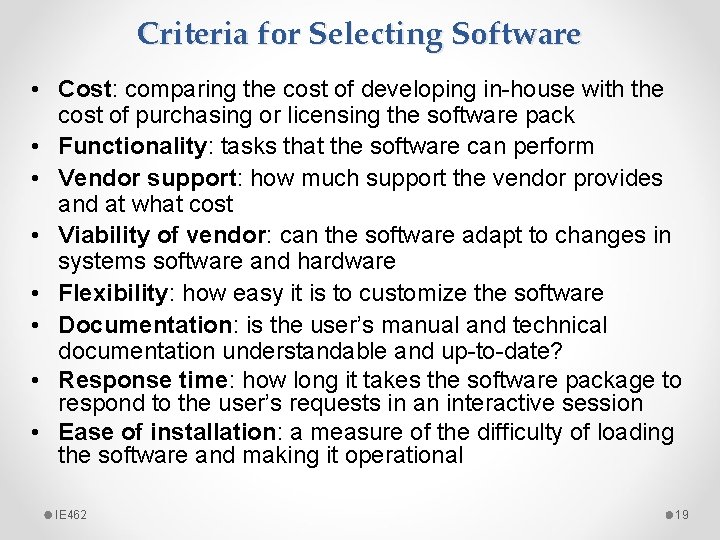
Criteria for Selecting Software • Cost: comparing the cost of developing in-house with the cost of purchasing or licensing the software pack • Functionality: tasks that the software can perform • Vendor support: how much support the vendor provides and at what cost • Viability of vendor: can the software adapt to changes in systems software and hardware • Flexibility: how easy it is to customize the software • Documentation: is the user’s manual and technical documentation understandable and up-to-date? • Response time: how long it takes the software package to respond to the user’s requests in an interactive session • Ease of installation: a measure of the difficulty of loading the software and making it operational IE 462 19
Sources • Modern Systems Analysis and Design. Joseph S. Valacich and Joey F. George. Pearson. Eighth Ed. 2017. Chapter 2. • Youtube: Types of Software by Michelle TPY https: //youtu. be/RV 9 kqnd. Sn 4 Q IE 462 20