How to make a Jeopardy type game in
- Slides: 27
How to make a Jeopardy type game in Power. Point
Open a blank Power. Point
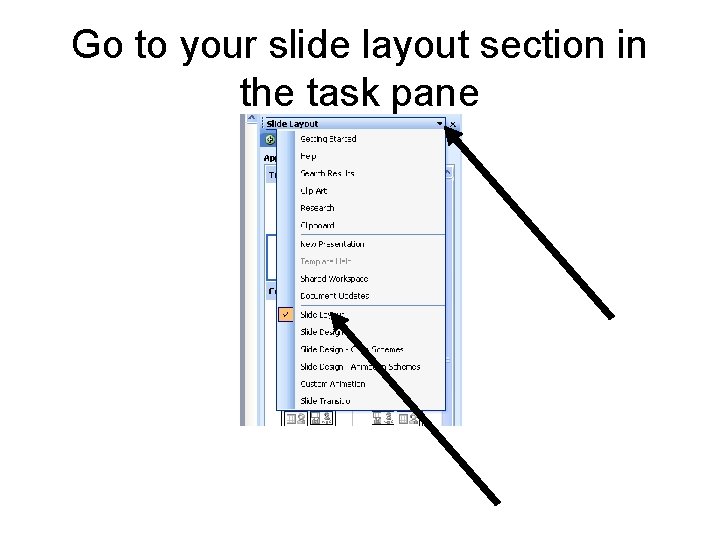
Go to your slide layout section in the task pane
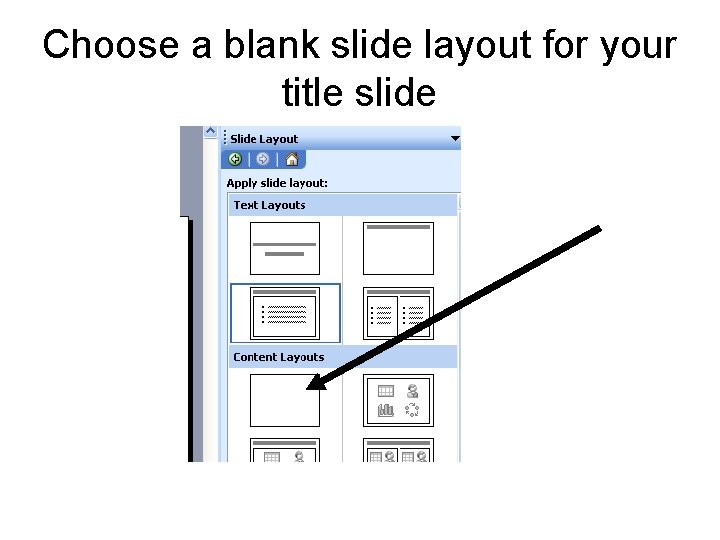
Choose a blank slide layout for your title slide
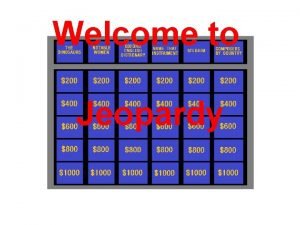
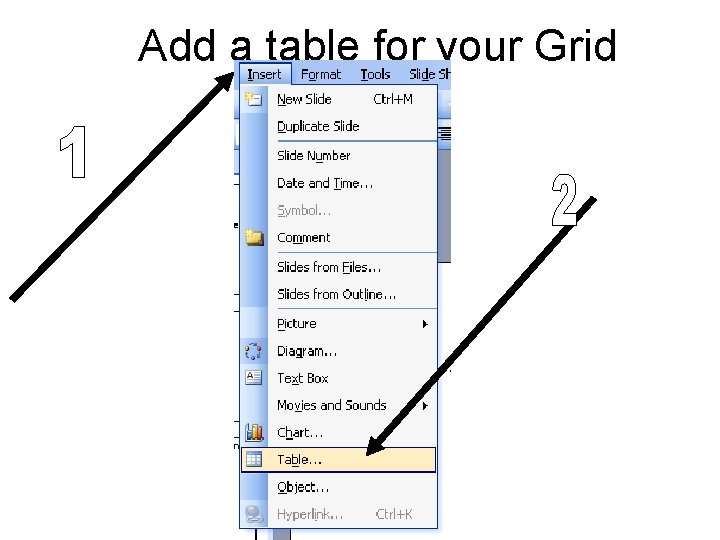
Add a table for your Grid
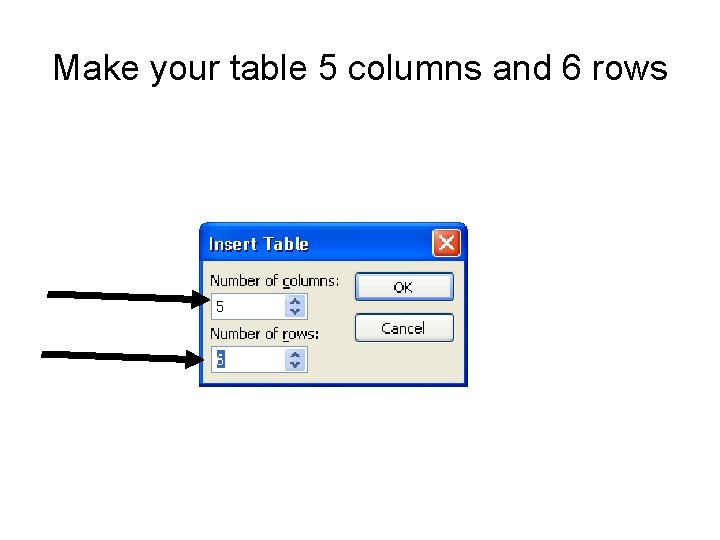
Make your table 5 columns and 6 rows
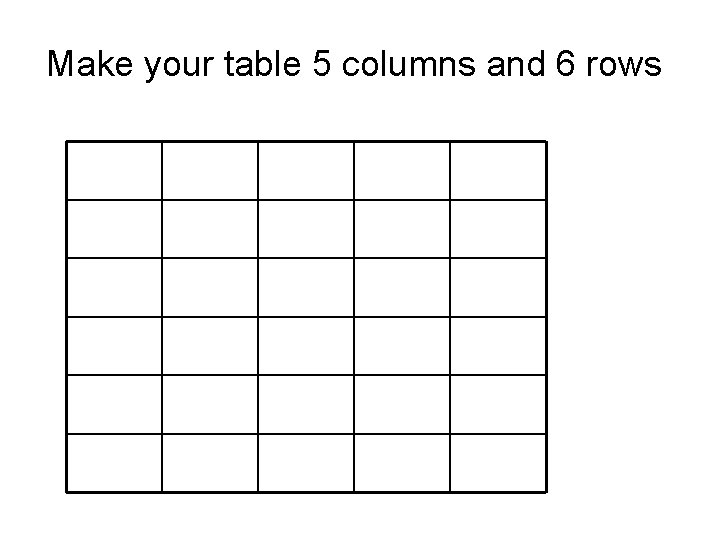
Make your table 5 columns and 6 rows
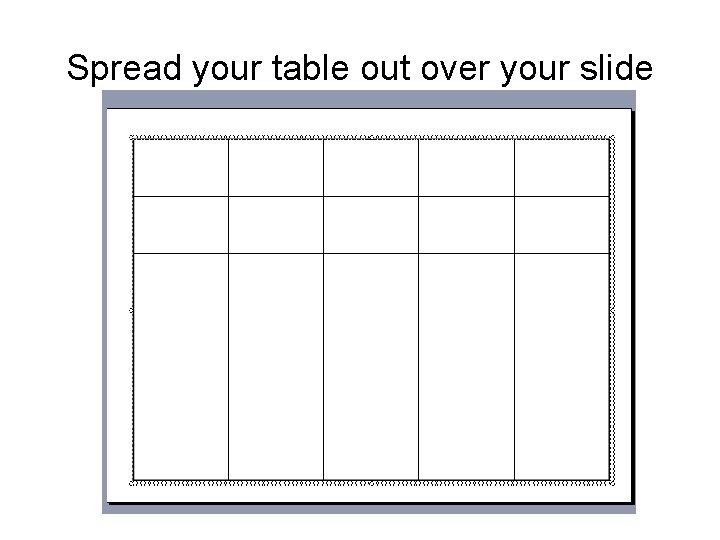
Spread your table out over your slide
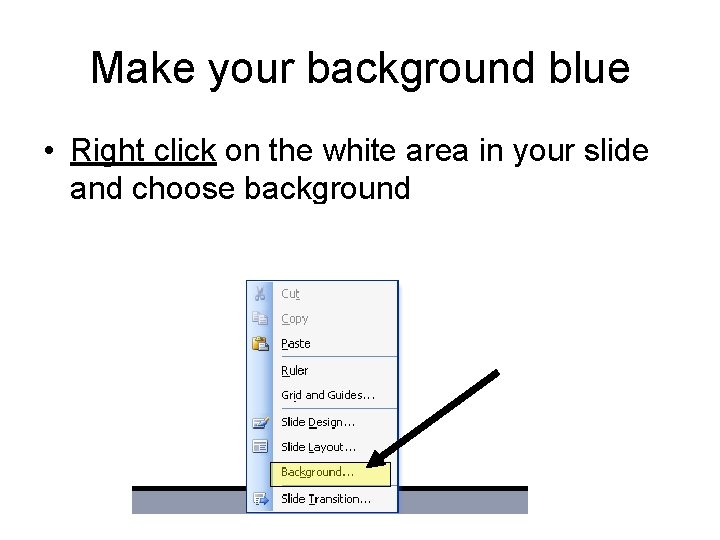
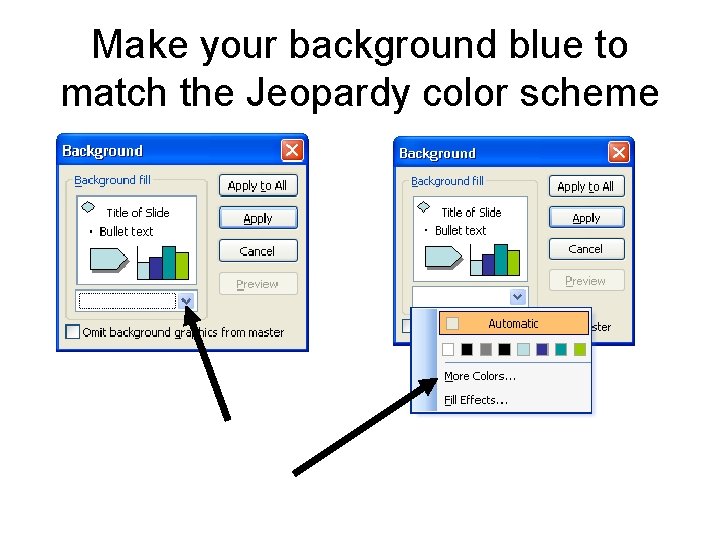
Make your background blue • Right click on the white area in your slide and choose background
Make your background blue to match the Jeopardy color scheme
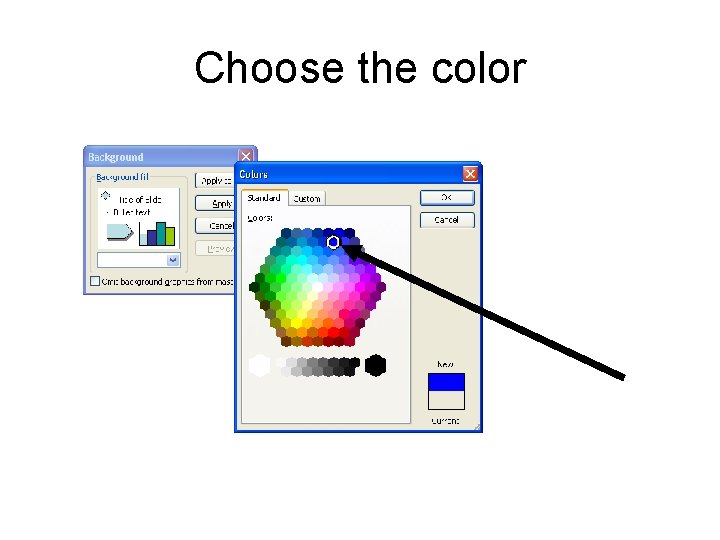
Choose the color
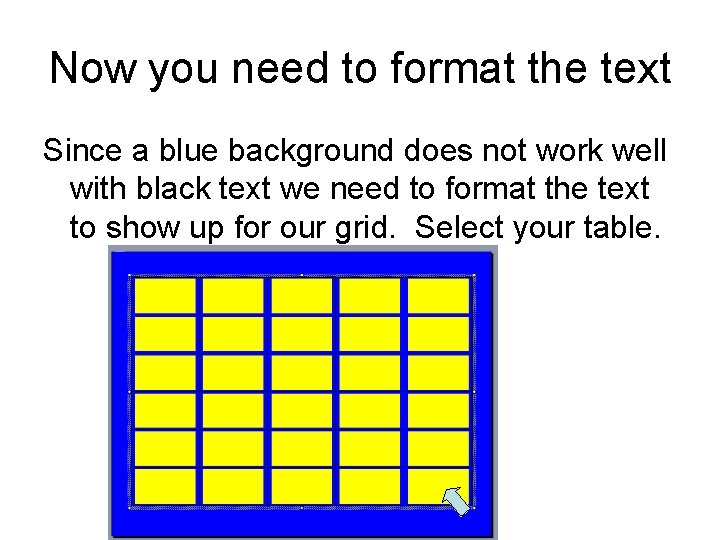
Now you need to format the text Since a blue background does not work well with black text we need to format the text to show up for our grid. Select your table.
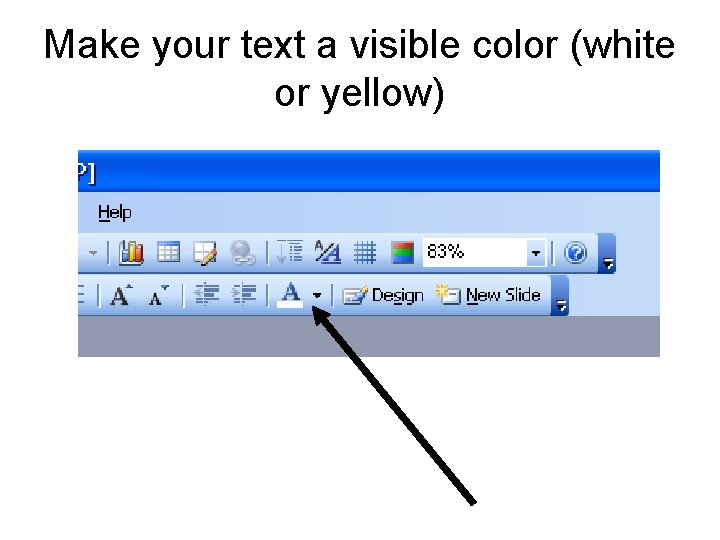
Make your text a visible color (white or yellow)
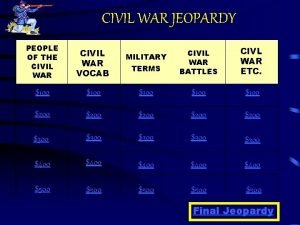
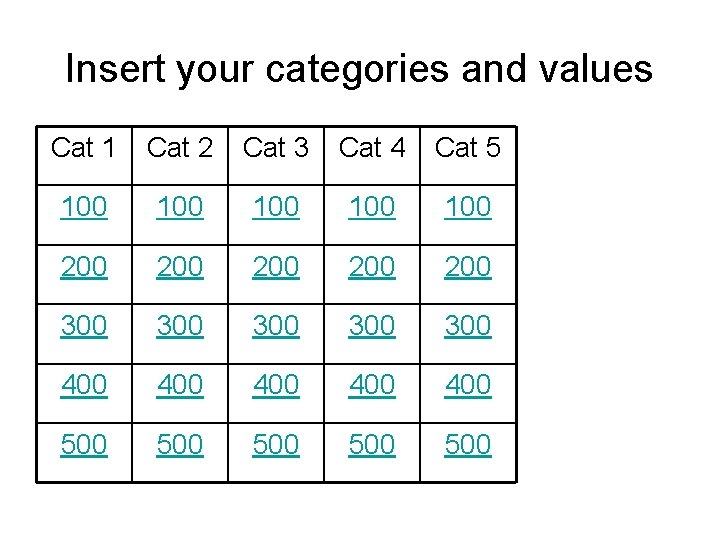
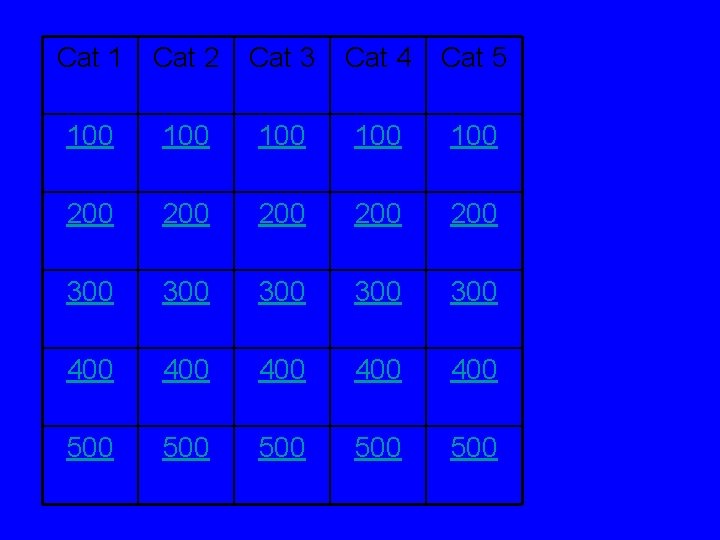
Insert your categories and values Cat 1 Cat 2 Cat 3 Cat 4 Cat 5 100 100 100 200 200 200 300 300 300 400 400 400 500 500 500
Make 26 more slides • Hold the Ctrl and M key to create new slides. You will need 27 slides total. • Title/Category/Value slide=1 • Categories=25 • Final Jeopardy=1 • Total=27
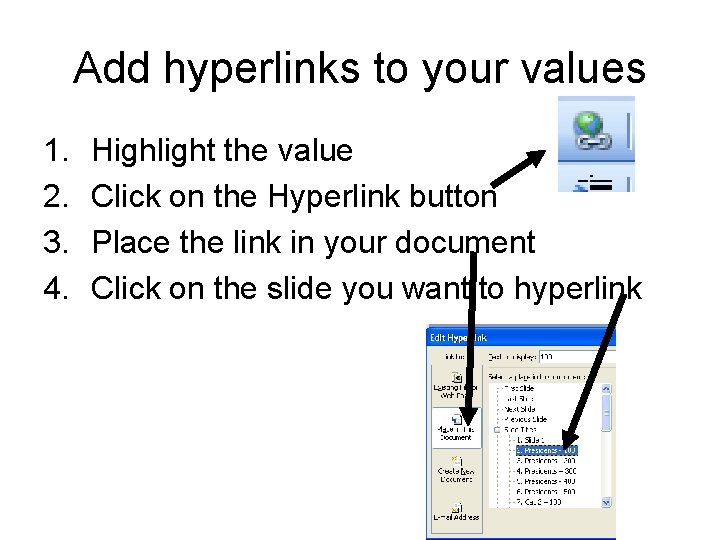
Add hyperlinks to your values 1. 2. 3. 4. Highlight the value Click on the Hyperlink button Place the link in your document Click on the slide you want to hyperlink
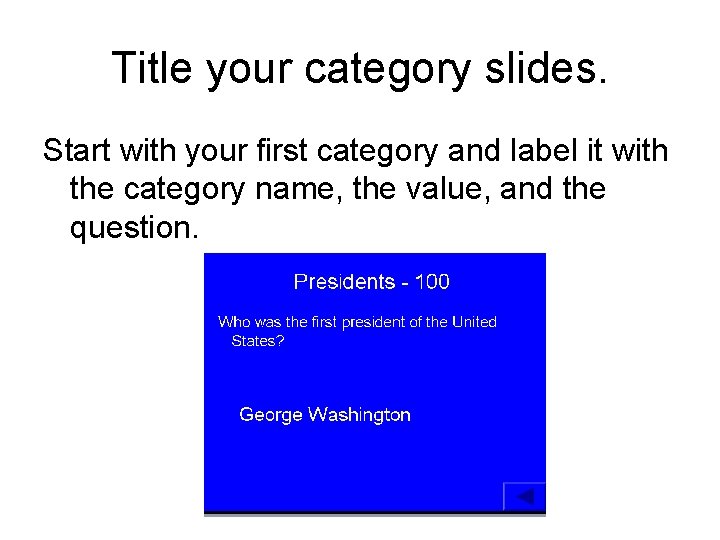
Title your category slides. Start with your first category and label it with the category name, the value, and the question.
Do that for each category. It does take a while
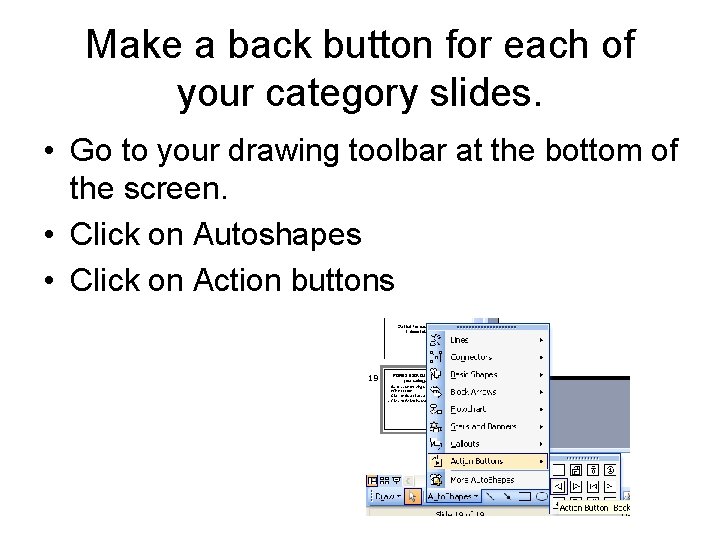
Make a back button for each of your category slides. • Go to your drawing toolbar at the bottom of the screen. • Click on Autoshapes • Click on Action buttons
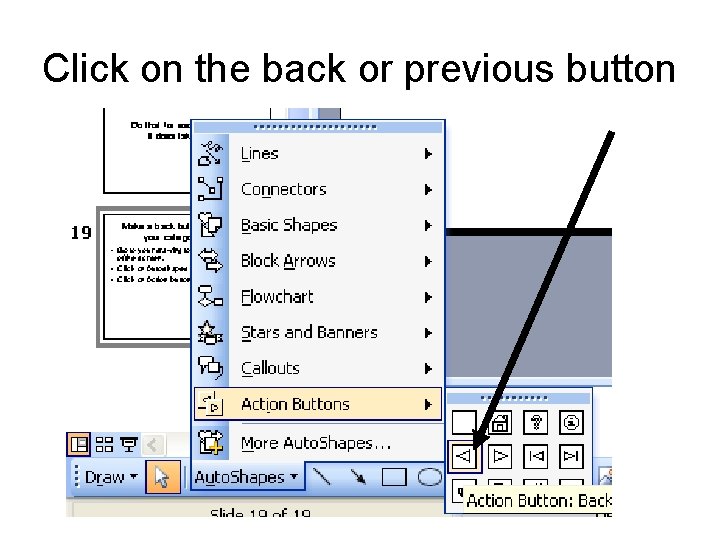
Click on the back or previous button
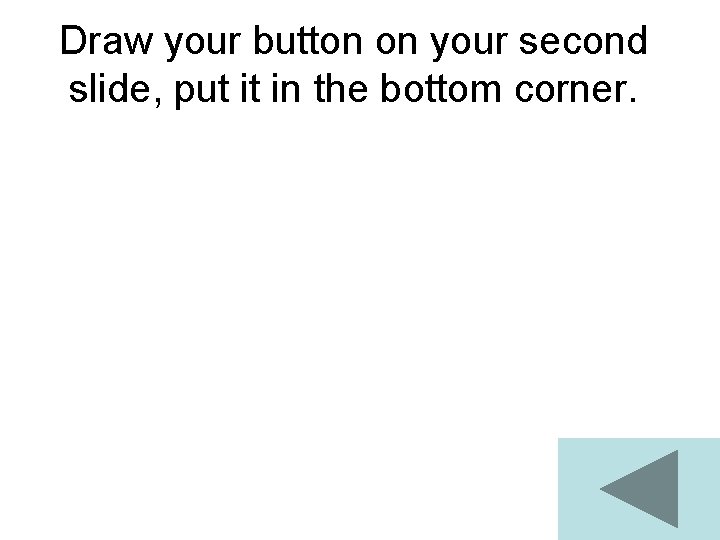
Draw your button on your second slide, put it in the bottom corner.
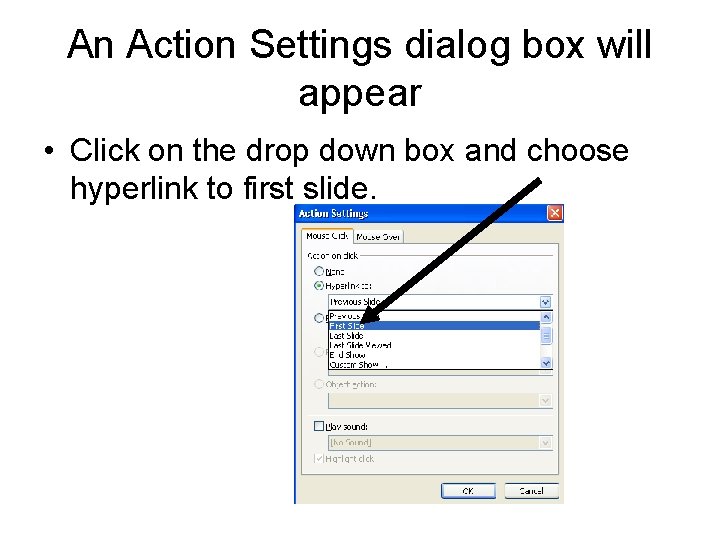
An Action Settings dialog box will appear • Click on the drop down box and choose hyperlink to first slide.
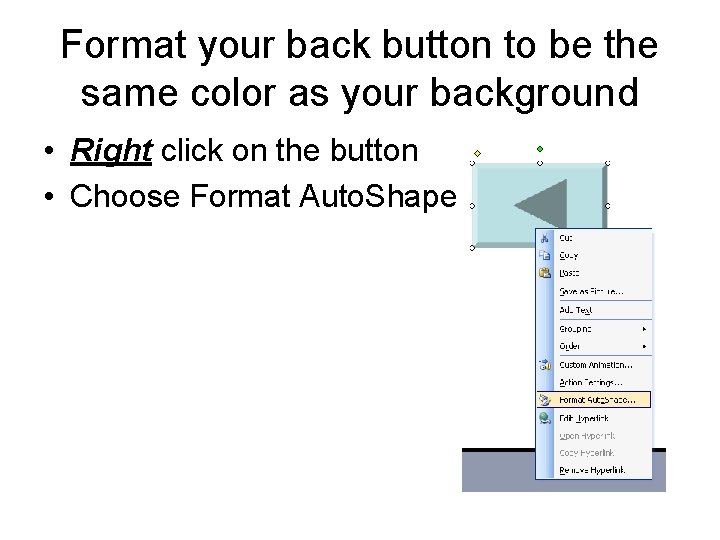
Format your back button to be the same color as your background • Right click on the button • Choose Format Auto. Shape
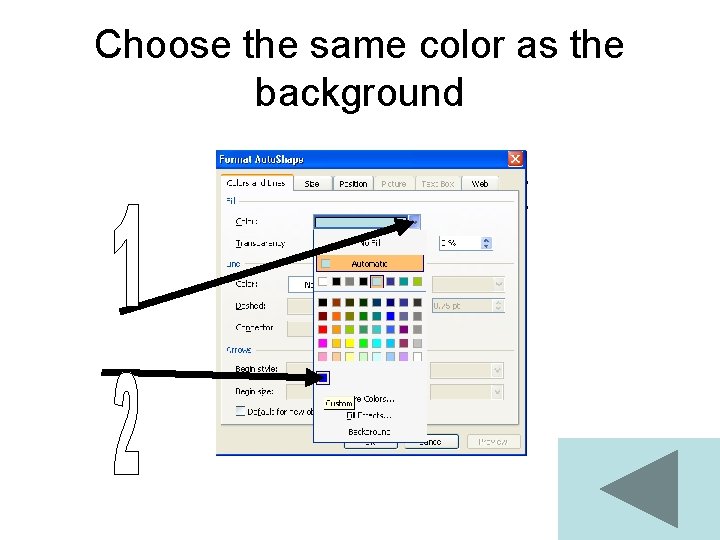
Choose the same color as the background
Copy your button to all of your question slides. • Ctrl + C is Copy • Ctrl + V is paste
Add a small button to your first page to jump to final Jeopardy • Repeat the last few steps to create a button that will go to final jeopardy.
Cat 1 Cat 2 Cat 3 Cat 4 Cat 5 100 100 100 200 200 200 300 300 300 400 400 400 500 500 500