HOW TO GIVE A MILESTONE PRESENTATION VIRTUAL EG
- Slides: 17
HOW TO GIVE A MILESTONE PRESENTATION (VIRTUAL) EG 1003 | RECITATION 3
AGENDA • • Milestones & Benchmarks Milestone Presentation Overview Milestone Presentation Format Questions 1
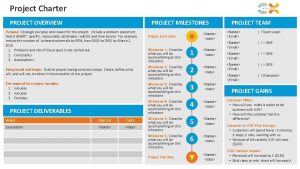
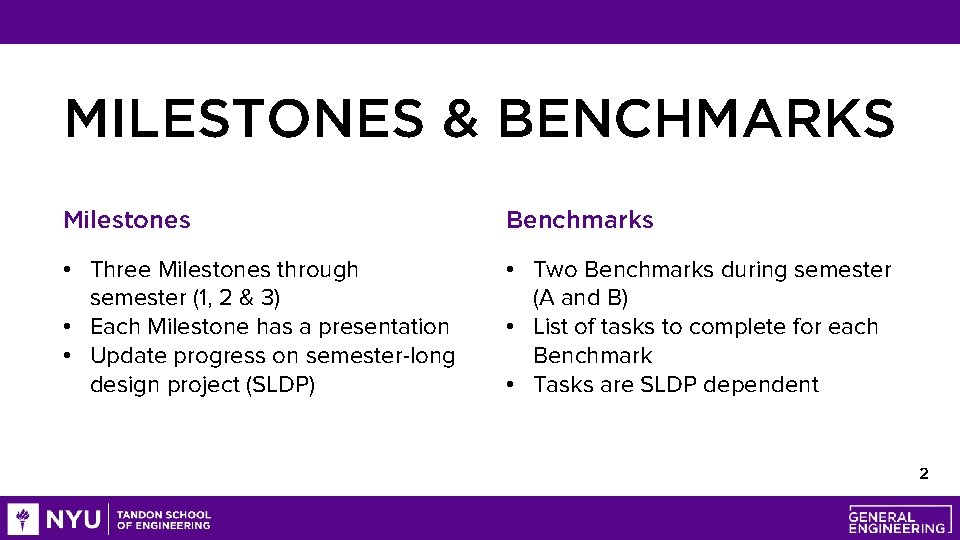
MILESTONES & BENCHMARKS Milestones Benchmarks • Three Milestones through semester (1, 2 & 3) • Each Milestone has a presentation • Update progress on semester-long design project (SLDP) • Two Benchmarks during semester (A and B) • List of tasks to complete for each Benchmark • Tasks are SLDP dependent 2
MILESTONE PRESENTATION OVERVIEW • 3 Milestone presentations through the semester • Timed 5 -minute presentation • Update on progress of SLDP • Professional sales pitch presentation ore m t i b Be a ese h t i ew v i t a e r ns! c o i t a t presen 3
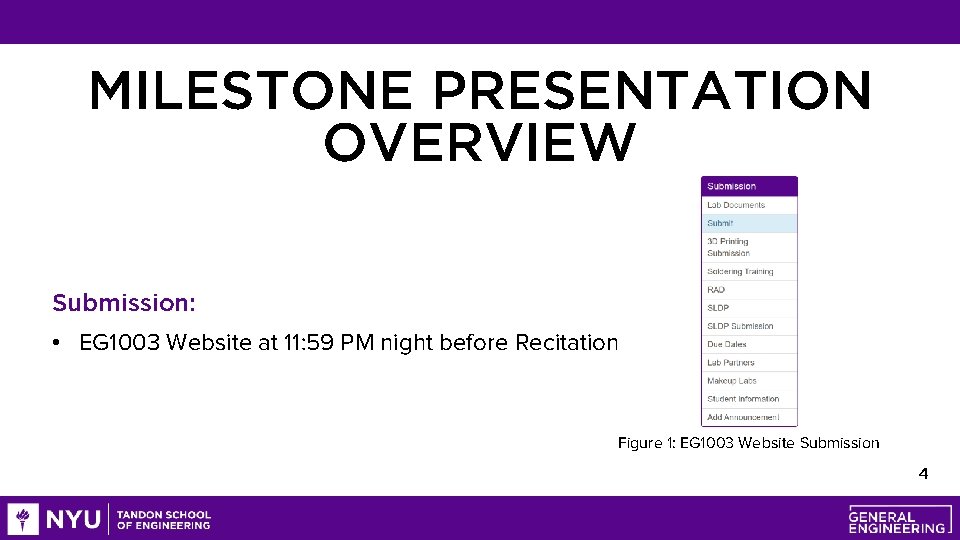
MILESTONE PRESENTATION OVERVIEW Submission: • EG 1003 Website at 11: 59 PM night before Recitation Figure 1: EG 1003 Website Submission 4
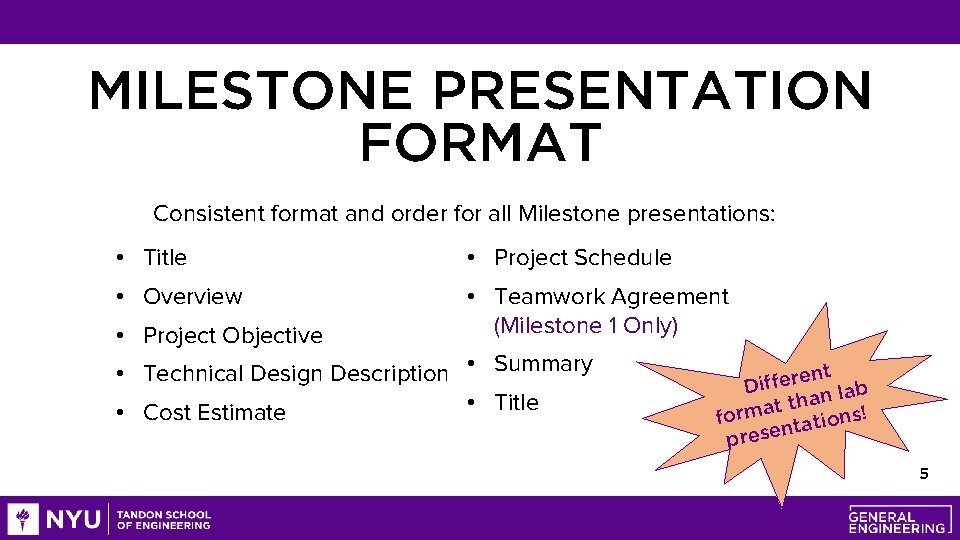
MILESTONE PRESENTATION FORMAT Consistent format and order for all Milestone presentations: • Title • Project Schedule • Overview • Teamwork Agreement (Milestone 1 Only) • Project Objective • Technical Design Description • Summary • Title • Cost Estimate ent r e f f i D lab n a h t t forma tations! n prese 5
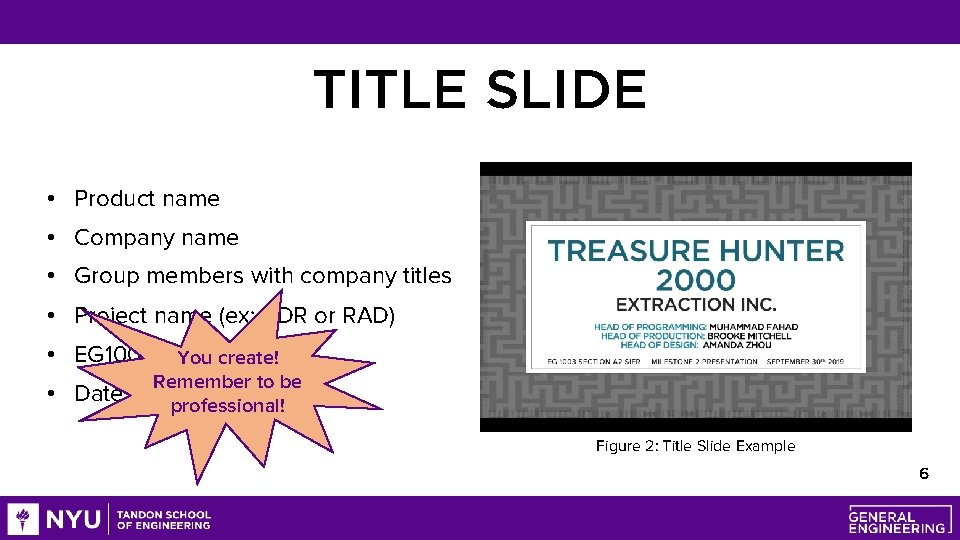
TITLE SLIDE • Product name • Company name • Group members with company titles • Project name (ex: BDR or RAD) • EG 1003 section You create! • Date Remember to be professional! Figure 2: Title Slide Example 6
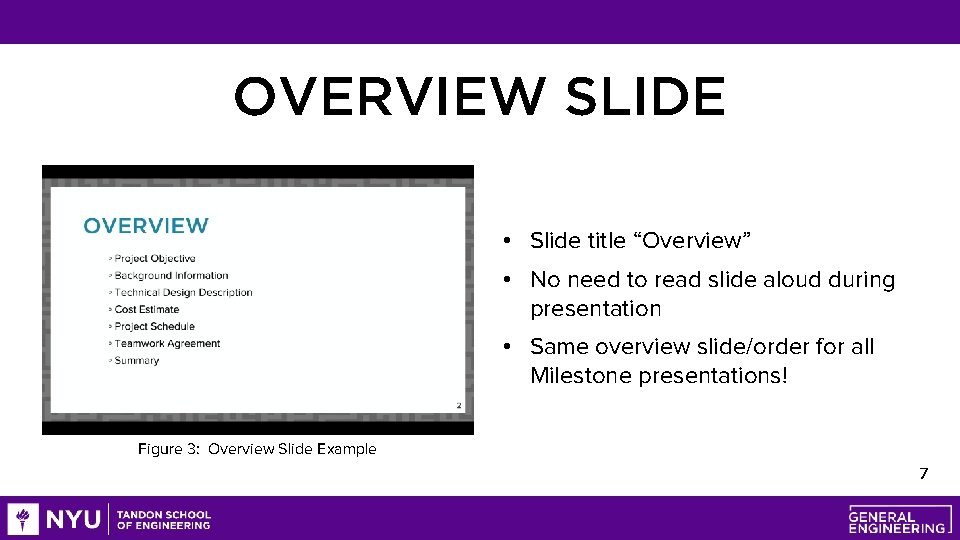
OVERVIEW SLIDE • Slide title “Overview” • No need to read slide aloud during presentation • Same overview slide/order for all Milestone presentations! Figure 3: Overview Slide Example 7
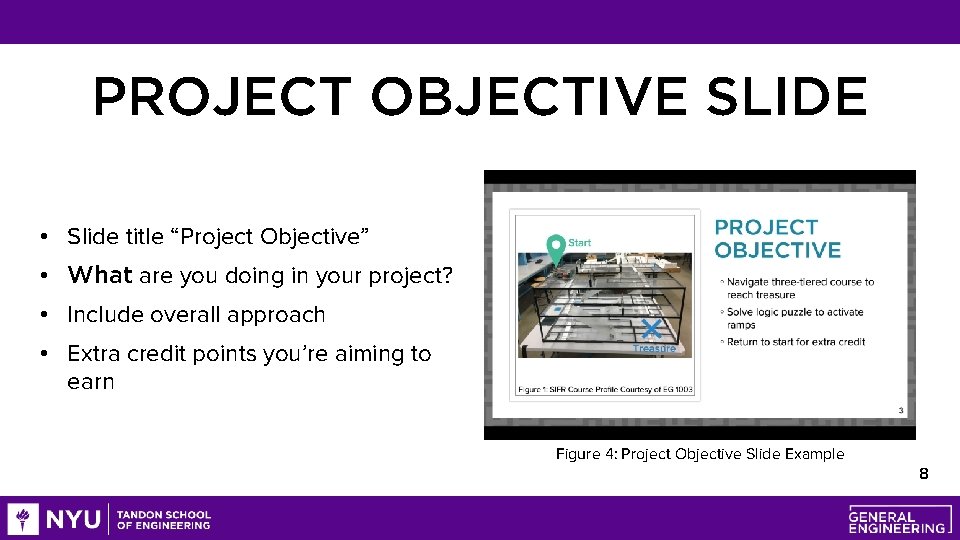
PROJECT OBJECTIVE SLIDE • Slide title “Project Objective” • What are you doing in your project? • Include overall approach • Extra credit points you’re aiming to earn Figure 4: Project Objective Slide Example 8
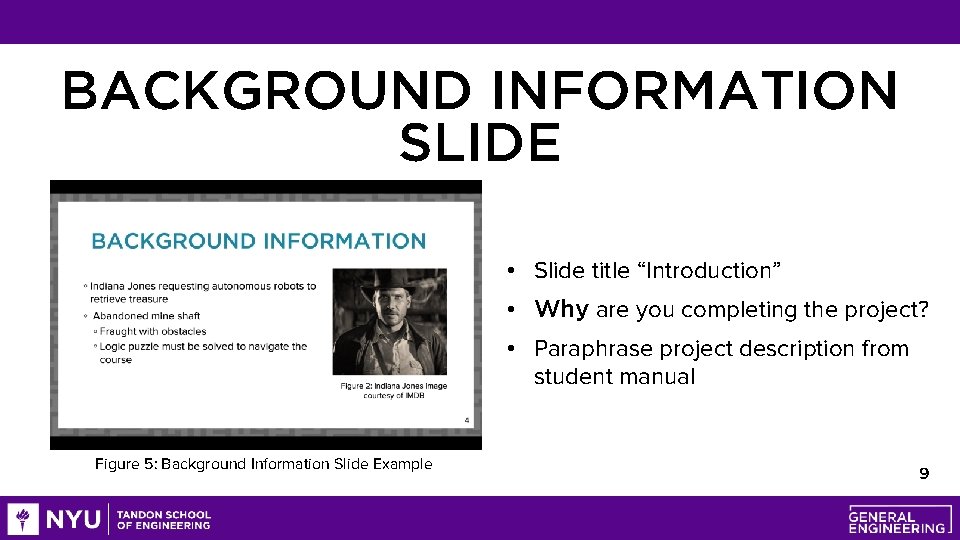
BACKGROUND INFORMATION SLIDE • Slide title “Introduction” • Why are you completing the project? • Paraphrase project description from student manual Figure 5: Background Information Slide Example 9
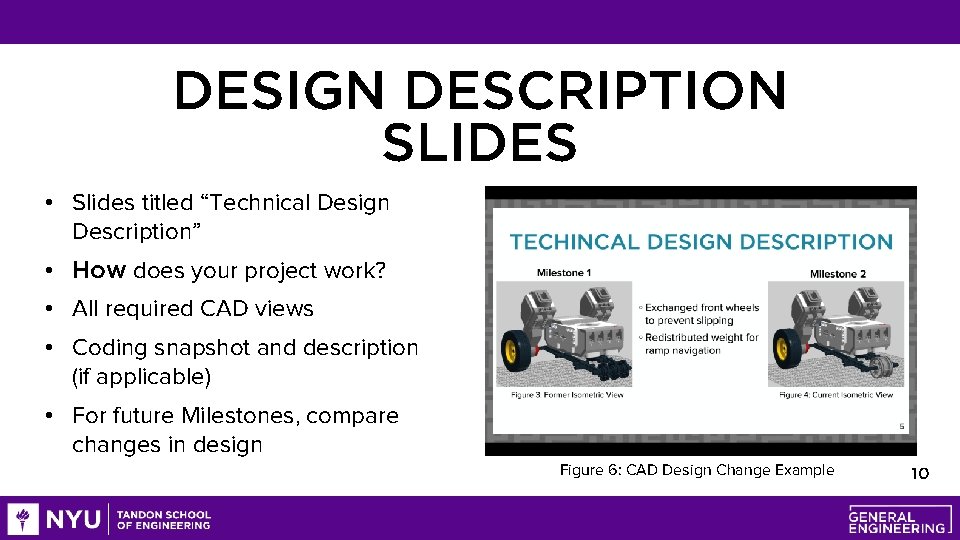
DESIGN DESCRIPTION SLIDES • Slides titled “Technical Design Description” • How does your project work? • All required CAD views • Coding snapshot and description (if applicable) • For future Milestones, compare changes in design Figure 6: CAD Design Change Example 10
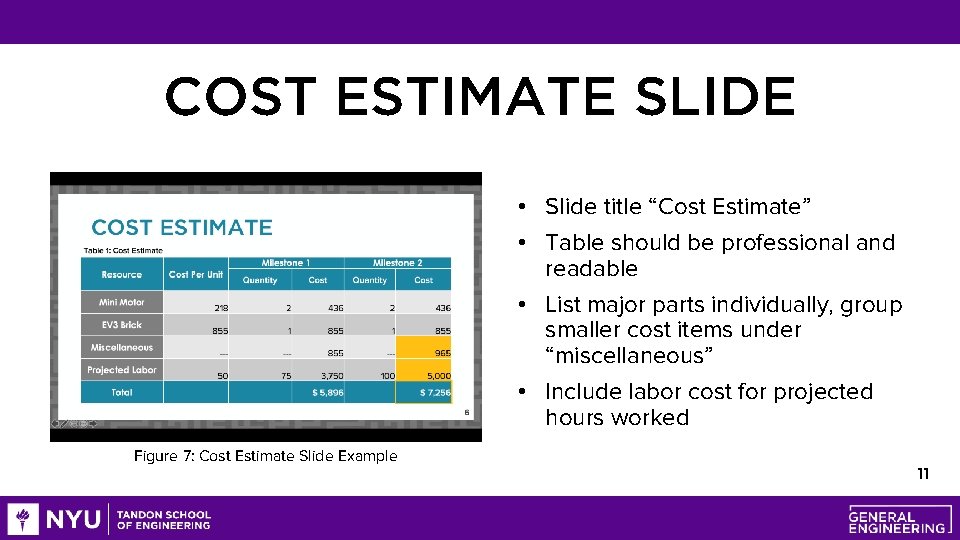
COST ESTIMATE SLIDE • Slide title “Cost Estimate” • Table should be professional and readable • List major parts individually, group smaller cost items under “miscellaneous” • Include labor cost for projected hours worked Figure 7: Cost Estimate Slide Example 11
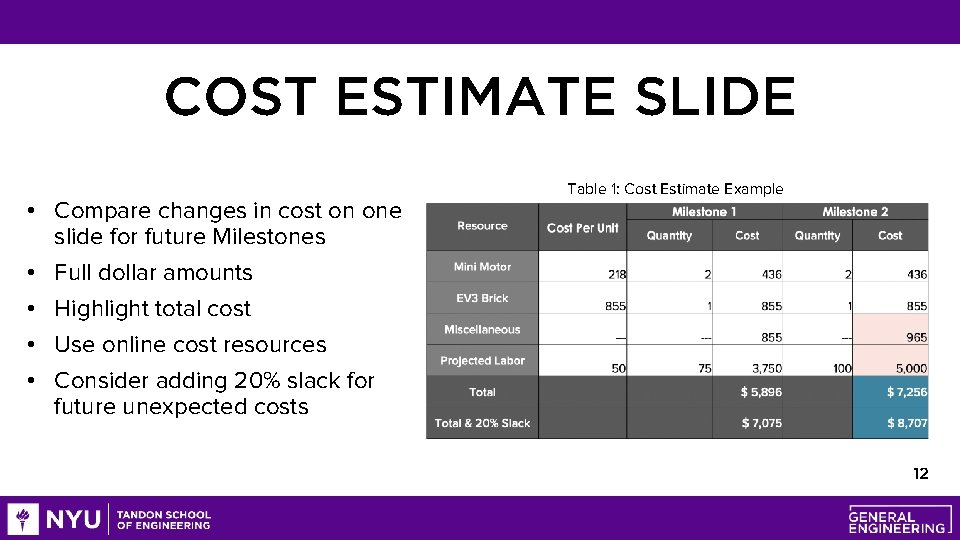
COST ESTIMATE SLIDE • Compare changes in cost on one slide for future Milestones • Full dollar amounts • Highlight total cost • Use online cost resources • Consider adding 20% slack for future unexpected costs Table 1: Cost Estimate Example 12
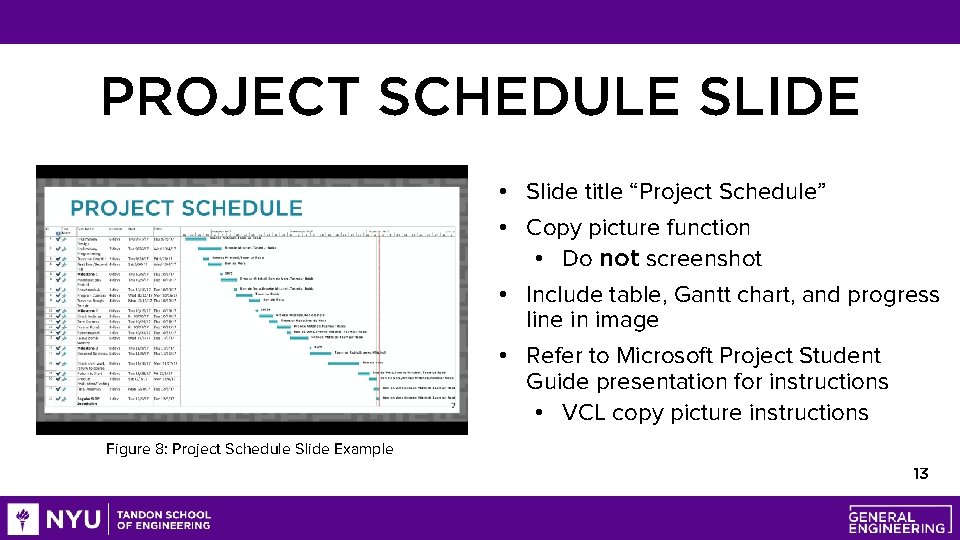
PROJECT SCHEDULE SLIDE • Slide title “Project Schedule” • Copy picture function • Do not screenshot • Include table, Gantt chart, and progress line in image • Refer to Microsoft Project Student Guide presentation for instructions • VCL copy picture instructions Figure 8: Project Schedule Slide Example 13
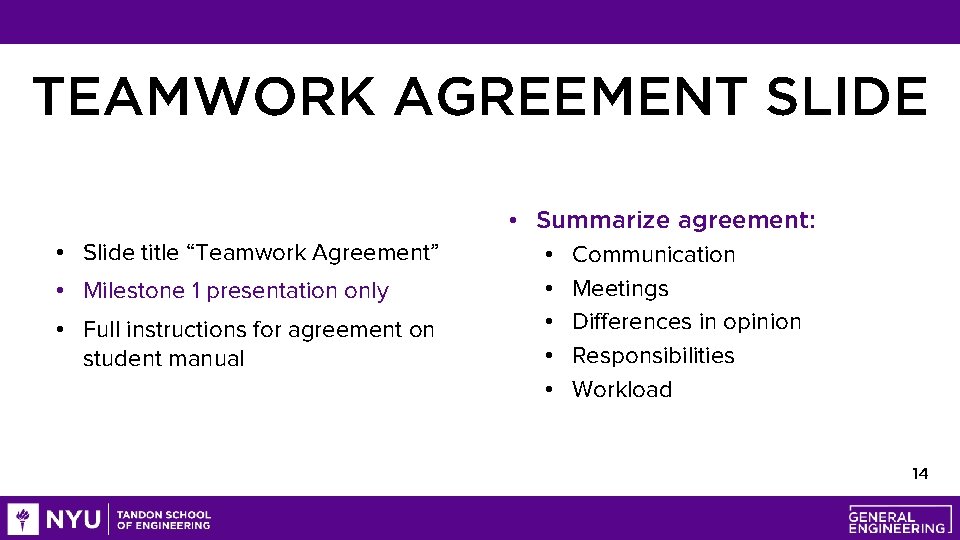
TEAMWORK AGREEMENT SLIDE • Slide title “Teamwork Agreement” • Milestone 1 presentation only • Full instructions for agreement on student manual • Summarize agreement: • Communication • Meetings • Differences in opinion • Responsibilities • Workload 14
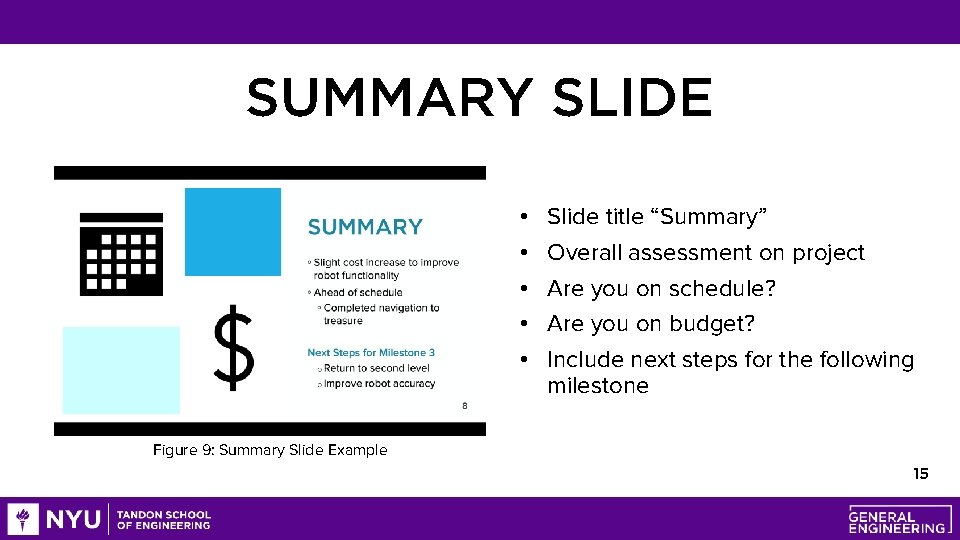
SUMMARY SLIDE • • • Slide title “Summary” Overall assessment on project Are you on schedule? Are you on budget? Include next steps for the following milestone Figure 9: Summary Slide Example 15
QUESTIONS?