EPDT AWIPS II Developer Training May 19 21

- Slides: 16
EPDT AWIPS II Developer Training May 19 -21, 2015 Session S 1
Installing 14. 1. 1 ADE • Steps • Install 64 bit Redhat/Fedora/Centos 6. 5 – Create awips user if needed – Uninstall previous version if needed – Install EDEX – Install ADE – Configure ADE
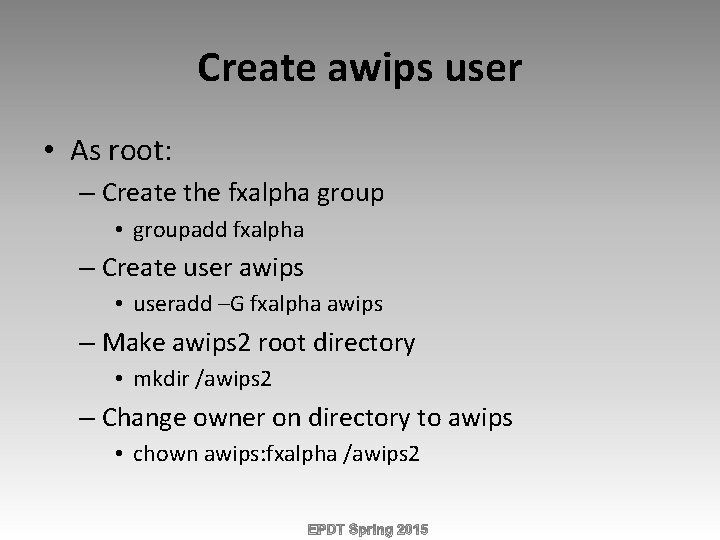
Create awips user • As root: – Create the fxalpha group • groupadd fxalpha – Create user awips • useradd –G fxalpha awips – Make awips 2 root directory • mkdir /awips 2 – Change owner on directory to awips • chown awips: fxalpha /awips 2
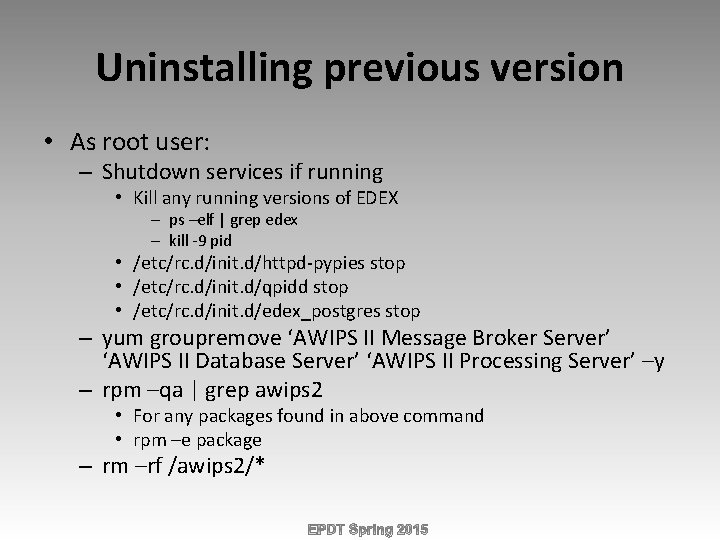
Uninstalling previous version • As root user: – Shutdown services if running • Kill any running versions of EDEX – ps –elf | grep edex – kill -9 pid • /etc/rc. d/init. d/httpd-pypies stop • /etc/rc. d/init. d/qpidd stop • /etc/rc. d/init. d/edex_postgres stop – yum groupremove ‘AWIPS II Message Broker Server’ ‘AWIPS II Database Server’ ‘AWIPS II Processing Server’ –y – rpm –qa | grep awips 2 • For any packages found in above command • rpm –e package – rm –rf /awips 2/*
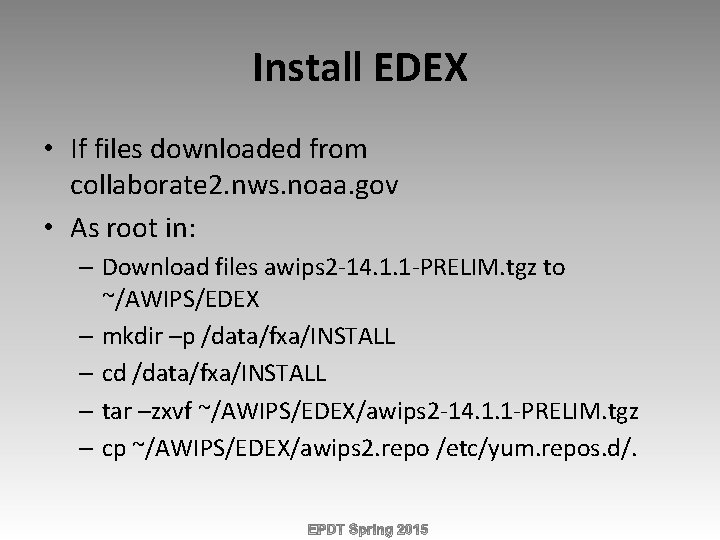
Install EDEX • If files downloaded from collaborate 2. nws. noaa. gov • As root in: – Download files awips 2 -14. 1. 1 -PRELIM. tgz to ~/AWIPS/EDEX – mkdir –p /data/fxa/INSTALL – cd /data/fxa/INSTALL – tar –zxvf ~/AWIPS/EDEX/awips 2 -14. 1. 1 -PRELIM. tgz – cp ~/AWIPS/EDEX/awips 2. repo /etc/yum. repos. d/.
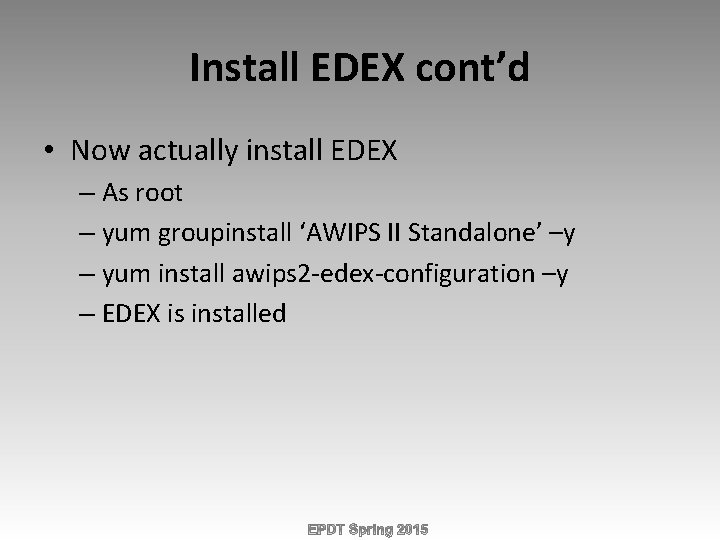
Install EDEX cont’d • Now actually install EDEX – As root – yum groupinstall ‘AWIPS II Standalone’ –y – yum install awips 2 -edex-configuration –y – EDEX is installed
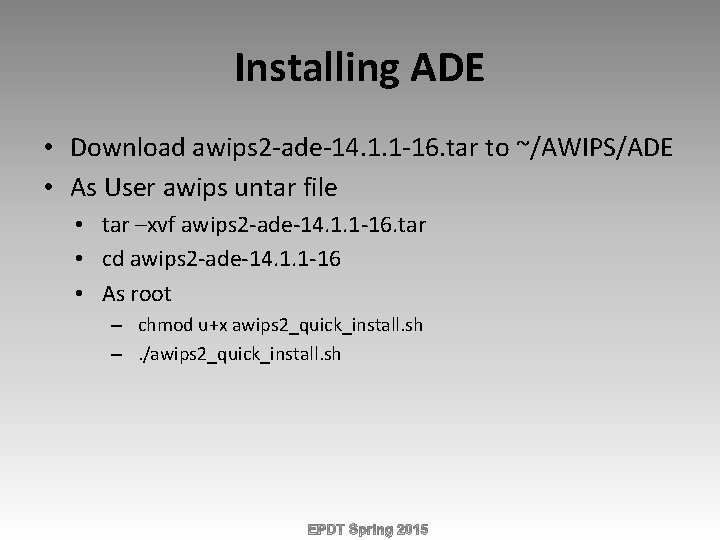
Installing ADE • Download awips 2 -ade-14. 1. 1 -16. tar to ~/AWIPS/ADE • As User awips untar file • tar –xvf awips 2 -ade-14. 1. 1 -16. tar • cd awips 2 -ade-14. 1. 1 -16 • As root – chmod u+x awips 2_quick_install. sh –. /awips 2_quick_install. sh
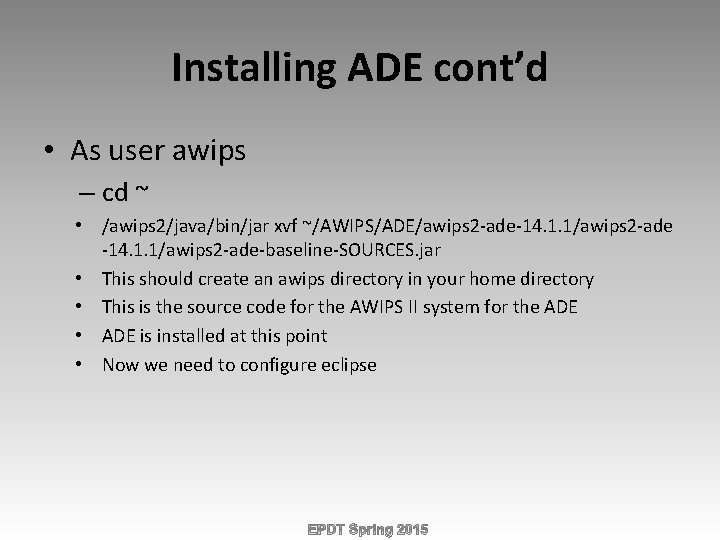
Installing ADE cont’d • As user awips – cd ~ • /awips 2/java/bin/jar xvf ~/AWIPS/ADE/awips 2 -ade-14. 1. 1/awips 2 -ade-baseline-SOURCES. jar • This should create an awips directory in your home directory • This is the source code for the AWIPS II system for the ADE • ADE is installed at this point • Now we need to configure eclipse
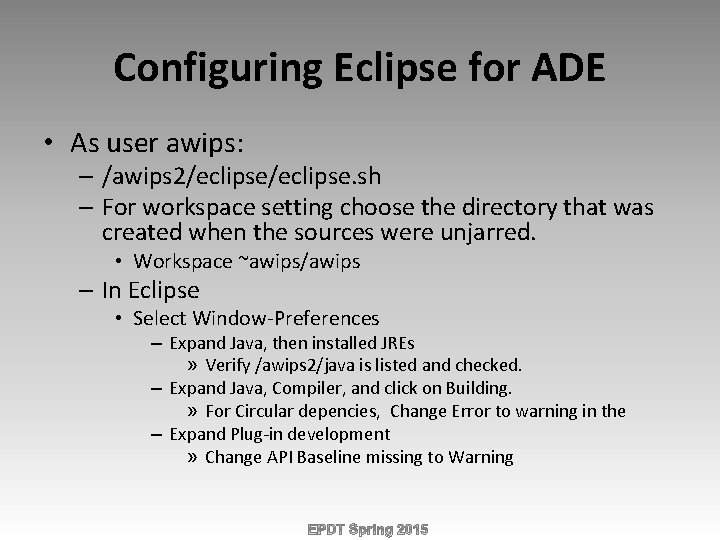
Configuring Eclipse for ADE • As user awips: – /awips 2/eclipse. sh – For workspace setting choose the directory that was created when the sources were unjarred. • Workspace ~awips/awips – In Eclipse • Select Window-Preferences – Expand Java, then installed JREs » Verify /awips 2/java is listed and checked. – Expand Java, Compiler, and click on Building. » For Circular depencies, Change Error to warning in the – Expand Plug-in development » Change API Baseline missing to Warning
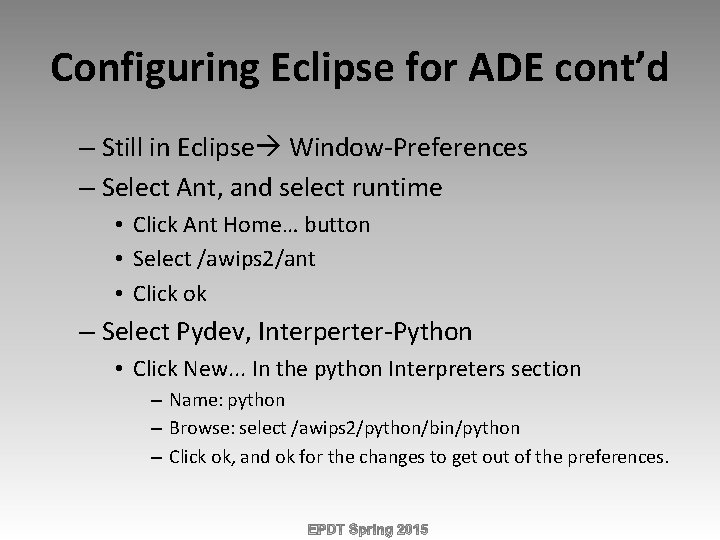
Configuring Eclipse for ADE cont’d – Still in Eclipse Window-Preferences – Select Ant, and select runtime • Click Ant Home… button • Select /awips 2/ant • Click ok – Select Pydev, Interperter-Python • Click New. . . In the python Interpreters section – Name: python – Browse: select /awips 2/python/bin/python – Click ok, and ok for the changes to get out of the preferences.
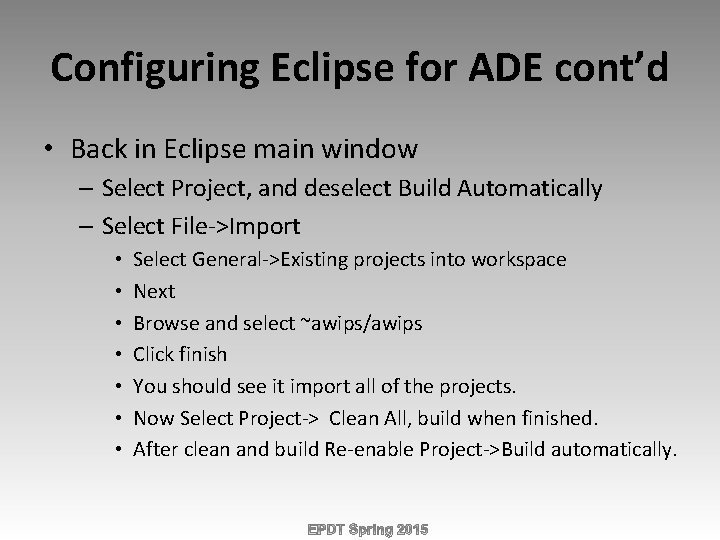
Configuring Eclipse for ADE cont’d • Back in Eclipse main window – Select Project, and deselect Build Automatically – Select File->Import • • Select General->Existing projects into workspace Next Browse and select ~awips/awips Click finish You should see it import all of the projects. Now Select Project-> Clean All, build when finished. After clean and build Re-enable Project->Build automatically.
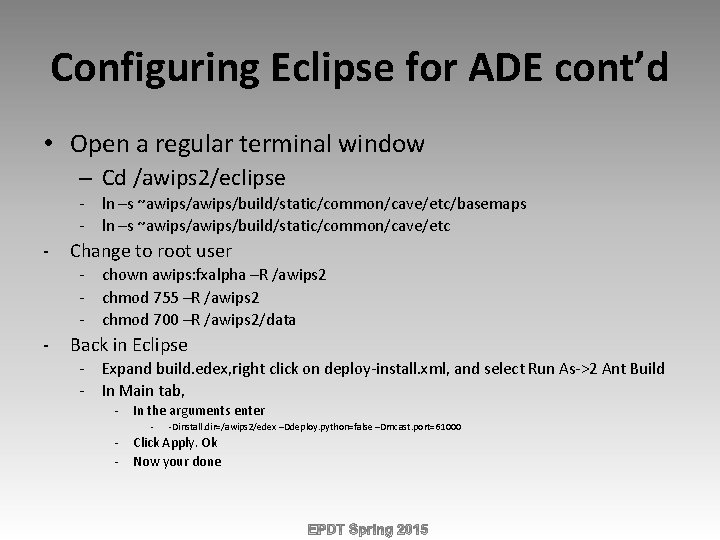
Configuring Eclipse for ADE cont’d • Open a regular terminal window – Cd /awips 2/eclipse - ln –s ~awips/build/static/common/cave/etc/basemaps - ln –s ~awips/build/static/common/cave/etc - Change to root user - chown awips: fxalpha –R /awips 2 - chmod 755 –R /awips 2 - chmod 700 –R /awips 2/data - Back in Eclipse - Expand build. edex, right click on deploy-install. xml, and select Run As->2 Ant Build - In Main tab, - In the arguments enter - -Dinstall. dir=/awips 2/edex –Ddeploy. python=false –Dmcast. port=61000 - Click Apply. Ok - Now your done
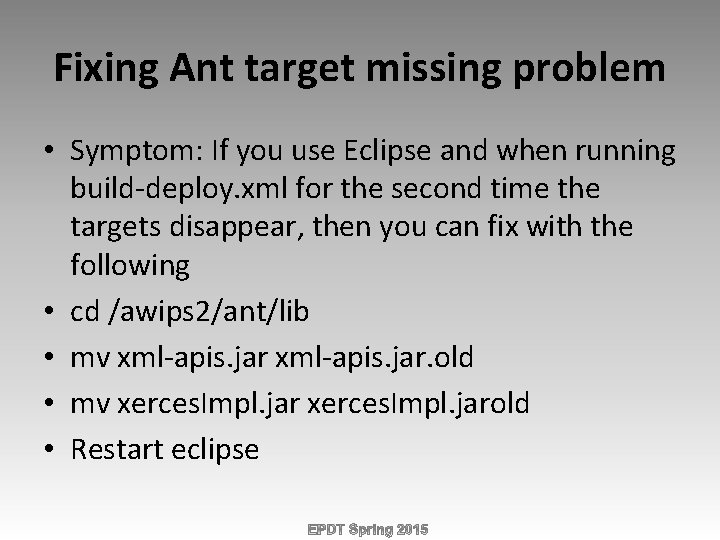
Fixing Ant target missing problem • Symptom: If you use Eclipse and when running build-deploy. xml for the second time the targets disappear, then you can fix with the following • cd /awips 2/ant/lib • mv xml-apis. jar. old • mv xerces. Impl. jarold • Restart eclipse
Install CAVE (Optional) • Not everyone will want to install CAVE as a standalone application. • Mostly in development you will want to run from ADE. • Installing CAVE is useful if you want to test installing CAVE Plug-ins.
Installing CAVE • As Root: – yum groupinstall ‘AWIPS II Visualize’ -y
Questions