Definition of Strings Generally speaking a string is

![Example of Mixed-Style Concat string x= “high”; char y[]= “school”; char z[]= {‘w’, ’a’,](https://slidetodoc.com/presentation_image_h/2c8f1336dc72ba8deb23ad6bd287181f/image-7.jpg "Example of Mixed-Style Concat string x= “high”; char y[]= “school”; char z[]= {‘w’, ’a’,")
![Example of String Comparisons string x= “high”; char y[]= “school”; char *p = “good”;](https://slidetodoc.com/presentation_image_h/2c8f1336dc72ba8deb23ad6bd287181f/image-12.jpg "Example of String Comparisons string x= “high”; char y[]= “school”; char *p = “good”;")
![The Index Operator [] �These allow C++ strings to be used like arrays of](https://slidetodoc.com/presentation_image_h/2c8f1336dc72ba8deb23ad6bd287181f/image-14.jpg "The Index Operator [] �These allow C++ strings to be used like arrays of")
- Slides: 31
Definition of Strings �Generally speaking, a string is a sequence of characters �c string �c++ string class �Examples: “hello”, “high school”, “H 2 O”. �Typical desirable operations on strings are: �Concatenation: “high”+“school”=“highschool” �Comparisons: “high”<“school” // alphabetical �Finding/retrieving/modifying/deleting/inserting substrings in a given string
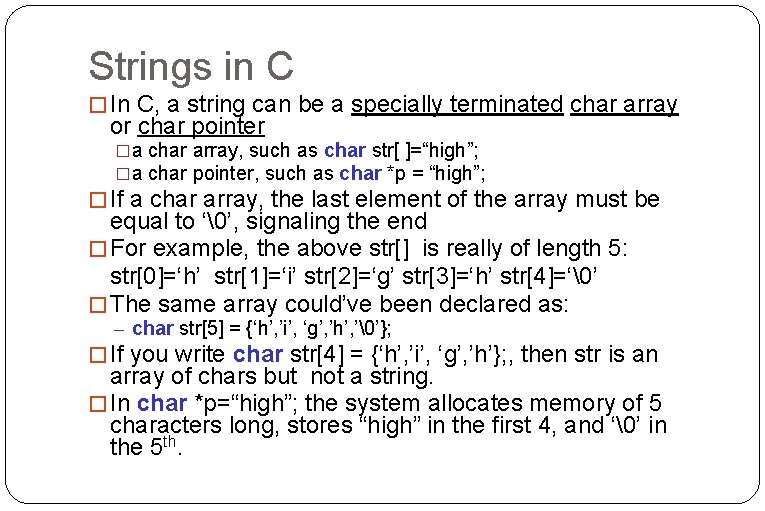
Strings in C � In C, a string can be a specially terminated char array or char pointer �a char array, such as char str[ ]=“high”; �a char pointer, such as char *p = “high”; � If a char array, the last element of the array must be equal to ‘’, signaling the end � For example, the above str[] is really of length 5: str[0]=‘h’ str[1]=‘i’ str[2]=‘g’ str[3]=‘h’ str[4]=‘’ � The same array could’ve been declared as: – char str[5] = {‘h’, ’i’, ‘g’, ’h’, ’’}; � If you write char str[4] = {‘h’, ’i’, ‘g’, ’h’}; , then str is an array of chars but not a string. � In char *p=“high”; the system allocates memory of 5 characters long, stores “high” in the first 4, and ‘’ in the 5 th.
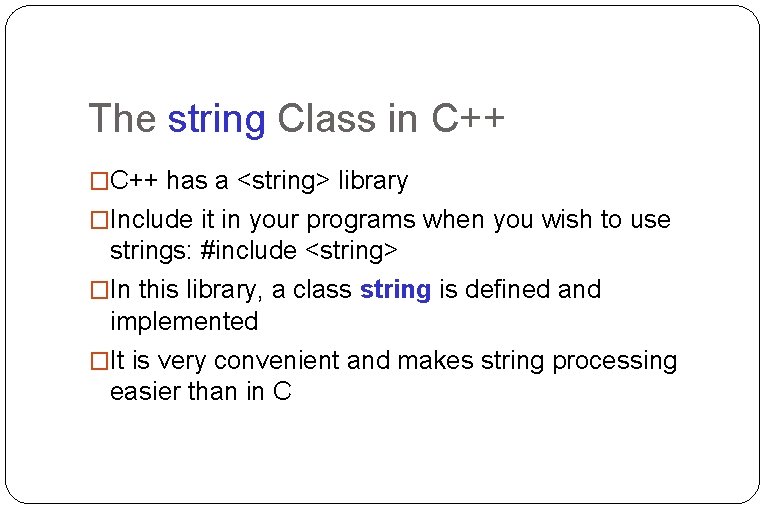
The string Class in C++ �C++ has a <string> library �Include it in your programs when you wish to use strings: #include <string> �In this library, a class string is defined and implemented �It is very convenient and makes string processing easier than in C
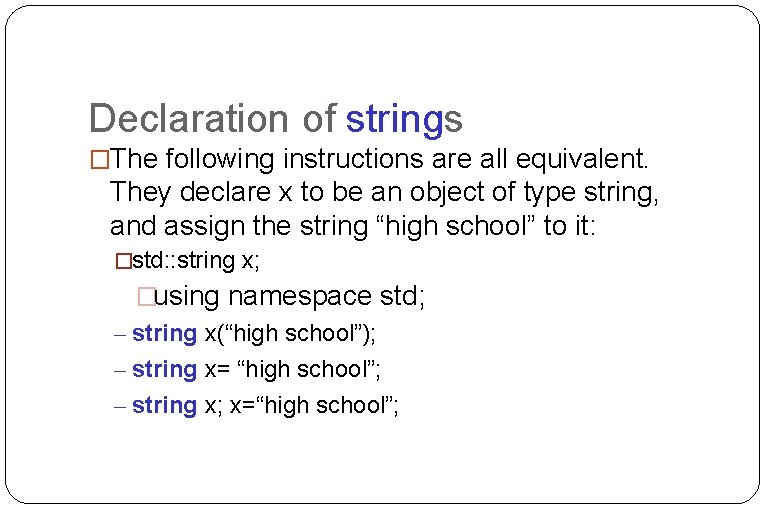
Declaration of strings �The following instructions are all equivalent. They declare x to be an object of type string, and assign the string “high school” to it: �std: : string x; �using namespace std; – string x(“high school”); – string x= “high school”; – string x; x=“high school”;
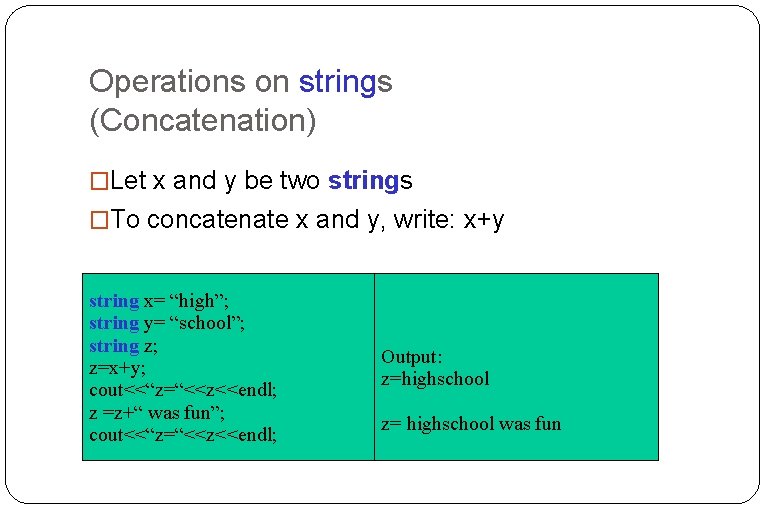
Operations on strings (Concatenation) �Let x and y be two strings �To concatenate x and y, write: x+y string x= “high”; string y= “school”; string z; z=x+y; cout<<“z=“<<z<<endl; z =z+“ was fun”; cout<<“z=“<<z<<endl; Output: z=highschool z= highschool was fun
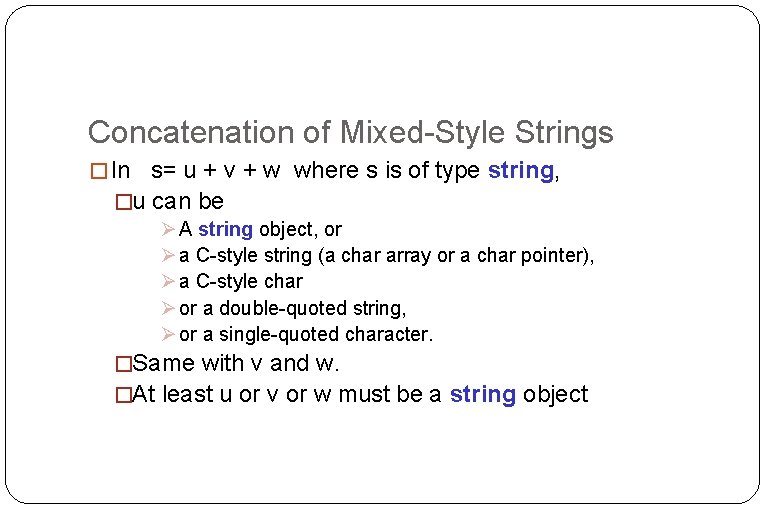
Concatenation of Mixed-Style Strings � In s= u + v + w where s is of type string, �u can be A string object, or a C-style string (a char array or a char pointer), a C-style char or a double-quoted string, or a single-quoted character. �Same with v and w. �At least u or v or w must be a string object
Example of Mixed-Style Concat string x= “high”; char y[]= “school”; char z[]= {‘w’, ’a’, ’s’, ’’}; char *p = “good”; string s= x+y+’ ‘+z+” very”+” “+p+’!’; cout<<“s=“<<s<<endl; cout<<“s=“+s<<endl; Output: s=highschool was very good!
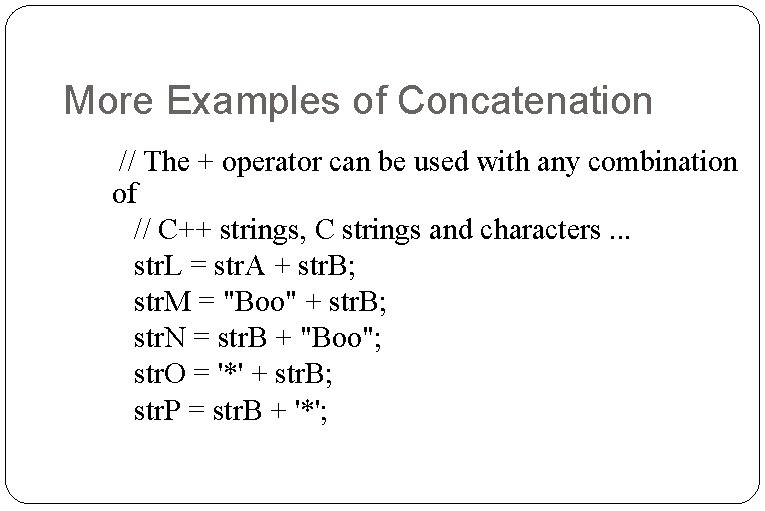
More Examples of Concatenation // The + operator can be used with any combination of // C++ strings, C strings and characters. . . str. L = str. A + str. B; str. M = "Boo" + str. B; str. N = str. B + "Boo"; str. O = '*' + str. B; str. P = str. B + '*';
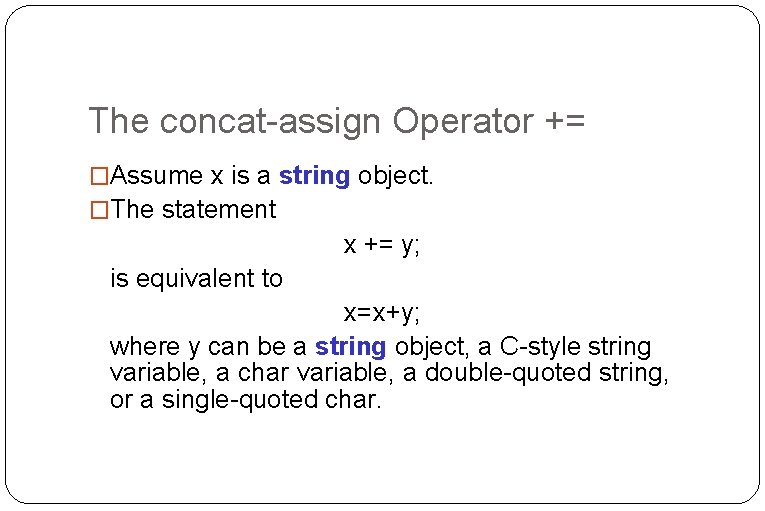
The concat-assign Operator += �Assume x is a string object. �The statement x += y; is equivalent to x=x+y; where y can be a string object, a C-style string variable, a char variable, a double-quoted string, or a single-quoted char.
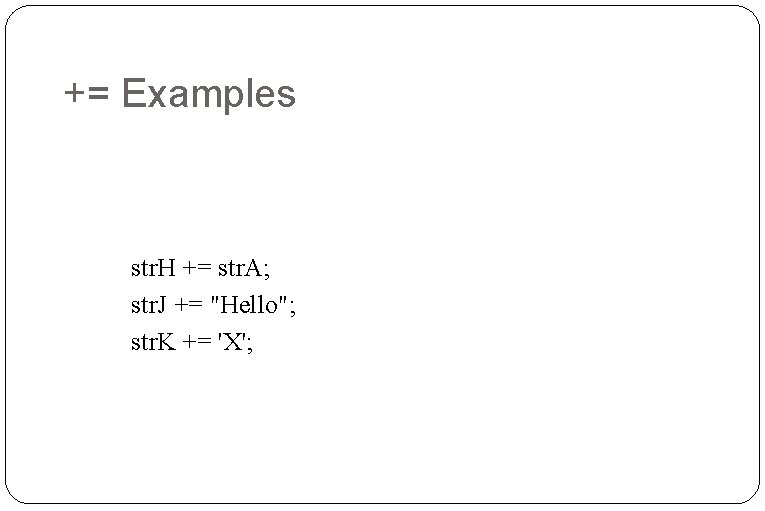
+= Examples str. H += str. A; str. J += "Hello"; str. K += 'X';
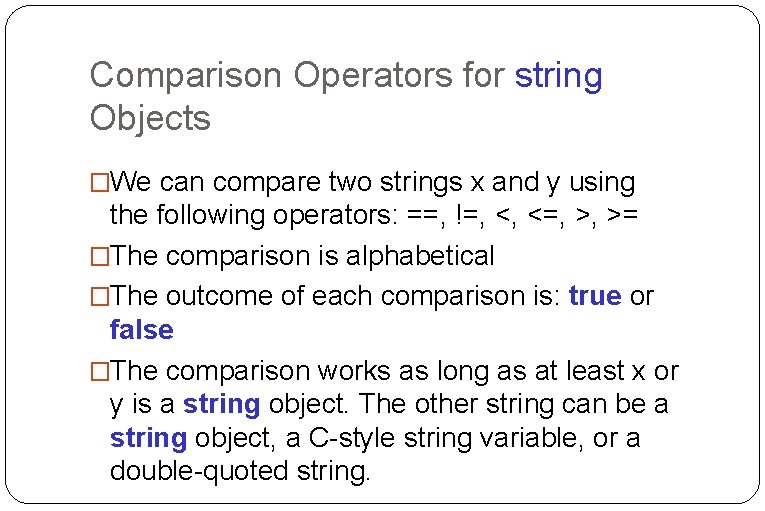
Comparison Operators for string Objects �We can compare two strings x and y using the following operators: ==, !=, <, <=, >, >= �The comparison is alphabetical �The outcome of each comparison is: true or false �The comparison works as long as at least x or y is a string object. The other string can be a string object, a C-style string variable, or a double-quoted string.
Example of String Comparisons string x= “high”; char y[]= “school”; char *p = “good”; If (x<y) cout<<“x<y”<<endl; If (x<“tree”) cout<<“x<tree”<, endl; If (“low” != x) cout<<“low != x”<<endl; if( (p>x) cout<<“p>x”<<endl; Else cout<<“p<=x”<<endl; Output: x<y x<tree low != x p>x
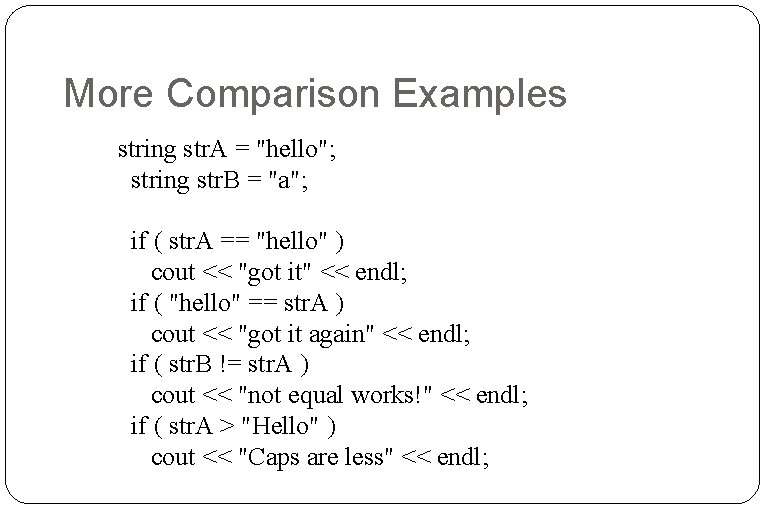
More Comparison Examples string str. A = "hello"; string str. B = "a"; if ( str. A == "hello" ) cout << "got it" << endl; if ( "hello" == str. A ) cout << "got it again" << endl; if ( str. B != str. A ) cout << "not equal works!" << endl; if ( str. A > "Hello" ) cout << "Caps are less" << endl;
The Index Operator [] �These allow C++ strings to be used like arrays of characters �If x is a string object, and you wish to obtain the value of the k-th character in the string, you write: x[k]; string x= “high”; char c=x[0]; // c is ‘h’ c=x[1]; // c is ‘i’ c=x[2]; // c is g
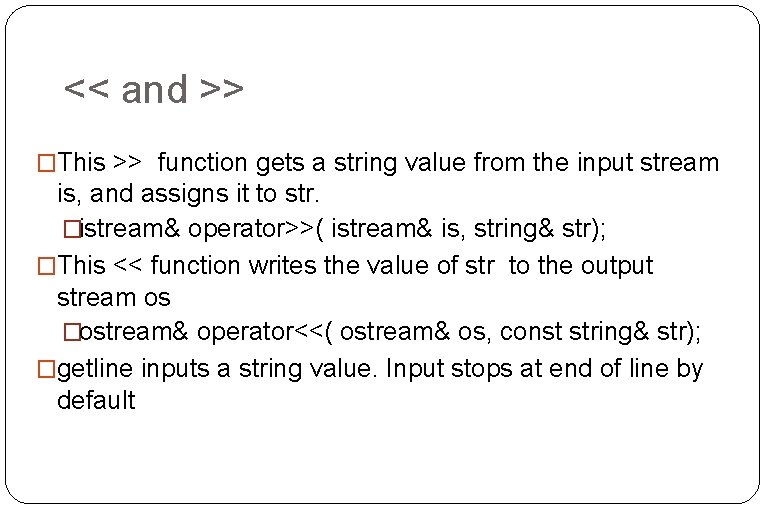
<< and >> �This >> function gets a string value from the input stream is, and assigns it to str. �istream& operator>>( istream& is, string& str); �This << function writes the value of str to the output stream os �ostream& operator<<( ostream& os, const string& str); �getline inputs a string value. Input stops at end of line by default
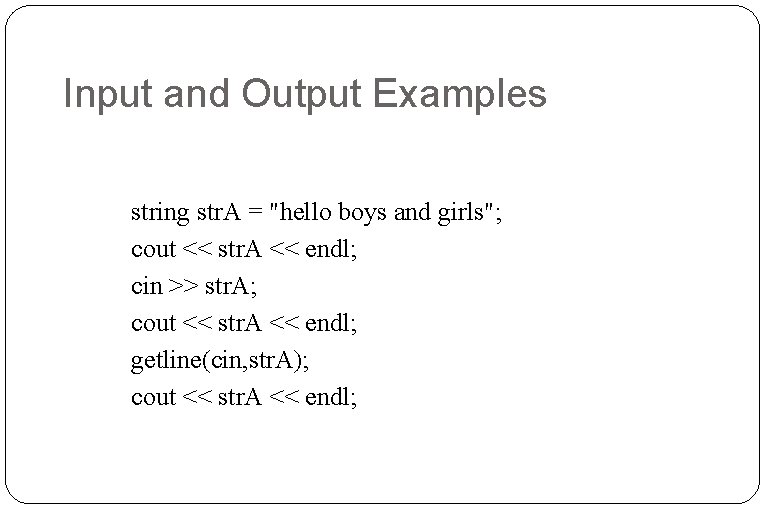
Input and Output Examples string str. A = "hello boys and girls"; cout << str. A << endl; cin >> str. A; cout << str. A << endl; getline(cin, str. A); cout << str. A << endl;
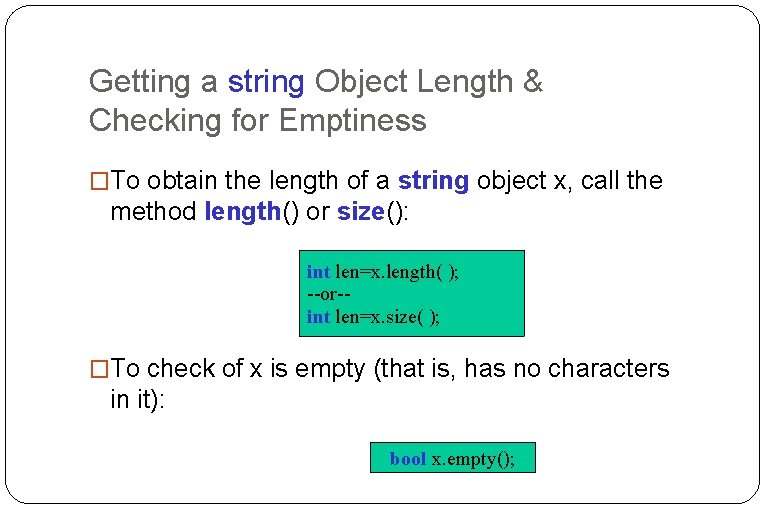
Getting a string Object Length & Checking for Emptiness �To obtain the length of a string object x, call the method length() or size(): int len=x. length( ); --or-int len=x. size( ); �To check of x is empty (that is, has no characters in it): bool x. empty();
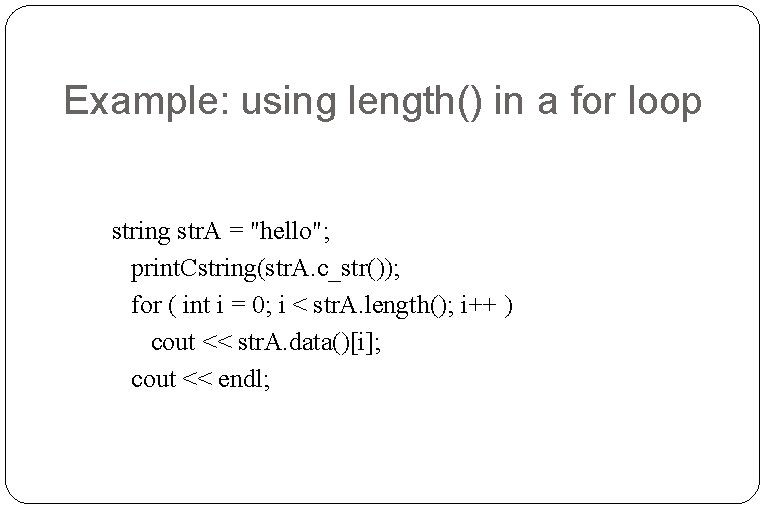
Example: using length() in a for loop string str. A = "hello"; print. Cstring(str. A. c_str()); for ( int i = 0; i < str. A. length(); i++ ) cout << str. A. data()[i]; cout << endl;
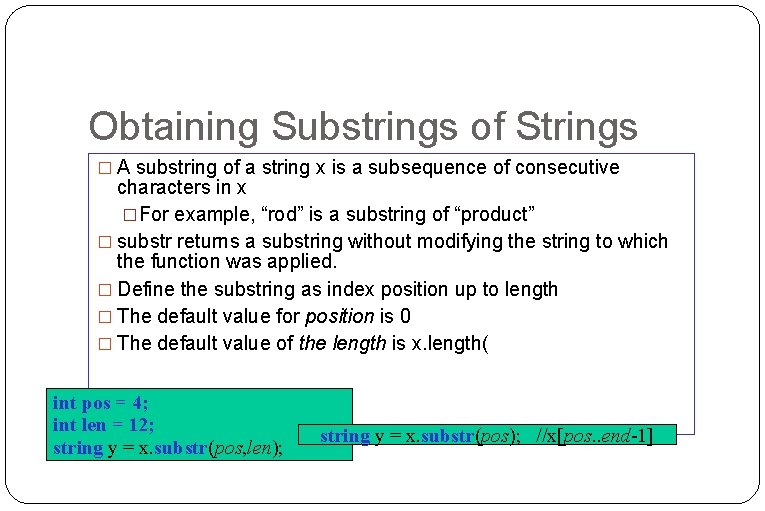
Obtaining Substrings of Strings � A substring of a string x is a subsequence of consecutive characters in x �For example, “rod” is a substring of “product” � substr returns a substring without modifying the string to which the function was applied. � Define the substring as index position up to length � The default value for position is 0 � The default value of the length is x. length( int pos = 4; int len = 12; string y = x. substr(pos, len); string y = x. substr(pos); //x[pos. . end-1]
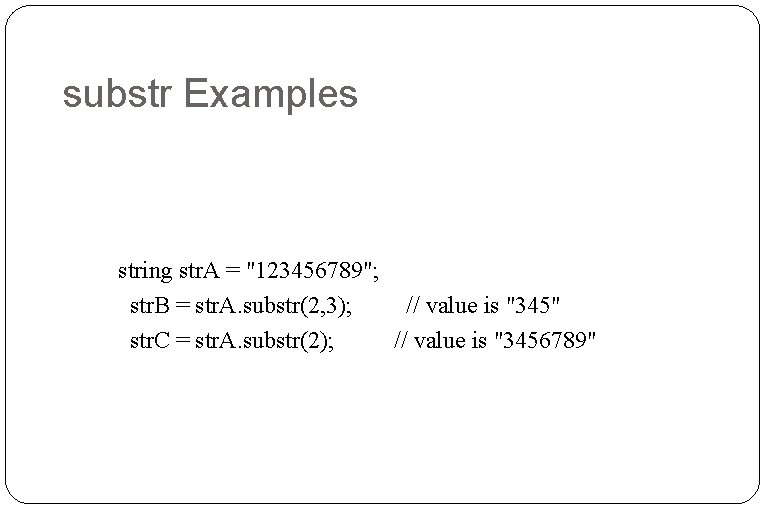
substr Examples string str. A = "123456789"; str. B = str. A. substr(2, 3); // value is "345" str. C = str. A. substr(2); // value is "3456789"
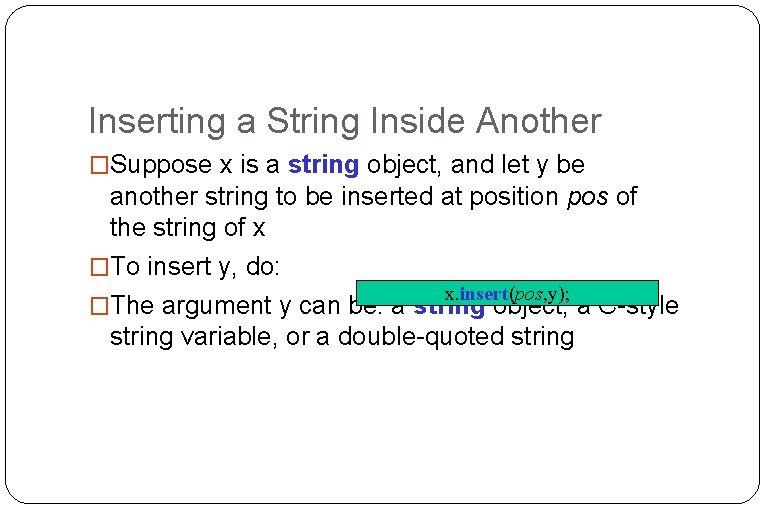
Inserting a String Inside Another �Suppose x is a string object, and let y be another string to be inserted at position pos of the string of x �To insert y, do: x. insert(pos, y); �The argument y can be: a string object, a C-style string variable, or a double-quoted string
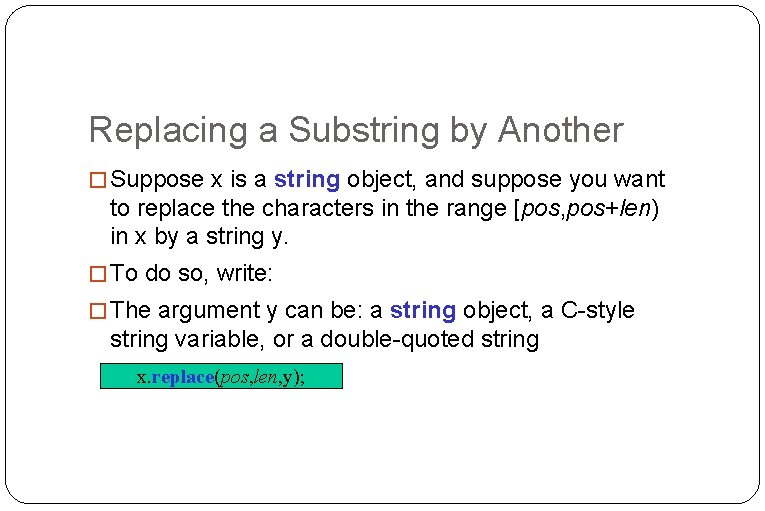
Replacing a Substring by Another � Suppose x is a string object, and suppose you want to replace the characters in the range [pos, pos+len) in x by a string y. � To do so, write: � The argument y can be: a string object, a C-style string variable, or a double-quoted string x. replace(pos, len, y);
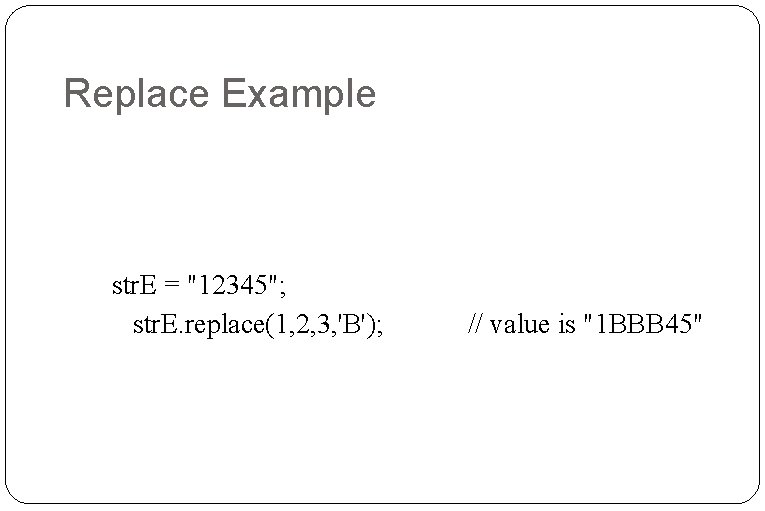
Replace Example str. E = "12345"; str. E. replace(1, 2, 3, 'B'); // value is "1 BBB 45"
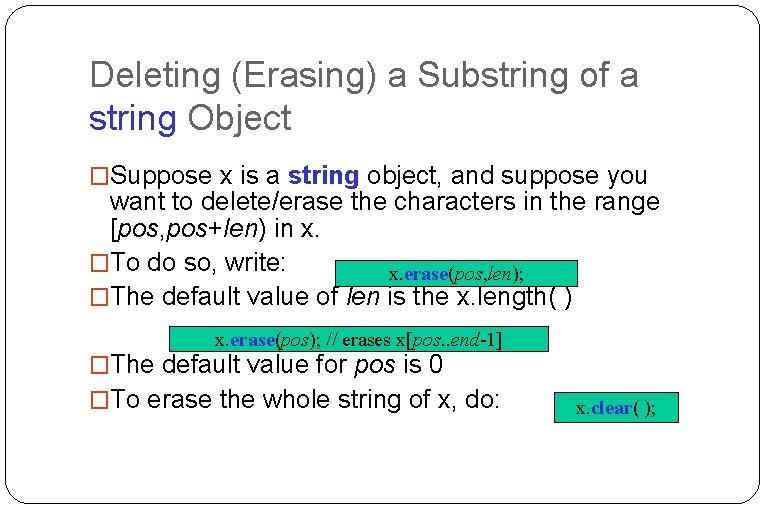
Deleting (Erasing) a Substring of a string Object �Suppose x is a string object, and suppose you want to delete/erase the characters in the range [pos, pos+len) in x. �To do so, write: x. erase(pos, len); �The default value of len is the x. length( ) x. erase(pos); // erases x[pos. . end-1] �The default value for pos is 0 �To erase the whole string of x, do: x. clear( );
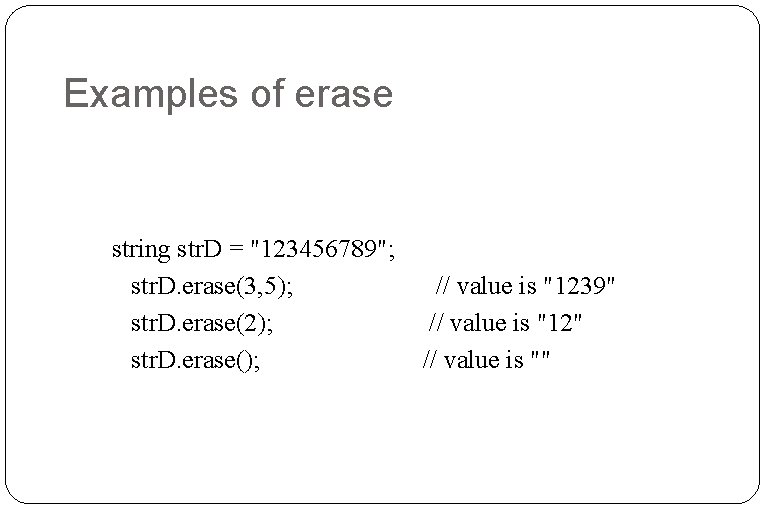
Examples of erase string str. D = "123456789"; str. D. erase(3, 5); str. D. erase(2); str. D. erase(); // value is "1239" // value is "12" // value is ""
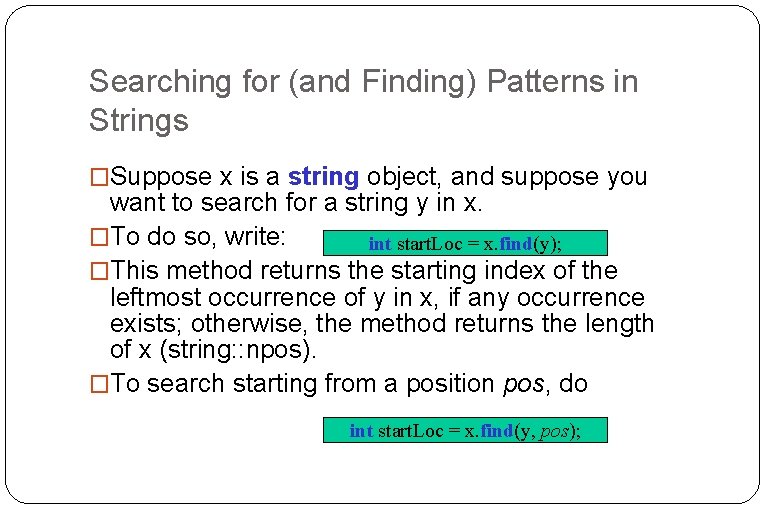
Searching for (and Finding) Patterns in Strings �Suppose x is a string object, and suppose you want to search for a string y in x. �To do so, write: int start. Loc = x. find(y); �This method returns the starting index of the leftmost occurrence of y in x, if any occurrence exists; otherwise, the method returns the length of x (string: : npos). �To search starting from a position pos, do int start. Loc = x. find(y, pos);
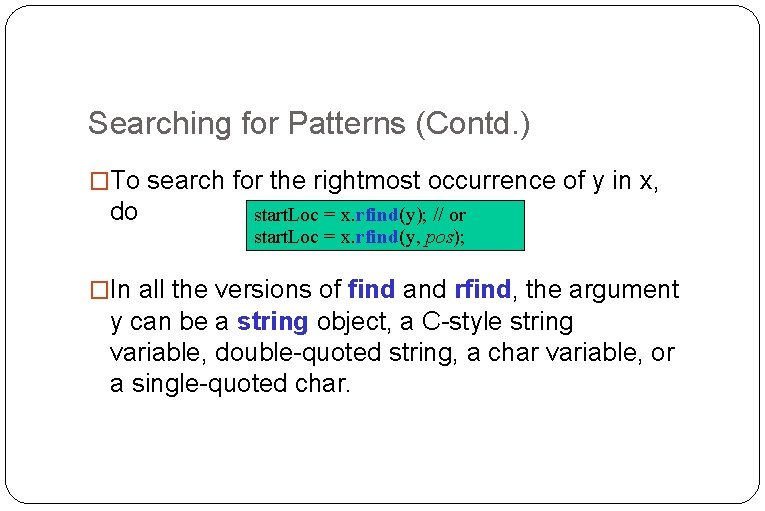
Searching for Patterns (Contd. ) �To search for the rightmost occurrence of y in x, do start. Loc = x. rfind(y); // or start. Loc = x. rfind(y, pos); �In all the versions of find and rfind, the argument y can be a string object, a C-style string variable, double-quoted string, a char variable, or a single-quoted char.
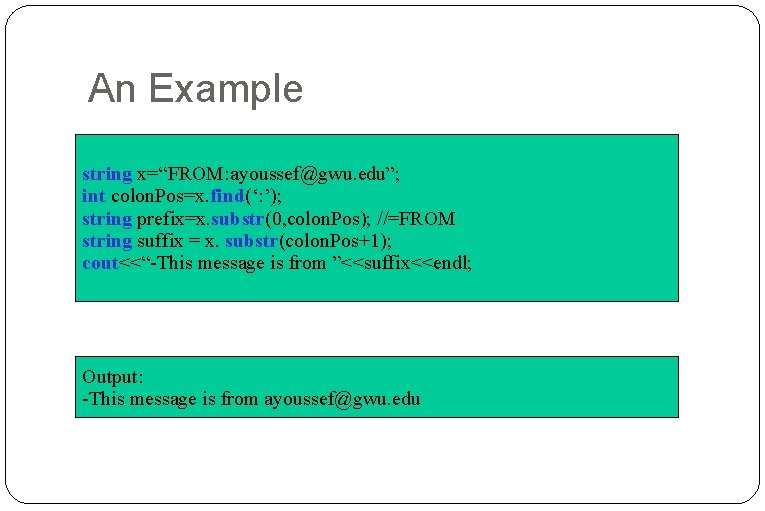
An Example string x=“FROM: ayoussef@gwu. edu”; int colon. Pos=x. find(‘: ’); string prefix=x. substr(0, colon. Pos); //=FROM string suffix = x. substr(colon. Pos+1); cout<<“-This message is from ”<<suffix<<endl; Output: -This message is from ayoussef@gwu. edu
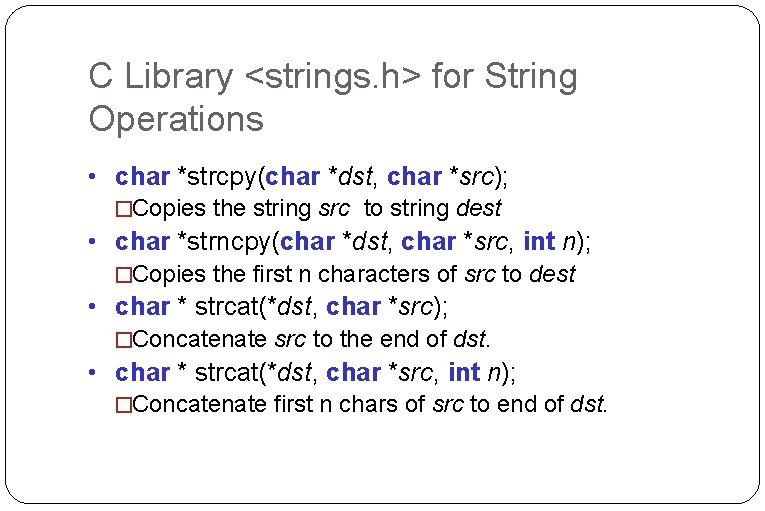
What if You Want to Use C-Style Strings �You can! �C has a library <strings. h> which provides several string processing functions �Some of the more commonly used functions in that library are presented in the next two slides �In those functions, most of the arguments are of type char *str. That can be replaced by char str[];
C Library <strings. h> for String Operations • char *strcpy(char *dst, char *src); �Copies the string src to string dest • char *strncpy(char *dst, char *src, int n); �Copies the first n characters of src to dest • char * strcat(*dst, char *src); �Concatenate src to the end of dst. • char * strcat(*dst, char *src, int n); �Concatenate first n chars of src to end of dst.
References �www. seas. gwu. edu/~ayoussef/cs 103/lecture 5. ppt �nepsweb. co. uk/pgtcpp/string. htm